Go with the Floe

Fractals are shapes that contain copies of themselves on smaller and smaller scales. There are many of them in nature: ferns, trees, frost-flowers, ice-floes, clouds and lungs, for example. Fractals are also easy to create on a computer, because you all need do is take a single rule and repeat it at smaller and smaller scales. One of the simplest fractals follows this rule:

1. Take a line of length l and find the midpoint.
2. Erect a new line of length l x lm on the midpoint at right angles.
3. Repeat with each of the four new lines (i.e., the two halves of the original line and the two sides of the line erected at right angles).

When lm = 1/3, the fractal looks like this:
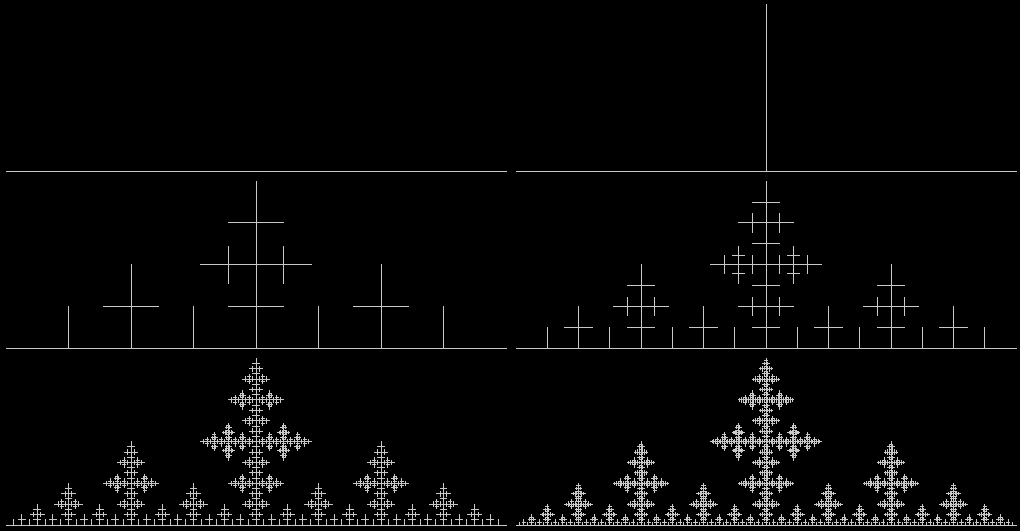
stick1

(Please open image in a new window if it fails to animate)

When lm = 1/2, the fractal is less interesting:
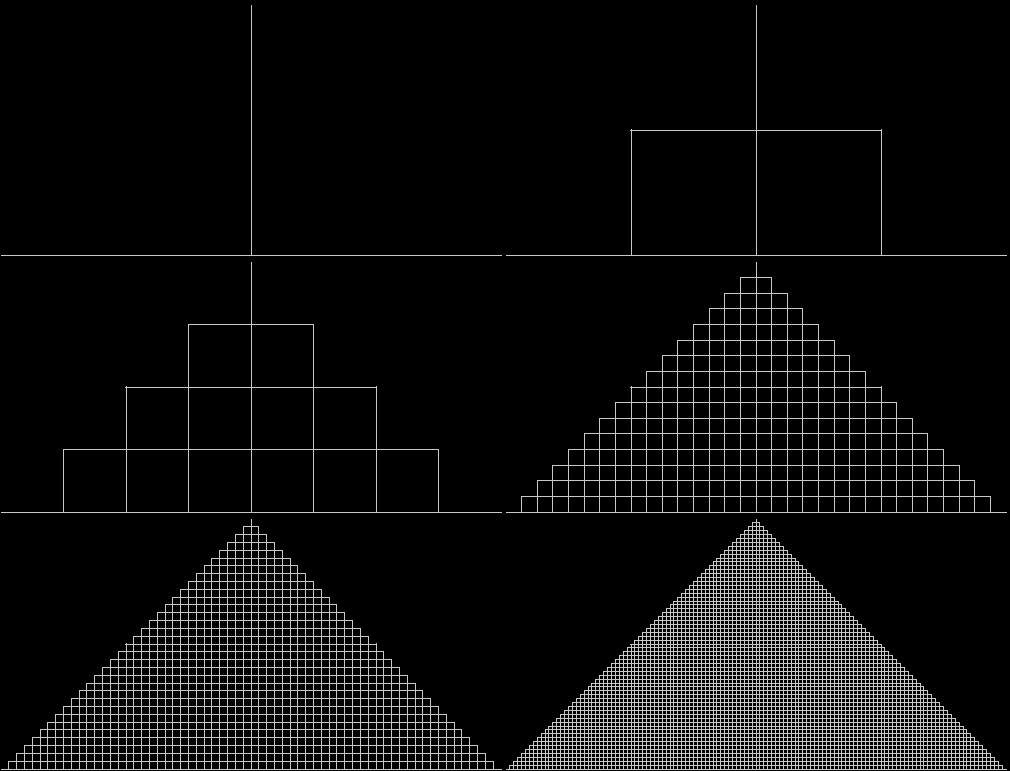
stick2

But you can adjust rule 2 like this:

2. Erect a new line of length l x lm x lm1 on the midpoint at right angles.

When lm1 = 1, 0.99, 0.98, 0.97…, this is what happens:
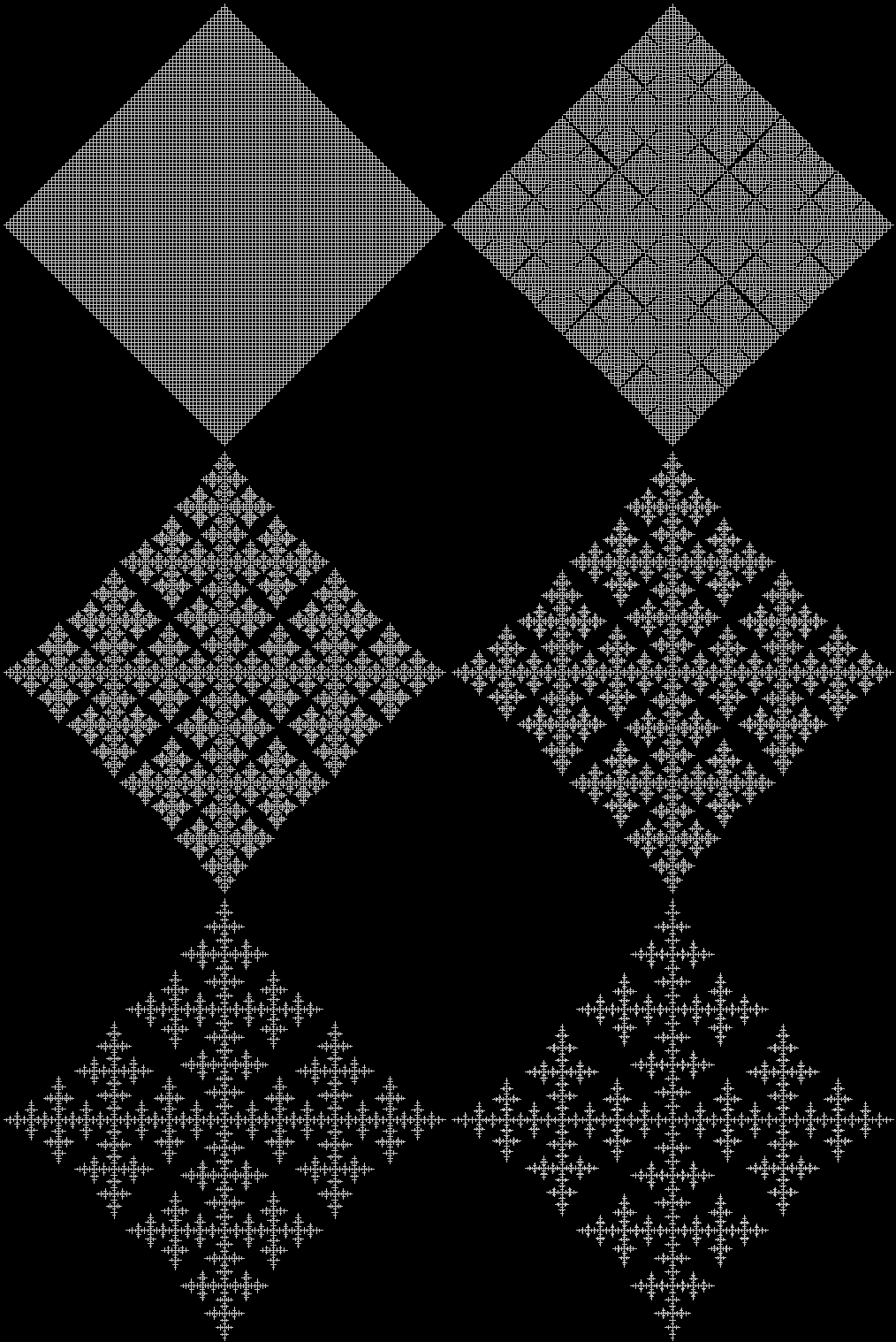
stick3

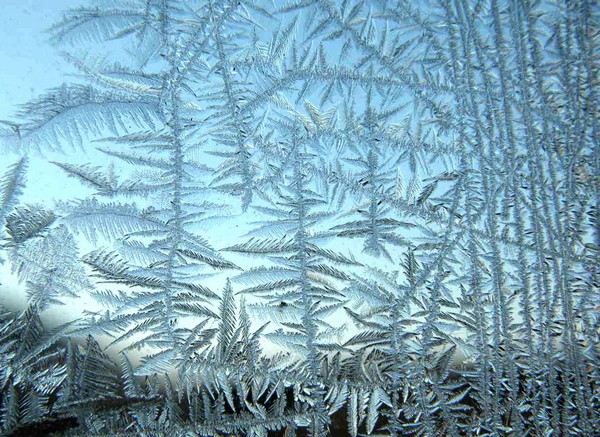
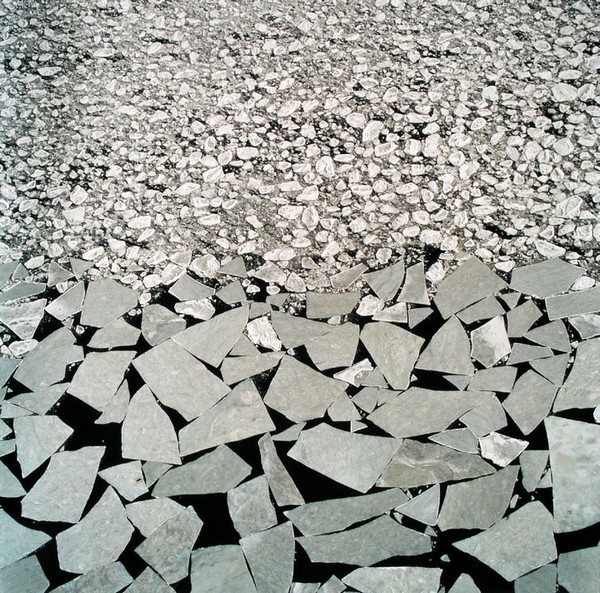
The fractals resemble frost-flowers on a windowpane or ice-floes on a bay or lake. You can randomize the adjustments and angles to make the resemblance even stronger:
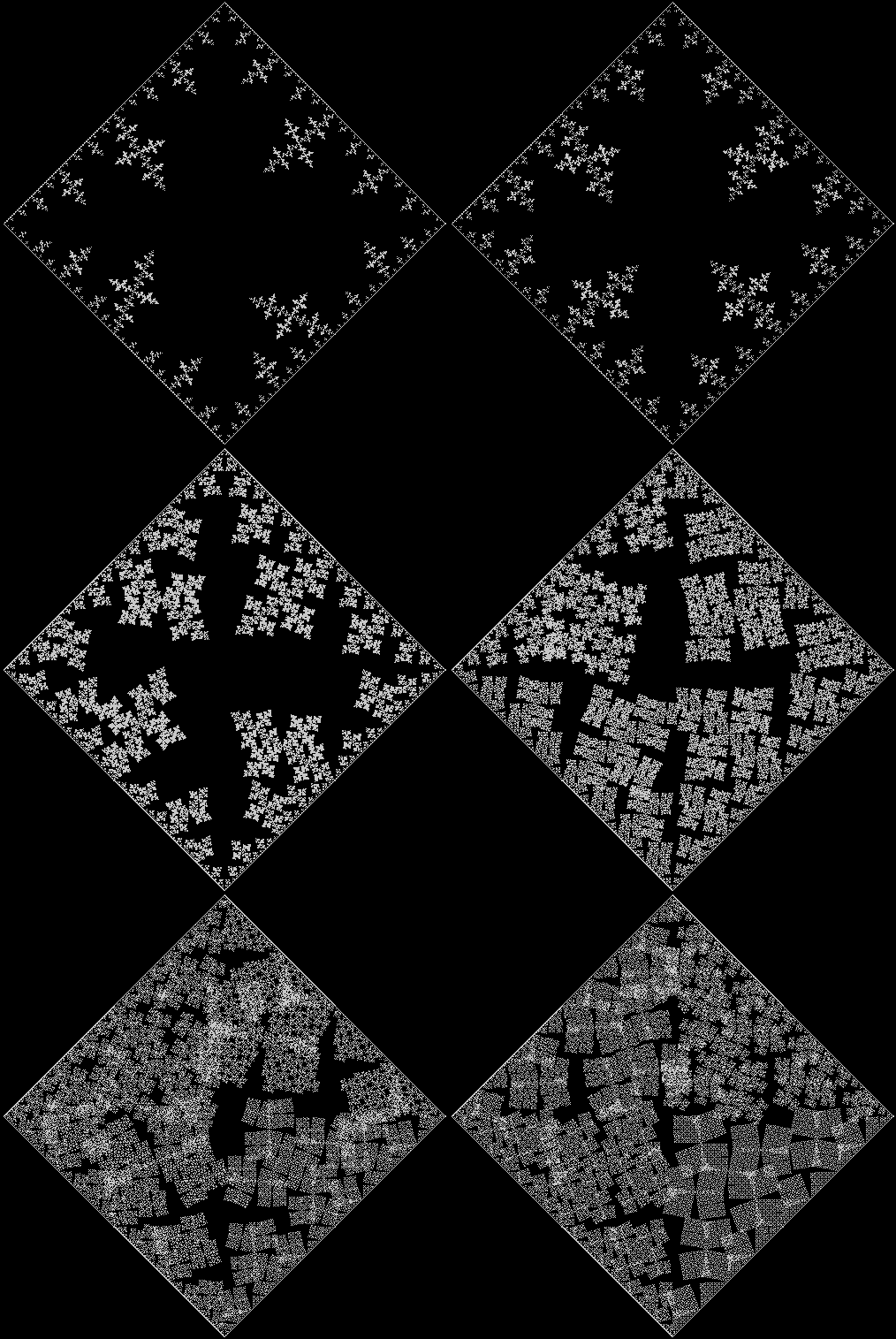
frostfloe

Ice floes (see Owen Kanzler)

Ice floes (see Owen Kanzler)

Frost on window (see Kenneth G. Libbrecht, )

Frost on window (see Kenneth G. Libbrecht)
V for Vertex

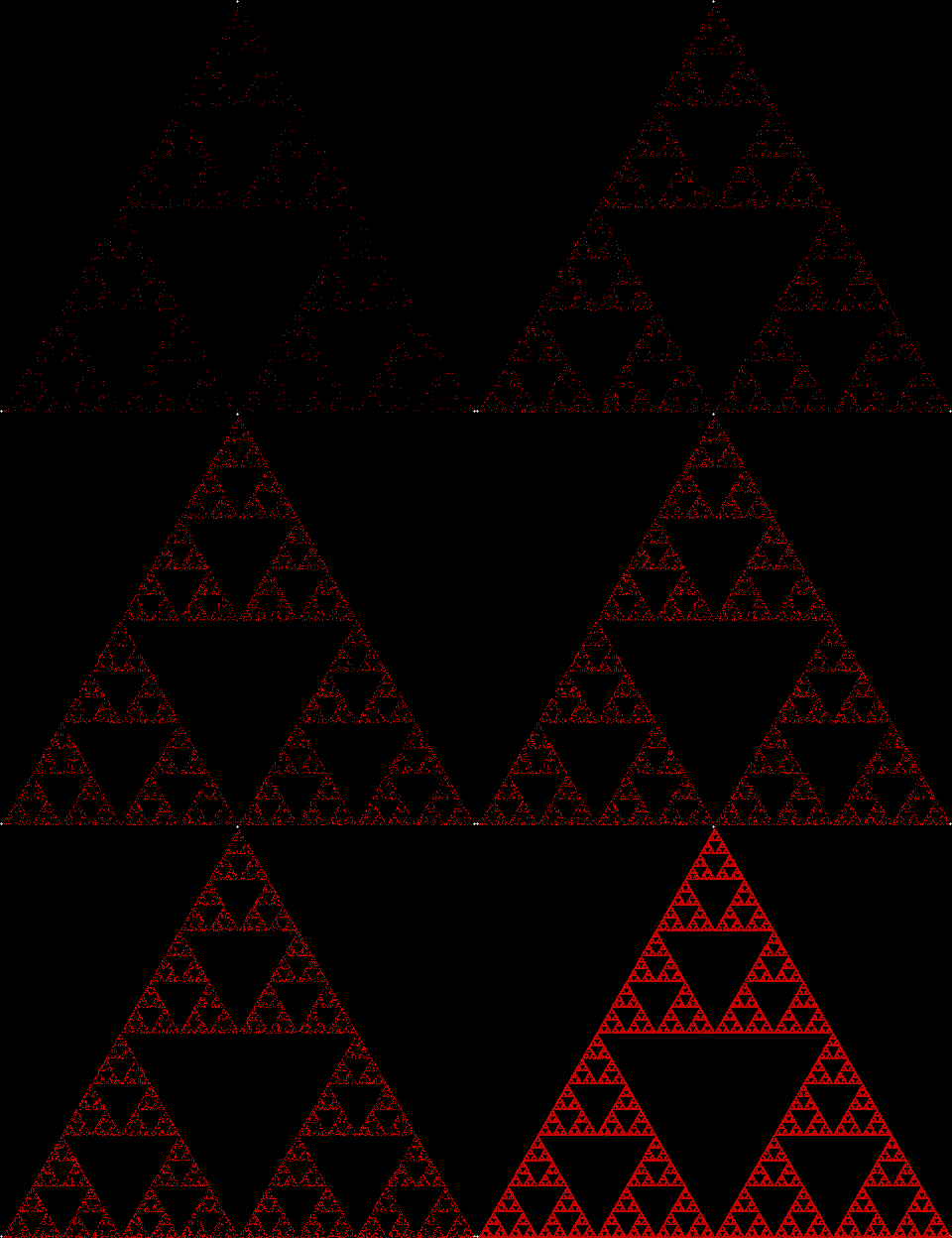
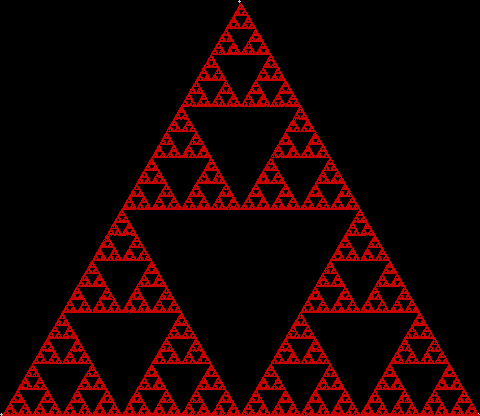
To create a simple fractal, take an equilateral triangle and divide it into four more equilateral triangles. Remove the middle triangle. Repeat the process with each new triangle and go on repeating it. You’ll end up with a shape like this, which is known as the Sierpiński triangle, after the Polish mathematician Wacław Sierpiński (1882-1969):

Sierpinski triangle

But you can also create the Sierpiński triangle one pixel at a time. Choose any point inside an equilateral triangle. Pick a corner of the triangle at random and move half-way towards it. Mark this spot. Then pick a corner at random again and move half-way towards the corner. And repeat. The result looks like this:

triangle

A simple program to create the fractal looks like this:

initial()
repeat
  fractal()
  altervariables()
until false

function initial()
  v = 3 [v for vertex]
  r = 500
  lm = 0.5
endfunc

function fractal()
  th = 2 * pi / v
[the following loop creates the corners of the triangle]
  for l = 1 to v
    x[l]=xcenter + sin(l*th) * r
    y[l]=ycenter + cos(l*th) * r
  next l
  fx = xcenter
  fy = ycenter
  repeat
    rv = random(v)
    fx = fx + (x[rv]-fx) * lm
    fy = fy + (y[rv]-fy) * lm
    plot(fx,fy)
  until keypressed
endfunc

function altervariables()
[change v, lm, r etc]
endfunc

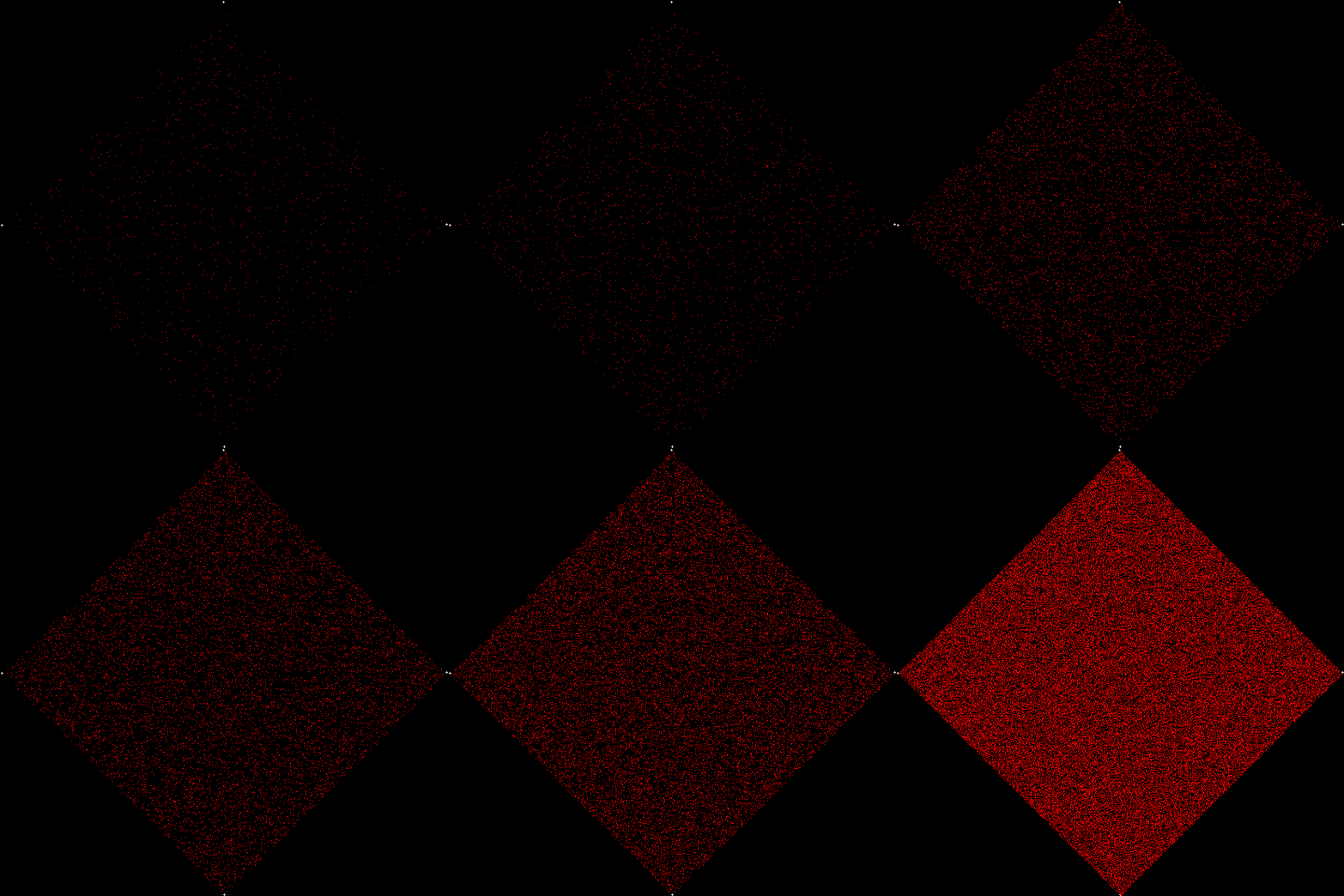
In this case, more is less. When v = 4 and the shape is a square, there is no fractal and plot(fx,fy) covers the entire square.

square

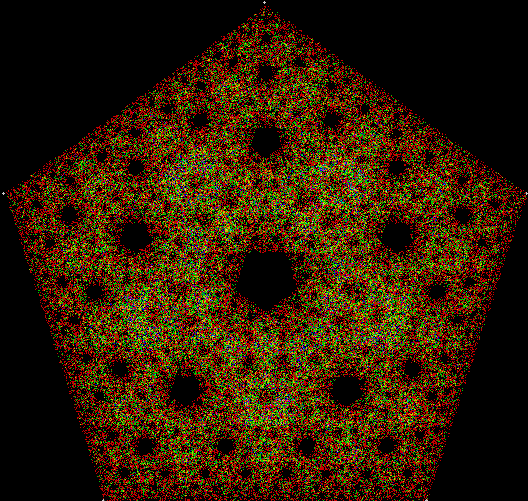
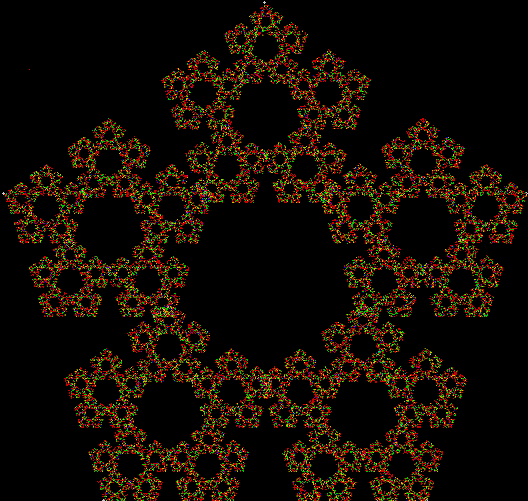
When v = 5 and the shape is a pentagon, this fractal appears:

pentagon

But v = 4 produces a fractal if a simple change is made in the program. This time, a corner cannot be chosen twice in a row:

square_used1

function initial()
  v = 4
  r = 500
  lm = 0.5
  ci = 1 [i.e, number of iterations since corner previously chosen]
endfunc

function fractal()
  th = 2 * pi / v
  for l = 1 to v
    x[l]=xcenter + sin(l*th) * r
    y[l]=ycenter + cos(l*th) * r
    chosen[l]=0
  next l
  fx = xcenter
  fy = ycenter
  repeat
    repeat
      rv = random(v)
    until chosen[rv]=0
    for l = 1 to v
      if chosen[l]>0 then chosen[l] = chosen[l]-1
    next l
    chosen[rv] = ci
    fx = fx + (x[rv]-fx) * lm
    fy = fy + (y[rv]-fy) * lm
    plot(fx,fy)
  until keypressed
endfunc

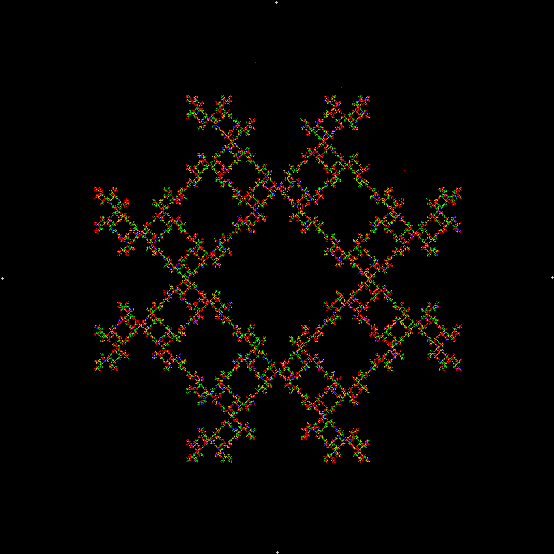
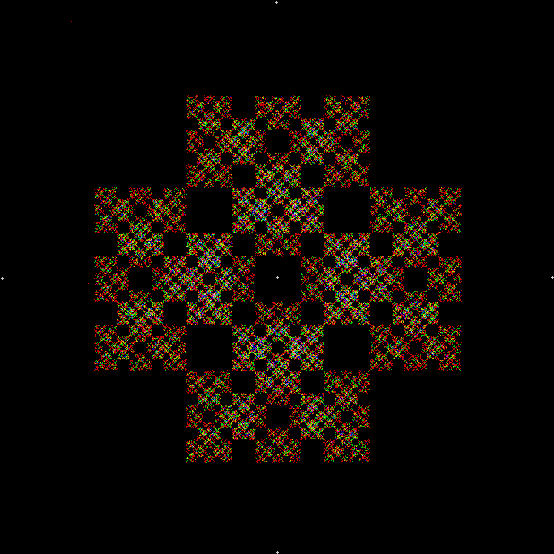
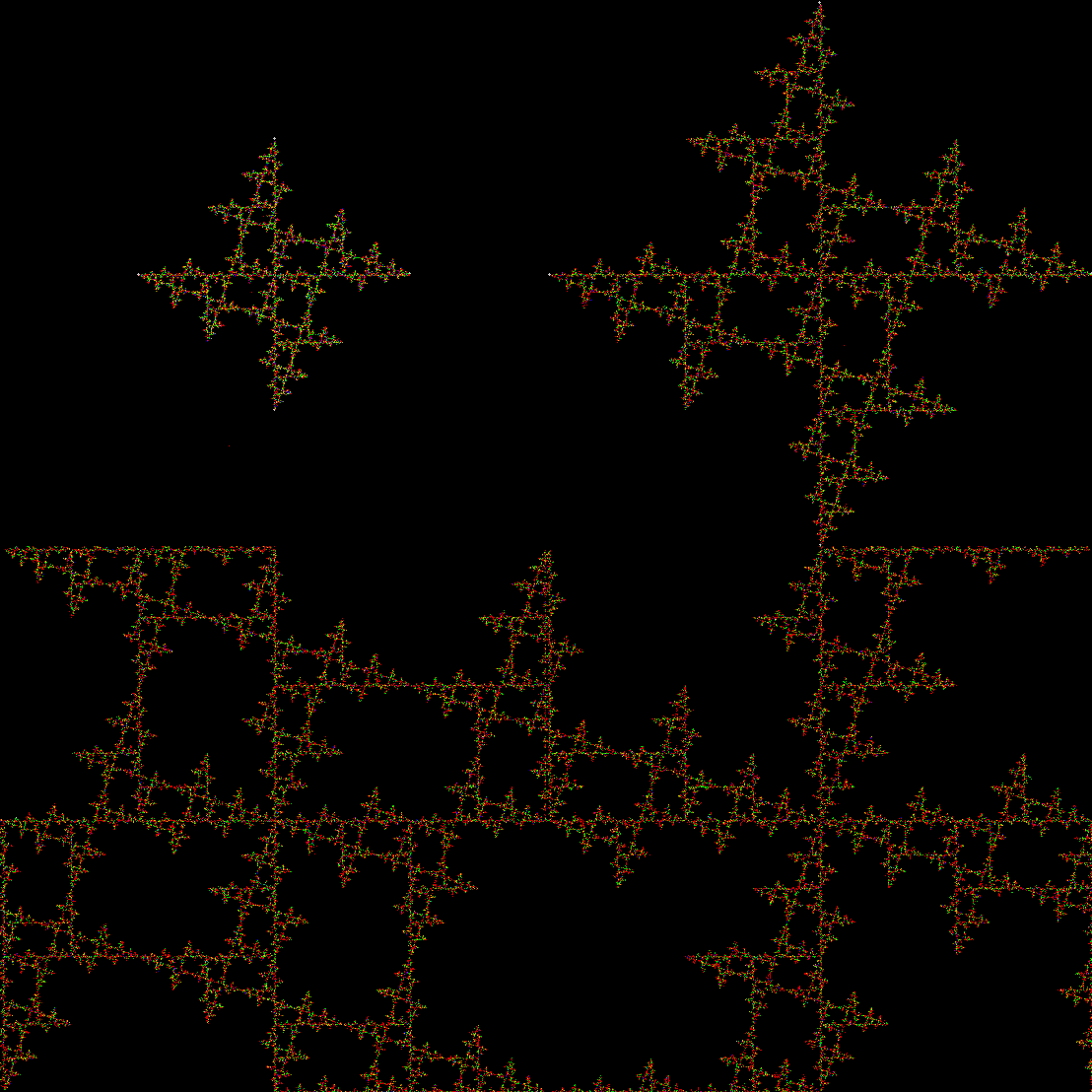
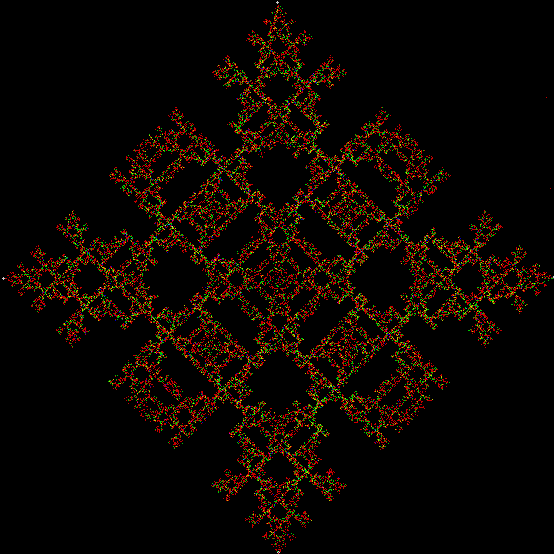
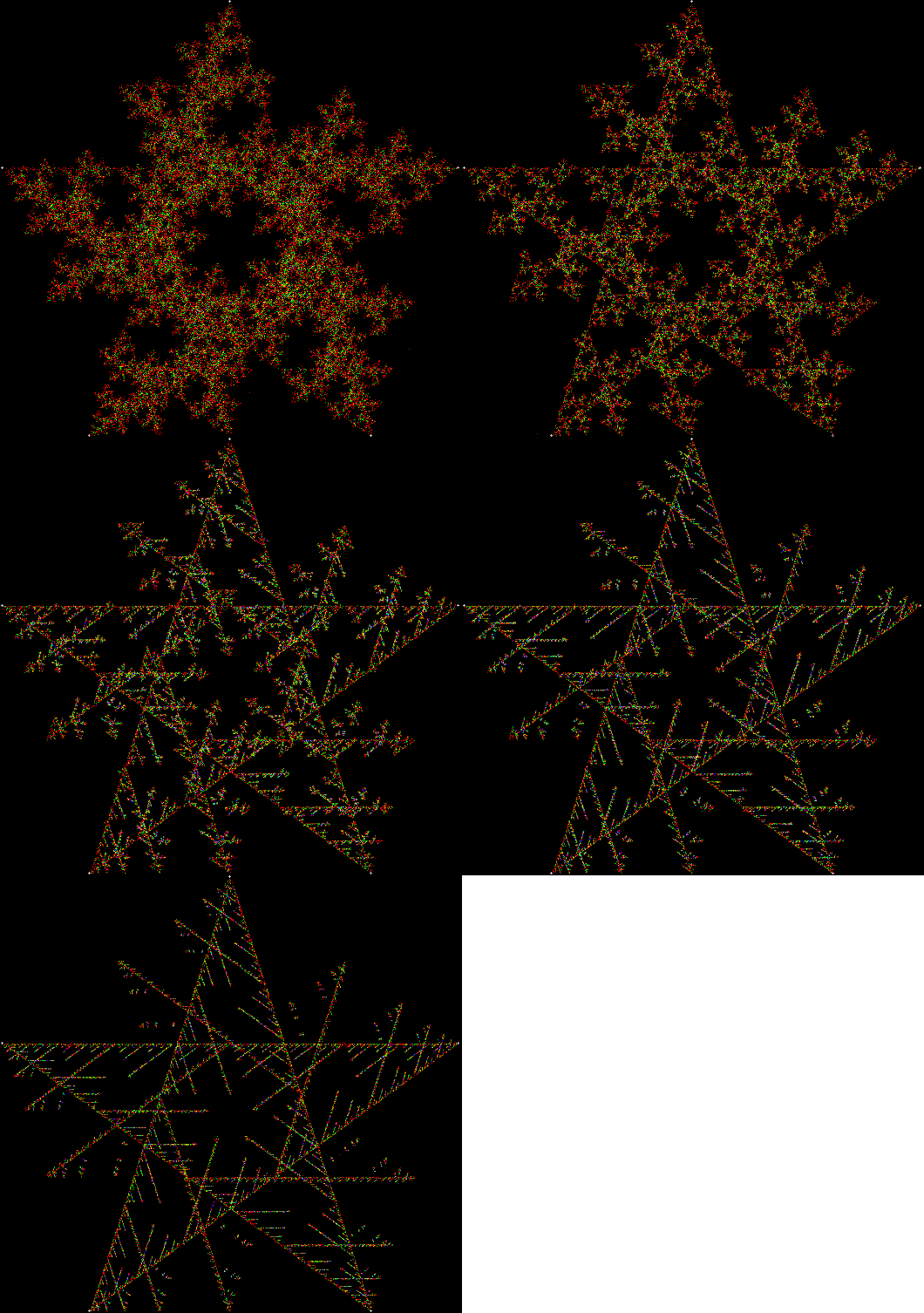
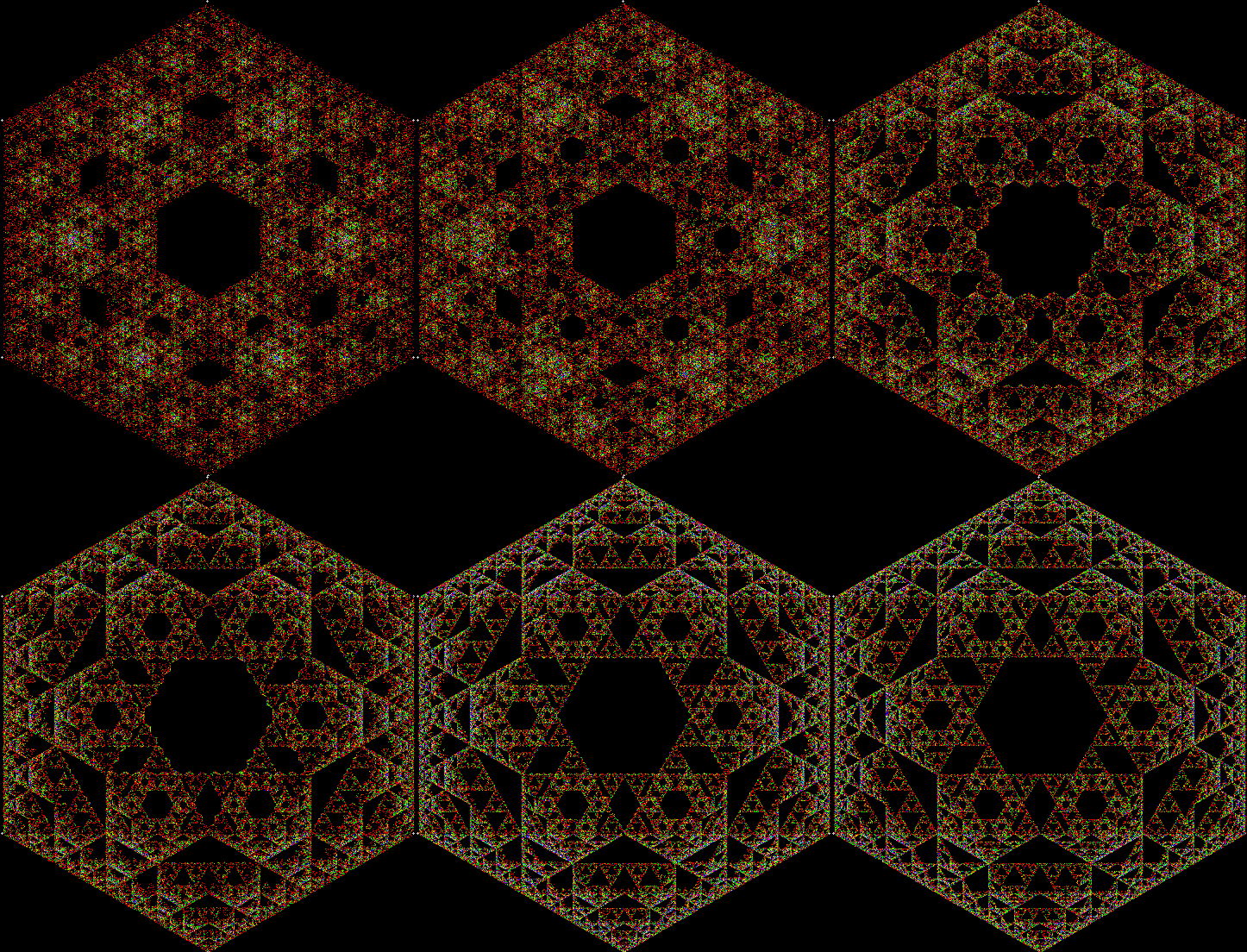
One can also disallow a corner if the corner next to it has been chosen previously, adjust the size of the movement towards the chosen corner, add a central point to the polygon, and so on. Here are more fractals created with such variations:

square_used1_center

square_used1_vi1

square_used1_vi2

square_used2

pentagon_lm0.6

pentagon_used1_5_vi1

hexagon_used1_6_vi3