Points Pared

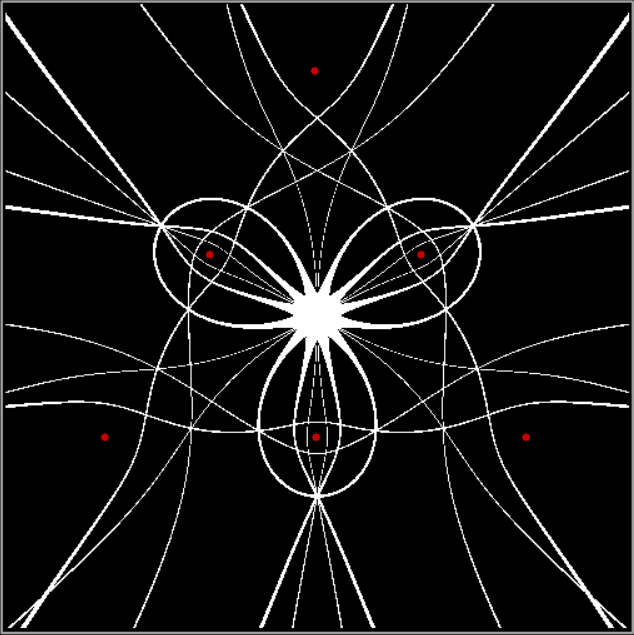
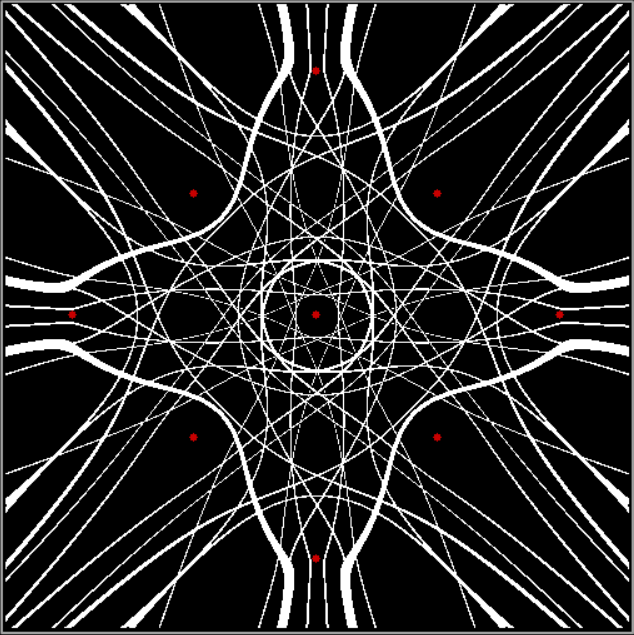
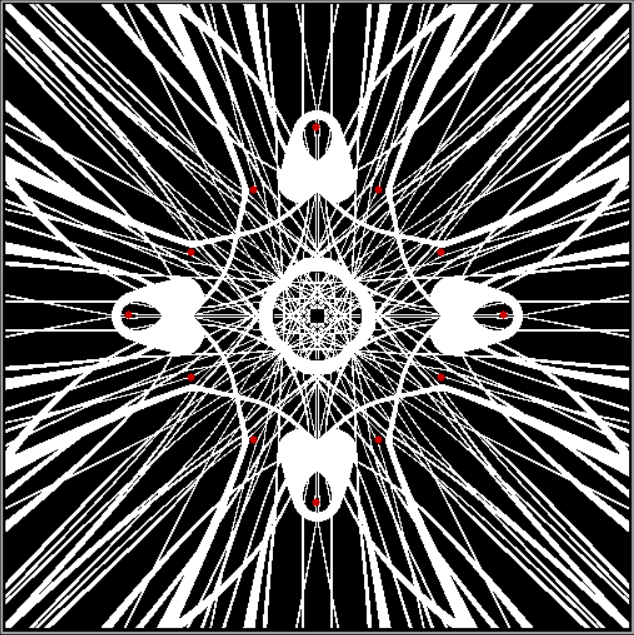
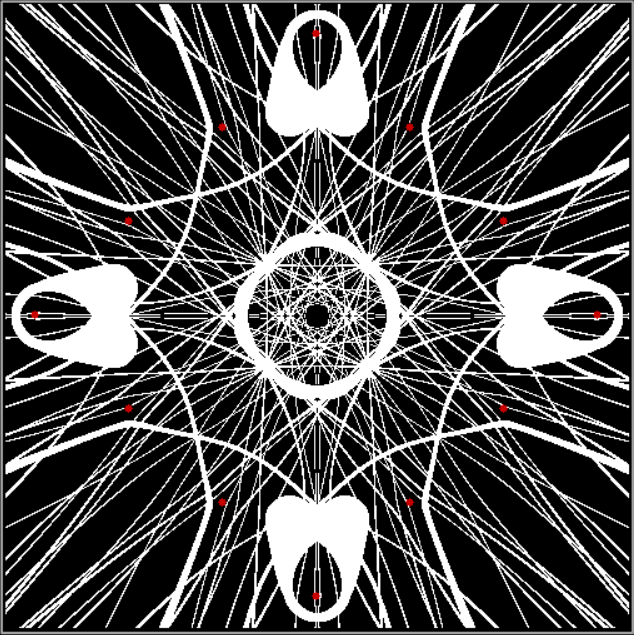
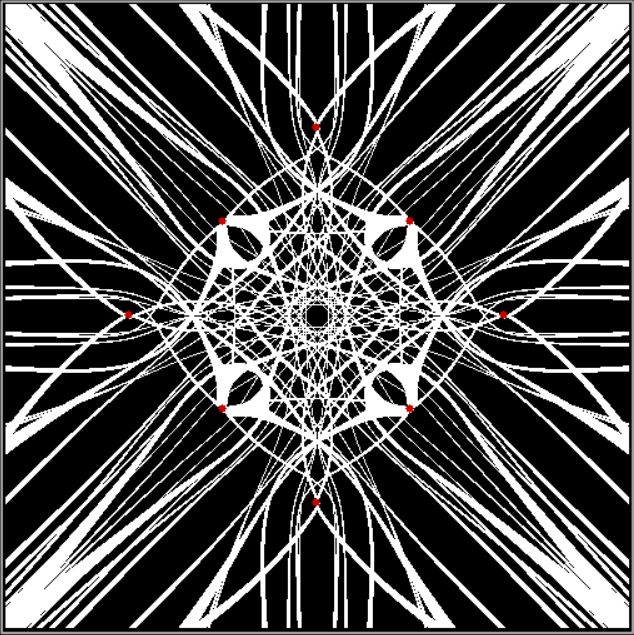
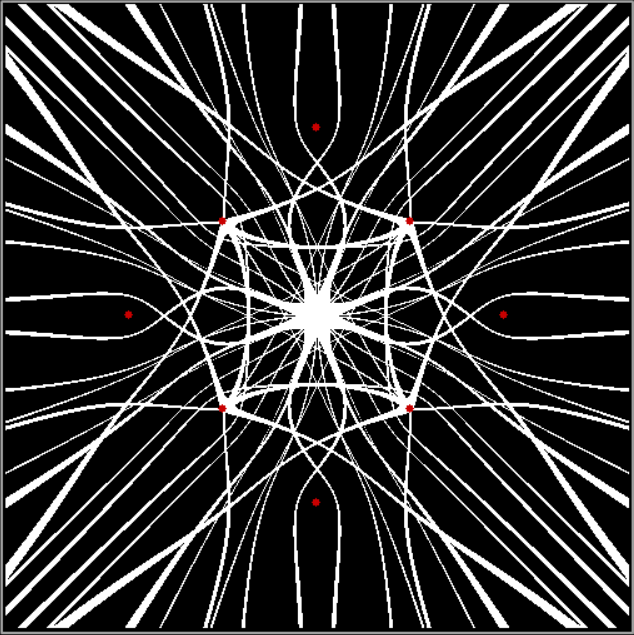
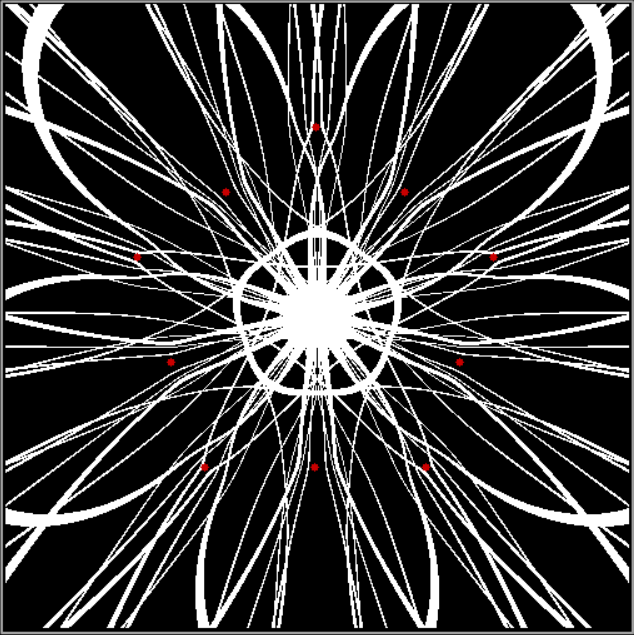
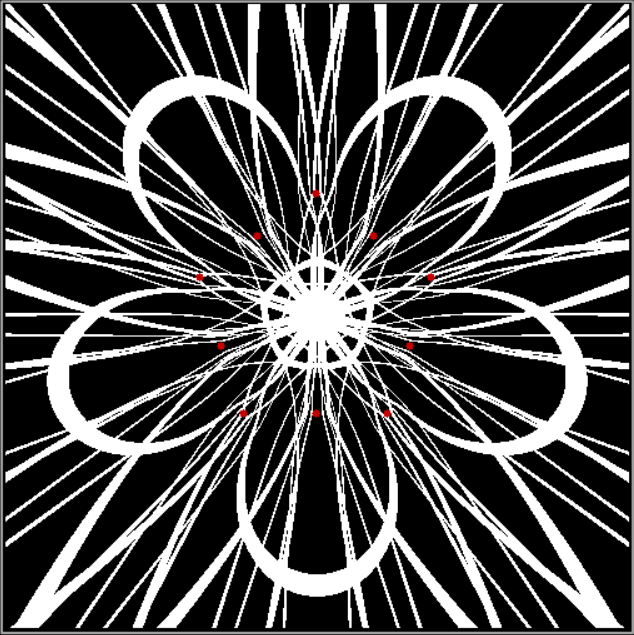
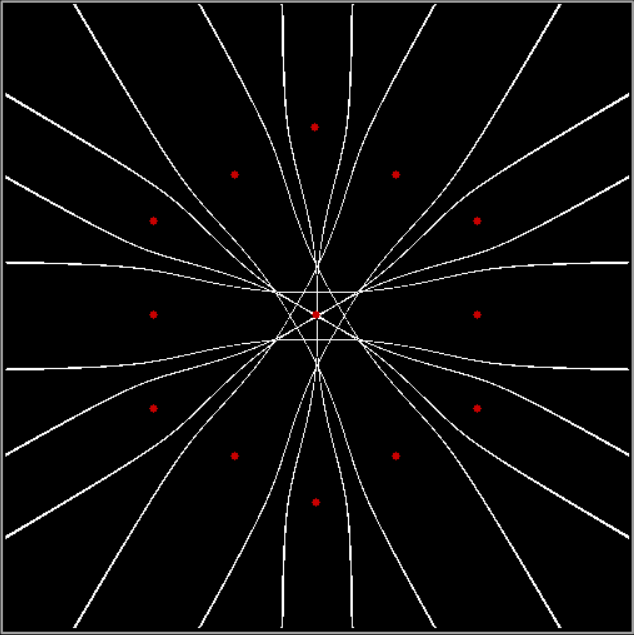
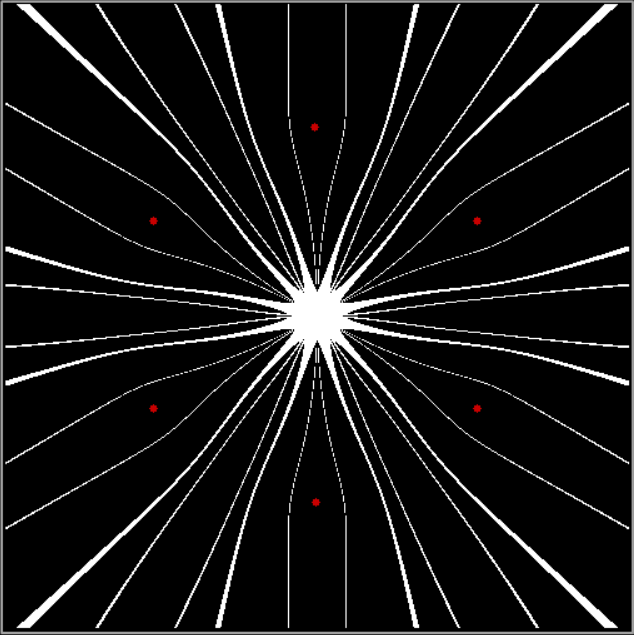
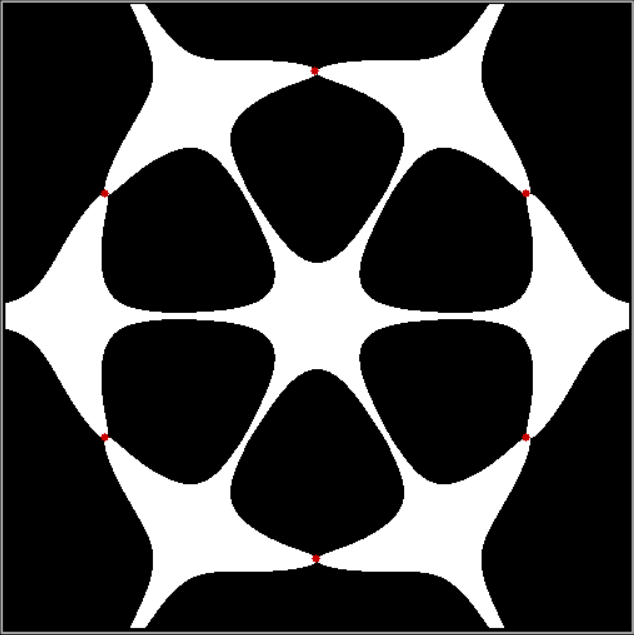
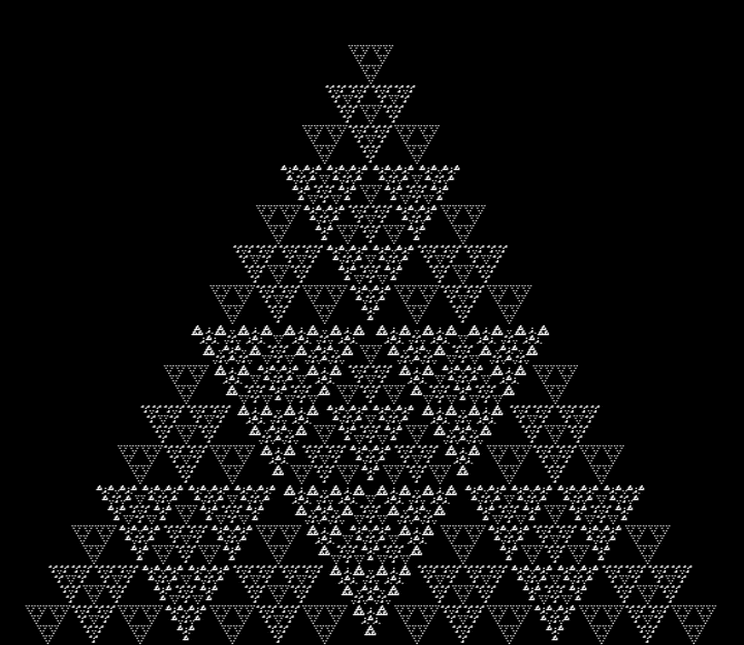
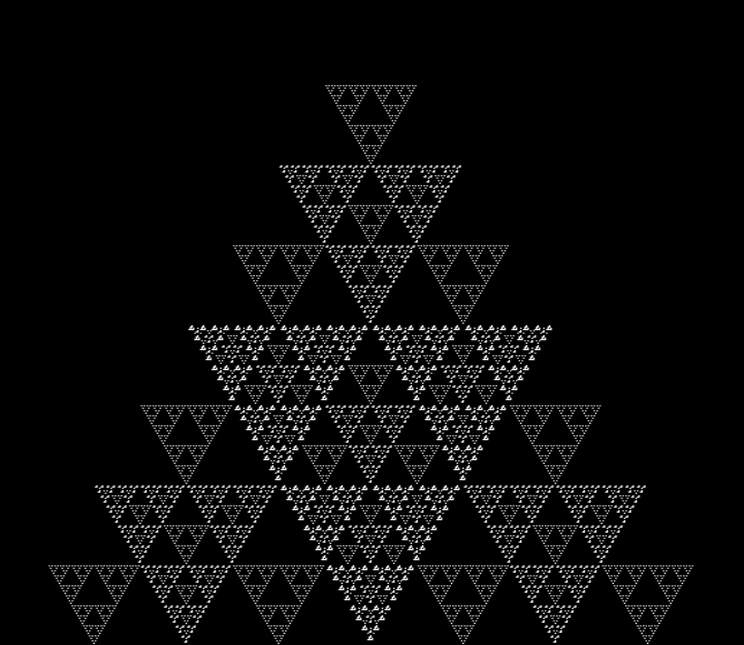
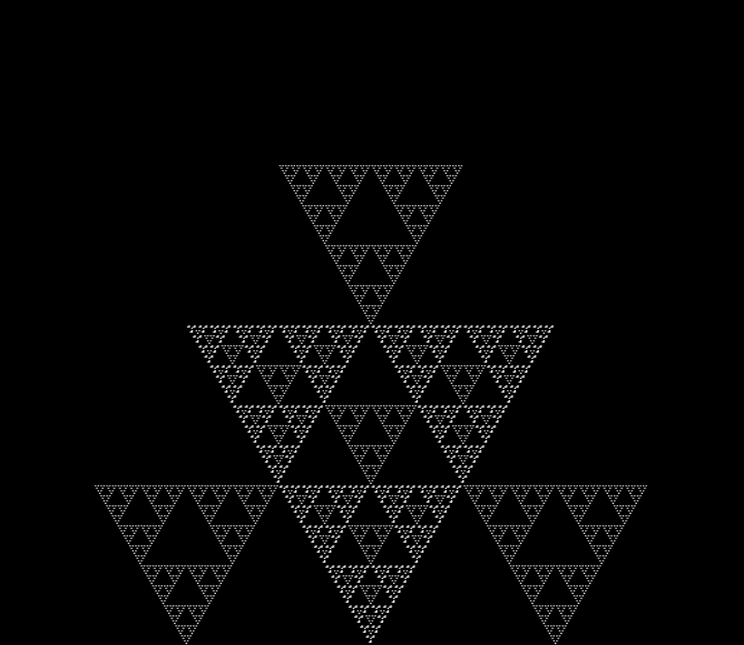
There are an infinite number of points in the plane. And in part of the plane. So you have to pare points to create interesting shapes. And one way of paring them is by comparing them. The six red dots in the image below mark the three vertices of an equilateral triangle and the three mid-points of the sides. Now, test the other points in the surrounding plane and mark them in white if the average distance to (the centers of) any two of the red dots is equal to the average distance to (the centers of) the four other red dots:

Triangle + 1 side-point, sum(d1,d2)/2 = sum(d3,d4,d5,d6)/4

(click for larger)


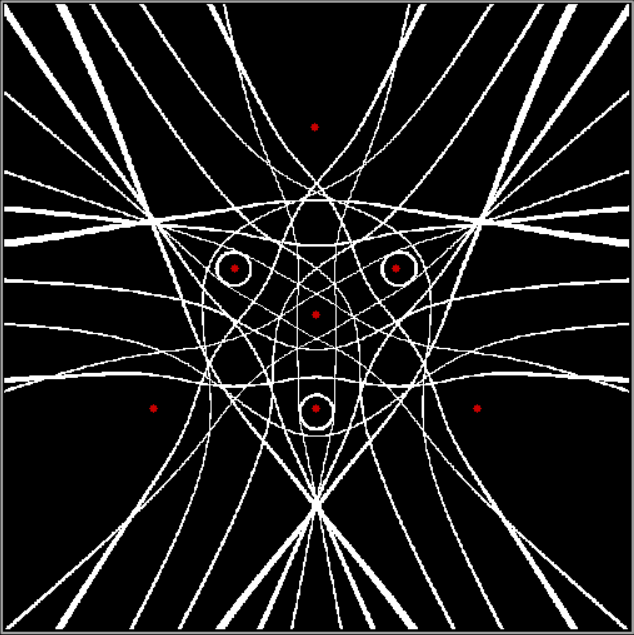
Add a central red dot to the triangle and you get this pattern:

Triangle + 1 side-point + center, distfunc(2) = distfunc(5)


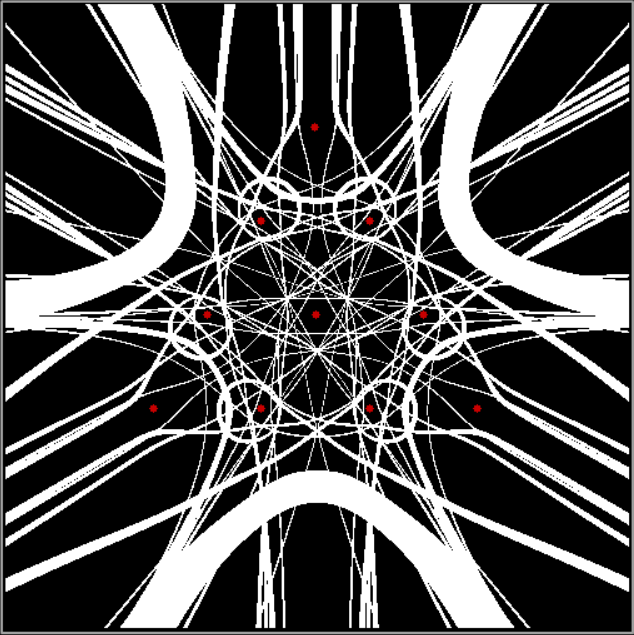
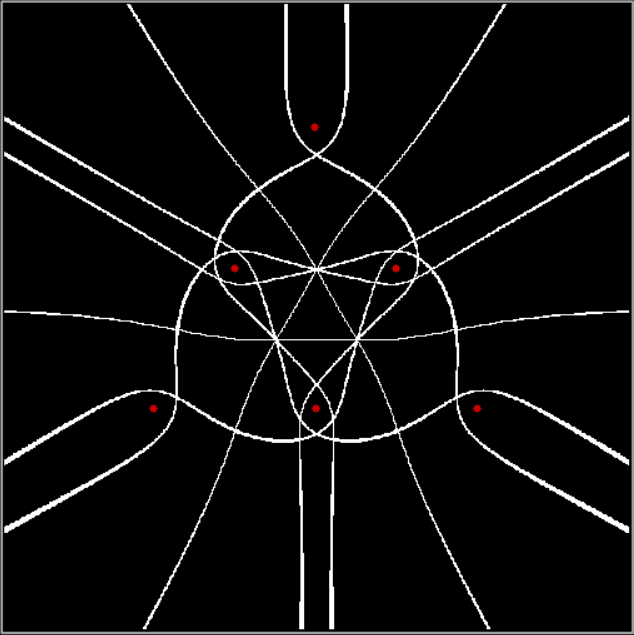
And so on:

v = 3 + sd = 2, distfunc(2) = distfunc(7)


v = 3 + sd = 2 + center, distfunc(2) = distfunc(7)


v = 3 + sd = 1, distfunc(3) = distfunc(3)


v = 3 + sd = 1 + center, distfunc(3) = distfunc(7)


v = 4 + center, distfunc(2) = distfunc(3)


v = 4 + sd = 1, distfunc(2) = distfunc(6)


v = 4 + sd = 1 + center, distfunc(2) = distfunc(7)


v = 4 + sd = 2, distfunc(2) = distfunc(10)


v = 4 + sd = 2, distfunc(2) = distfunc(10) (enlarged)


v = 4 + sd = 1, distfunc(3) = distfunc(5)


v = 4 + sd = 1, distfunc(4) = distfunc(4)


v = 5 + sd = 1, distfunc(2) = distfunc(8)


v = 5 + sd = 1, distfunc(2) = distfunc(8) (smaller scale)


v = 6 + sd = 1, distfunc(1) = distfunc(11)


v = 6 + sd = 1 + center, distfunc(1) = distfunc(12)


v = 6, distfunc(2) = distfunc(4)


v = 6 + center, distfunc(2) = distfunc(5)


v = 6, distfunc(3) = distfunc(3)


v = 6 + center, distfunc(3) = distfunc(4)

Fract-L Geometry

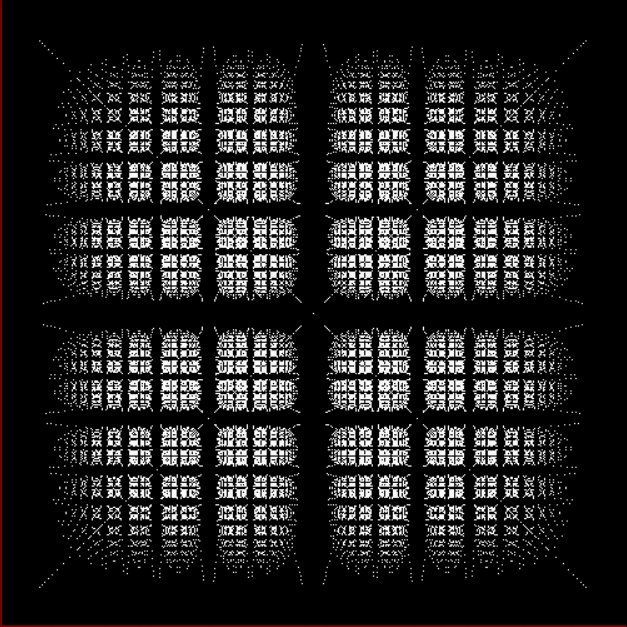
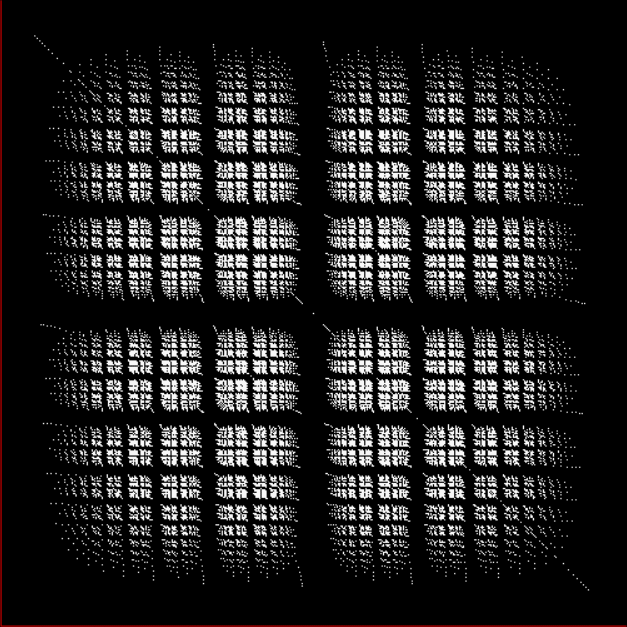
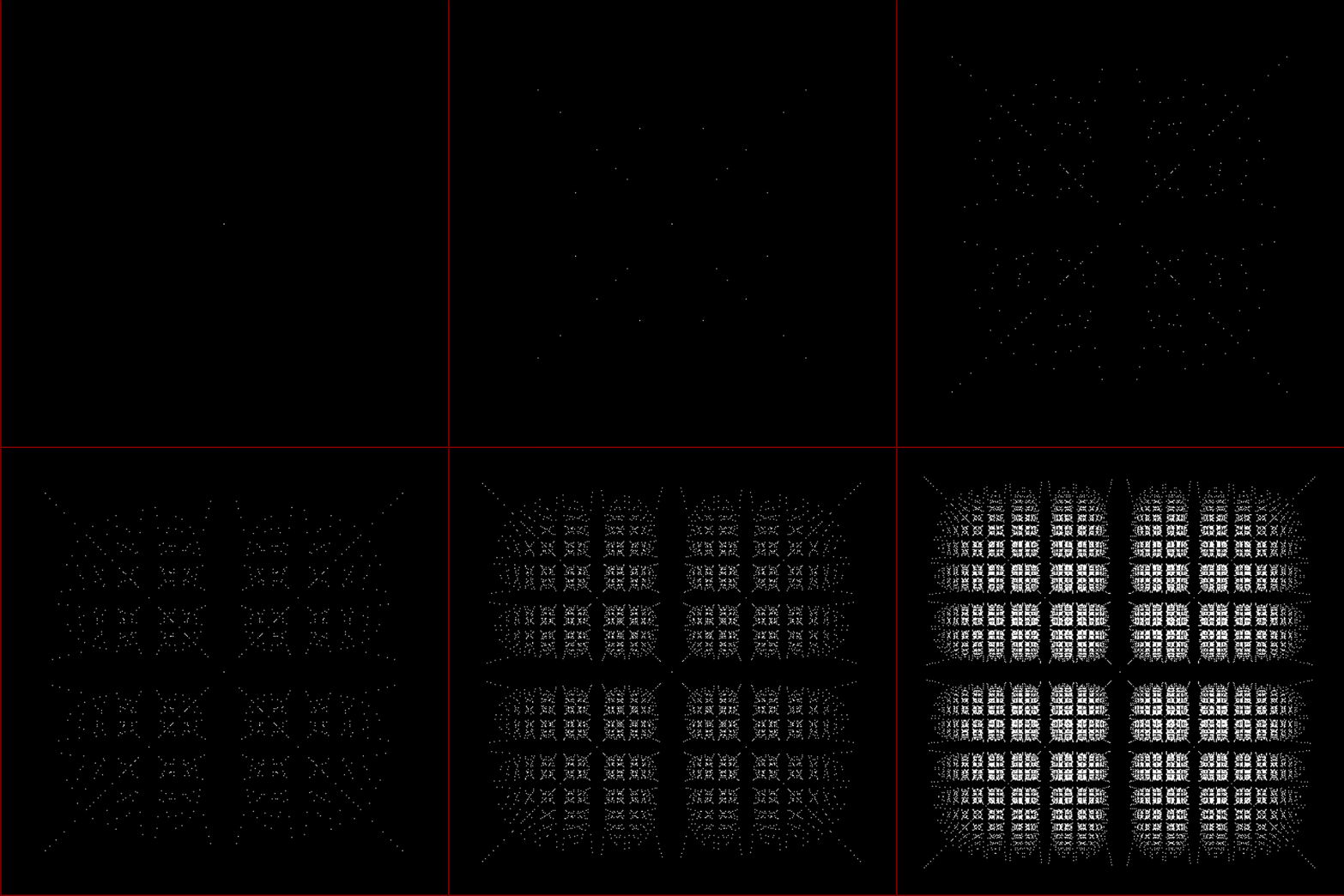
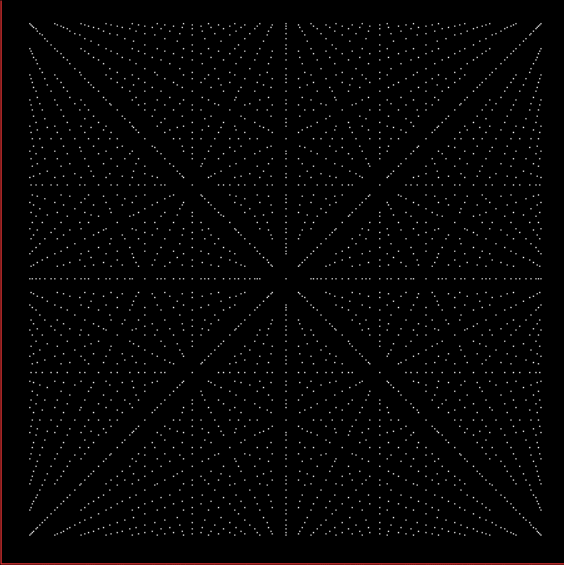
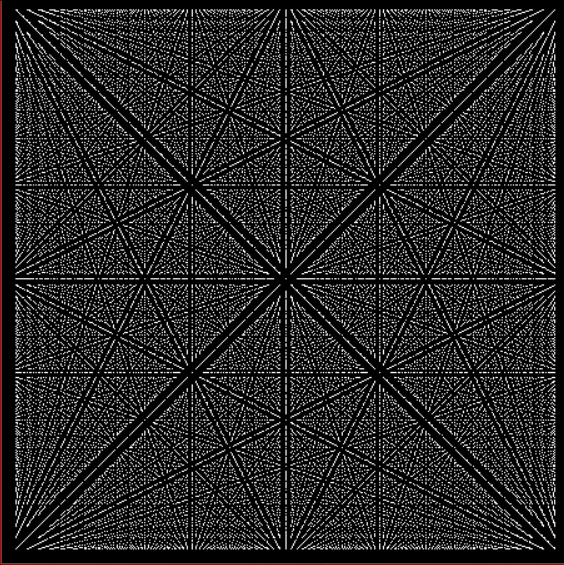
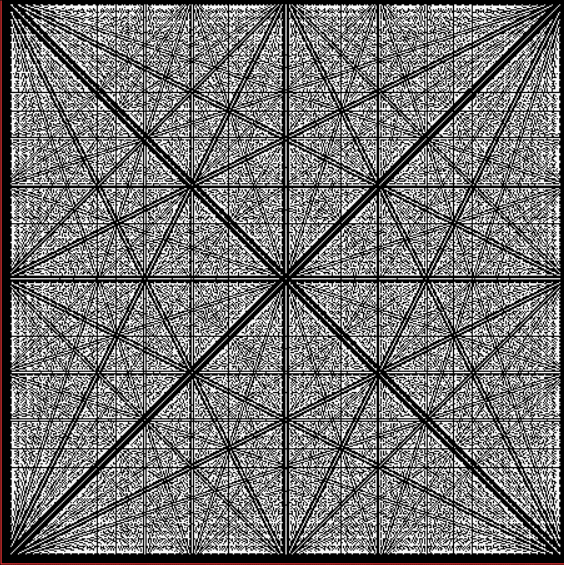
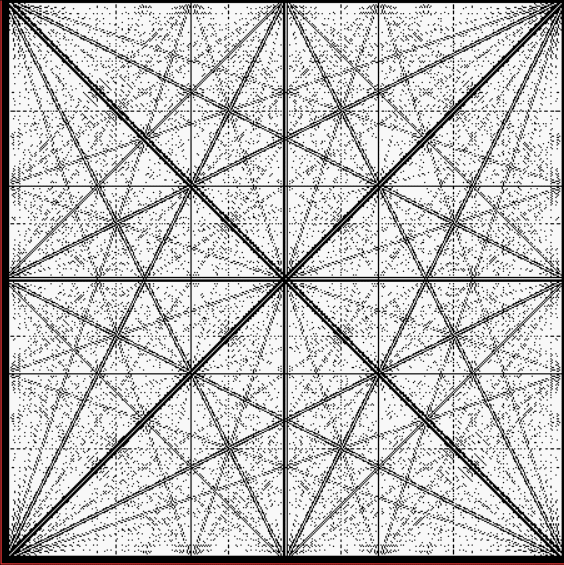
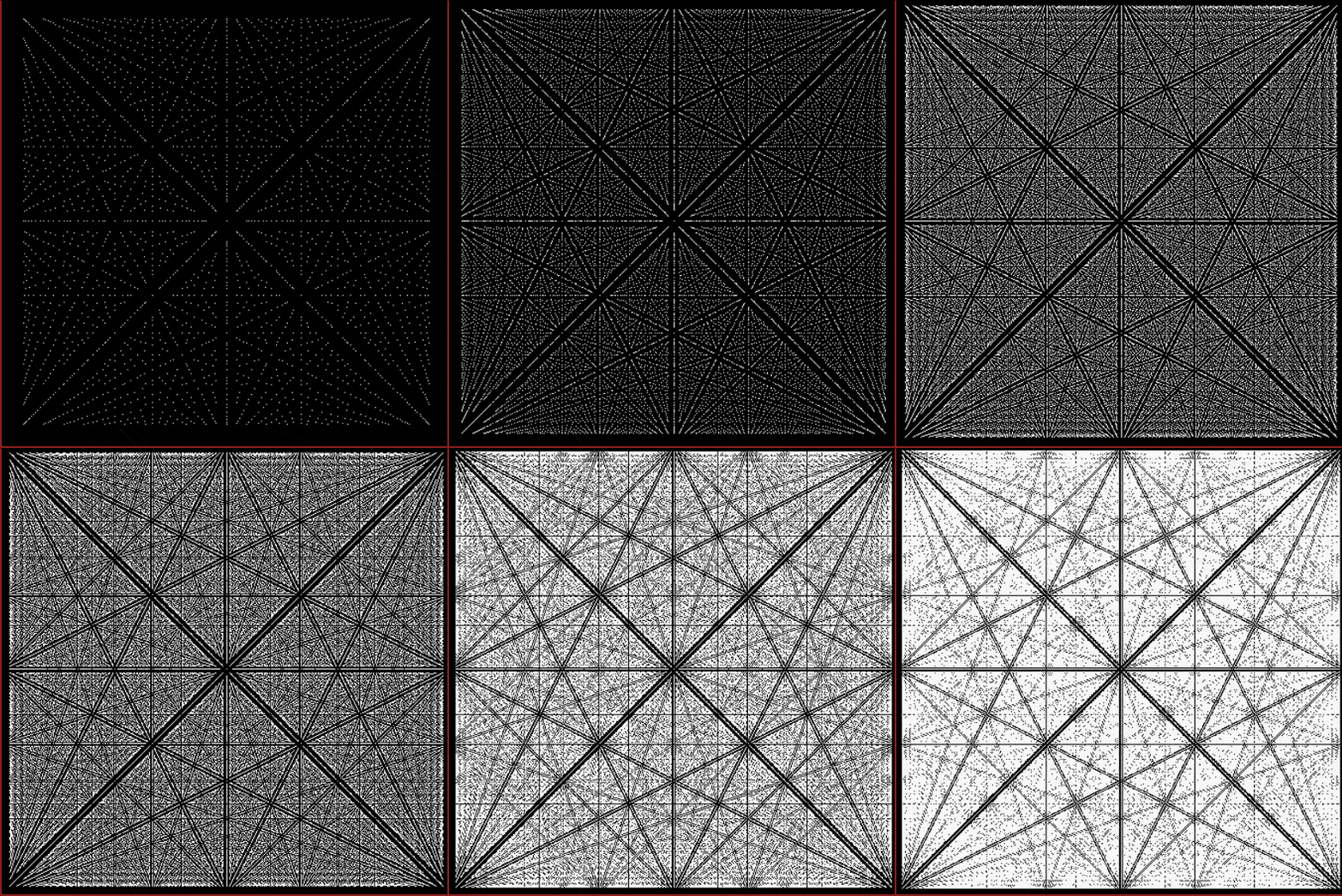
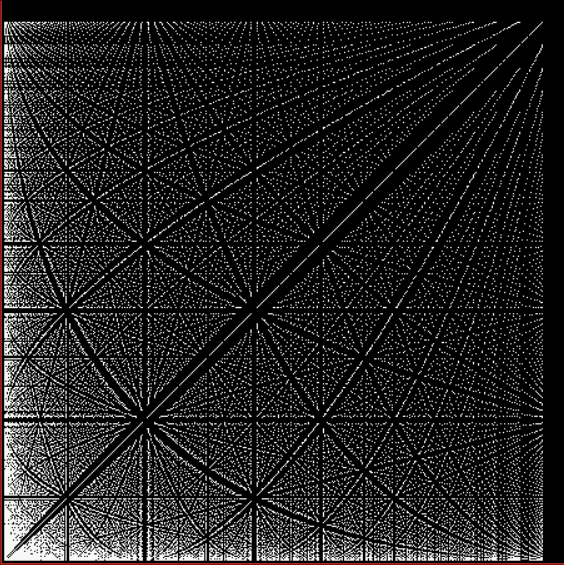
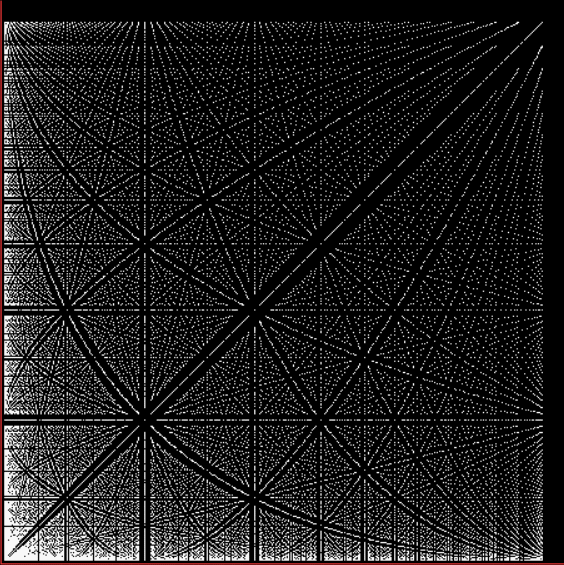
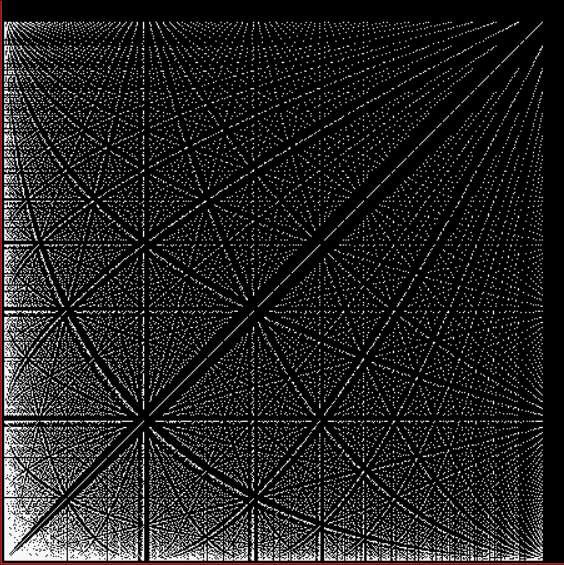
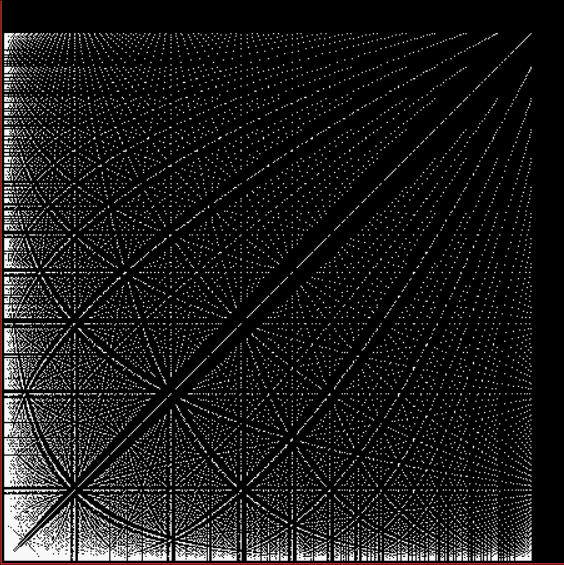
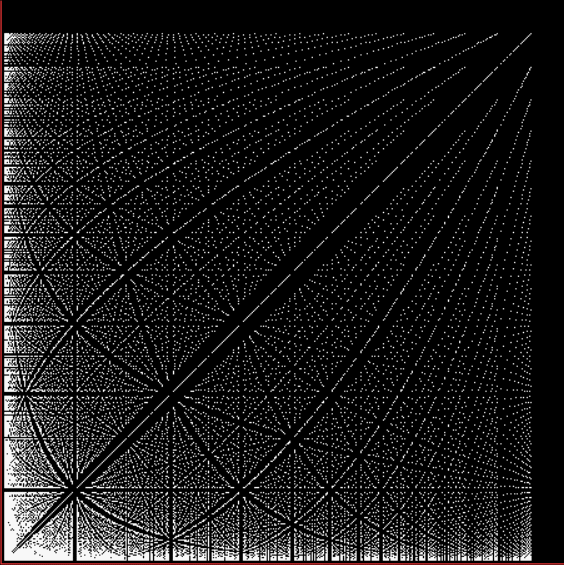
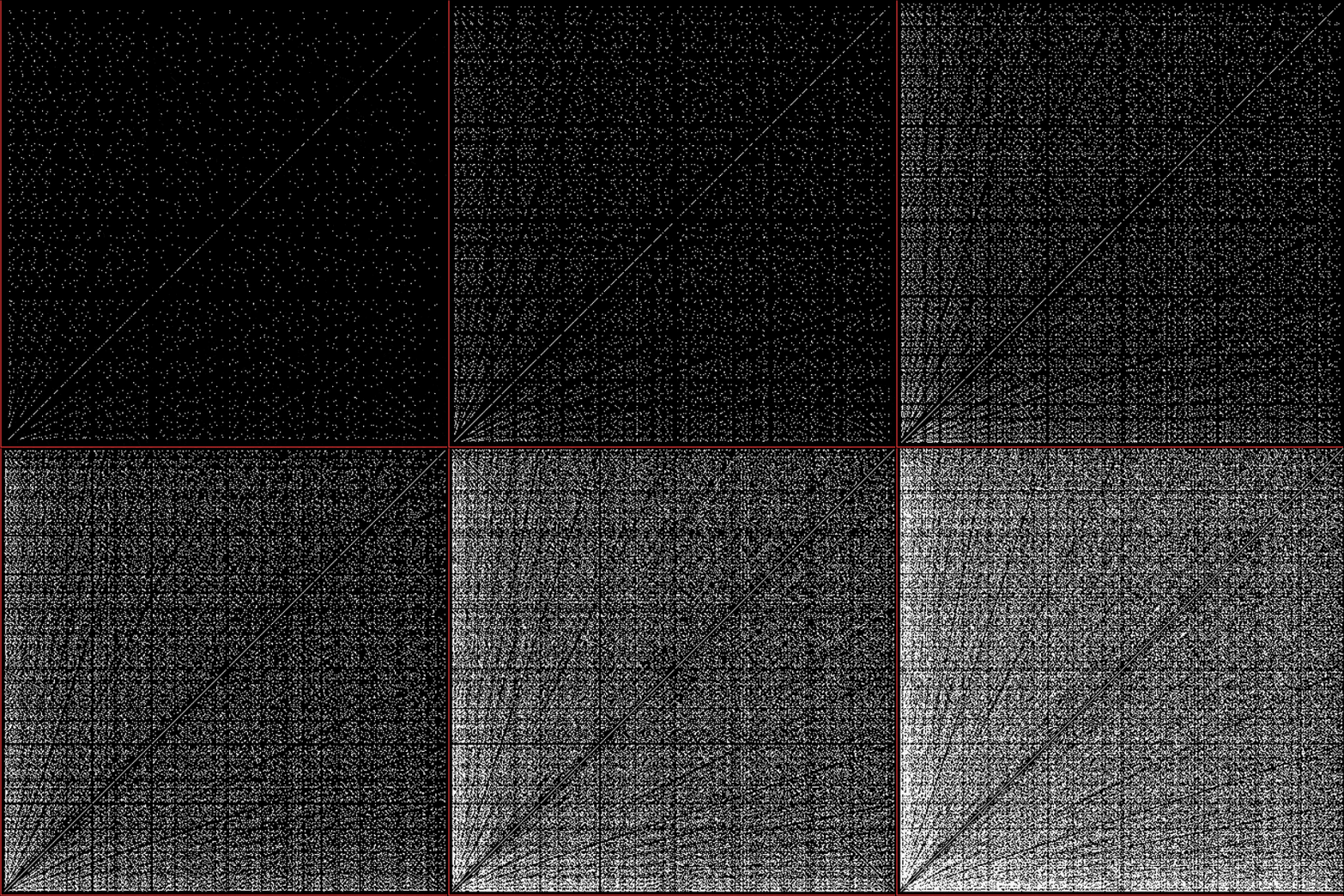
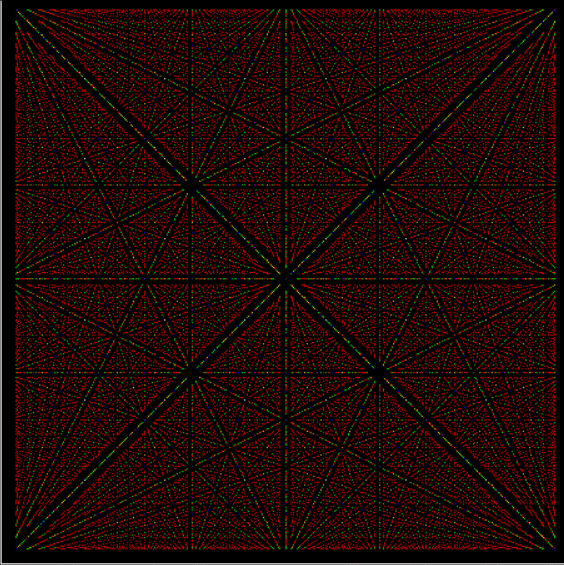
Suppose you set up an L, i.e. a vertical and horizontal line, representing the x,y coordinates between 0 and 1. Next, find the fractional pairs x = 1/2, 1/3, 2/3, 1/4, 2/4…, y = 1/2, 1/3, 2/3, 1/4, 2/4… and mark the point (x,y). That is, find the point, say, 1/5 of the way along the x-line, then the points 1/5, 2/5, 3/5 and 4/5 along the y-line, marking the points (1/5, 1/5), (1/5, 2/5), (1/5, 3/5), (1/5, 4/5). Then find (2/5, 1/5), (2/5, 2/5), (2/5, 3/5), (2/5, 4/5) and so on. Some interesting patterns appear in what I call a Frac-L (pronounced “frackle”) or Fract-L:

Frac-L for 1/2 to 21/22


Frac-L for 1/2 to 48/49


Frac-L for 1/2 to 75/76


Frac-L for 1/2 to 102/103


Frac-L for 1/2 to 102/103 (animated)


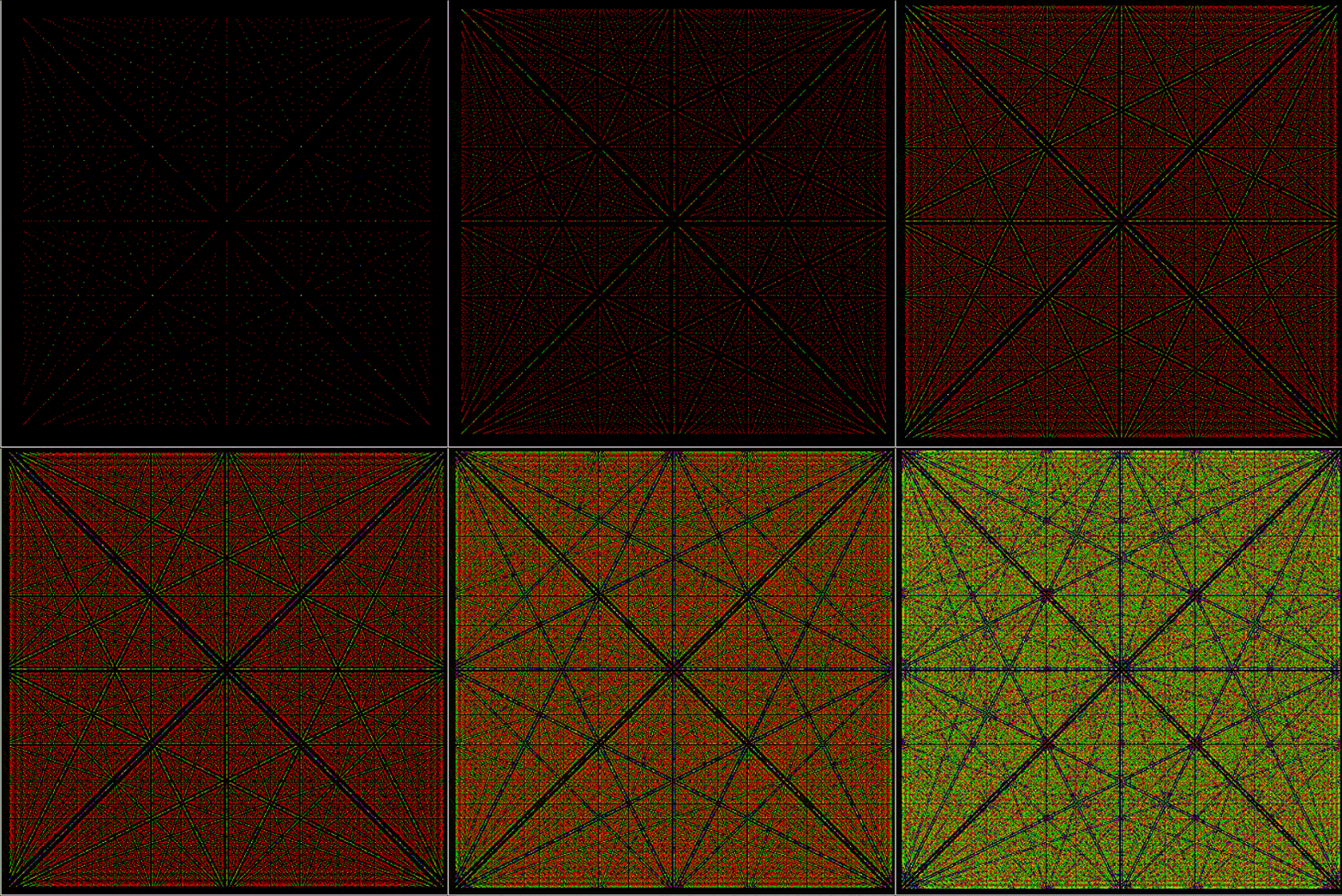
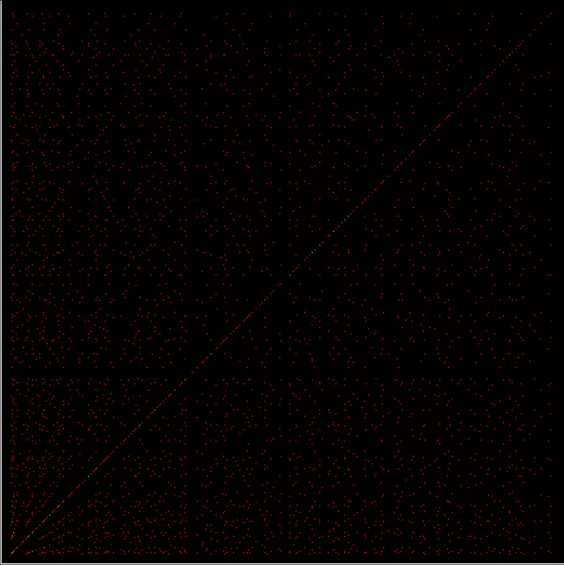
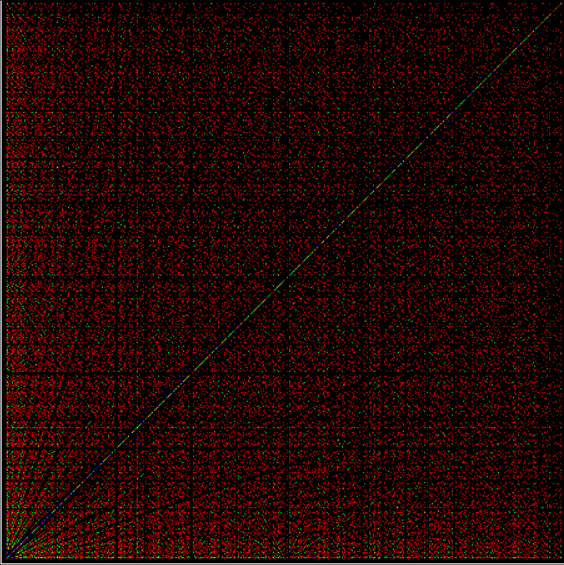
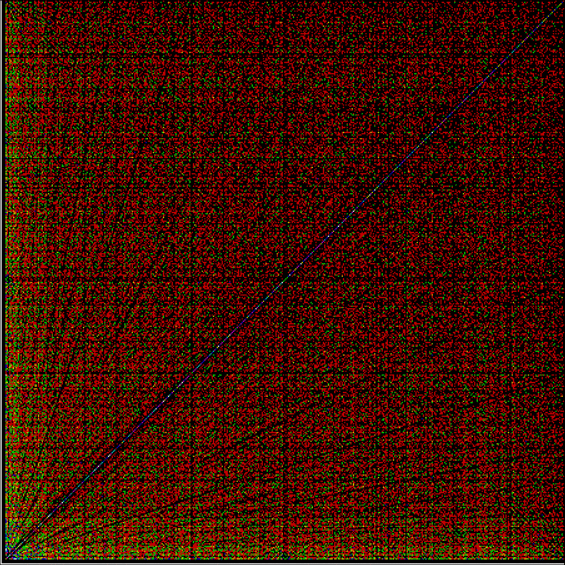
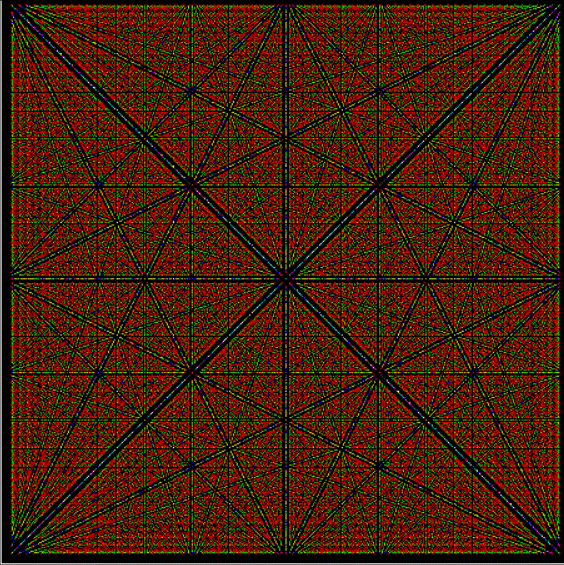
If the (x,y) point is first red, then becomes different colors as it is repeatedly found, you get these patterns:

Frac-L for 1/2 to 48/49 (color)


Frac-L for 1/2 to 75/79 (color)


Frac-L for 1/2 to 102/103 (color) (animated)


Now try polygonal numbers. The triangular numbers are 1, 3, 6, 10, 15, 21, 28, 36, 45, 55, 66, 78…, so you’re finding the fractional pairs, say, (1/21, 1/21), (1/21, 3/21, (1/21, 6/21), (1/21, 10/21), (1/21, 15/21), then (3/21, 1/21), (3/21, 3/21, (3/21, 6/21), (3/21, 10/21), (3/21, 15/21), and so on:

Frac-L for triangular fractions


The frac-L for square numbers (1, 4, 9, 16, 25, 36, 49, 64, 81, 100…) is almost identical:

Frac-L for square fractions, e.g. (1/16, 1/16), (1/16, 4/16), (1/16, 9/16)…


So is the frac-L for pentagonal numbers (1, 5, 12, 22, 35, 51, 70, 92, 117, 145, 176, 210, 247, 287, 330…):

Frac-L for pentagonal fractions, e.g. (1/35, 5/35), (1/35, 12/35), (1/35,22/35)…


Here are frac-Ls for tetrahedral and square-pyramidal numbers:

Frac-L for tetrahedral fractions


Frac-L for square pyramidal fractions


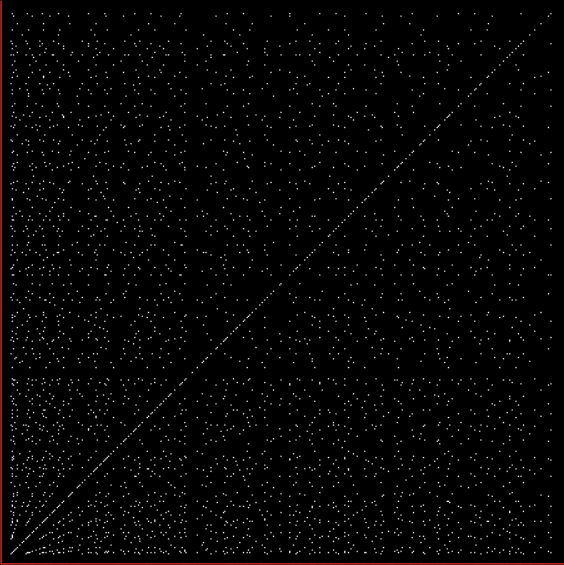
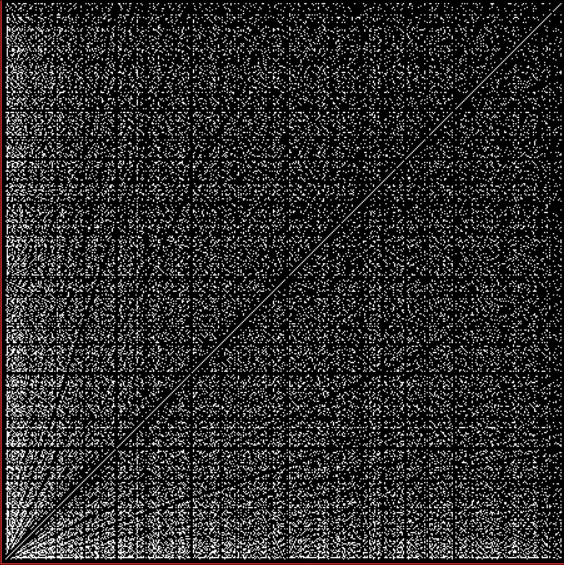
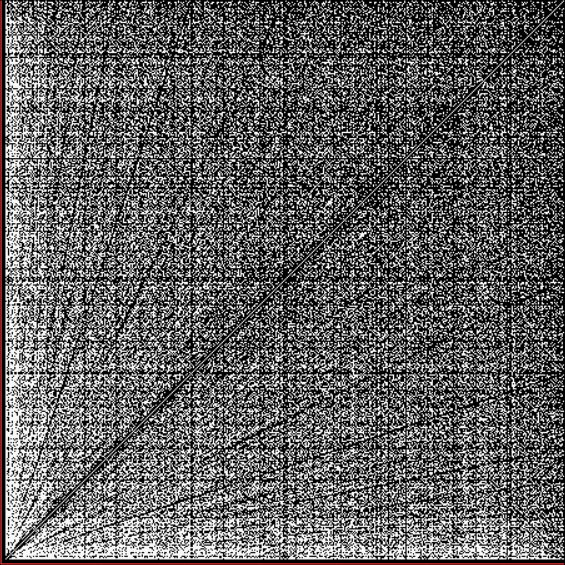
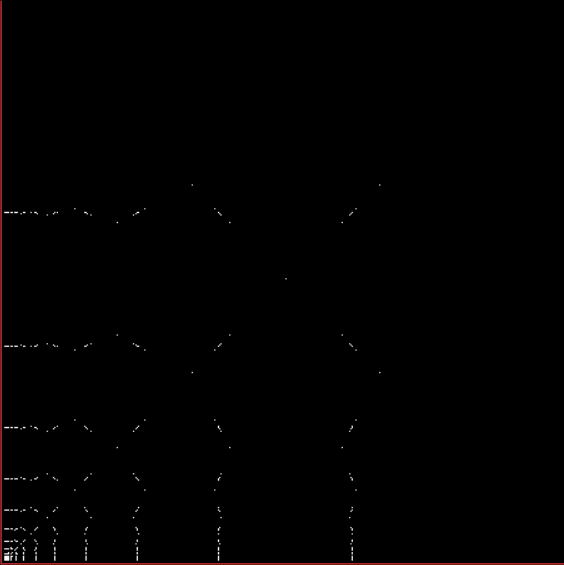
But what about prime numbers (skipping 2)? Here the fractional pairs are, say, (1/17, 1/17), (1/17, 3/17), (1/17, 5/17), (1/17, 7/17), (1/17, 11/17), (1/17, 13/17), then (3/17, 1/17), (3/17, 3/17), (3/17, 5/17), (3/17, 7/17), (3/17, 11/17), (3/17, 13/17), and so on:

Frac-L for 1/3 to 73/79 (prime fractions)


Frac-L for 1/3 to 223/227


Frac-L for 1/3 to 307/331


Frac-L for 1/3 to 307/331 (animated)


Frac-L for 1/3 to 73/79 (color) (prime fractions)


Frac-L for 1/3 to 223/227 (color)


Frac-L for 1/3 to 307/331 (color)


Frac-L for 1/3 to 307/331 (color) (animated)


And finally (for now), a frac-L for Fibonnaci numbers, where the fractional pairs are, say, (1/13, /13), (1/13, 2/13), (1/13, 3/13), (1/13, 5/13), (1/13, 8/13), then (2/13, /13), (2/13, 2/13), (2/13, 3/13), (2/13, 5/13), (2/13, 8/13), and so on:

Frac-L for Fibonacci fractions to 14930352/2178309 = fibonacci(36)/fibonacci(37)


Mods and Clockers

To understand clock-arithmetic, simply picture a clock-face with one hand and a big fat 0 in place of the 12. Now you can do some clock-arithmetic. For example, set the hour-hand to 5, then move on 4 hours. You’ve done this sum:

5 + 4 → 9

Now try 9 + 7. The hour-hand is already on 9, so move forward 7 hours:

9 + 7 → 4

Now try 3 + 8 + 1:

3 + 8 + 1 → 0

And 3 * 4:

4 * 3 = 4 + 4 + 4 → 0

That’s clock-arithmetic. But you’re not confined to 12-hour clocks. Here’s a 7-hour clock, where the 7 is replaced with a 0:

3 + 1 → 4
4 + 5 → 2
2 + 4 + 1 → 0
3 * 3 = 3 + 3 + 3 → 2

Another name for clock-arithmetic is modular arithmetic, because the clocks model the process of dividing a number by 12 or 7 and finding the remainder or residue — 12 or 7 is known as the modulus (and modulo is Latin for “by the modulus”).

5 + 4 = 9 → 9 / 12 = 0*12 + 9

(5 + 4) modulo 12 = 9


3 + 8 + 1 = 12 → 12 / 12 = 1*12 + 0

(3 + 8 + 1) modulo 12 = 0


19 / 12 = 1*12 + 7

19 mod 12 = 7


3 + 1 = 4 → 4 / 7 = 0*7 + 4

(3 + 1) mod 7 = 4


2 + 4 + 1 = 7 → 7 / 7 = 1*7 + 0

(2 + 4 + 1) mod 7 = 0


19 / 7 = 2*7 + 5

19 mod 7 = 5


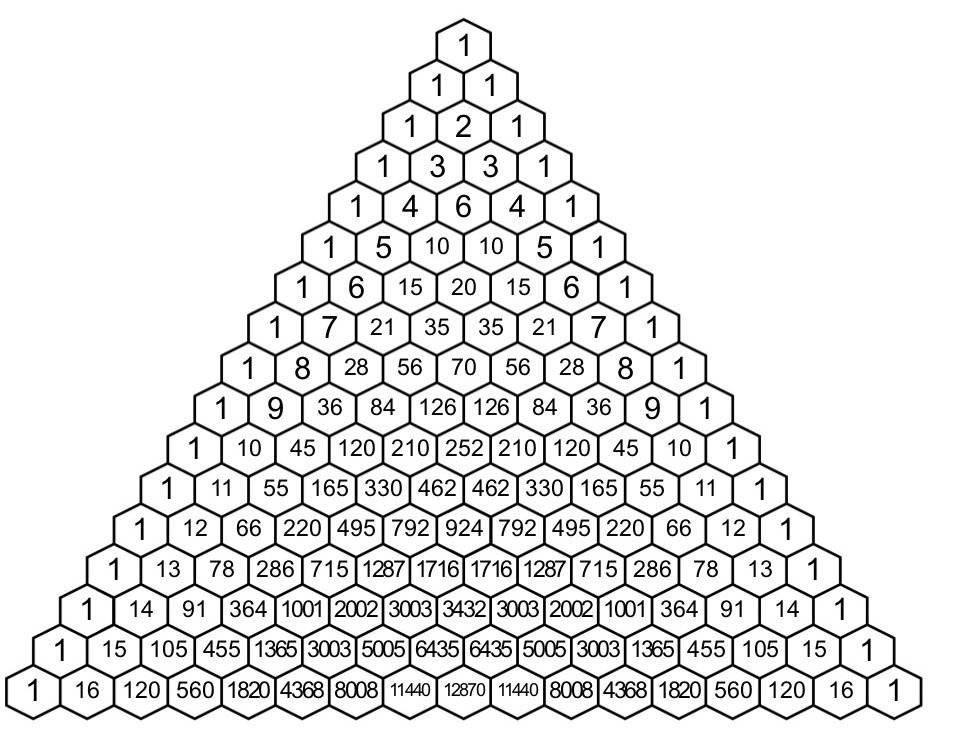
Modular arithmetic can do wonderful things. One small but beautiful example is the way it can uncover hidden fractals in Pascal’s triangle:

Pascal’s Triangle (via Desmos)


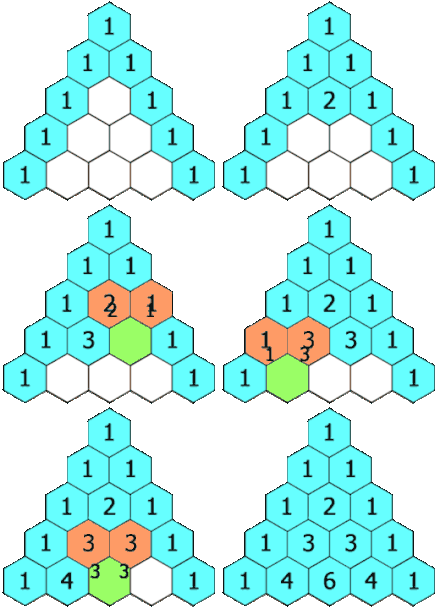
How to create Pascal’s triangle (via Wikipedia)


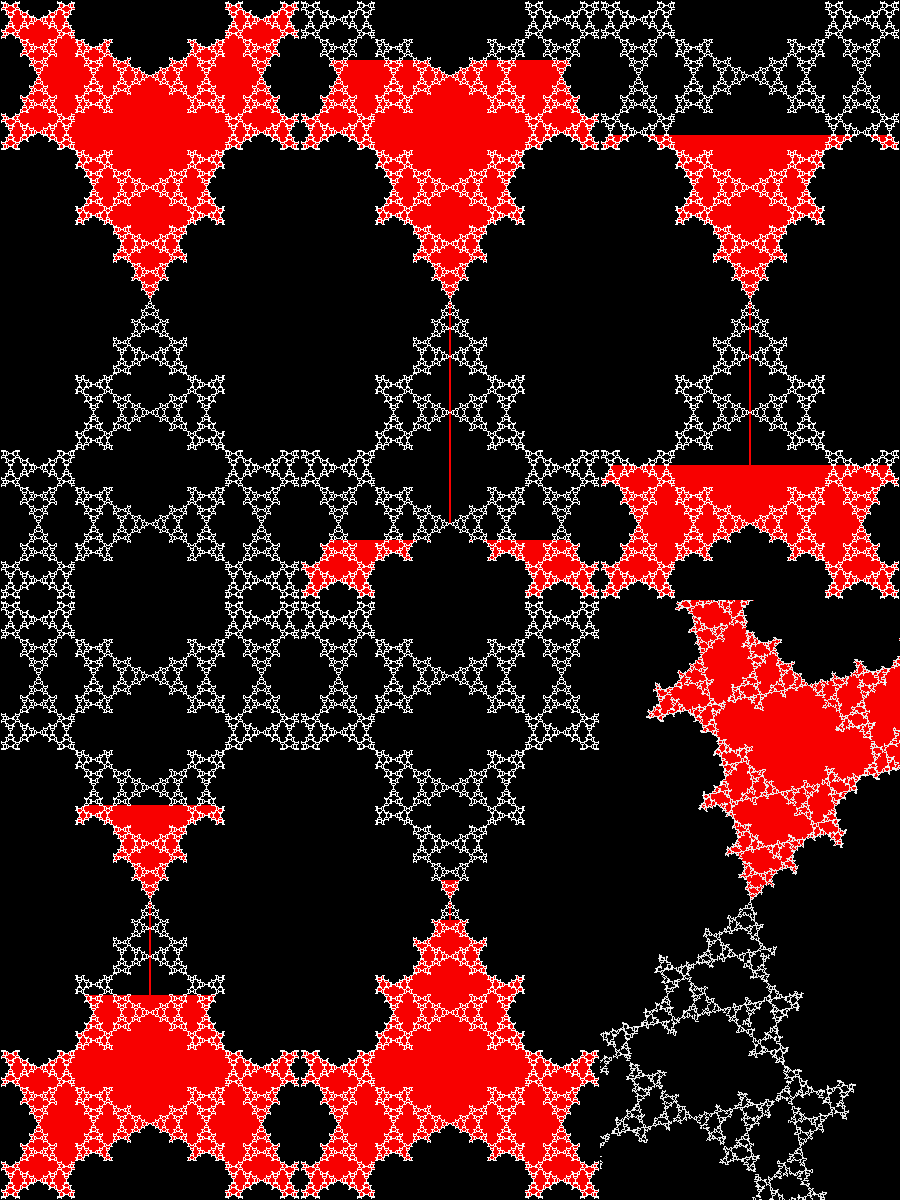
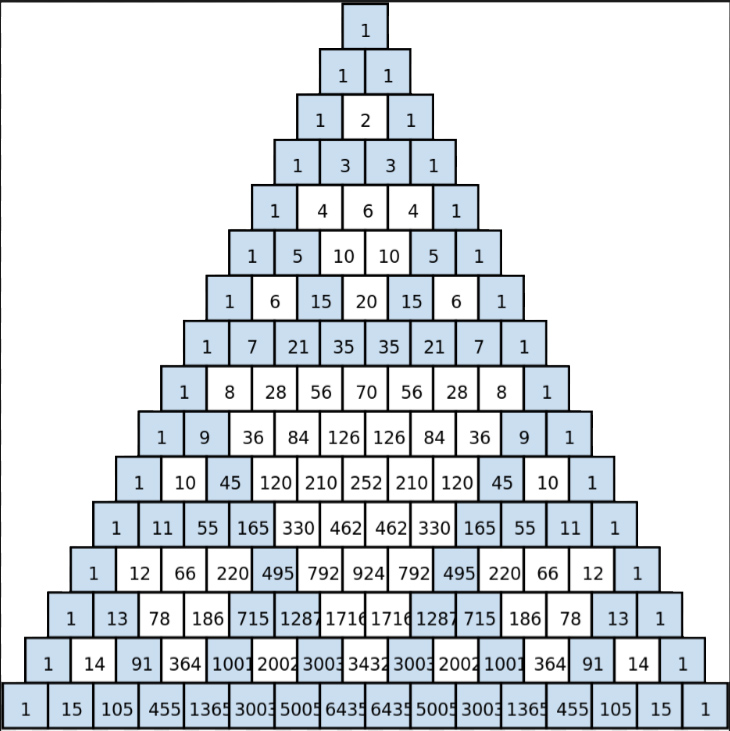
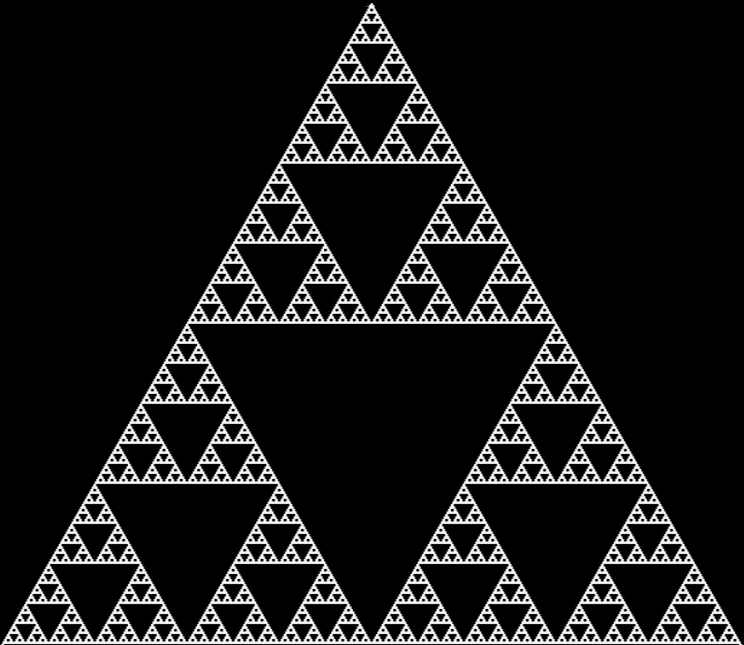
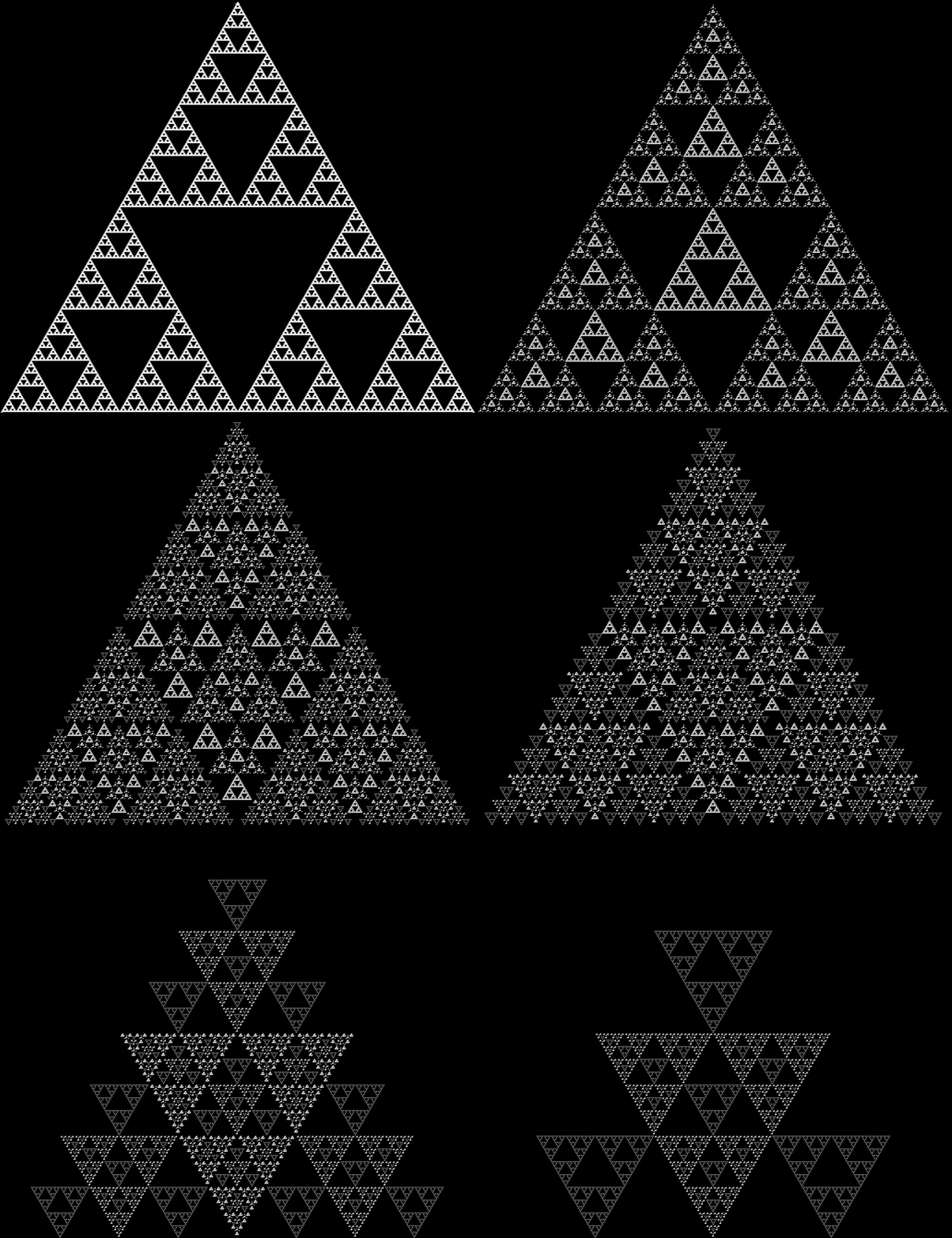
If you color all numbers n mod 2 = 1 (i.e., odd numbers) in the triangle, they create the famous Sierpiński triangle:

The Sierpiński triangle in Pascal’s triangle (via Fractal Foundation)

Pascal’s triangle, n mod 2 = 1 (click for larger)


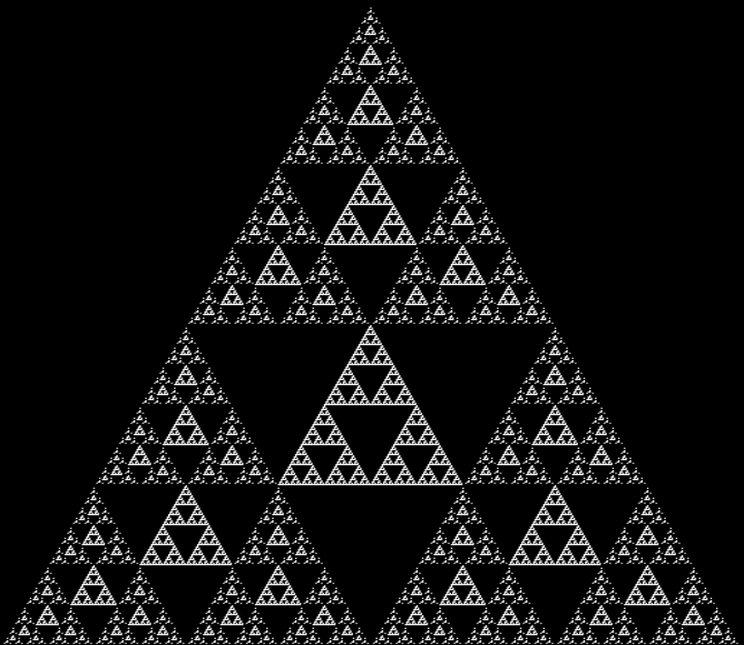
The Sierpiński triangle appears like this for all n mod 4 = 2 in Pascal’s triangle:

Pascal’s triangle, n mod 4 = 2 (click for larger)


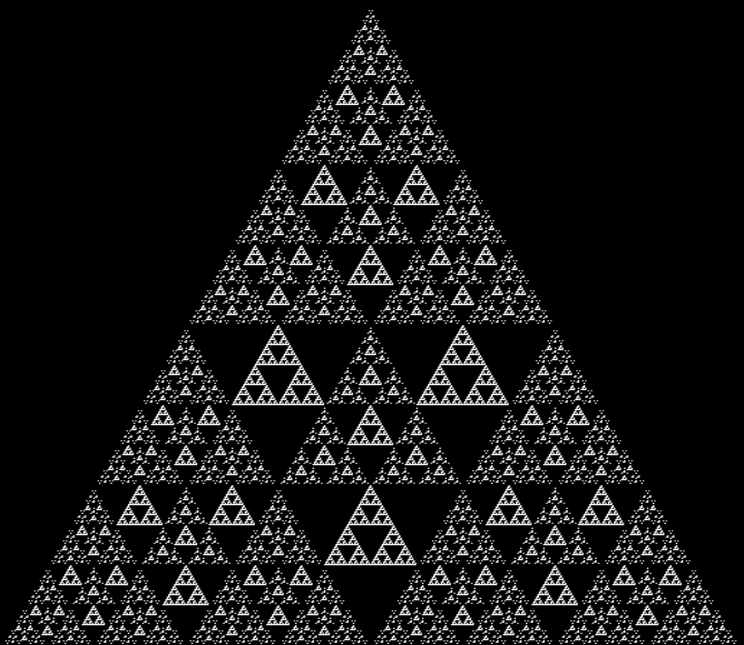
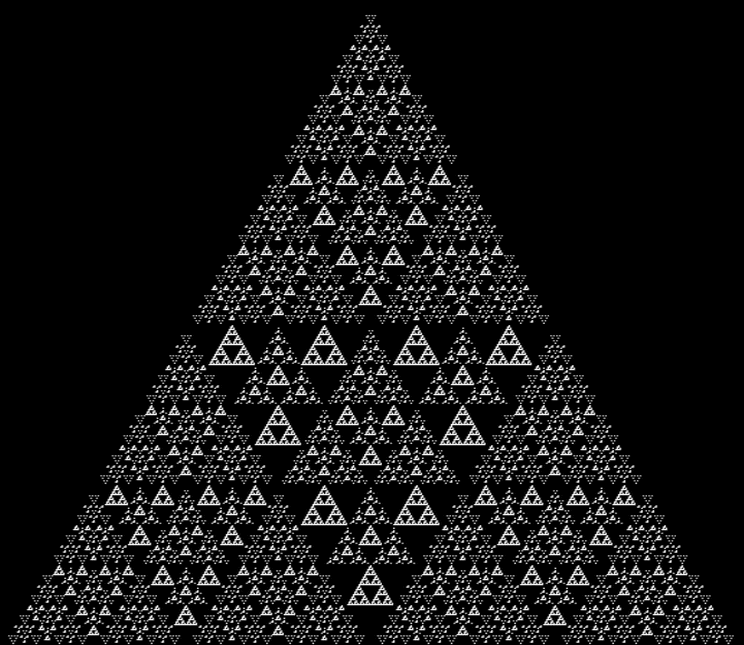
And so on:

Pascal’s triangle, n mod 8 = 4


Pascal’s triangle, n mod 16 = 8


Pascal’s triangle, n mod 32 = 16


Pascal’s triangle, n mod 64 = 32


Pascal’s triangle, n mod 128 = 64


Pascal’s triangle, n mod 256 = 128


Pascal’s triangle, n mod 2,4,8… = 1,2,4… (animated via EzGif)


Post-Performative Post-Scriptum

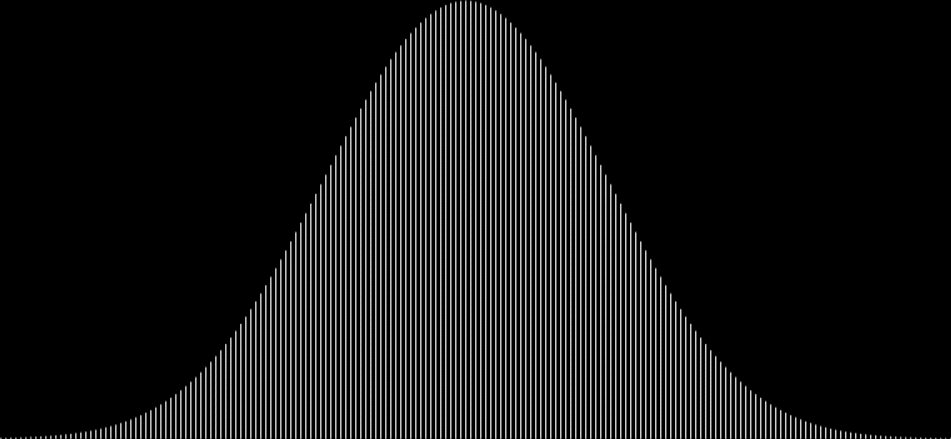
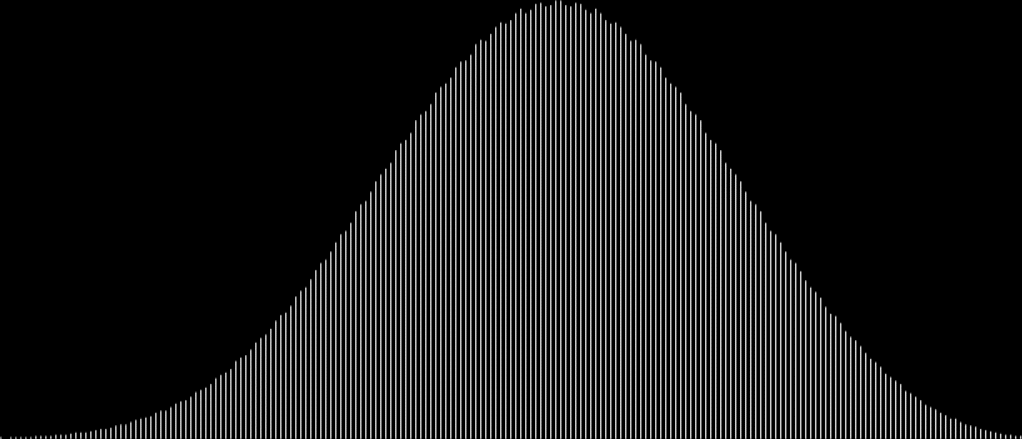
There’s no need to calculate Pascal’s triangle in full to find the fractals above. The 10th row of Pascal’s triangle is this:

1, 10, 45, 120, 210, 252, 210, 120, 45, 10, 1

The 20th row is this:

1, 20, 190, 1140, 4845, 15504, 38760, 77520, 125970, 167960, 184756, 167960, 125970, 77520, 38760, 15504, 4845, 1140, 190, 20, 1

And the 29th is this:

1, 29, 406, 3654, 23751, 118755, 475020, 1560780, 4292145, 10015005, 20030010, 34597290, 51895935, 67863915, 77558760, 77558760, 67863915, 51895935, 34597290, 20030010, 10015005, 4292145, 1560780, 475020, 118755, 23751, 3654, 406, 29, 1

But you don’t need to consider those ever-growing numbers in the triangle when you’re finding fractals with modular arithmetic. When the modulus is 2, you just work with 0 and 1, that is, you add the previous numbers in the triangle and find the sum modulo 2. When the modulus is 4, you just work with 0, 1, 2 and 3, adding the numbers and finding the sum modulo 4. When it’s 8, you just work with 0, 1, 2, 3, 4, 5, 6 and 7, finding the sum modulo 8. And so on.

Second Whirled Warp

In “First Whirled Warp”, I looked at the paths traced by the midpoint of two points moving at varying speeds around the perimeter of a circle or polygon. Now I wanted to look at the midpoint of two points moving on the perimeter of a star. Suppose the star looks like this:

Four-pointed star


If the two points start at the same vertex and one point is moving 1/2 as fast as the other, the midpoint traces a shape like the head of a fox:

Fox-head from midpoint of two points moving in speed-ratio 1/2 : 1 (or 1 : 2)


If one point is moving 1/3 as fast (or 3x faster), the trace looks like this:

Midpoint of two points moving in speed-ratio 1/3 : 1


And if the points are moving -1/3 : 1, that is, in opposite directions (one clockwise, one widdershins):

Speed-ratio -1/3 : 1


And you can adjust all pixels outward so that the outer vertices of the star lie on the perimeter of a circle:

Speed-ratio -1/3 : 1 (circular)


Here are more traces created by the midpoint of two points moving around the perimeter of a four-pointed star:

Speed-ratio 1/5 : 1


Speed-ratio 3/5 : 1

Speed-ratio 3/5 : 1 (circular)


Speed-ratio -3/7 : 1/3

Speed-ratio -3/7 : 1/3 (circular)


Speed-ratio 7/3 : 6/7

Speed-ratio 7/3 : 6/7 (circular)


Speed-ratio -7/3 : 6/7

Speed-ratio -7/3 : 6/7 (circular)


If the star is adjusted like this:

Variant on four-pointed star


You can get mid-traces like this:

Speed-ratio -1/7 : 1 (adjusted star)

Speed-ratio -1/7 : 1 (adjusted star) (circular)


Here’s a three-pointed star:

Speed-ratio -4/5 : 1 (3p star)

Speed-ratio -4/5 : 1 (3p star) (circular)


And some five-pointed stars:

Speed-ratio 2/7 : 1 (5p star)

Speed-ratio 2/7 : 1 (5p star) (circular)


Speed-ratio -7/5 : 3/7 (5p star)

Speed-ratio -7/5 : 3/7 (5p star) (circular)


Previously Pre-Posted

First Whirled Warp — an earlier look at points performativizing on perimeters

Trigging Triangles

A fractal is a shape in which a part looks like the whole. Trees are fractals. And lungs. And clouds. But there are man-made fractals too and probably the most famous of them all is the Sierpiński triangle, invented by the Polish mathematician Wacław Sierpiński (1882-1969):
Sierpiński triangle


There are many ways to create a Sierpiński triangle, but one of the simplest is to trace all possible routes followed by a point jumping halfway towards the vertices of an equilateral triangle. If you mark the endpoint of the jumps, the Sierpiński triangle appears as the routes get longer and longer, like this:
Point jumping 1/2 way towards vertices of an equilateral triangle (animated)

Once you’ve created a Sierpiński triangle like that, you can play with it. For example, you can use simple trigonometry to stretch the triangle into a circle:

Sierpiński triangle to circle stage #1


Sierpiński triangle to circle #2


Sierpiński triangle to circle #3


Sierpiński triangle to circle #4


Sierpiński triangle to circle #5


Sierpiński triangle to circle #6


Sierpiński triangle to circle #7


Sierpiński triangle to circle #8


Sierpiński triangle to circle #9


Sierpiński triangle to circle #10


Sierpiński triangle to Sierpiński circle (animated)


But the trigging of the triangle can go further. You can expand the Sierpiński circle further, like this:

Sierpiński circle expanded


Or shrink the Sierpiński triangle like this:

Shrinking Sierpiński triangle stage #1


Shrinking Sierpiński triangle #2


Shrinking Sierpiński triangle #3


Shrinking Sierpiński triangle #4


Shrinking Sierpiński triangle #5


Shrinking Sierpiński triangle #6


Shrinking Sierpiński triangle (animated)


You can also create new shapes using the jumping-point technique. Suppose that, as the point is jumping, you adjust its position outwards into the circumscribed circle whenever it lands within the boundaries of the governing triangle. But if the point lands outside those boundaries, you leave it alone. Using this adapted technique, you get a shape like this:

Adjusted Sierpiński circle


And if the point is swung by 60° after it’s adjusted into the circle, you get a shape like this:

Adjusted Sierpiński circle (60° swing)


Here are some animated gifs showing these shapes rotating in a full circle at various speeds:

Adjusted Sierpiński circle (swinging animation) (fast)


Adjusted Sierpiński circle (swinging animation) (medium)


Adjusted Sierpiński circle (swinging animation) (slow)