
Serendipity in some simplification statistics. That’s what I encountered the other day. I was looking at the ways to simplify this set of fractions:
1/2, 1/3, 2/3, 1/4, 2/4, 3/4, 1/5, 2/5, 3/5, 4/5, 1/6, 2/6, 3/6, 4/6, 5/6, 1/7, 2/7, 3/7, 4/7, 5/7, 6/7, 1/8, 2/8, 3/8, 4/8, 5/8, 6/8, 7/8, 1/9, 2/9, 3/9, 4/9, 5/9, 6/9, 7/9, 8/9, 1/10, 2/10, 3/10, 4/10, 5/10, 6/10, 7/10, 8/10, 9/10, 1/11, 2/11, 3/11, …
The underlined fractions are not in their simplest possible form. For example, 2/4 simplifies to 1/2, 2/6 to 1/3, 3/6 to 1/2, and so on:
1/2, 1/3, 2/3, 1/4, 2/4 → 1/2, 3/4, 1/5, 2/5, 3/5, 4/5, 1/6, 2/6 → 1/3, 3/6 → 1/2, 4/6 → 2/3, 5/6, 1/7, 2/7, 3/7, 4/7, 5/7, 6/7, 1/8, 2/8 → 1/4, 3/8, 4/8 → 1/2, 5/8, 6/8 → 3/4, 7/8, 1/9, 2/9, 3/9 → 1/3, 4/9, 5/9, 6/9 → 2/3, 7/9, 8/9, 1/10, 2/10 → 1/5, 3/10, 4/10 → 2/5, 5/10 → 1/2, 6/10 → 3/5, 7/10, 8/10 → 4/5, 9/10, 1/11, 2/11, 3/11, …
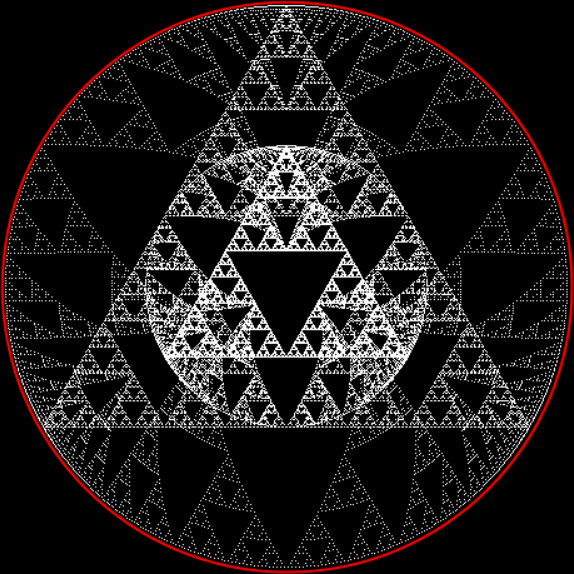
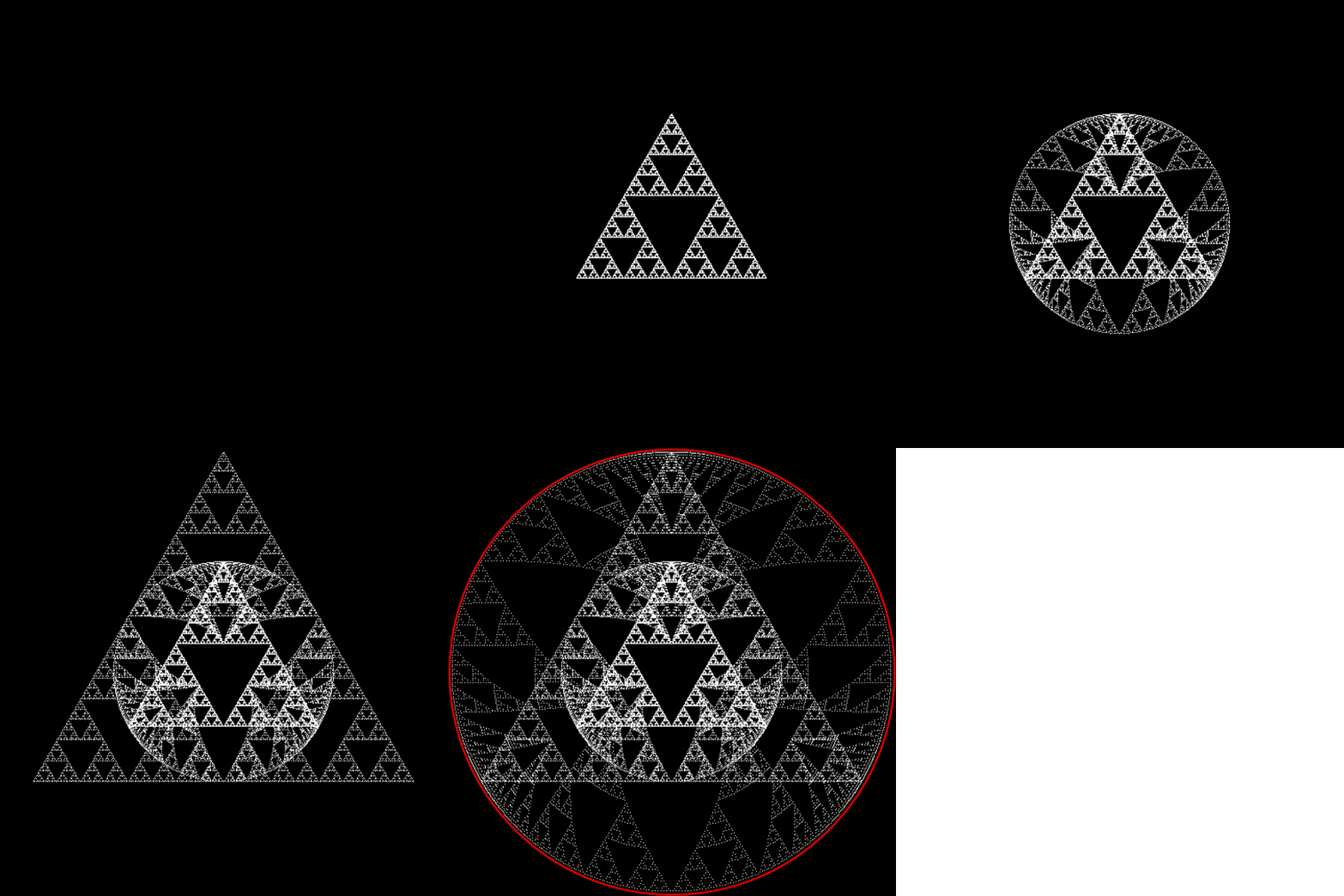
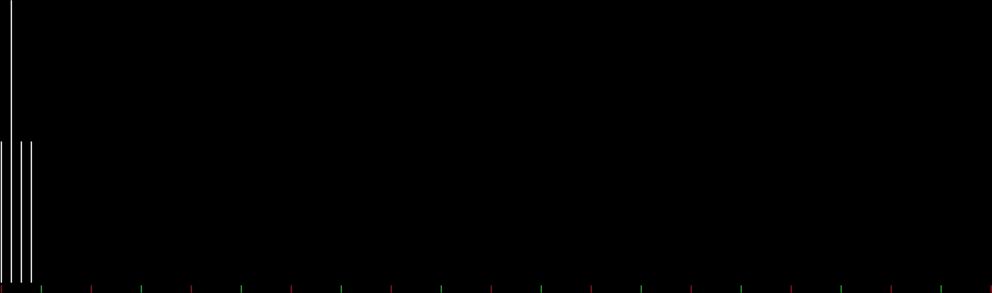
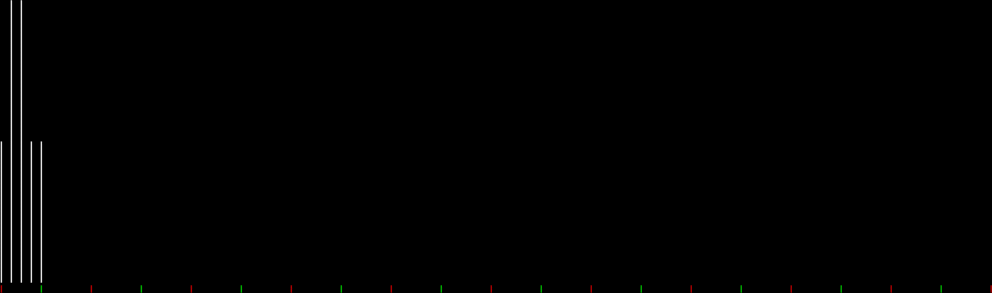
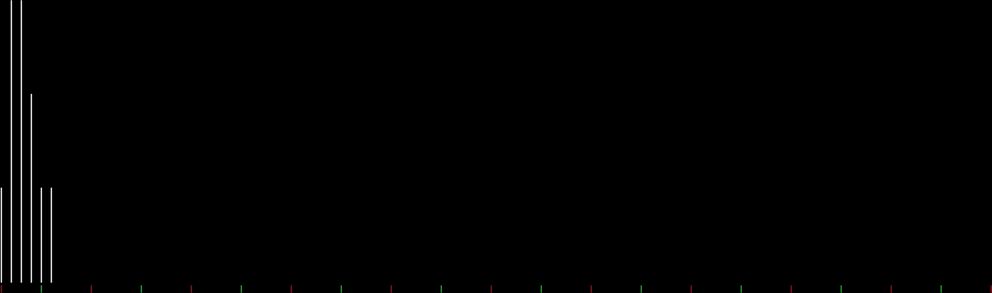
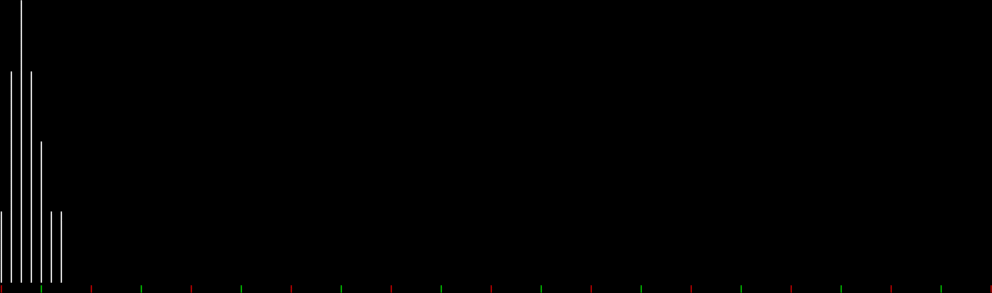
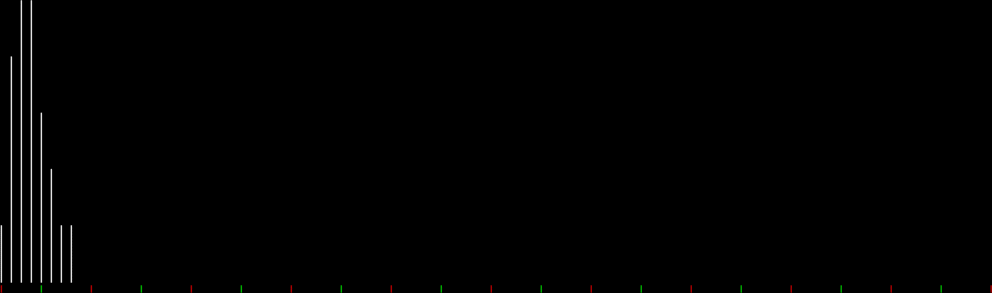
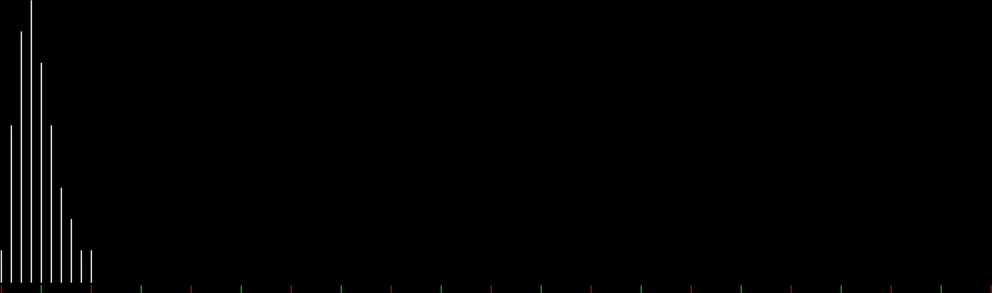
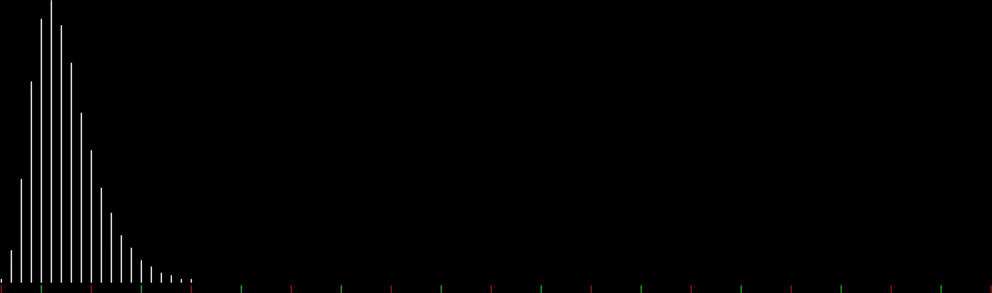
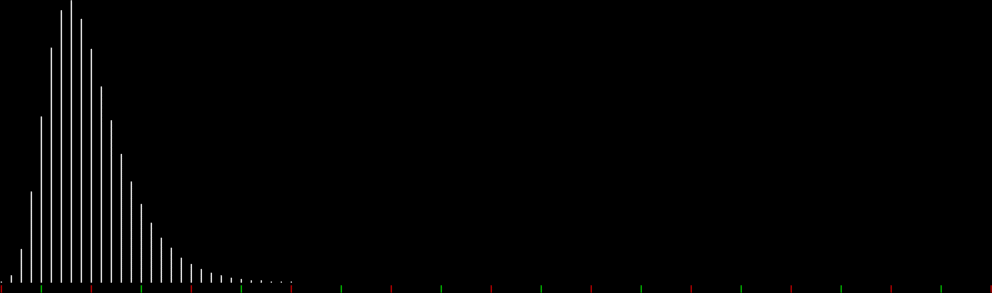
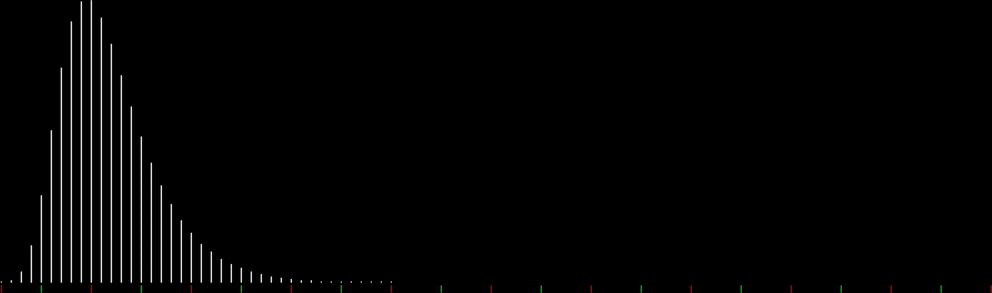
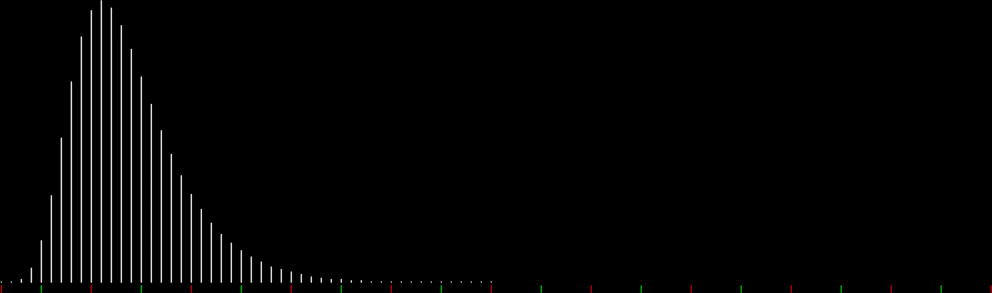
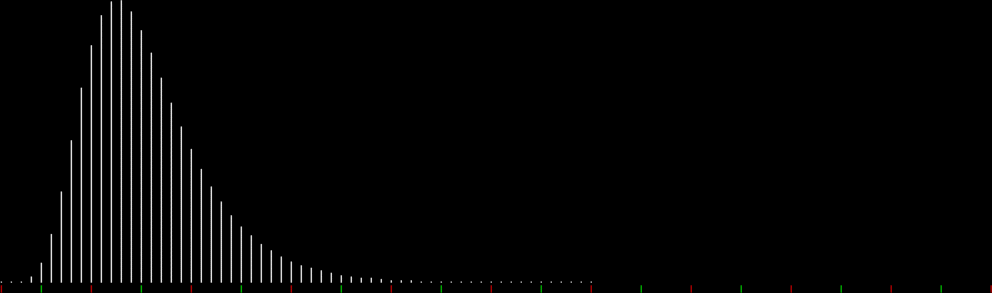
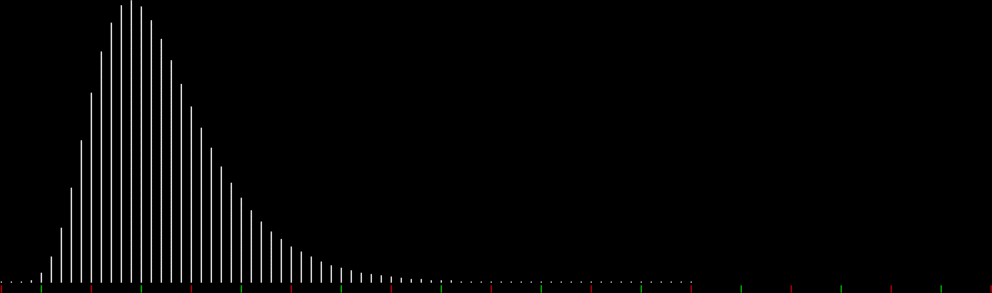
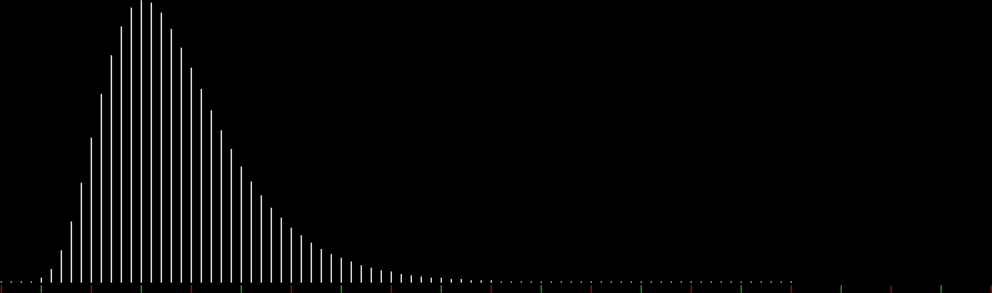
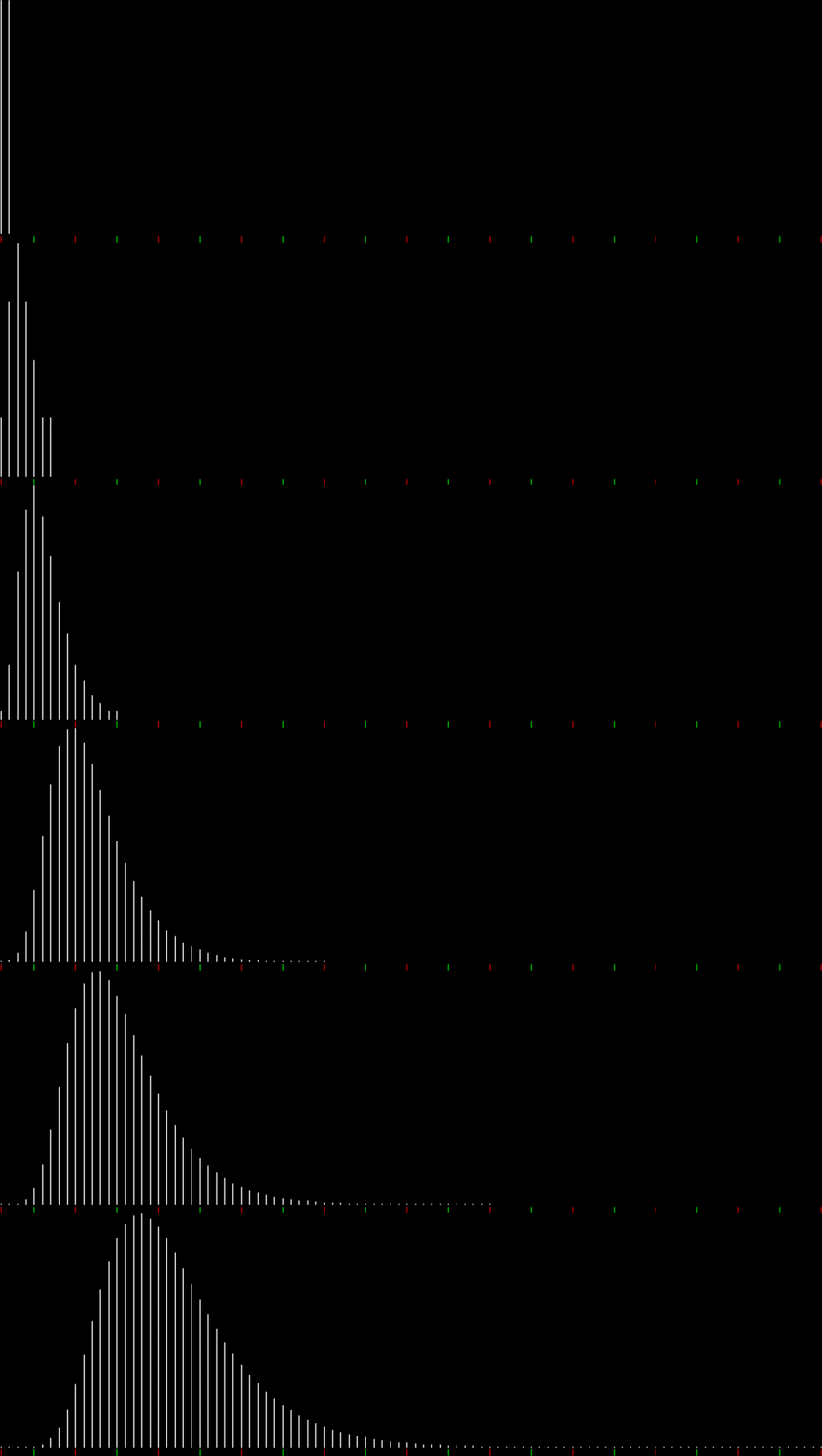
I counted the number of times the simplest possible fractions occurred when simplifying all fractions a/b for (b = 2..n, a = 1..b-1), then displayed the stats as a graph running from 0/1 to 1/1. And there was serendipity in these simplification statistics, because a fractal had appeared:
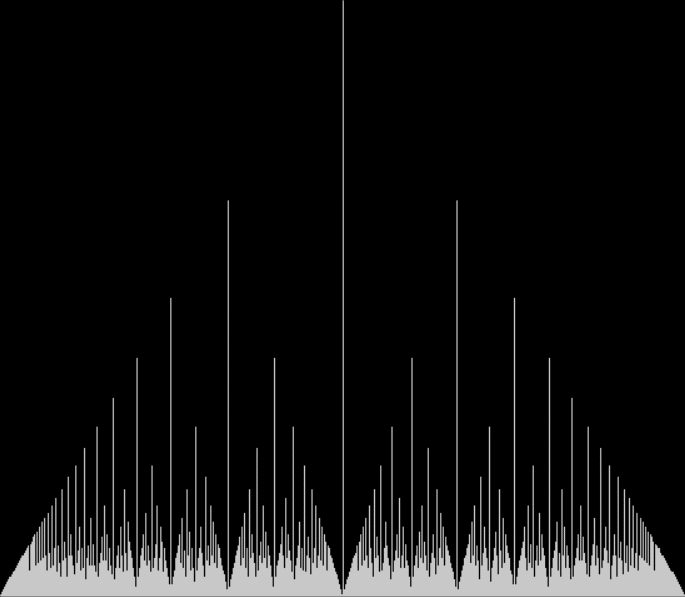
Graph for count of simplest possible fractions from a/b for (b = 2..n, a = 1..b-1)
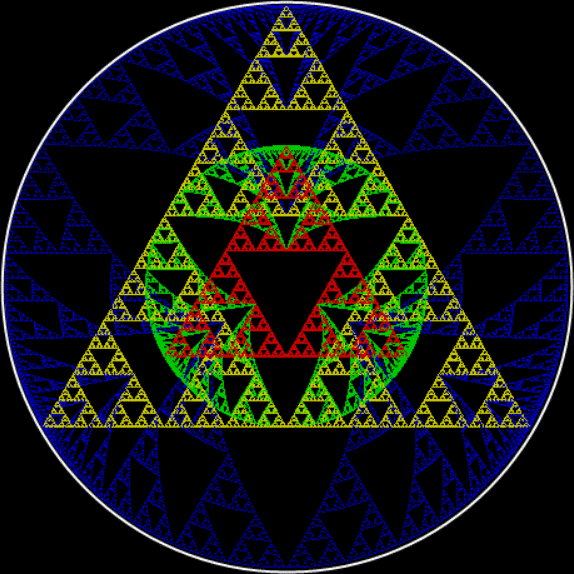
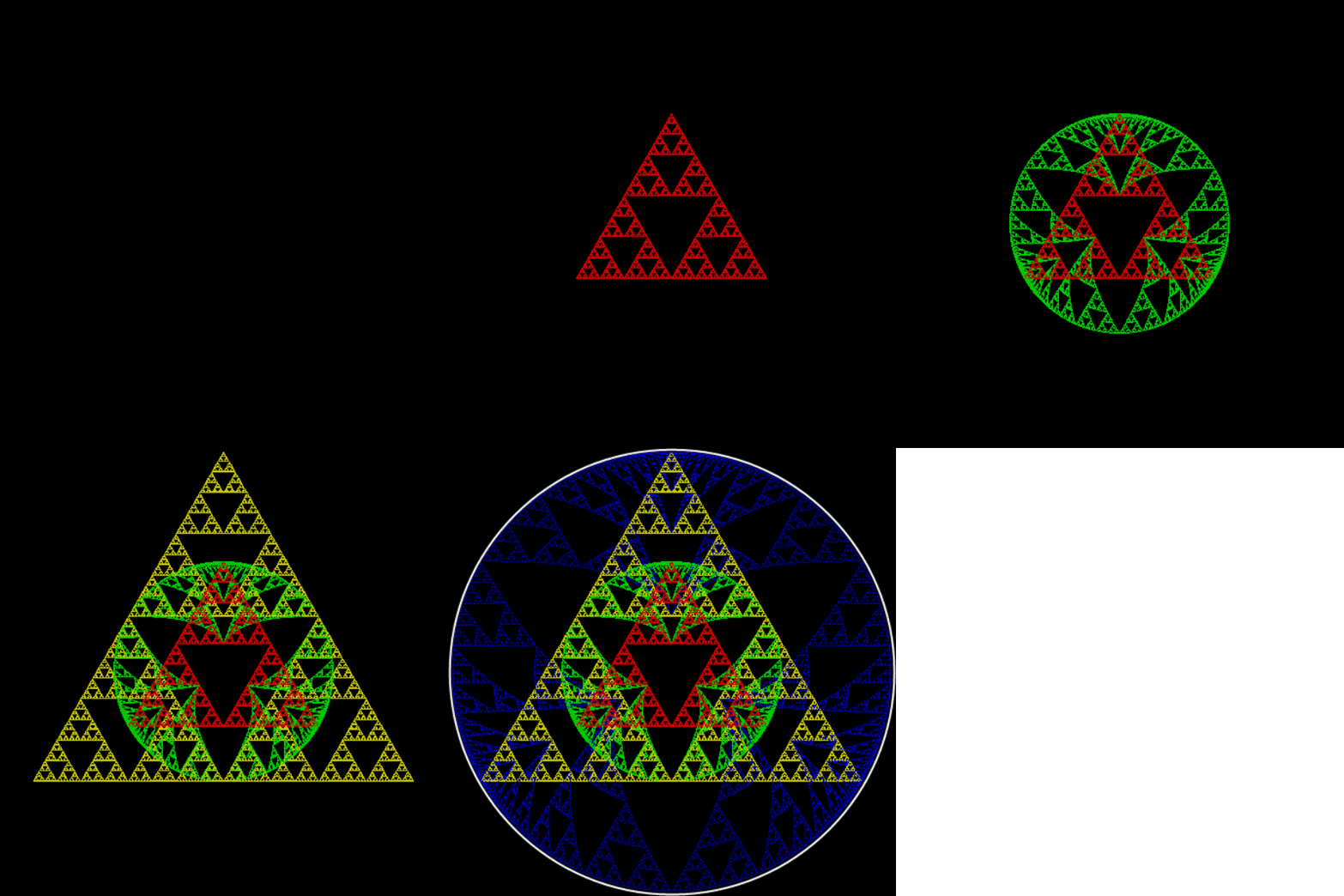
It’s interesting to work out what fractions appear where. For example, the peak in the middle is 1/2, but what are the next-highest peaks on either side? The answers are more obvious in the colored version of the graph:
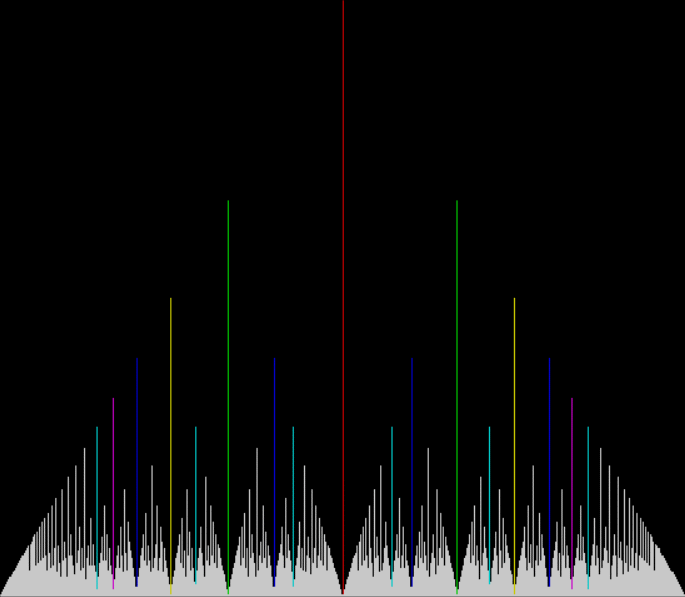
Colored graph for count of simplest possible fractions
Key: n/2, n/3, n/4, n/5, n/6, n/7
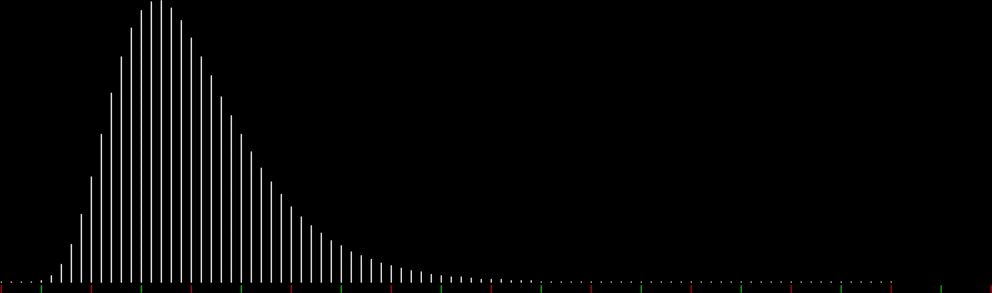
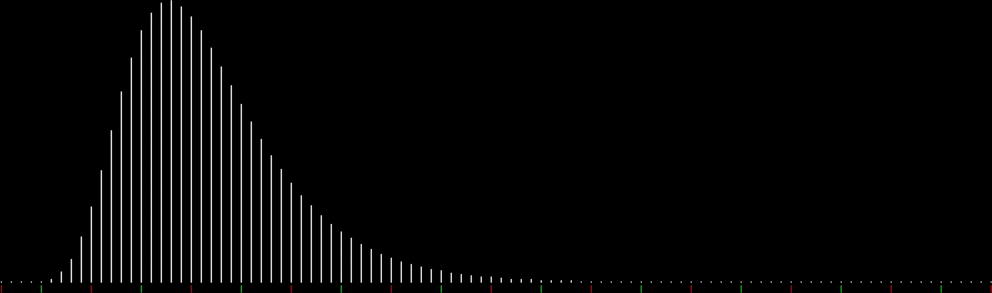
The line for 1/2 is red, the lines for 1/3 and 2/3 in light green, the lines for 1/4 and 3/4 in yellow, and so on. But those graphs appear in an equilateral triangle, as it were. The fractals get easier to see in the full-sized versions of these widened graphs:
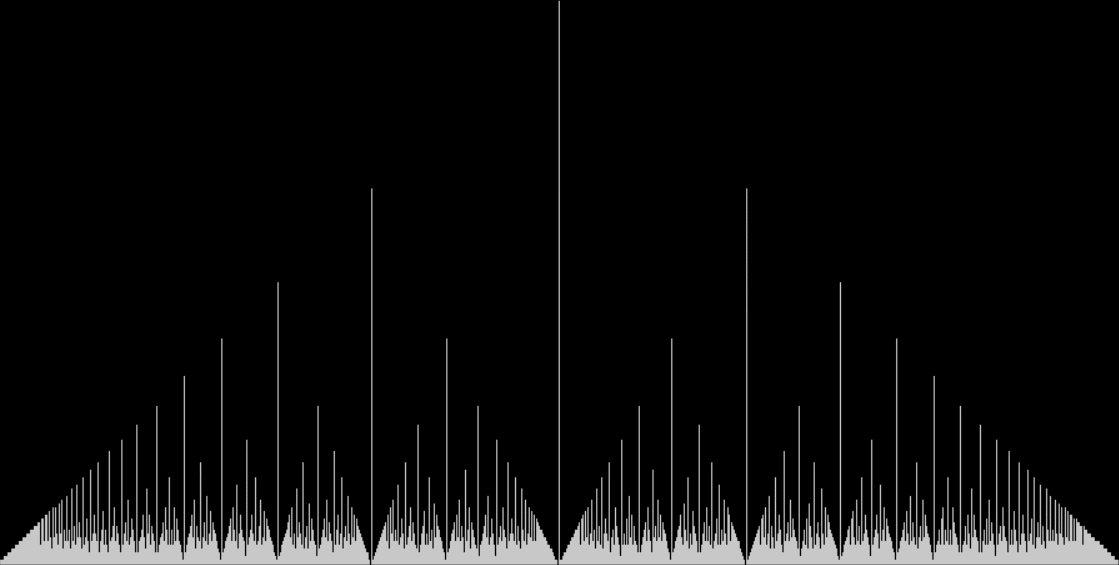
Widened graph for count of simplest possible fractions from a/b for (b = 2..n, a = 1..b-1)
(click for full size)
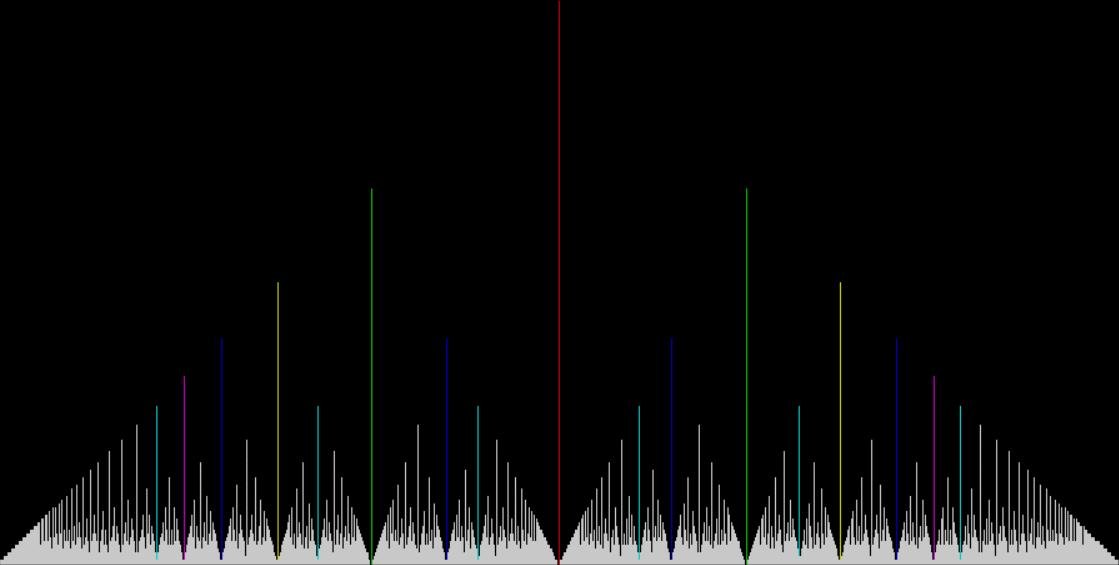
Widened and colored graph for count of simplest possible fractions
(click for full size)









 Overlord In Terms of Core Issues Around Maximal Engagement with Key Notions of the Über-Feral