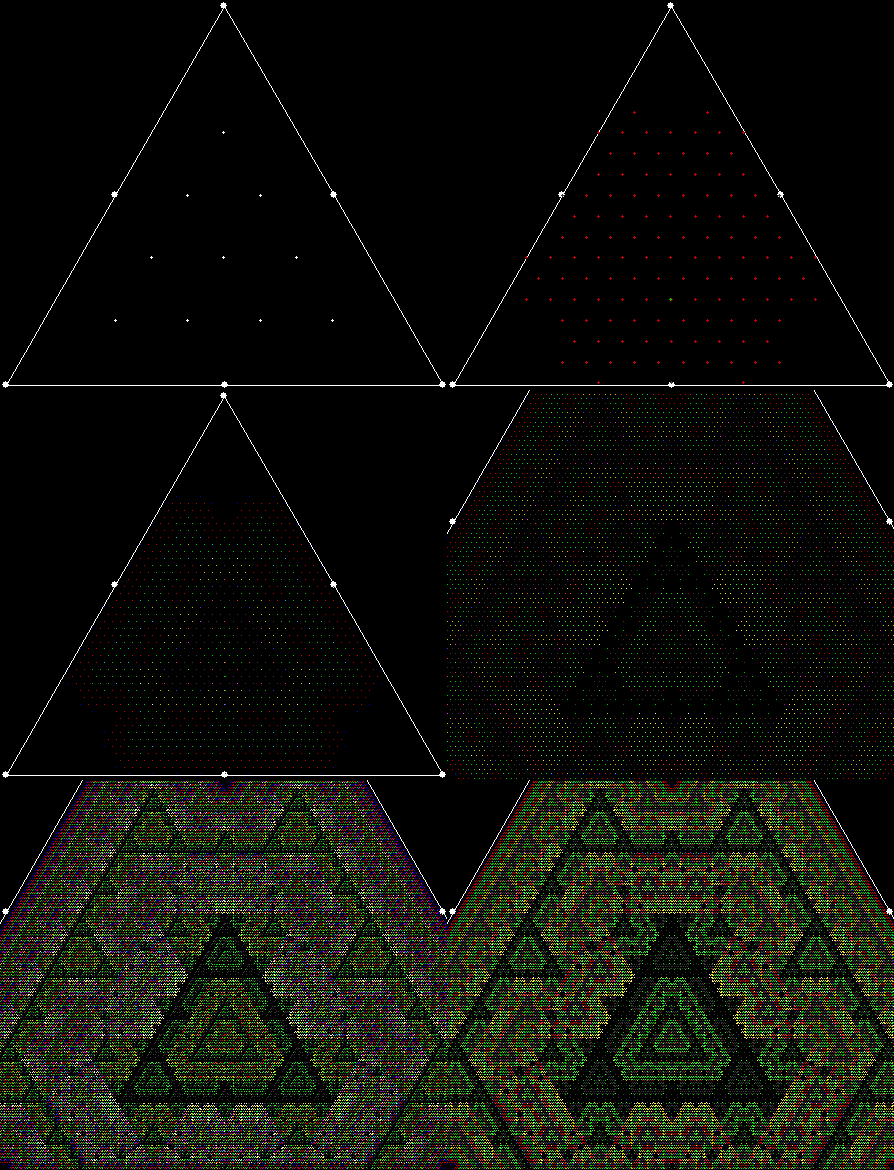
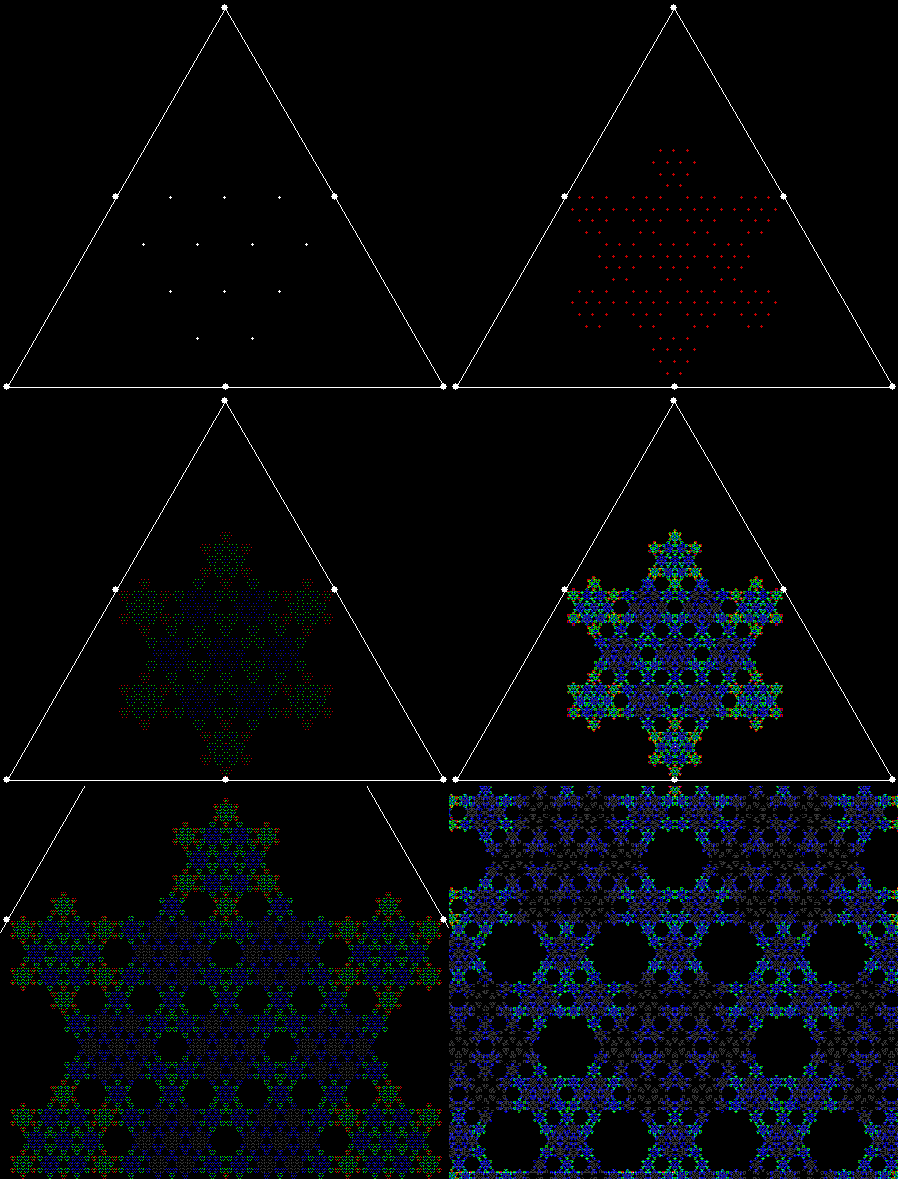
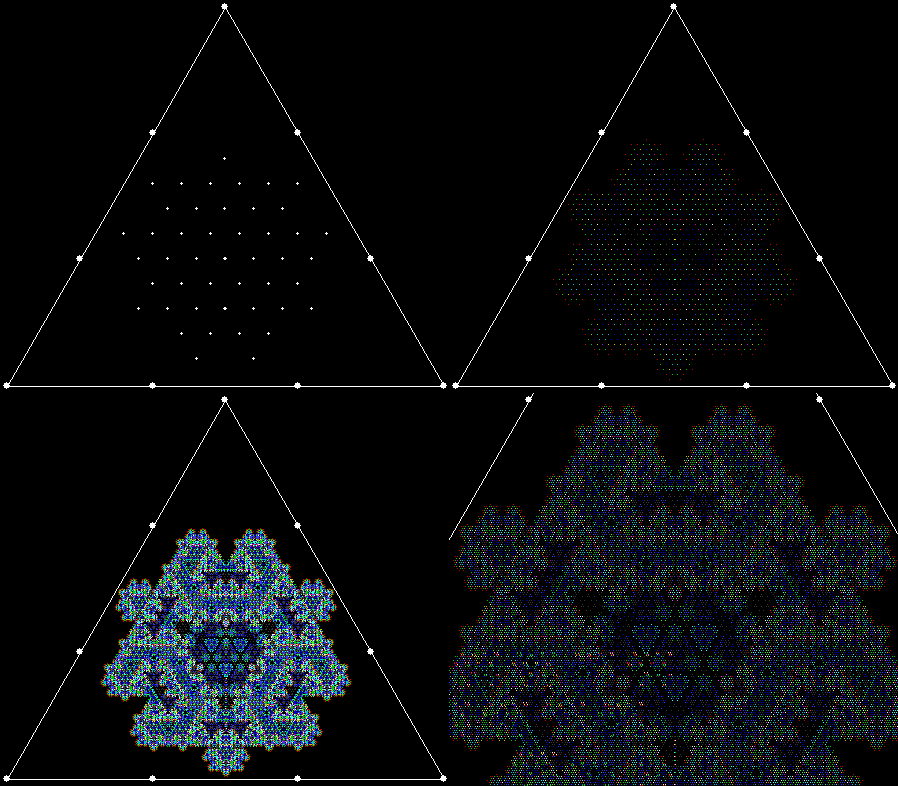
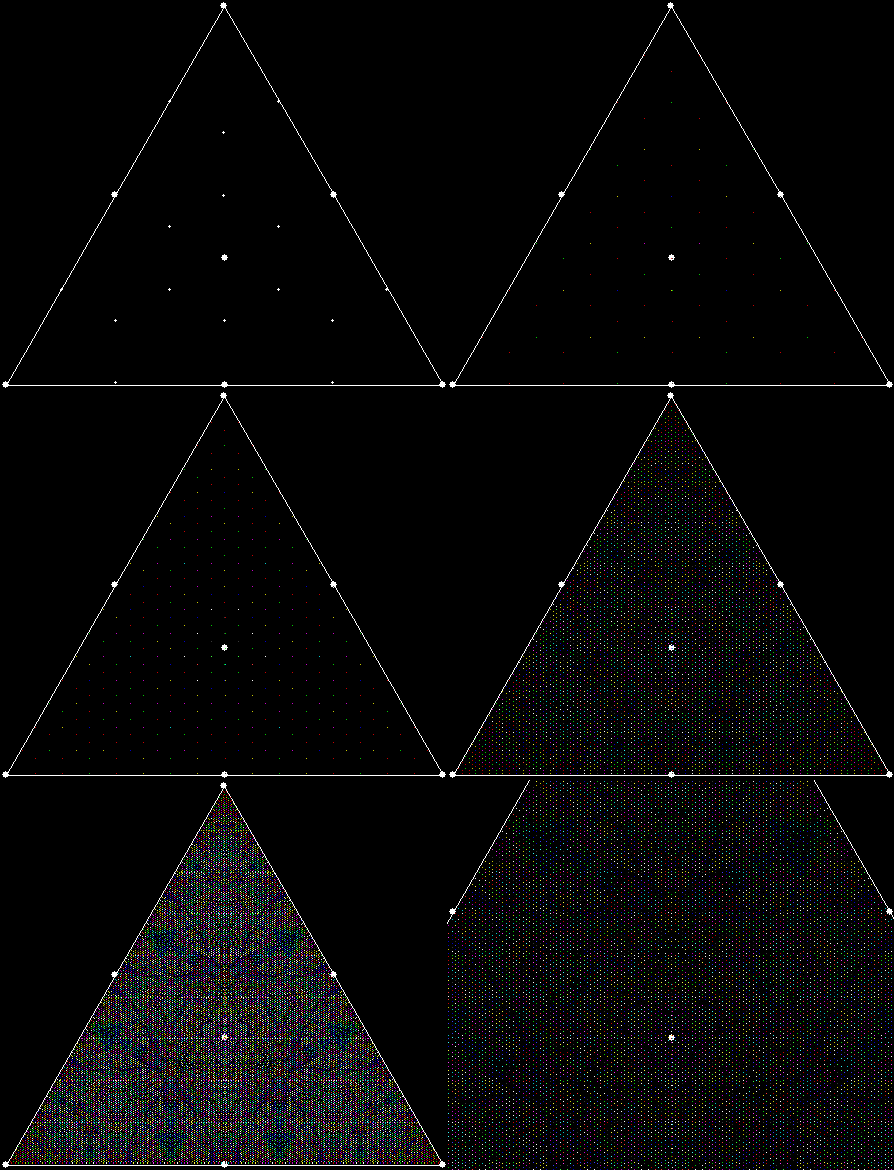
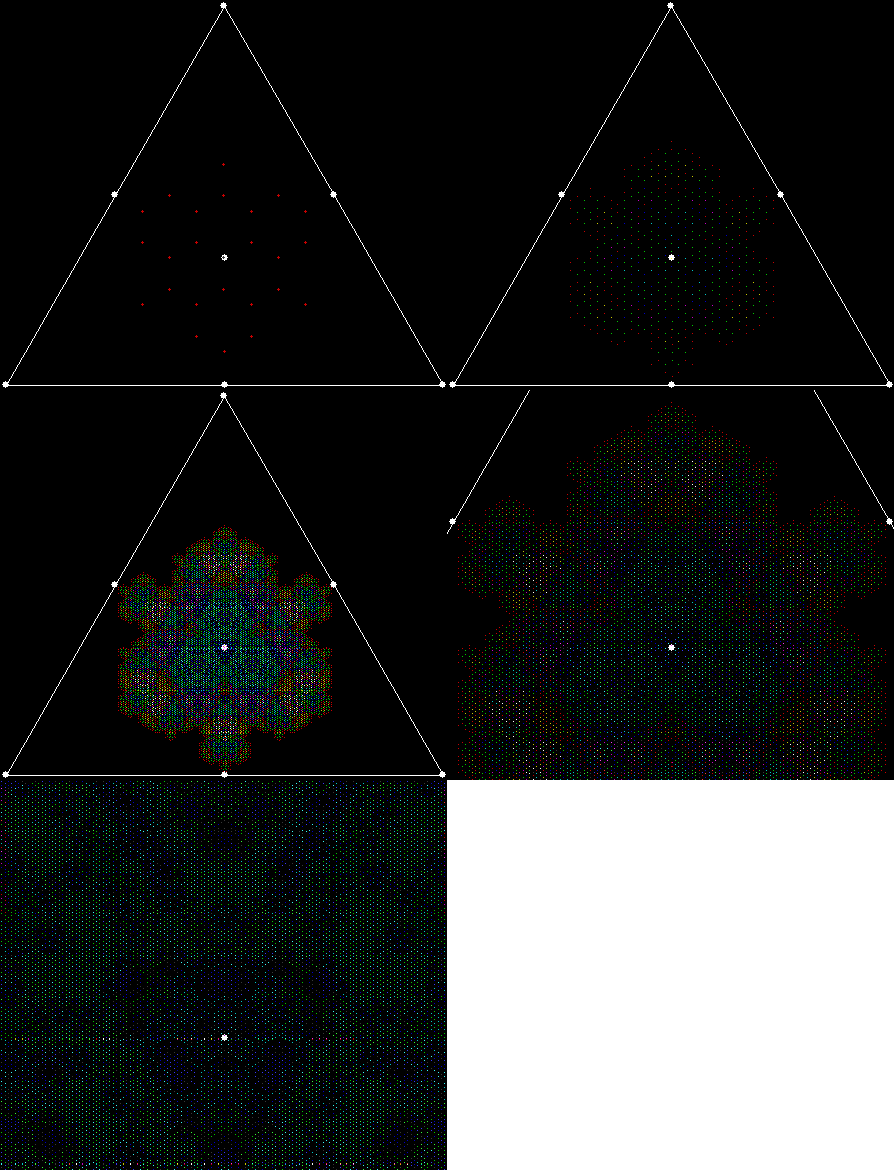
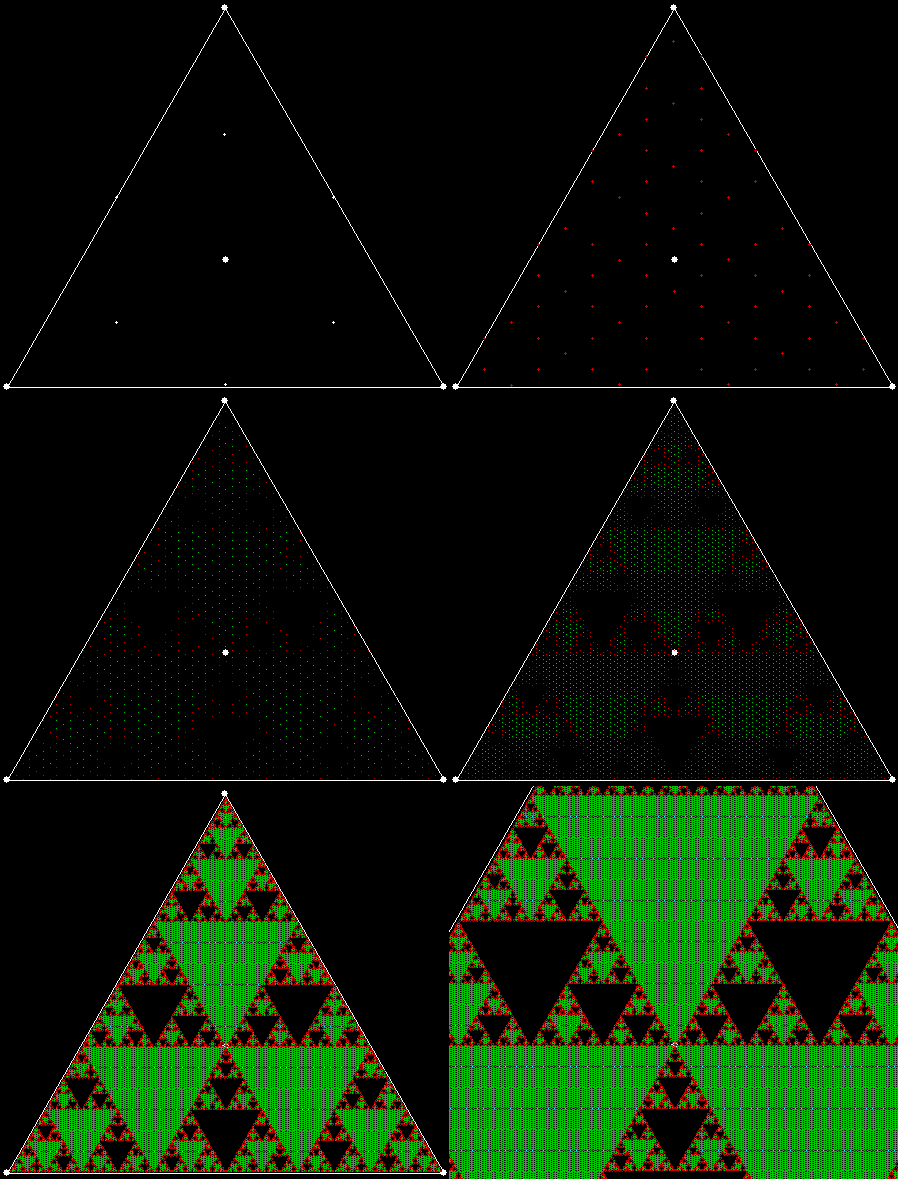
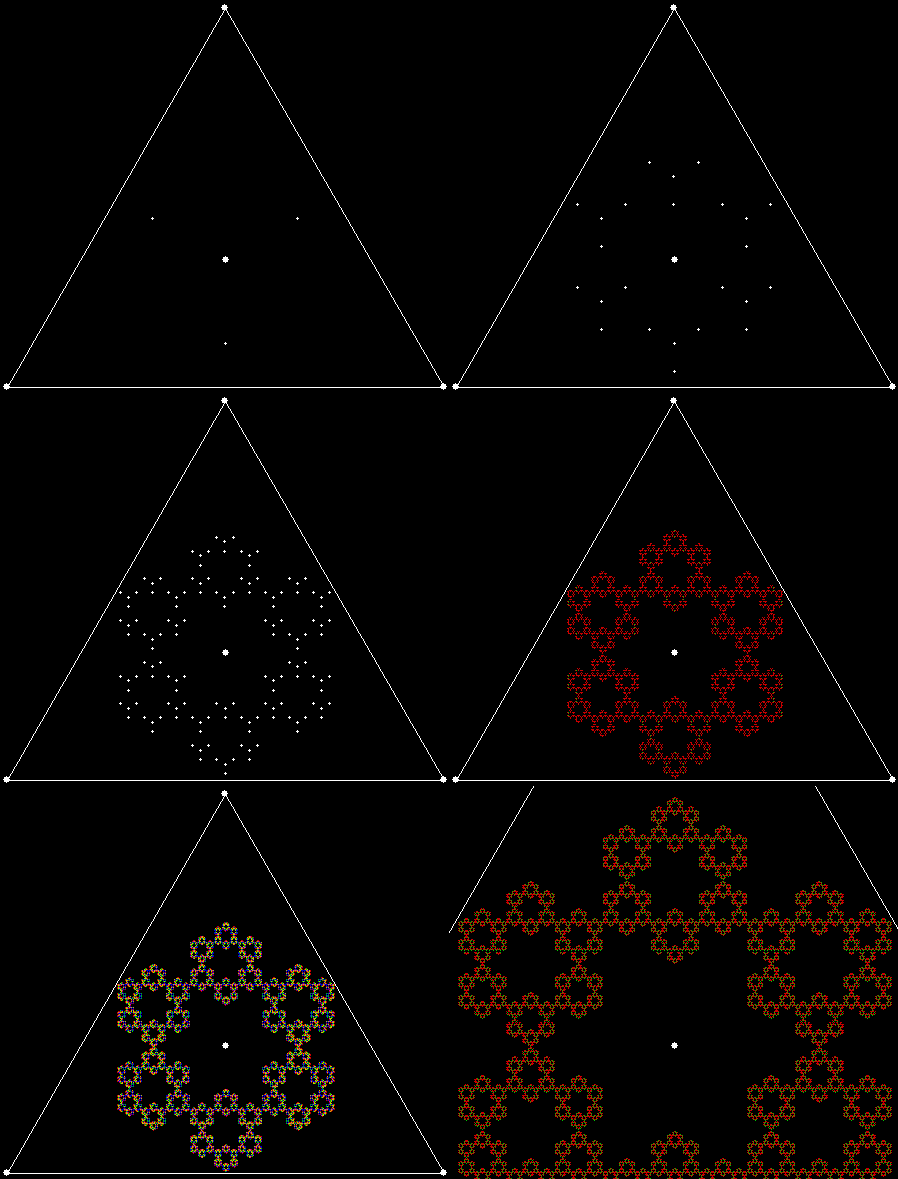
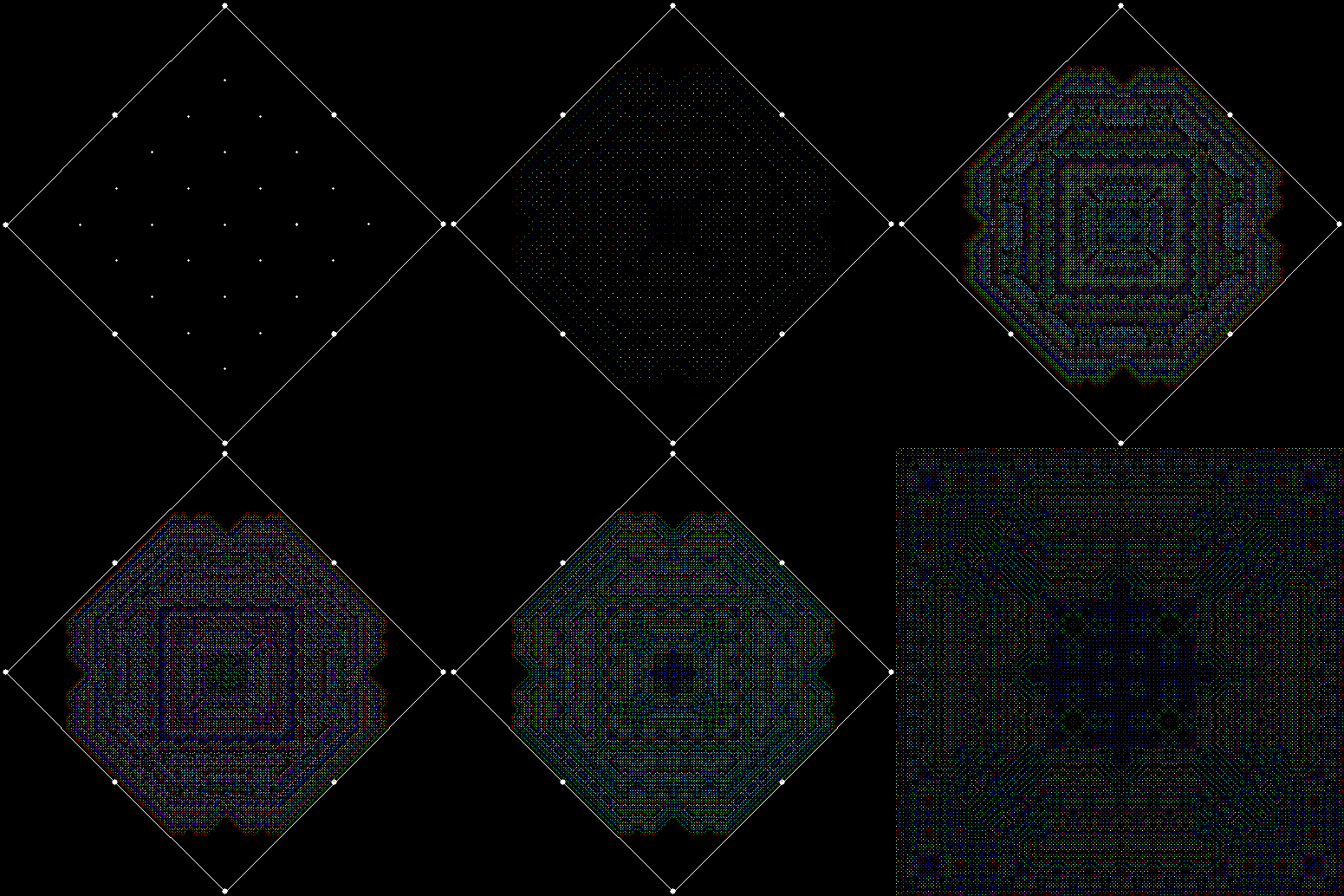
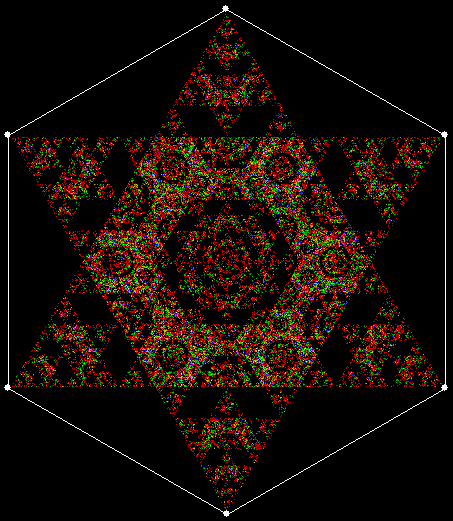
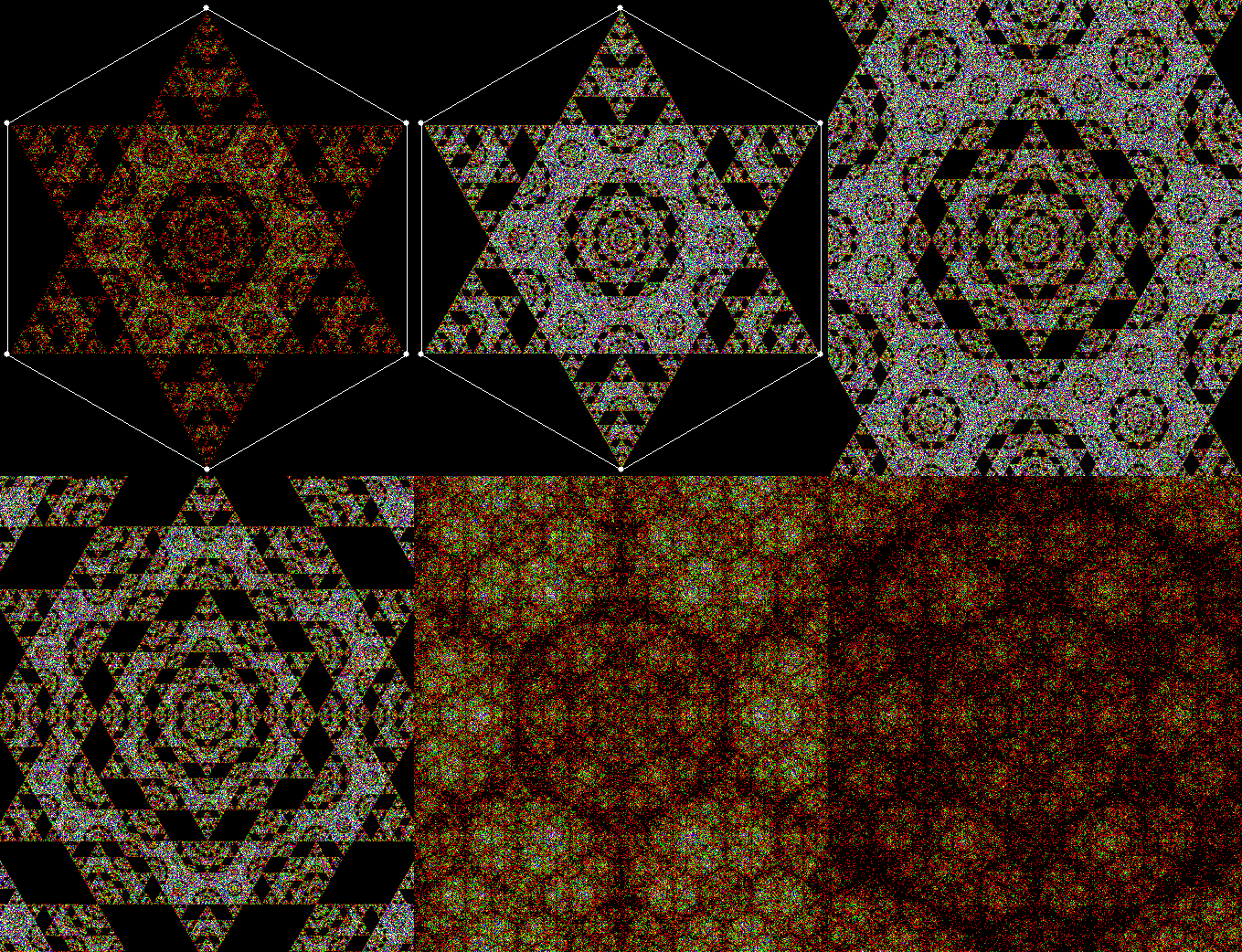
Tri-Way to L

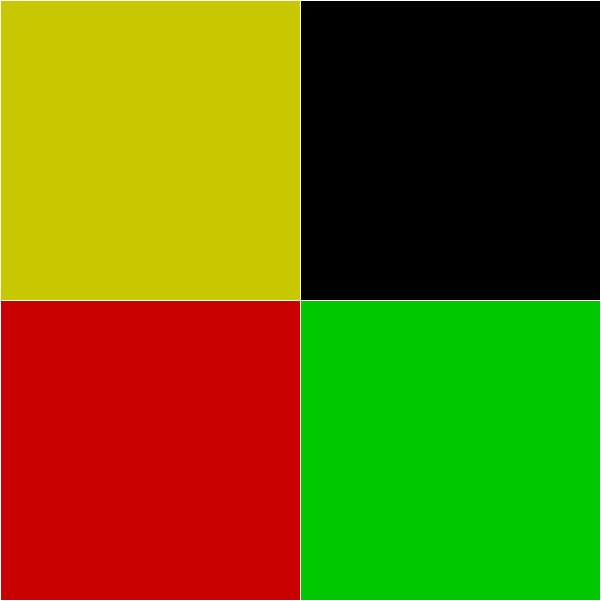
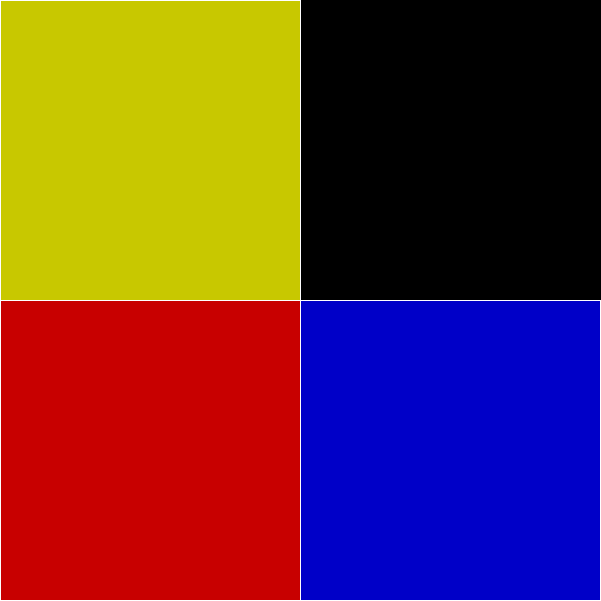
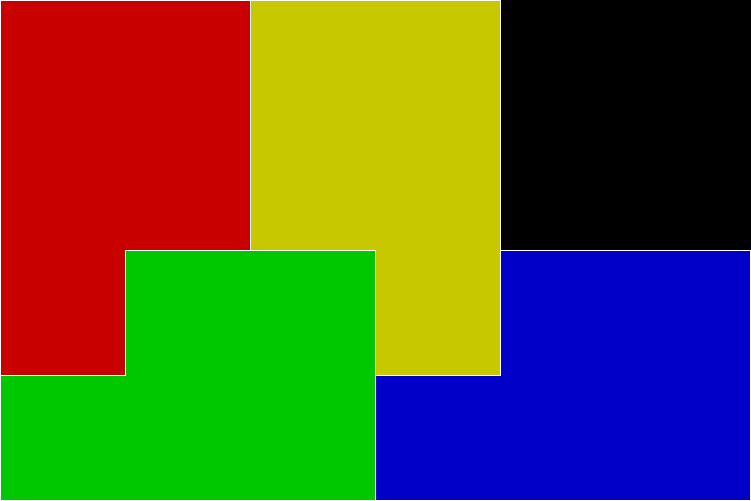
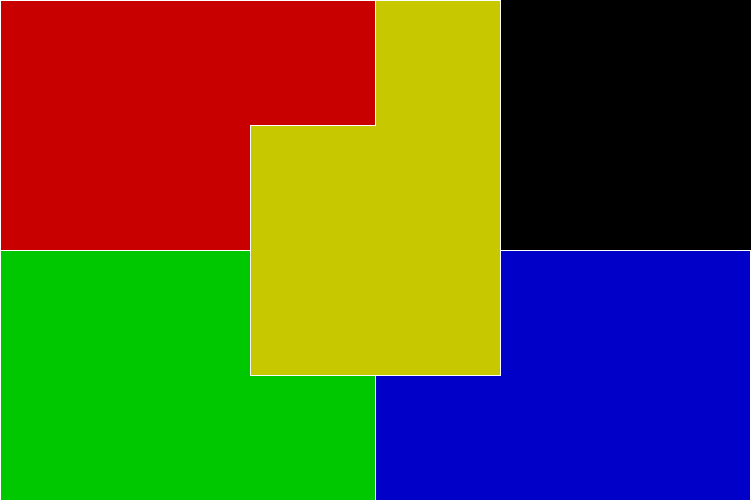
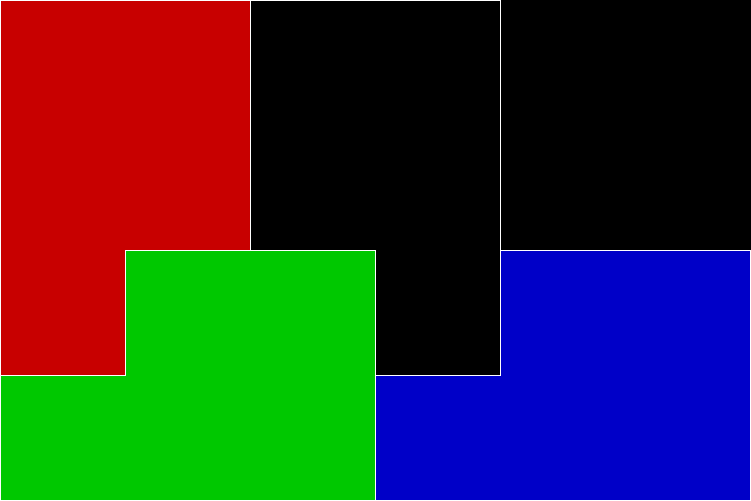
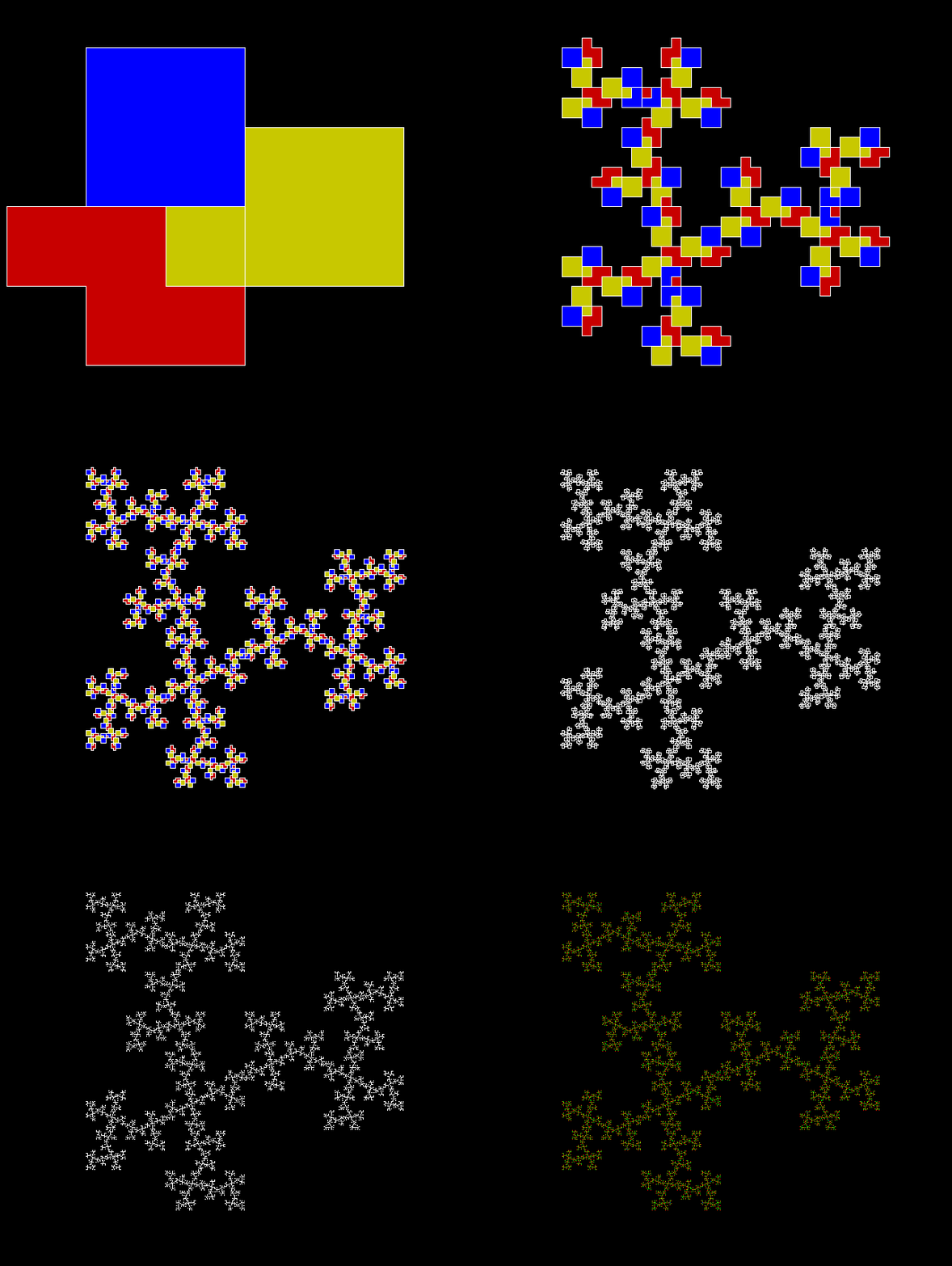
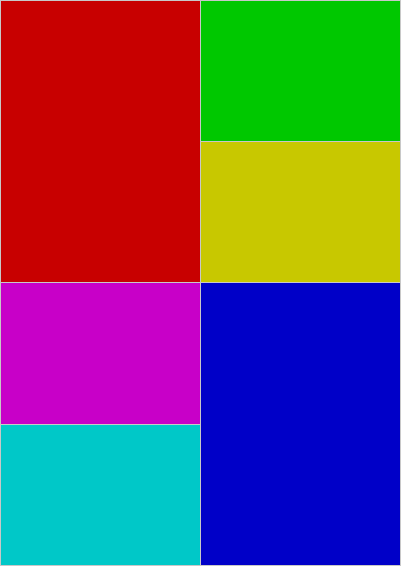
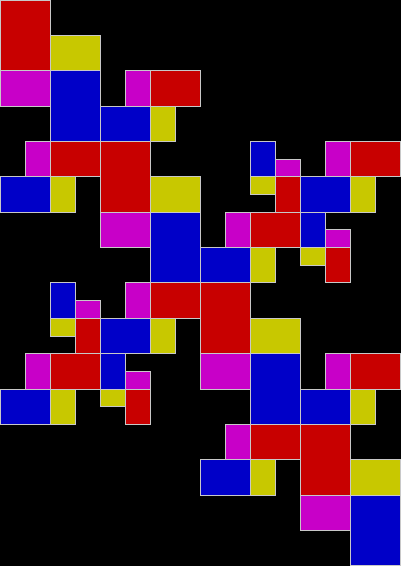
The name is more complicated than the shape: L-triomino. The shape is simply three squares forming an L. And it’s a rep-tile — it can be divided into four smaller copies of itself.

l-triomino

An L-triomino — three squares forming an L


l-triomino_anim

L-triomino as rep-tile


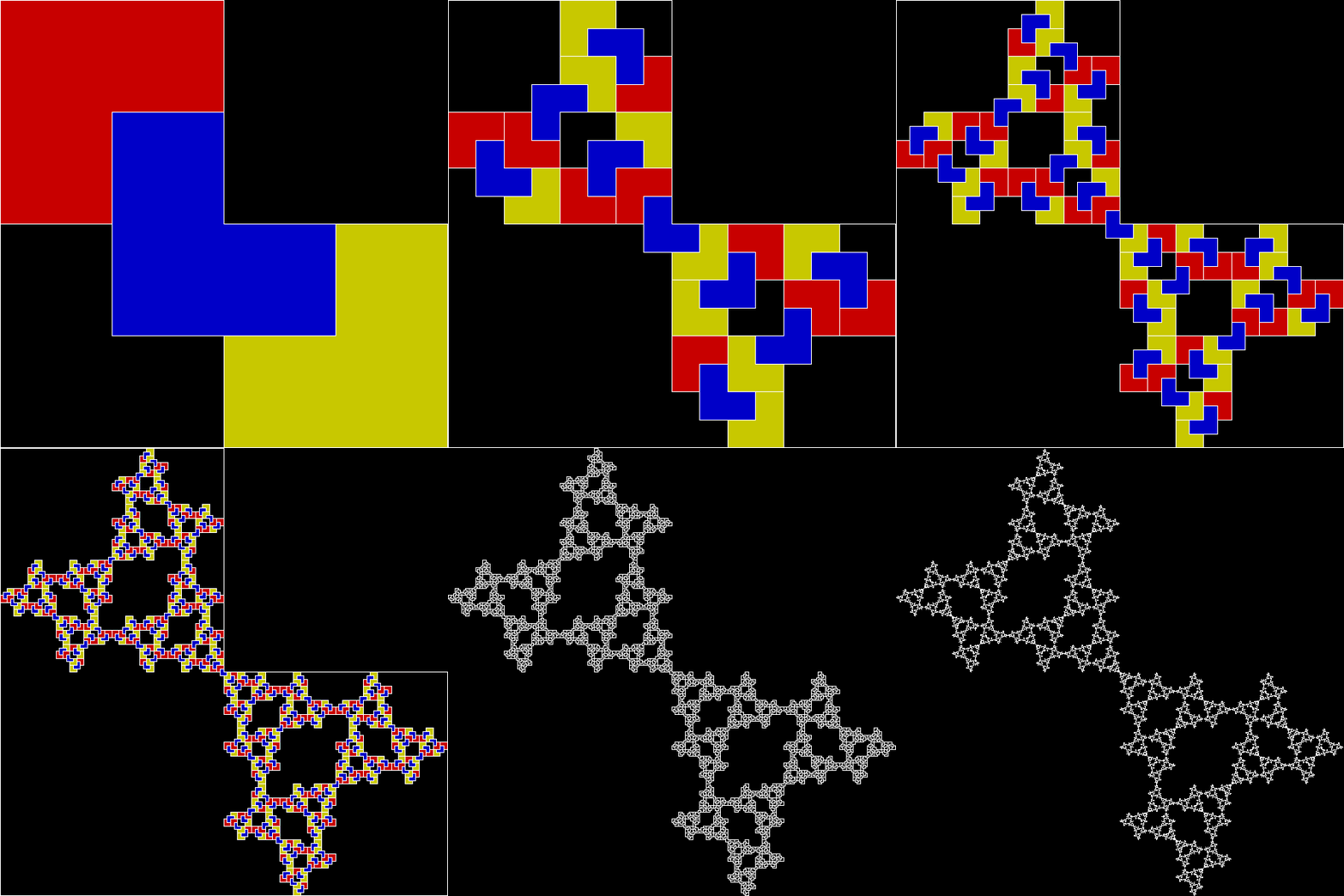
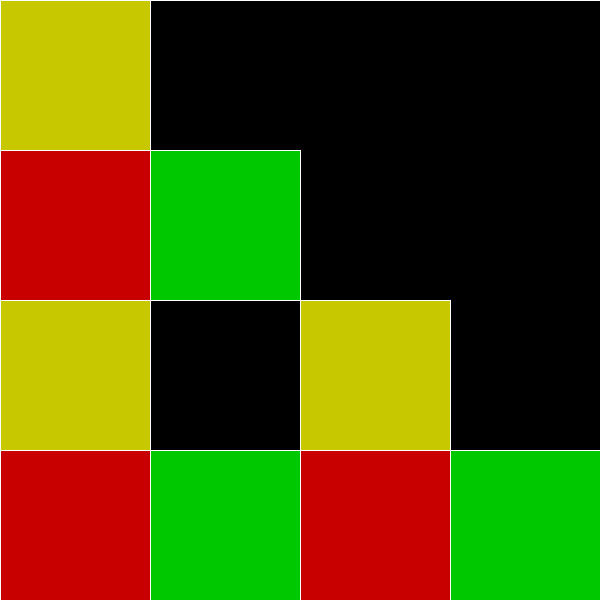
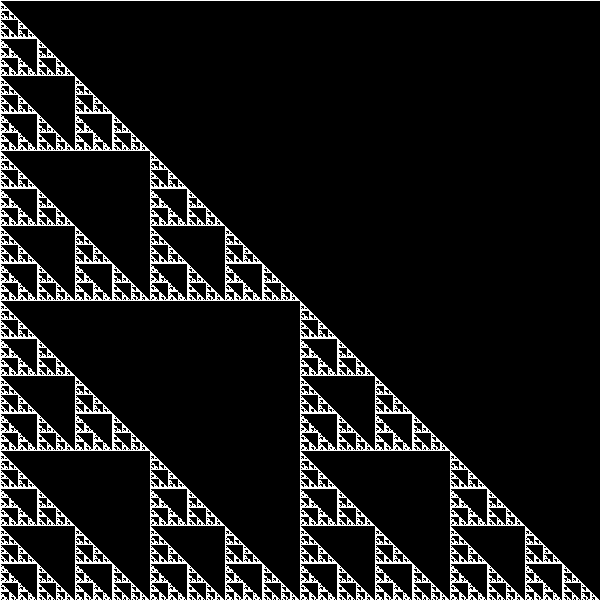
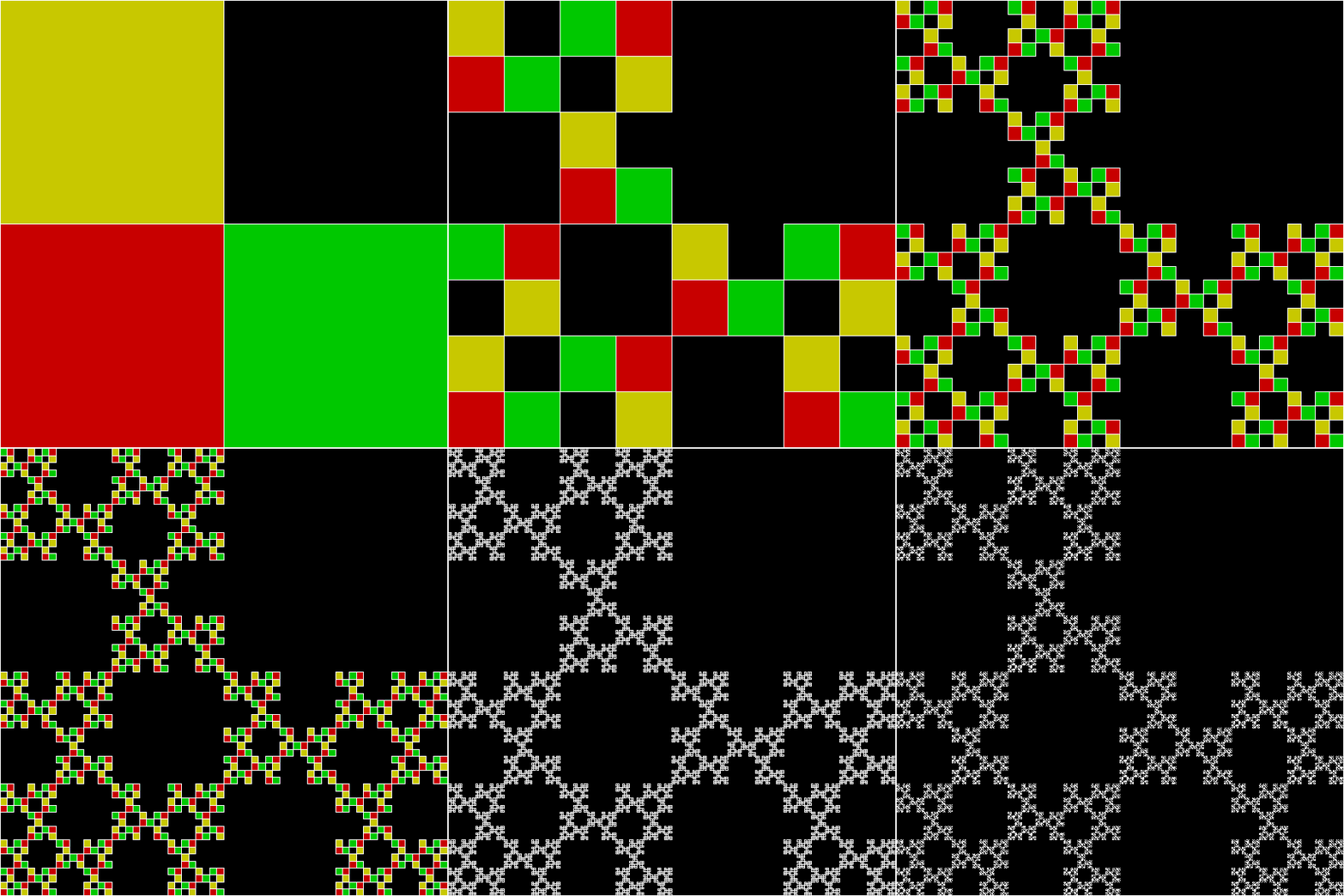
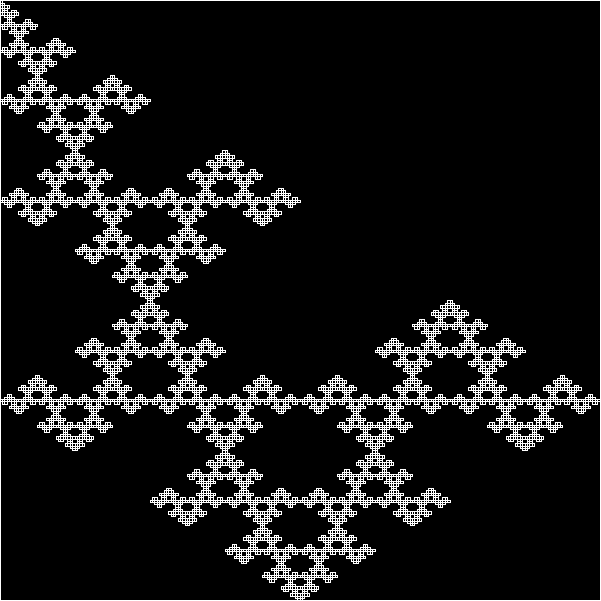
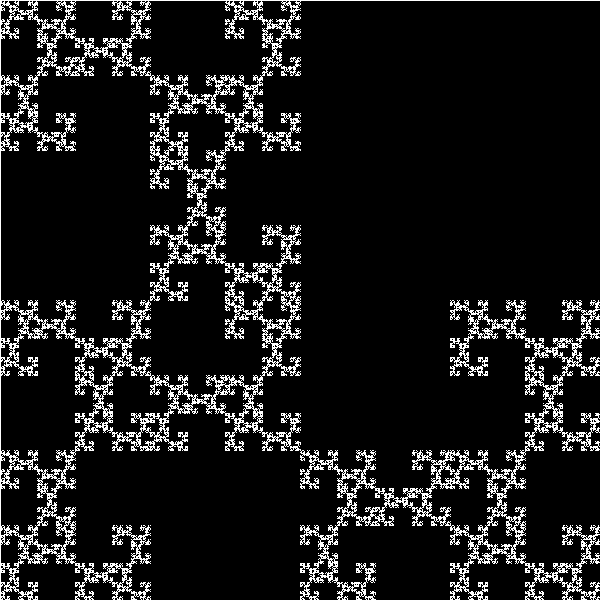
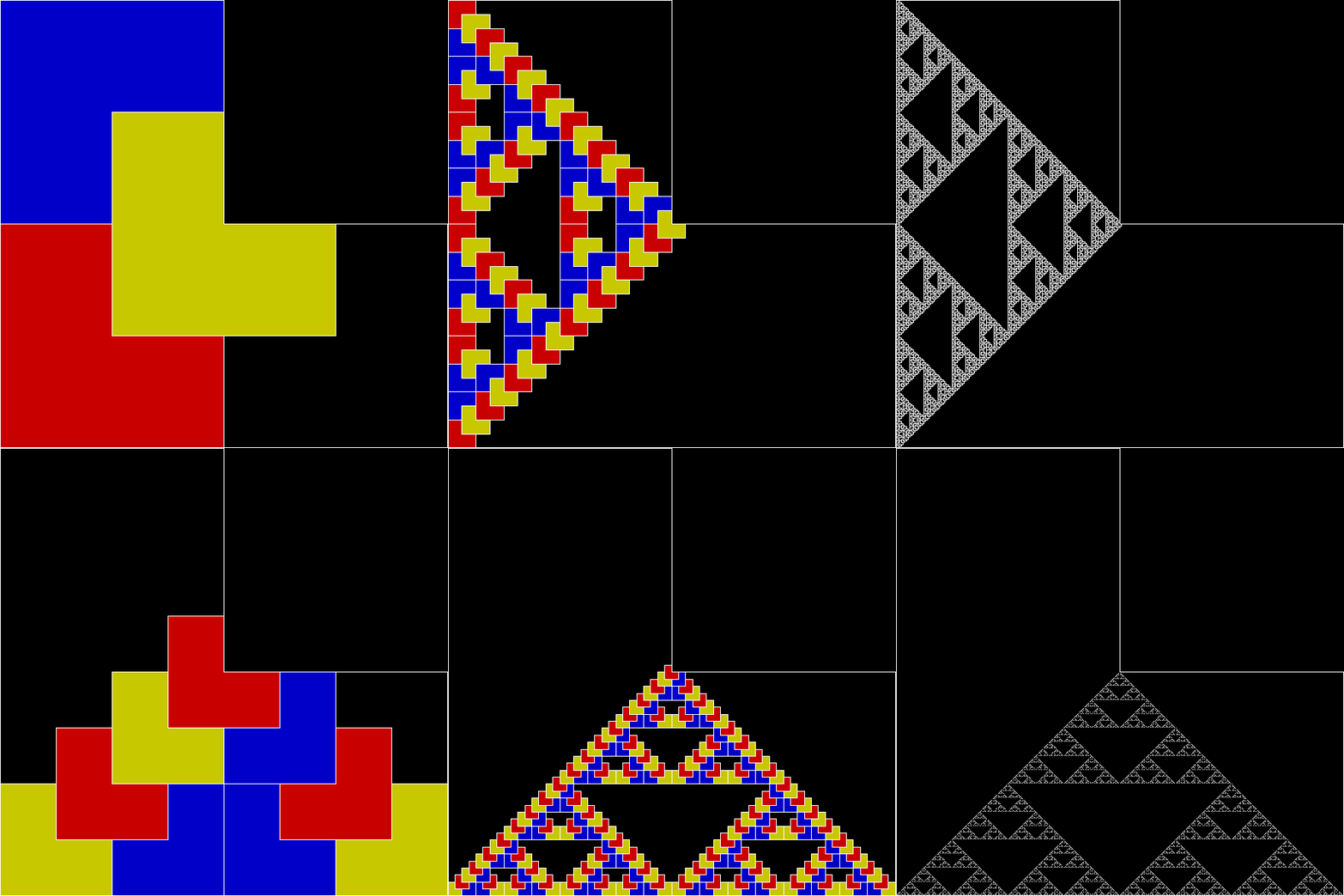
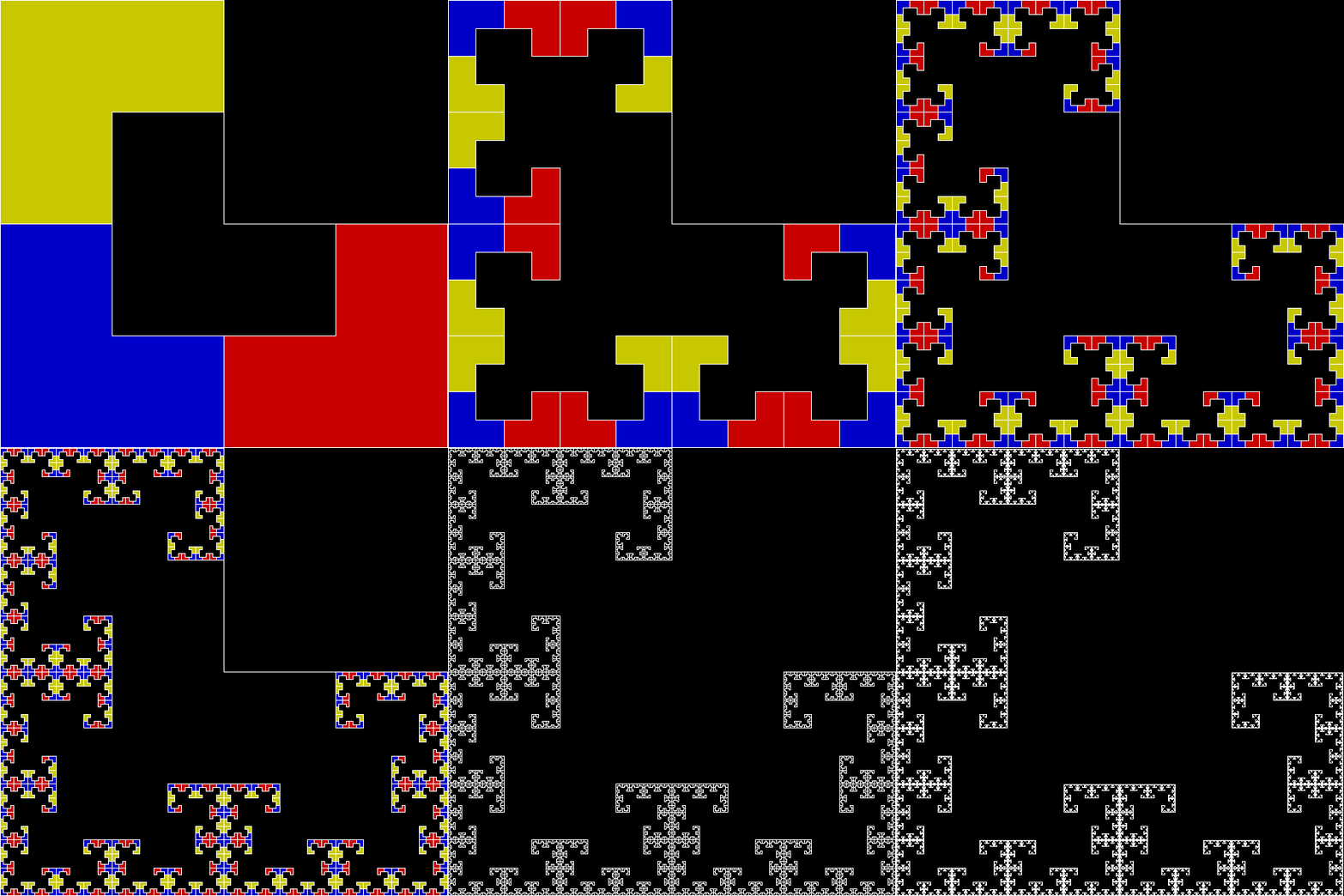
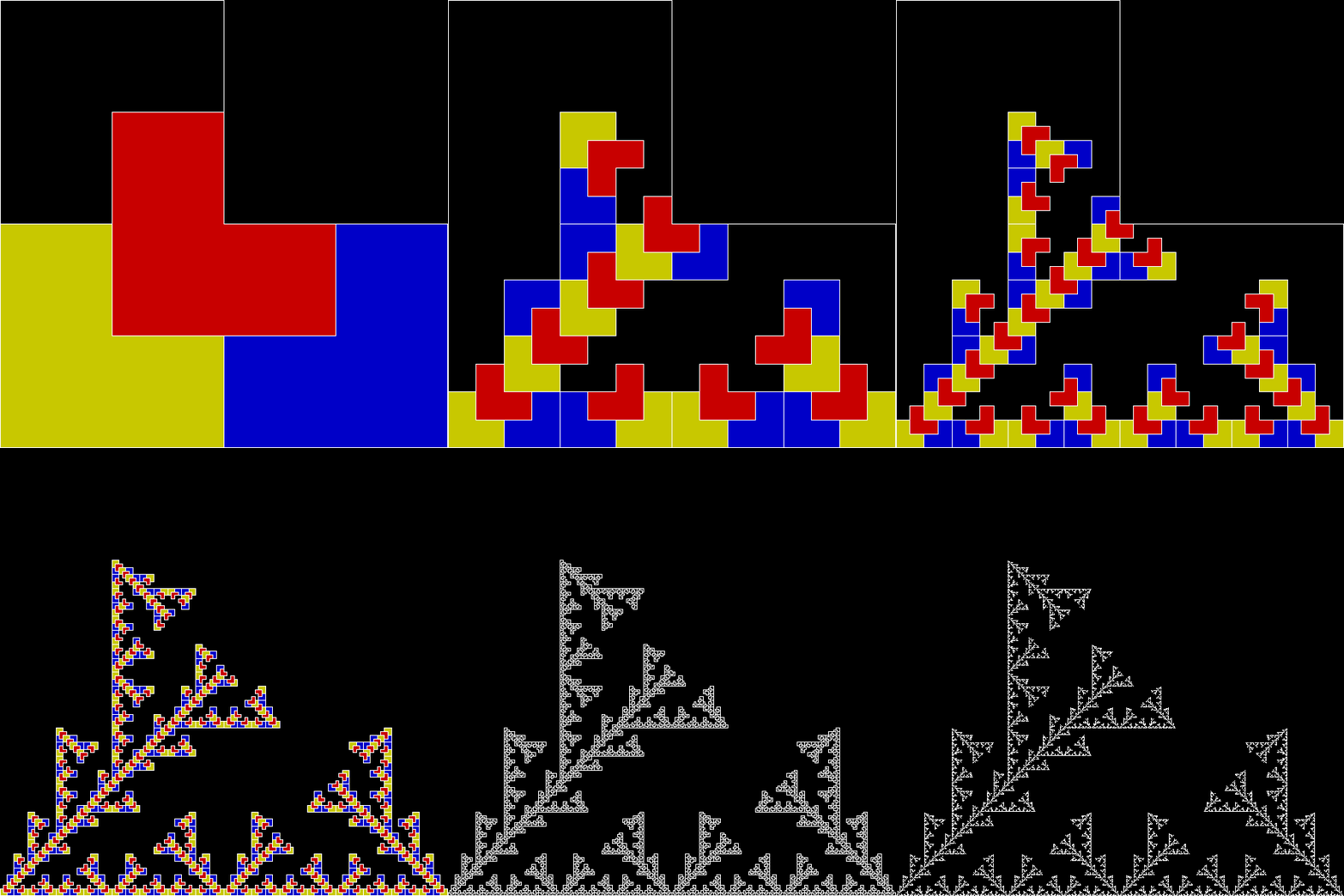
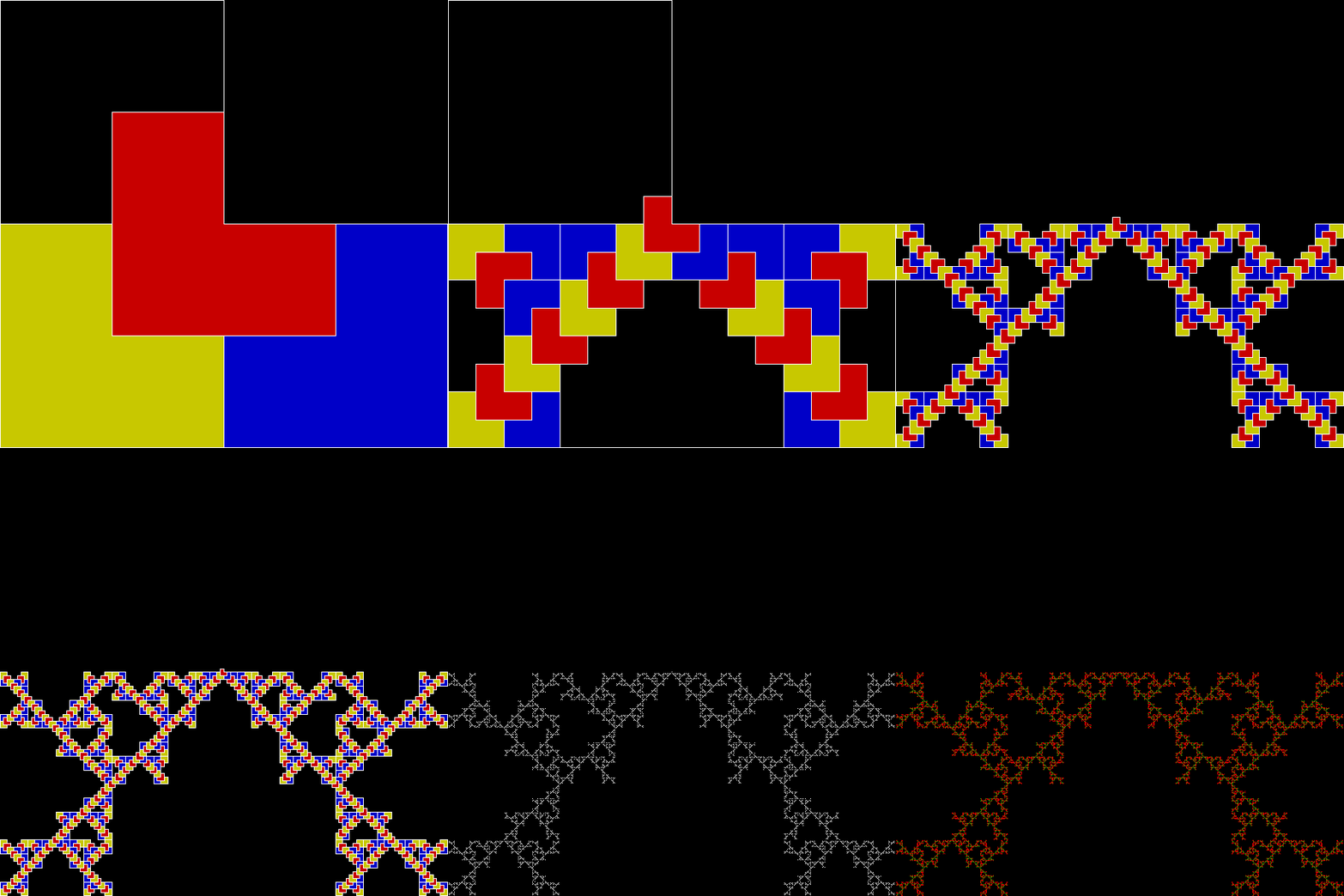
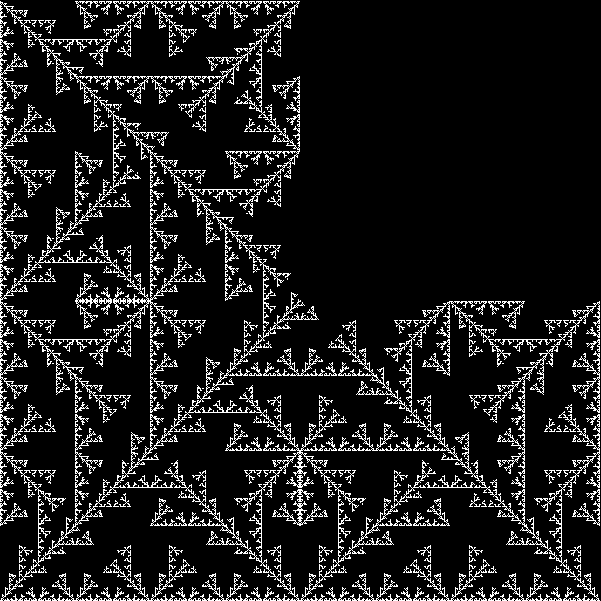
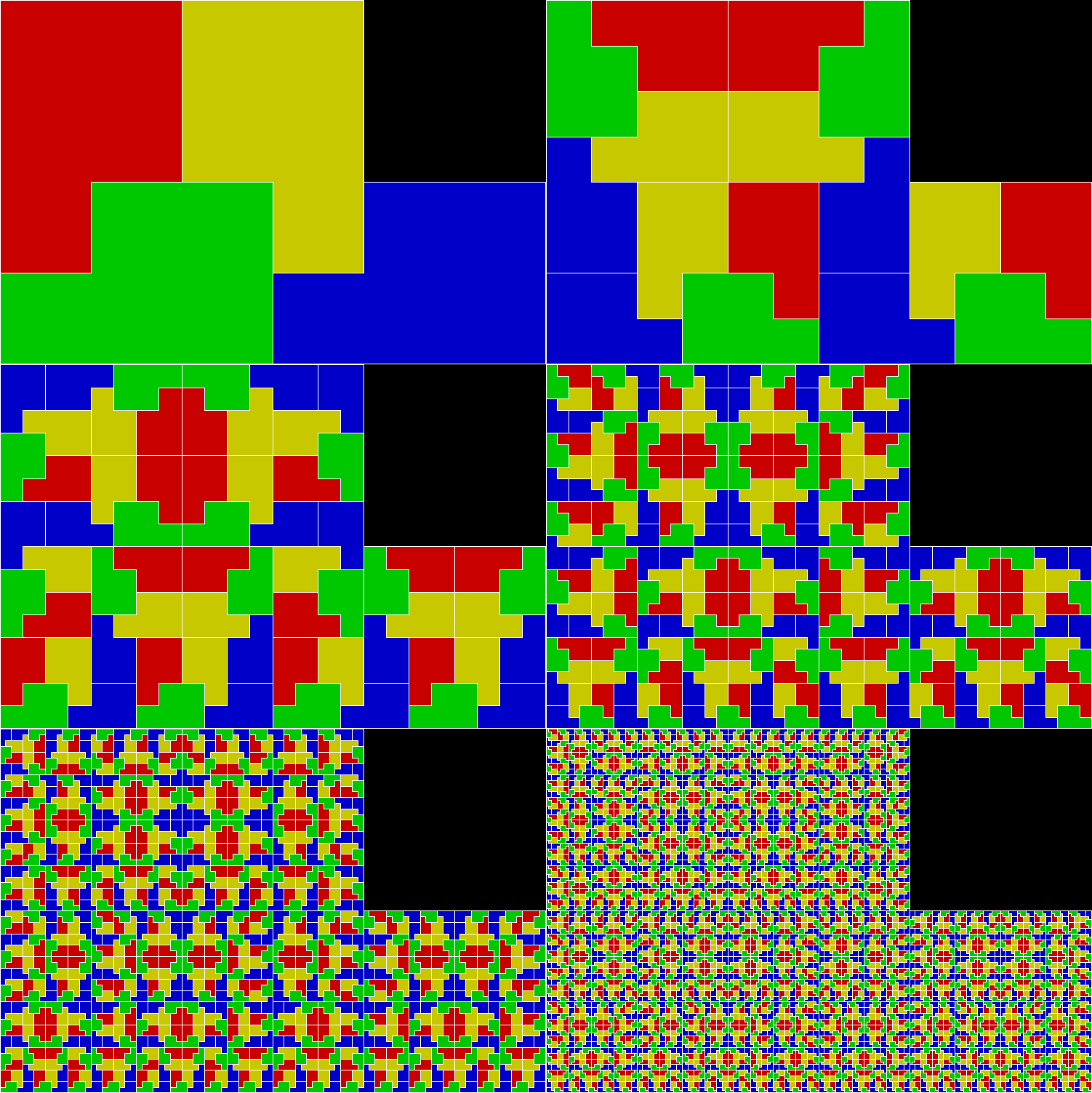
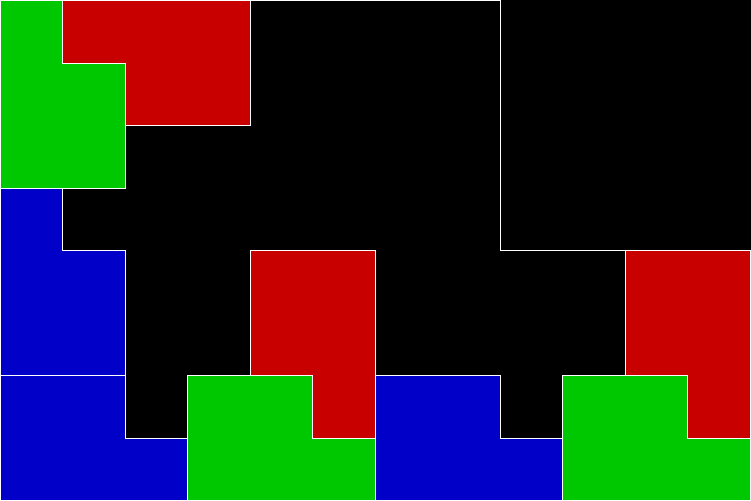
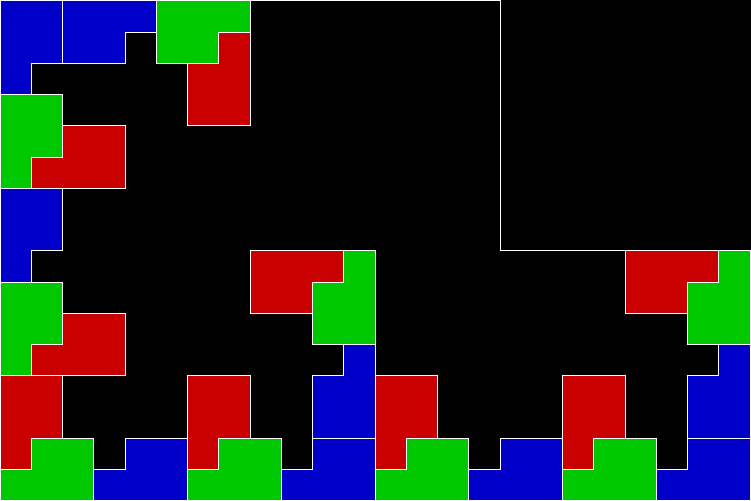
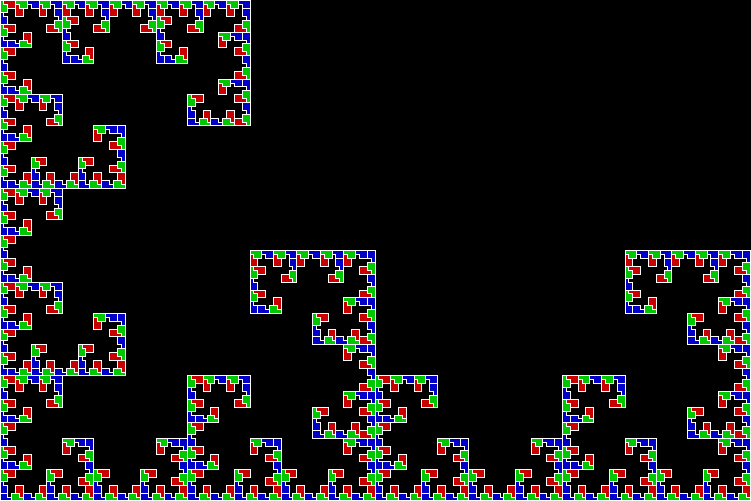
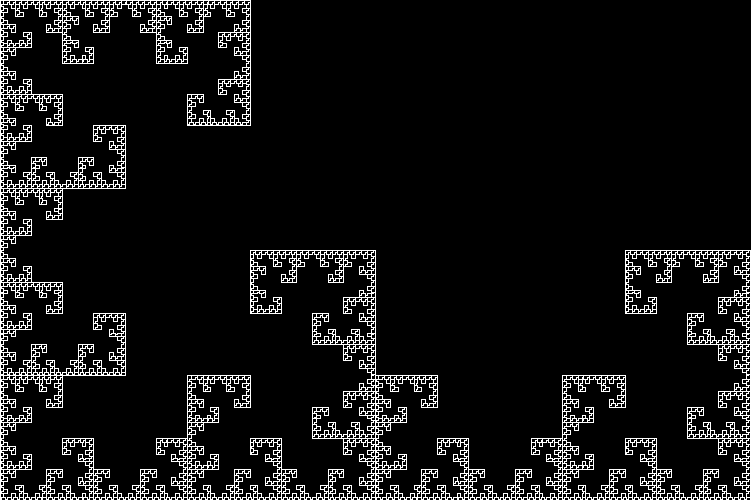
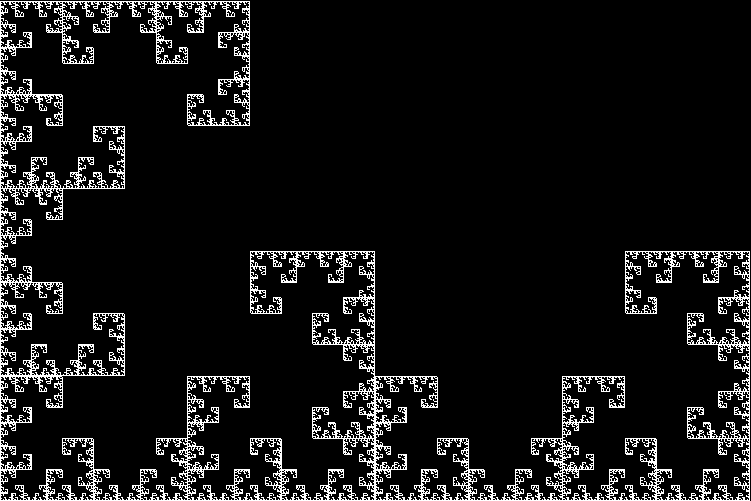
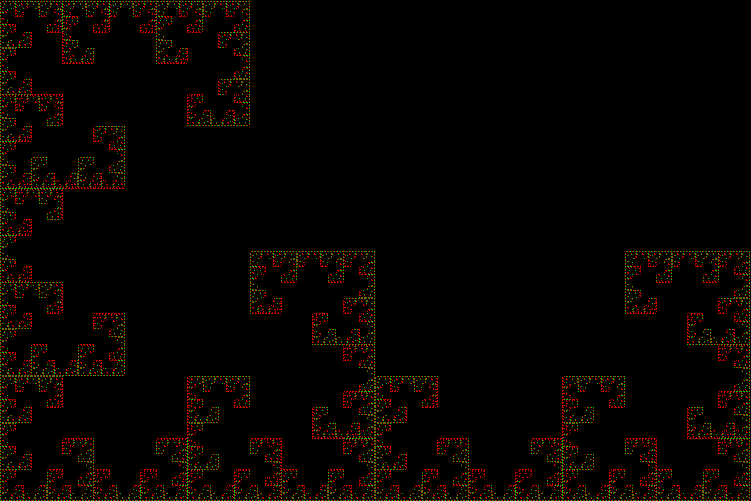
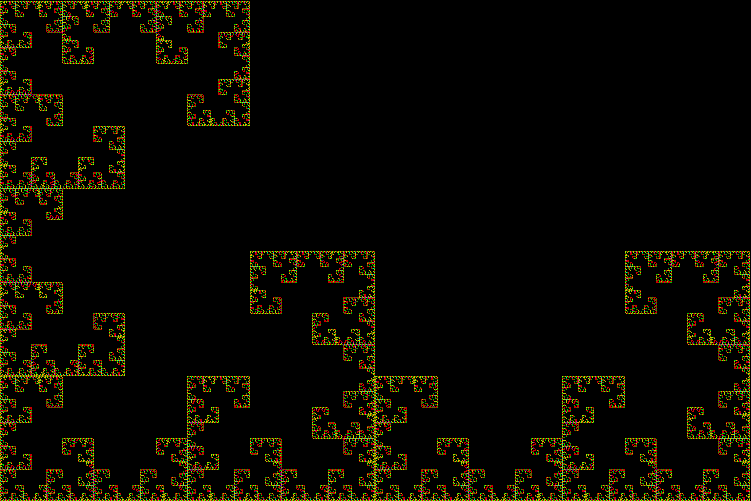
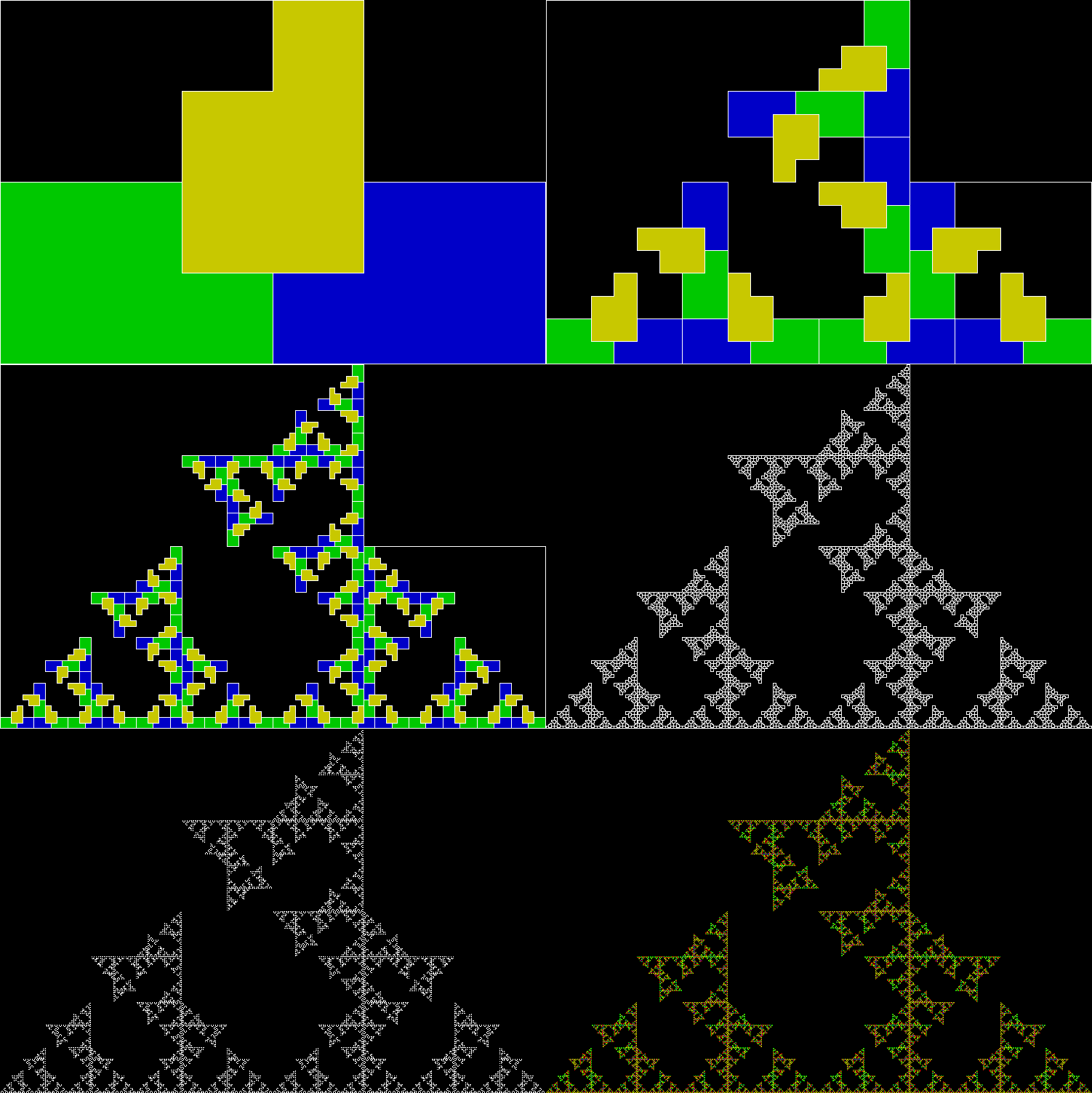
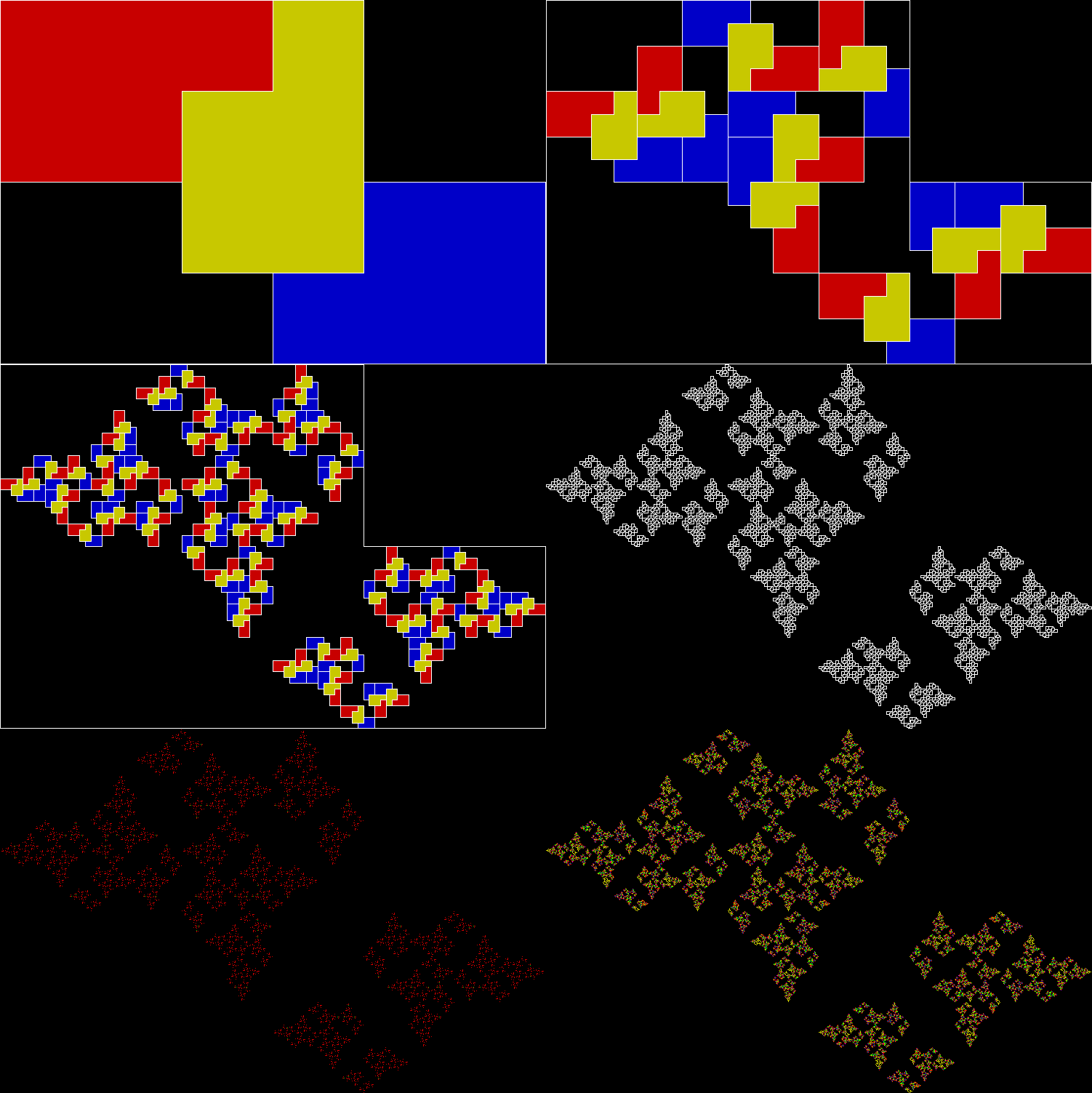
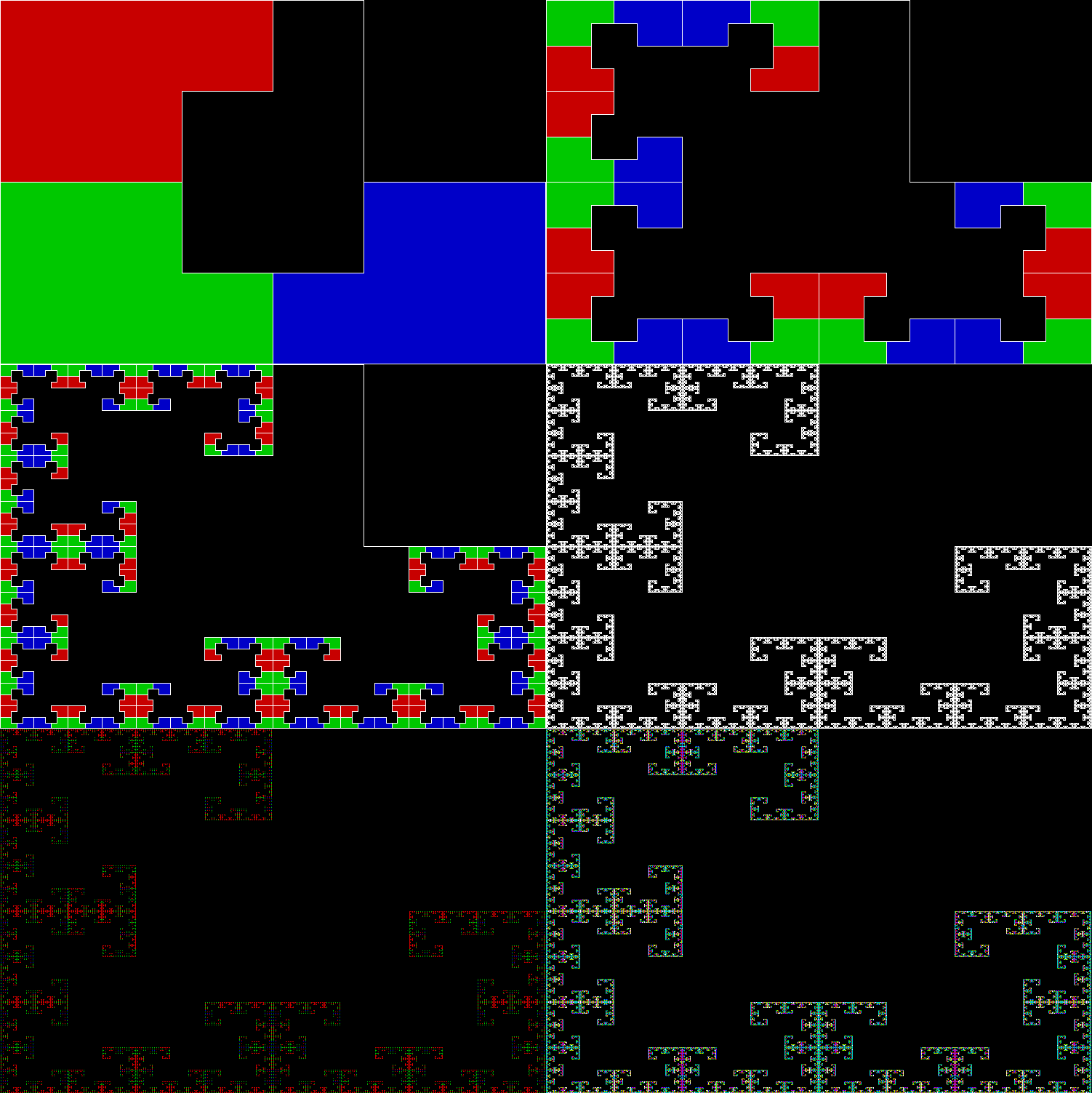
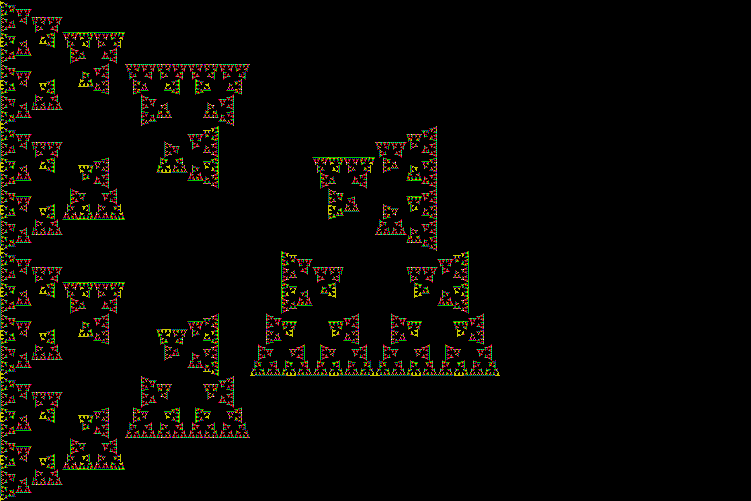
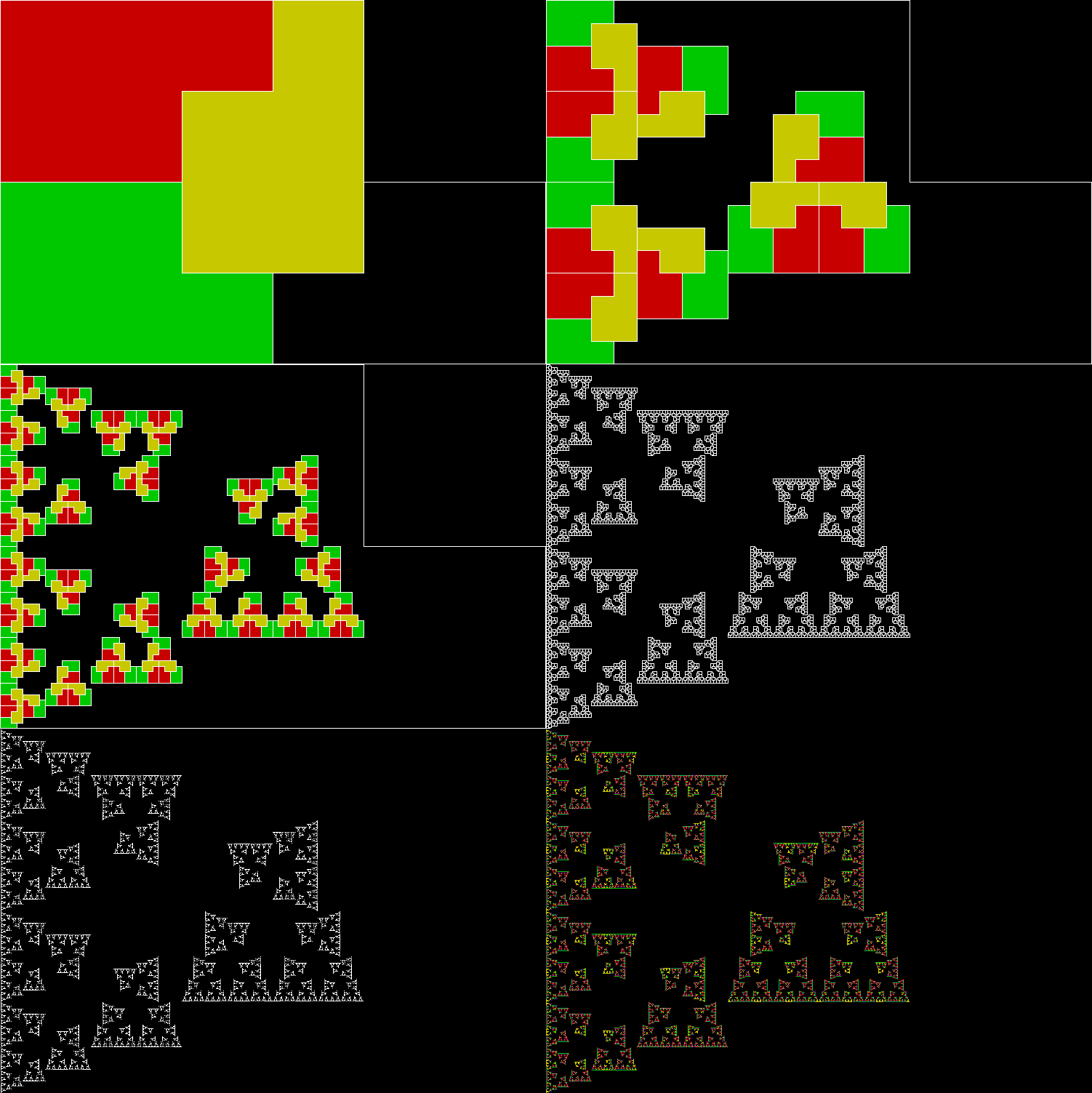
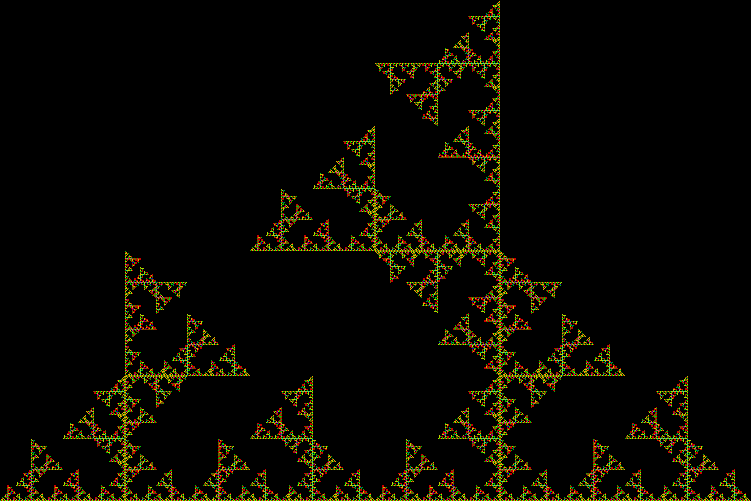
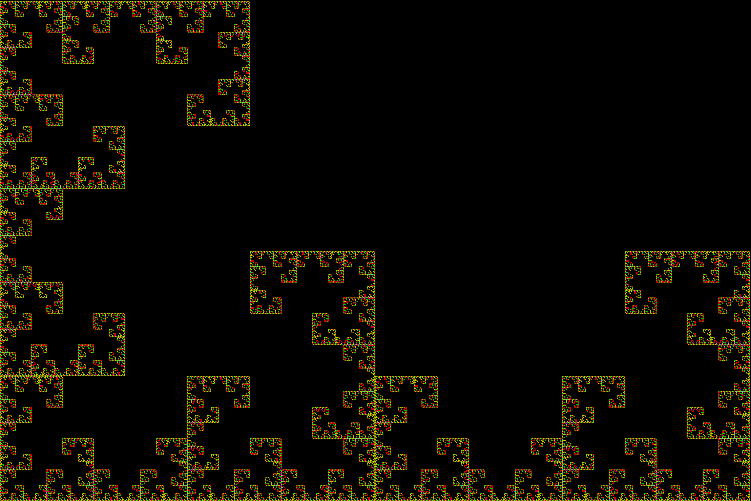
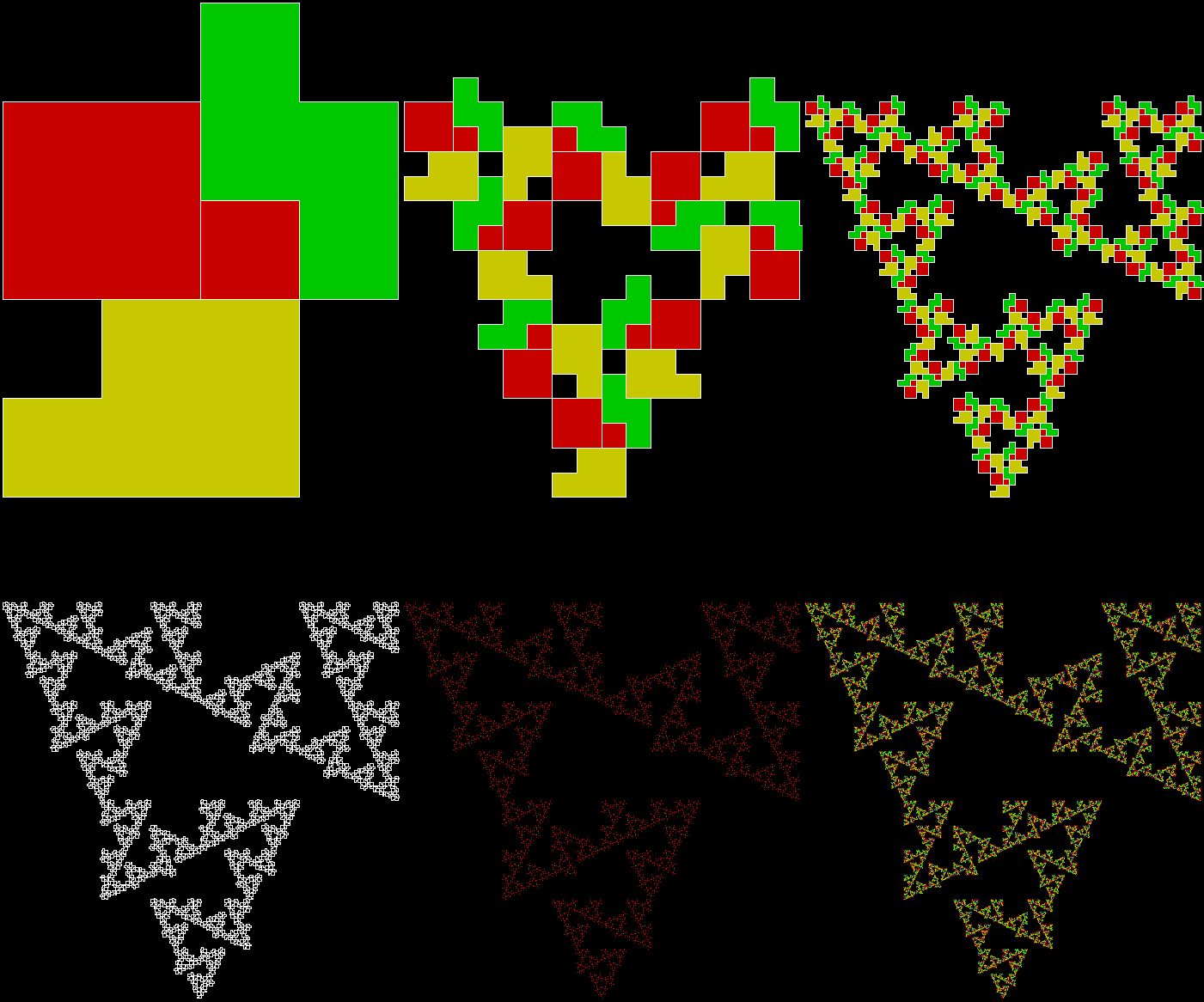
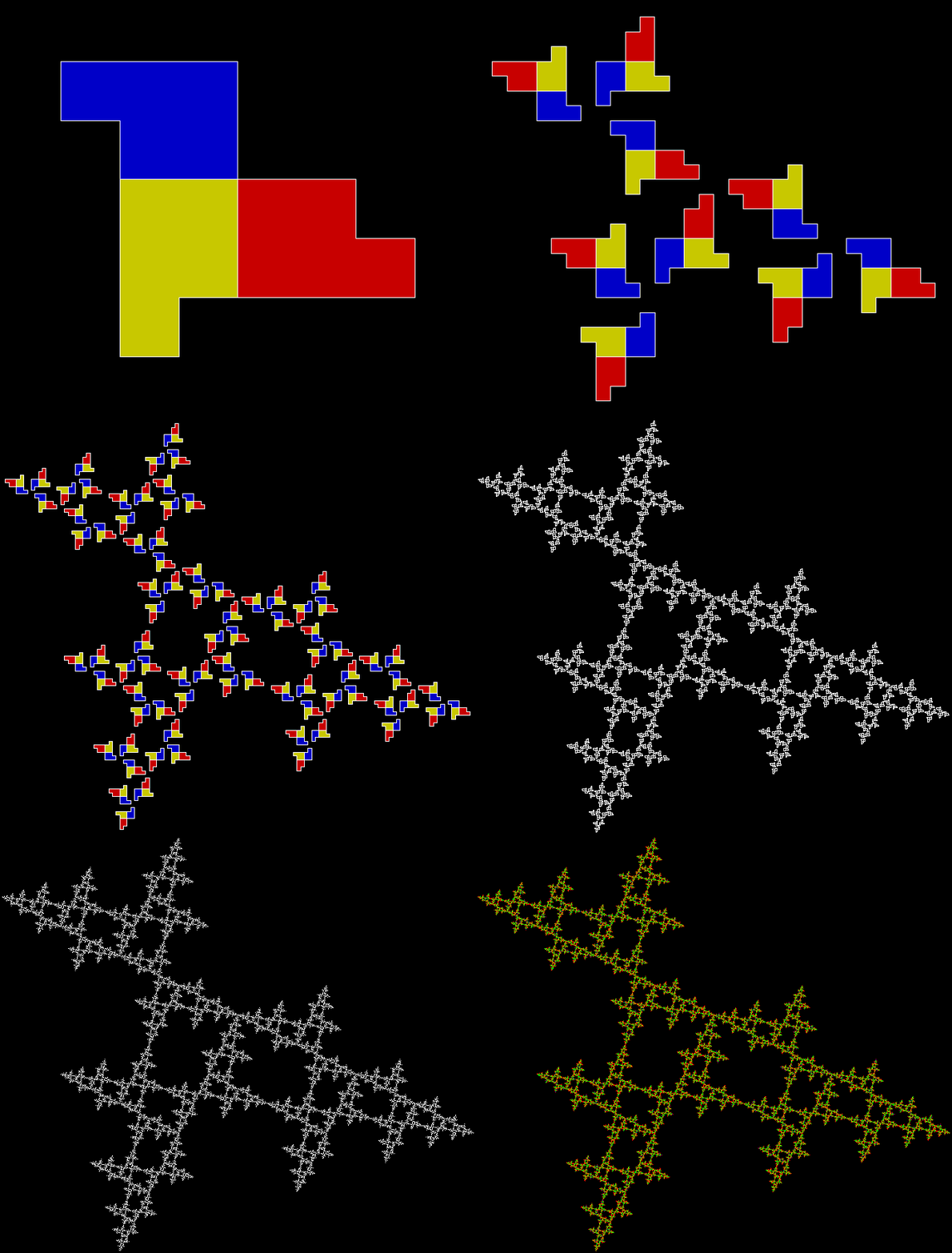
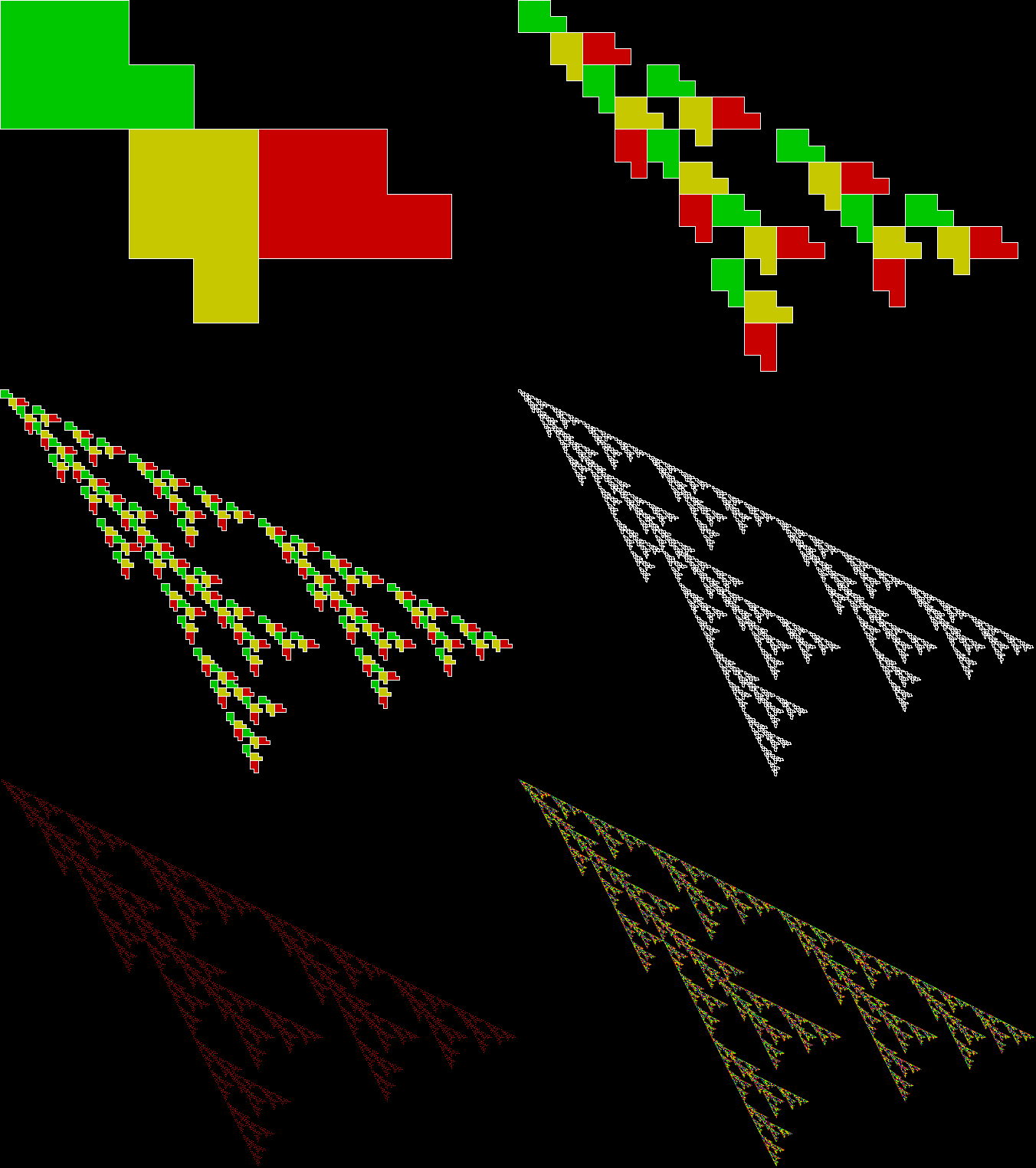
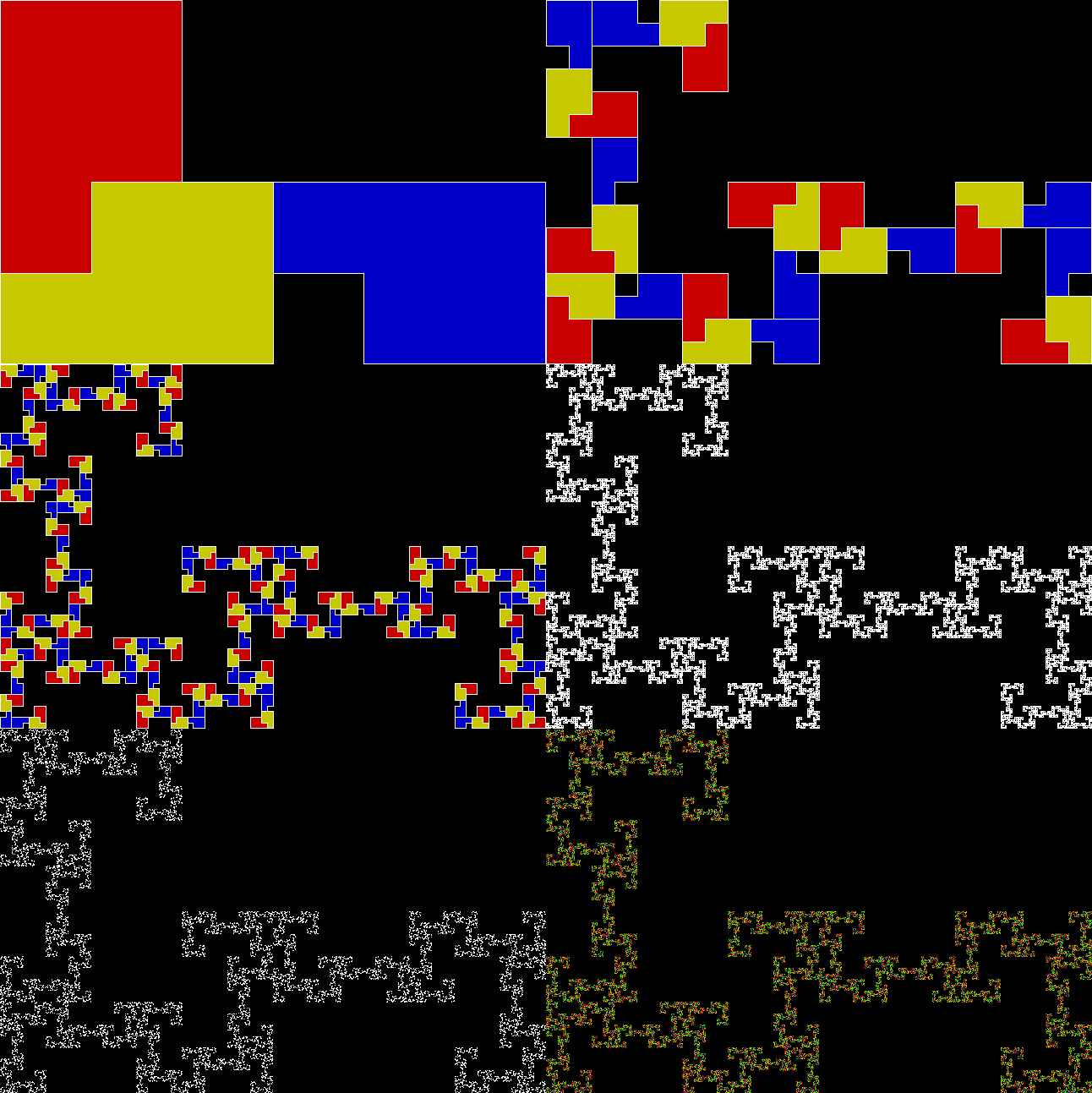
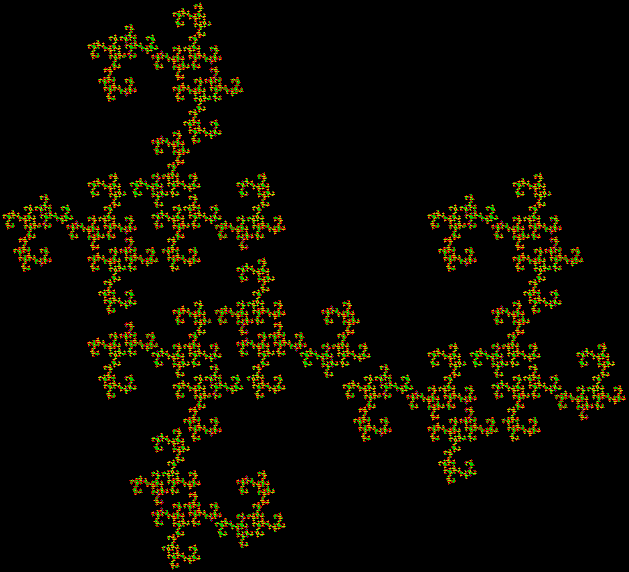
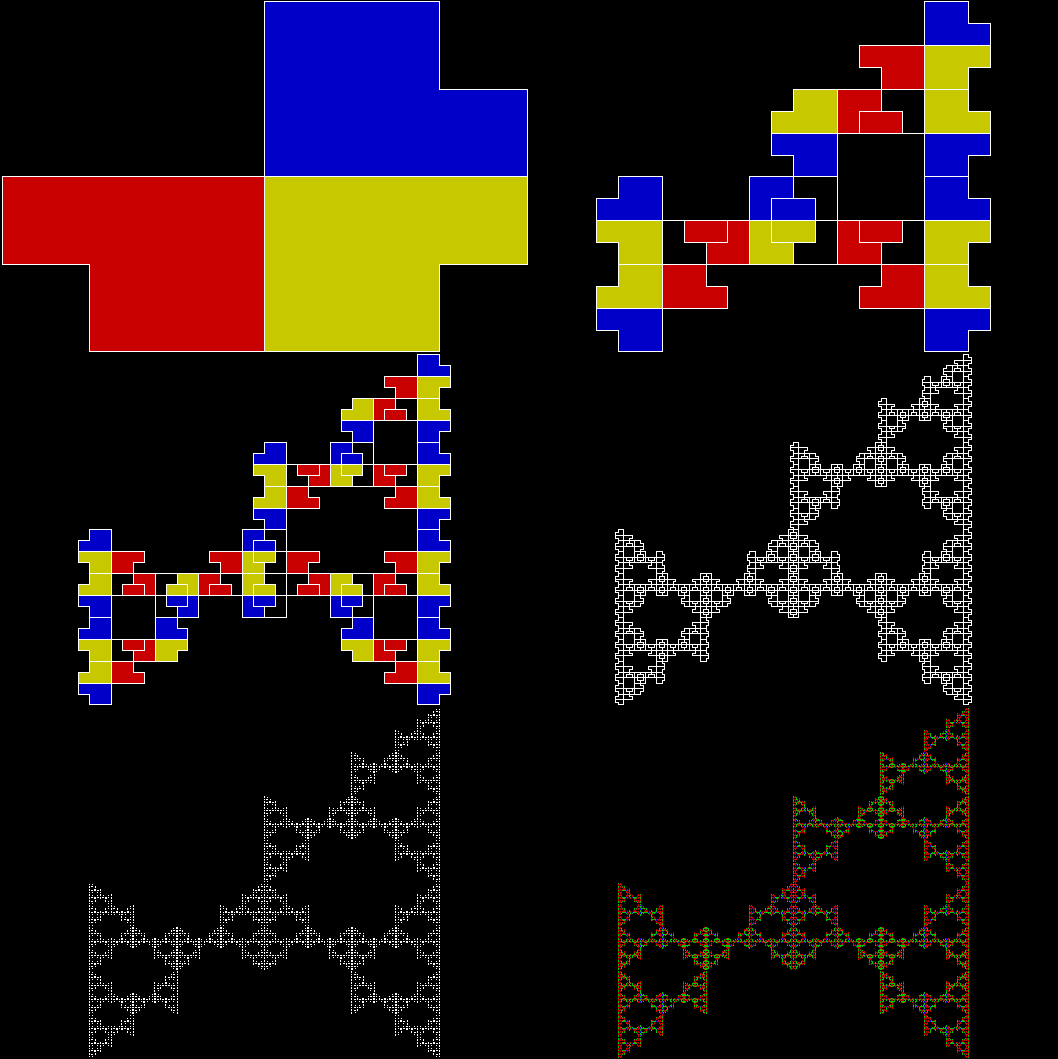
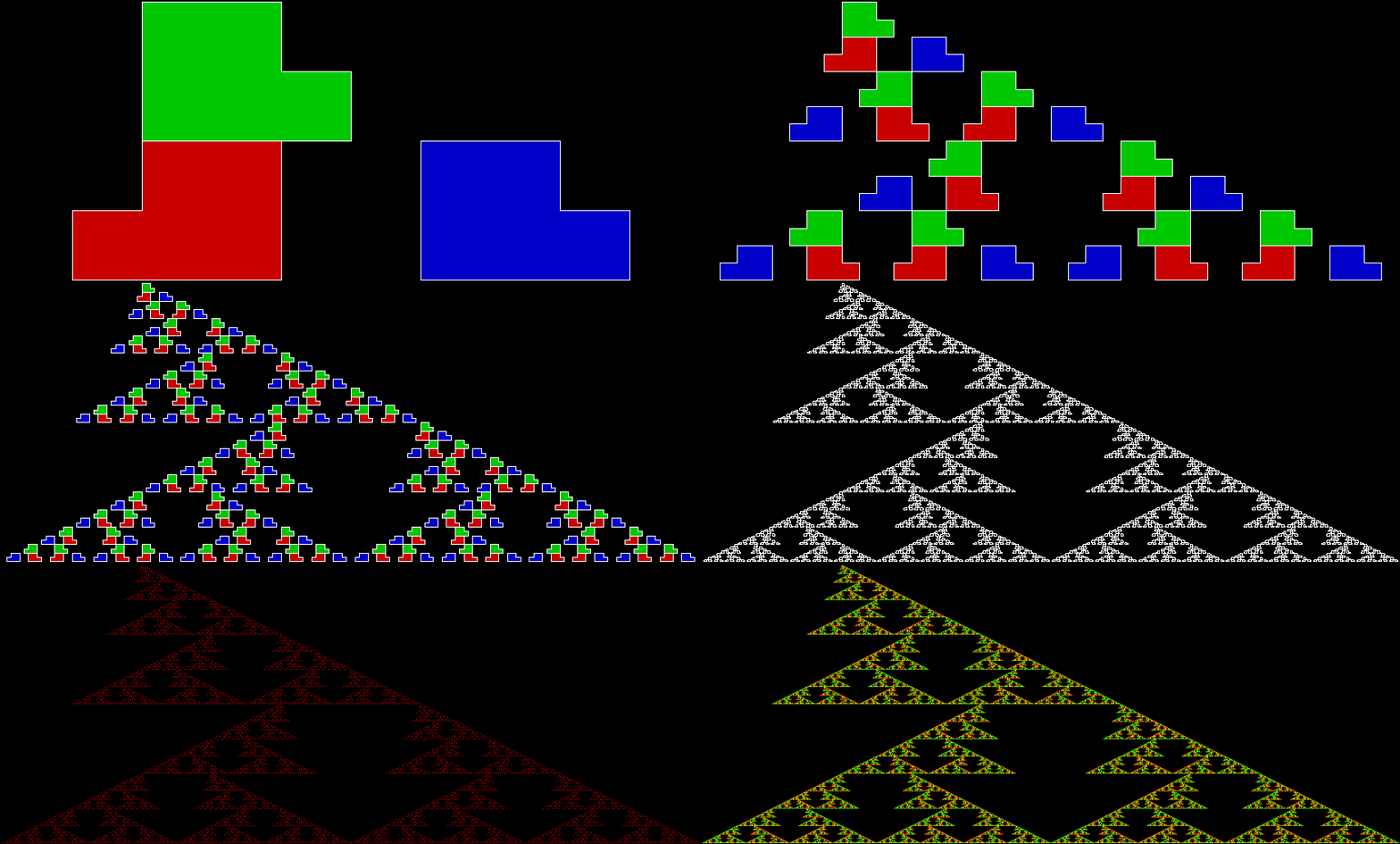
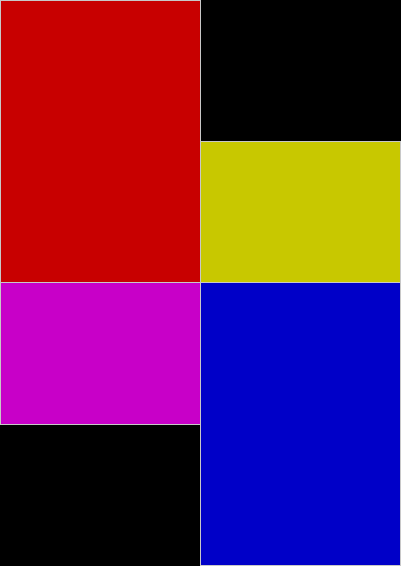
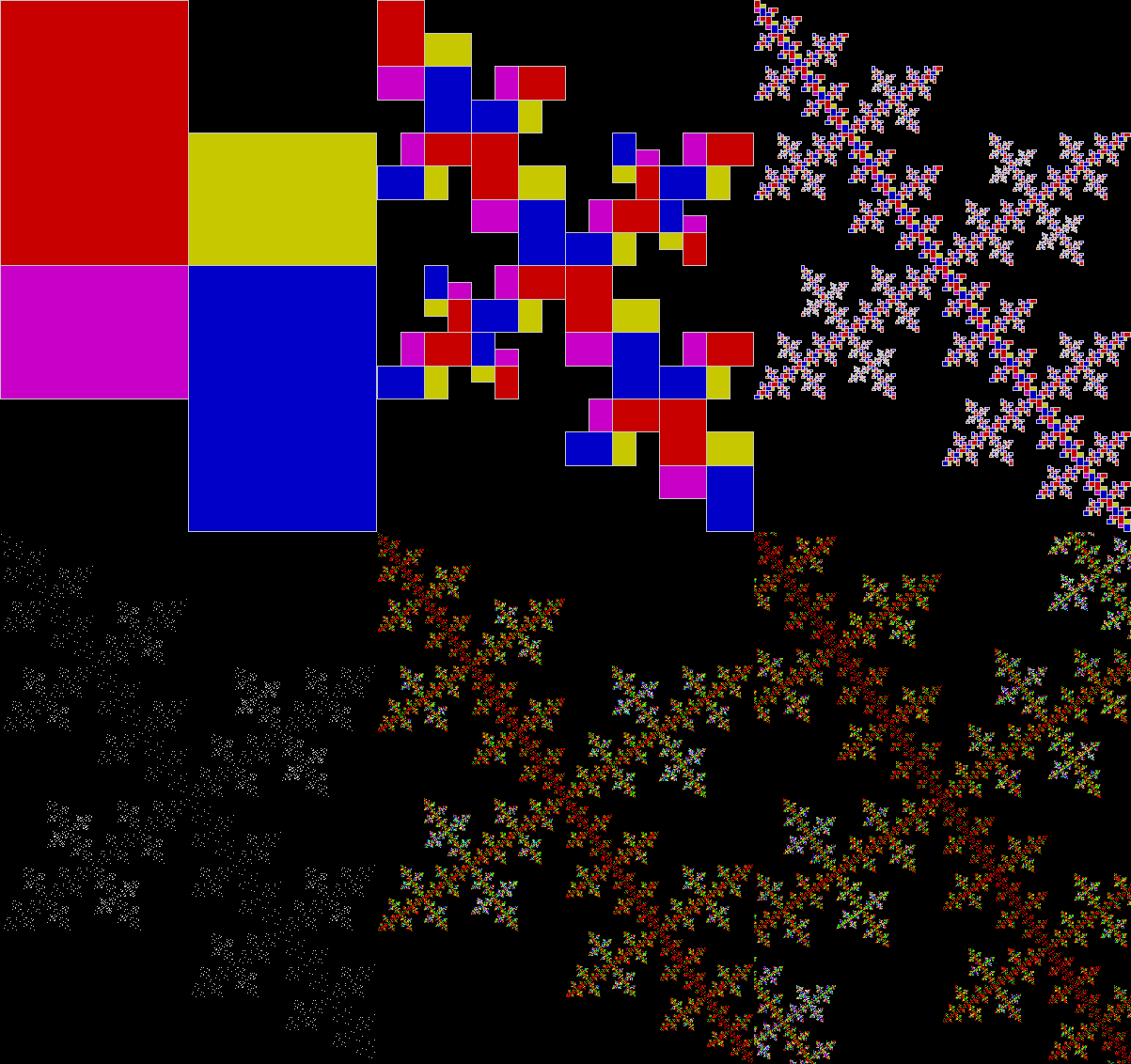
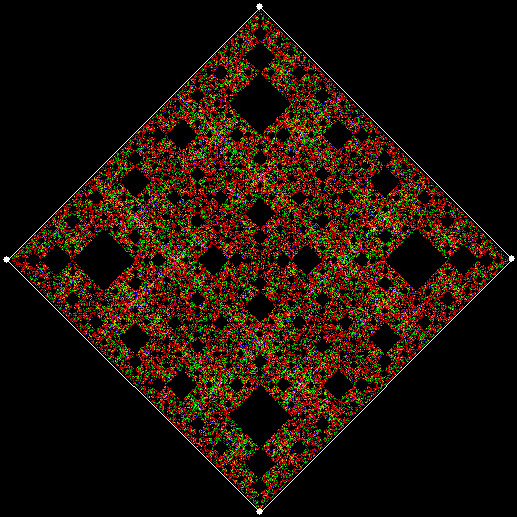
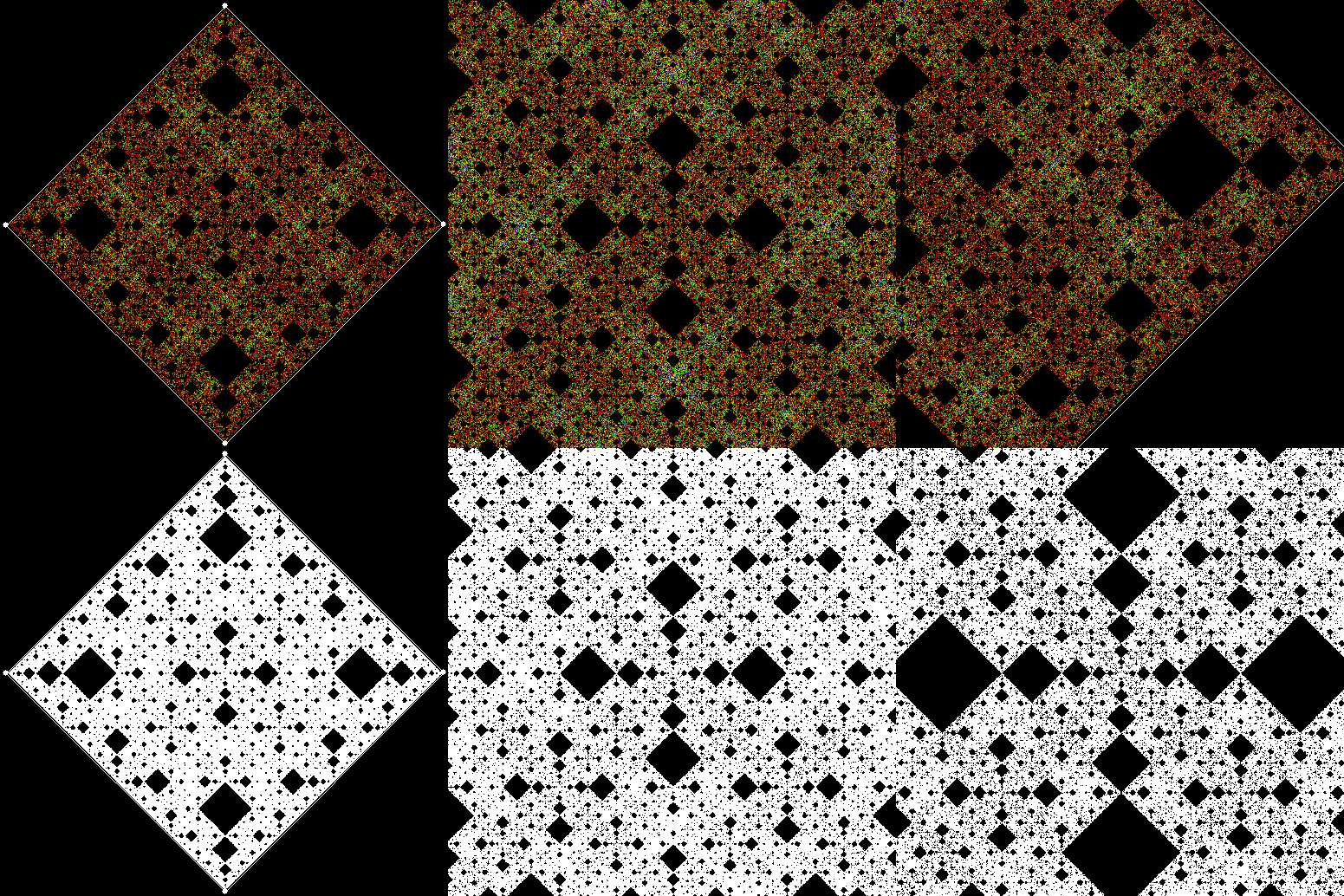
That means it can also be turned into a fractal, as I’ve shown in Rep-Tiles Revisited and Get Your Prox Off #2. First you divide an L-triomino into four sub-copies, then discard one sub-copy, then repeat. Here are the standard L-triomino fractals produced by this technique:

l-triomino_123_134

Fractal from L-triomino — divide and discard


l-triomino_234


l-triomino_124


l-triomino_124_upright


l-triomino_124_upright_static1

(Static image)
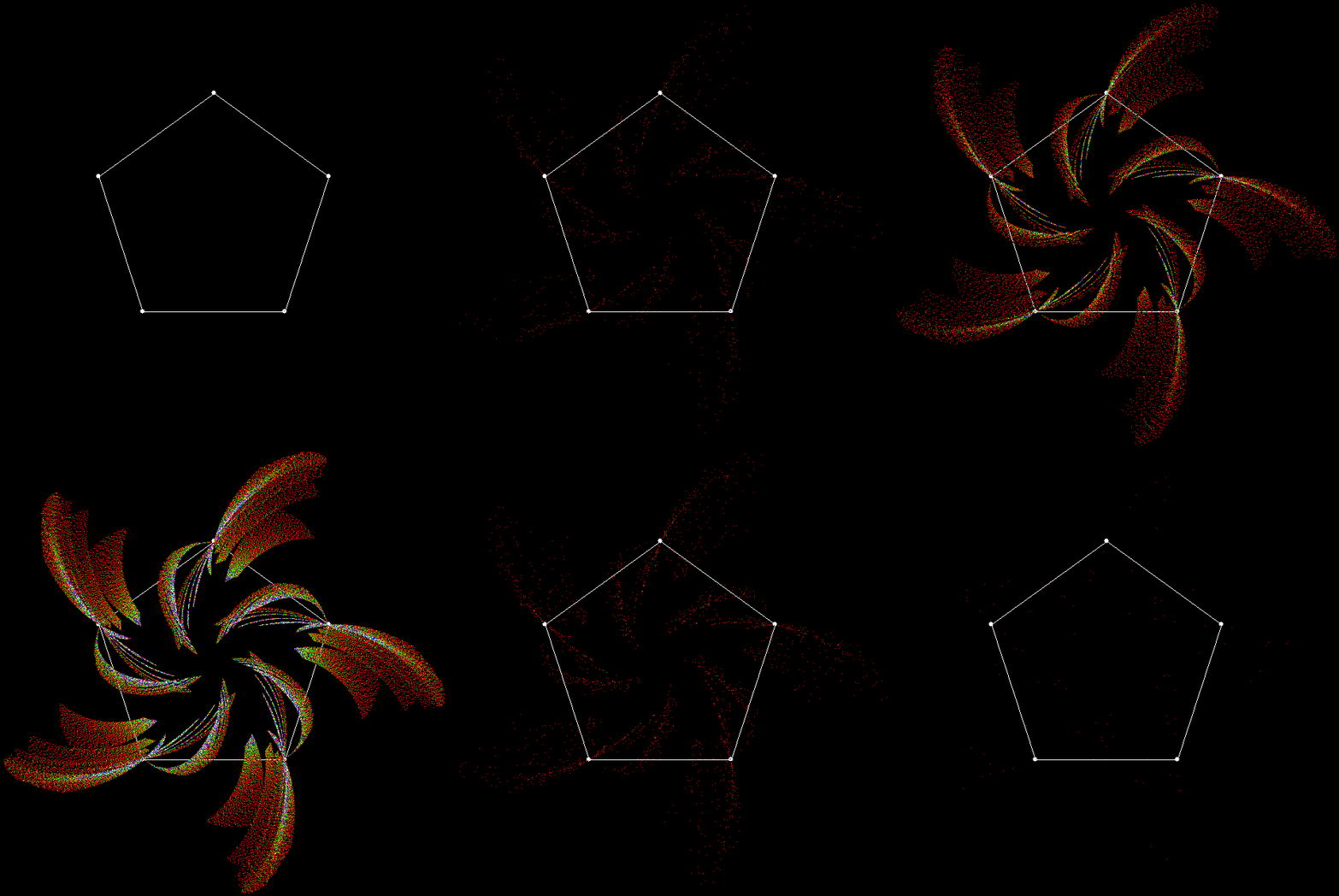

l-triomino_124_upright_static2

(Static image)


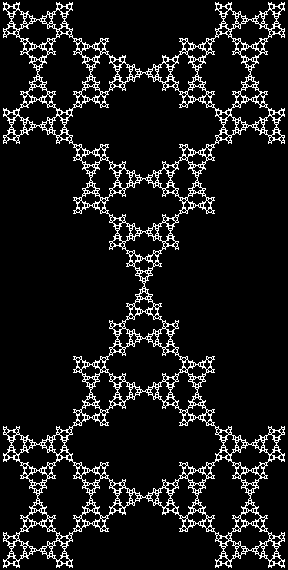
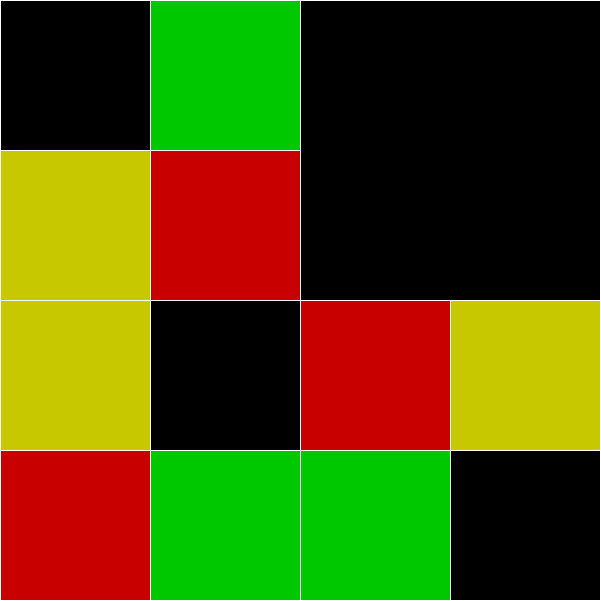
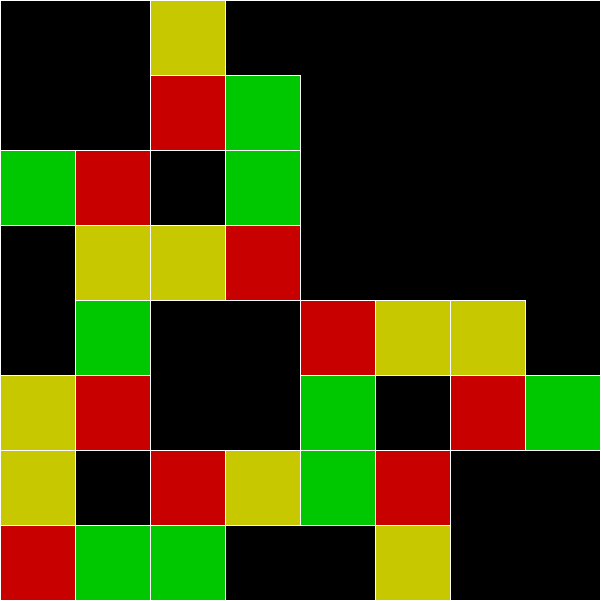
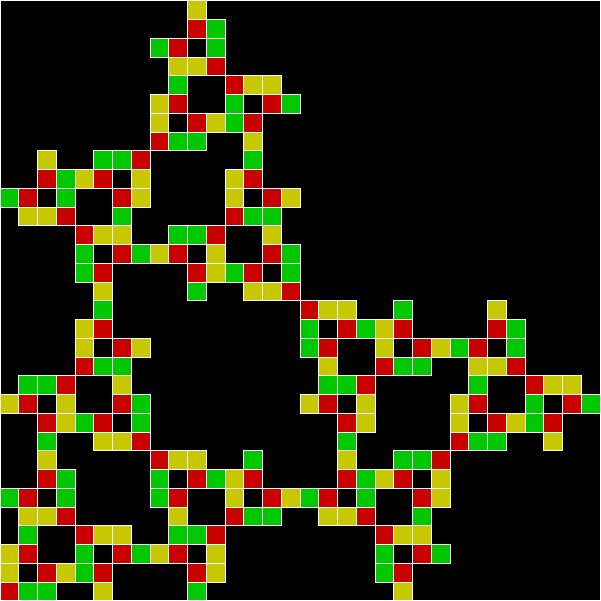
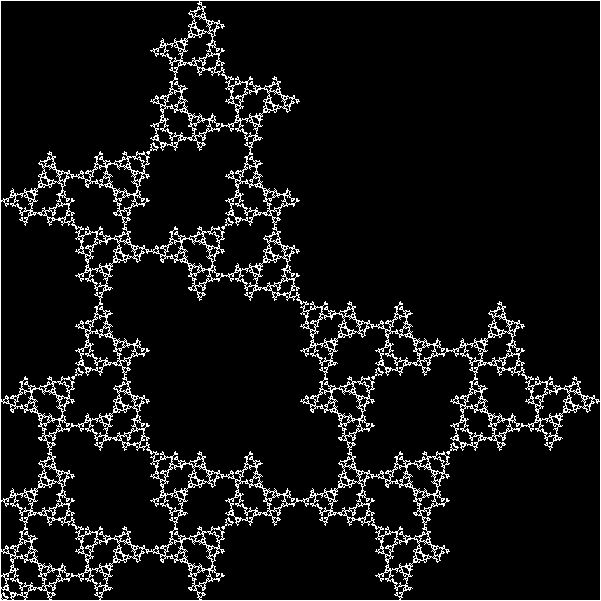
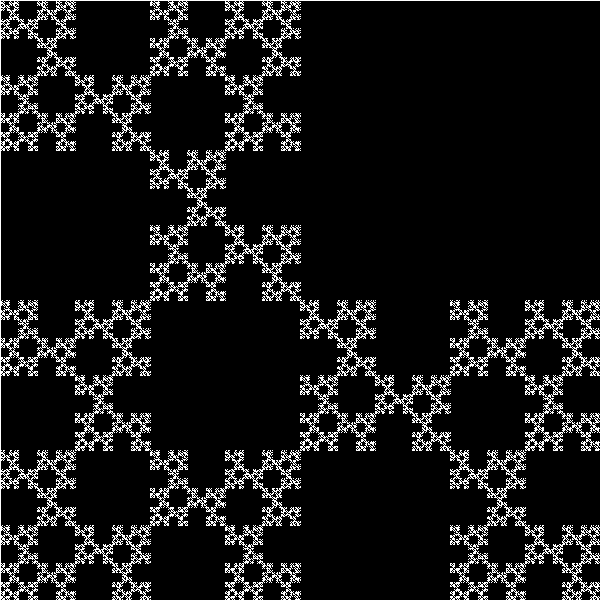
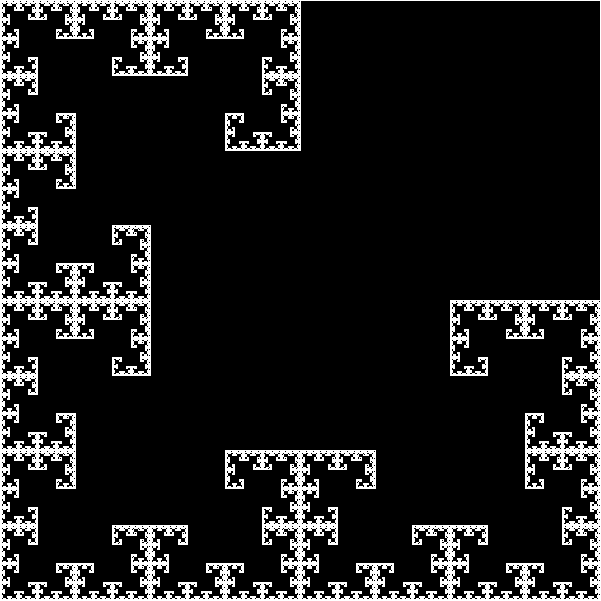
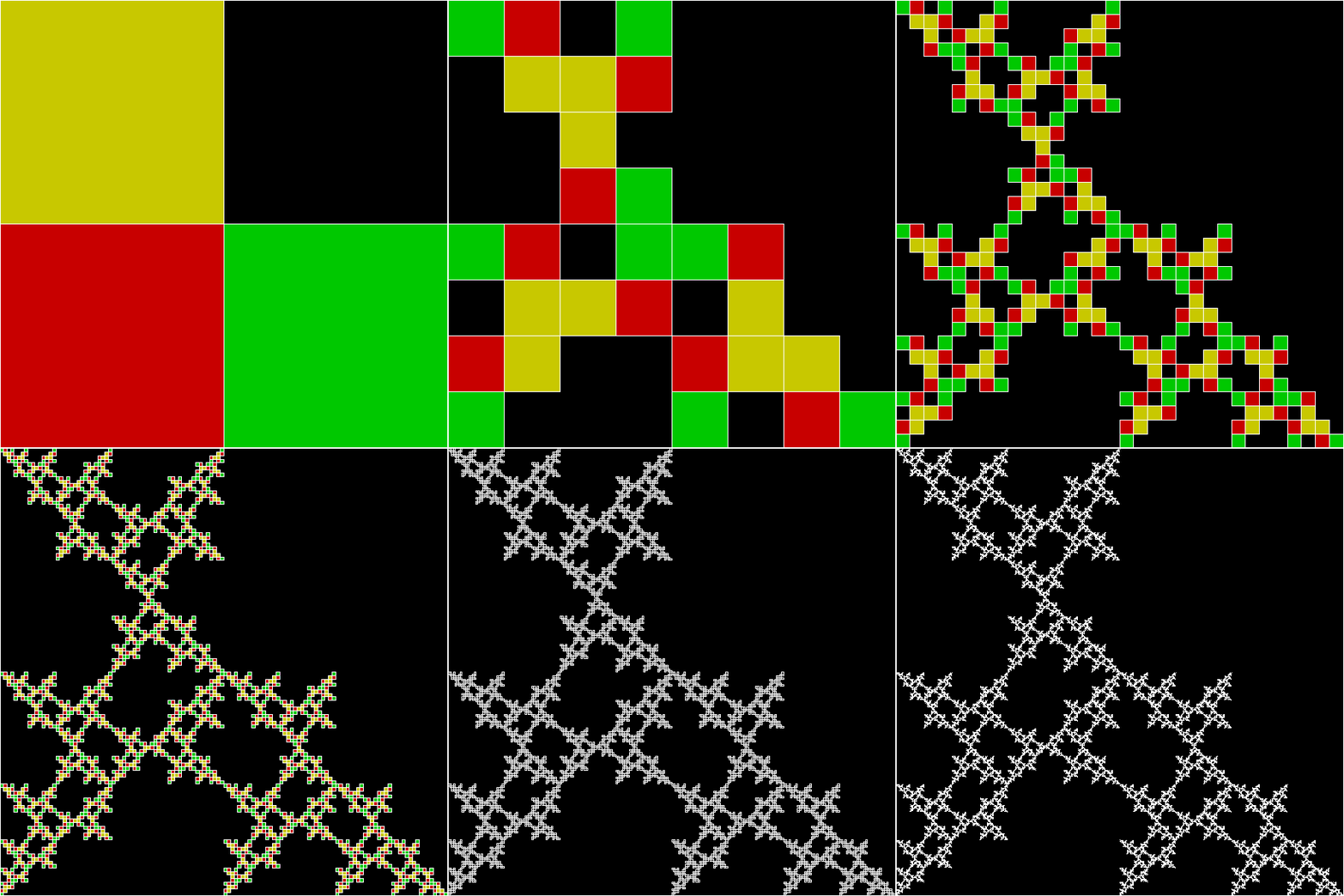
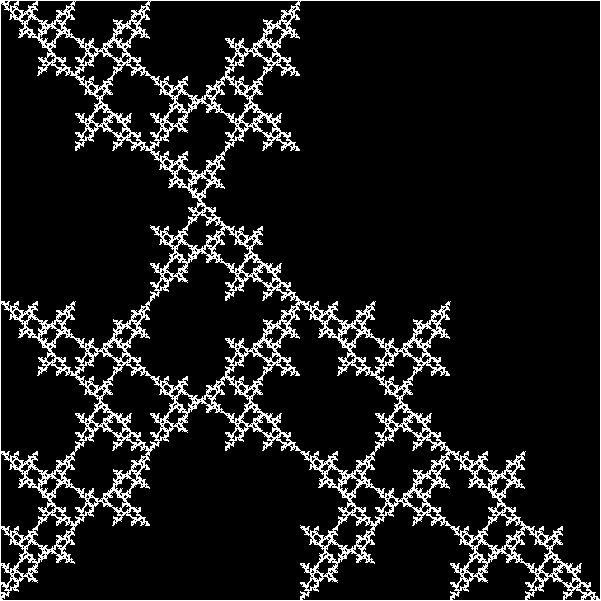
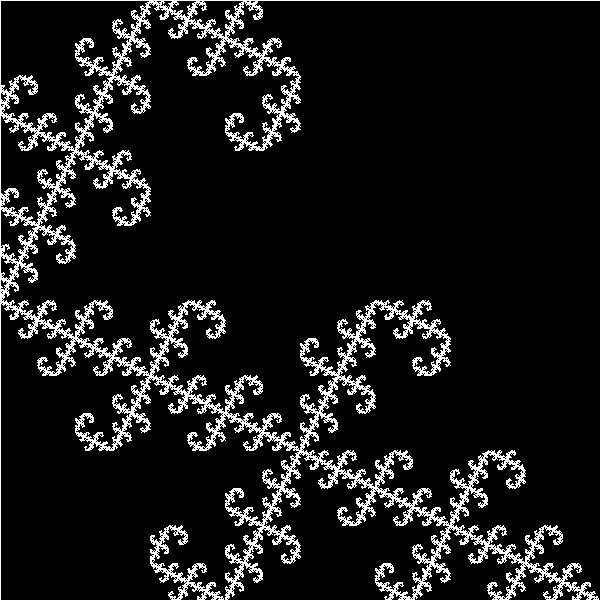
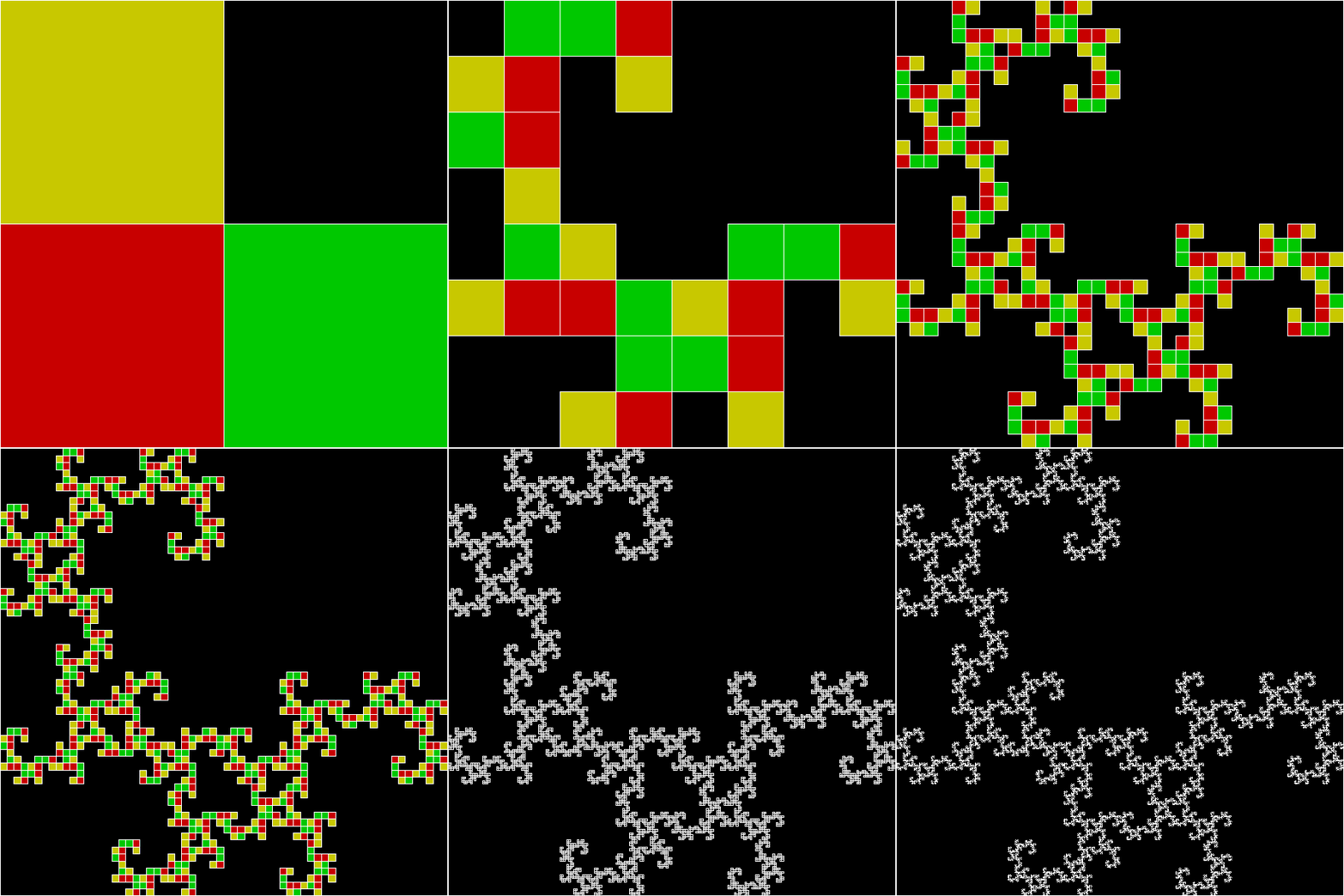
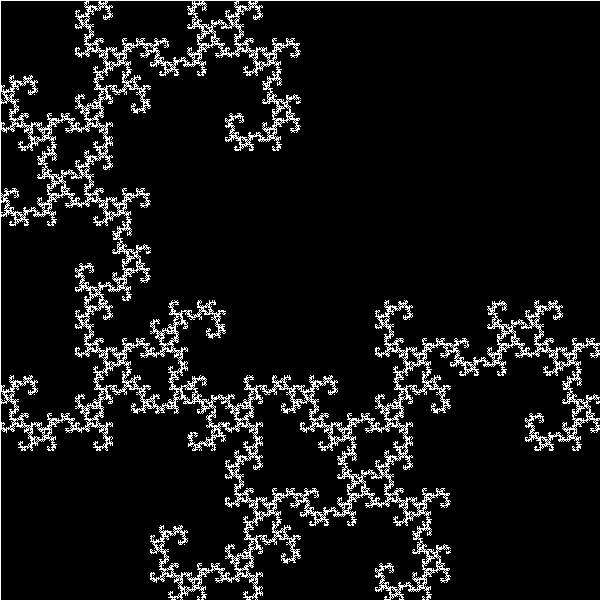
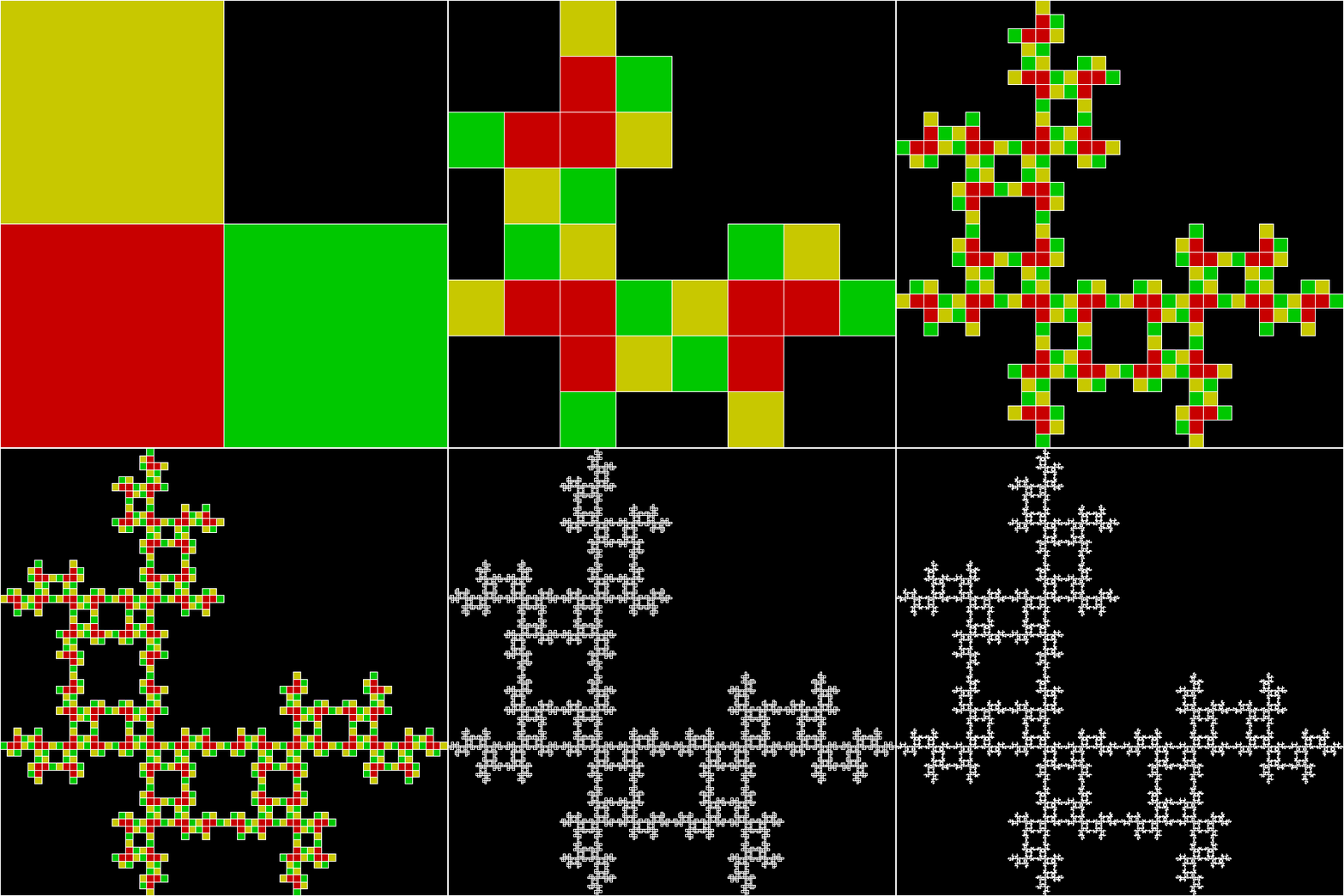
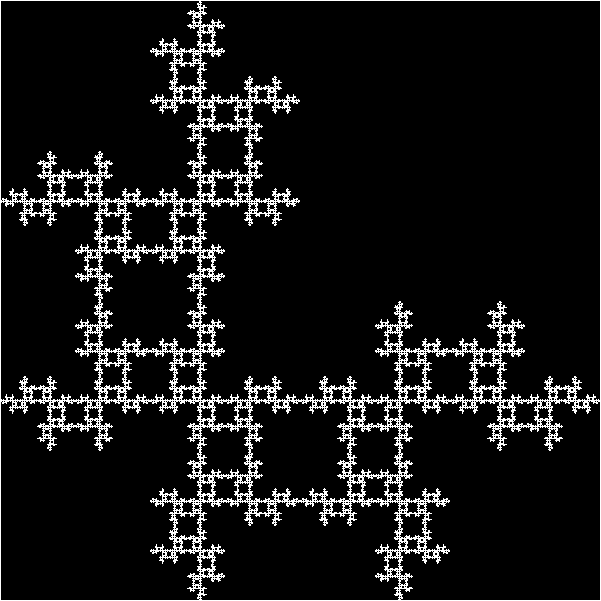
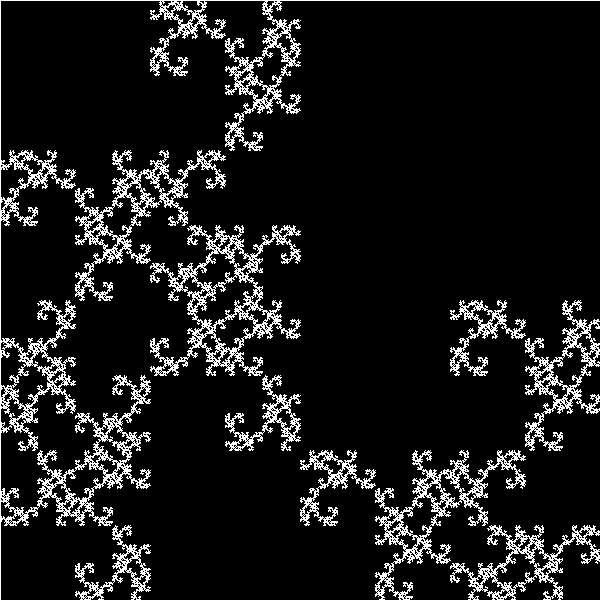
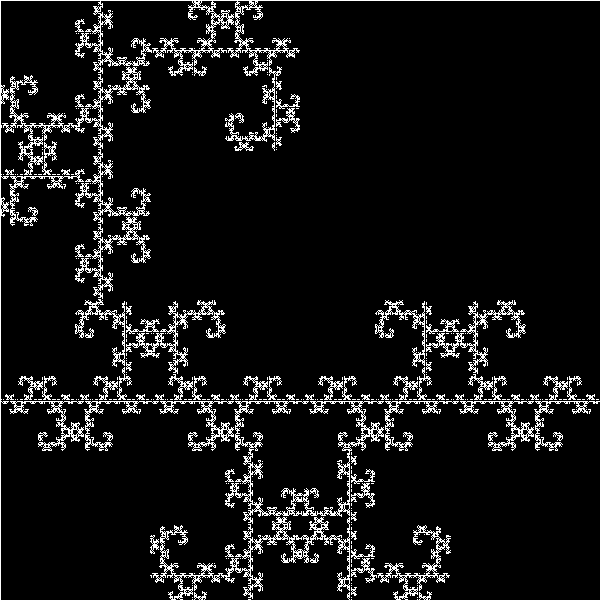
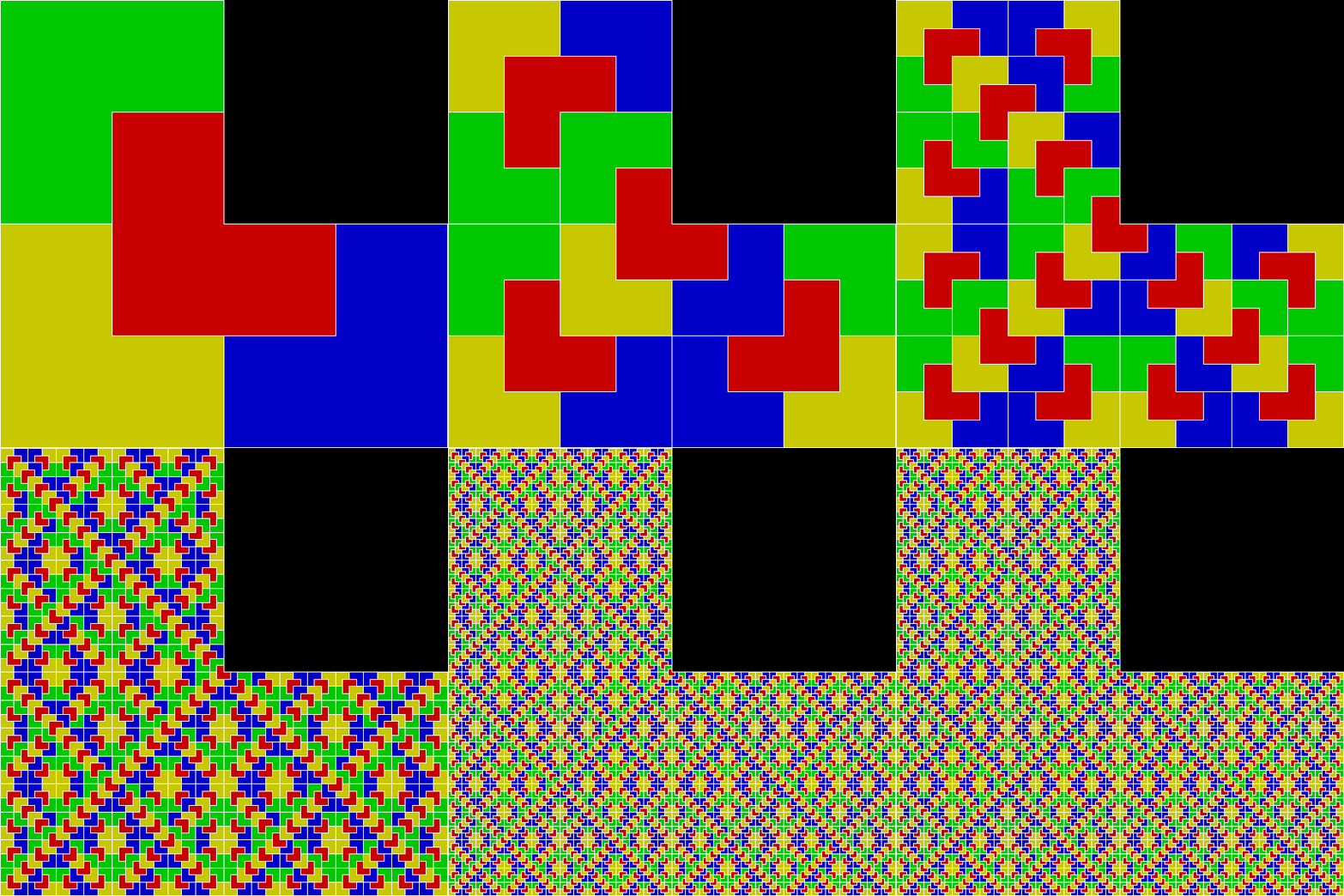
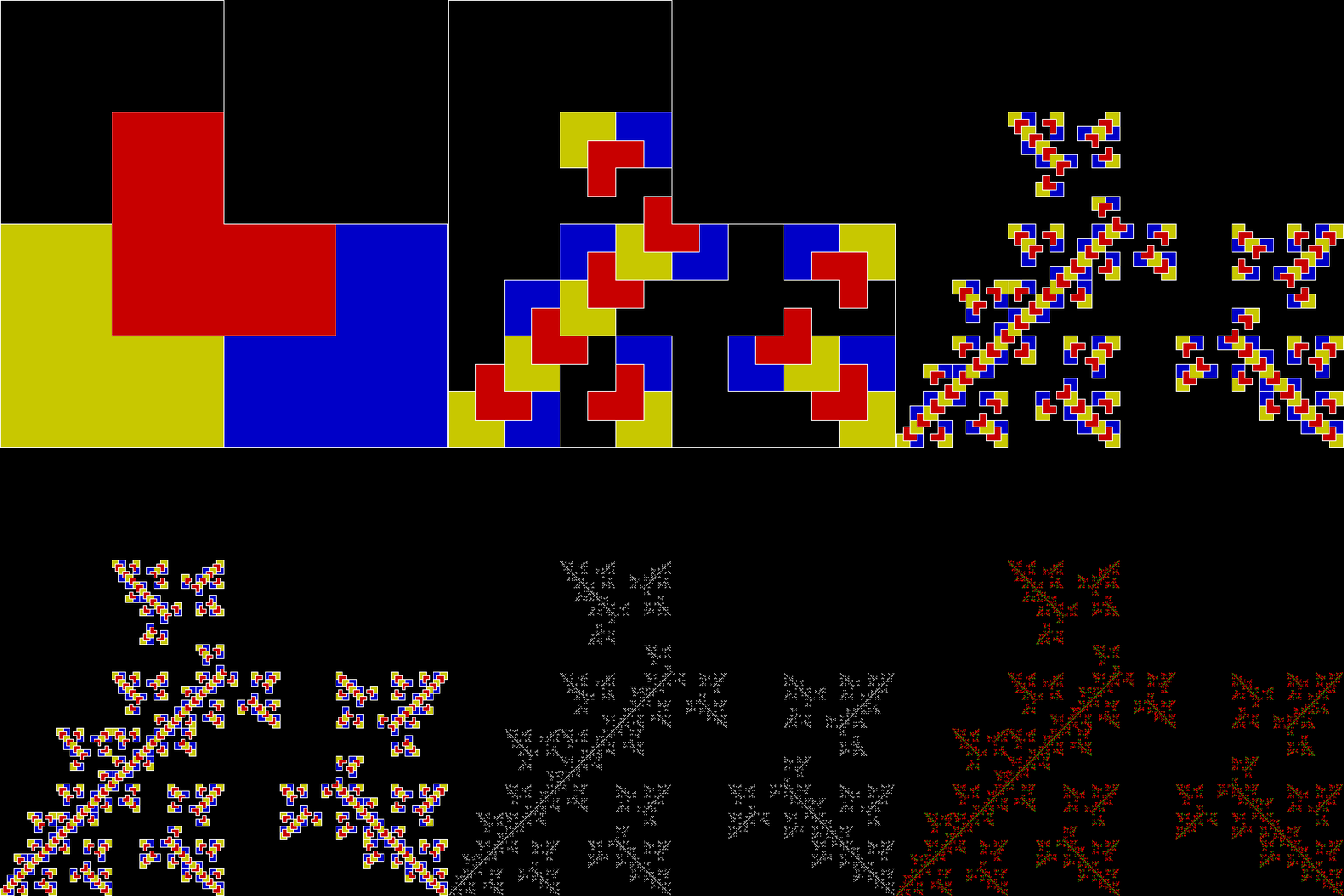
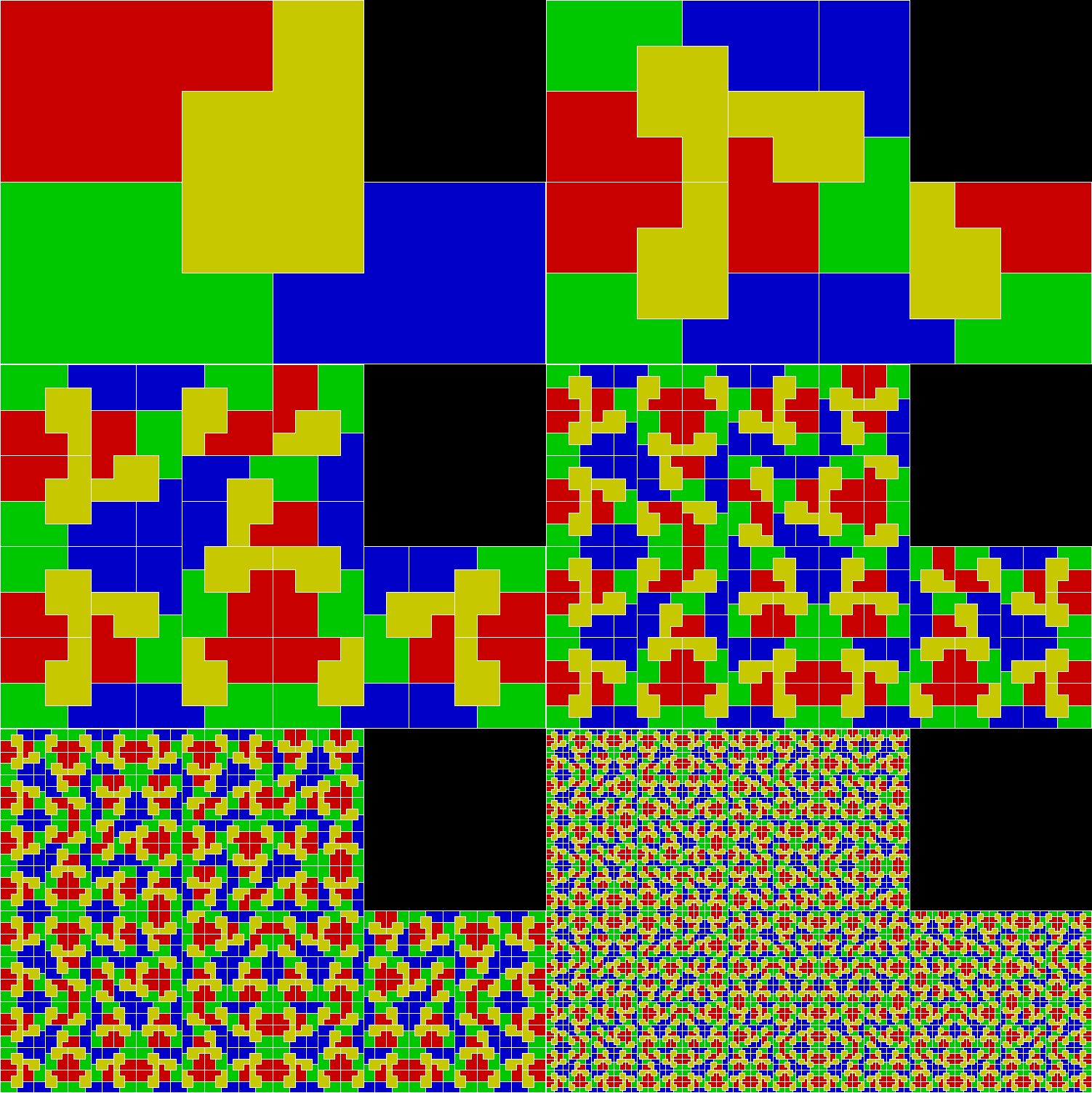
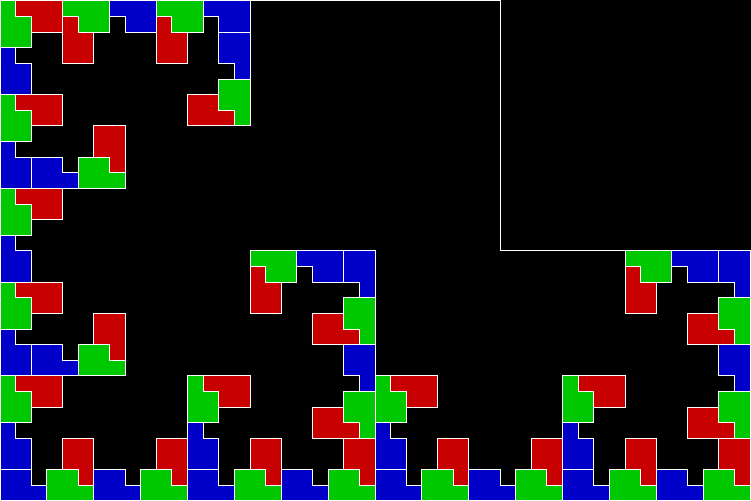
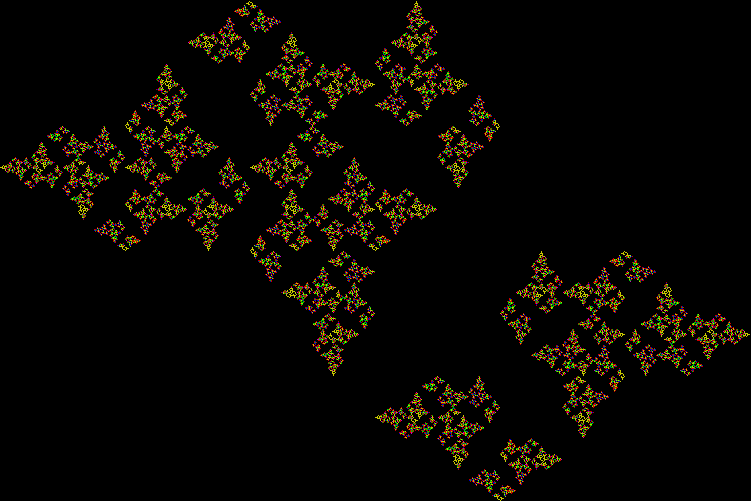
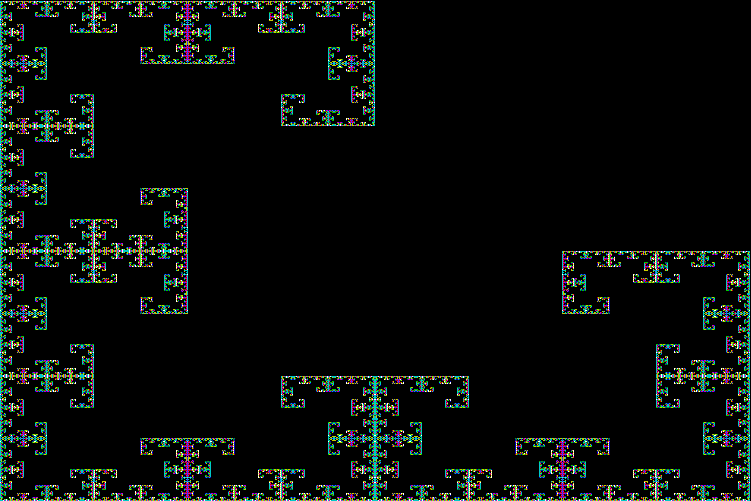
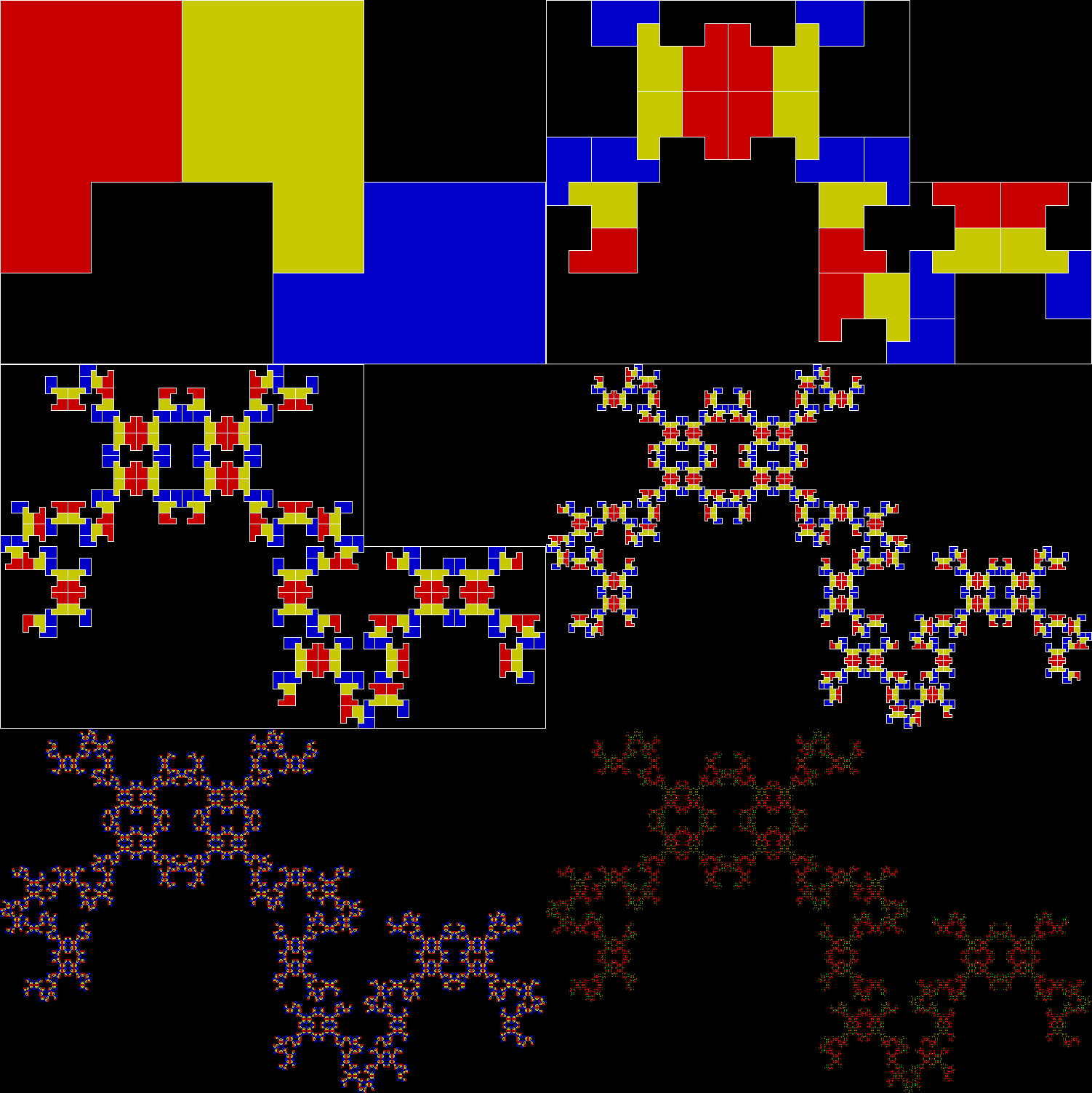
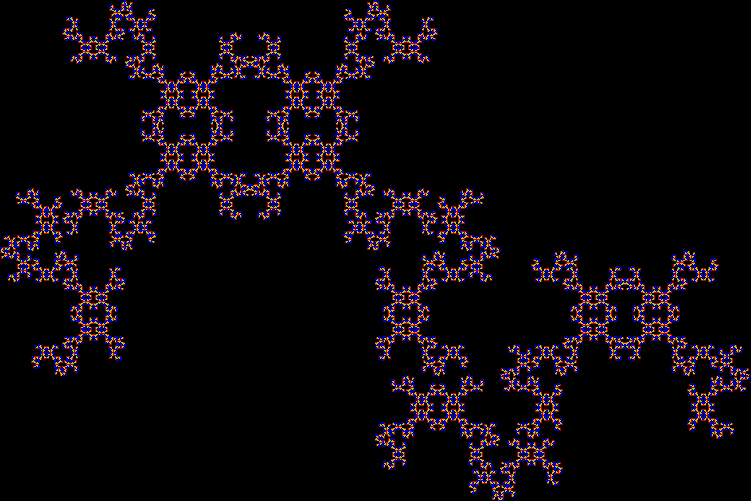
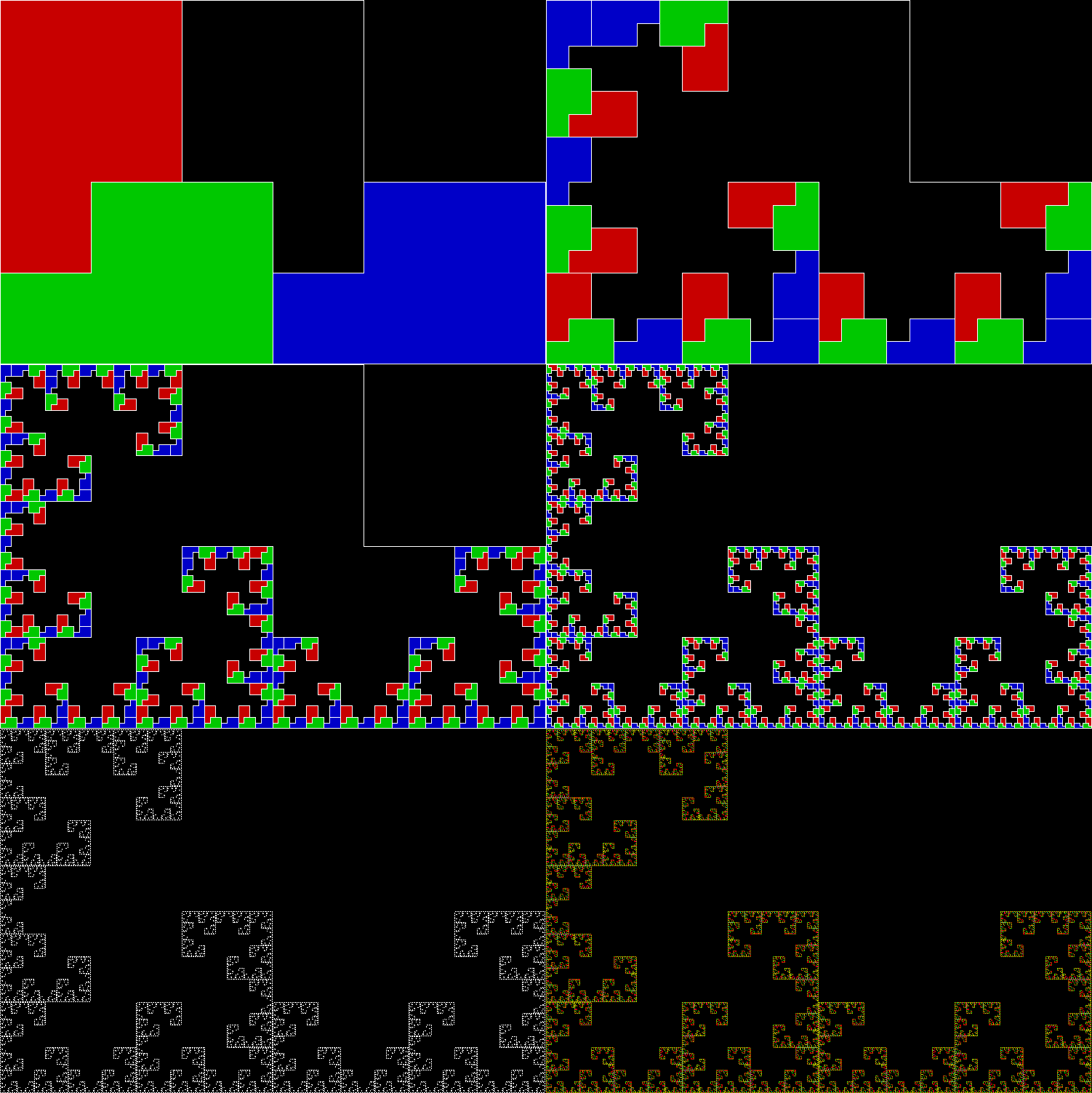
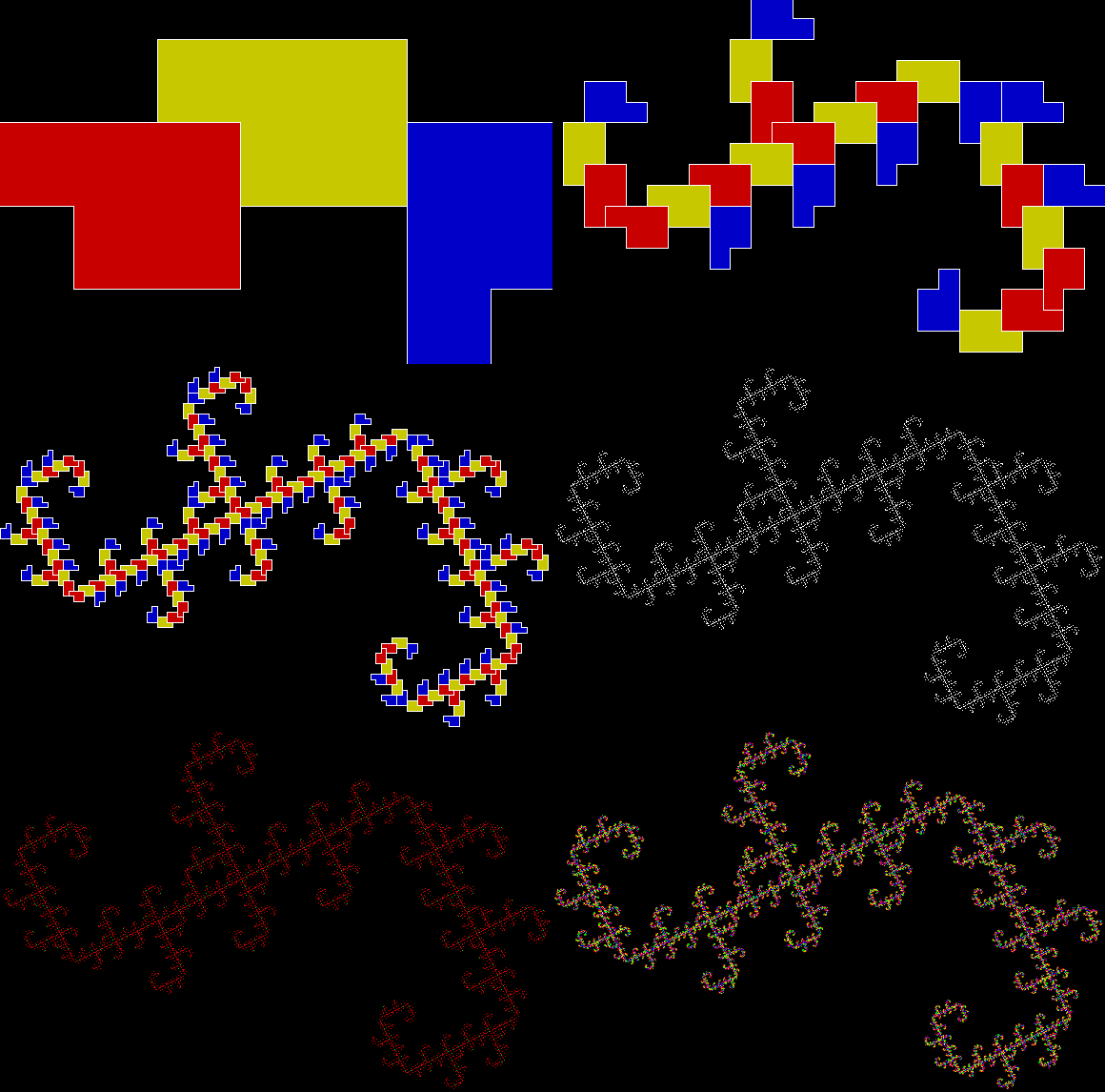
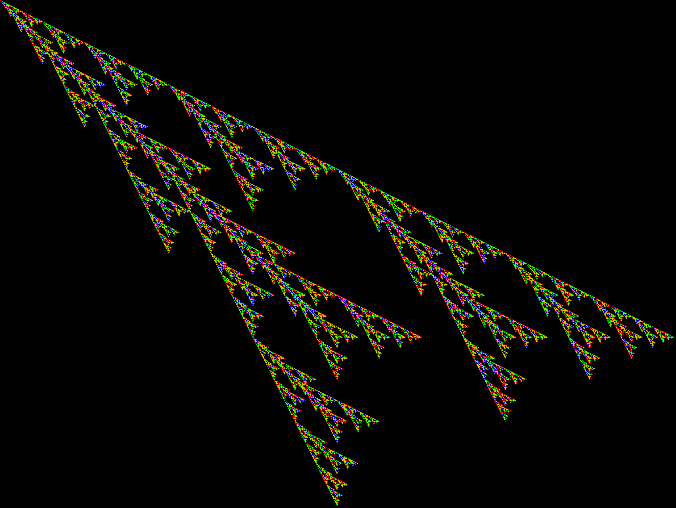
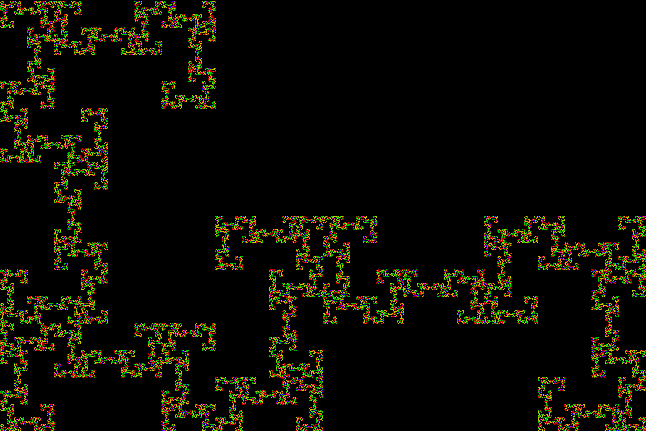
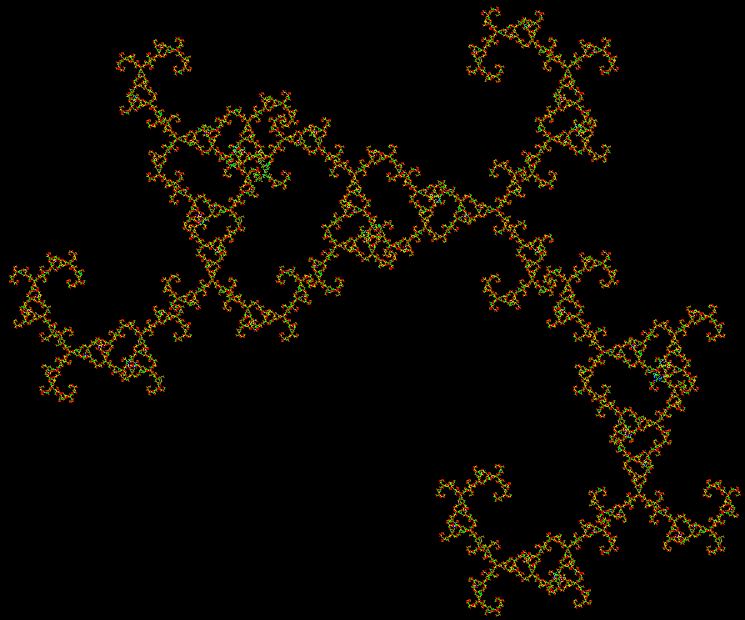
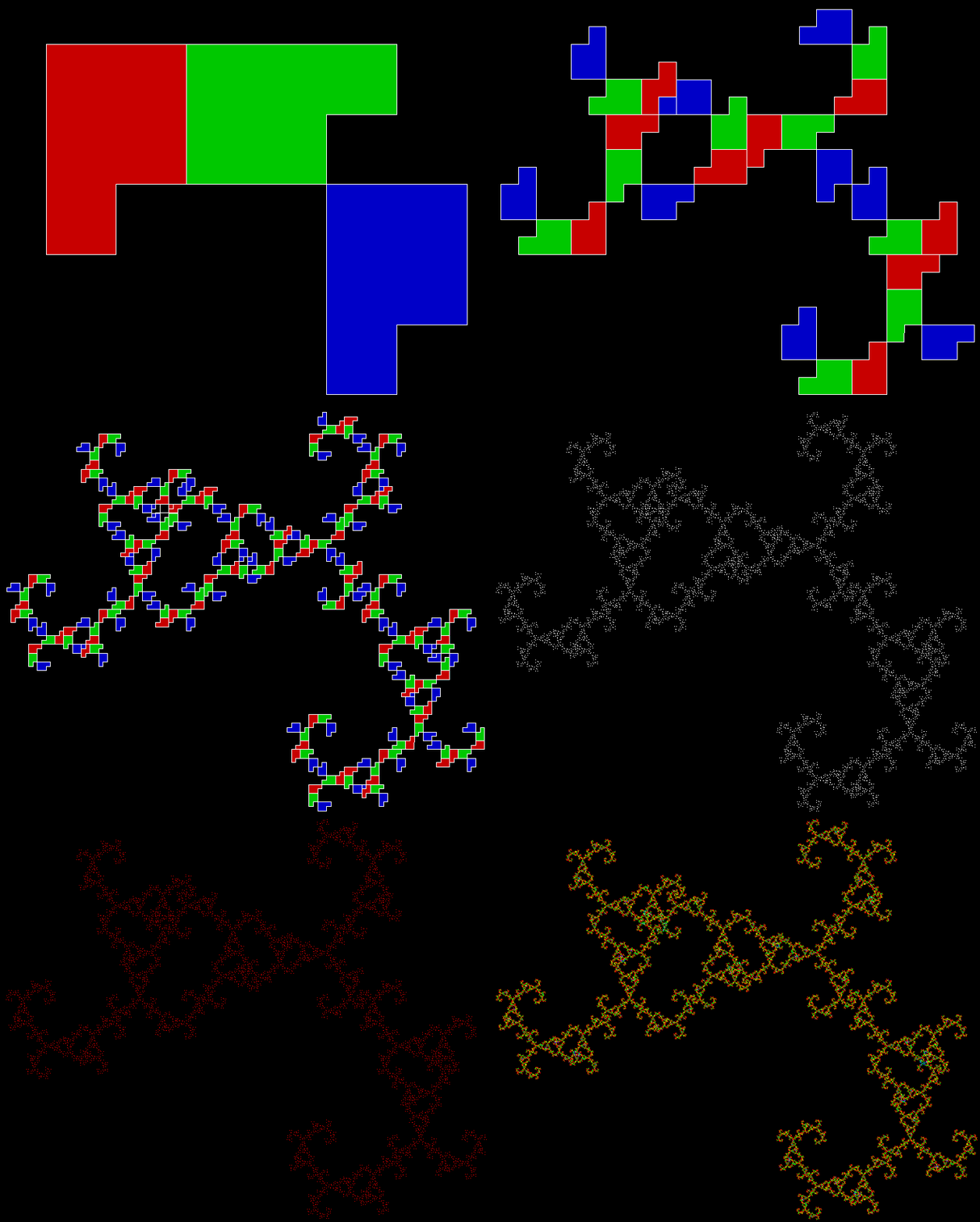
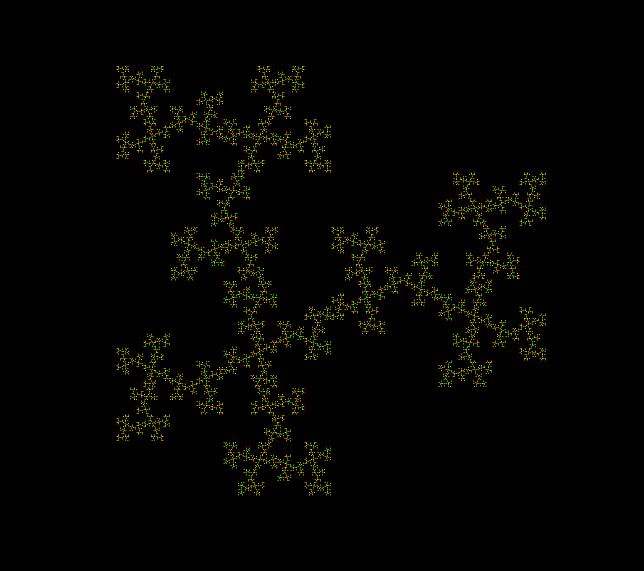
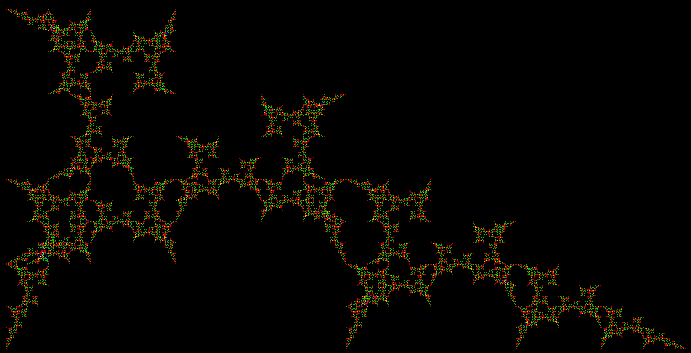
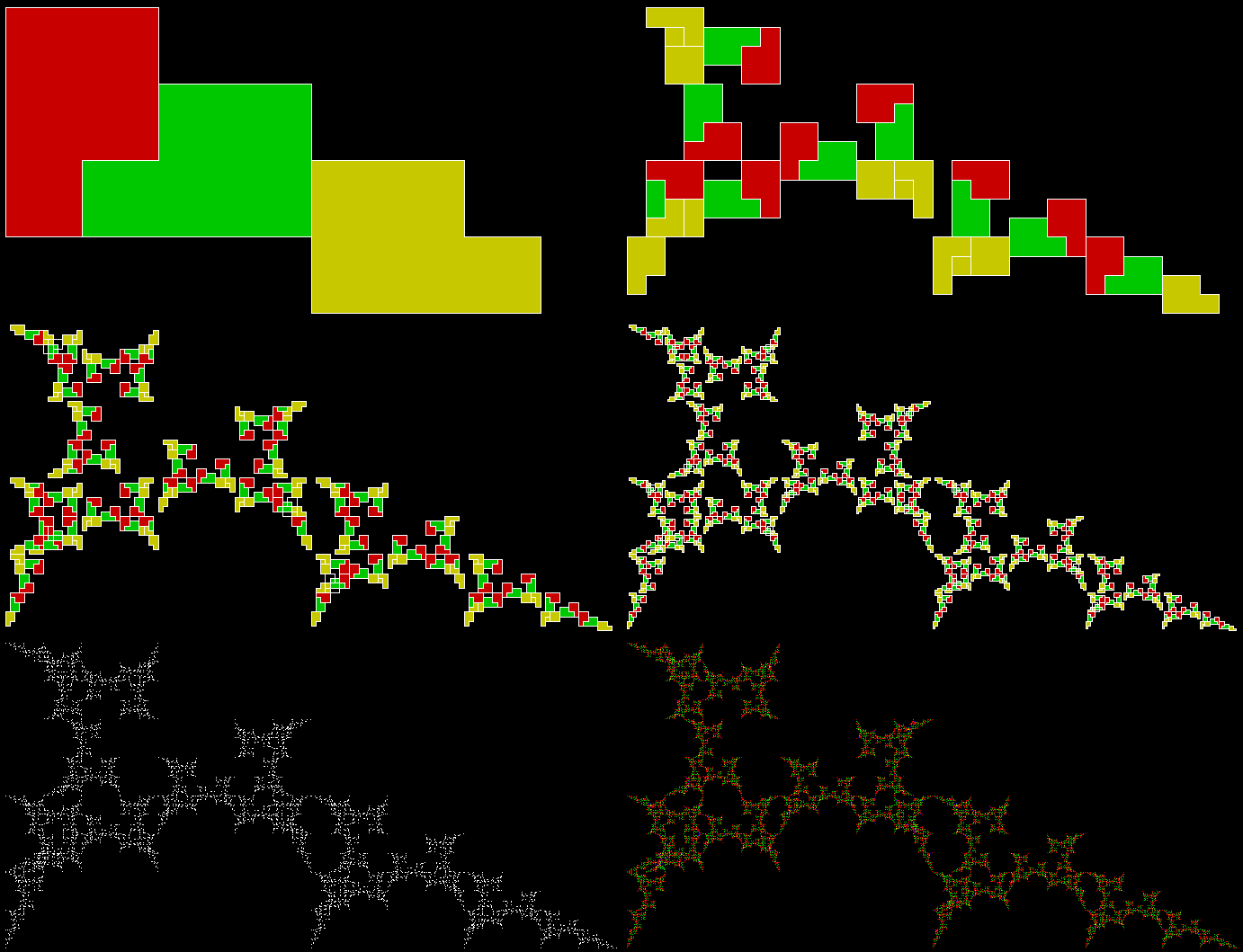
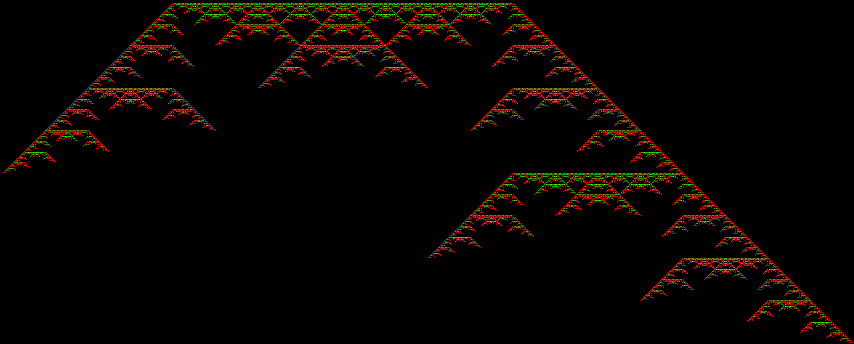
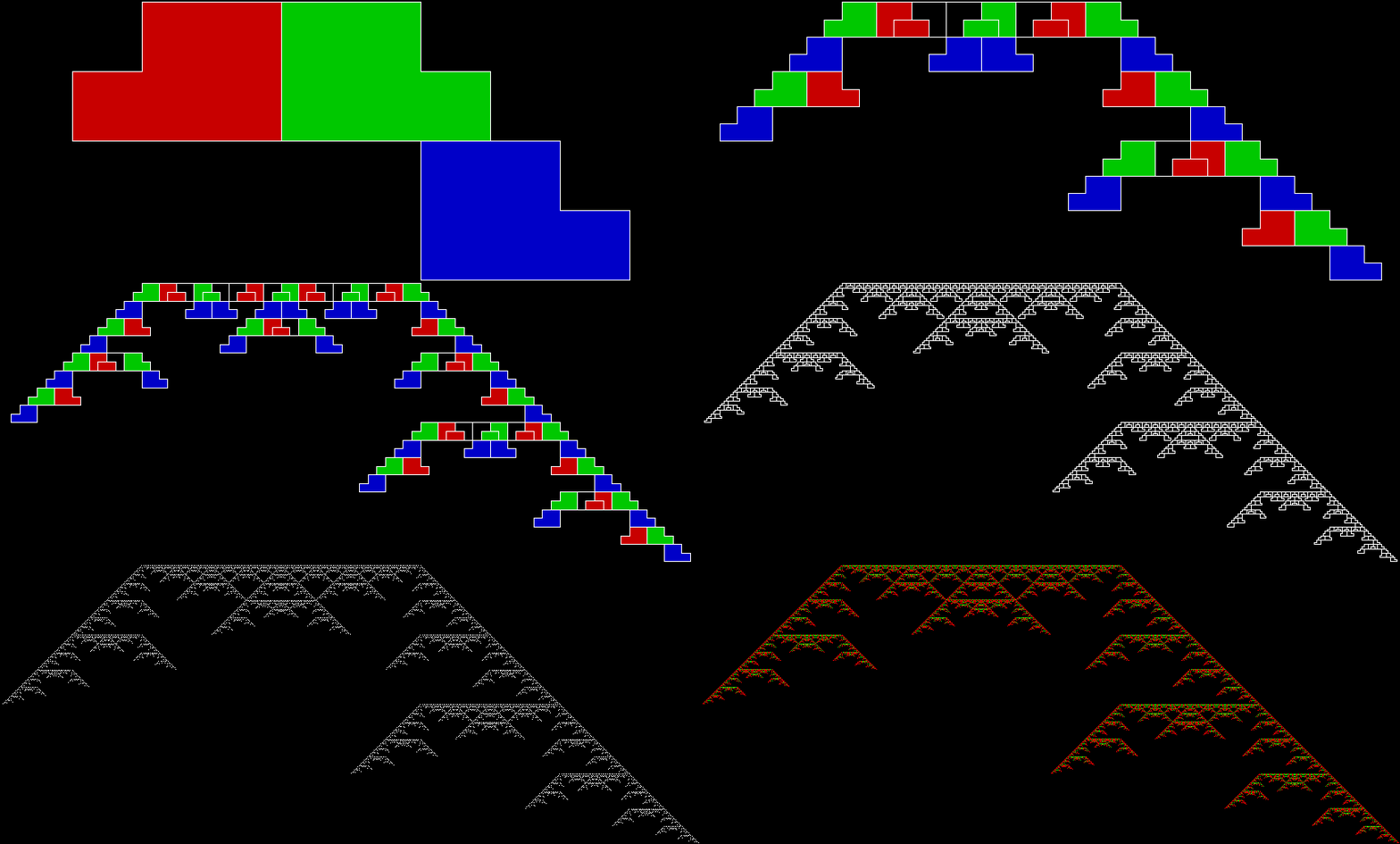
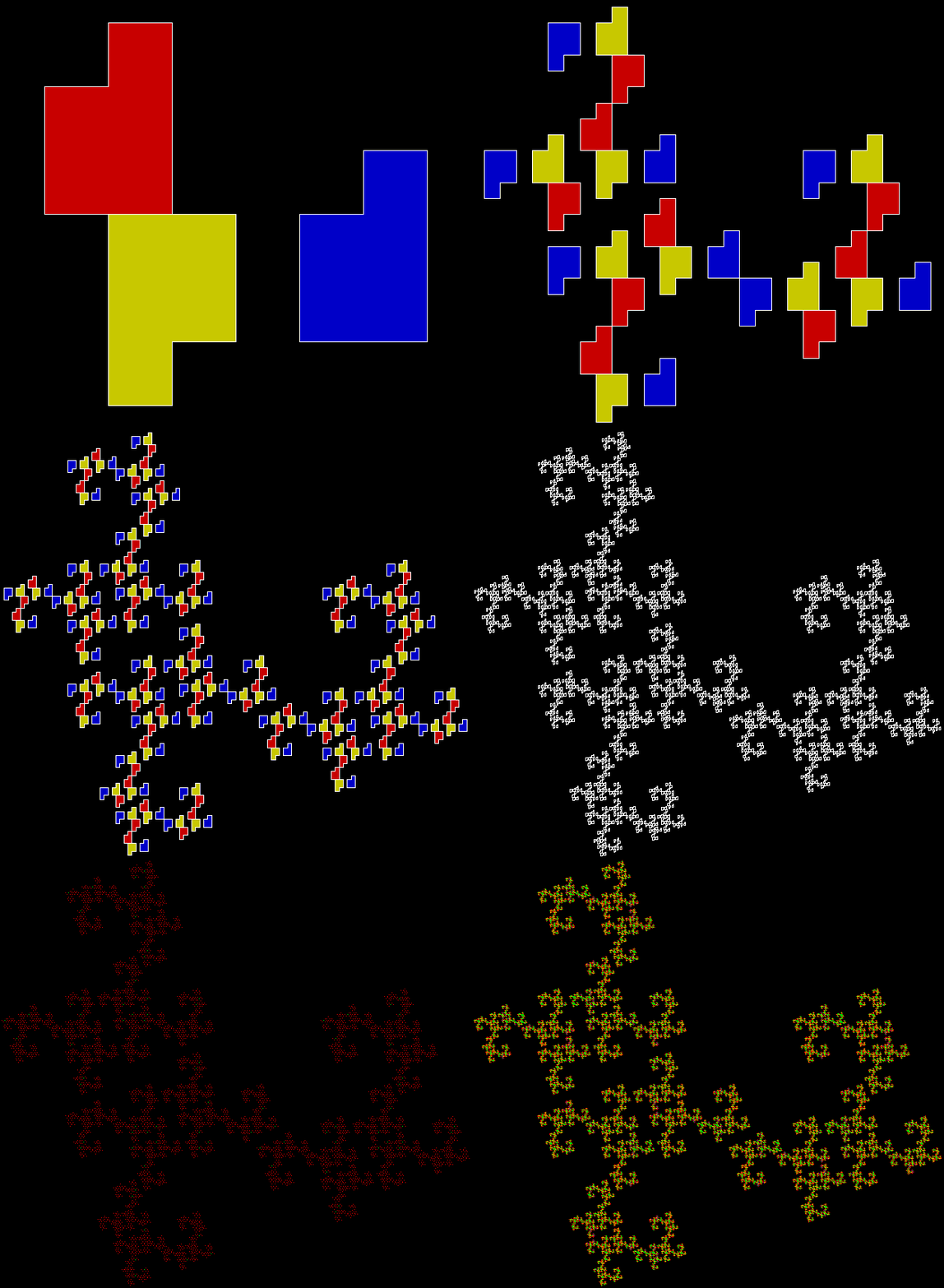
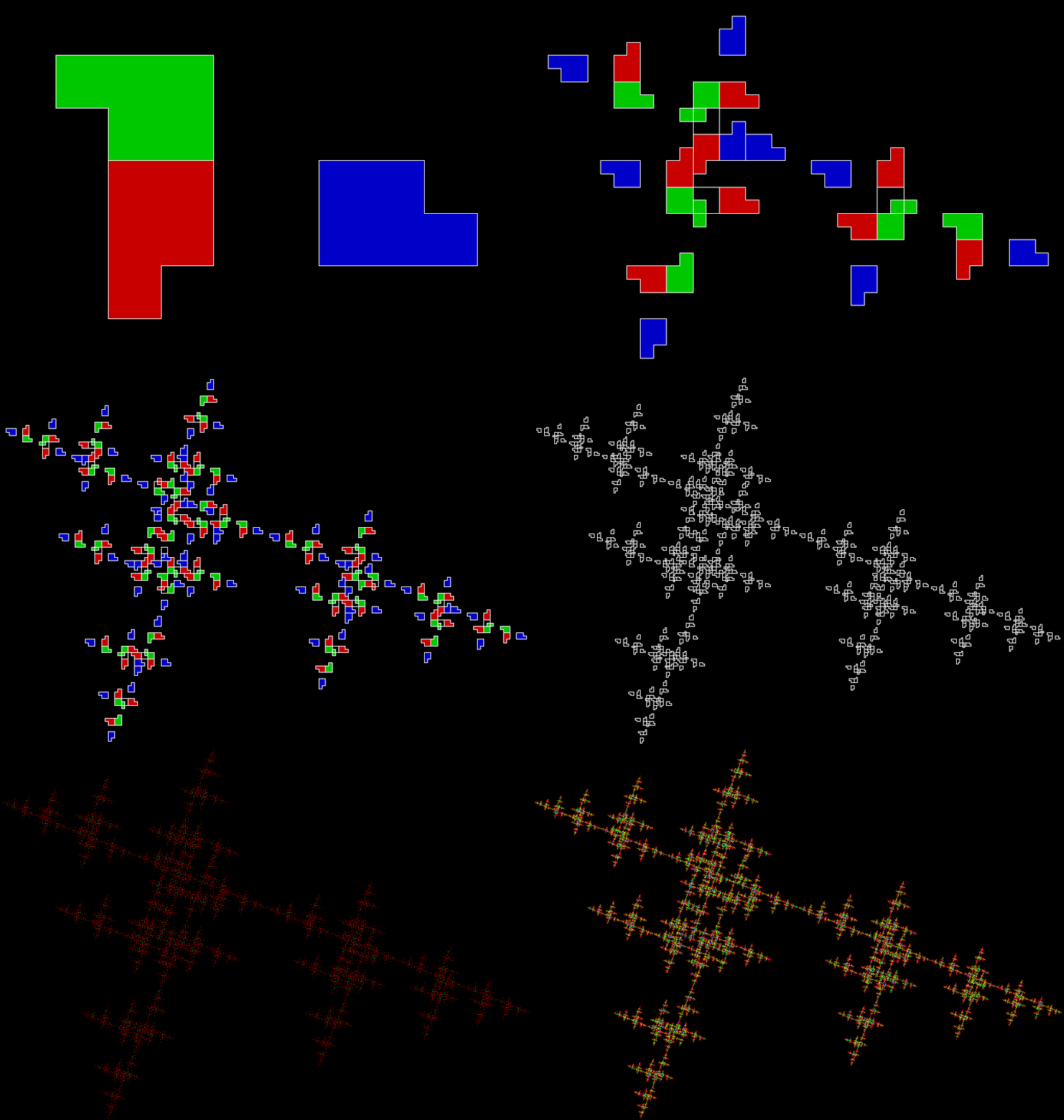
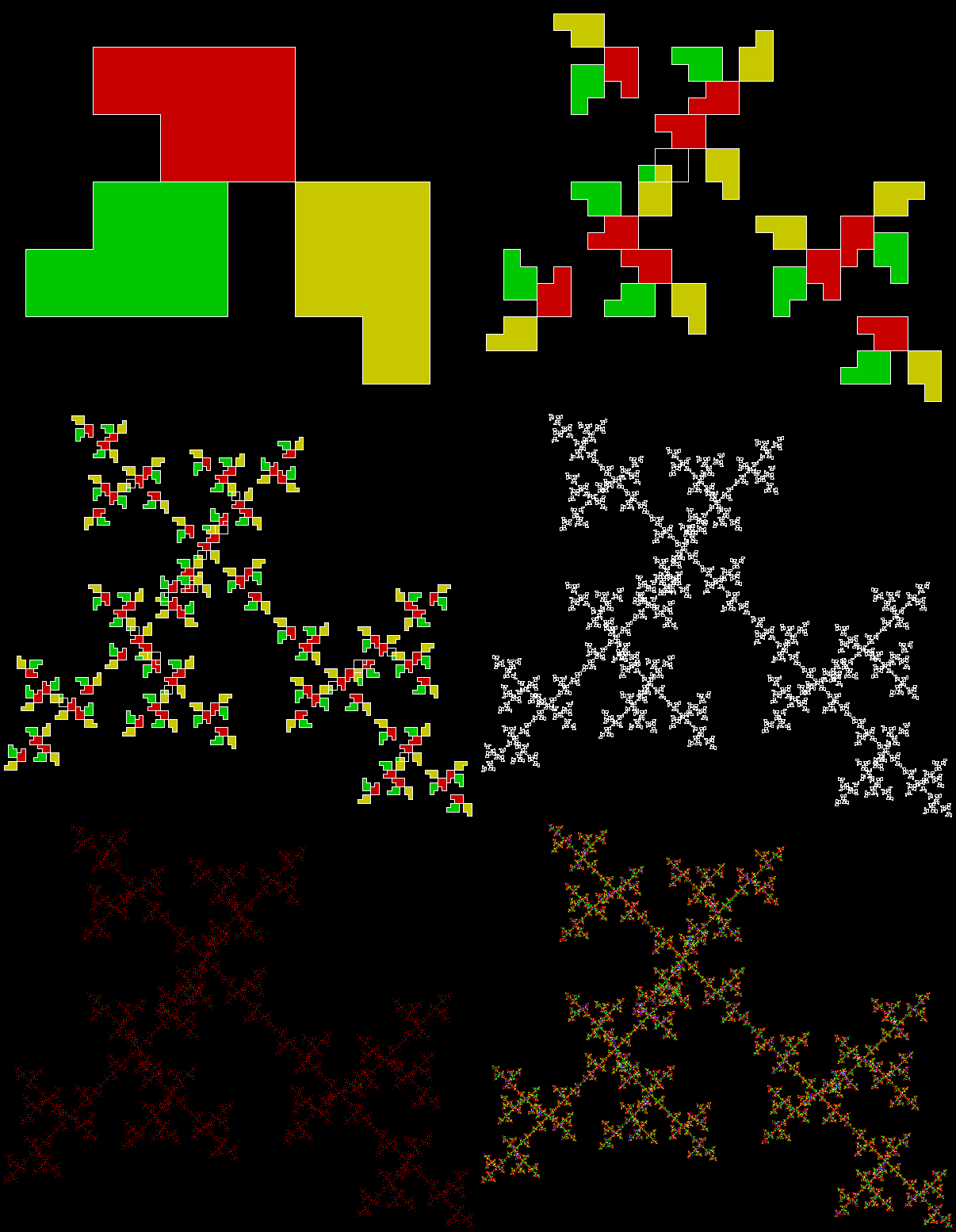
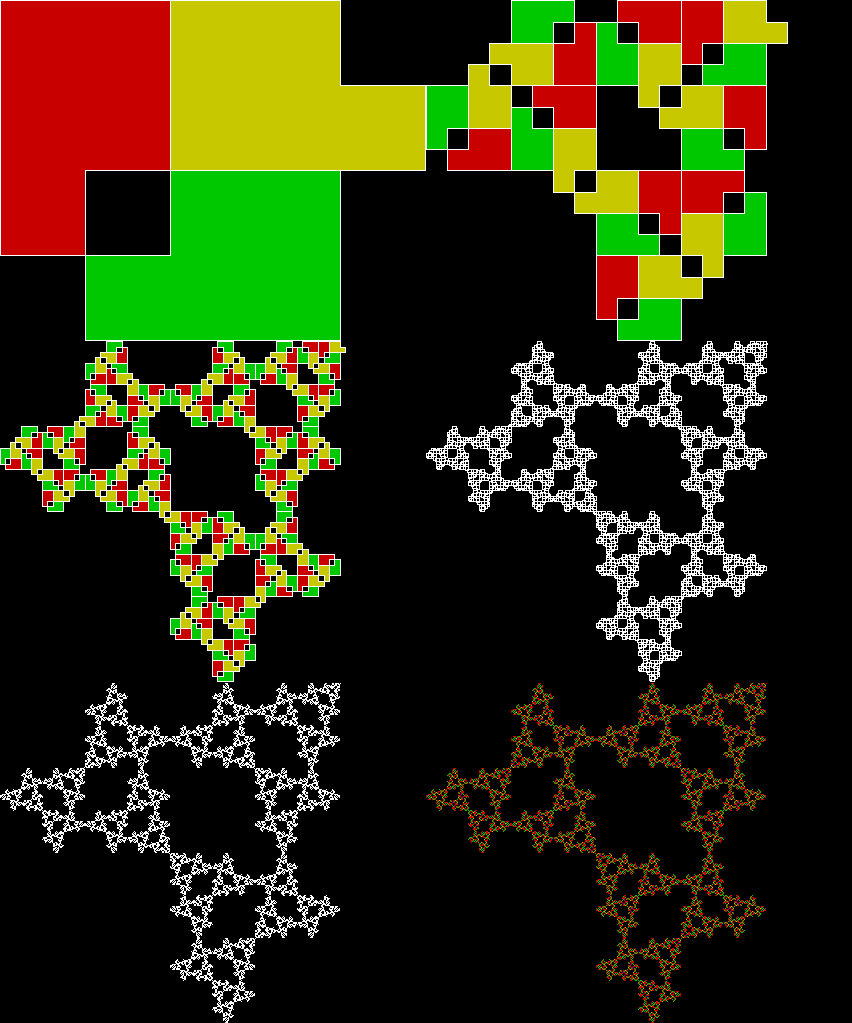
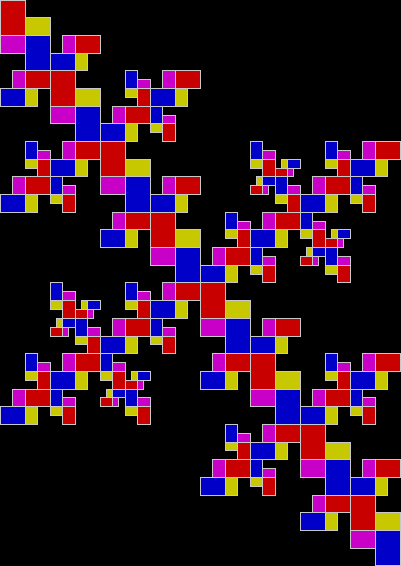
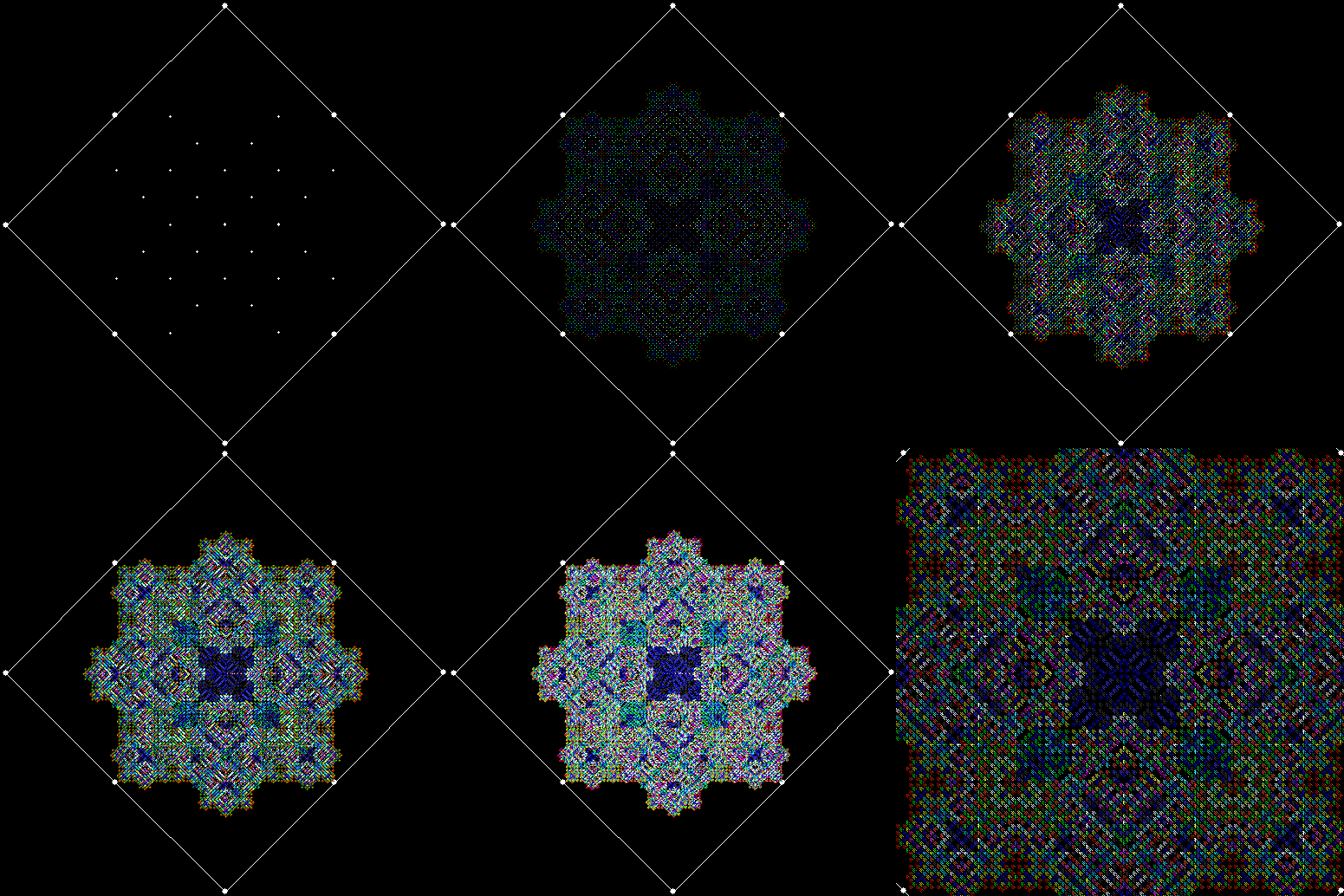
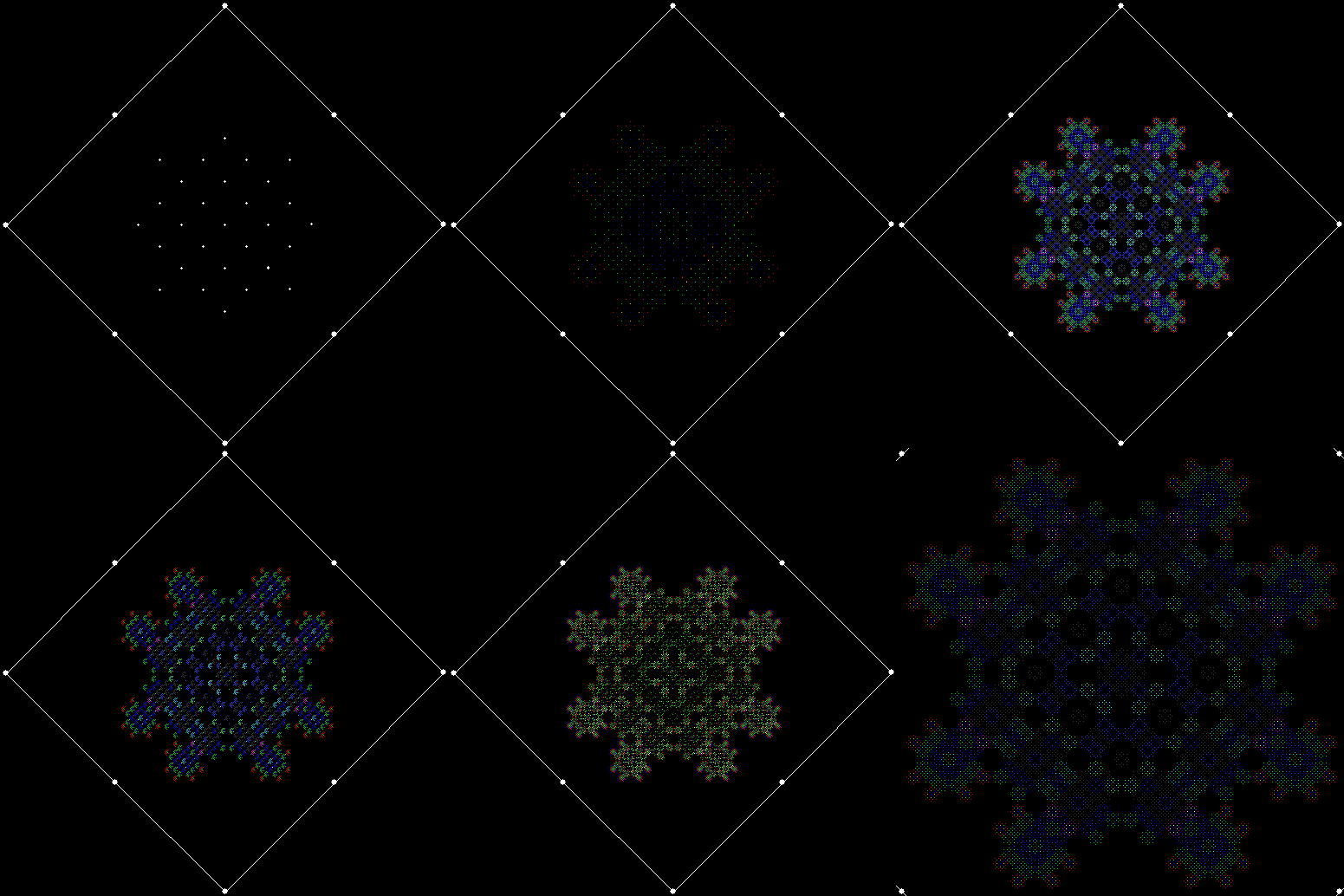
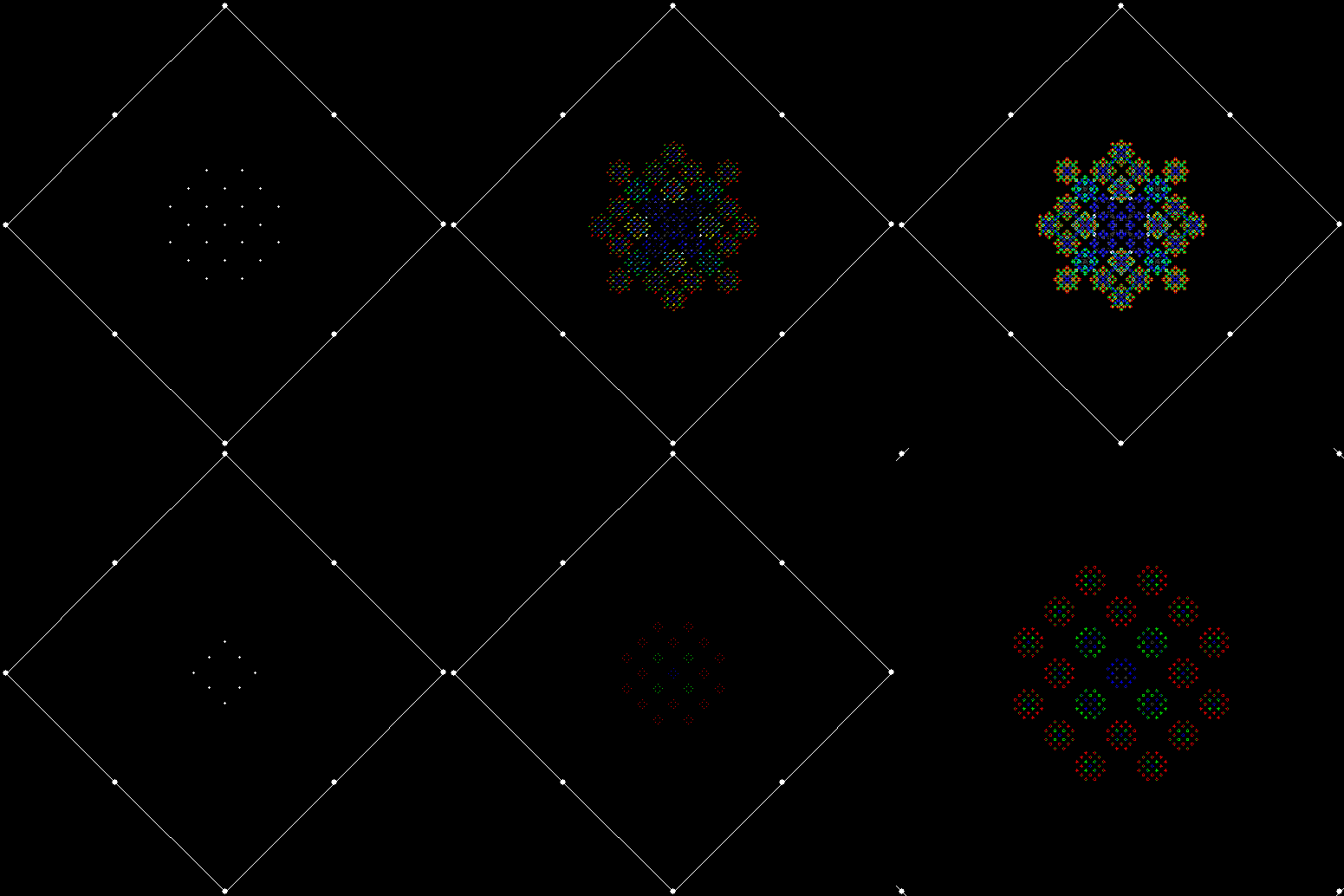
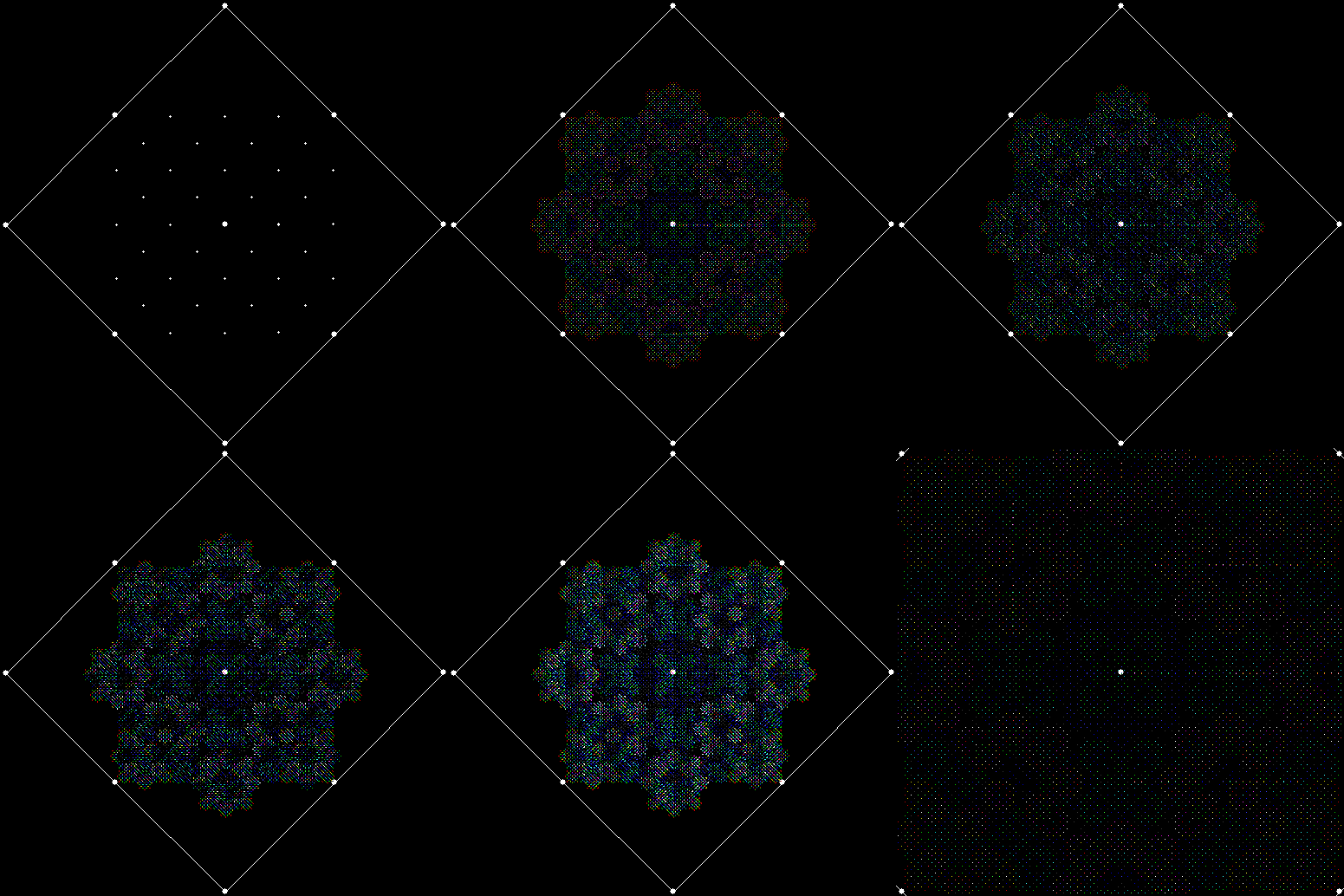
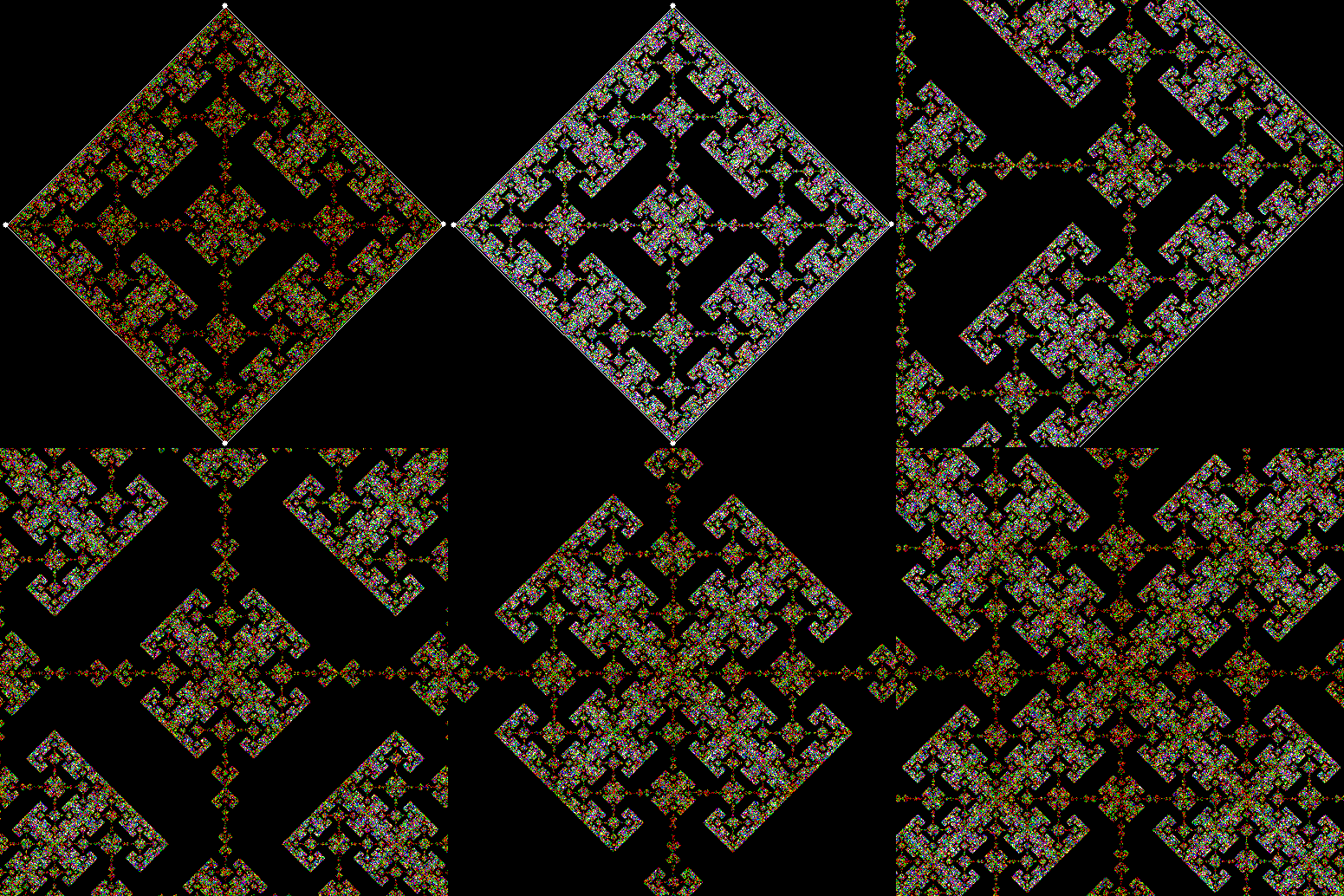
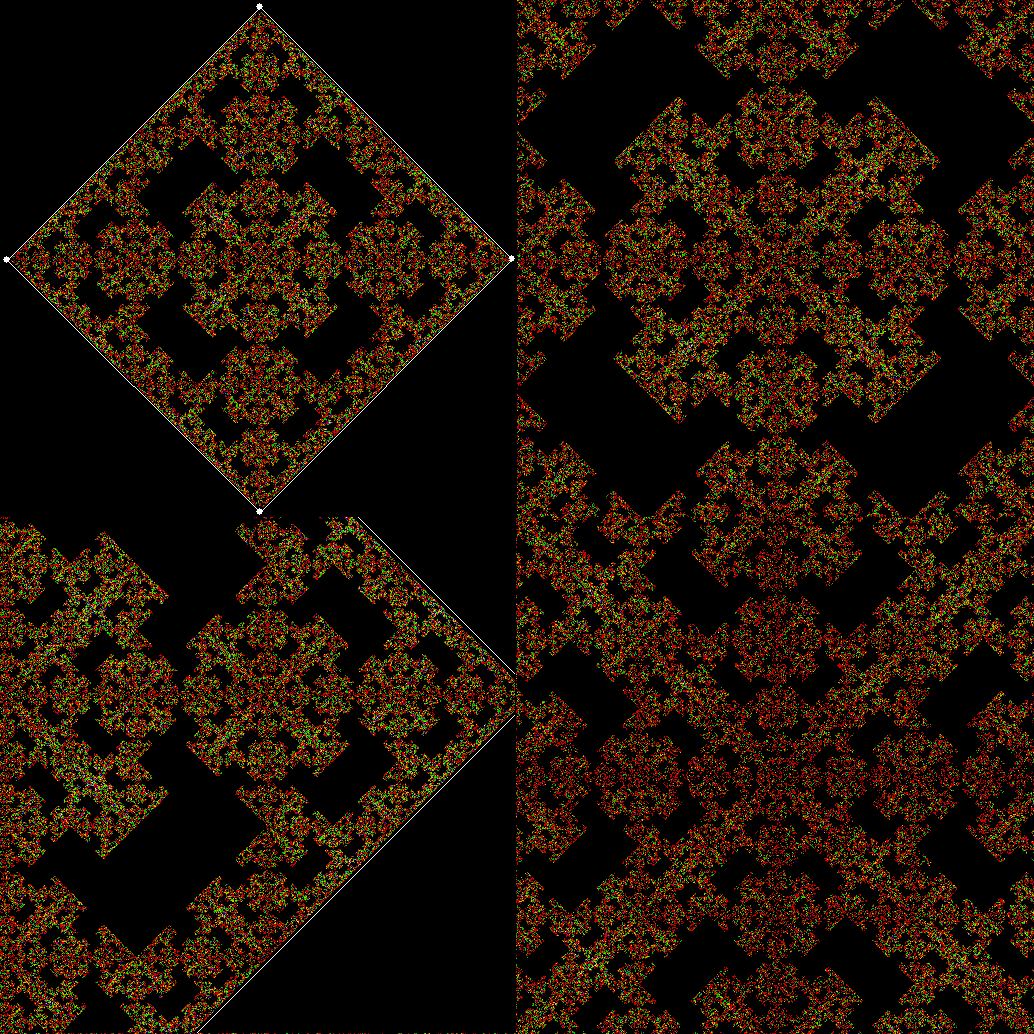
But those fractals don’t exhaust the possibilities of this very simple shape. The standard L-triomino doesn’t have true chirality. That is, it doesn’t come in left- and right-handed forms related by mirror-reflection. But if you number its corners for the purposes of sub-division, you can treat it as though it comes in two distinct orientations. And when the orientations are different in the different sub-copies, new fractals appear. You can also delay the stage at which you discard the first sub-copy. For example, you can divide the L-triomino into four sub-copies, then divide each sub-copy into four more sub-copies, and only then begin discarding.

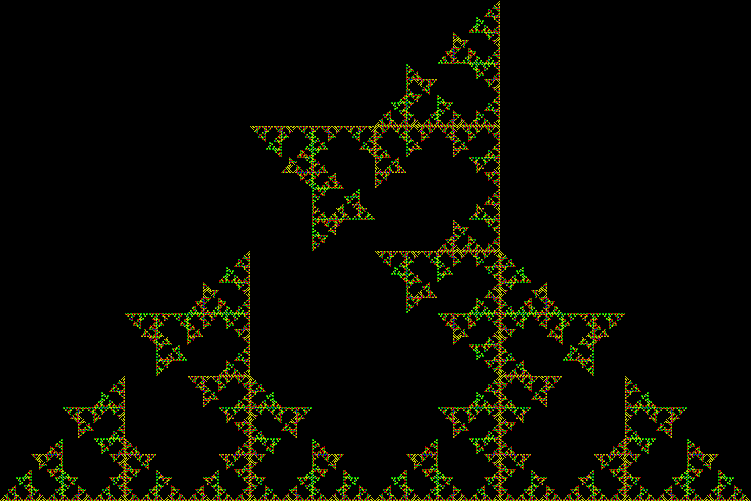
Here are the new fractals that appear when you apply these techniques:

l-triomino_124_exp

Delay before discarding


l-triomino_124_exp_static

(Static image)


l-triomino_124_tst2_static1

(Static image)


l-triomino_124_tst2_static2

(Static image)


l-triomino_124_tst1


l-triomino_124_tst1_static1

(Static image)


l-triomino_124_tst1_static2

(Static image)


l-triomino_134_adj1

Adjust orientation


l-triomino_134_adj2


l-triomino_134_adj3


l-triomino_134_adj3_tst3

(Static image)


l-triomino_134_adj4


l-triomino_134_exp_static

(Static image)


l-triomino_234_exp

For Revver and Fevver

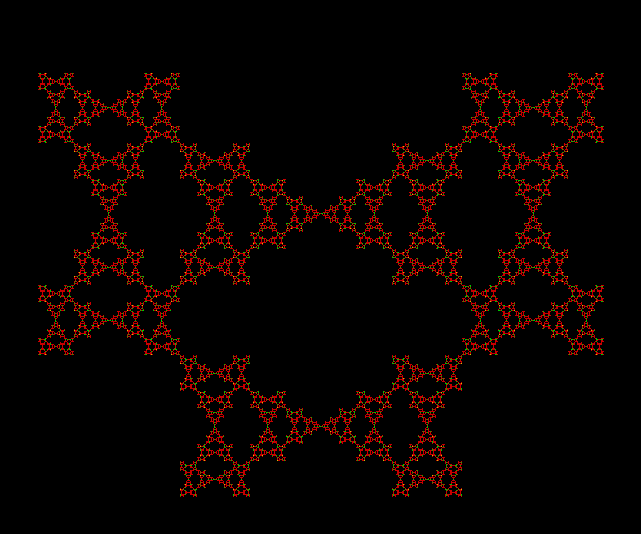
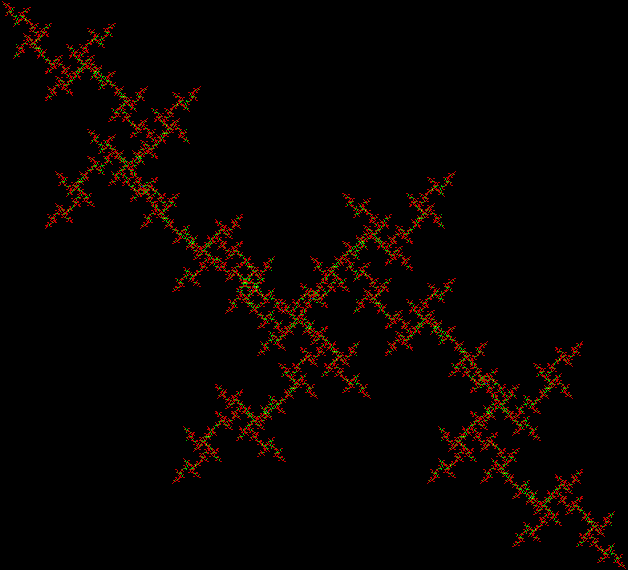
This shape reminds me of the feathers on an exotic bird:

feathers

(click or open in new window for full size)


feathers_anim

(animated version)


The shape is created by reversing the digits of a number, so you could say it involves revvers and fevvers. I discovered it when I was looking at the Halton sequence. It’s a sequence of fractions created according to a simple but interesting rule. The rule works like this: take n in base b, reverse it, and divide reverse(n) by the first power of b that is greater than n.

For example, suppose n = 6 and b = 2. In base 2, 6 = 110 and reverse(110) = 011 = 11 = 3. The first power of 2 that is greater than 6 is 2^3 or 8. Therefore, halton(6) in base 2 equals 3/8. Here is the same procedure applied to n = 1..20:

1: halton(1) = 1/10[2] → 1/2
2: halton(10) = 01/100[2] → 1/4
3: halton(11) = 11/100[2] → 3/4
4: halton(100) = 001/1000[2] → 1/8
5: halton(101) = 101/1000[2] → 5/8
6: halton(110) = 011/1000 → 3/8
7: halton(111) = 111/1000 → 7/8
8: halton(1000) = 0001/10000 → 1/16
9: halton(1001) = 1001/10000 → 9/16
10: halton(1010) = 0101/10000 → 5/16
11: halton(1011) = 1101/10000 → 13/16
12: halton(1100) = 0011/10000 → 3/16
13: halton(1101) = 1011/10000 → 11/16
14: halton(1110) = 0111/10000 → 7/16
15: halton(1111) = 1111/10000 → 15/16
16: halton(10000) = 00001/100000 → 1/32
17: halton(10001) = 10001/100000 → 17/32
18: halton(10010) = 01001/100000 → 9/32
19: halton(10011) = 11001/100000 → 25/32
20: halton(10100) = 00101/100000 → 5/32…

Note that the sequence always produces reduced fractions, i.e. fractions in their lowest possible terms. Once 1/2 has appeared, there is no 2/4, 4/8, 8/16…; once 3/4 has appeared, there is no 6/8, 12/16, 24/32…; and so on. If the fractions are represented as points in the interval [0,1], they look like this:

line1_1_2

point = 1/2


line2_1_4

point = 1/4


line3_3_4

point = 3/4


line4_1_8

point = 1/8


line5_5_8

point = 5/8


line6_3_8

point = 3/8


line7_7_8

point = 7/8


line_b2_anim

(animated line for base = 2, n = 1..63)


It’s apparent that Halton points in base 2 will evenly fill the interval [0,1]. Now compare a Halton sequence in base 3:

1: halton(1) = 1/10[3] → 1/3
2: halton(2) = 2/10[3] → 2/3
3: halton(10) = 01/100[3] → 1/9
4: halton(11) = 11/100[3] → 4/9
5: halton(12) = 21/100[3] → 7/9
6: halton(20) = 02/100 → 2/9
7: halton(21) = 12/100 → 5/9
8: halton(22) = 22/100 → 8/9
9: halton(100) = 001/1000 → 1/27
10: halton(101) = 101/1000 → 10/27
11: halton(102) = 201/1000 → 19/27
12: halton(110) = 011/1000 → 4/27
13: halton(111) = 111/1000 → 13/27
14: halton(112) = 211/1000 → 22/27
15: halton(120) = 021/1000 → 7/27
16: halton(121) = 121/1000 → 16/27
17: halton(122) = 221/1000 → 25/27
18: halton(200) = 002/1000 → 2/27
19: halton(201) = 102/1000 → 11/27
20: halton(202) = 202/1000 → 20/27
21: halton(210) = 012/1000 → 5/27
22: halton(211) = 112/1000 → 14/27
23: halton(212) = 212/1000 → 23/27
24: halton(220) = 022/1000 → 8/27
25: halton(221) = 122/1000 → 17/27
26: halton(222) = 222/1000 → 26/27
27: halton(1000) = 0001/10000 → 1/81
28: halton(1001) = 1001/10000 → 28/81
29: halton(1002) = 2001/10000 → 55/81
30: halton(1010) = 0101/10000 → 10/81

And here is an animated gif representing the Halton sequence in base 3 as points in the interval [0,1]:

line_b3_anim


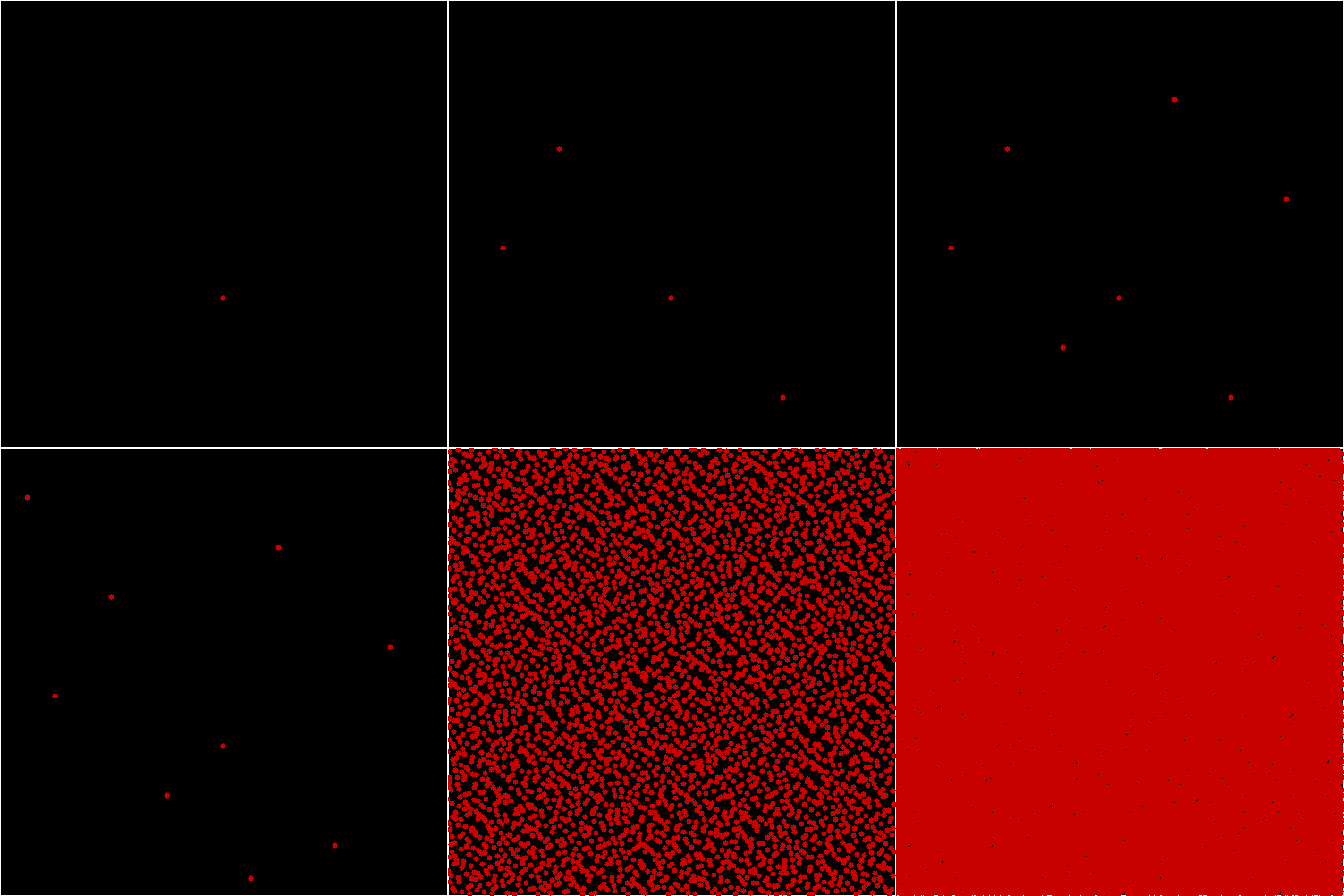
Halton points in base 3 also evenly fill the interval [0,1]. What happens if you apply the Halton sequence to a two-dimensional square rather a one-dimensional line? Suppose the bottom left-hand corner of the square has the co-ordinates (0,0) and the top right-hand corner has the co-ordinates (1,1). Find points (x,y) inside the square, with x supplied by the Halton sequence in base 2 and y supplied by the Halton sequence in base 3. The square will gradually fill like this:

square1

x = 1/2, y = 1/3


square2

x = 1/4, y = 2/3


square3

x = 3/4, y = 1/9


square4

x = 1/8, y = 4/9


square5

x = 5/8, y = 7/9


square6

x = 3/8, y = 2/9


square7

x = 7/8, y = 5/9


square8

x = 1/16, y = 8/9


square9

x = 9/16, y = 1/27…


square_anim

animated square


Read full page: For Revver and Fevver

Rep-tilian Rites

A pentomino is one of the shapes created by laying five squares edge-to-edge. There are twelve of them (not counting reflections) and this is the P-pentomino:

p_pentomino

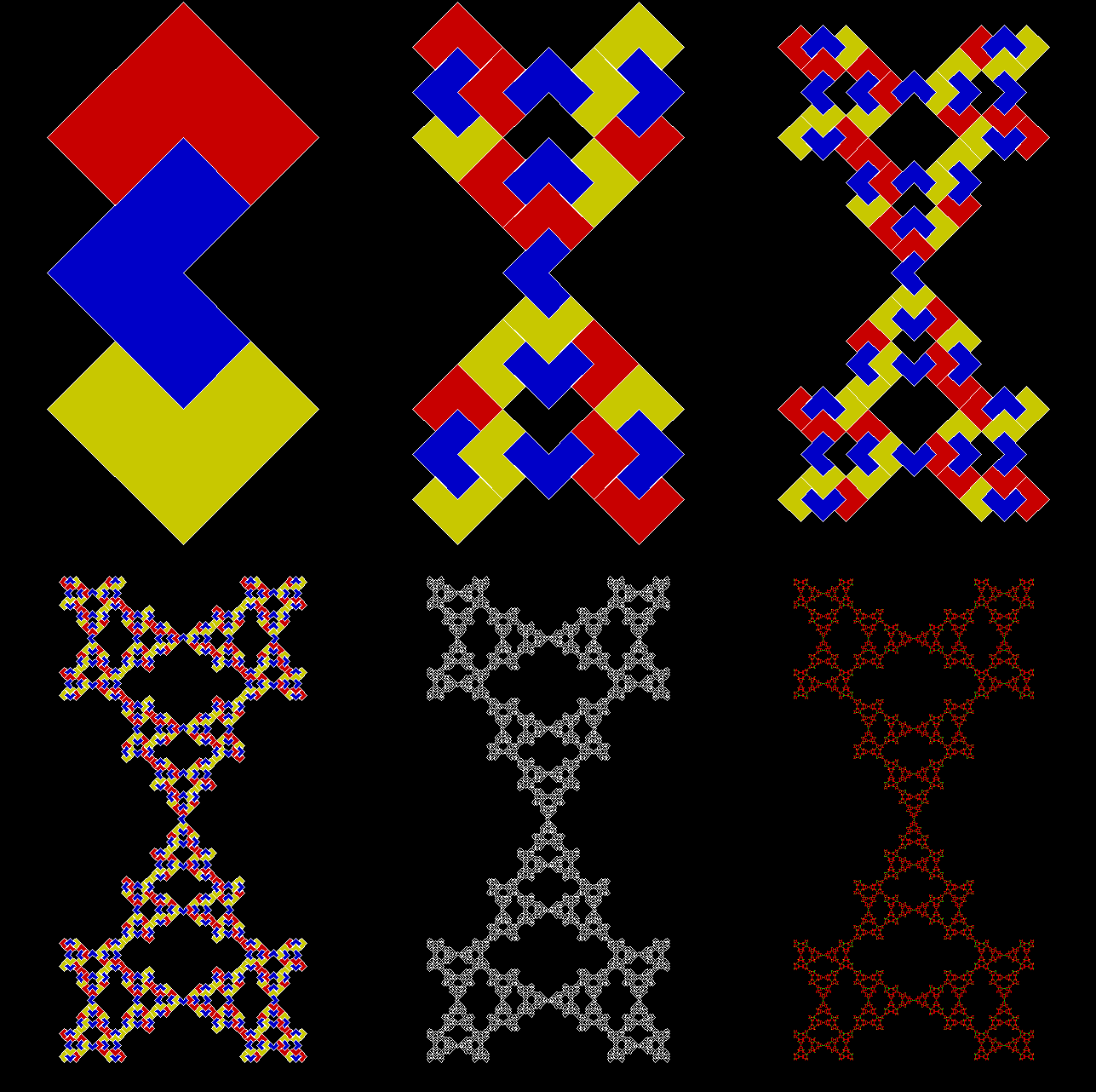
But it’s not just a pentomino, it’s also a rep-tile, or a shape that can divided into smaller copies of itself. There are two ways of doing this (I’ve rotated the pentomino 90° to make the images look better):

p_pentomino_a


p_pentomino_b


Once you’ve divided the shape into four copies, you can divide the copies, then the copies of the copies, and the copies of the copies of the copies, and so on for ever:

p_pentomino_a_anim


p_pentomino_a_anim


And if you’ve got a reptile, you can turn it into a fractal. Simply divide the shape, discard one or more copies, and continue:

p_pentomino_a_124_1

Pentomino-based fractal stage 1


p_pentomino_a_124_2

Pentomino-based fractal stage 2


p_pentomino_a_124_3

Pentomino-based fractal stage 3


p_pentomino_a_124_4

Stage 4


p_pentomino_a_124_5

Stage 5


p_pentomino_a_124_6

Stage 6


p_pentomino_a_124_7

Stage 7


p_pentomino_a_124_8

Stage 8


p_pentomino_a_124_9

Stage 9


p_pentomino_a_124_10

Stage 10


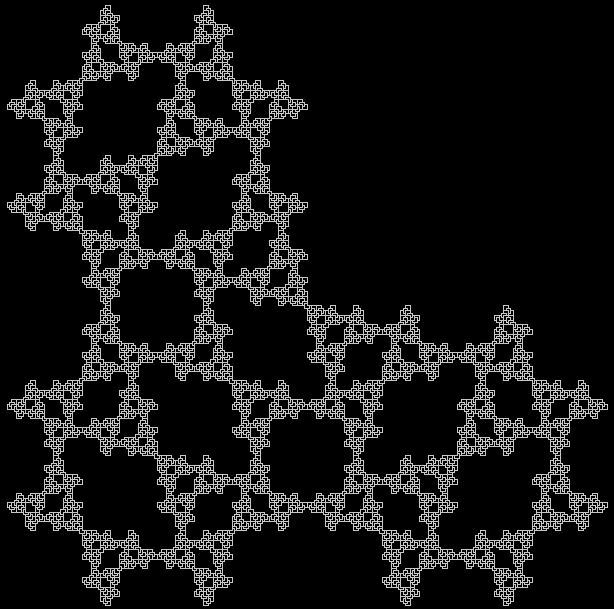
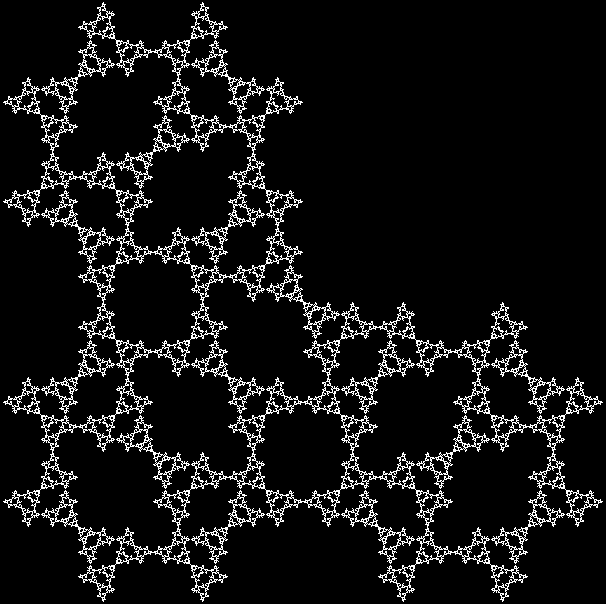
Here are some more fractals created using the same divide-and-discard process:

p_pentomino_b_234

p_pentomino_b_234anim

Animated version


p_pentomino_b_134

p_pentomino_b_134anim

Animated version


p_pentomino_b_124

p_pentomino_b_124anim


p_pentomino_b_123

p_pentomino_b_123anim


p_pentomino_a_134anim

p_pentomino_a_134


p_pentomino_a_234anim

p_pentomino_a_234


p_pentomino_a_124

p_pentomino_a_124anim


p_pentomino_a_123

p_pentomino_a_123anim


You can also use variants on a standard rep-tile dissection, like rotating the copies or trying different patterns of dissection at different levels to see what new shapes appear:

p_pentomino_adj_13

p_pentomino_adj_anim13


p_pentomino_adj_6

p_pentomino_adj_anim6


p_pentomino_adj_anim5

p_pentomino_adj_5


p_pentomino_adj_3

p_pentomino_adj_anim3


p_pentomino_adj_2

p_pentomino_adj_anim2


p_pentomino_adj_1

p_pentomino_adj_anim1


p_pentomino_adj_17

p_pentomino_adj_anim17


p_pentomino_adj_15

p_pentomino_adj_anim15


p_pentomino_adj_16

p_pentomino_adj_anim16


p_pentomino_adj_8

p_pentomino_adj_anim8


p_pentomino_adj_10

p_pentomino_adj_anim10


p_pentomino_adj_11

p_pentomino_adj_anim11


p_pentomino_adj_14

p_pentomino_adj_anim14


p_pentomino_adj_anim4


p_pentomino_adj_anim12


p_pentomino_adj_anim9


p_pentomino_adj_anim7

Fragic Carpet

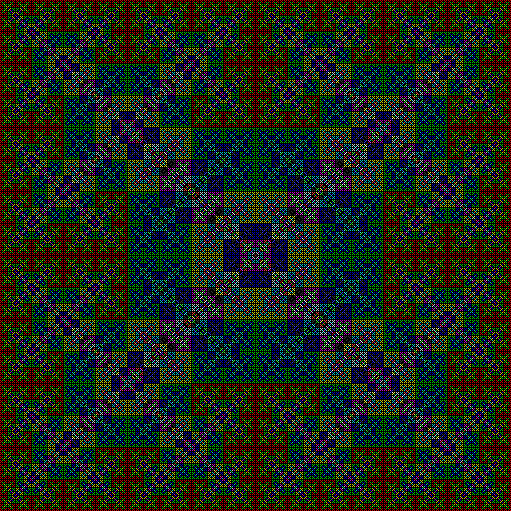
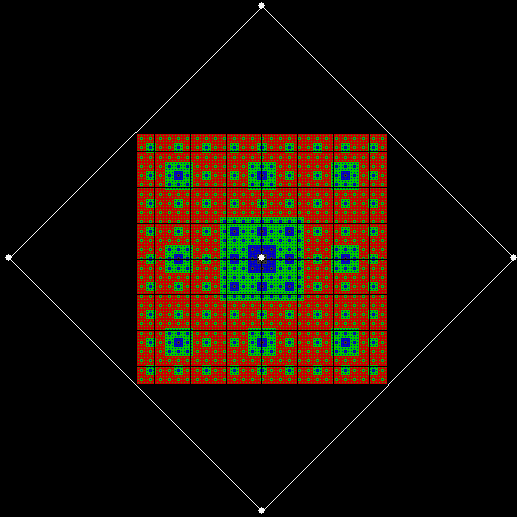
Maths is like a jungle: rich, teeming and full of surprises. A waterfall here, a glade of butterflies there, a bank of orchids yonder. There is always something new to see and a different route to try. But sometimes a different route will take you to the same place. I’ve already found two ways to reach this fractal (see Fingering the Frigit and Performativizing the Polygonic):

carpet2x2

Fractal Carpet


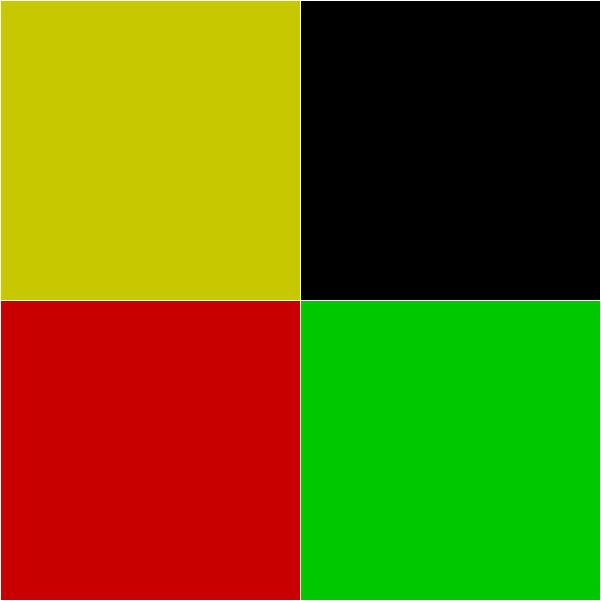
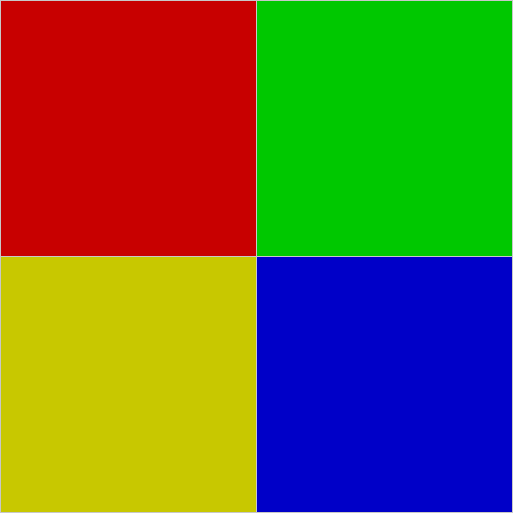
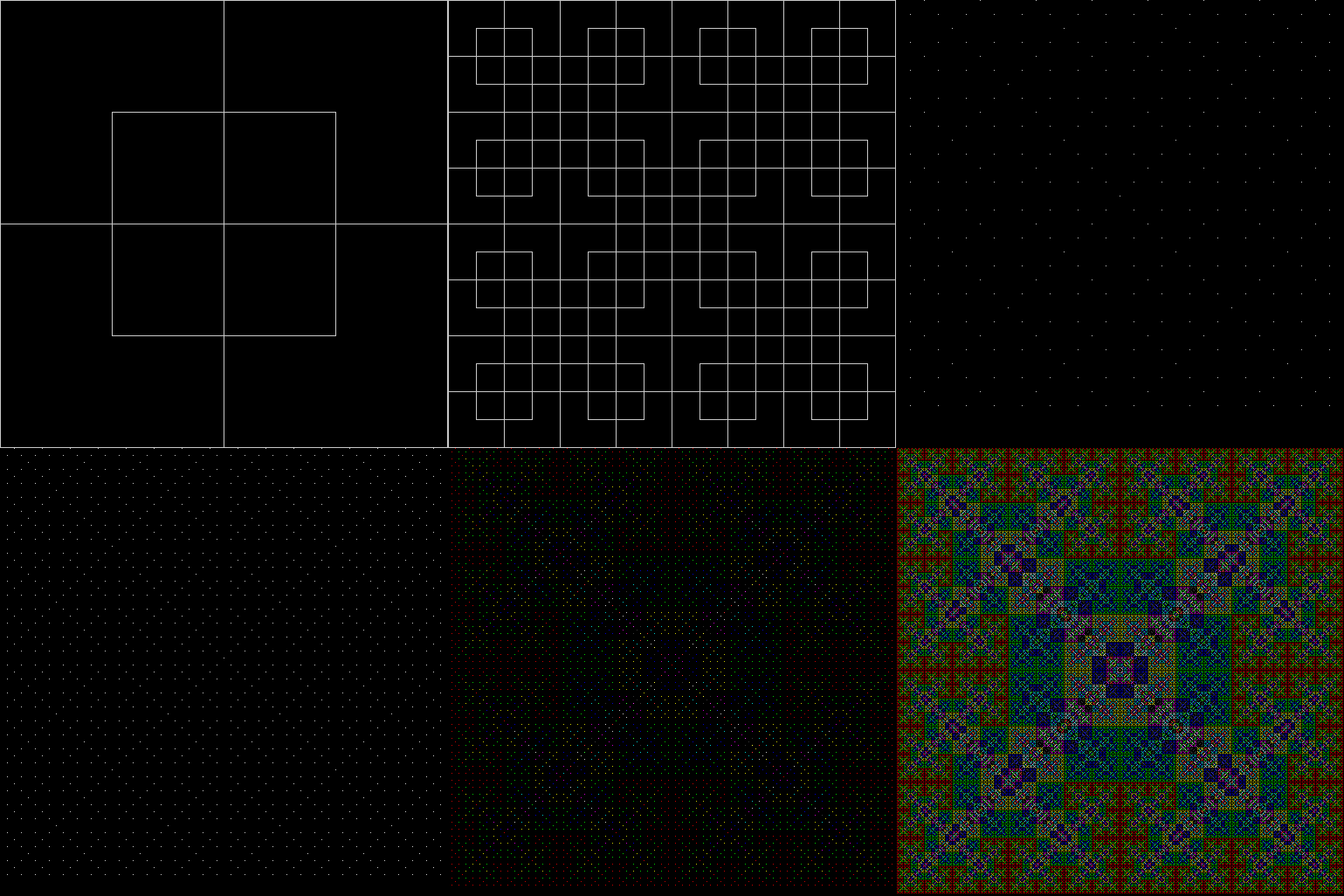
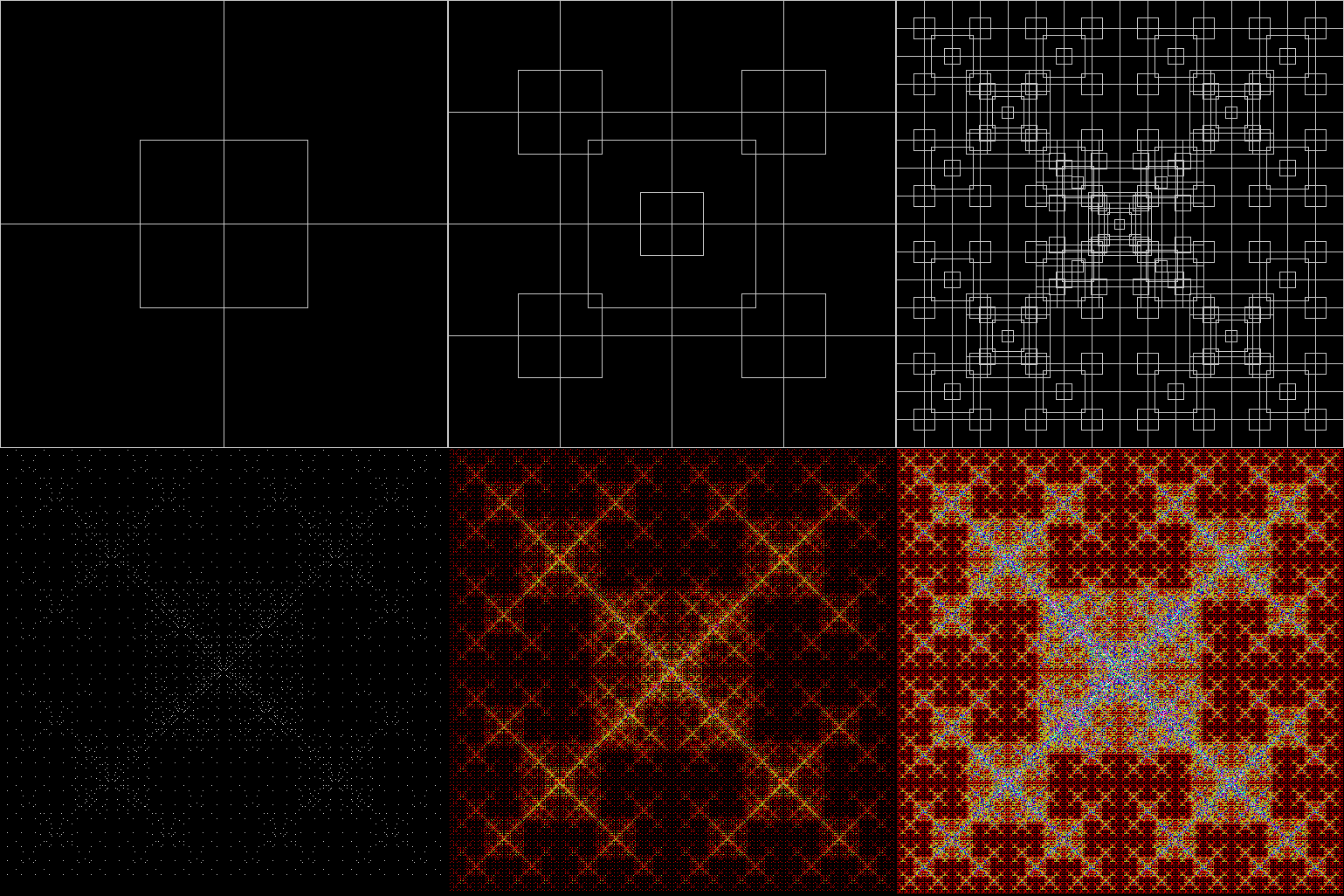
Now I’ve found a third way. You could call it the rep-tile route. Divide a square into four smaller squares:

square2x2

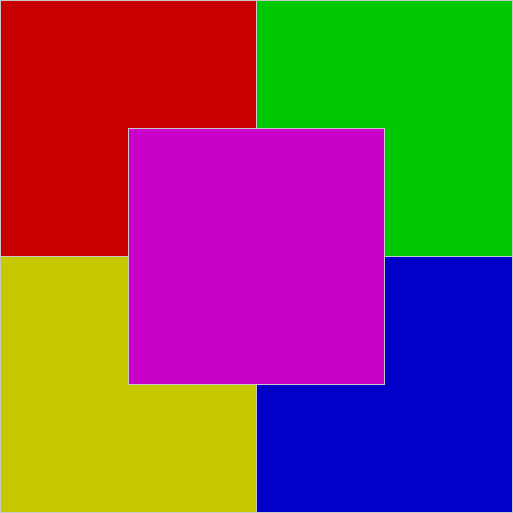
Add an extra square over the centre:

square2x2_1

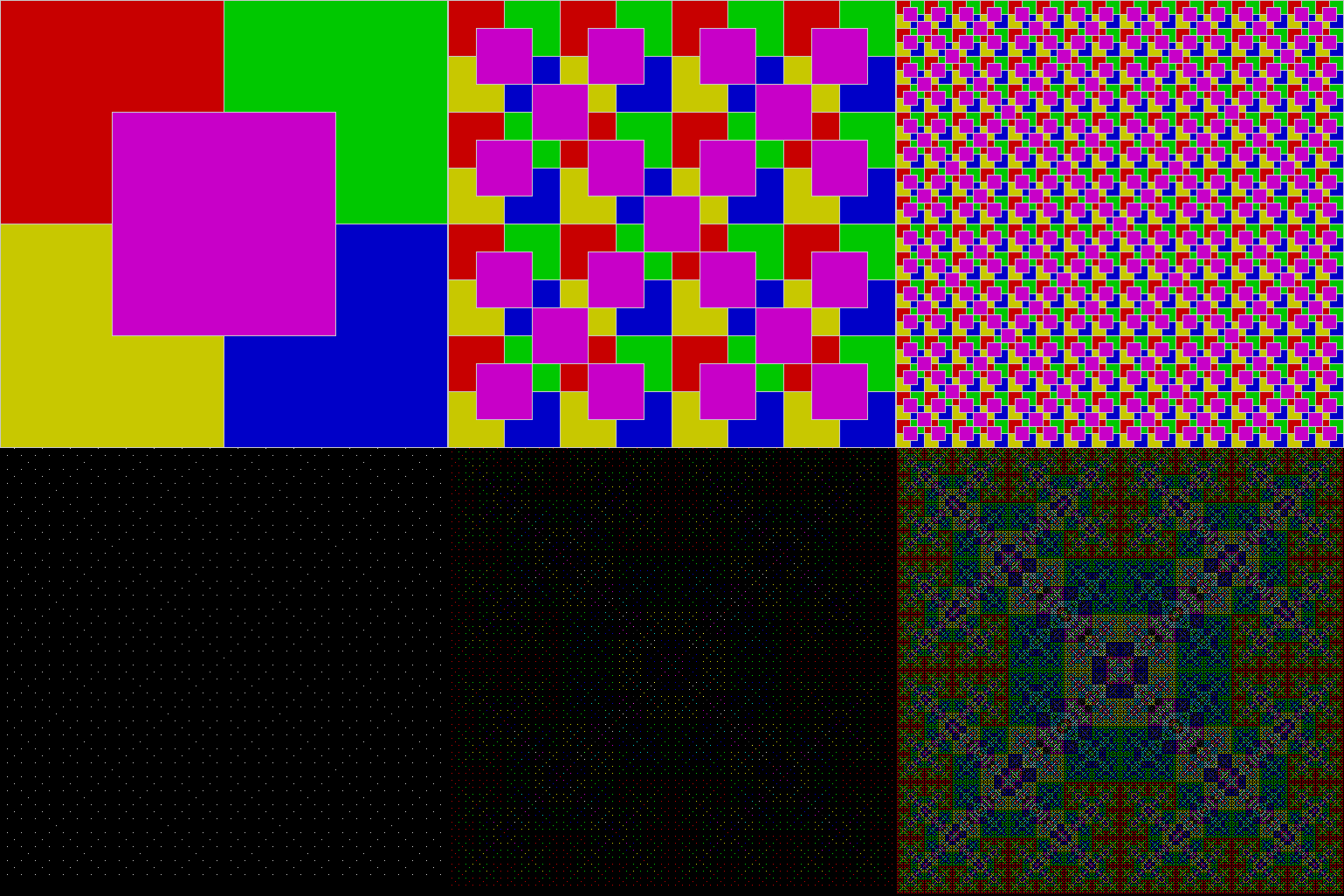
Then keep dividing the squares in the same way:

carpet2x2_anim_1

Animated carpet (with coloured blocks)


carpet2x2_anim_2

Animated carpet (with empty blocks)


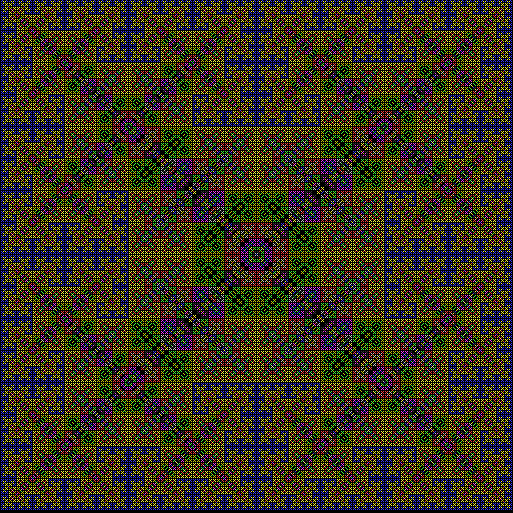
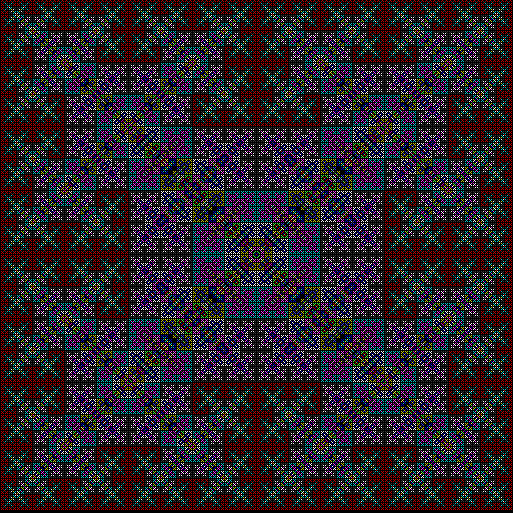
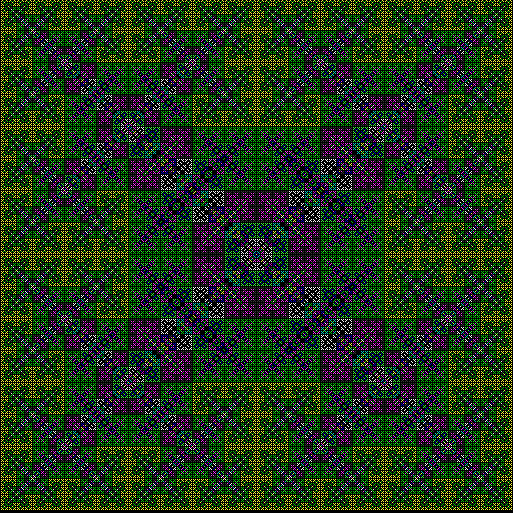
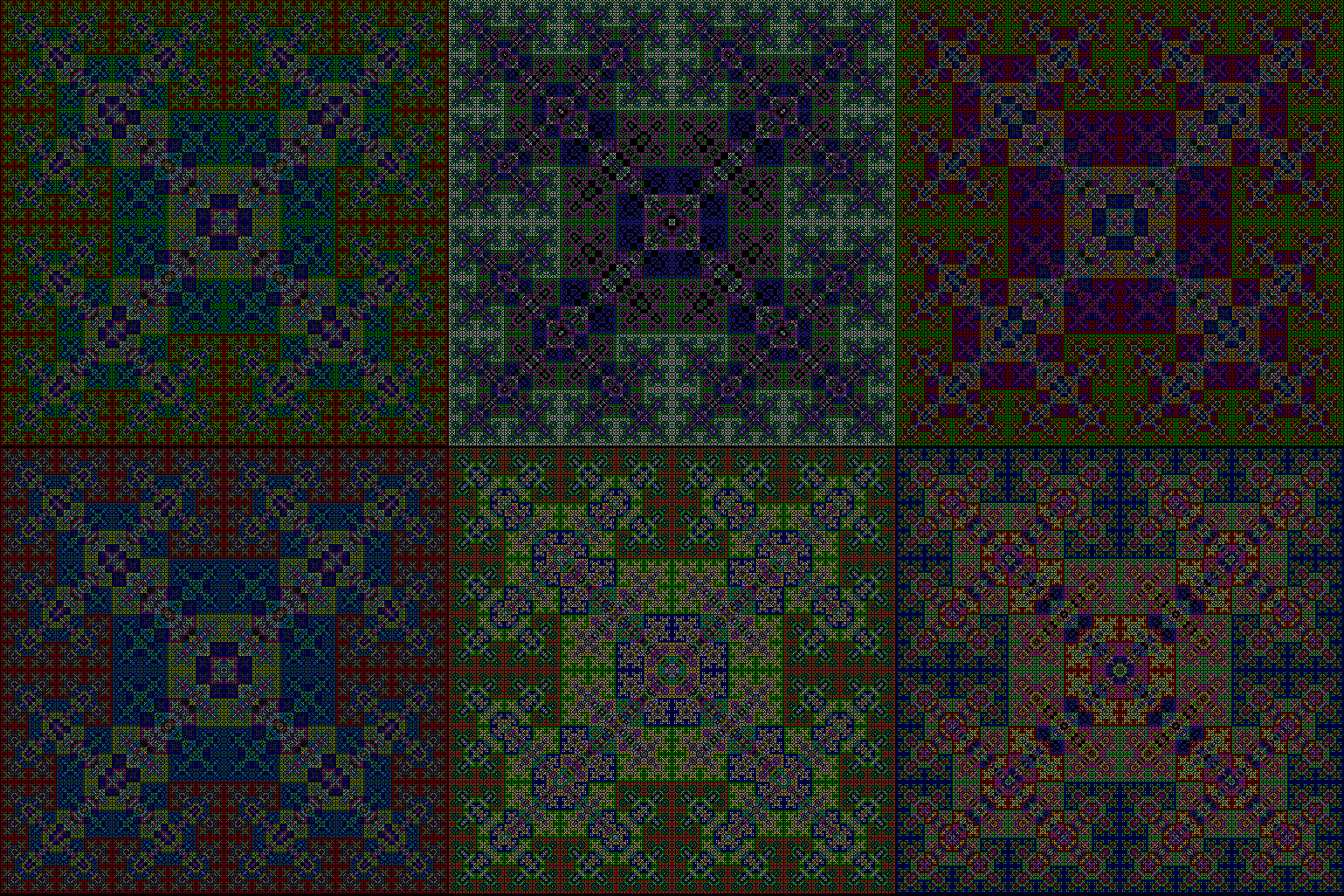
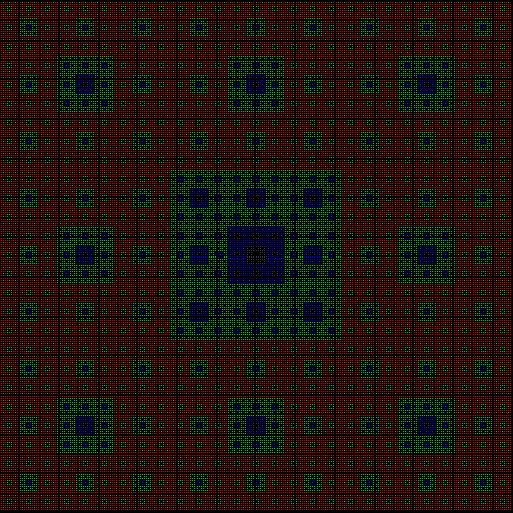
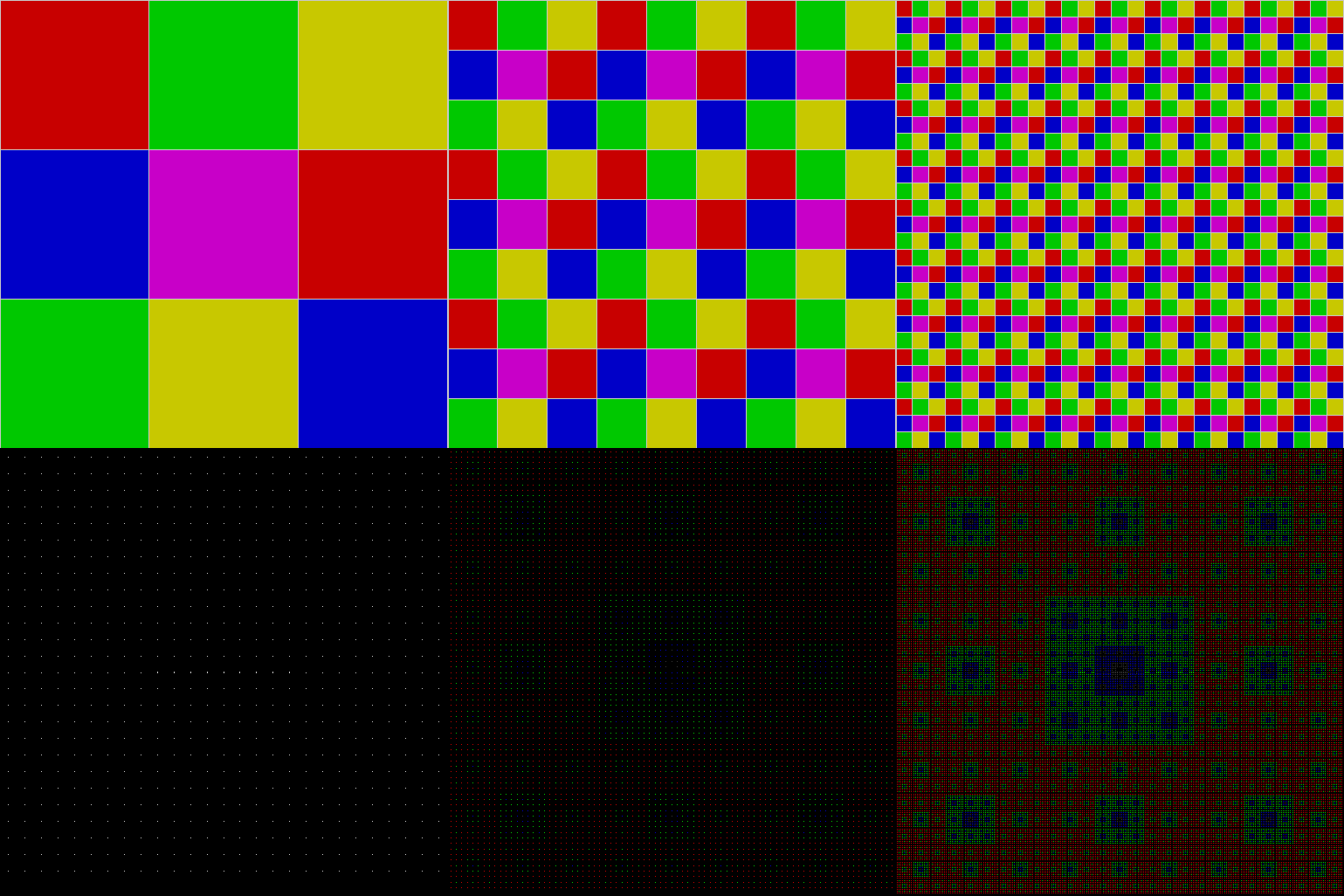
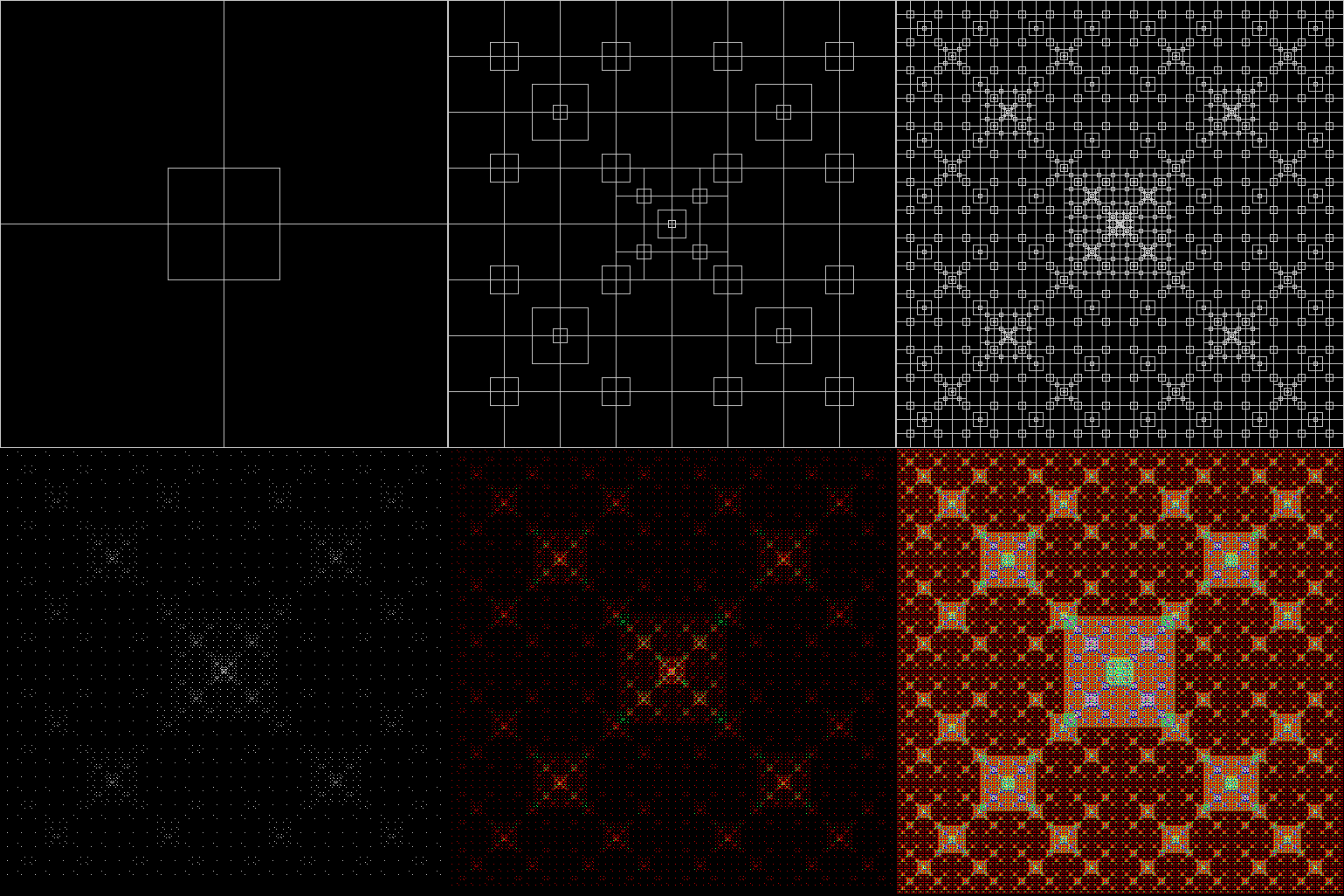
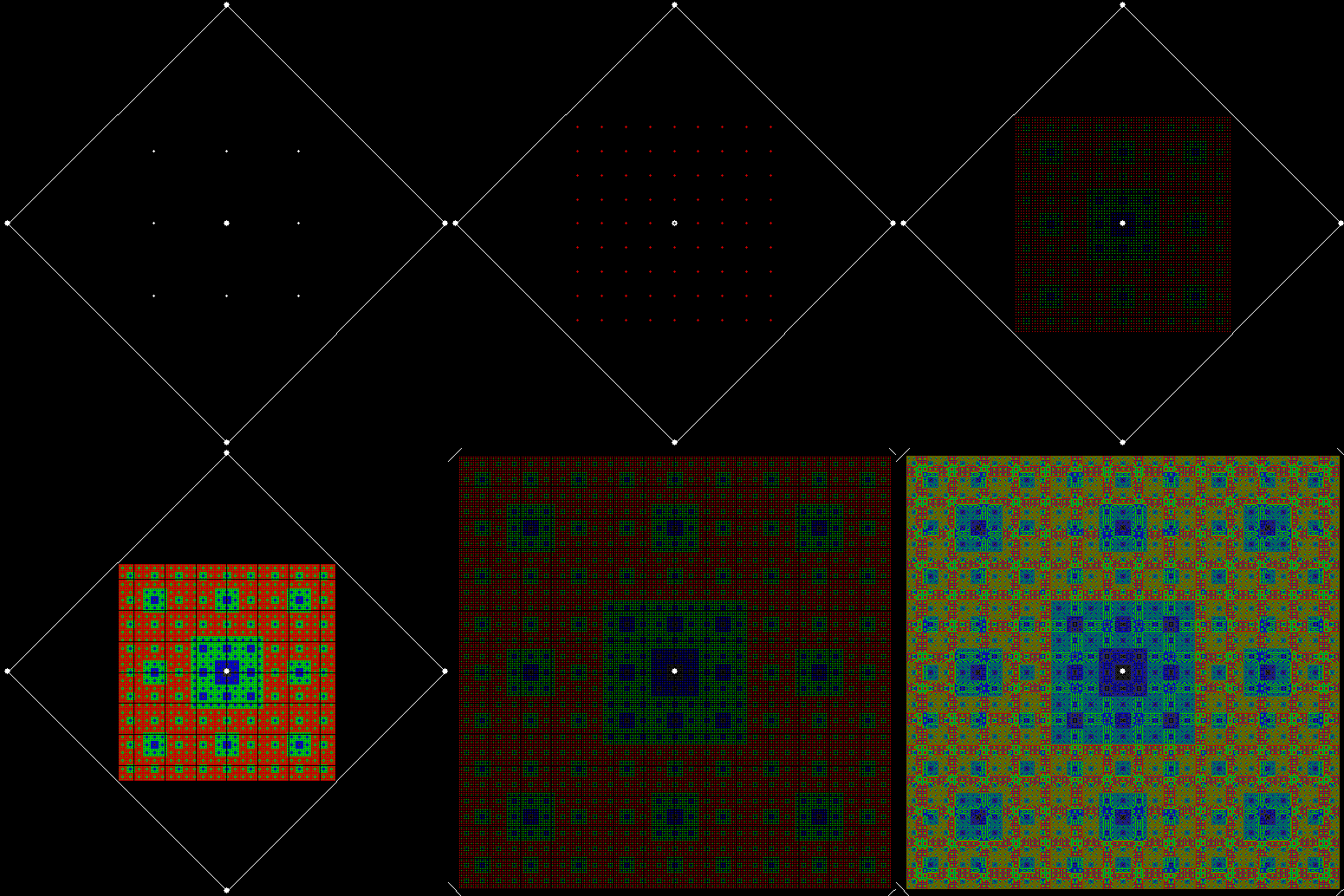
The colours of the fractal appear when the same pixel is covered repeatedly: first it’s red, then green, yellow, blue, purple, and so on. Because the colours and their order are arbitrary, you can use different colour schemes:

carpet2x2_col1

Colour scheme #1


carpet2x2_col2

Colour scheme #2


carpet2x2_col3

Colour scheme #3


Here are more colour-schemes in an animated gif:

carpet2x2_col

Various colour-schemes


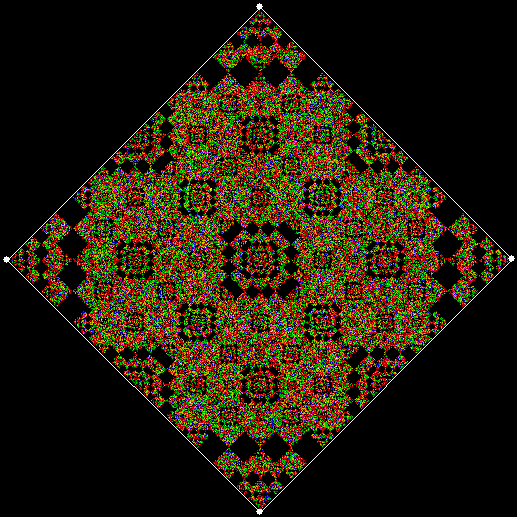
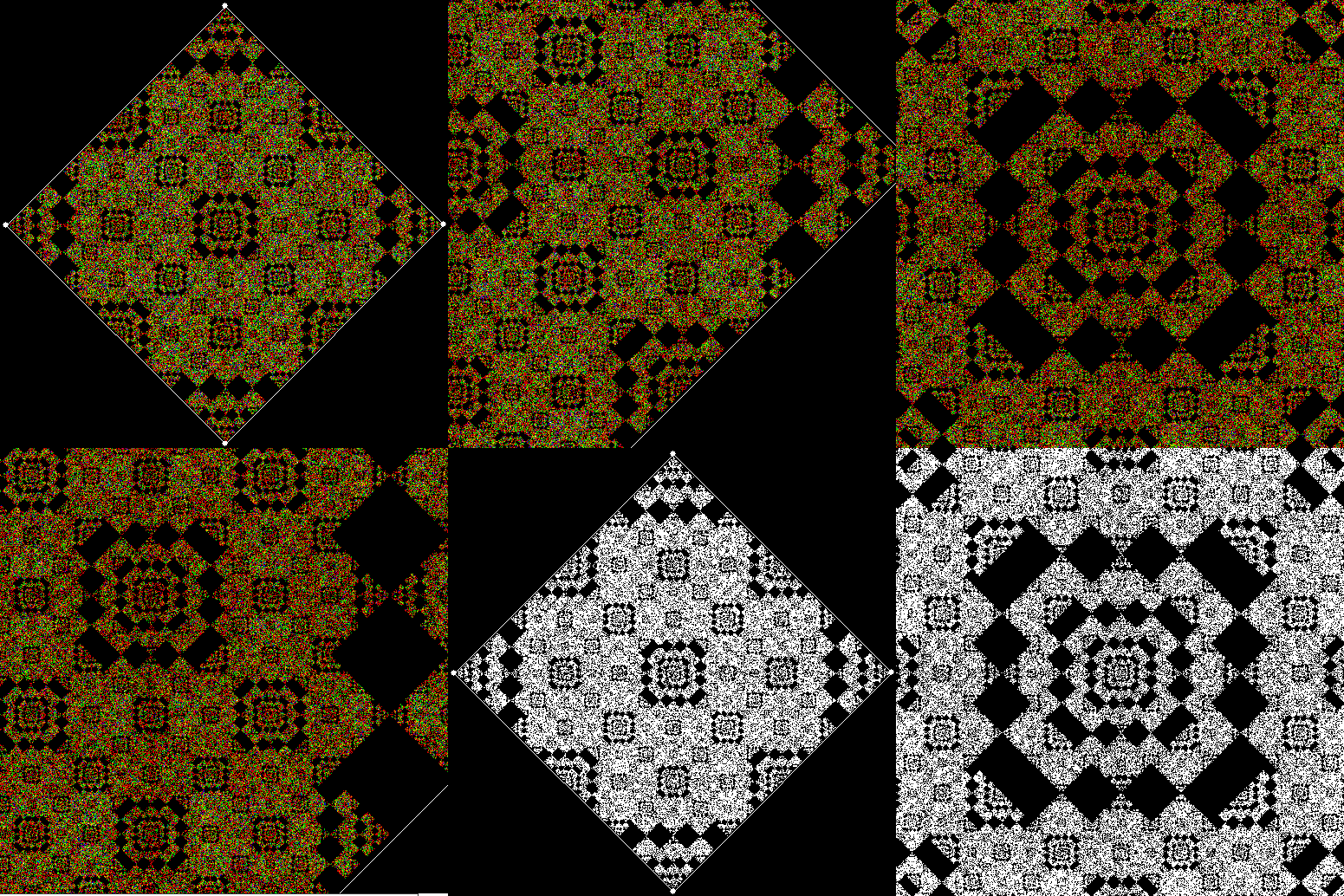
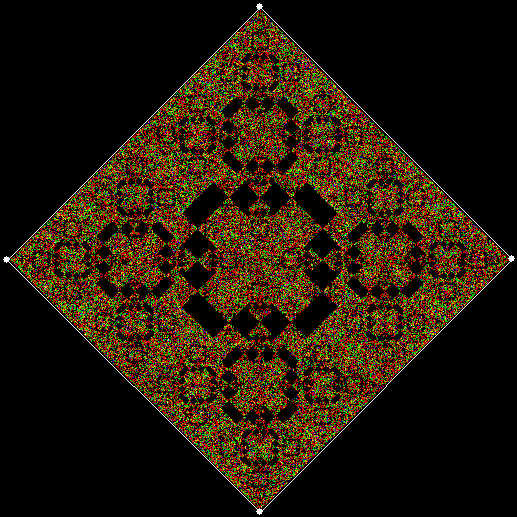
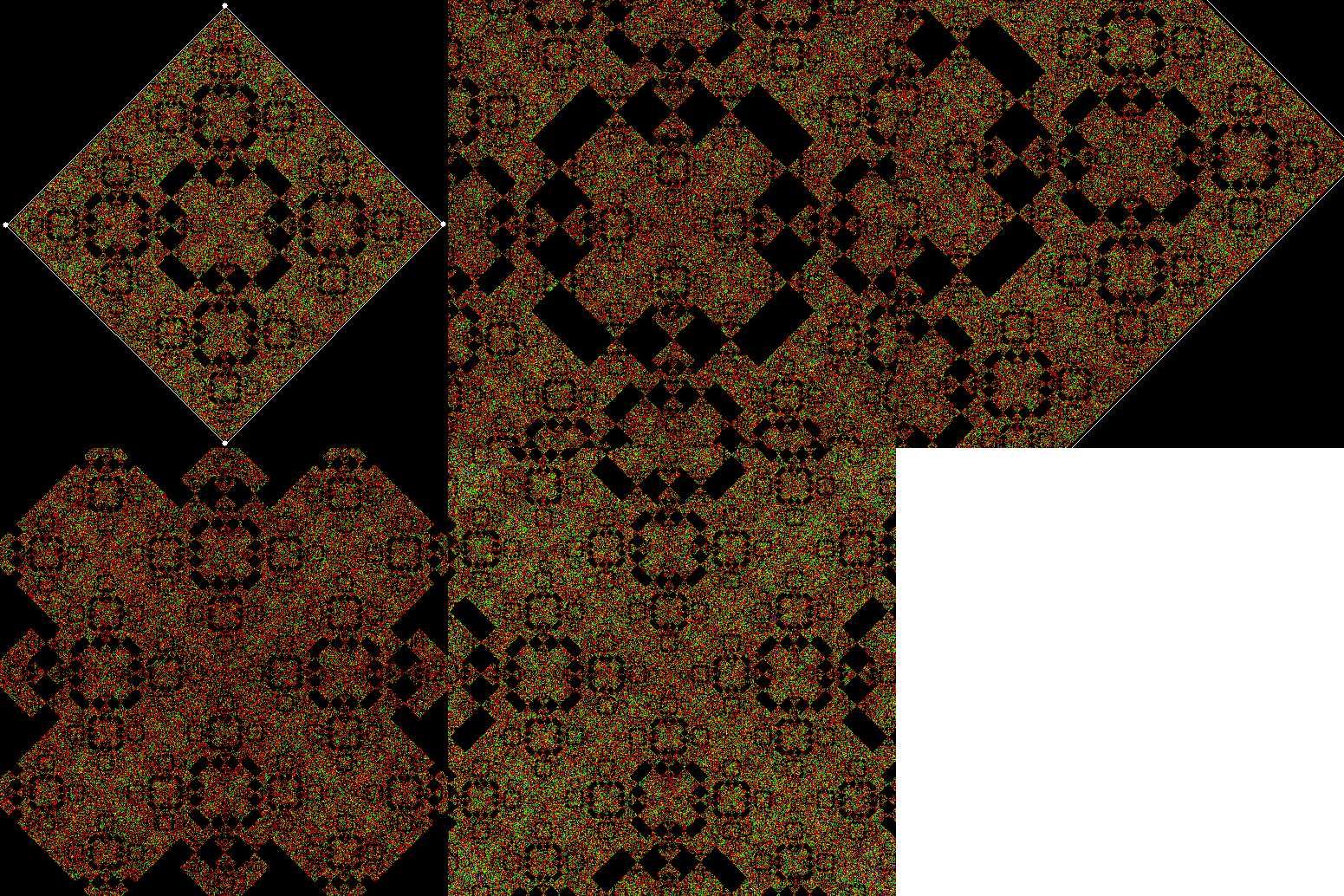
Now try dividing the square into nine and sixteen, with an extra square over the centre:

carpet3x3

3×3 square + central square


carpet3x3_anim

3×3 square + central square (animated)


carpet4x4

4×4 square + central square


carpet4x4_anim

4×4 square + central square (animated)


You can also adjust the size of the square added to the 2×2 subdivision:

carpet2x2_1_2

2×2 square + 1/2-sized central square


carpet2x2_3_4

2×2 square + 3/4-sized central square


Elsewhere Other-Posted:

Fingering the Frigit
Performativizing the Polygonic

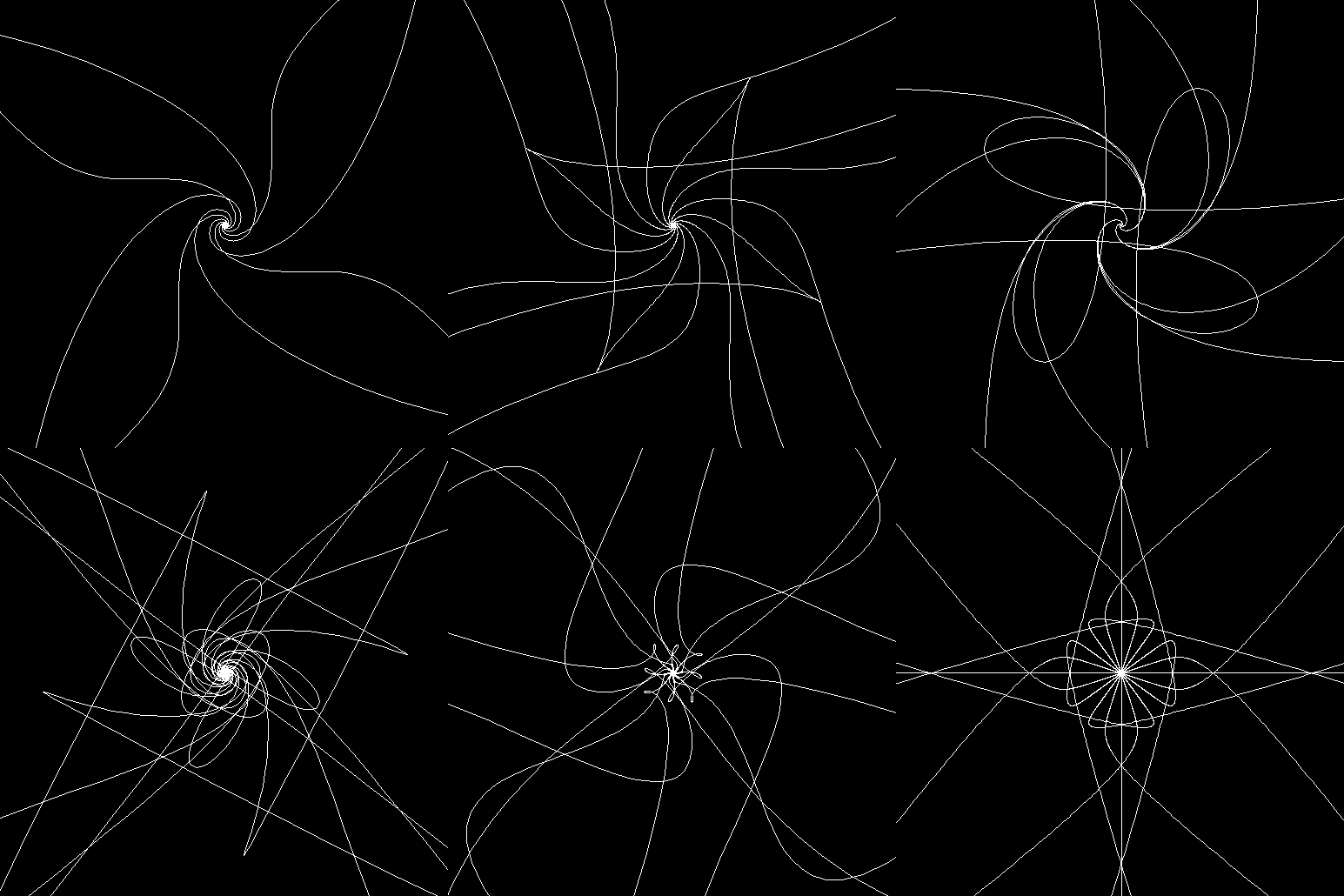
Polymorphous Pursuit

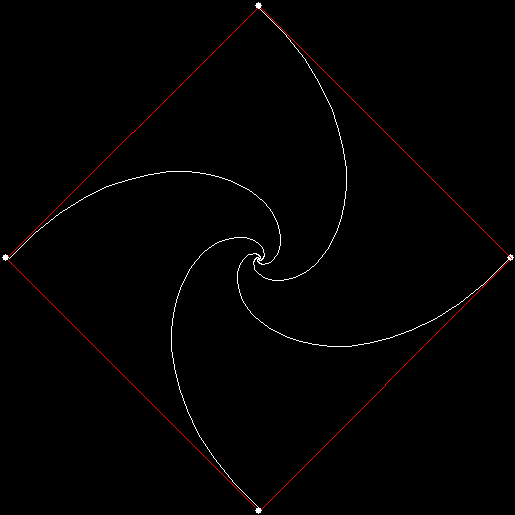
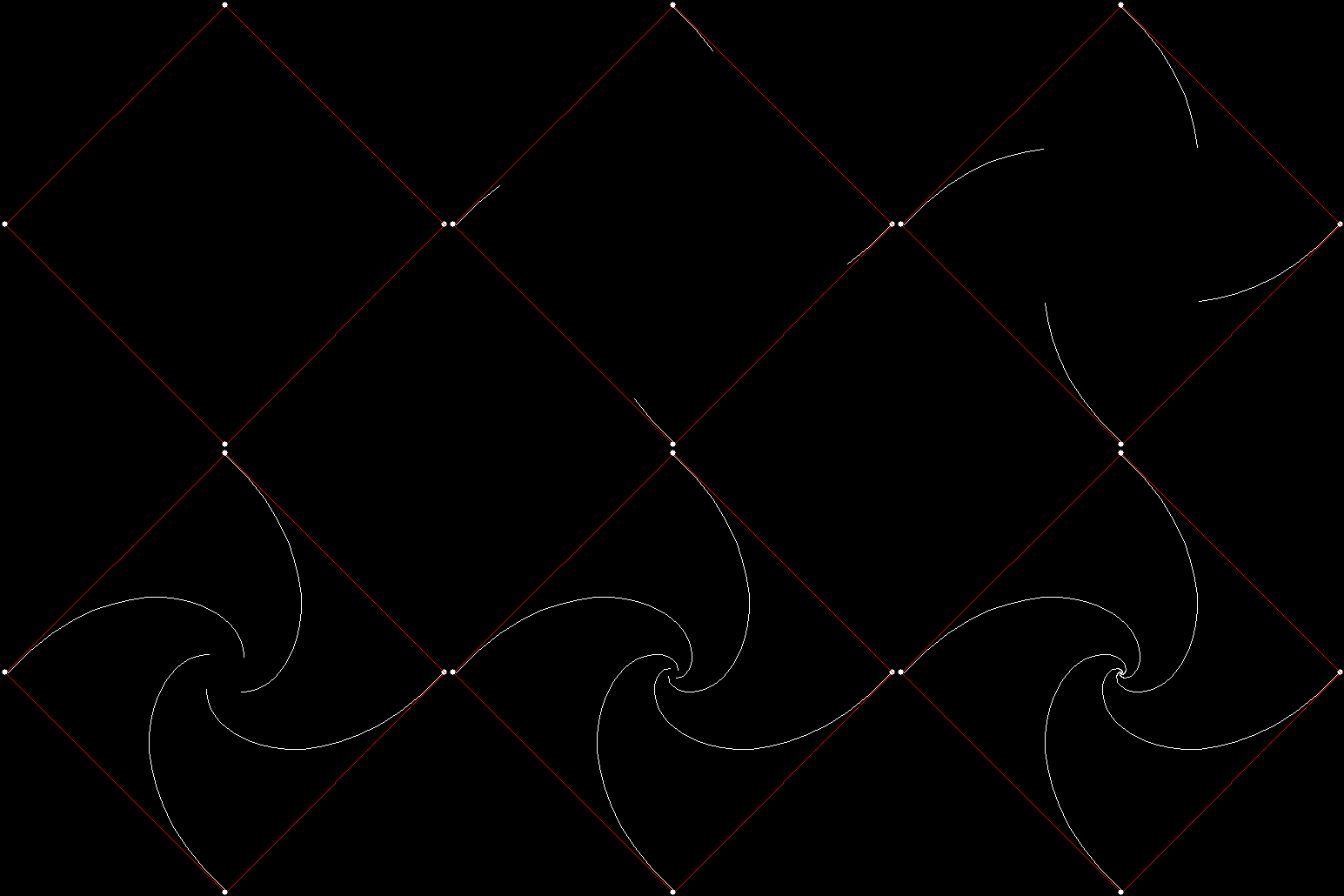
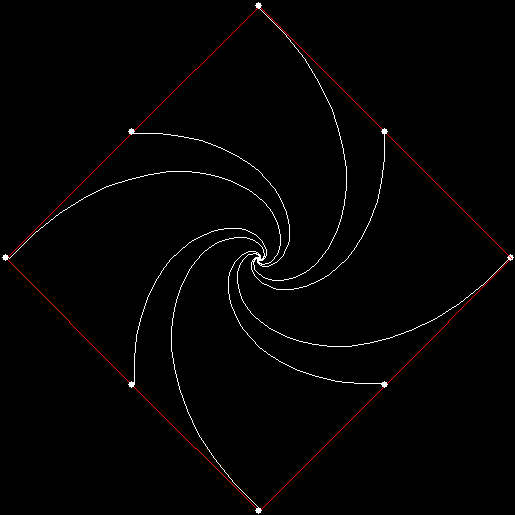
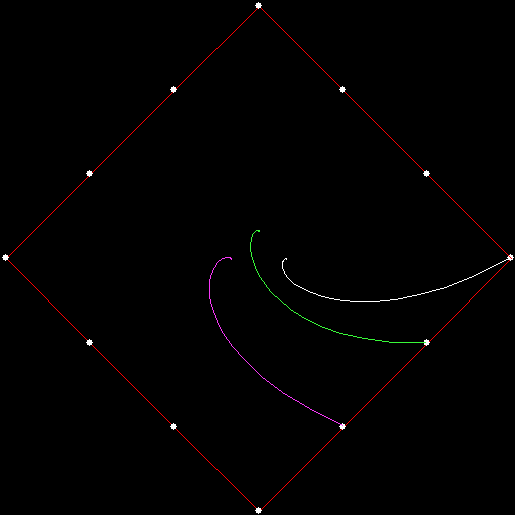
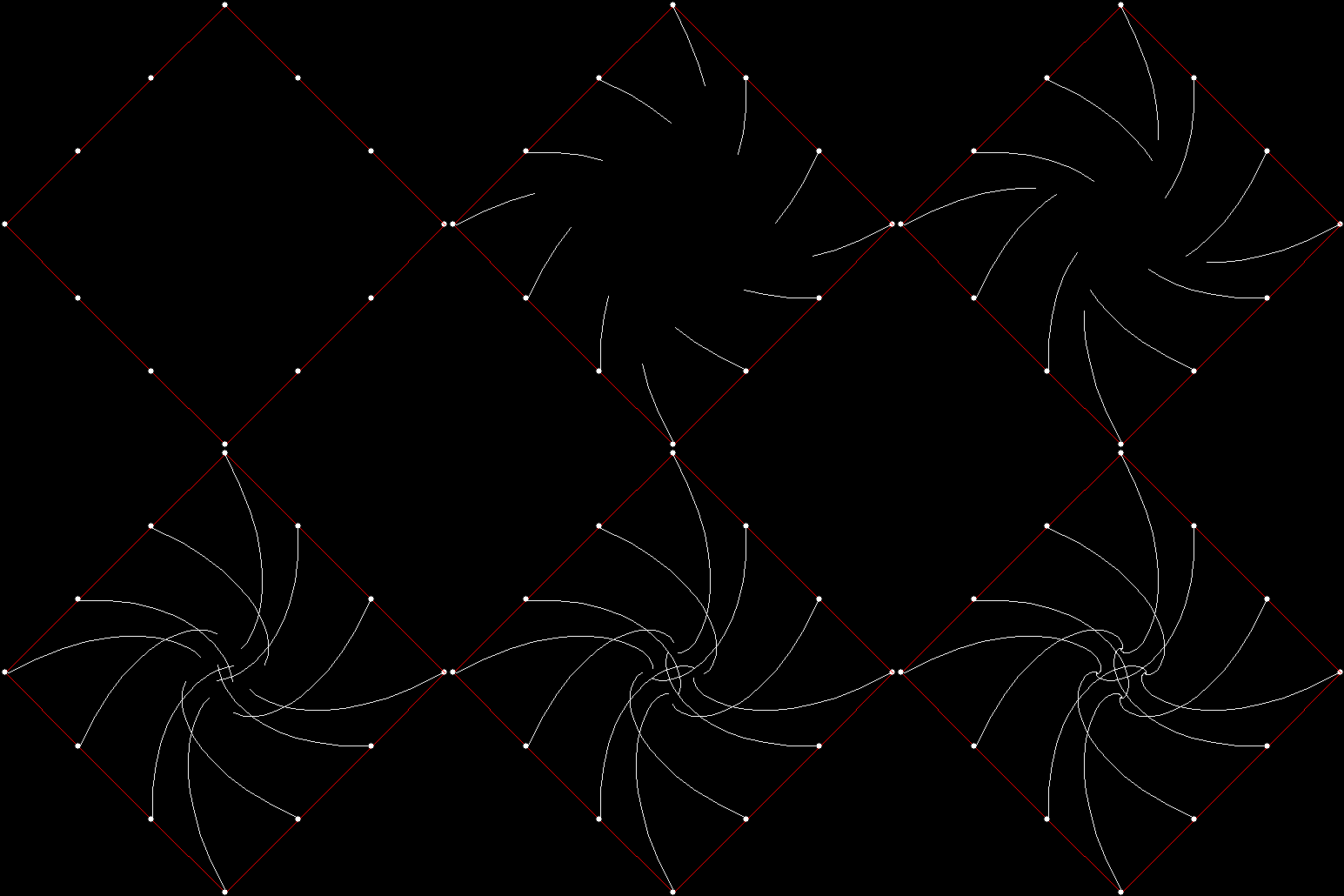
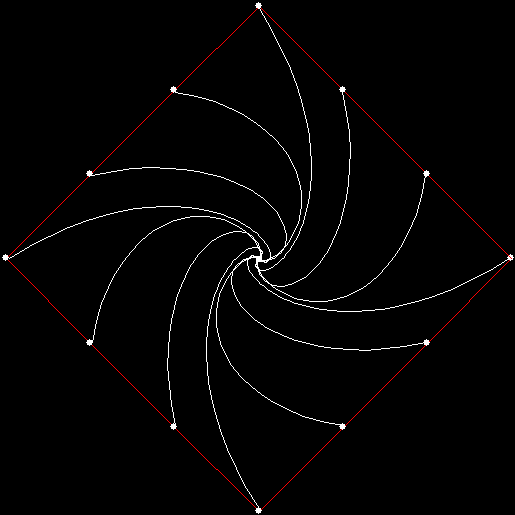
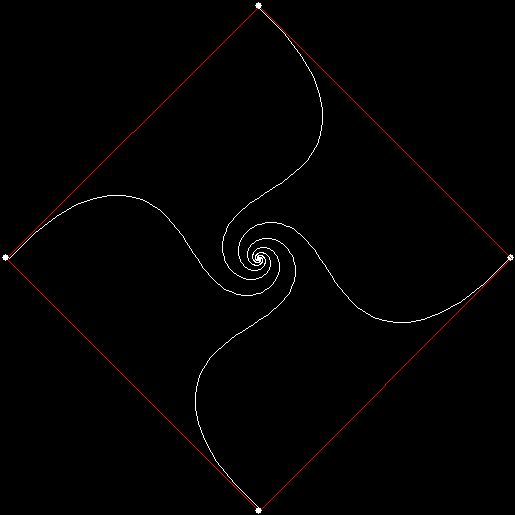
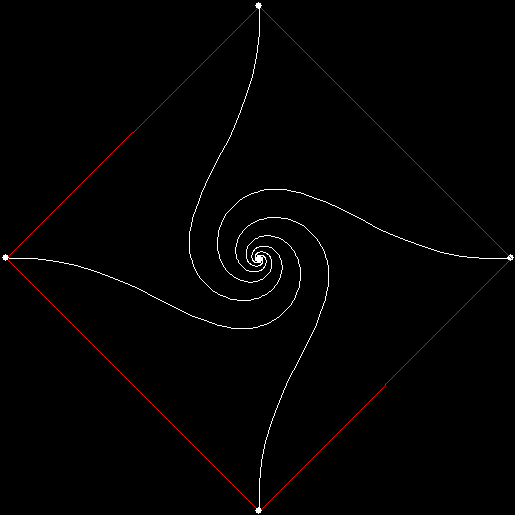
Suppose four mice are standing on the corners of a large square. Each mouse begins running at the same speed towards the mouse one place away, reckoning clockwise. The mice will meet at the centre of the square and the path taken by each mouse will be what is known as a pursuit curve:

v4_mi1

vertices = 4, mouse-increment = 1


v4_mi1_animated

v = 4, mi = 1 (animated)


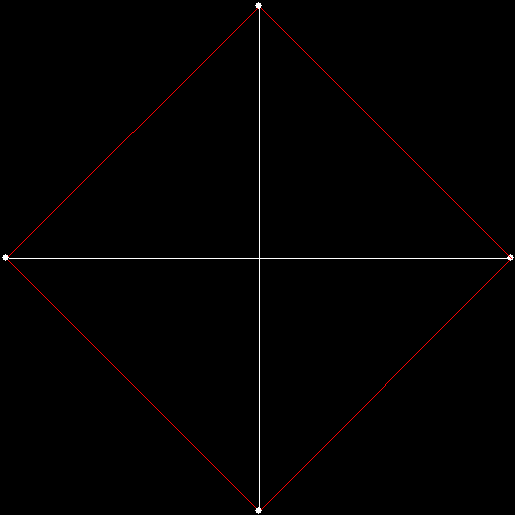
As I showed in “Persecution Complex”, it’s easy to find variants on the basic pursuit curve. If mi = 2, i.e. each mouse runs towards the mouse two places away, the mice will run in straight lines direct to the centre of the square:

v4_mi2

v = 4, mi = 2


v4_mi2_animated

v = 4, mi = 2 (animated)


That variant is trivial, but suppose there are eight mice, four starting on the corners of the square and four starting on the midpoints of the sides. Mice starting on the corners will run different pursuit curves to those starting on the midpoints, because the corners are further from the centre than the midpoints are:

v4_si1_mi1

v = 4, si = 1, mi = 1


v4_si1_mi1_extra


If mi = 3, the pursuit curves look like this:

v4_si1_mi3

v = 4, si = 1, mi = 3


v4_si1_mi3_animated

v = 4, si = 1, mi = 3 (animated)


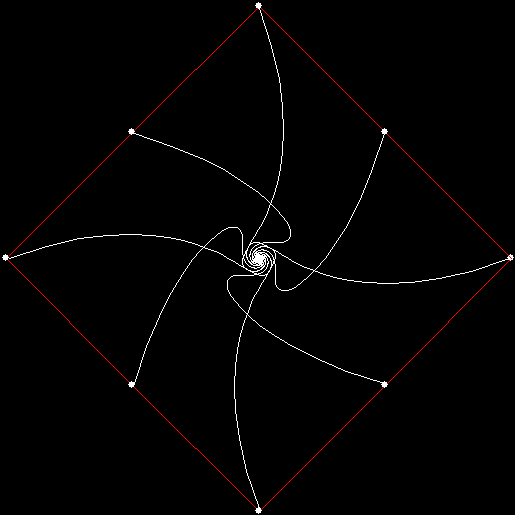
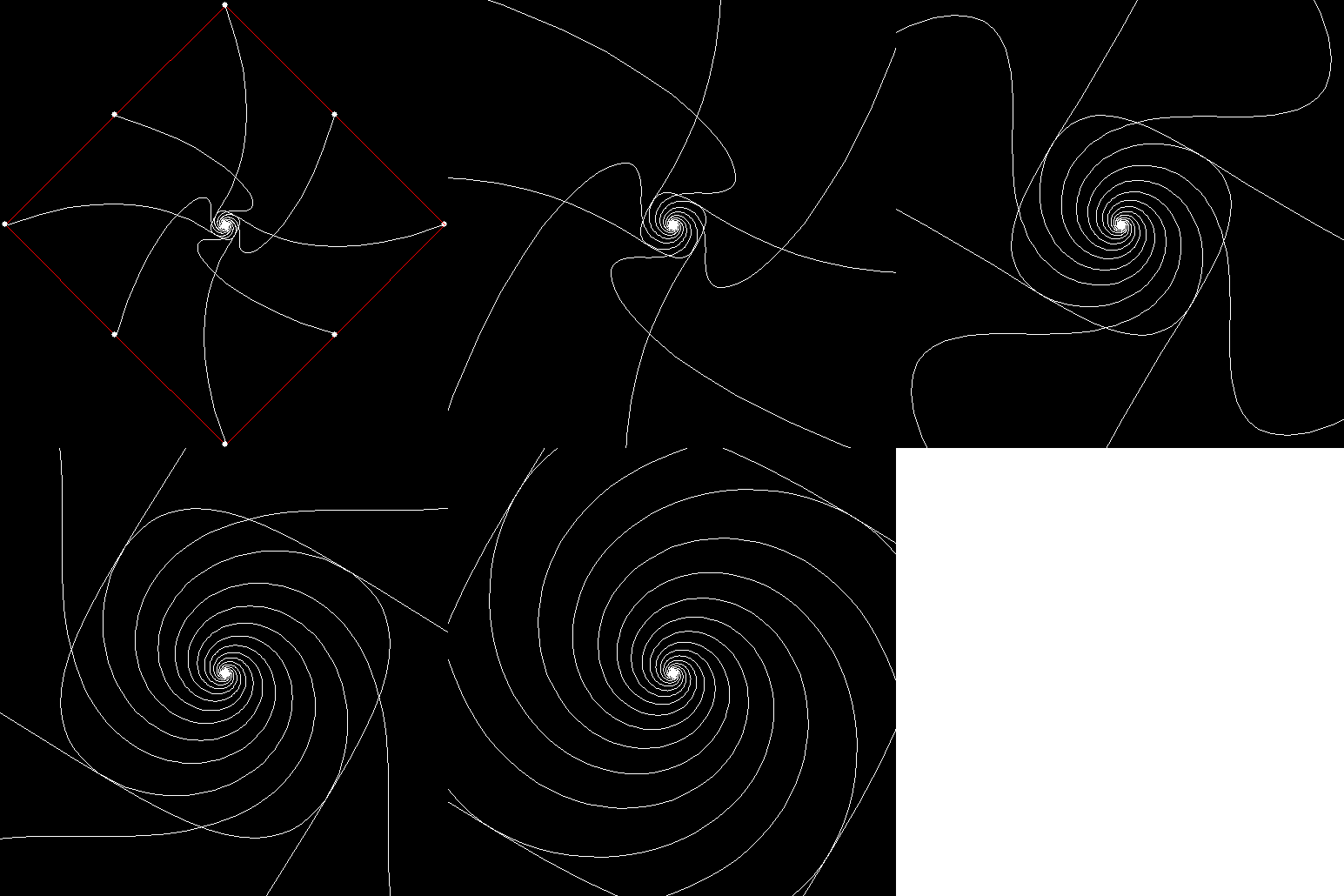
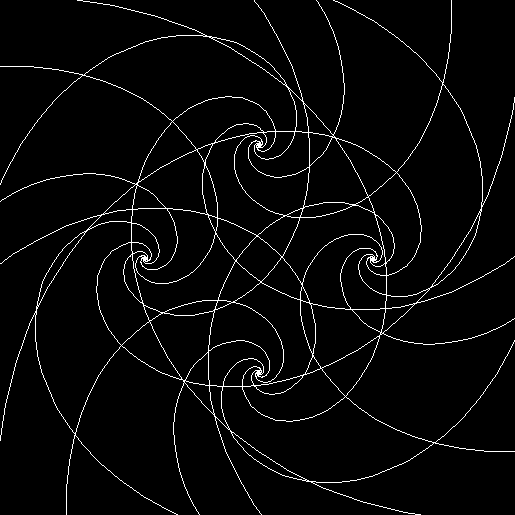
Suppose there are twelve mice, four on each corner and two more on each side. If each mouse runs towards the mouse four places away, then the pursuit curves don’t all meet in the centre of the square. Instead, they meet in groups of three at four points equidistant from the centre, like this:

v4_si2_mi4

v4_si2_mi4_curves

v = 4, si = 2, mi = 4


v4_si2_mi4_animated

v = 4, si = 2, mi = 4 (animated)


v4_si4_mi4_animated

v = 4, si = 4, mi = 4 (animated)


v4_si4_mi4_large

v = 4, si = 4, mi = 4 (zoom)


Now suppose each mouse become sophisticated and runs toward the combined positions of two other mice, one two places away, the other three places away, like this:

v4_si1_mi2_3

v = 4, si = 1, mi = (2, 3)


v4_si1_mi2_3_animated

v = 4, si = 1, mi = (2, 3) (animated)


These polypursuits, as they could be called, can have complicated central regions:

v4_si2_mi1_4

v = 4, si = 2, mi = (1, 4)


v4_si2_mi1_4_animated

v = 4, si = 2, mi = (1, 4) (animated)


v4_si_va_mi_va

v = 4, si = various, mi = various


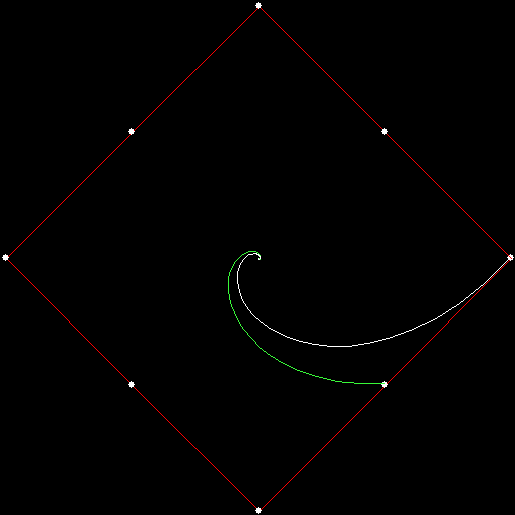
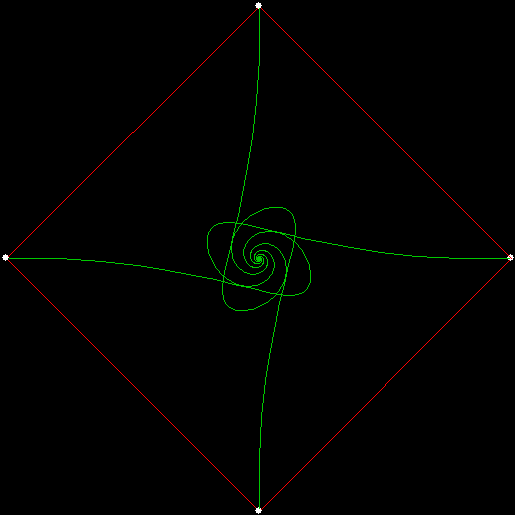
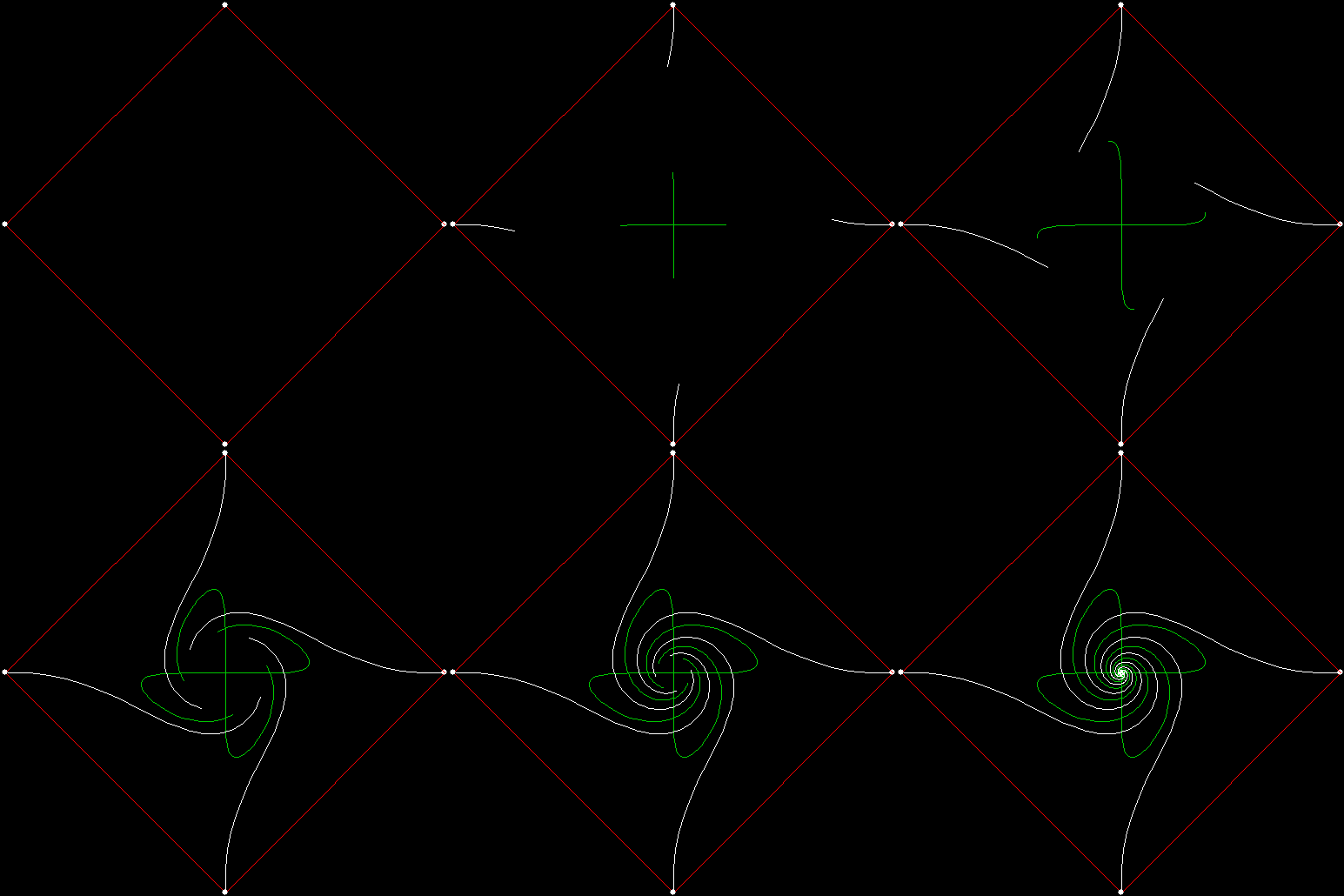
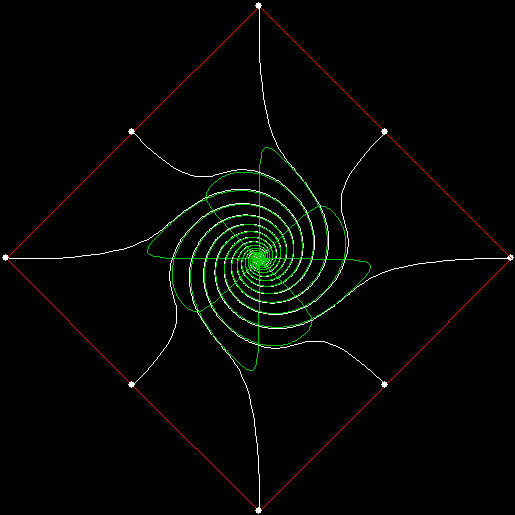
And what if you have two teams of mice, running towards one or more mice on the other team? For example, suppose two mice, one from each team, start on each corner of a square. Each mouse on team 1 runs towards the mouse on team 2 that is one place away, while each mouse on team 2 runs towards the mouse on team 1 that is two places away. If the pursuits curves of team 1 are represented in white and the pursuit curves of team 2 in green, the curves look like this:

2v4_mi1_mi2

v = 4 * 2, vmi = 1, vmi = 2


2v4_mi1_mi2_green

v = 4 * 2, vmi = 1, vmi = 2


2v4_mi1_mi2_animated

v = 4 * 2, vmi = 1, vmi = 2 (animated)


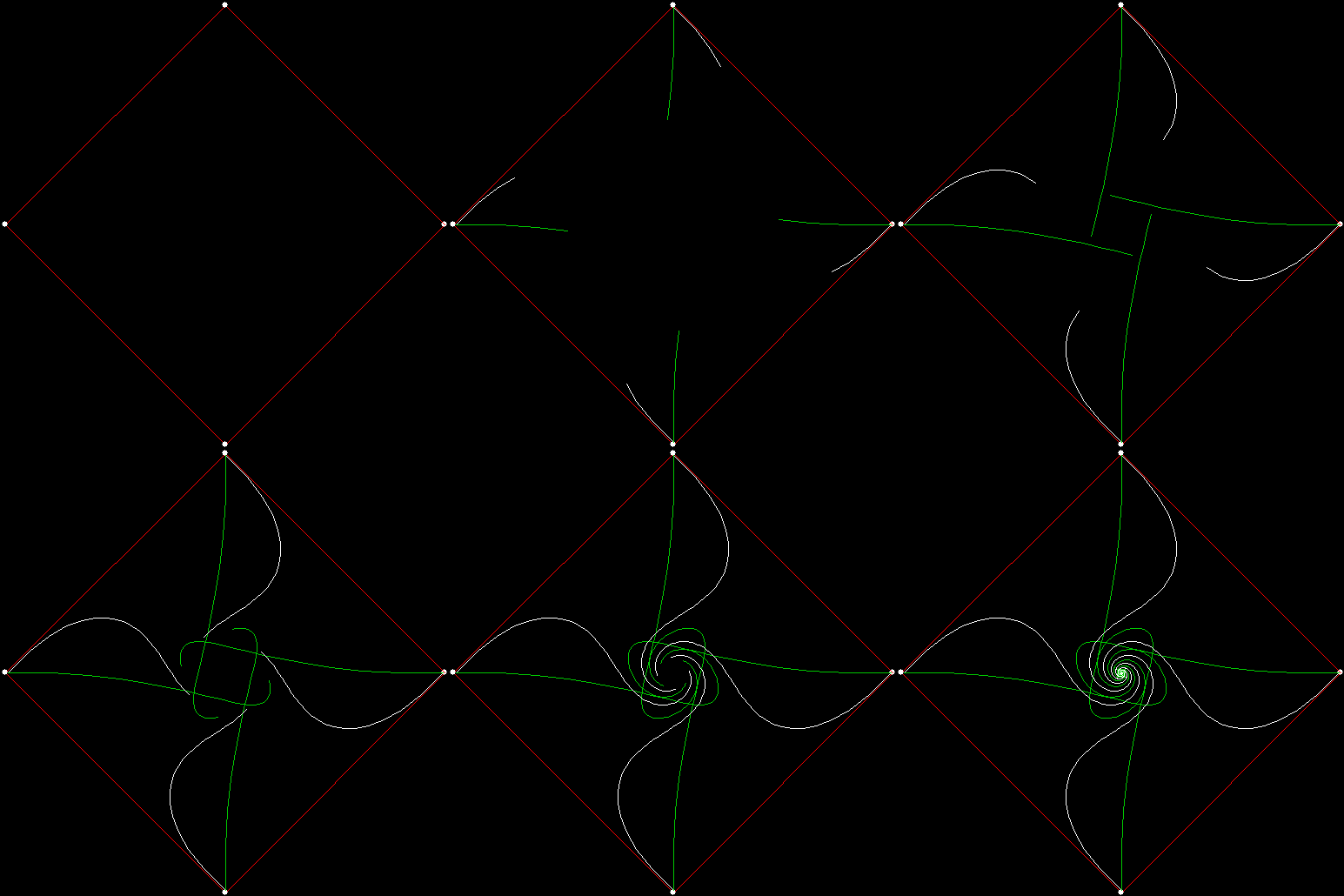
Now suppose the four mice of team 1 start on the corners while the mice of team 2 start at the centre of the square.

v4_c4_vmi1_cmi2_white

v = 4, centre = 4, vmi = 1, cmi = 2 (white team)


v4_c4_vmi1_cmi2_green

v = 4, centre = 4, vmi = 1, cmi = 2 (green team)


v4_c4_vmi1_cmi2_both

v = 4, centre = 4, vmi = 1, cmi = 2 (both teams)


v4_c4_vmi1_cmi2_animated

v = 4, centre = 4, vmi = 1, cmi = 2 (animated)


Here are more variants on pursuit curves formed by two teams of mice, one starting on the corners, one at the centre:

v4_c4_vmi0_1_cmi0

v = 4, centre = 4, vmi = (0, 1), cmi = 0


v4_c4_vmi0_2_cmi0

v = 4, centre = 4, vmi = (0, 2), cmi = 0


v4_c4_vmi0_3_cmi0

v = 4, centre = 4, vmi = (0, 3), cmi = 0


2v4_mi1_mi2_both

Get Your Ox Off

Boustrophedon (pronounced “bough-stra-FEE-dun” or “boo-stra-FEE-dun”) is an ancient Greek word literally meaning “as the ox turns (in ploughing)”, that is, moving left-right, right-left, and so on. The word is used of writing that runs down the page in the same way. To see what that means, examine two versions of the first paragraph of Clark Ashton Smith’s story “The Demon of the Flower” (1933). The first is written in the usual way, the second is written boustrophedon:

Not as the plants and flowers of Earth, growing peacefully beneath a simple sun, were the blossoms of the planet Lophai. Coiling and uncoiling in double dawns; tossing tumultuously under vast suns of jade green and balas-ruby orange; swaying and weltering in rich twilights, in aurora-curtained nights, they resembled fields of rooted servants that dance eternally to an other-worldly music.


Not as the plants and flowers of Earth, growing peacefully
.iahpoL tenalp eht fo smossolb eht erew ,nus elpmis a htaeneb
Coiling and uncoiling in double dawns; tossing tumultuously
;egnaro ybur-salab dna neerg edaj fo snus tsav rednu
swaying and weltering in rich twilights, in aurora-curtained
ecnad taht stnavres detoor fo sdleif delbmeser yeht ,sthgin
eternally to an other-worldly music.


Boustrophedon writing was once common and sometimes the left-right lines would also be mirror-reversed, like this:


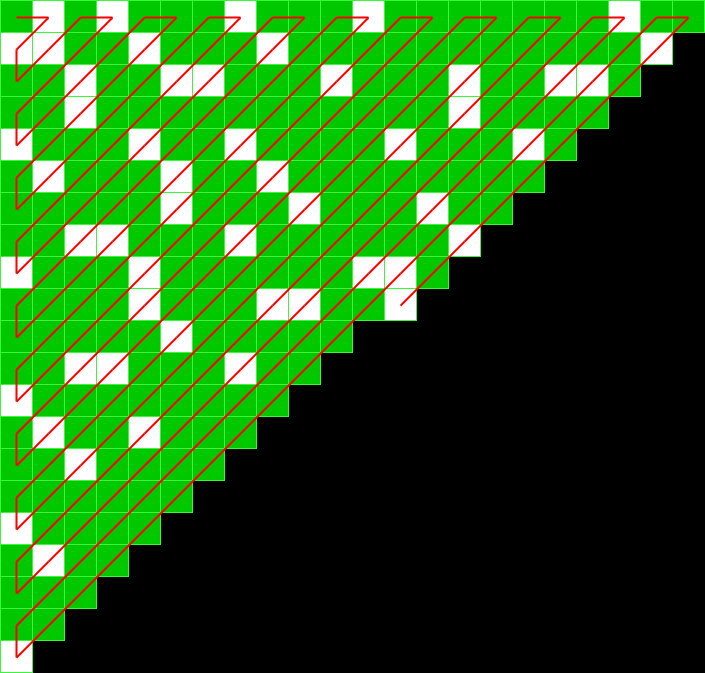
You could also use the term “boustrophedon” to describe the way this table of numbers is filled:

primes_table


The table begins with “1” in the top left-hand corner, then moves right for “2”, then down for “3”, then right-and-up for “4”, “5” and “6”, then right for “7”, then left-and-down for “8”, “9” and “10”, and so on. You could also say that the numbers snake through the table. I’ve marked the primes among them, because I was interested in the patterns made by the primes when the numbers were represented as blocks on a grid, like this:

primes_large


Primes are in solid white (compare the Ulam spiral). Here’s the boustrophedon prime-grid on a finer scale:

primes

(click for full image)


And what about other number-tests? Here are the even numbers marked on the grid (i.e. n mod 2 = 0):

mod2

n mod 2 = 0


And here are some more examples of a modulus test:

mod3

n mod 3 = 0


mod5

n mod 5 = 0


mod9

n mod 9 = 0


mod15

n mod 15 = 0


mod_various

n mod various = 0 (animated gif)


Next I looked at reciprocals (numbers divided into 1) marked on the grid, with the digits of a reciprocal marking the number of blank squares before a square is filled in (if the digit is “0”, the square is filled immediately). For example, in base ten 1/7 = 0.142857142857142857…, where the block “142857” repeats for ever. When represented on the grid, 1/7 has 1 blank square, then a filled square, then 4 blank squares, then a filled square, then 2 blank squares, then a filled square, and so on:

recip7_base10

1/7 in base 10


And here are some more reciprocals (click for full images):

recip9_base2

1/9 in base 2


recip13_base10

1/13 in base 10


recip27_base10

1/27 in base 10


recip41_base10

1/41 in base 10


recip63_base10

1/63 in base 10


recip82_base10

1/82 in base 10


recip101_base10

1/101 in base 10


recip104_base10

1/104 in base 10


recip124_base10

1/124 in base 10


recip143_base10

1/143 in base 10


recip175_base10

1/175 in base 10


recip604_base8

1/604 in base 8


recip_various

1/n in various bases (animated gif)


Radical Sheet

If you take a sheet of standard-sized paper and fold it in half from top to bottom, the folded sheet has the same proportions as the original, namely √2 : 1. In other words, if x = √2 / 2, then 1 / x = √2:

√2 = 1.414213562373…, √2 / 2 = 0.707106781186…, 1 / 0.707106781186… = 1.414213562373…

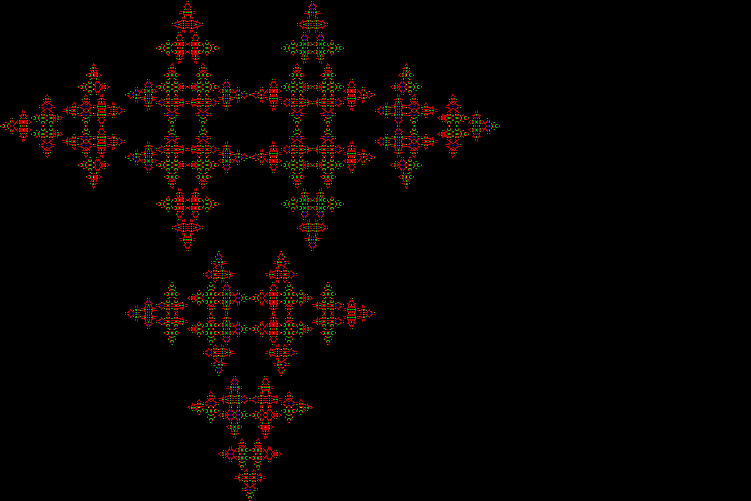
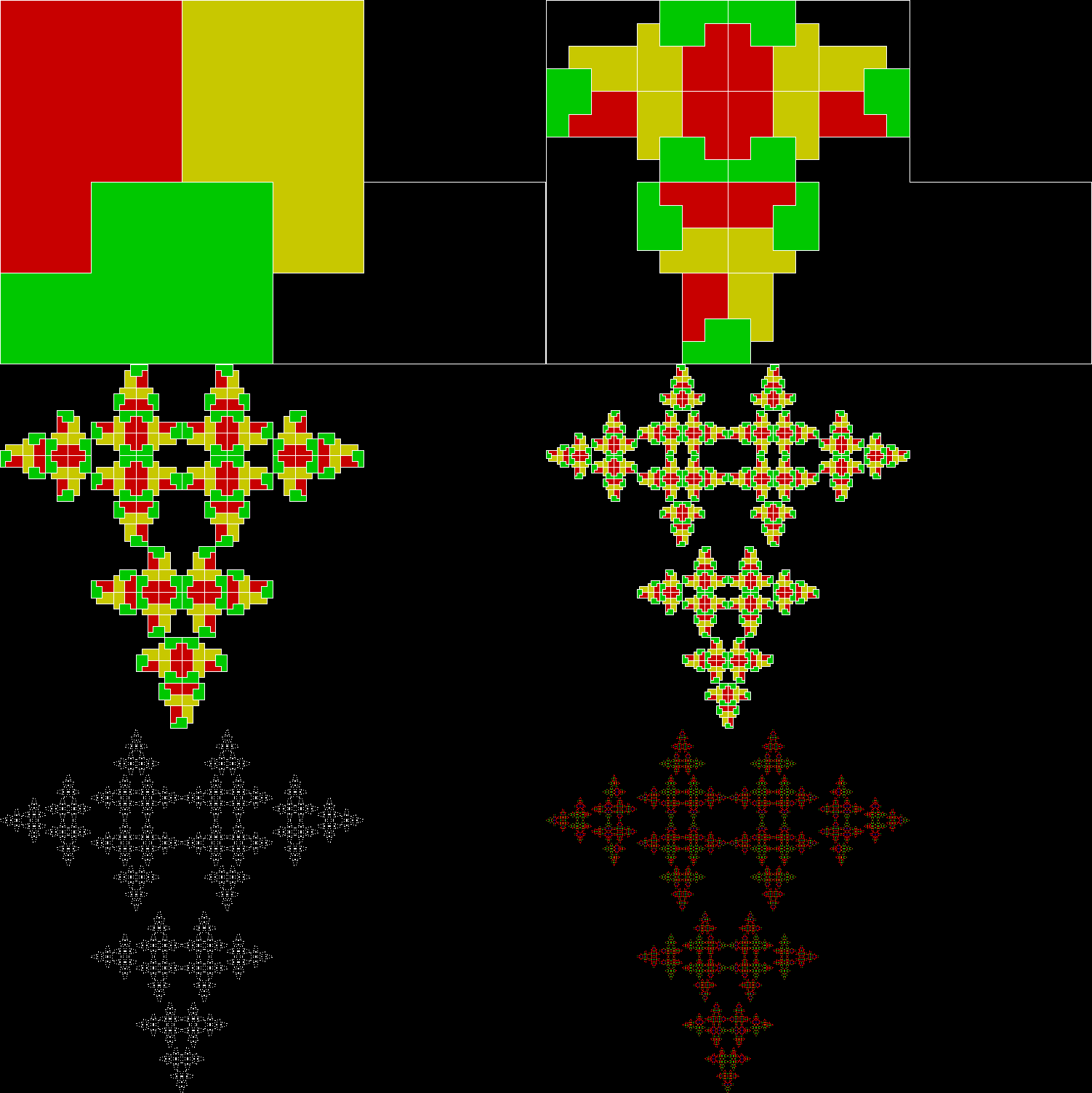
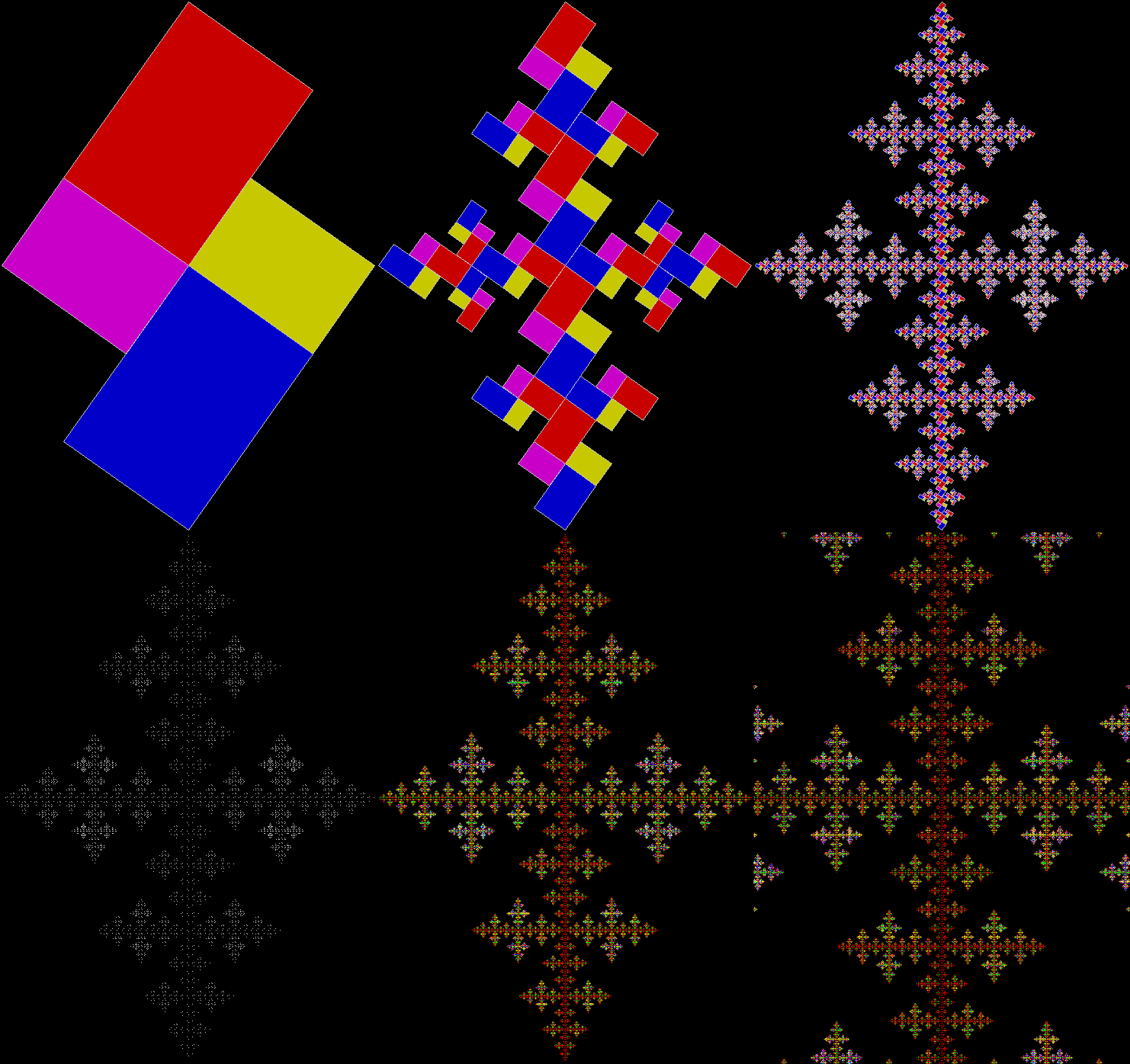
So you could say that paper has radical sheet (the square or other root of a number is also called its radix and √ is known as the radical sign). When a rectangle has the proportions √2 : 1, it can be tiled with an infinite number of copies of itself, the first copy having ½ the area of the original, the second ¼, the third ⅛, and so on. The radical sheet below is tiled with ten diminishing copies of itself, the final two having the same area:

papersizes

papersizes_static

You can also tile a radical sheet with six copies of itself, two copies having ¼ the area of the original and four having ⅛:

paper_6div_static

paper_6div

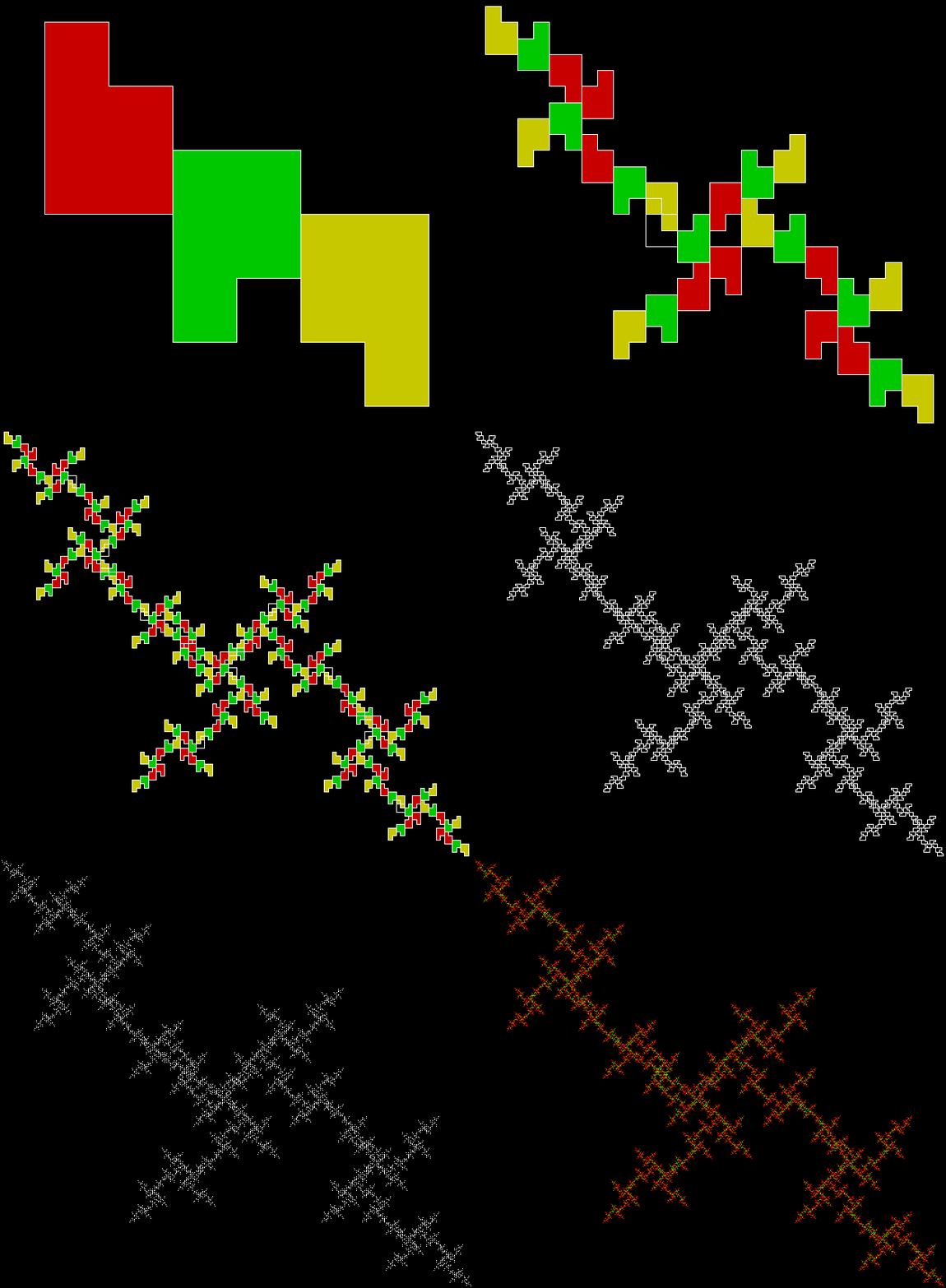
This tiling is when you might say the radical turns crucial, because you can create a fractal cross from it by repeatedly dividing and discarding. Suppose you divide a radical sheet into six copies as above, then discard two of the ⅛-sized rectangles, like this:

paper_cross_1

Stage 1


Then repeat with the smaller rectangles:

paper_cross_2

Stage 2


paper_cross_3

Stage 3


paper_cross_4

Stage 4


paper_cross_5

Stage 5


paper_cross

Animated version

paper_cross_static

Fractile cross

The cross is slanted, but it’s easy to rotate the original rectangle and produce an upright cross:

paper_cross_upright

paper_cross_upright_static

Performativizing the Polygonic

Maths is a mountain: you can start climbing in different places and reach the same destination. There are many ways of proving the irrationality of √2 or the infinitude of the primes, for example. But you can also arrive at the same destination by accident. I’ve found that when I use different methods of creating fractals. The same fractals appear, because apparently different algorithms are actually the same underneath.

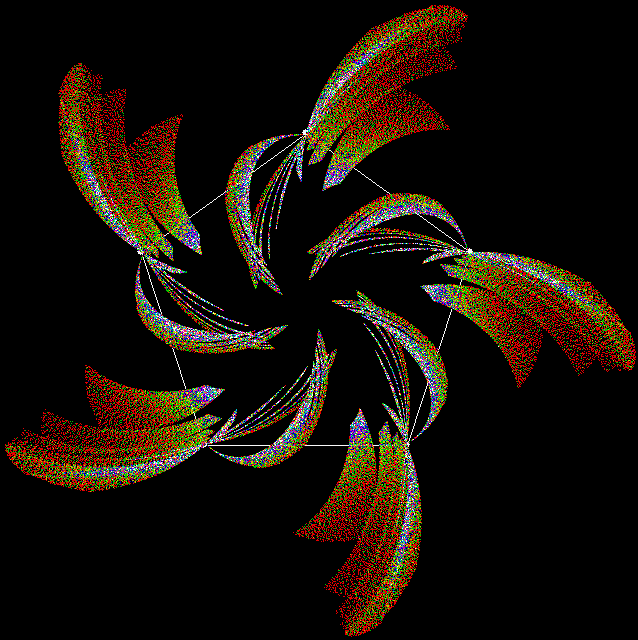
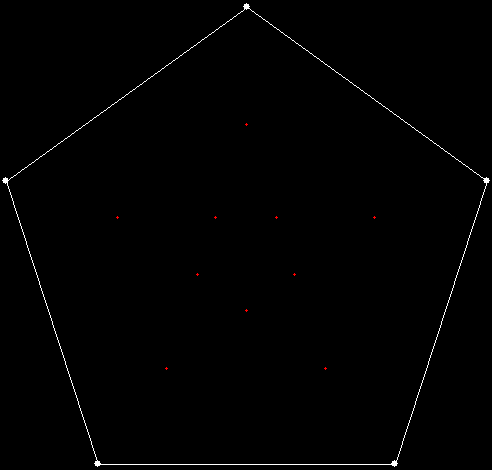
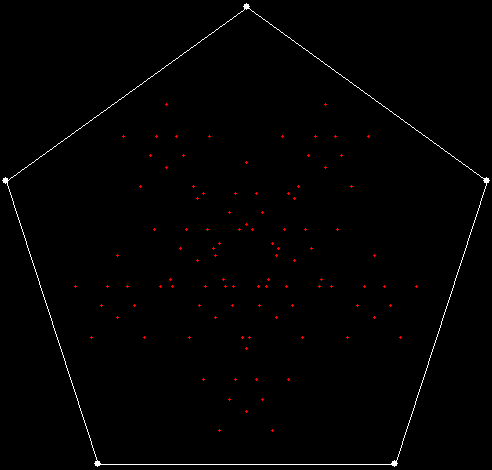
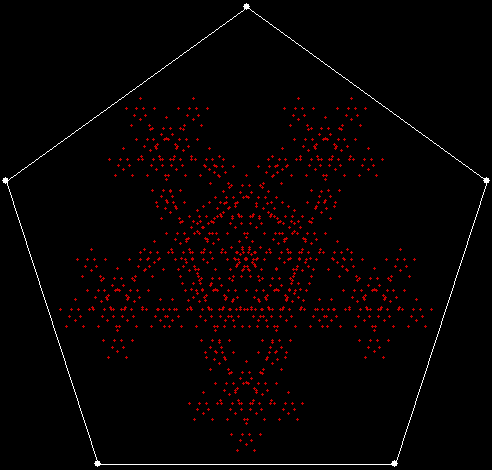
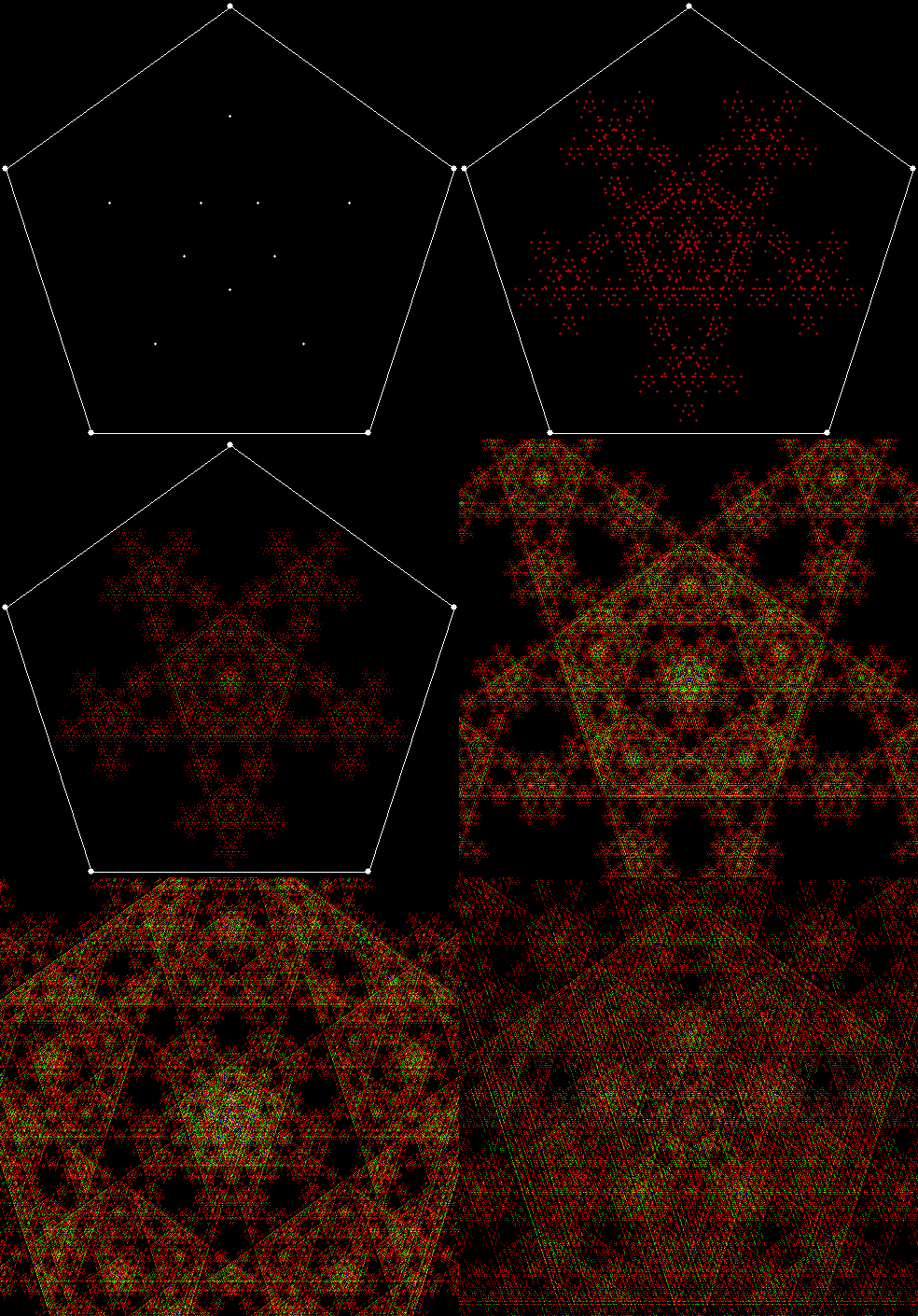
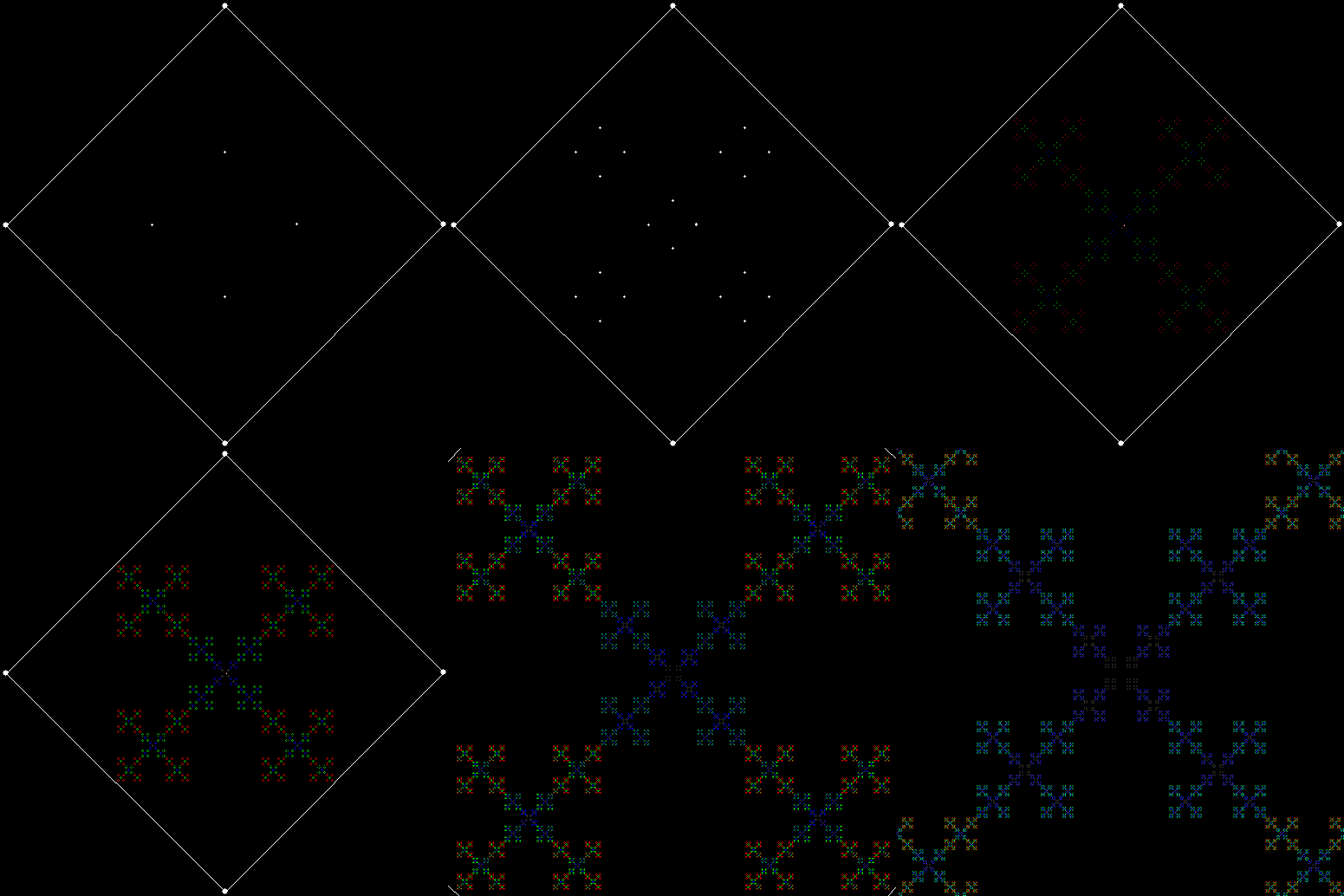
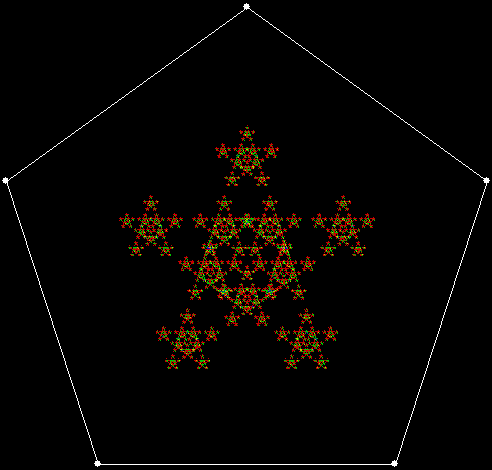
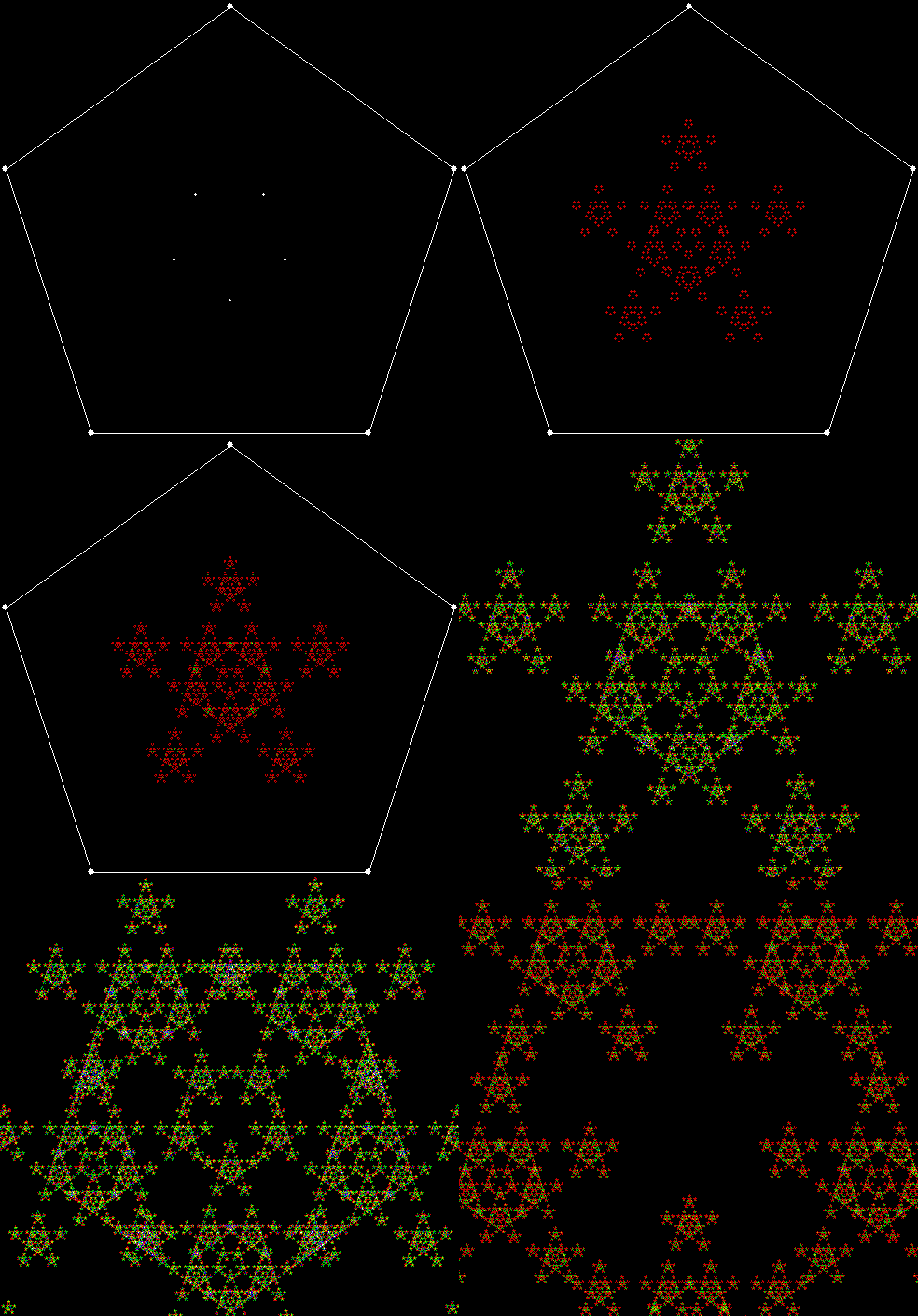
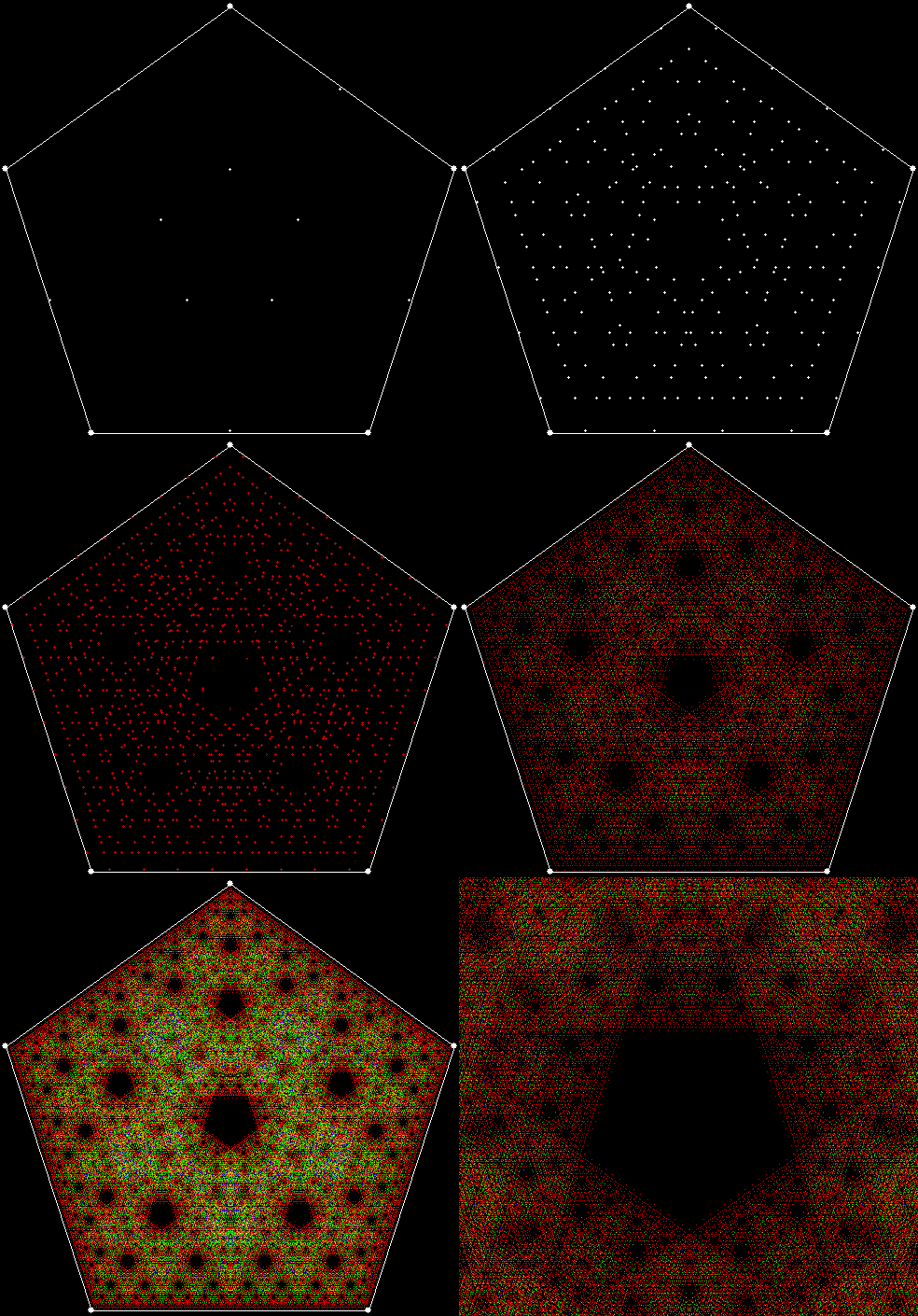
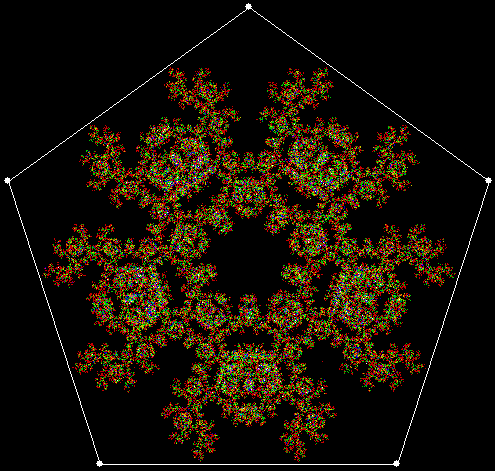
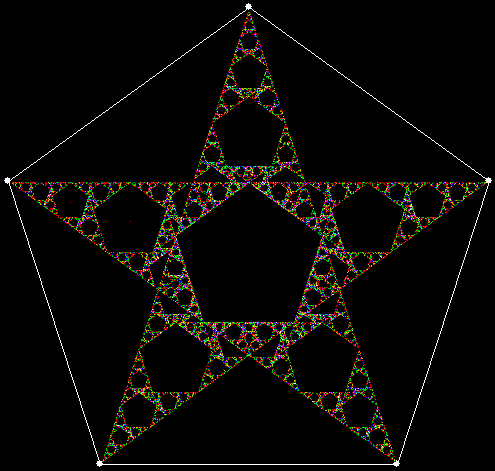
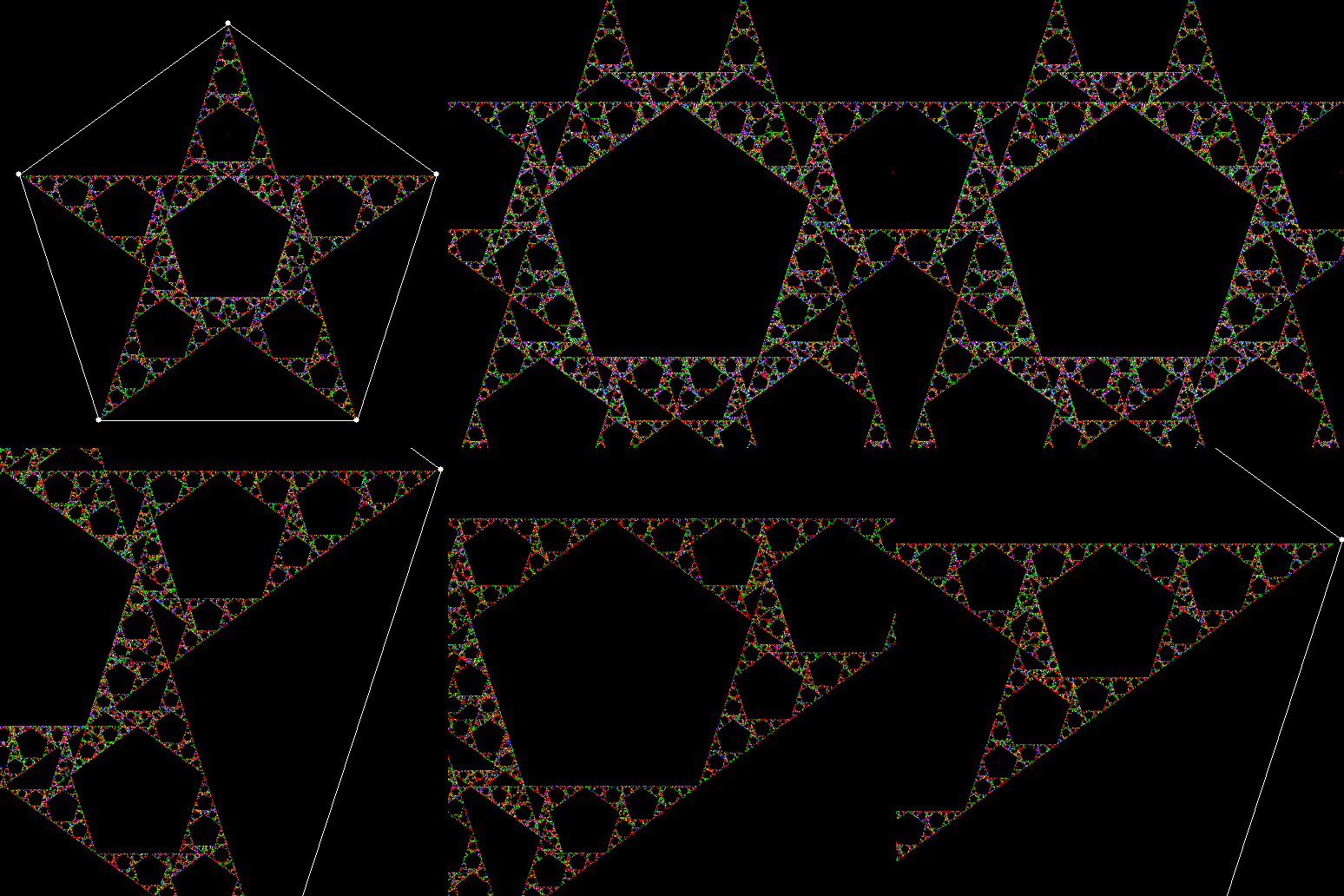
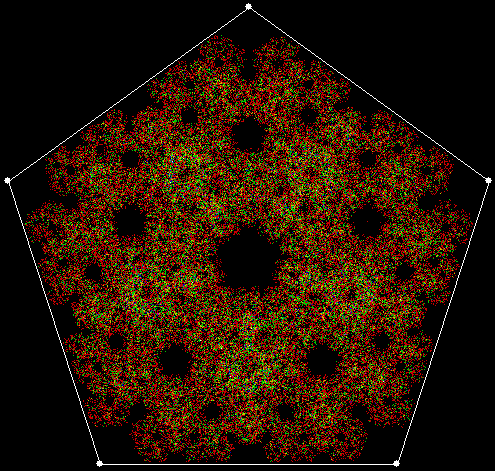
But different methods can create unique fractals too. I’ve found some new ones by using what might be called point-to-point recursion. For example, there are ten ways to select three vertices from the five vertices of a pentagon: (1, 2, 3), (1, 2, 4), (1, 2, 5), (1, 3, 4), (1, 3, 5), (1, 4, 5), (2, 3, 4), (2, 3, 5), (2, 4, 5), (3, 4, 5). Find the midpoint of the first three-point set, (1, 2, 3). Then select two vertices to go with this midpoint, creating a new three-point set, and find the midpoint again. And so on. The process looks like this, with the midpoints shown for all the three-point sets found at each stage:

v5_p3_stage1

vertices = 5, choose sets of 3 points, find mid-point of each

v5_p3_stage2

v5_p3_stage3


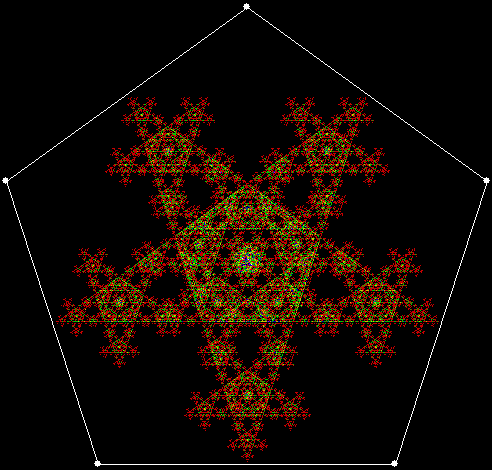
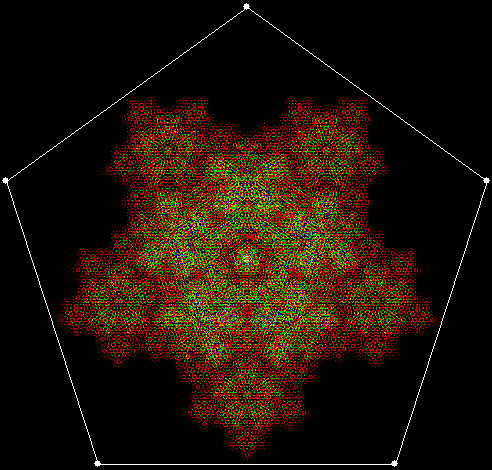
At stage 5, the fractal looks like this:

v5_p3_static

v = 5, p = 3


Note that when pixels are used again, the colour changes. That’s another interesting thing about maths: limits can sometimes produce deeper results. If these fractals were drawn at very high resolution, pixels would only be used once and the colour would never change. As it is, low resolution means that pixels are used again and again. But some are used more than others, which is why interesting colour effects appear.

If the formation of the fractal is animated, it looks like this (with close-ups of even deeper stages):
v5_p3


Here are some more examples:

v4c_p2_static

v = 4 + central point, p = 2 (cf. Fingering the Frigit)

v4c_p2

v = 4c, p = 2 (animated)


v4_p3_static

v = 4, p = 3

v4_p3


v5_p4_static

v = 5, p = 4

v5_p4


v5c_p3_static

v = 5 + central point, p = 3

v5c_p3


v5c_p4

v = 5c, p = 4


v5c_p5

v = 5c, p = 5


v6_1_p6

v = 6 + 1 point between each pair of vertices, p = 6


v6_p2

v = 6, p = 2


v6_p3_static

v = 6, p = 3

v6_p3


v6_p4

v = 6, p = 4


v6c_p2_static

v = 6c, p = 2 (cf. Fingering the Frigit)

v6c_p2


v6c_p3_static

v = 6c, p = 3

v6c_p3


v6c_p4

v = 6c, p = 4


v7_p3

v = 7, p = 3


v7_p4_static

v = 7, p = 4

v7_p4


v7_p5_static

v = ,7 p = 5

v7_p5


v7_p4

v = 7c, p = 4


v3_1_p2

v = 3+1, p = 2


v3_1_p3

v = 3+1, p = 3


v3_1_p4

v = 3+1, p = 4


v3_2_p5

v = 3+2, p = 5


v3c_1_p2

v = 3c+1, p = 2


v3c_1_p4

v = 3c+1, p = 4


v3c_p2

v = 3c, p = 2


v3c_p3

v = 3c, p = 3


v4_1_p3

v = 4+1, p = 3


v4_1_p4

v = 4+1, p = 4


v4_1_p5

v = 4+1, p = 6


v4_1_p6

v = 4+1, p = 2


v4c_1_p4

v = 4c+1, p = 4


v4c_p3_static

v = 4c, p = 3

v4c_p3


v5_1_p4_va

v = 5+1, p = 4 (and more)

v5_p2

v = 5, p = 2


Polymorphous Perverticity

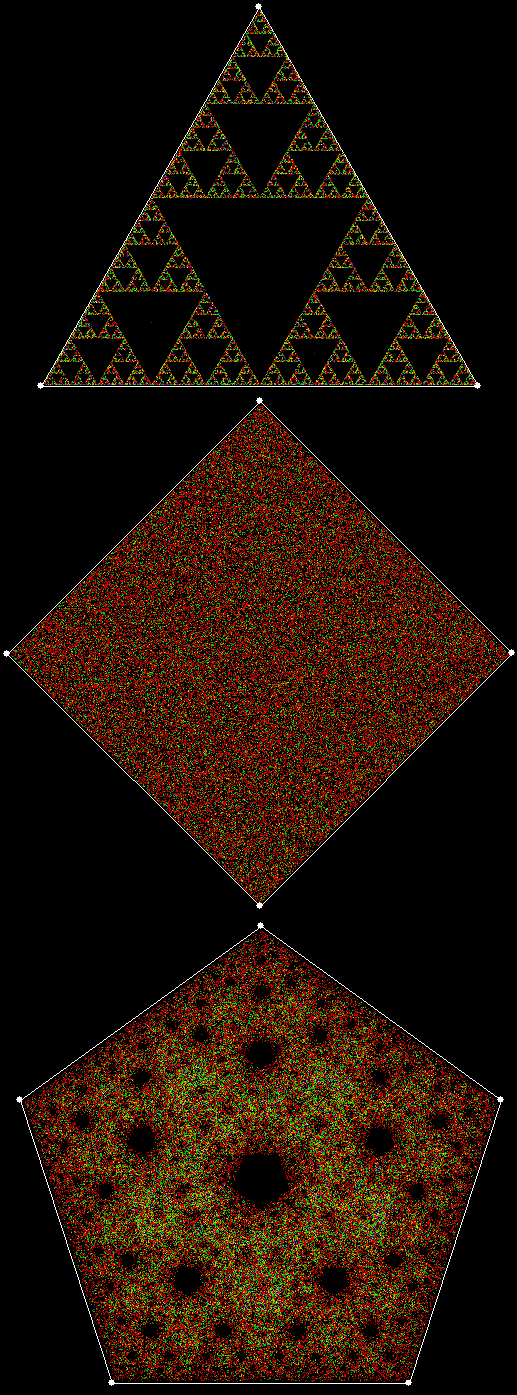
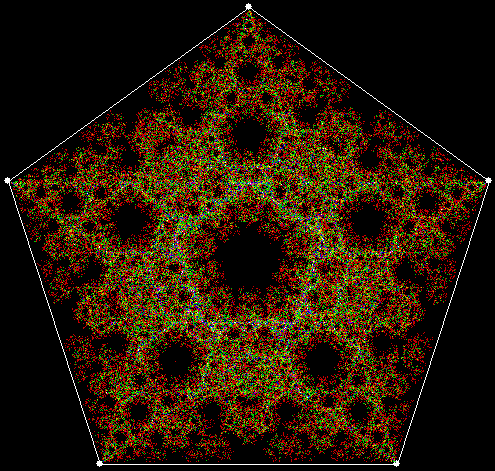
As I’ve explained before on Overlord of the Über-Feral, the planet’s premier purveyor of polygonic performativity (probably (possibly (perspectivistically))), it works with triangles and pentagons, but not with squares. And what is “it”? A simple procedure in which you create a polygon, choose a point inside it, then repeatedly move half-way towards a vertex chosen at random, marking each new position as you go.

pol3_4_5

When the polygon has three vertices, you get a Sierpiński triangle. When it has five, you get what might be called a  Sierpiński pentagon. When it has four, you get nothing. Or rather: you get everything, because the whole interior of the square gradually fills with points. But, as I’ve also explained before, there’s a simple way to change this. You can adapt the procedure so that a vertex can’t be chosen twice in a row, and so on.

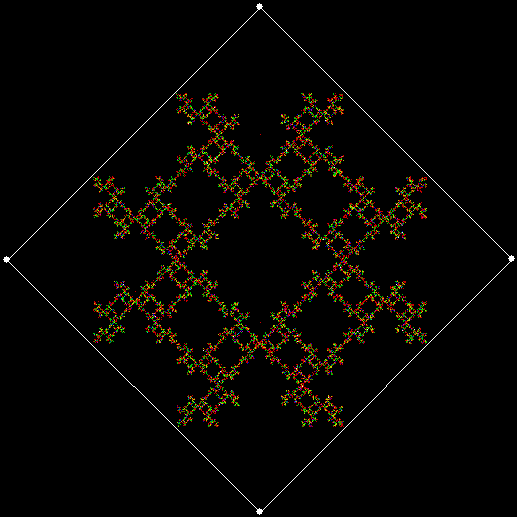
When the rule is “No vertex twice in a row”, you get this fractal (colours change as a pixel is selected again):

pol4_0

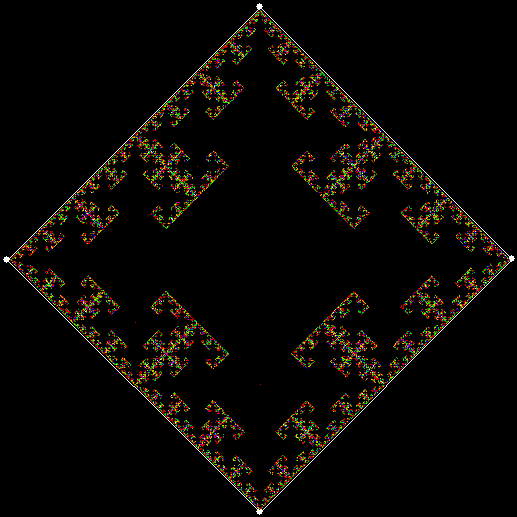
But you can also use what might be a vertex increment, or vi, whereby you disallow vertices that are next to the previously chosen vertex, or two positions away, and so on. When the rule is “No vertex twice in a row”, the disallowed vertex is (v + 0), that is, vi = 0. If vi = 2 and the rule is disallow(v + 2), this fractal appears (when vi = 1, there’s no fractal):

pol4_2

v = 4, vi = 2

pol4_2_anim


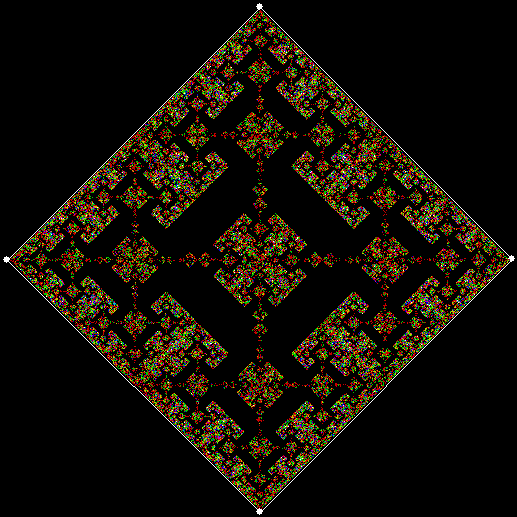
You can extend these rules to apply not just to the previously chosen vertex, but also to the vertex chosen before that. Here are some fractals produced by the rule disallow(v[1] + vi[1], v[2] + vi[2]), where v[1] is the vertex previously chosen and v[2] is the vertex chosen before that:

pol4_1_2

v = 4, vi[1] = 1, vi[2] = 2

pol4_1_2_anim


pol4_2_0

v = 4, vi[1] = 2, vi[2] = 0

pol4_2_0_anim

pol4_2_0_white


pol4_2_1

v = 4, vi[1] = 2, vi[2] = 1

pol4_2_1_anim


pol4_2_2

v = 4, vi[1] = 2, vi[2] = 2

pol4_2_2_anim


And here are some fractals produced by the rule disallow(v[1] + vi[1], v[2] + vi[2], v[3] + vi[3]):

pol4_1_1_0

v = 4, vi[1] = 1, vi[2] = 1, vi[3] = 0

pol4_1_1_0_anim


pol4_1_1_2

v = 4, vi[1] = 1, vi[2] = 1, vi[3] = 2

pol4_1_1_2_anim


Applying these rules to pentagons rather than squares doesn’t produce such a dramatic difference, because the original procedure – choose any vertex at random, taking no account of previous choices – produces a fractal when v = 5, as noted above, but not when v = 4. Nevertheless, here are some fractals for v > 4:

pol5_0

v = 5, vi = 0


pol5_1

v = 5, vi = 1

pol5_1_anim


pol5_2

v = 5, vi = 2

pol5_2_anim


pol5_0_0

v = 5, vi[1] = 0, vi[2] = 0


pol5_1_0

v = 5, vi[1] = 1, vi[2] = 0


pol5_2_0

v = 5, vi[1] = 2, vi[2] = 0

pol5_2_0_anim


pol5_1_1

v = 5, vi[1] = 1, vi[2] = 1

pol5_1_1_anim


pol5_1_1_1

v = 5, vi[1] = 1, vi[2] = 1, vi[3] = 1


pol5_va2

v = 5, vi = various


pol6_1

v = 6, vi = 1

pol6_1_anim

Fingering the Frigit

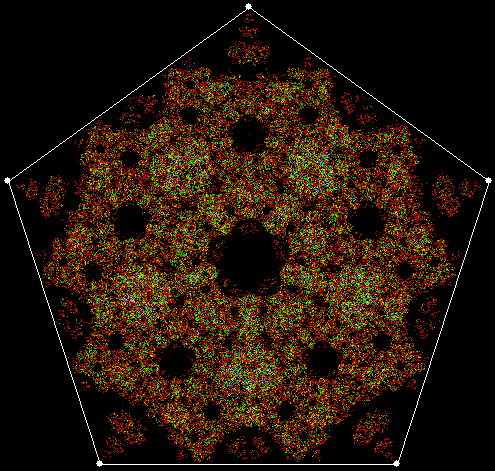
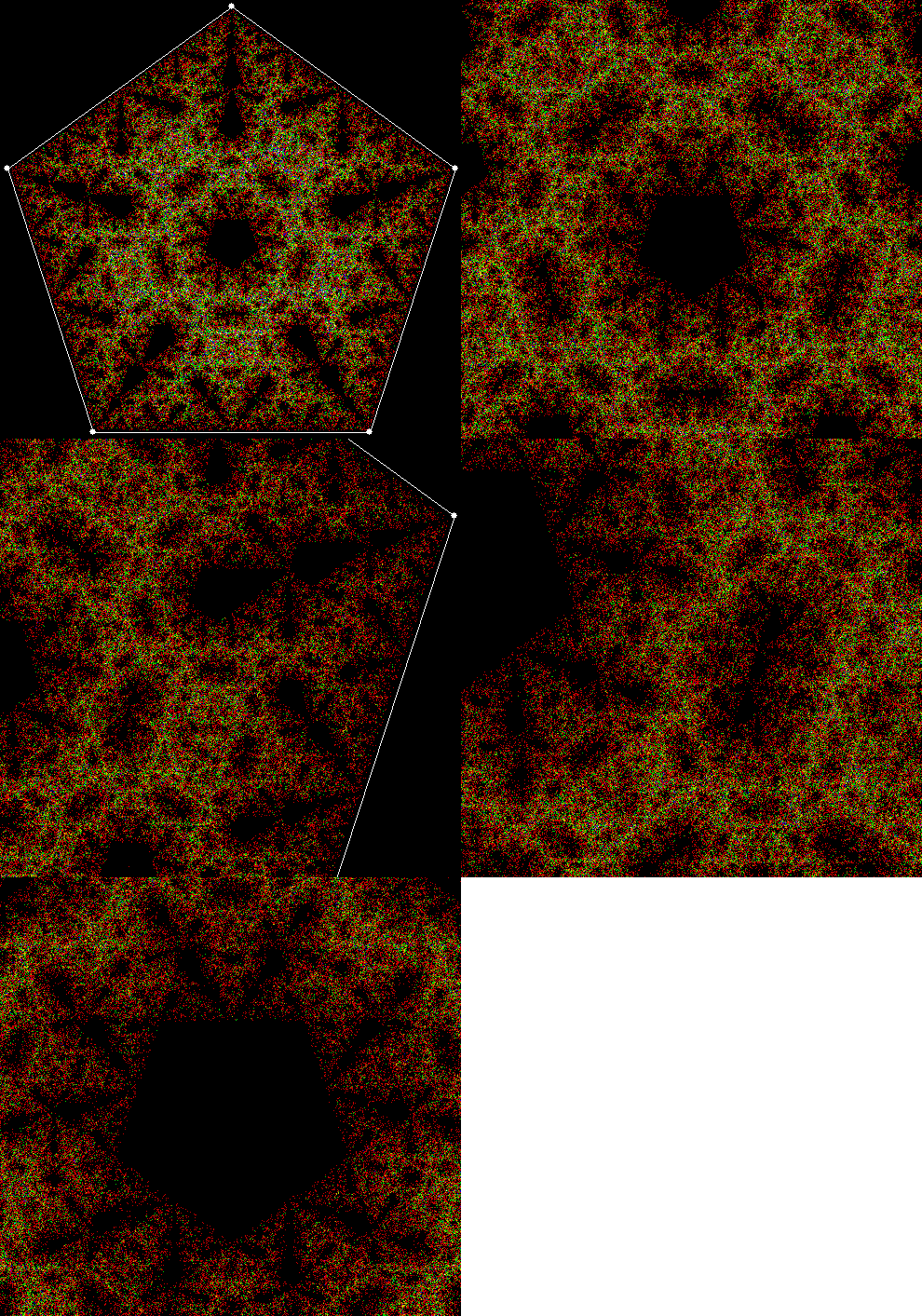
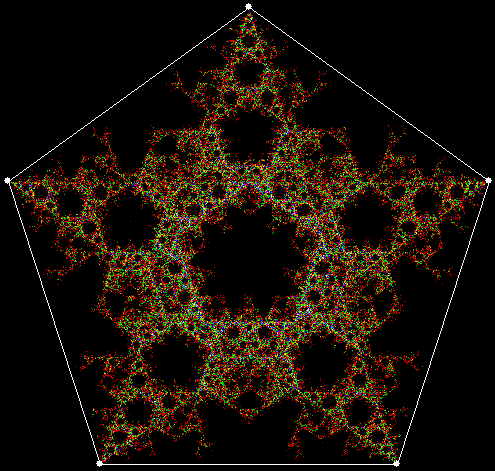
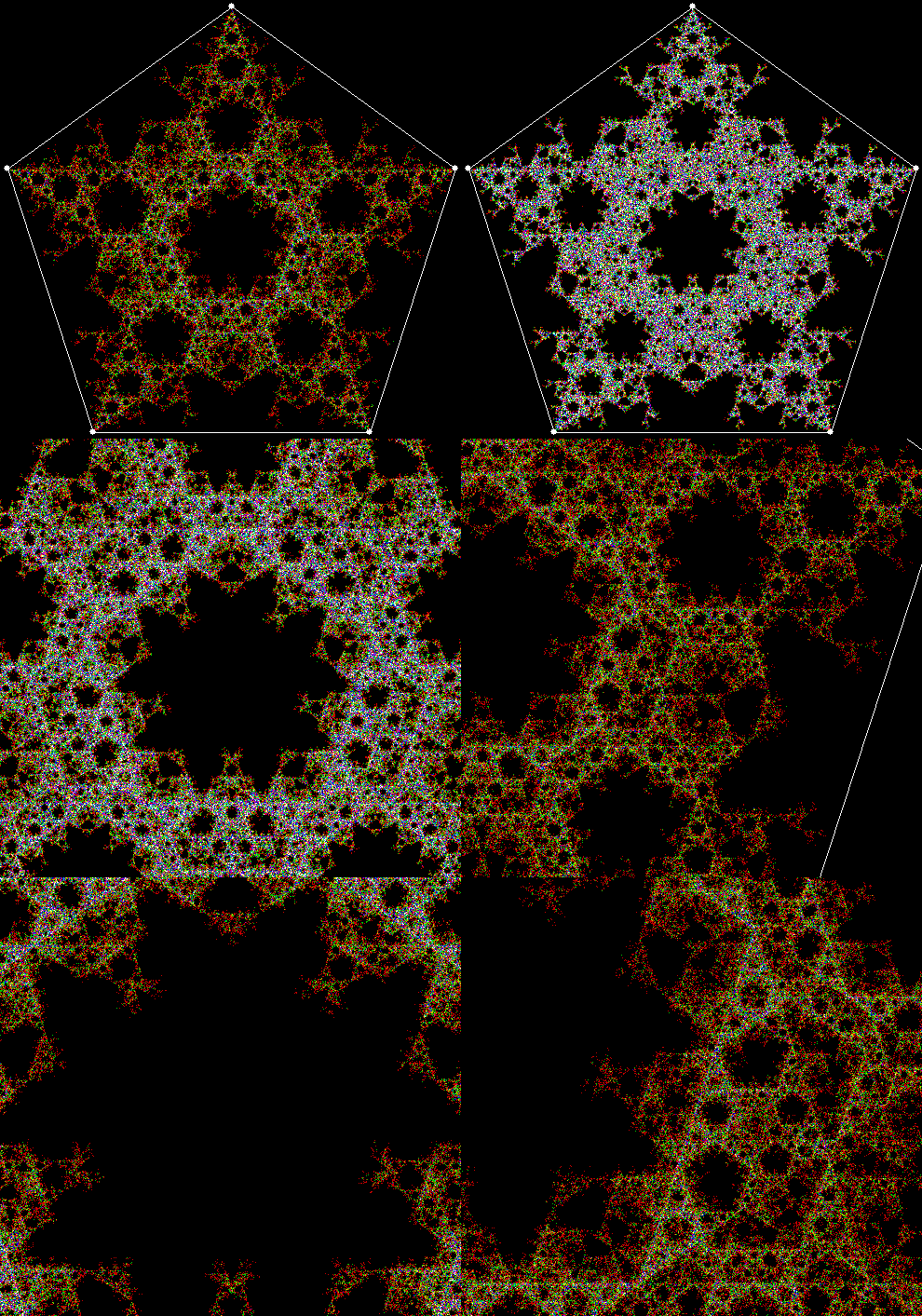
Fingers are fractal. Where a tree has a trunk, branches and twigs, a human being has a torso, arms and fingers. And human beings move in fractal ways. We use our legs to move large distances, then reach out with our arms over smaller distances, then move our fingers over smaller distances still. We’re fractal beings, inside and out, brains and blood-vessels, fingers and toes.

But fingers are fractal are in another way. A digit – digitus in Latin – is literally a finger, because we once counted on our fingers. And digits behave like fractals. If you look at numbers, you’ll see that they contain patterns that echo each other and, in a sense, recur on smaller and smaller scales. The simplest pattern in base 10 is (0, 1, 2, 3, 4, 5, 6, 7, 8, 9). It occurs again and again at almost very point of a number, like a ten-hour clock that starts at zero-hour:

0, 1, 2, 3, 4, 5, 6, 7, 8, 9…
10, 11, 12, 13, 14, 15, 16, 17, 18, 19…
200… 210… 220… 230… 240… 250… 260… 270… 280… 290…

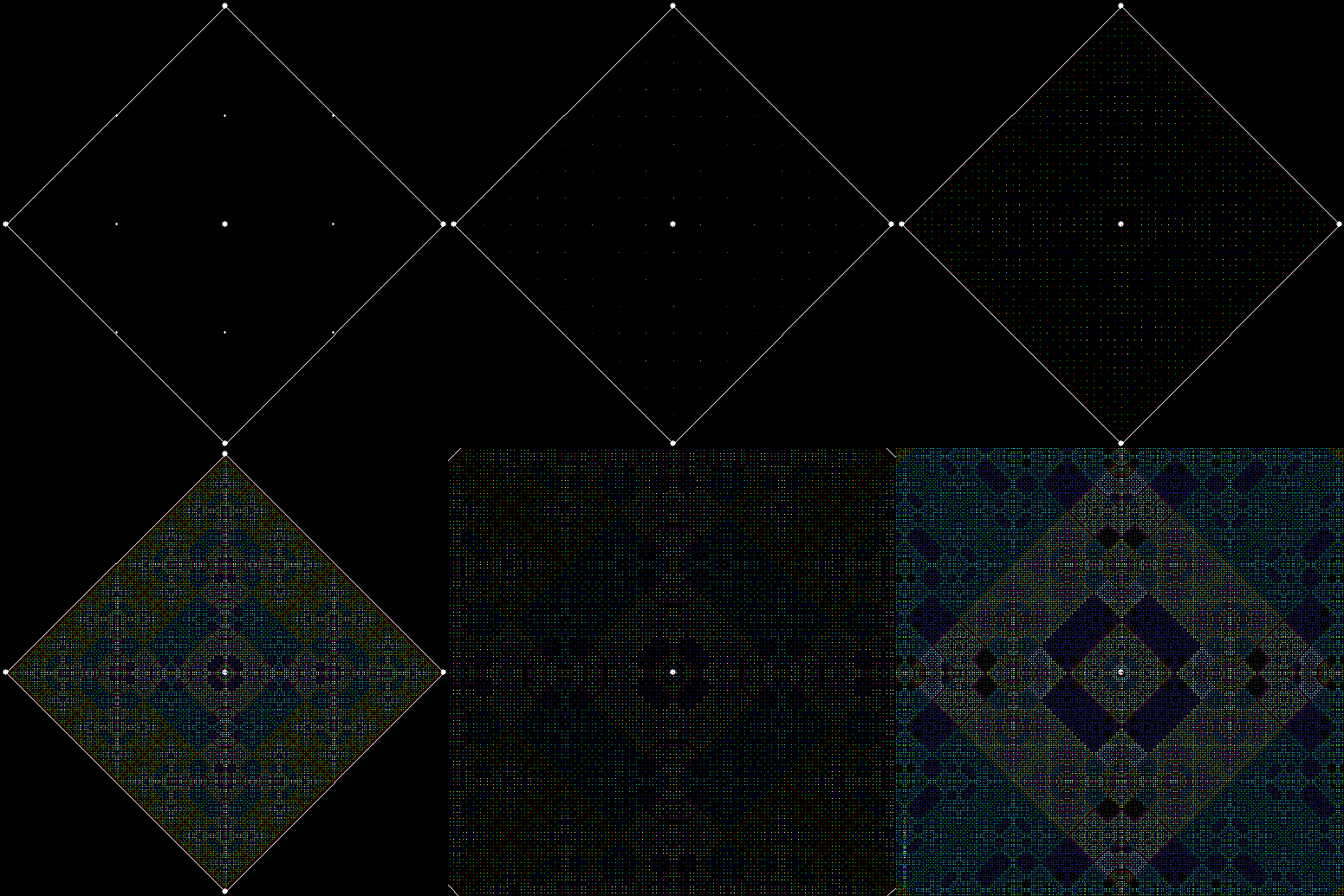
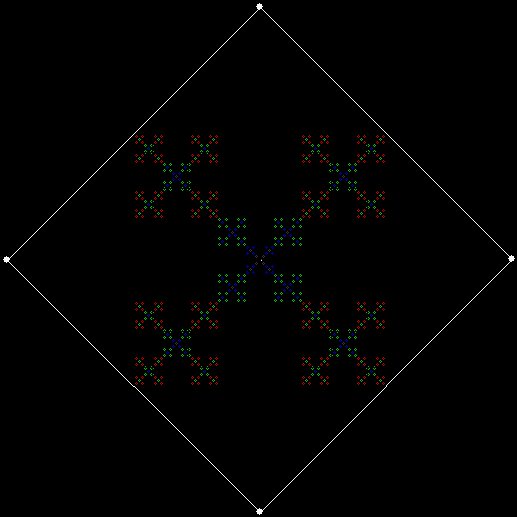
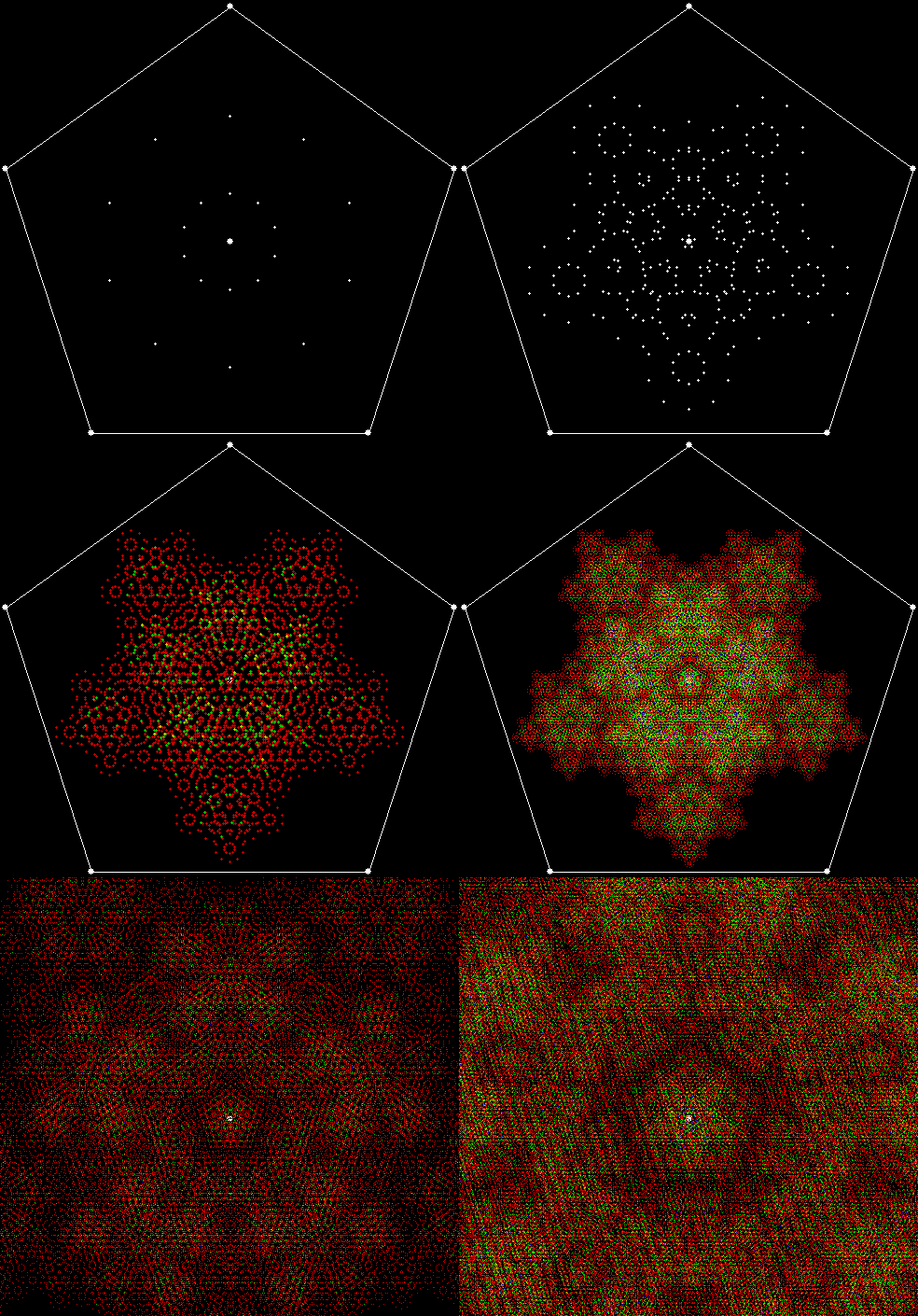
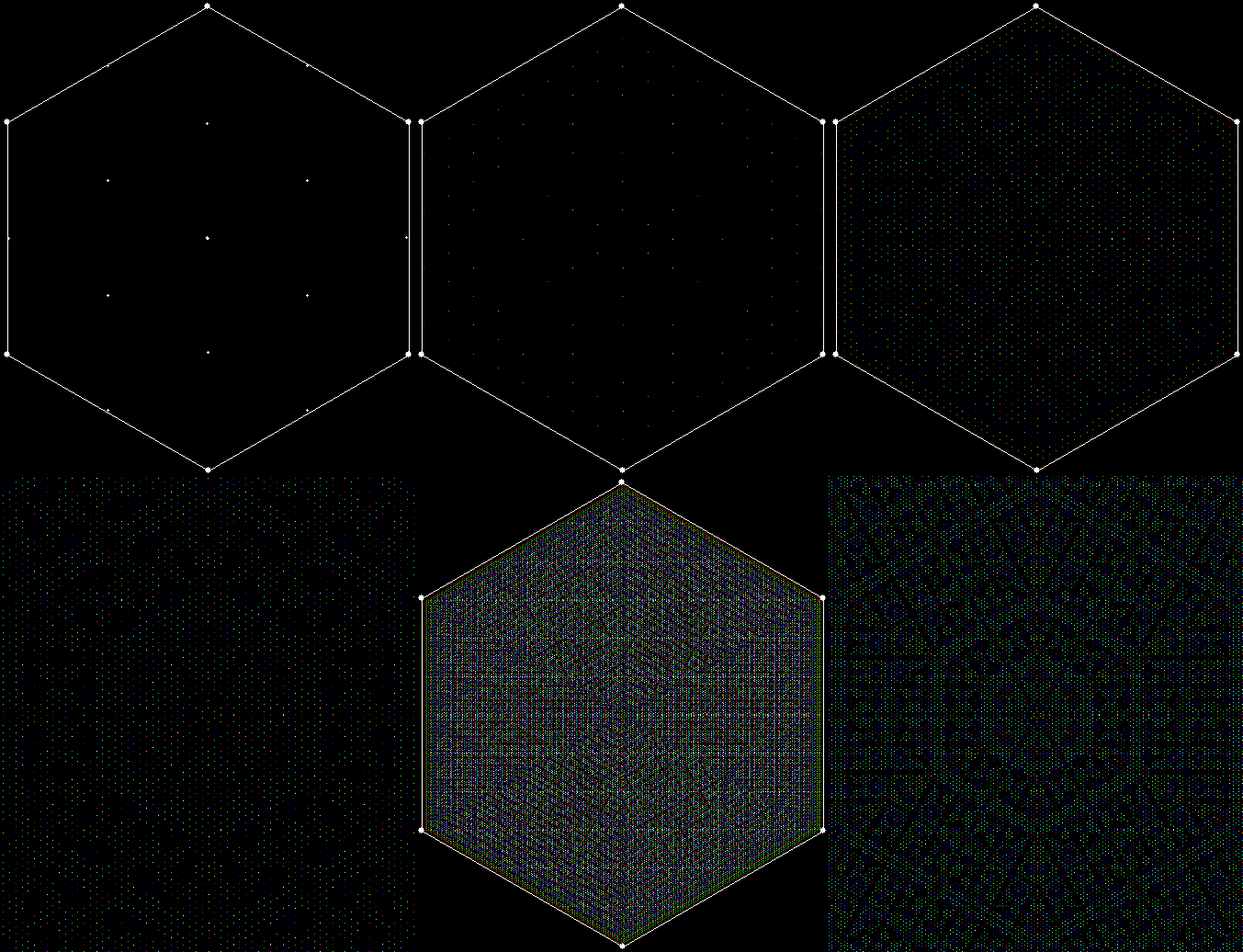
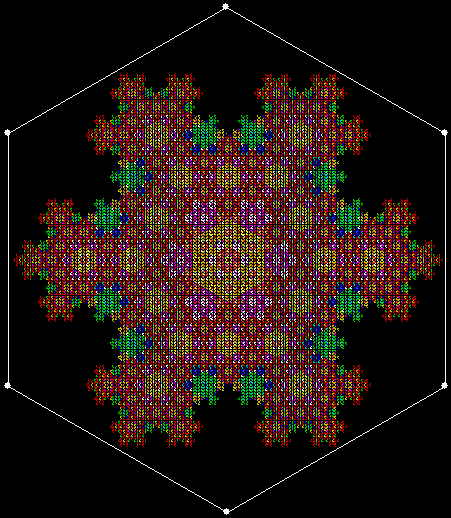
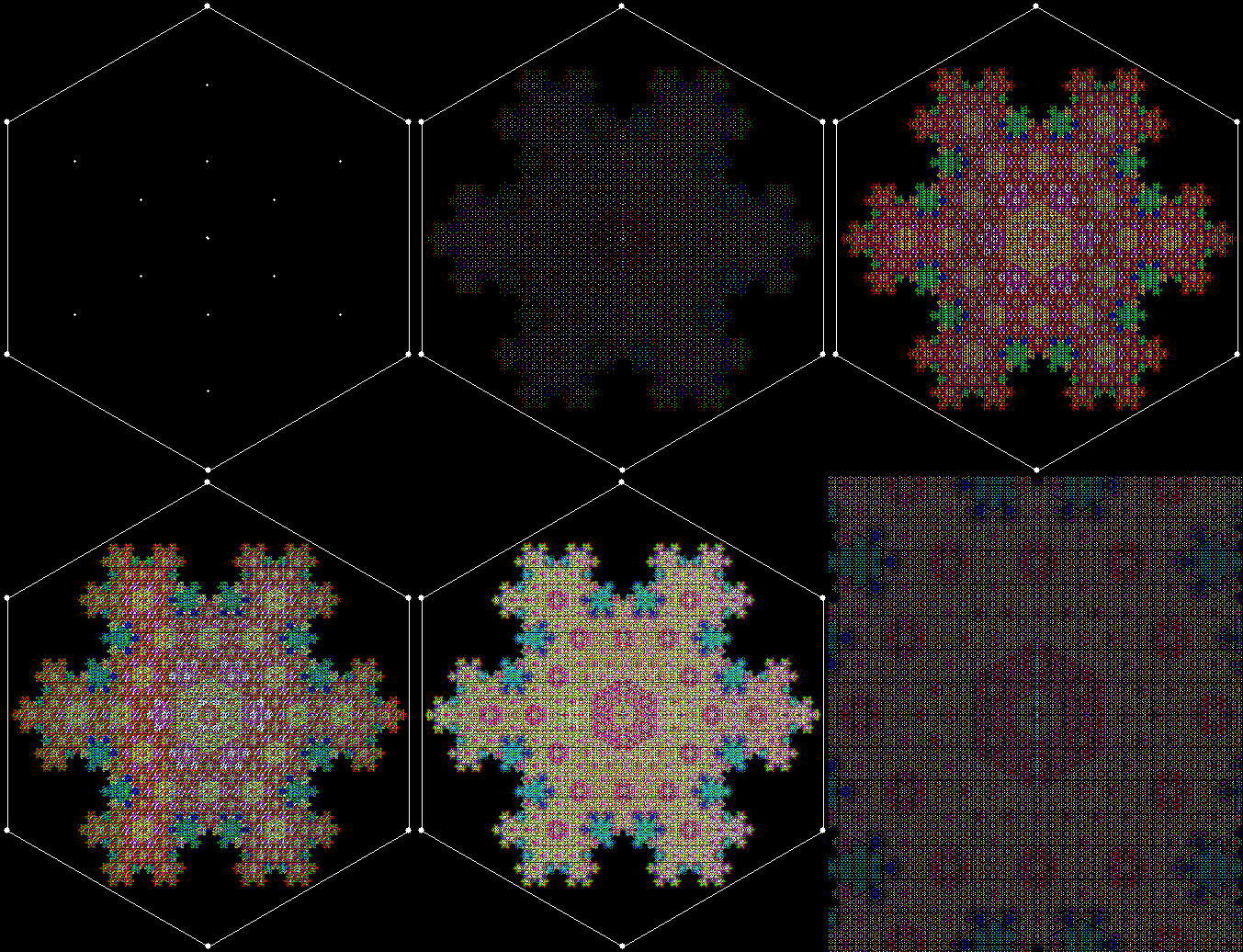
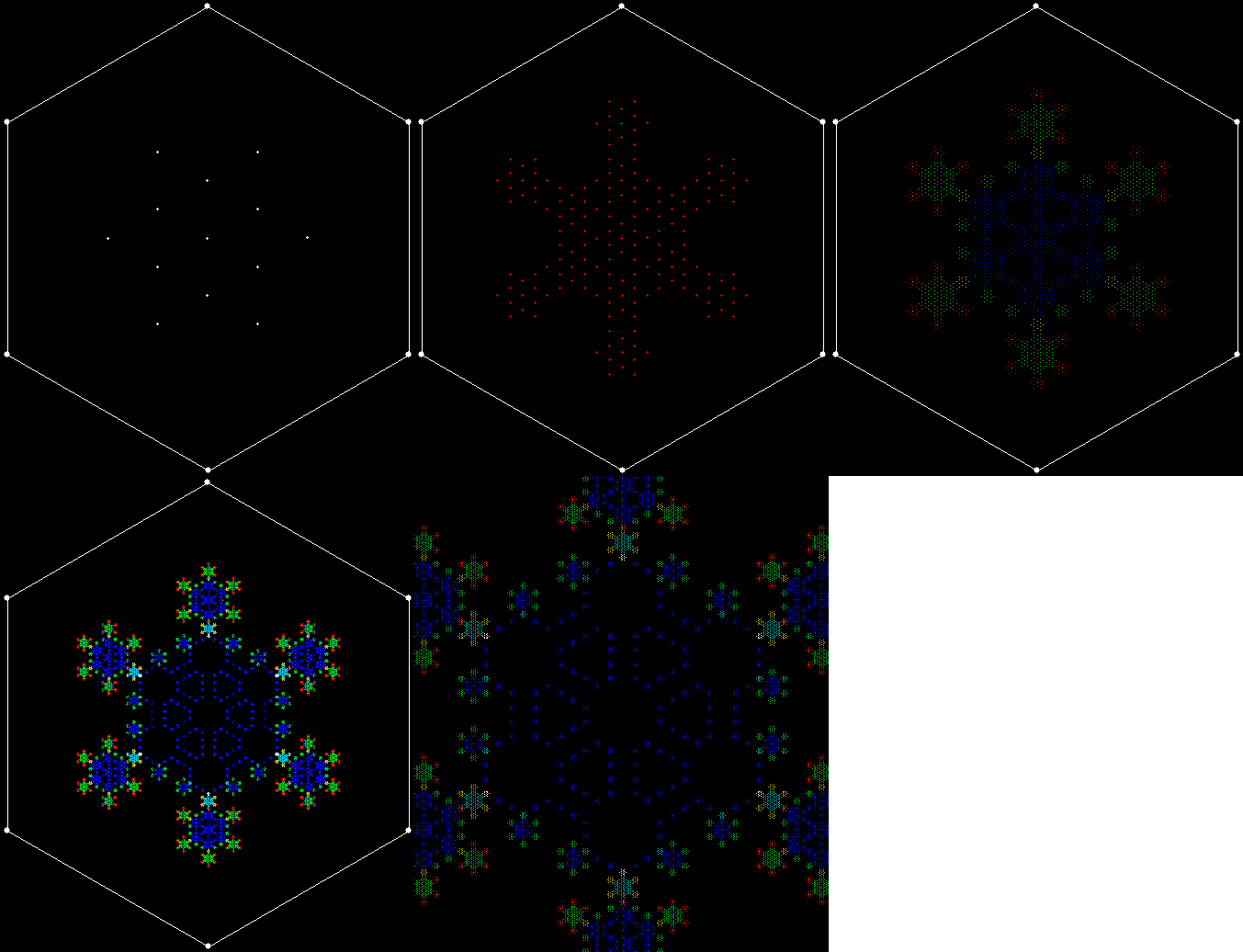
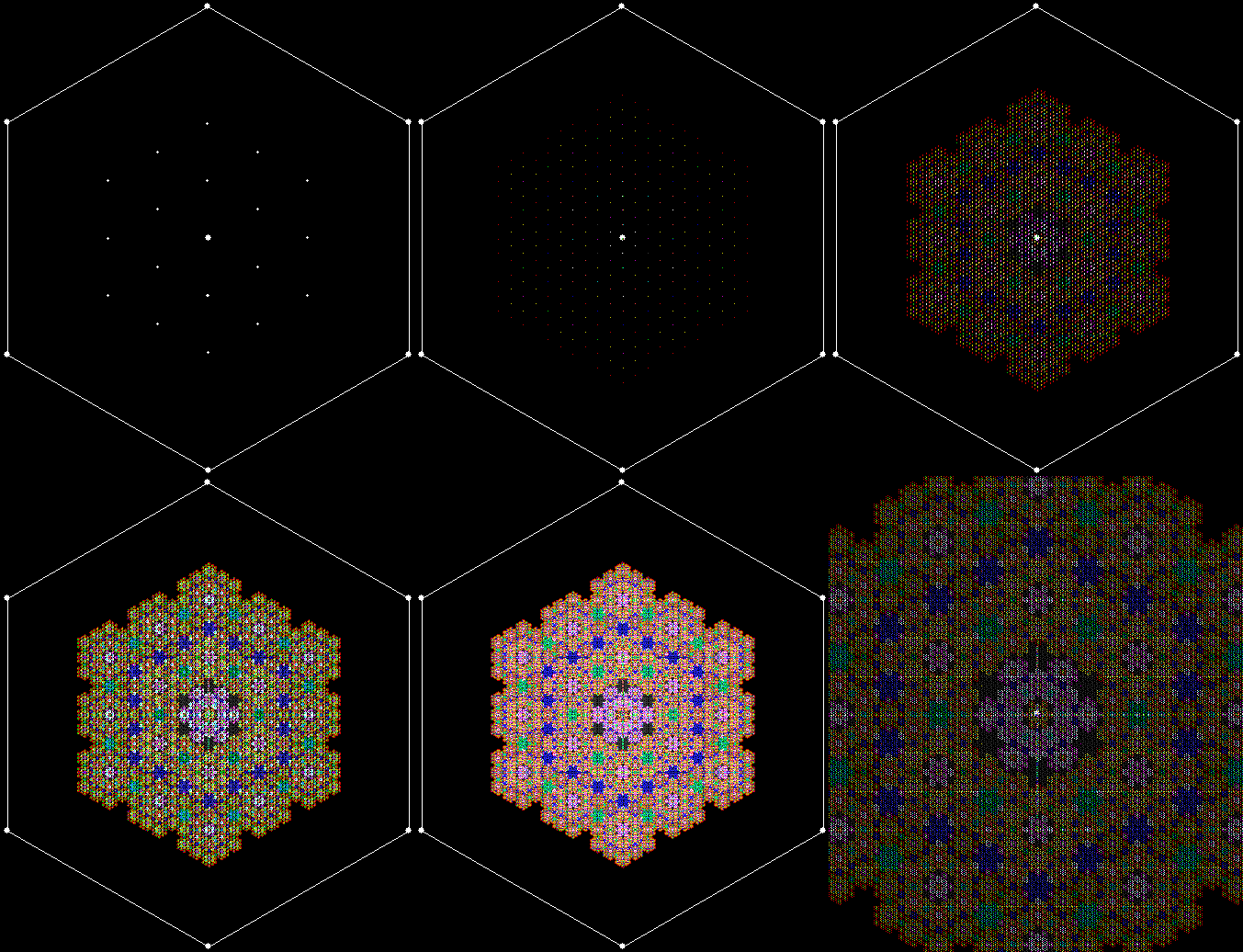
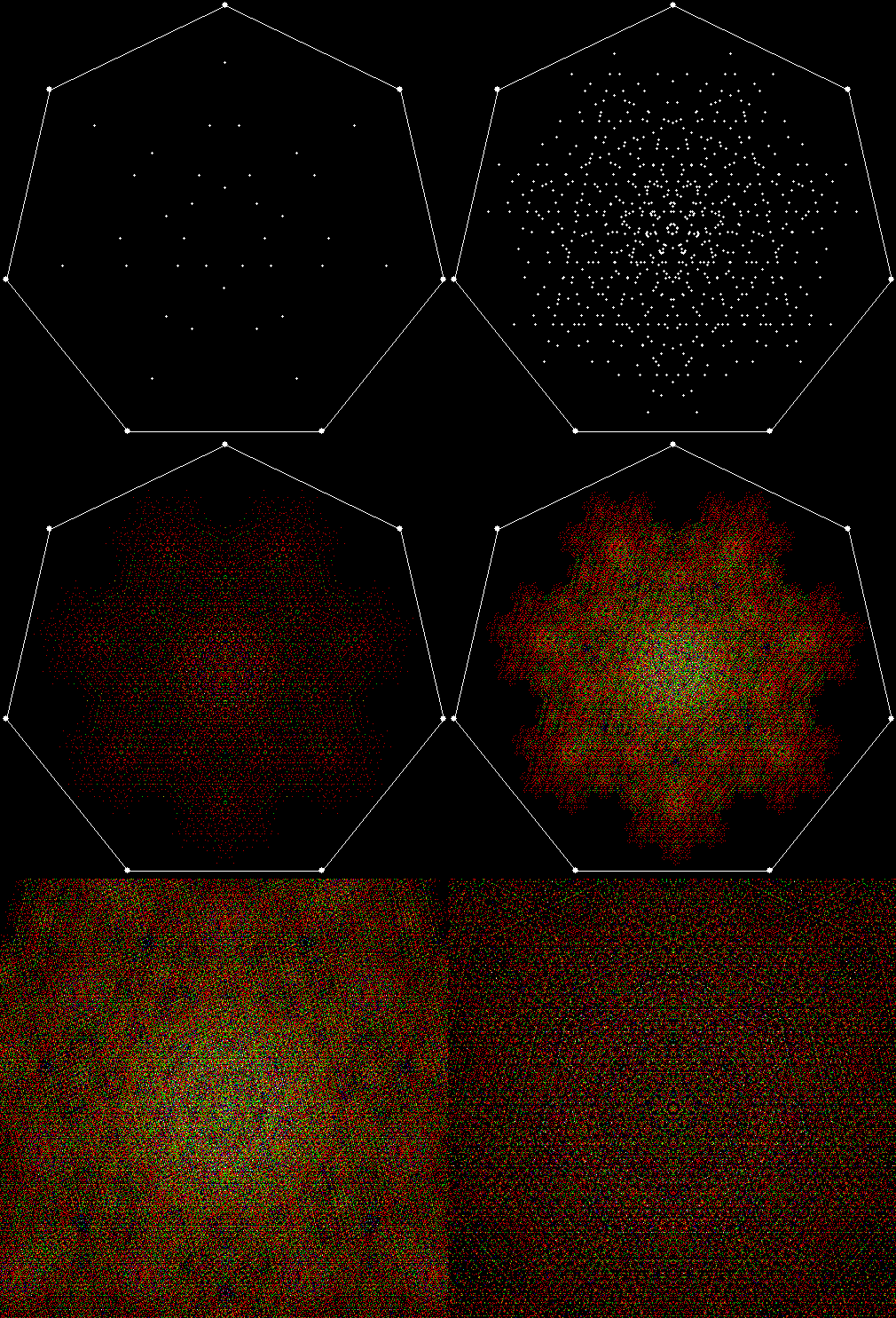
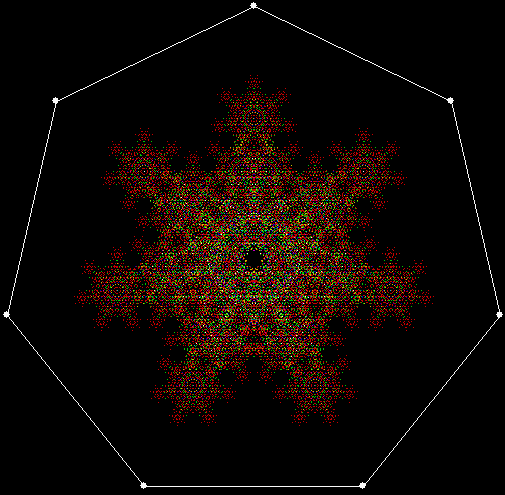
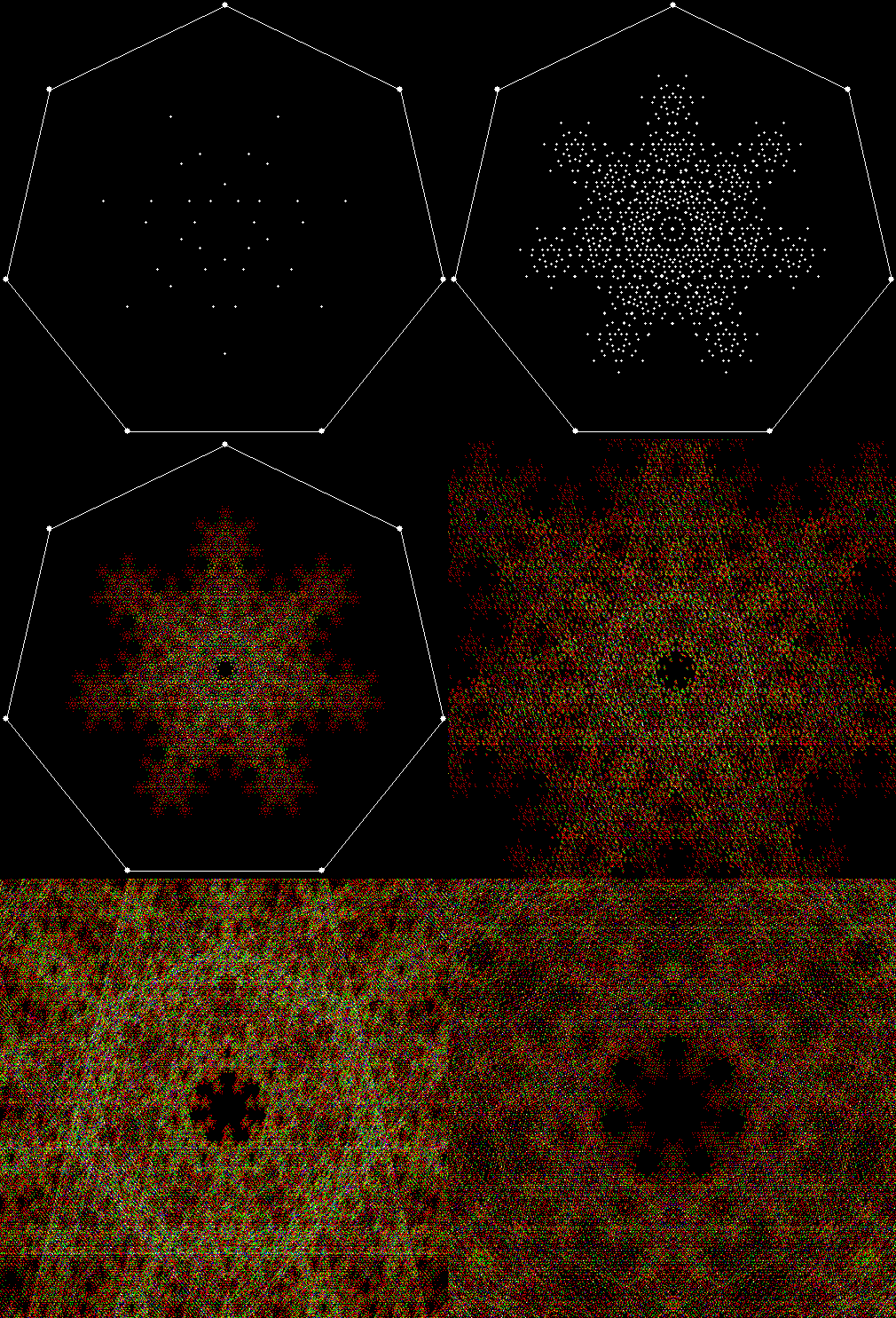
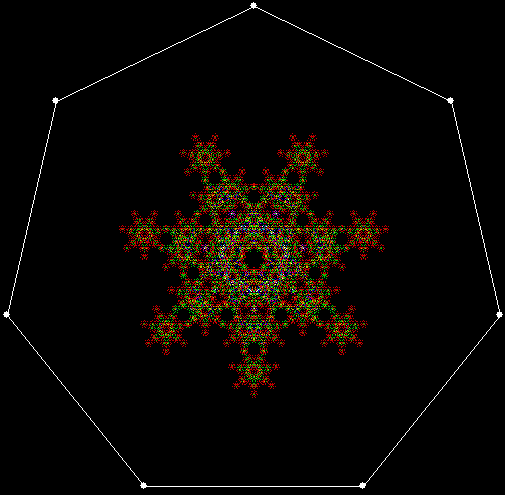
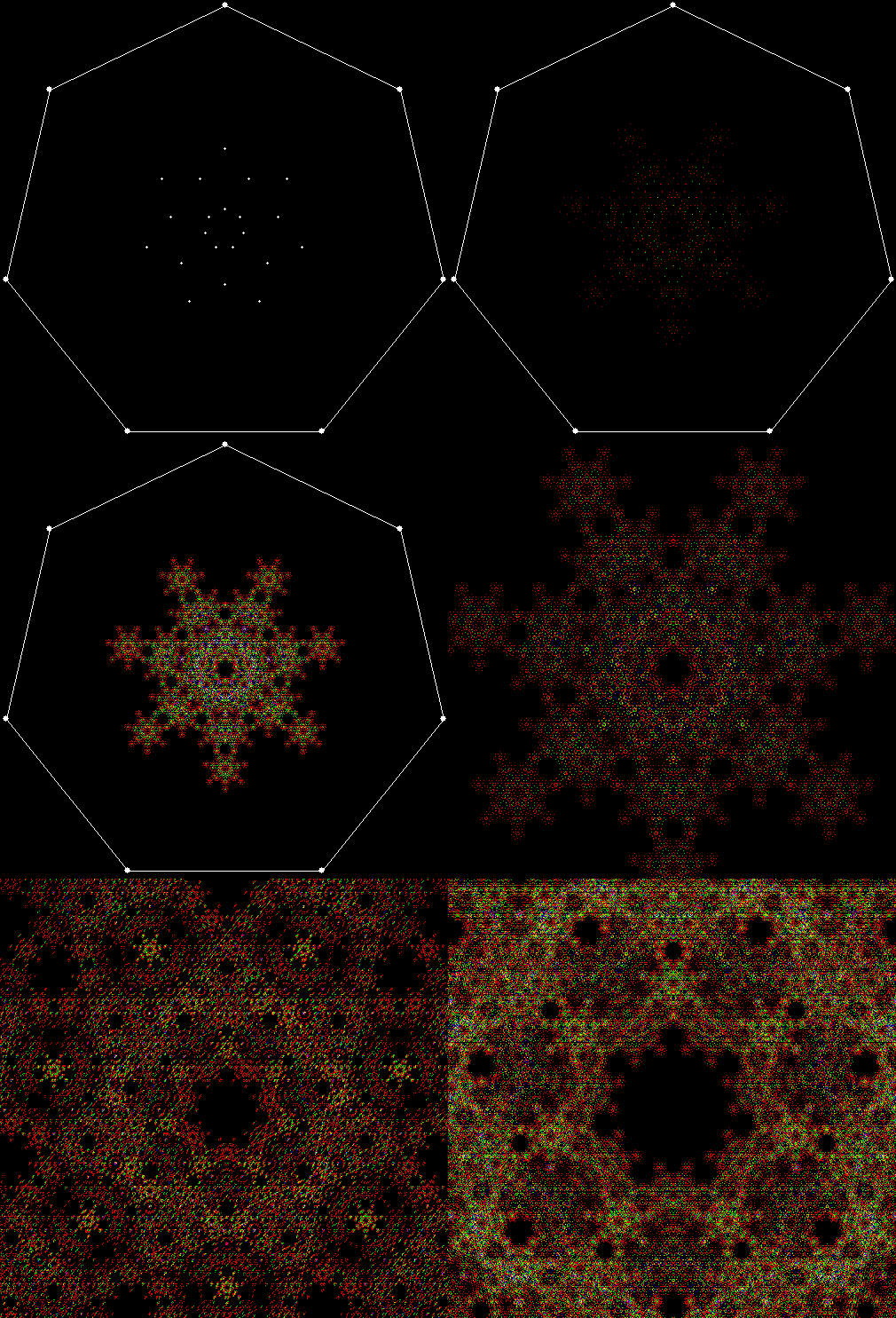
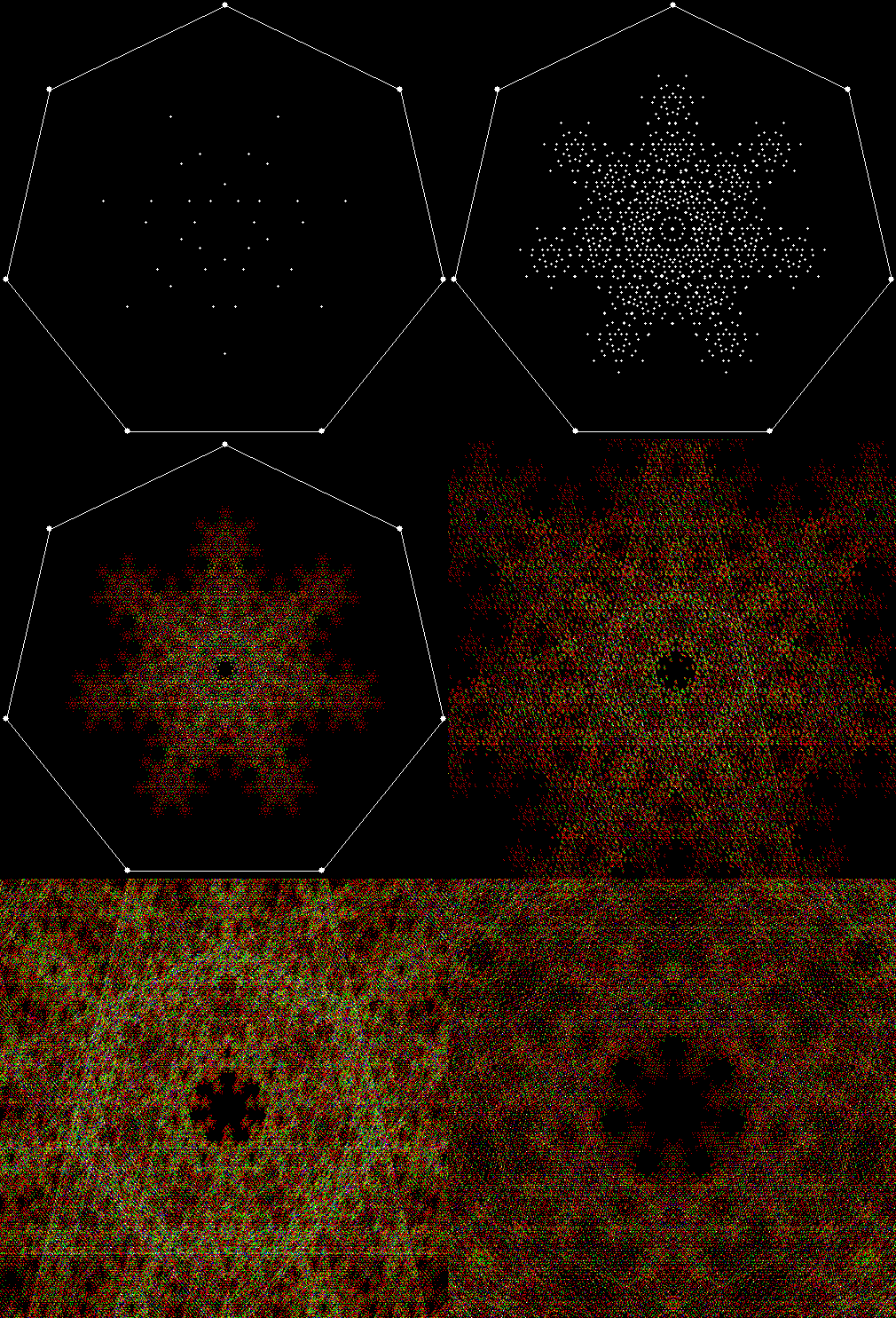
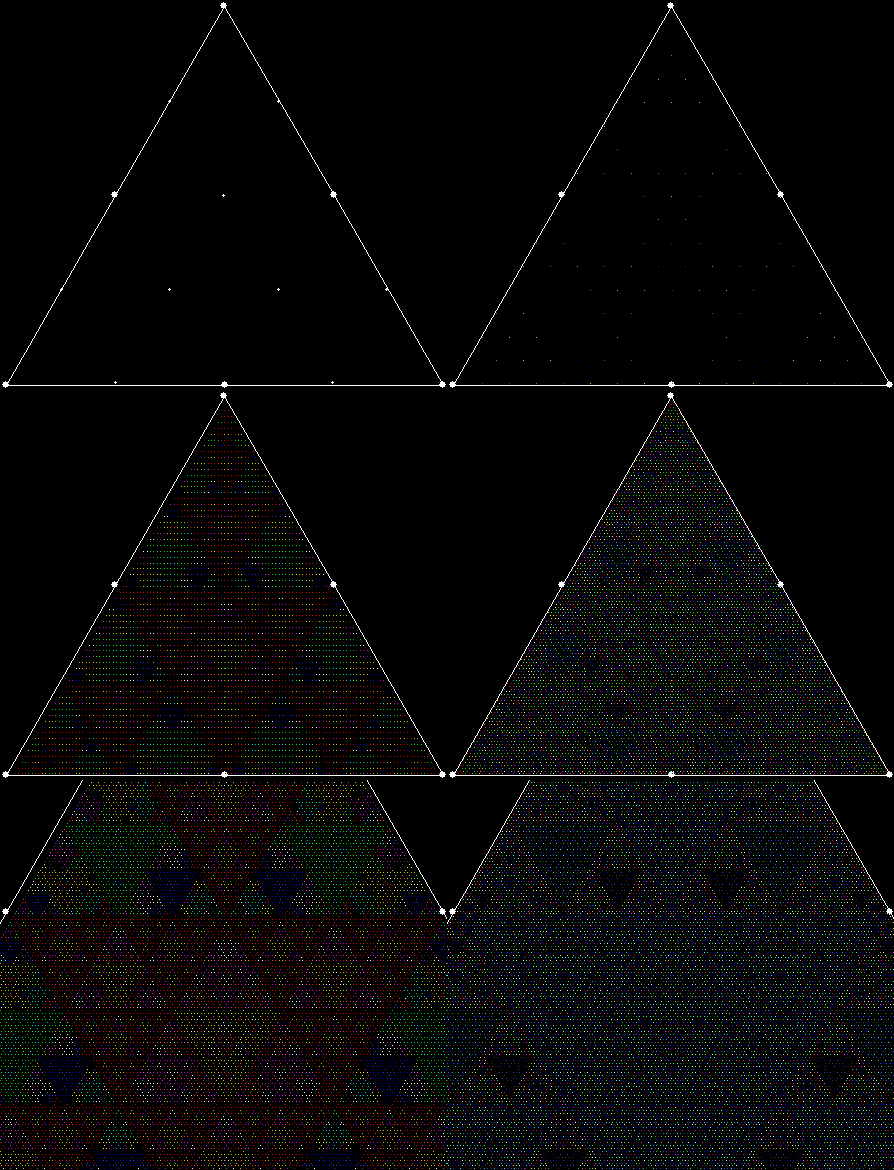
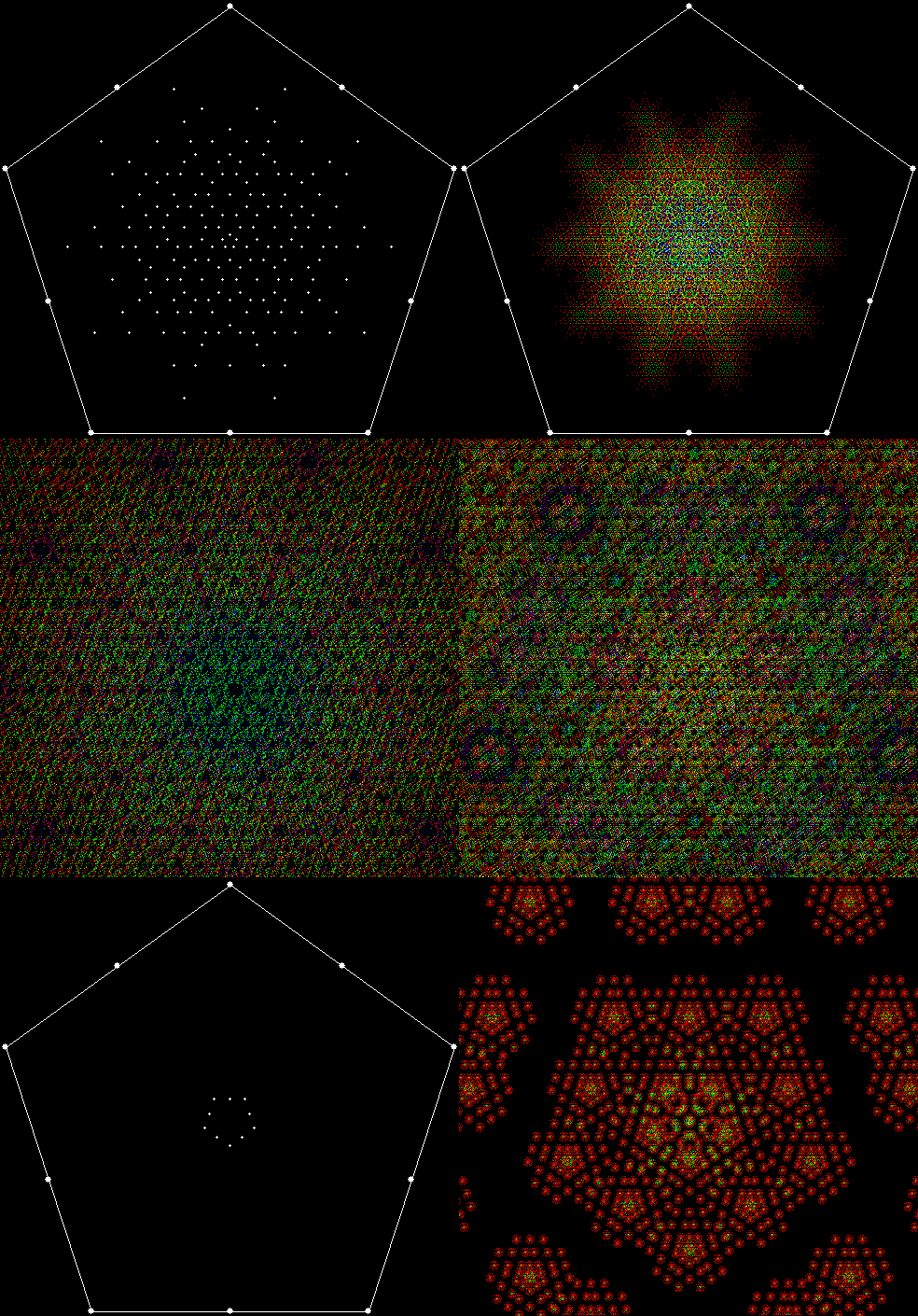
These fractal patterns become visible if you turn numbers into images. Suppose you set up a square with four fixed points on its corners and a fixed point at its centre. Let the five points correspond to the digits (1, 2, 3, 4, 5) of numbers in base 6 (not using 0, to simplify matters):
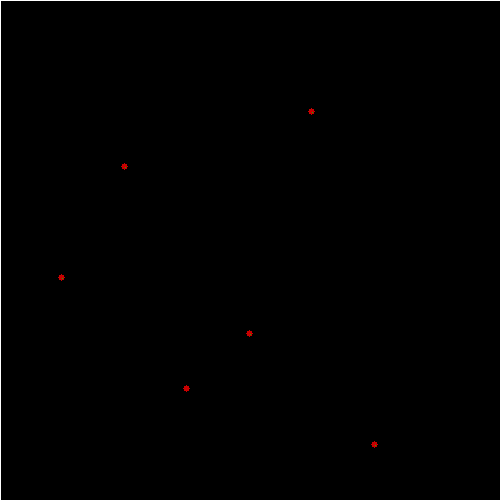
1, 2, 3, 4, 5, 11, 12, 13, 14, 15, 21, 22, 23, 24, 25, 31, 32, 33, 34, 35, 41, 42, 43, 44, 45, 51, 52, 53, 54, 55, 61, 62, 63, 64, 65… 2431, 2432, 2433, 2434, 2435, 2441, 2442, 2443, 2444, 2445, 2451, 2452…

Move between the five points of the square by stepping through the individual digits of the numbers in the sequence. For example, if the number is 2451, the first set of successive digits is (2, 4), so you move to a point half-way between point 2 and point 4. Next come the successive digits (4, 5), so you move to a point half-way between point 4 and point 5. Then come (5, 1), so you move to a point half-way between point 5 and point 1.

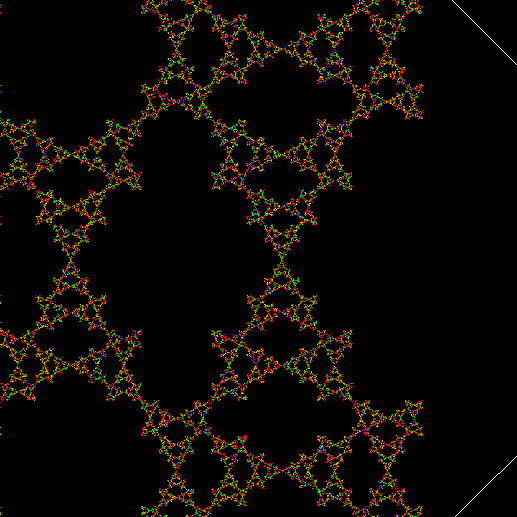
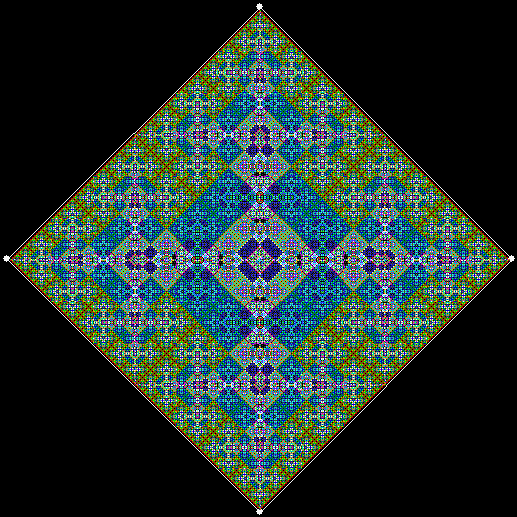
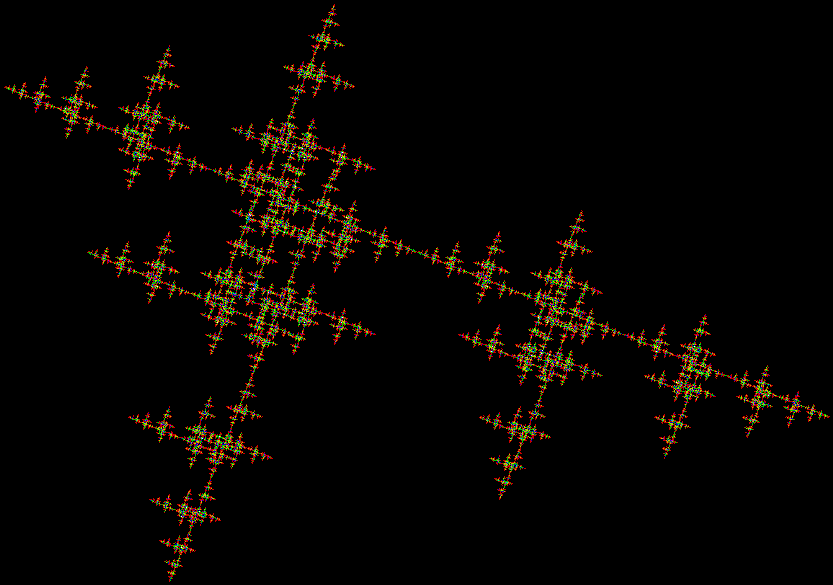
When you’ve exhausted the digits (or frigits) of a number, mark the final point you moved to (changing the colour of the pixel if the point has been occupied before). If you follow this procedure using a five-point square, you will create a fractal something like this:
fractal4_1single

fractal4_1
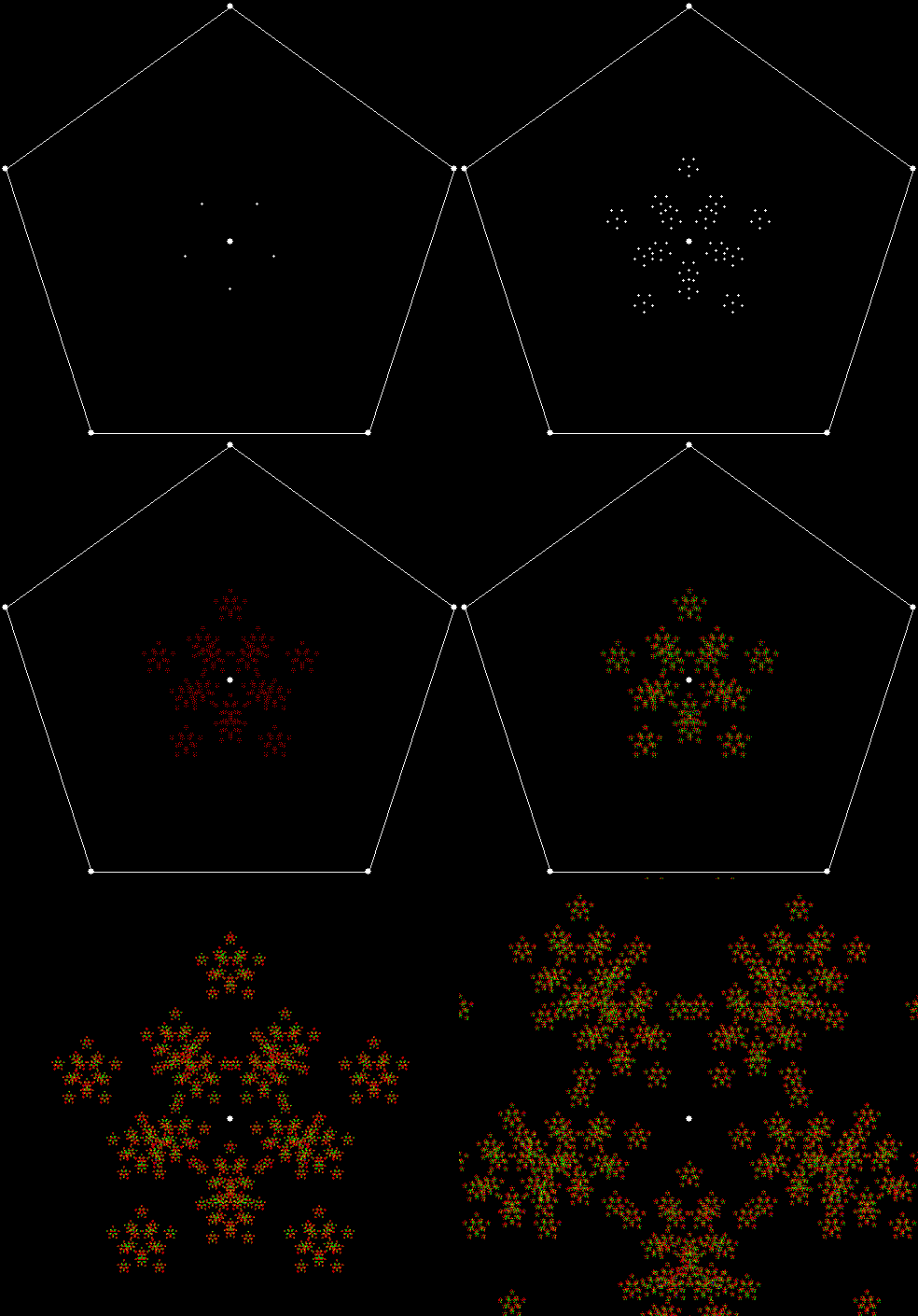
A pentagon without a central point using numbers in a zero-less base 7 looks like this:
fractal5_0single

fractal5_0
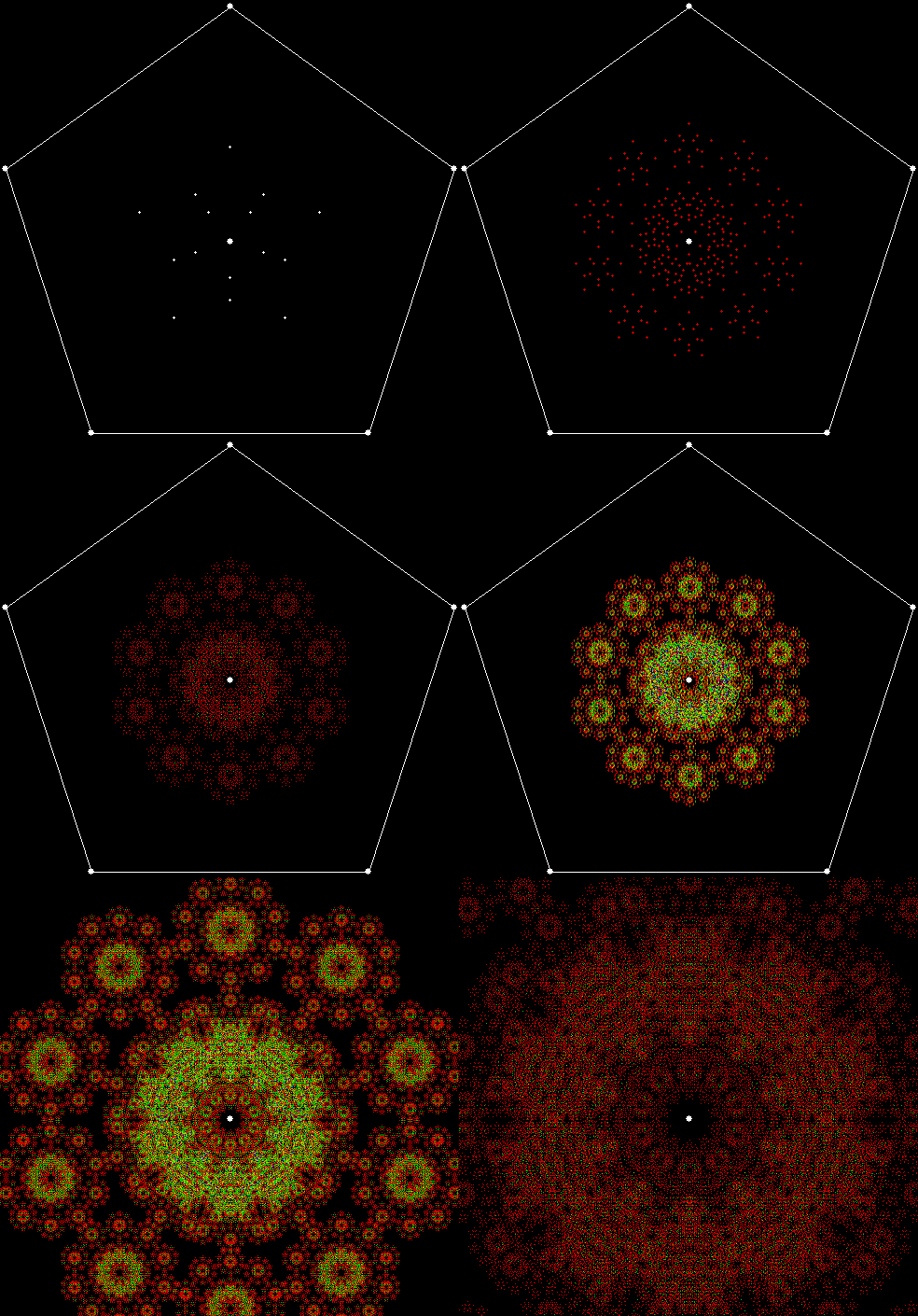
A pentagon with a central point looks like this:
fractal5_1single

fractal5_1
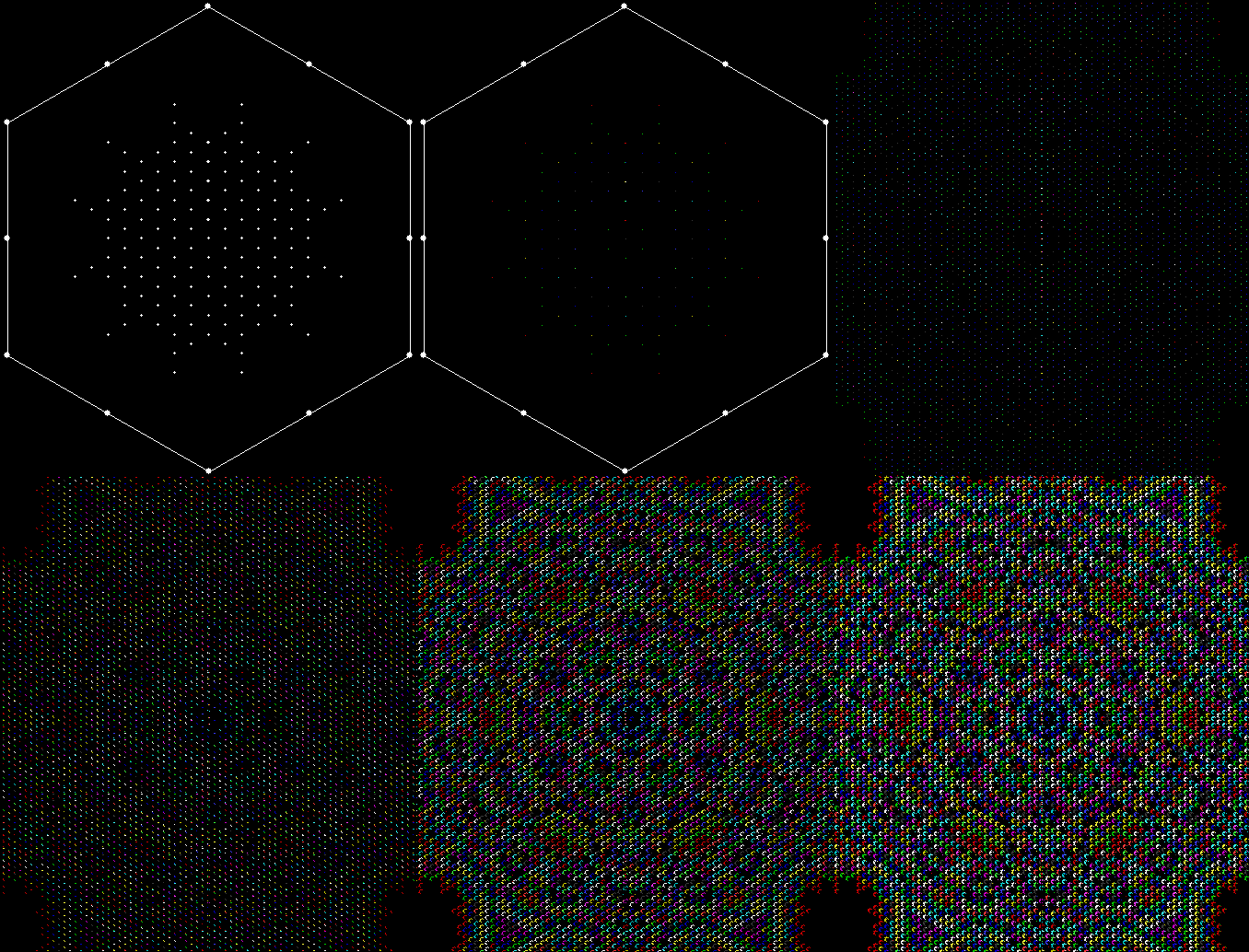
Hexagons using a zero-less base 8 look like this:
fractal6_1single

fractal6_1


fractal6_0single

fractal6_0
But the images above are just the beginning. If you use a fixed base while varying the polygon and so on, you can create images like these (here is the program I used):
fractal4


fractal5


fractal6789