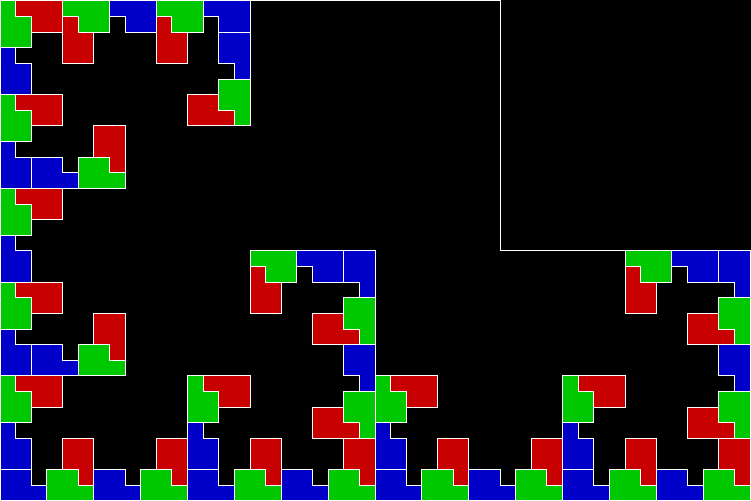
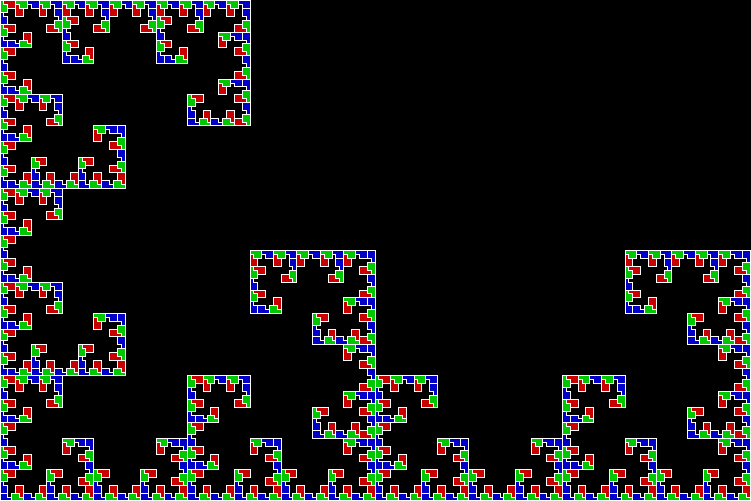
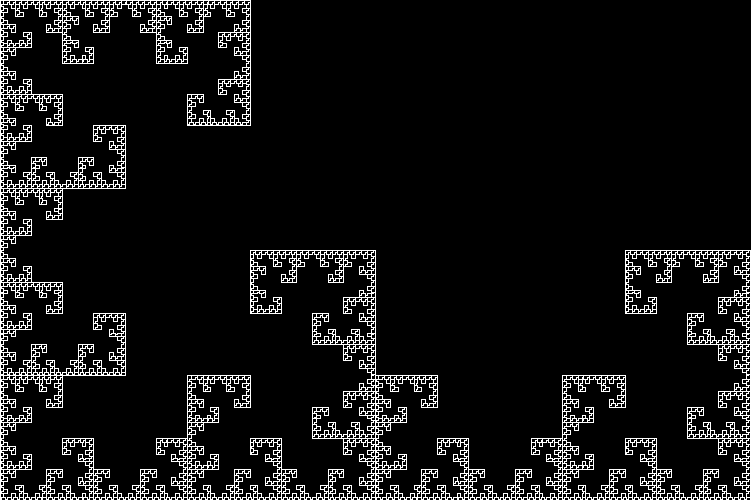
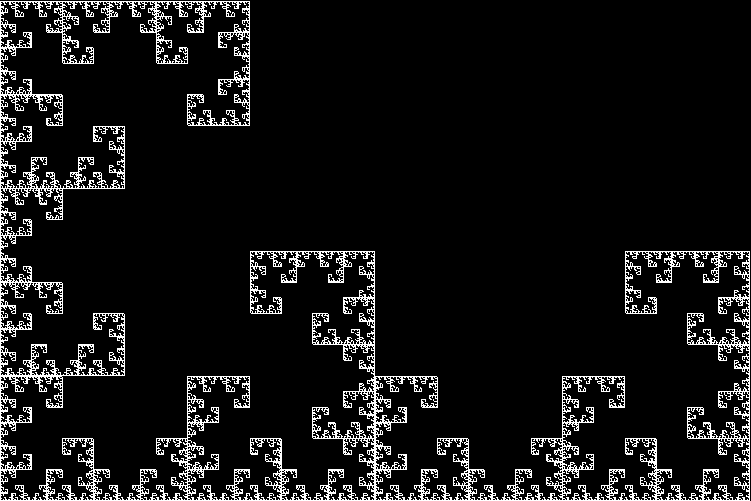
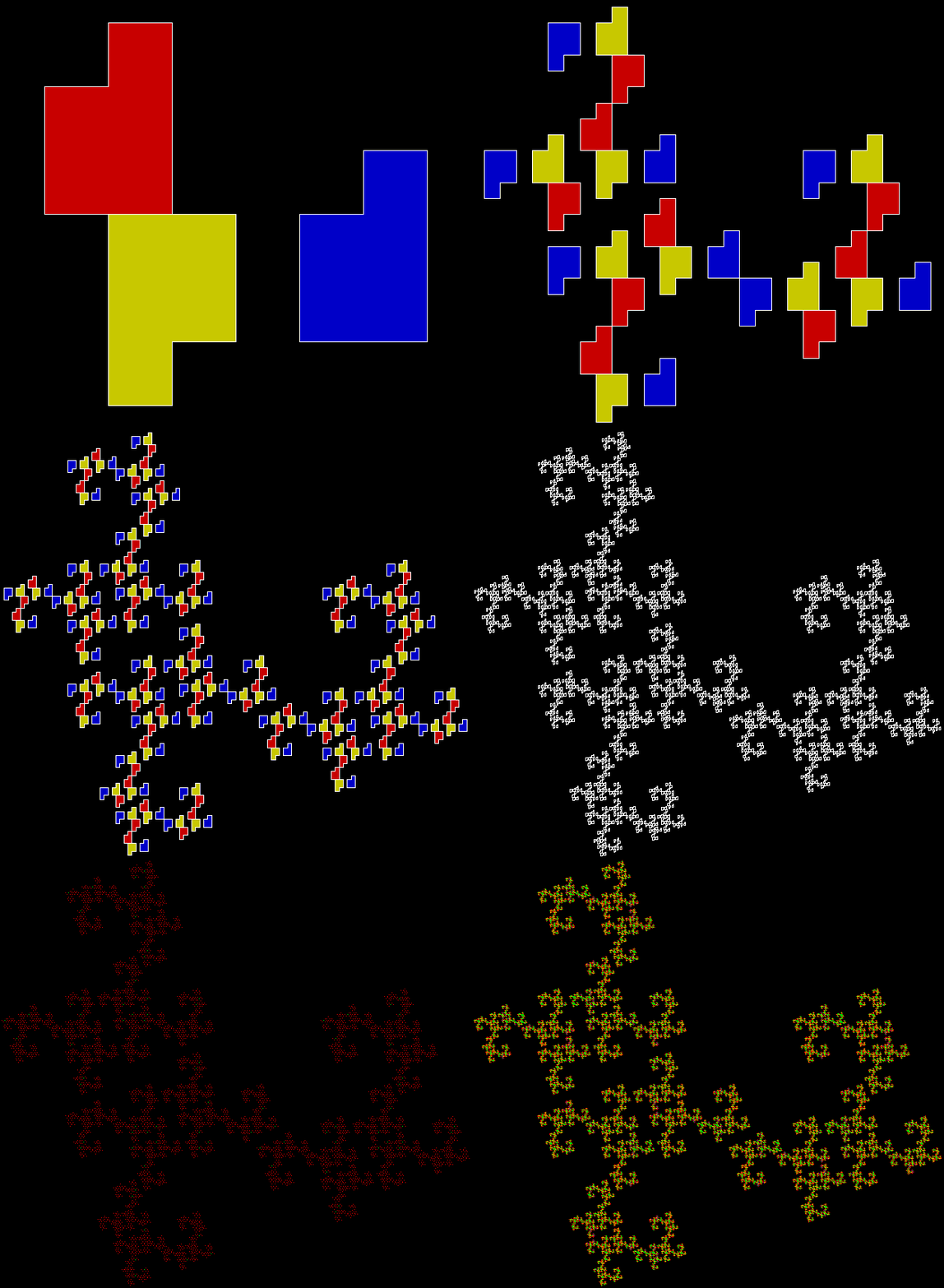
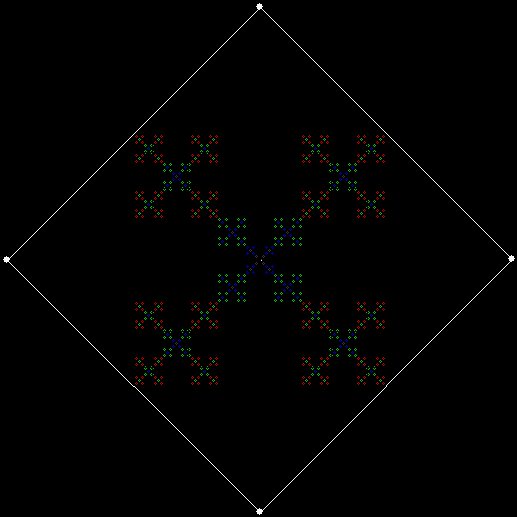
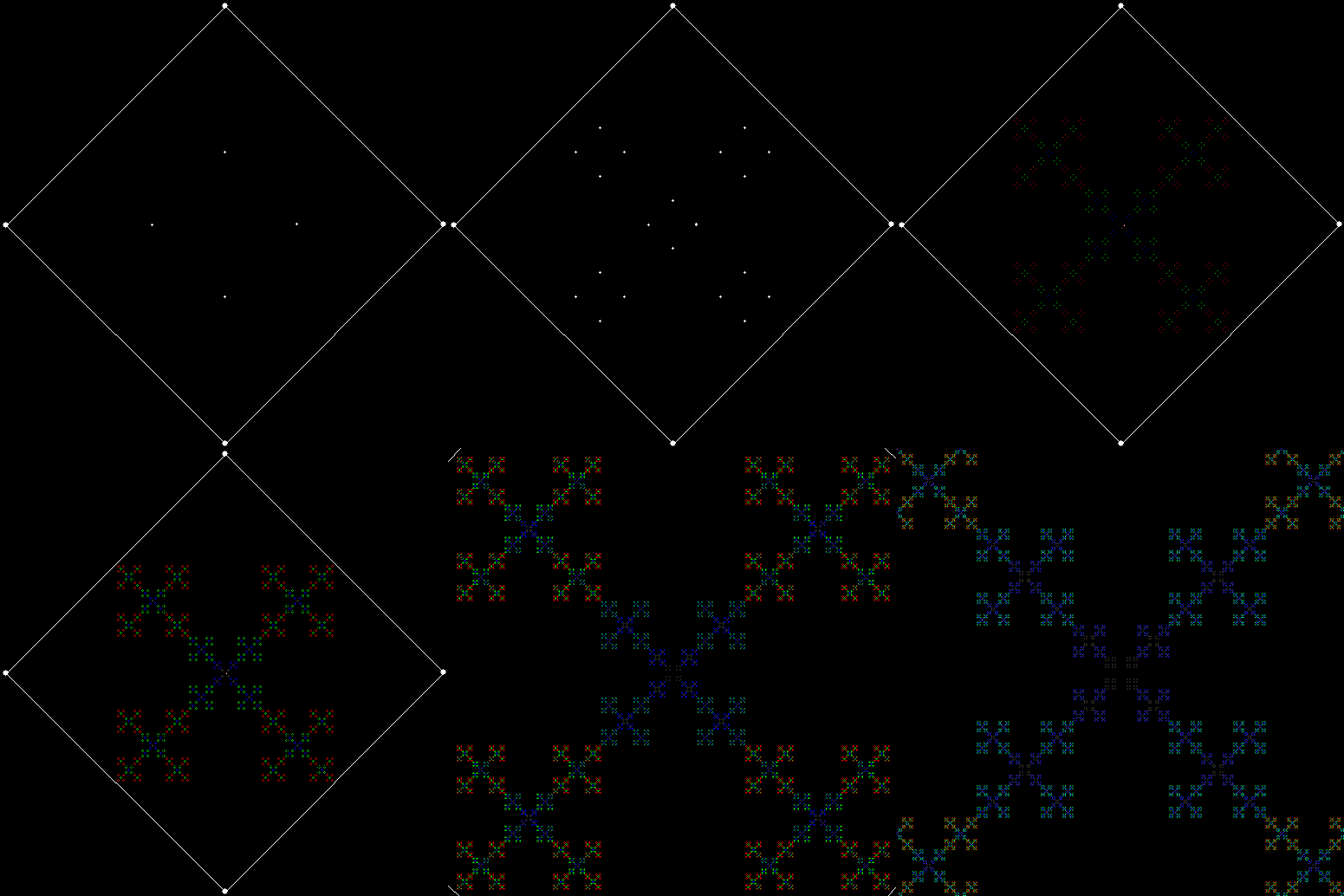
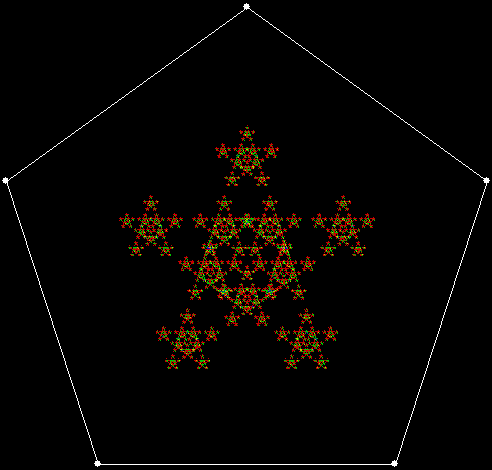
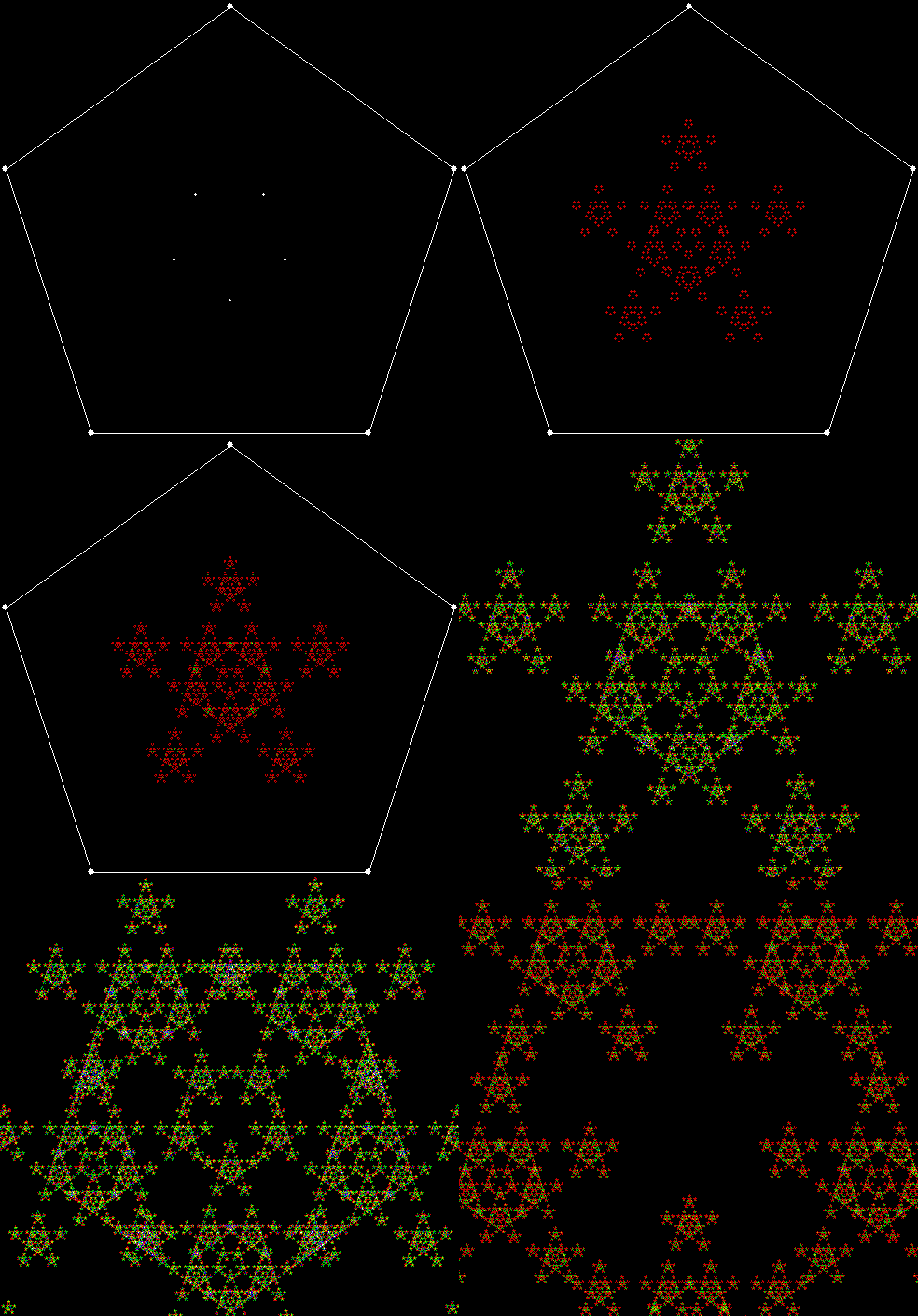
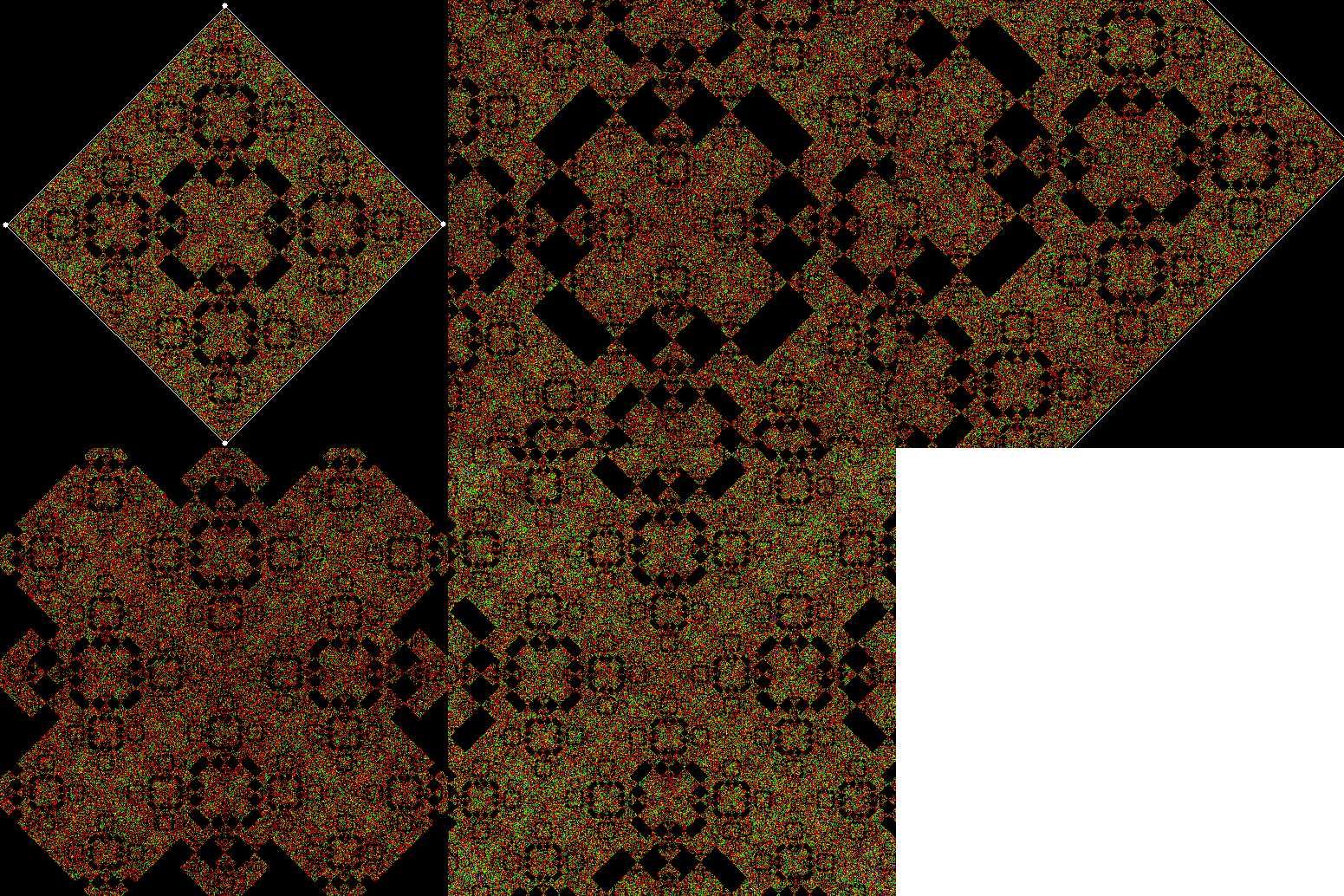
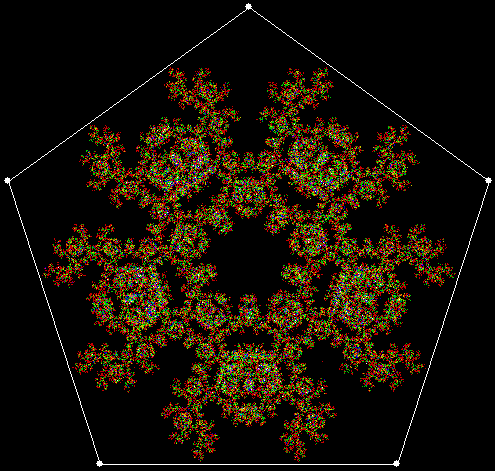
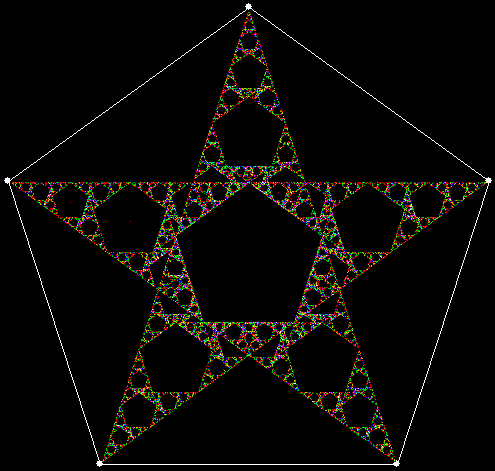
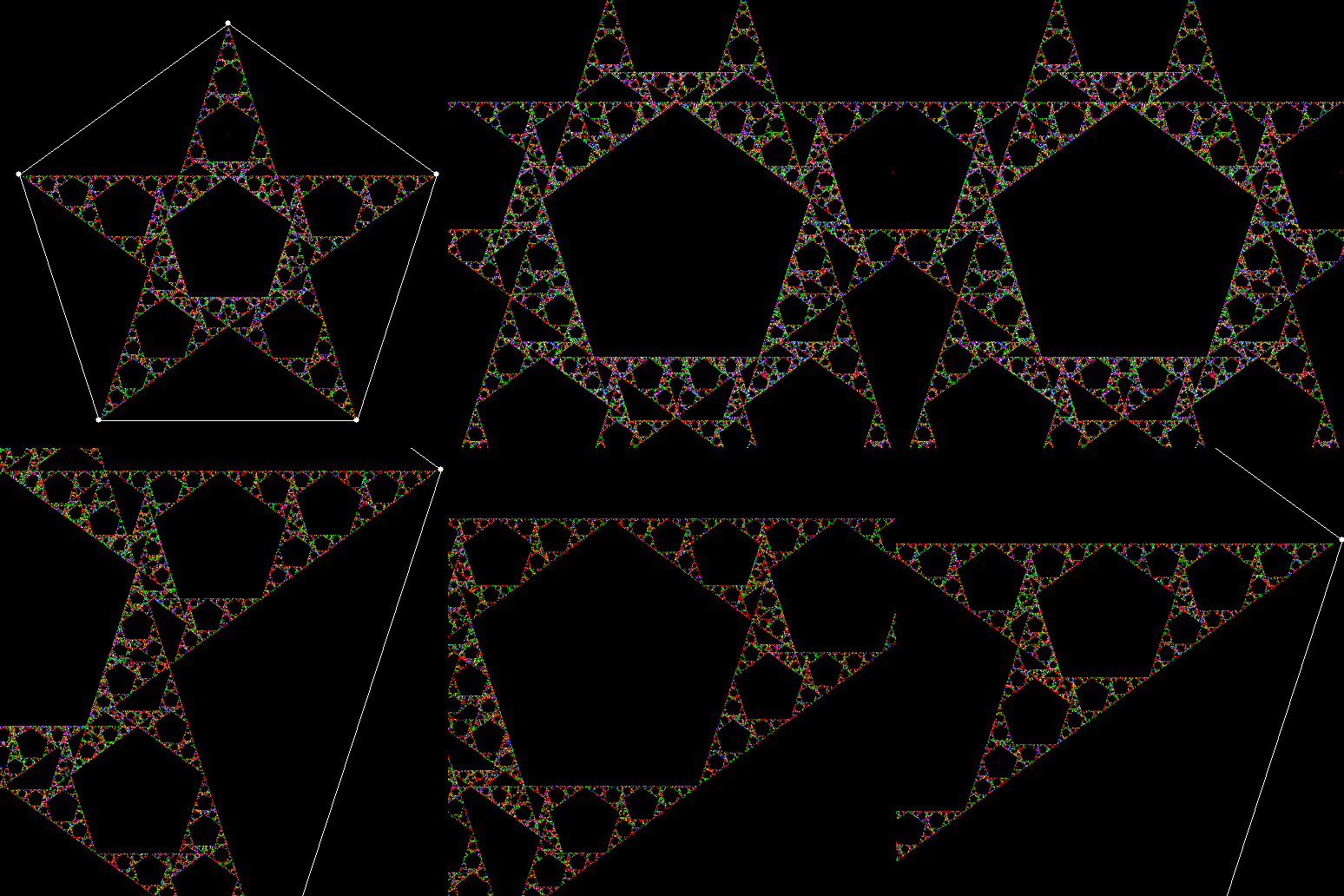
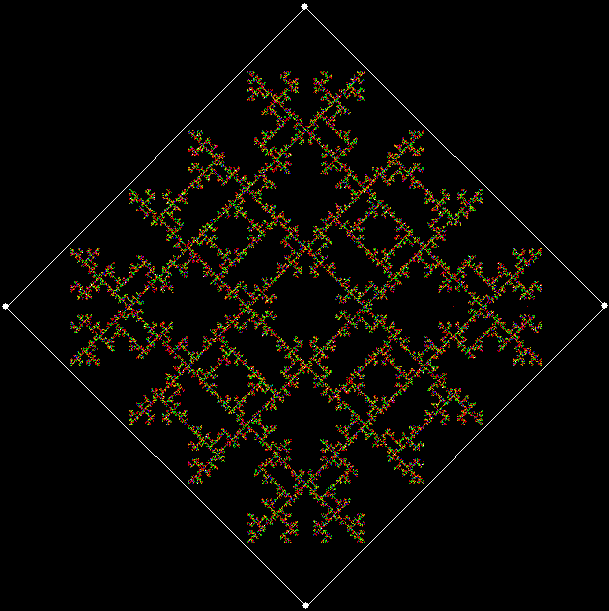
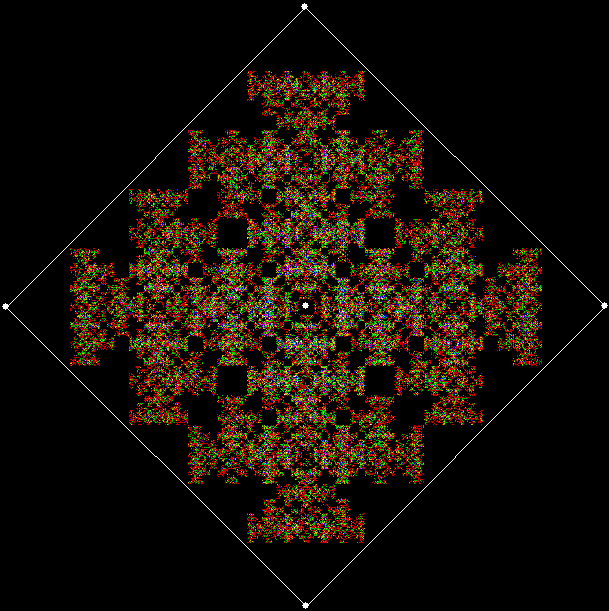
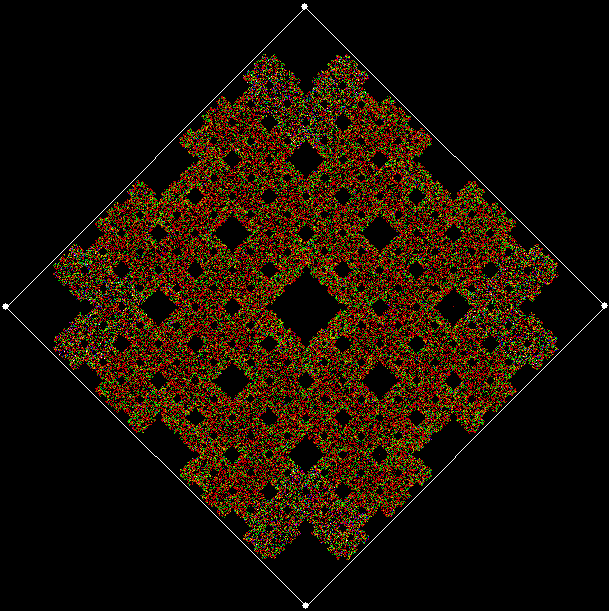
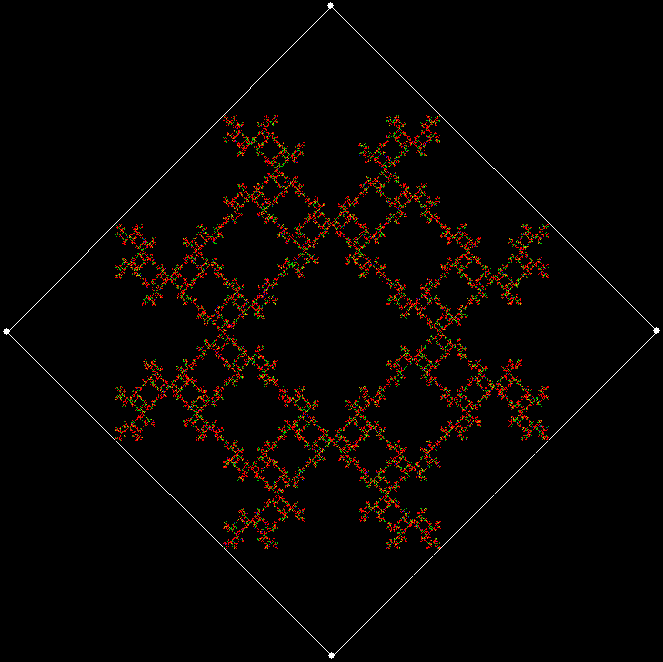
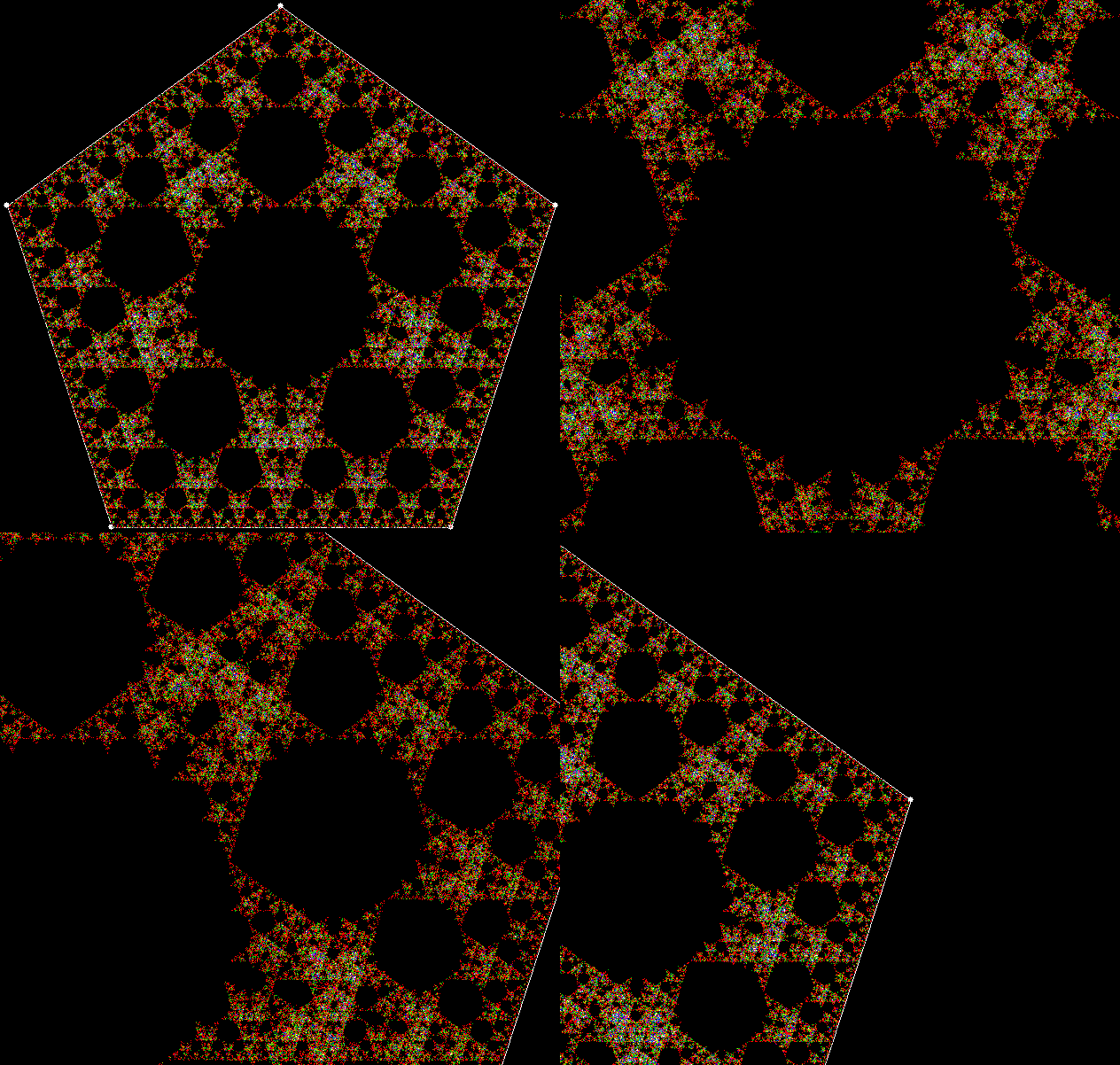
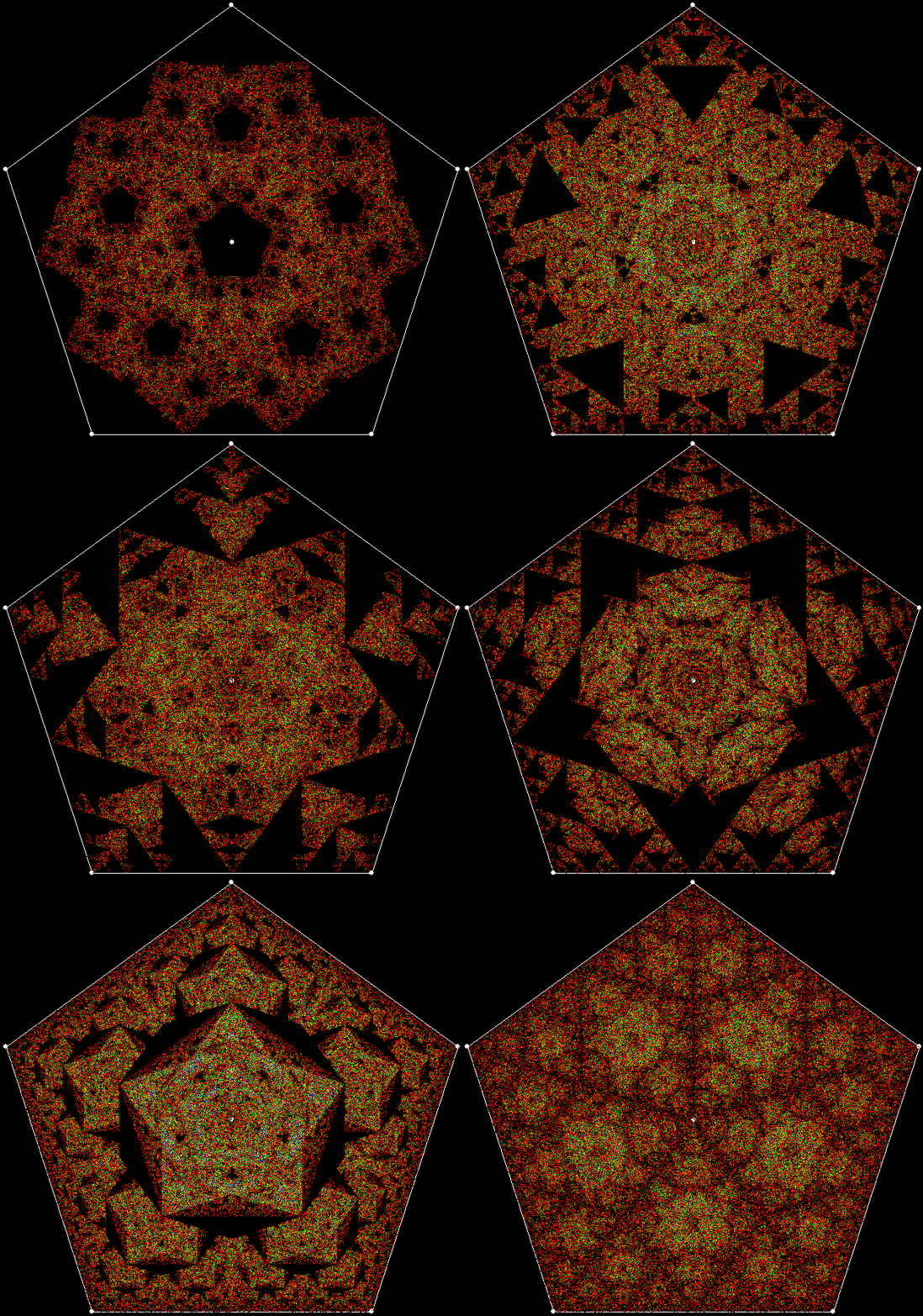
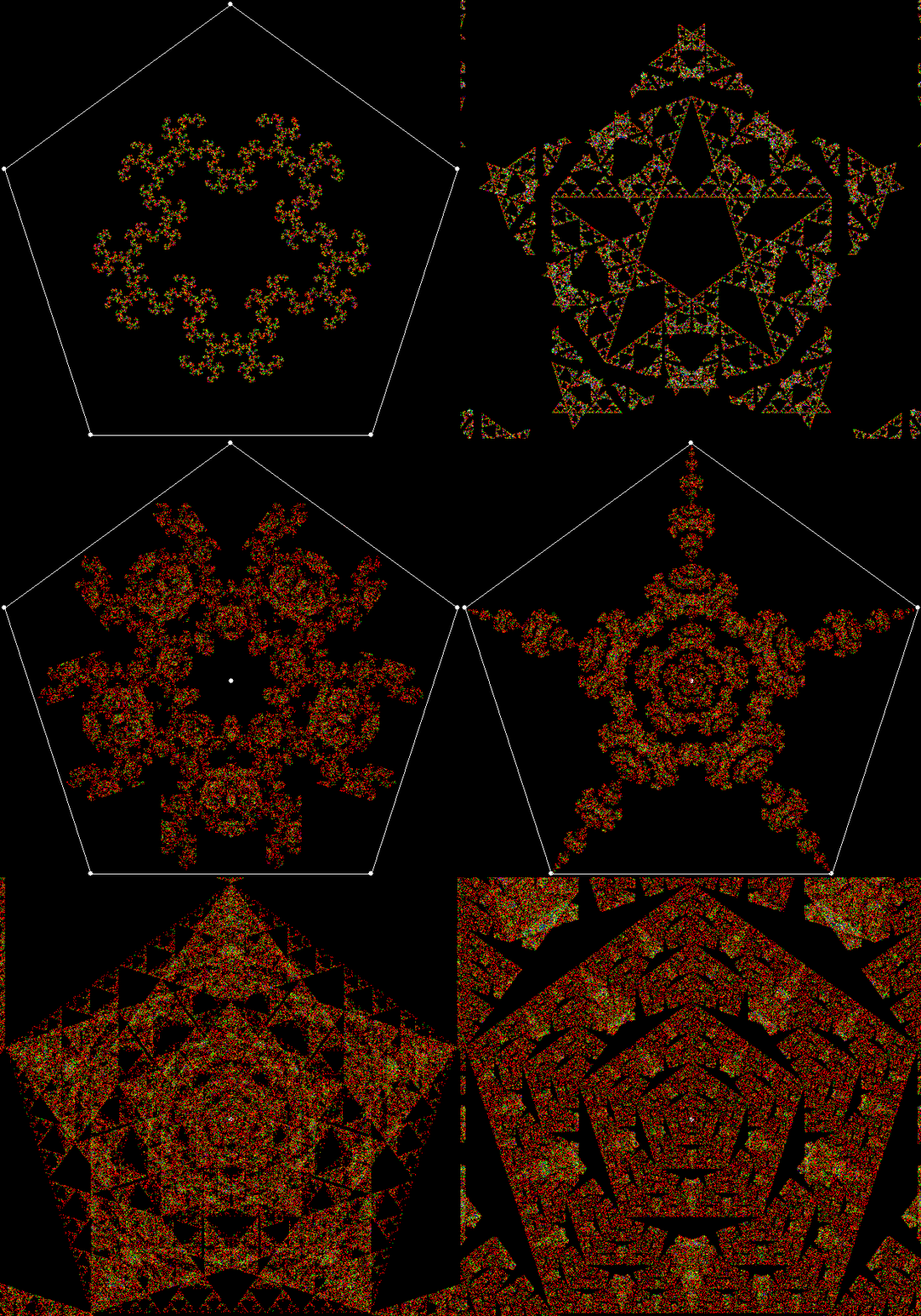
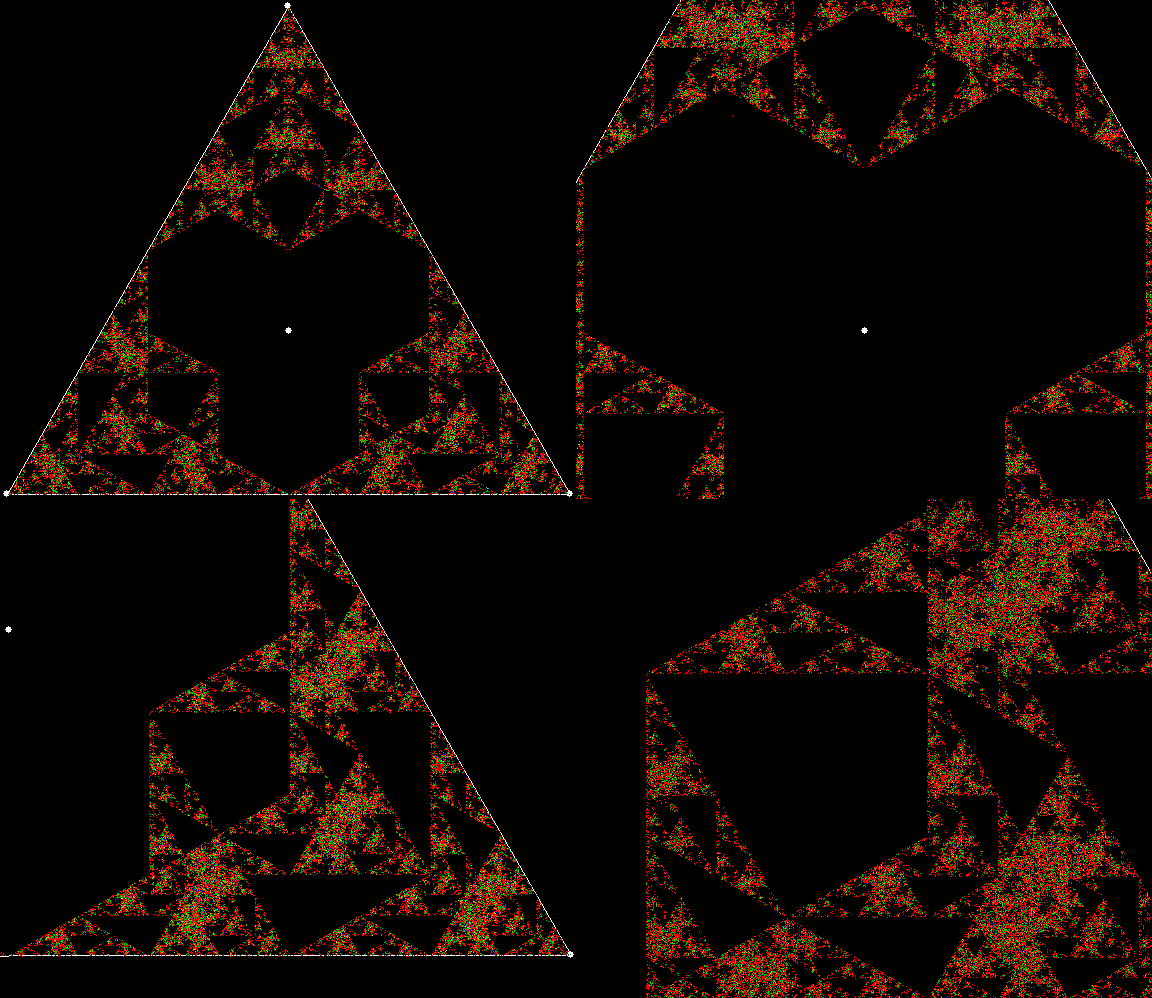
Rep-tilian Rites

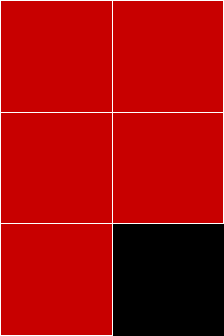
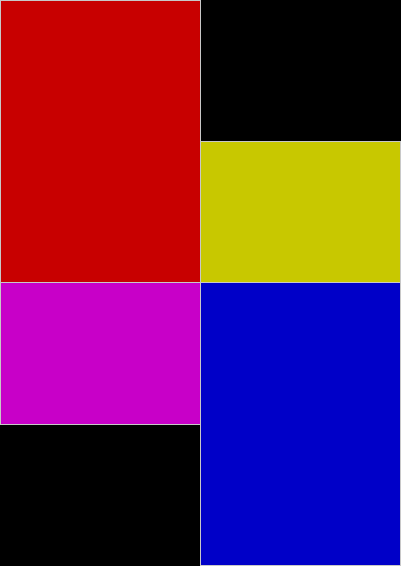
A pentomino is one of the shapes created by laying five squares edge-to-edge. There are twelve of them (not counting reflections) and this is the P-pentomino:

p_pentomino

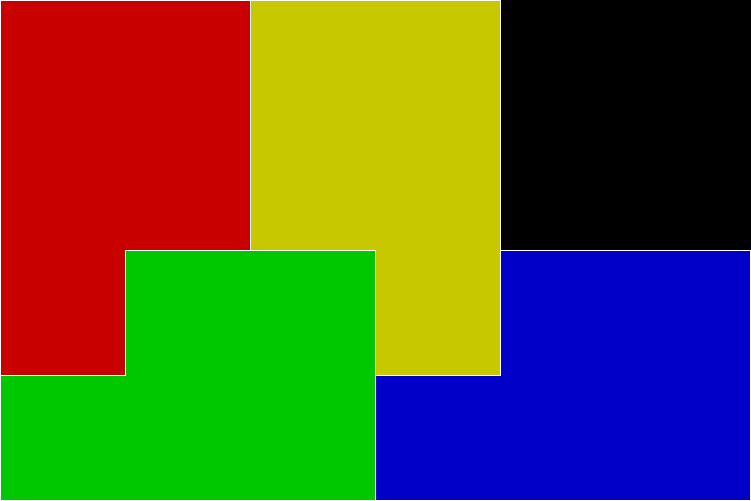
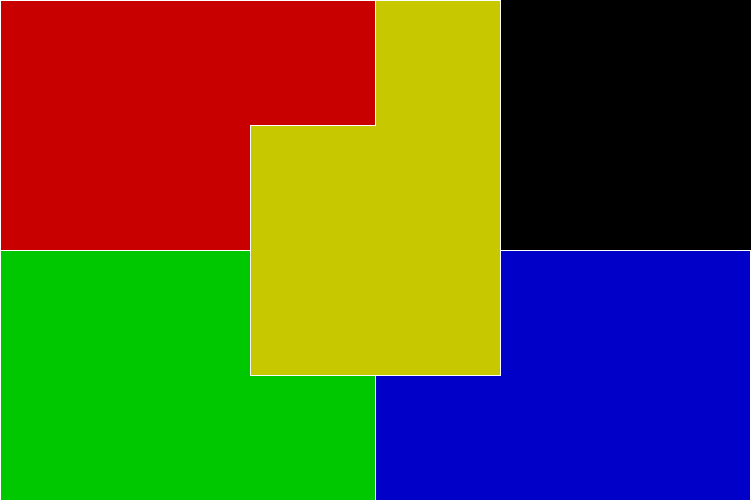
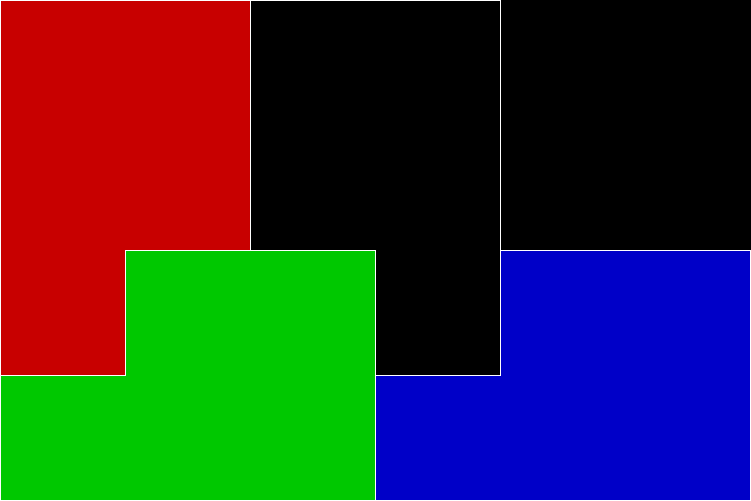
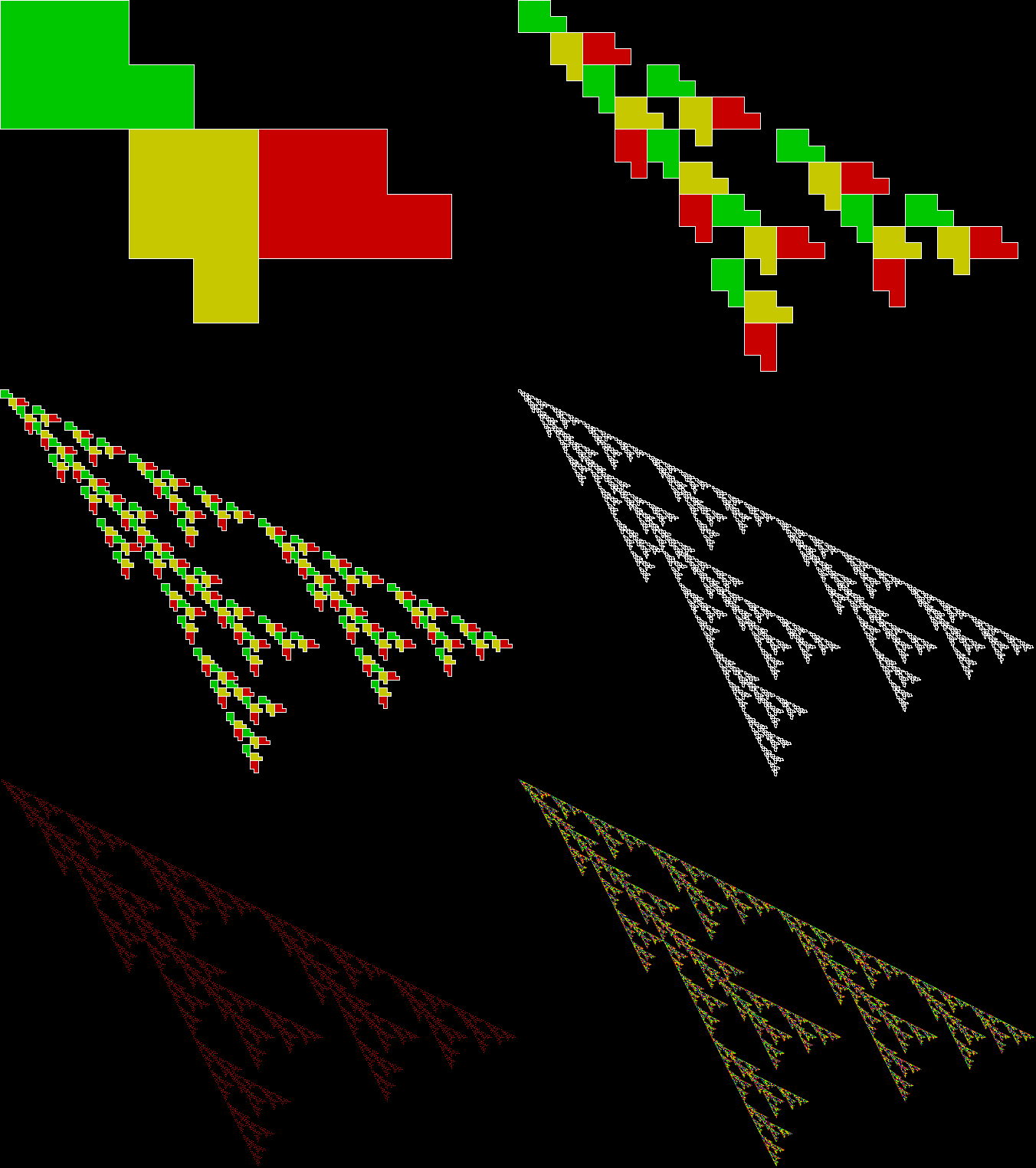
But it’s not just a pentomino, it’s also a rep-tile, or a shape that can divided into smaller copies of itself. There are two ways of doing this (I’ve rotated the pentomino 90° to make the images look better):

p_pentomino_a


p_pentomino_b


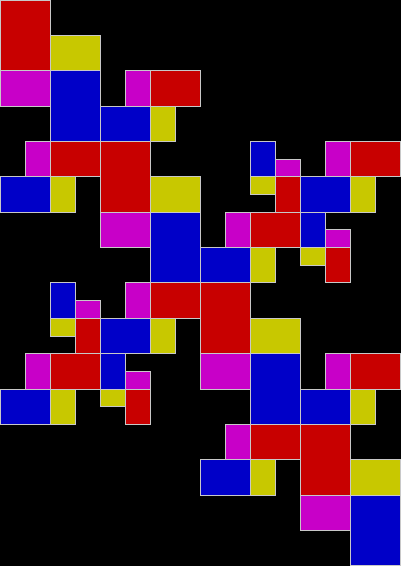
Once you’ve divided the shape into four copies, you can divide the copies, then the copies of the copies, and the copies of the copies of the copies, and so on for ever:

p_pentomino_a_anim


p_pentomino_a_anim


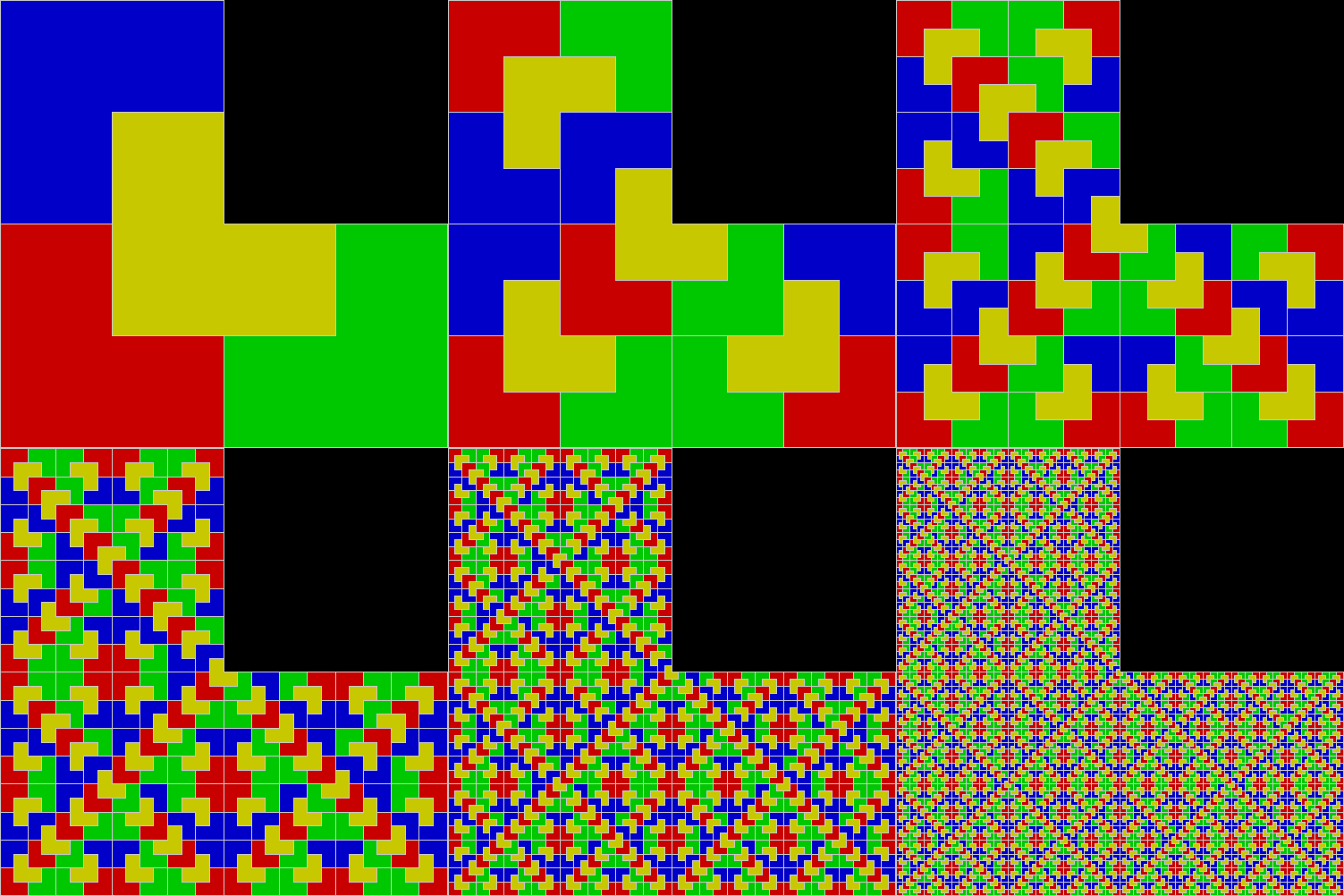
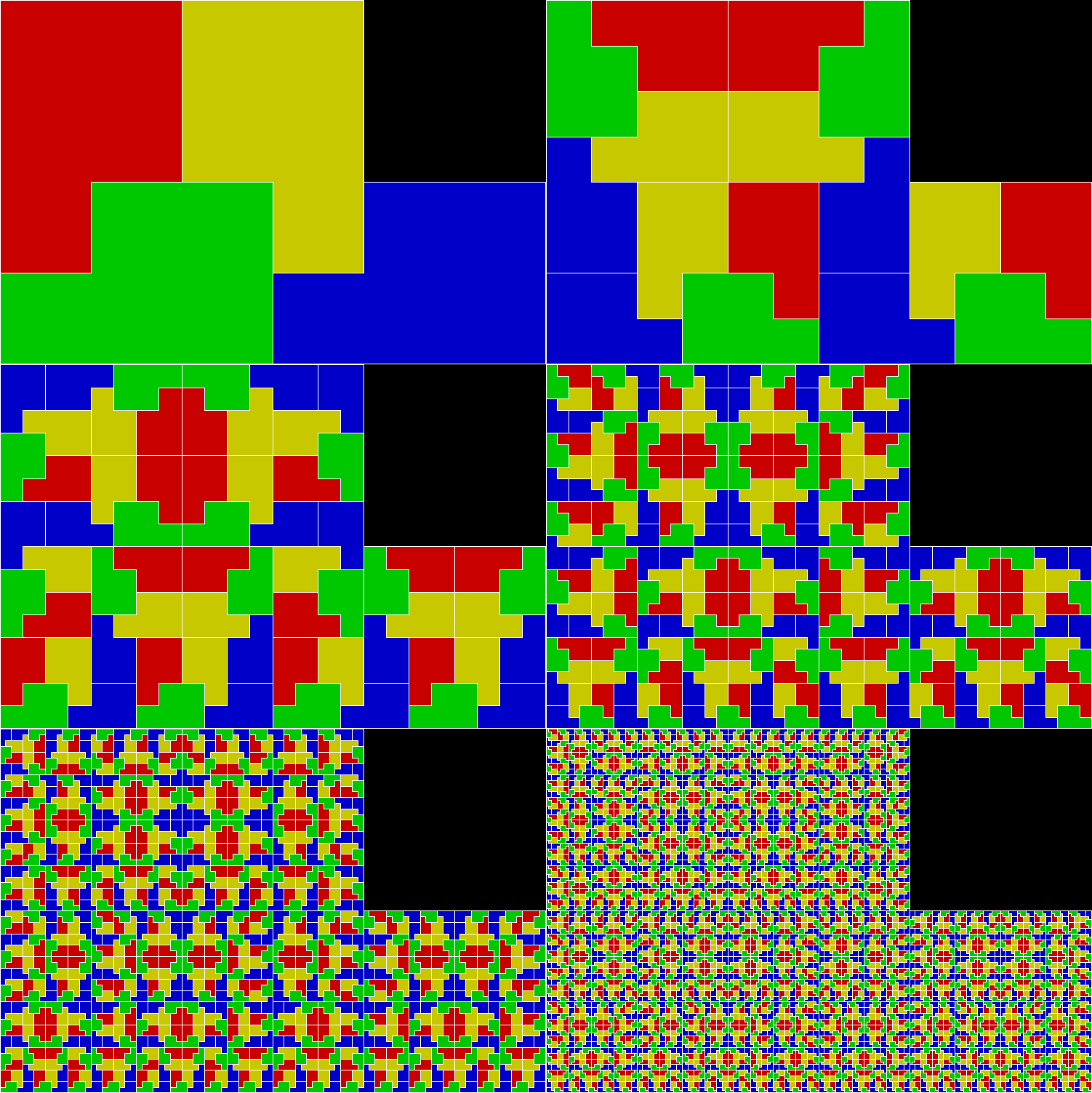
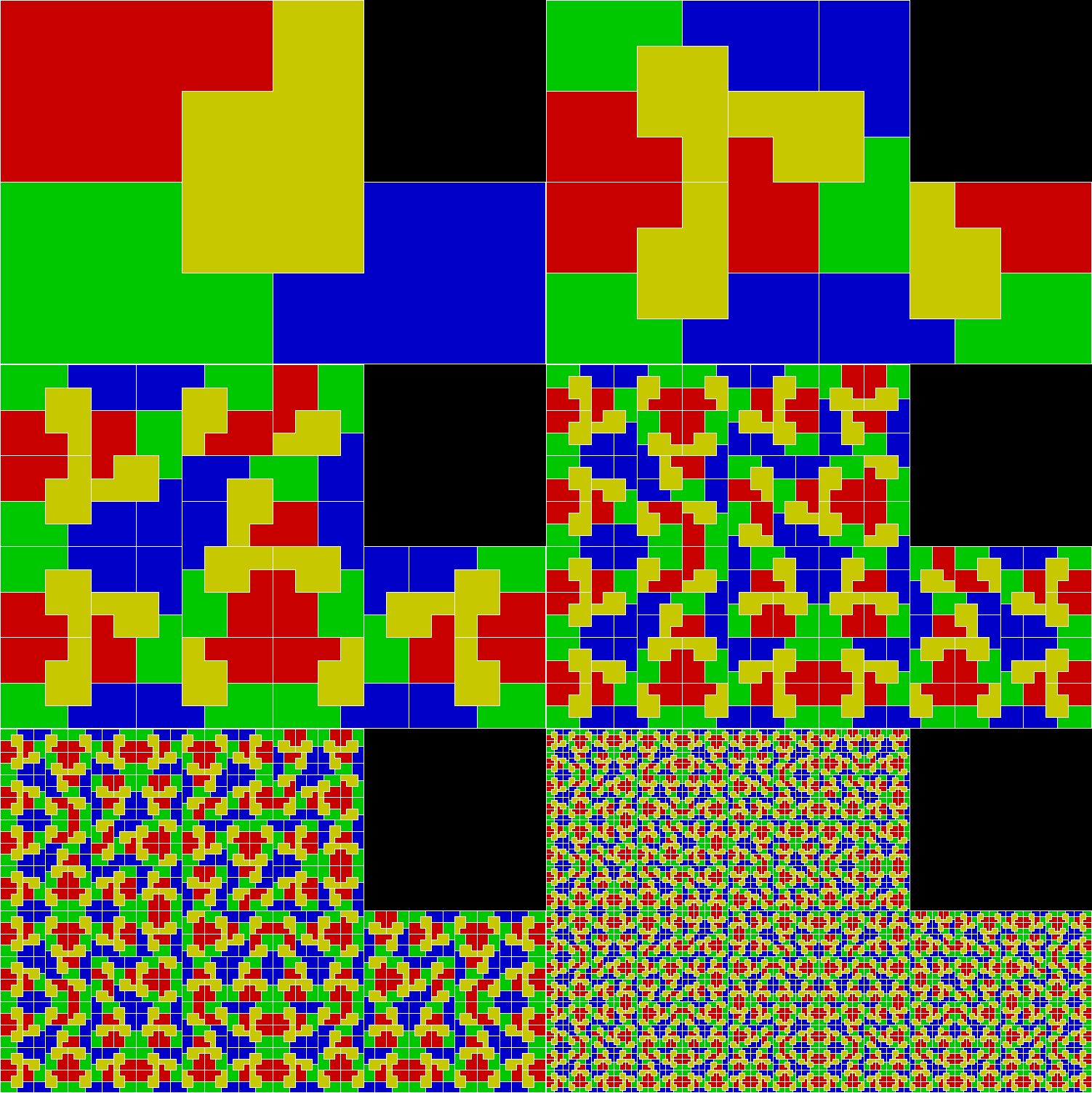
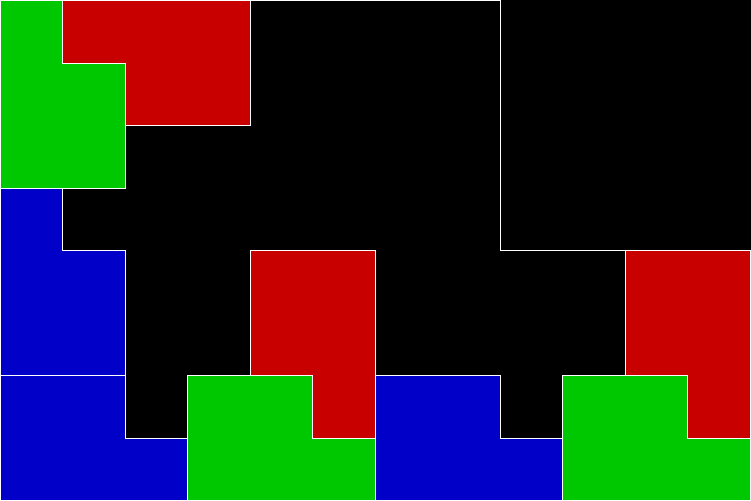
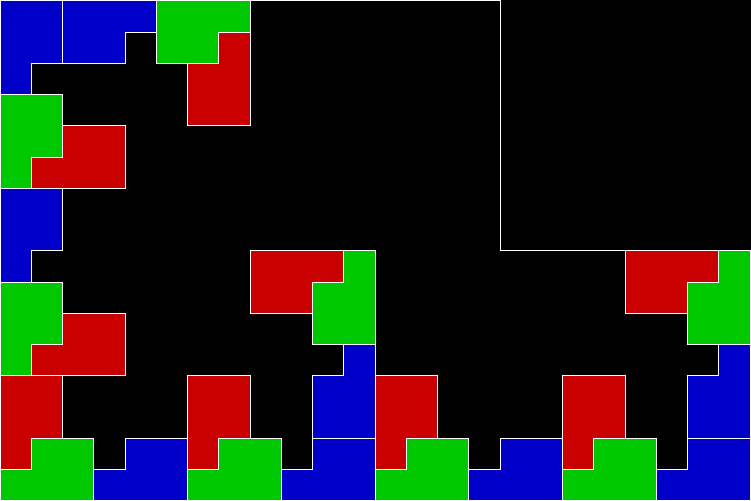
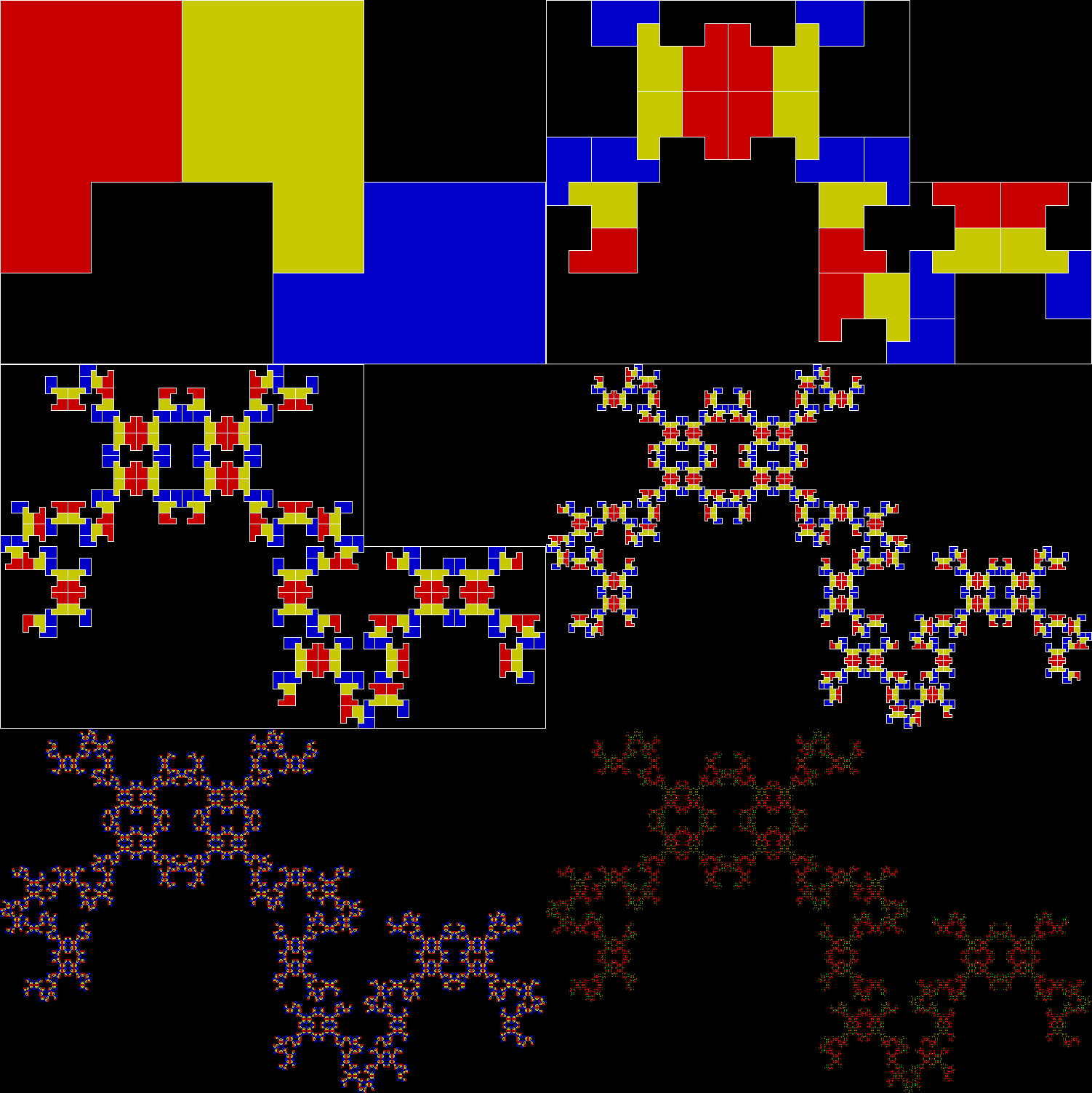
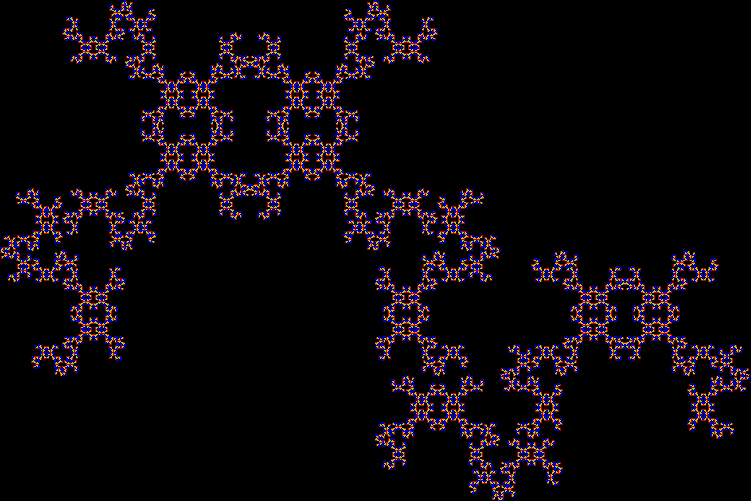
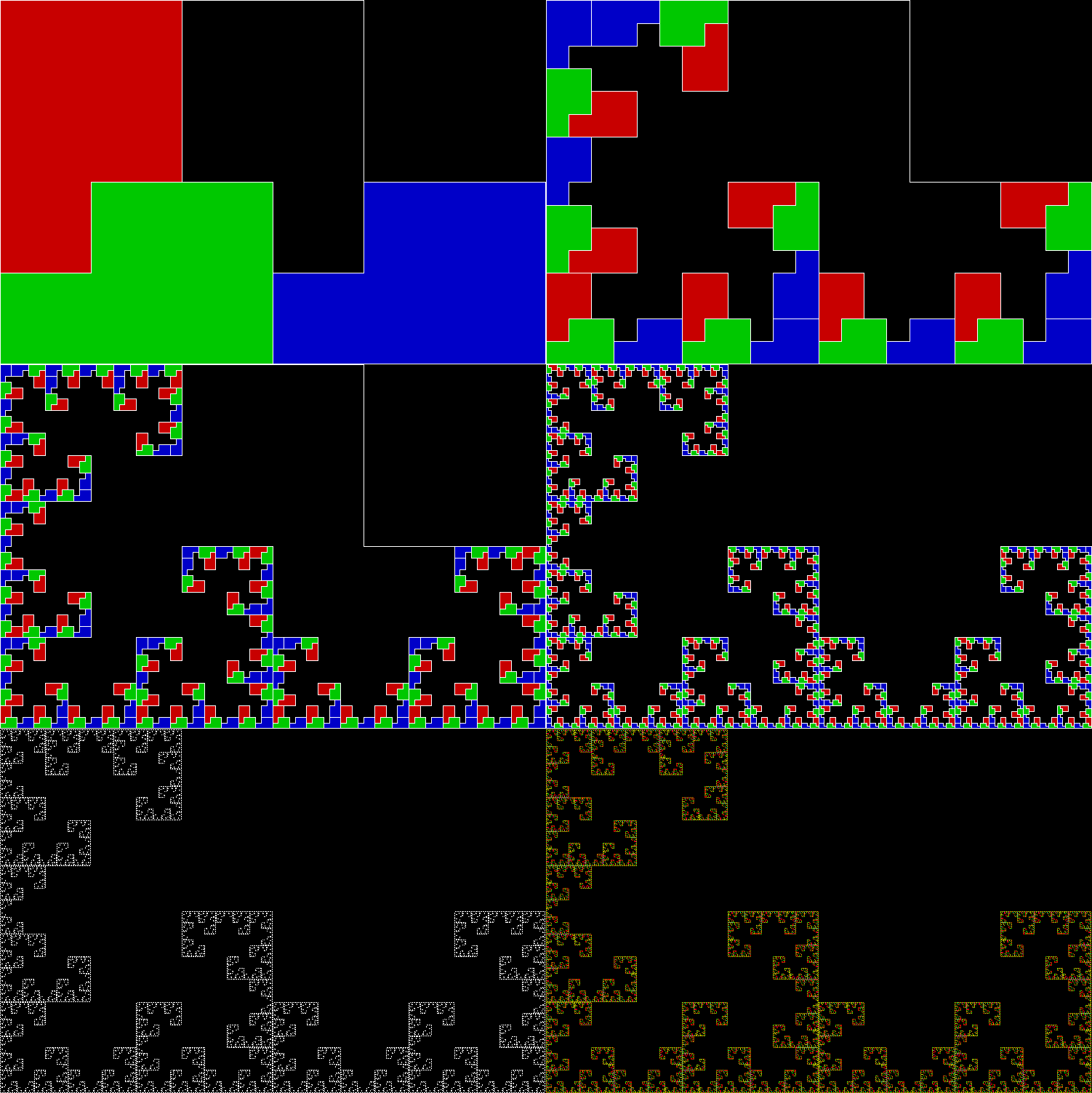
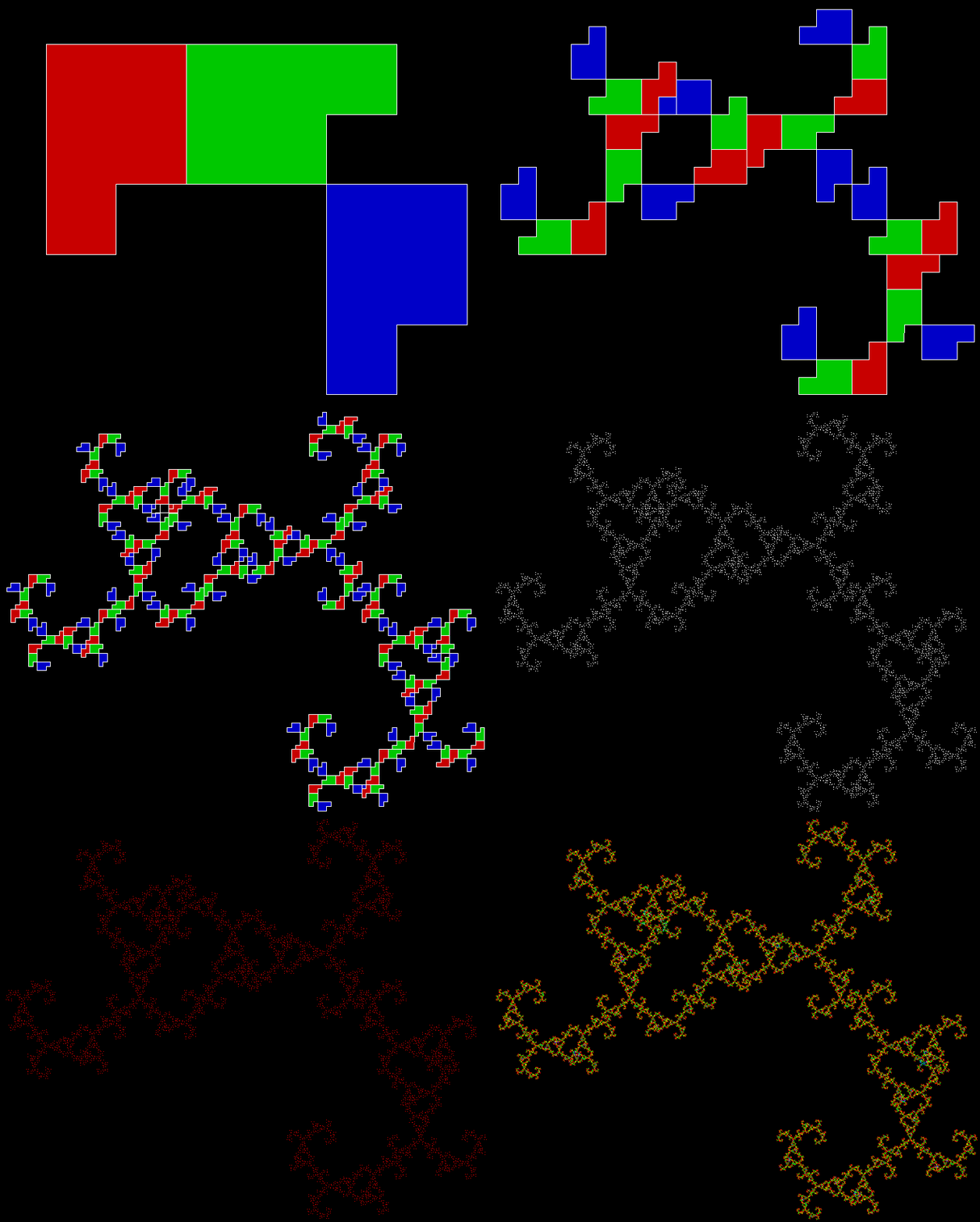
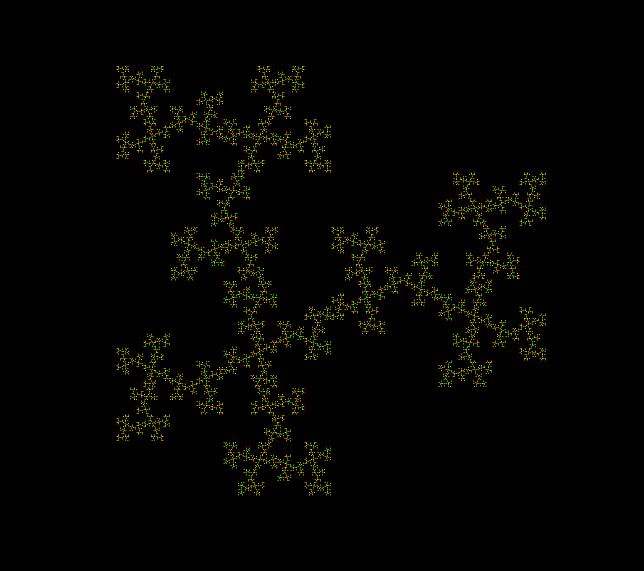
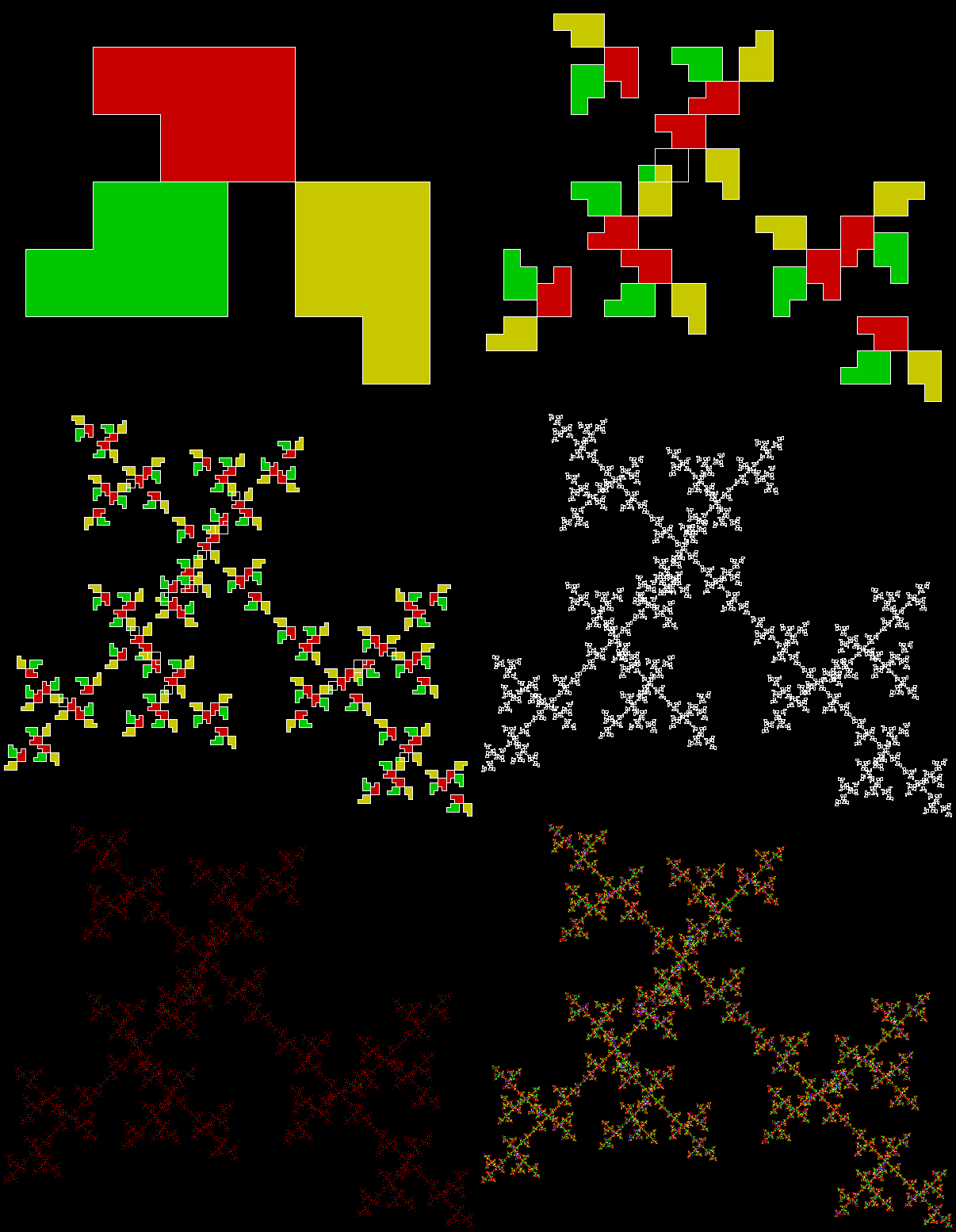
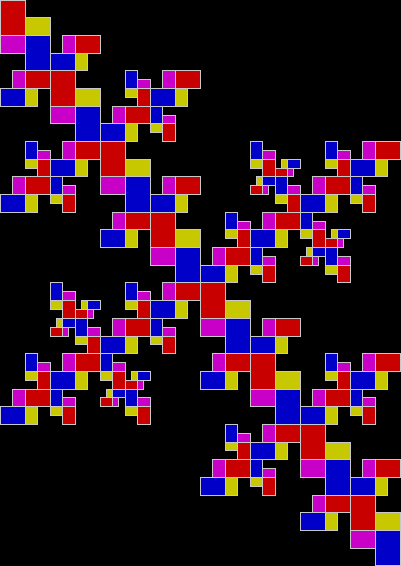
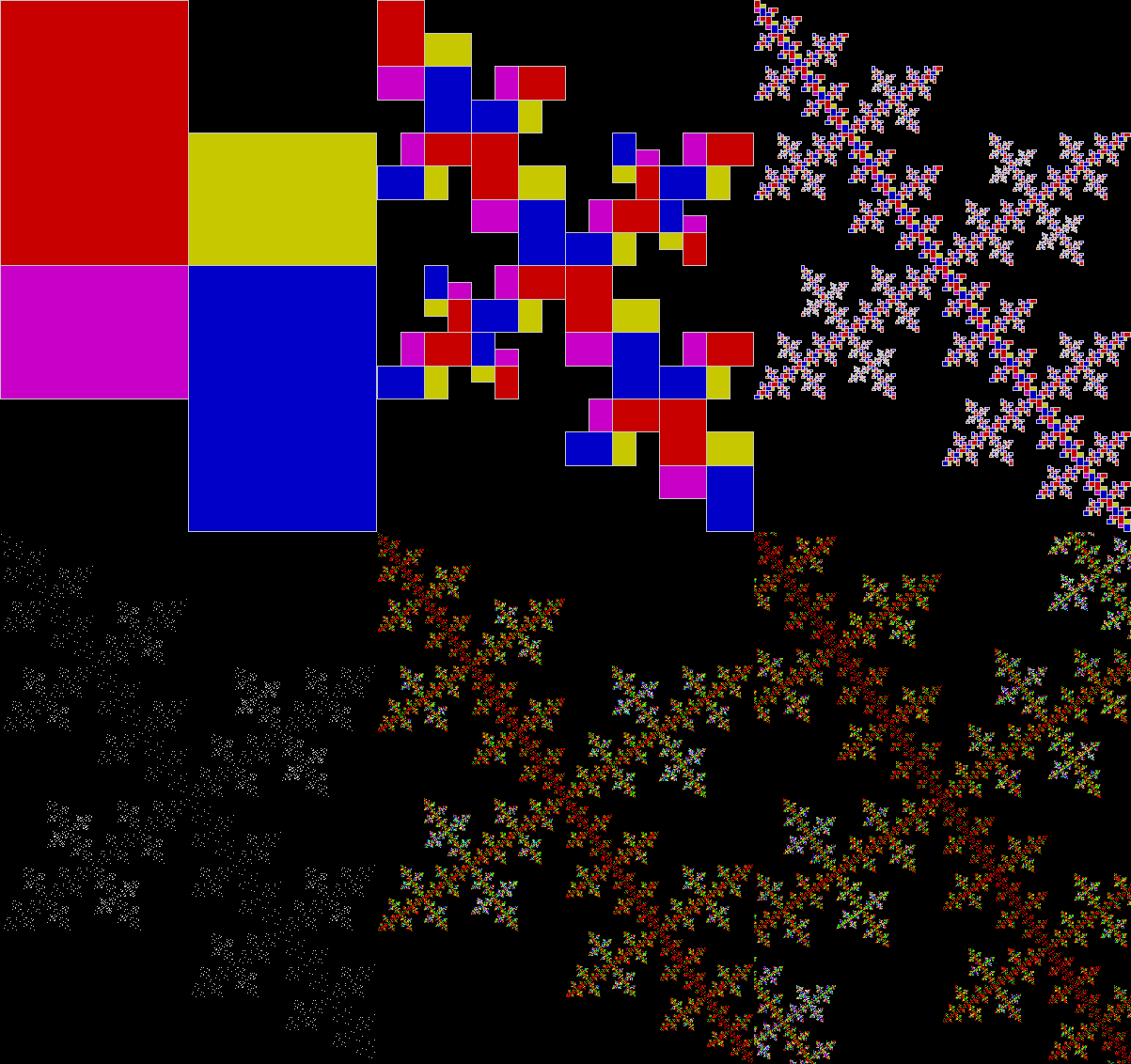
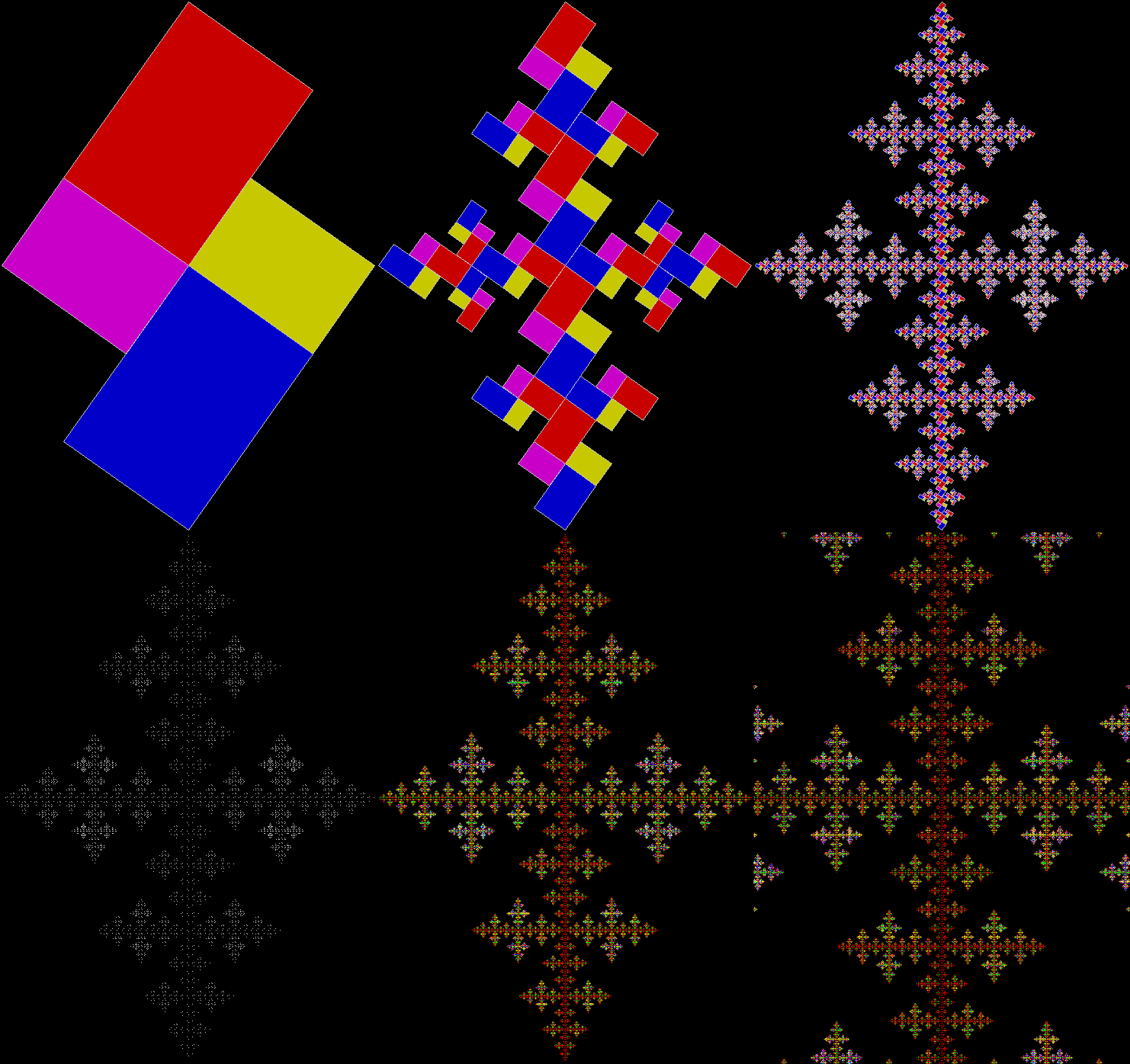
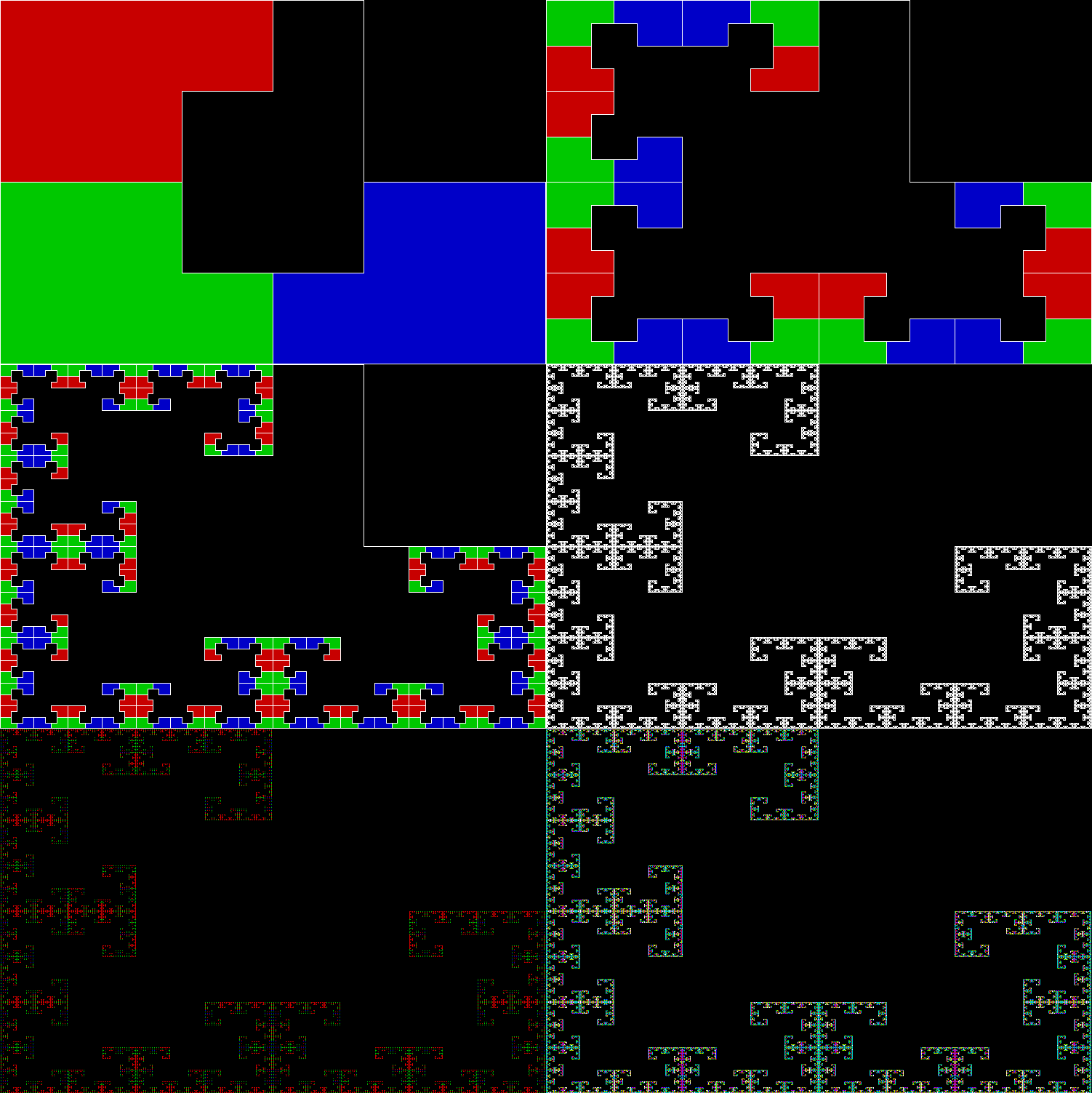
And if you’ve got a reptile, you can turn it into a fractal. Simply divide the shape, discard one or more copies, and continue:

p_pentomino_a_124_1

Pentomino-based fractal stage 1


p_pentomino_a_124_2

Pentomino-based fractal stage 2


p_pentomino_a_124_3

Pentomino-based fractal stage 3


p_pentomino_a_124_4

Stage 4


p_pentomino_a_124_5

Stage 5


p_pentomino_a_124_6

Stage 6


p_pentomino_a_124_7

Stage 7


p_pentomino_a_124_8

Stage 8


p_pentomino_a_124_9

Stage 9


p_pentomino_a_124_10

Stage 10


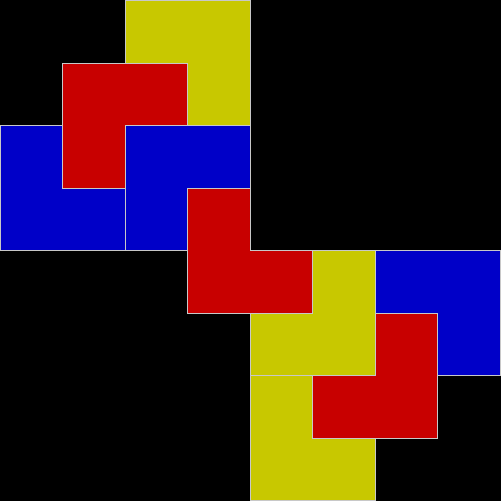
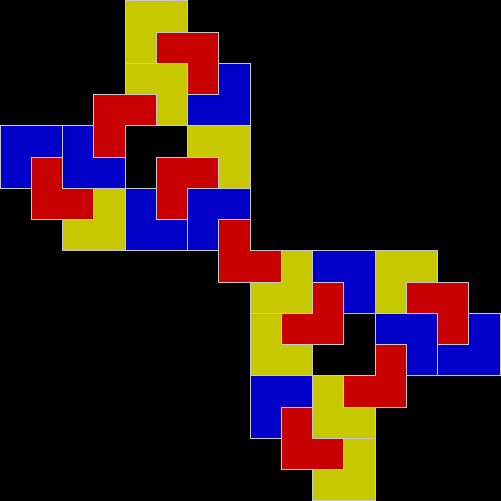
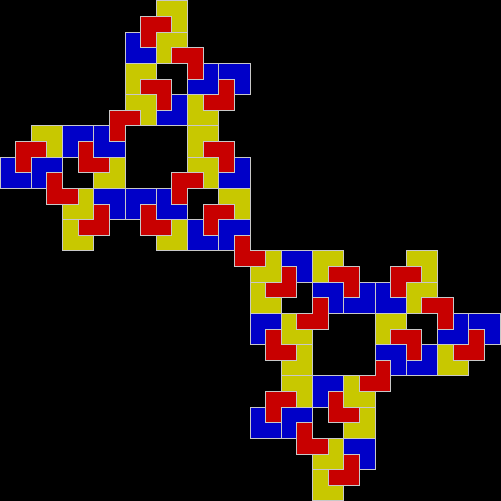
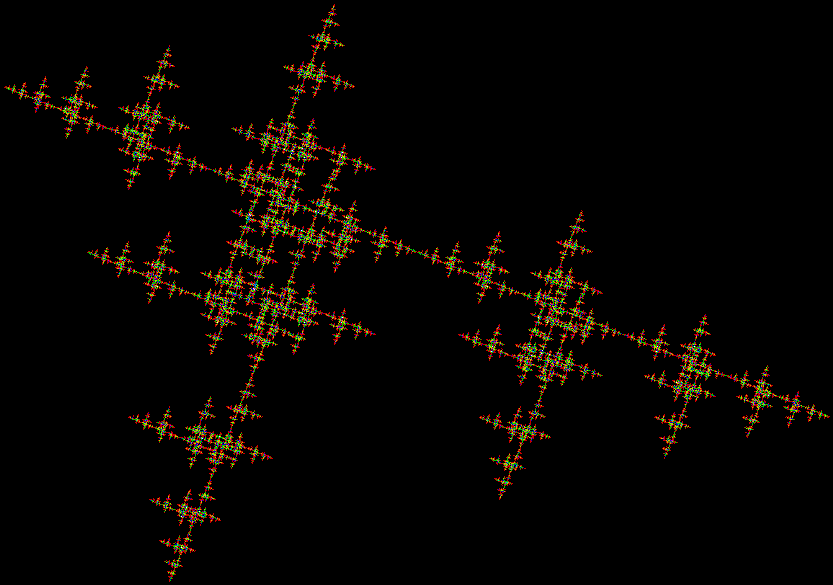
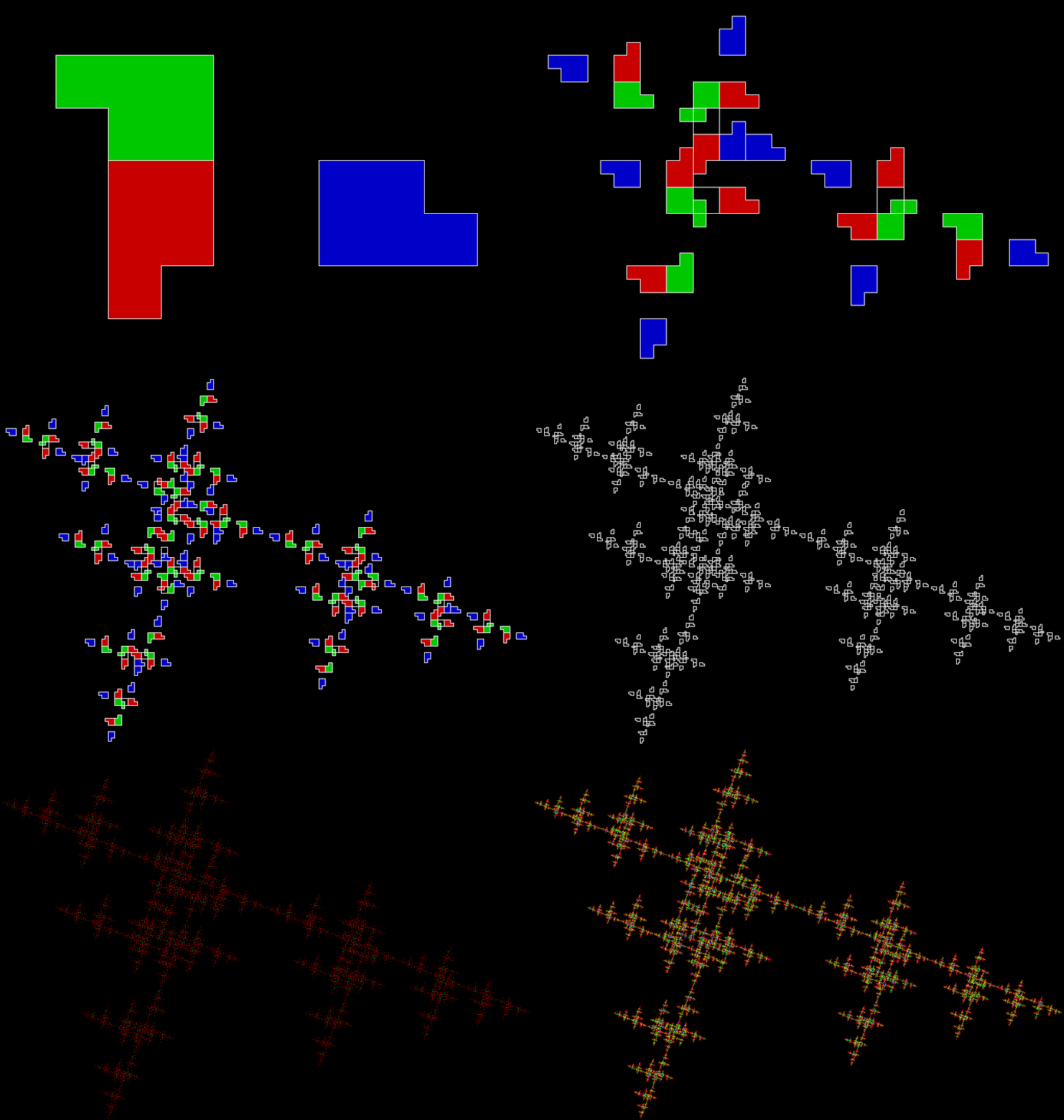
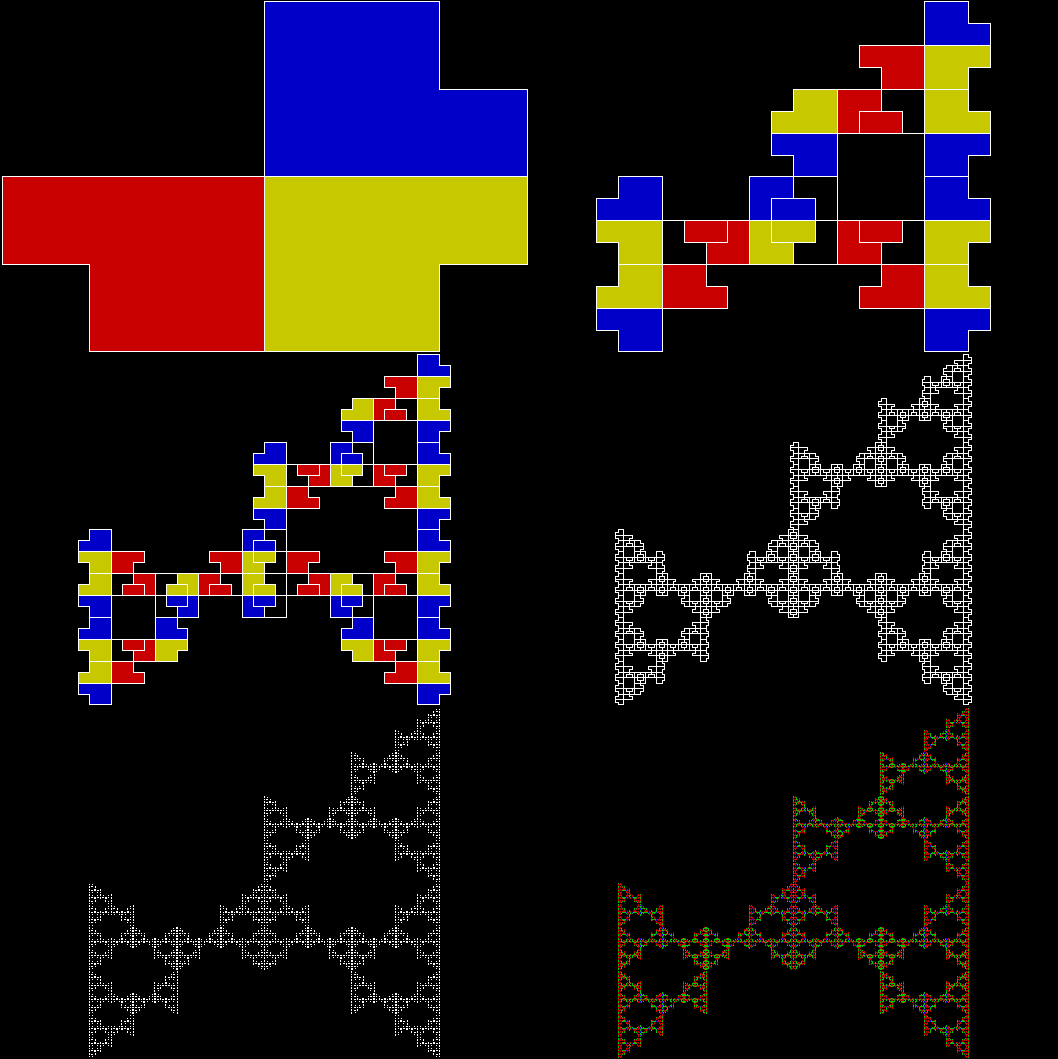
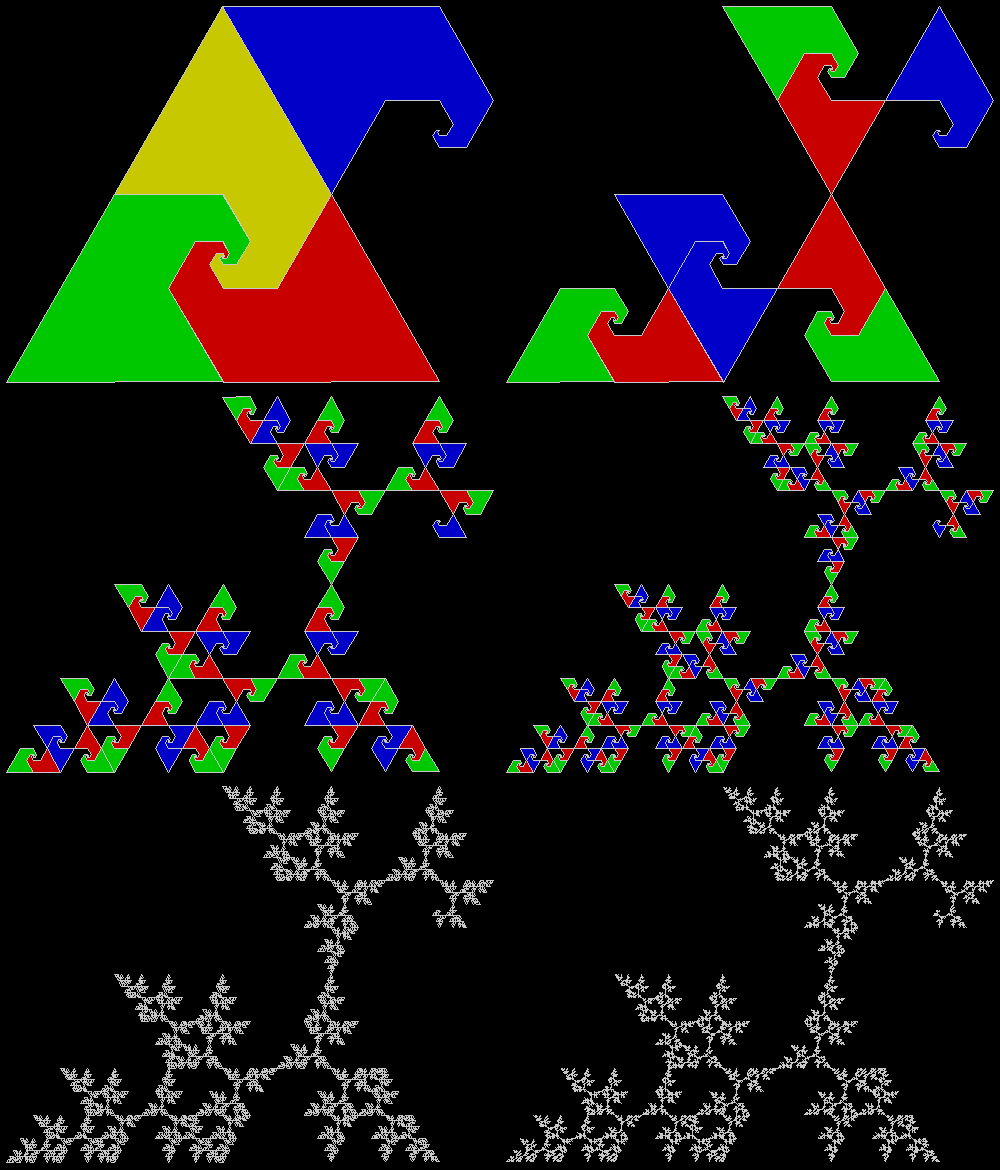
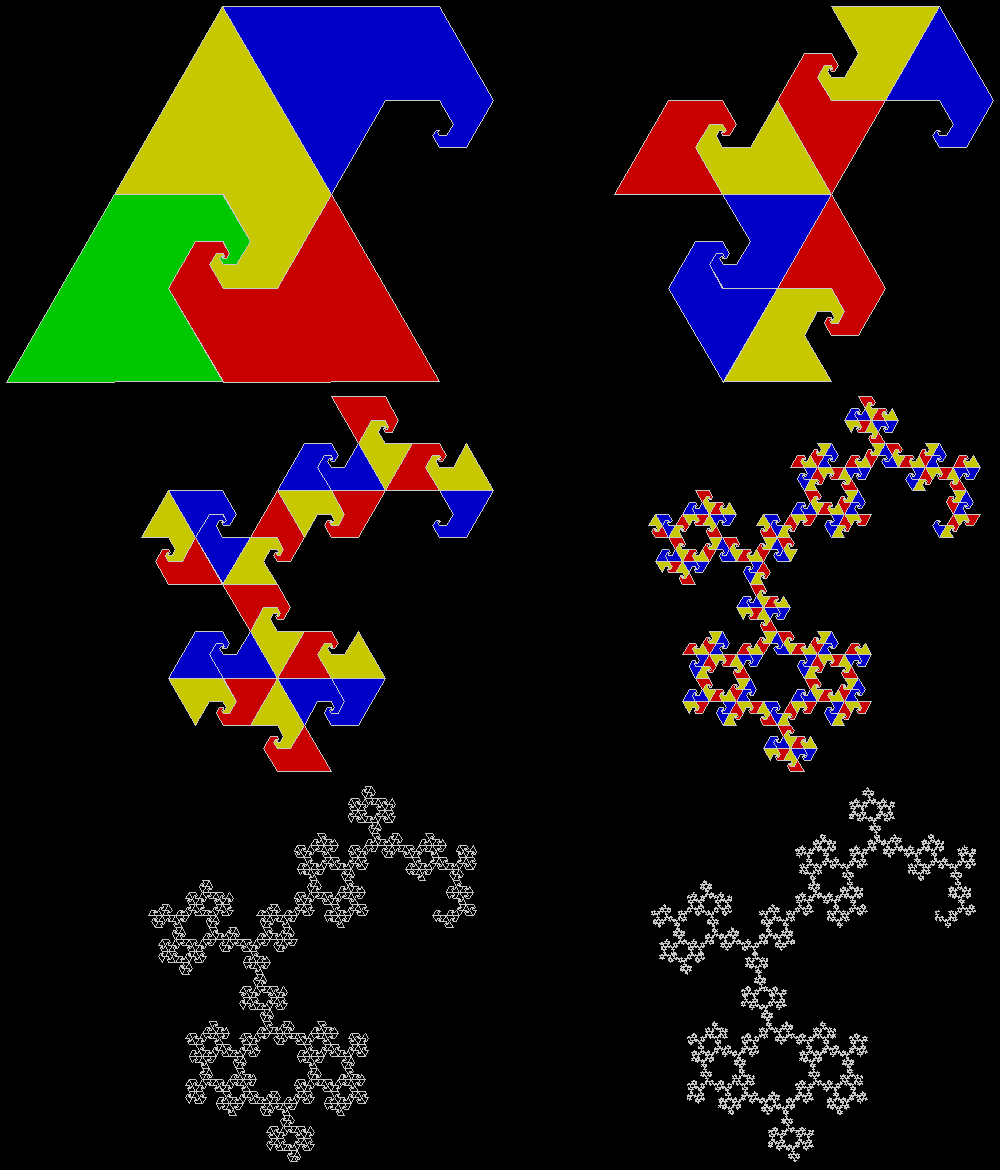
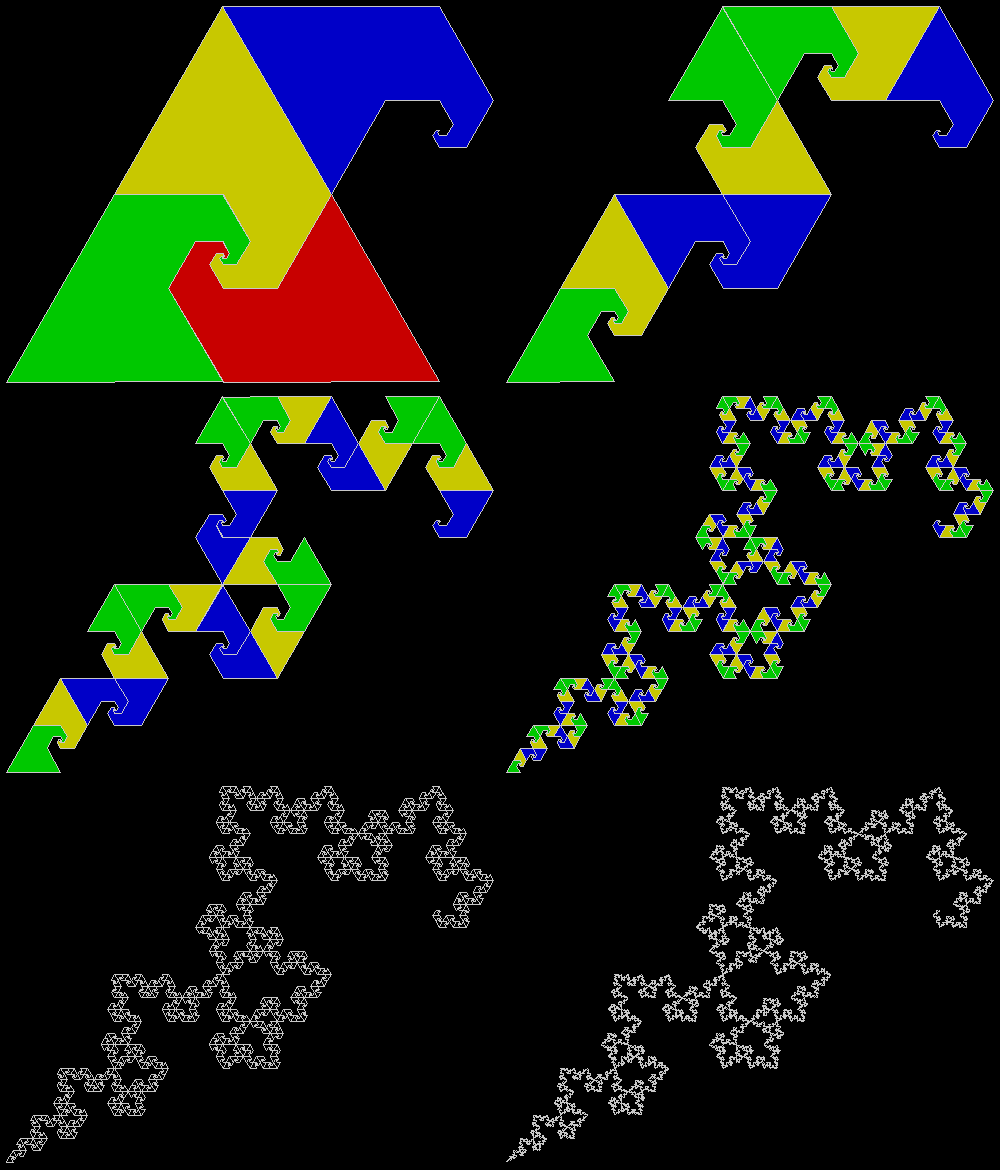
Here are some more fractals created using the same divide-and-discard process:

p_pentomino_b_234

p_pentomino_b_234anim

Animated version


p_pentomino_b_134

p_pentomino_b_134anim

Animated version


p_pentomino_b_124

p_pentomino_b_124anim


p_pentomino_b_123

p_pentomino_b_123anim


p_pentomino_a_134anim

p_pentomino_a_134


p_pentomino_a_234anim

p_pentomino_a_234


p_pentomino_a_124

p_pentomino_a_124anim


p_pentomino_a_123

p_pentomino_a_123anim


You can also use variants on a standard rep-tile dissection, like rotating the copies or trying different patterns of dissection at different levels to see what new shapes appear:

p_pentomino_adj_13

p_pentomino_adj_anim13


p_pentomino_adj_6

p_pentomino_adj_anim6


p_pentomino_adj_anim5

p_pentomino_adj_5


p_pentomino_adj_3

p_pentomino_adj_anim3


p_pentomino_adj_2

p_pentomino_adj_anim2


p_pentomino_adj_1

p_pentomino_adj_anim1


p_pentomino_adj_17

p_pentomino_adj_anim17


p_pentomino_adj_15

p_pentomino_adj_anim15


p_pentomino_adj_16

p_pentomino_adj_anim16


p_pentomino_adj_8

p_pentomino_adj_anim8


p_pentomino_adj_10

p_pentomino_adj_anim10


p_pentomino_adj_11

p_pentomino_adj_anim11


p_pentomino_adj_14

p_pentomino_adj_anim14


p_pentomino_adj_anim4


p_pentomino_adj_anim12


p_pentomino_adj_anim9


p_pentomino_adj_anim7

Fragic Carpet

Maths is like a jungle: rich, teeming and full of surprises. A waterfall here, a glade of butterflies there, a bank of orchids yonder. There is always something new to see and a different route to try. But sometimes a different route will take you to the same place. I’ve already found two ways to reach this fractal (see Fingering the Frigit and Performativizing the Polygonic):

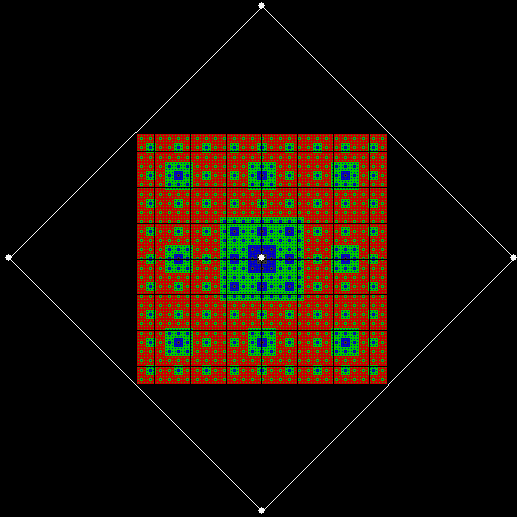
carpet2x2

Fractal Carpet


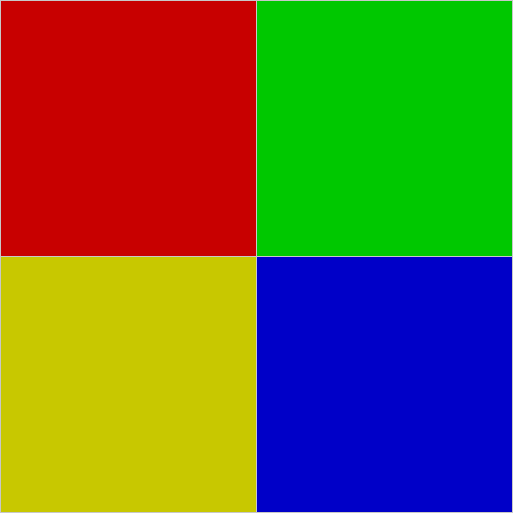
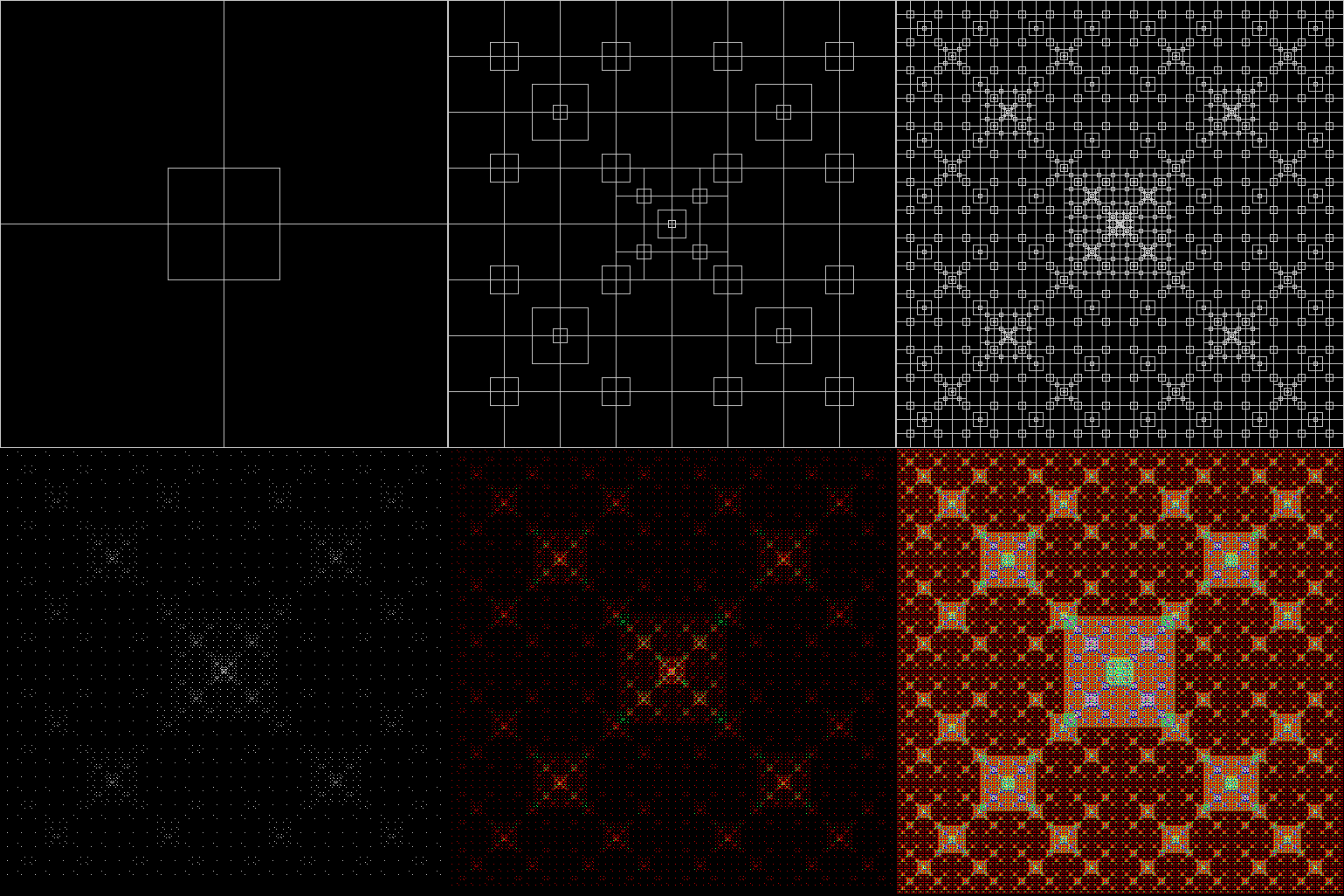
Now I’ve found a third way. You could call it the rep-tile route. Divide a square into four smaller squares:

square2x2

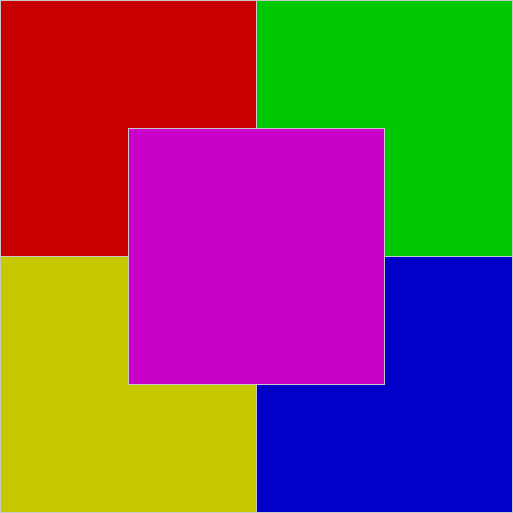
Add an extra square over the centre:

square2x2_1

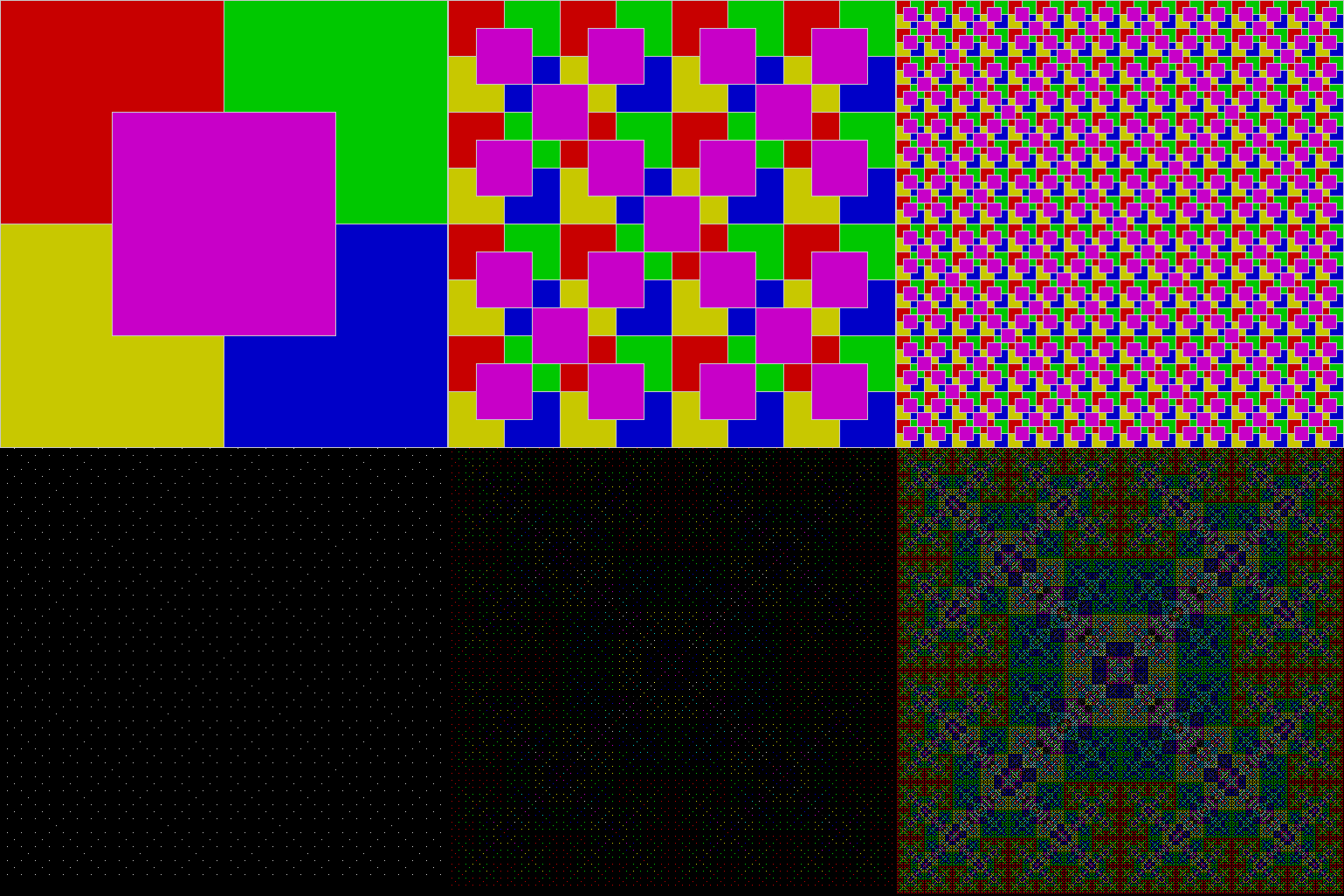
Then keep dividing the squares in the same way:

carpet2x2_anim_1

Animated carpet (with coloured blocks)


carpet2x2_anim_2

Animated carpet (with empty blocks)


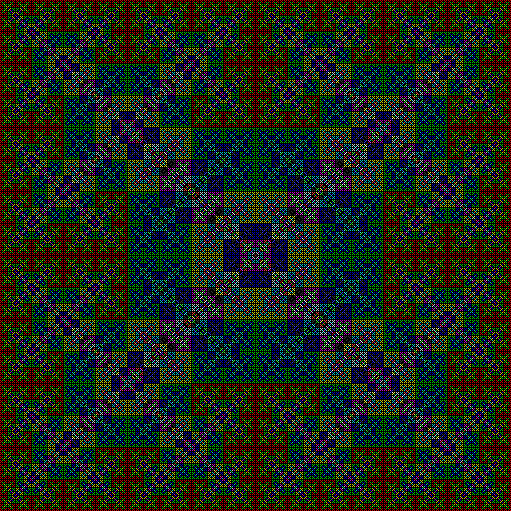
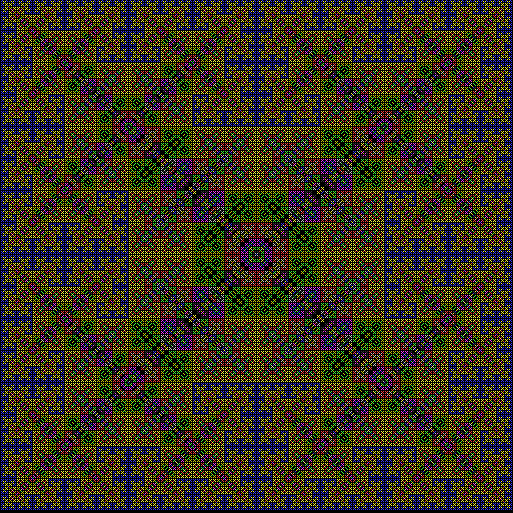
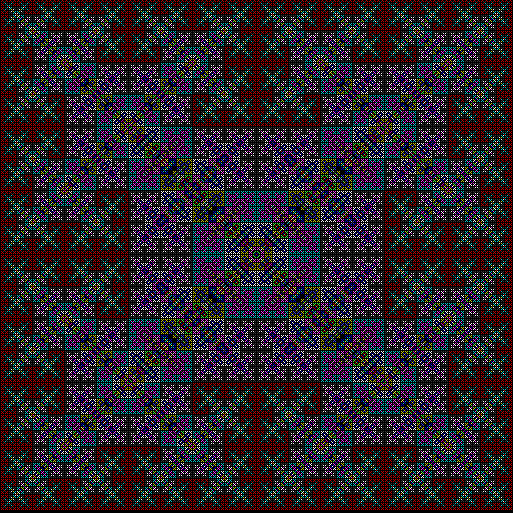
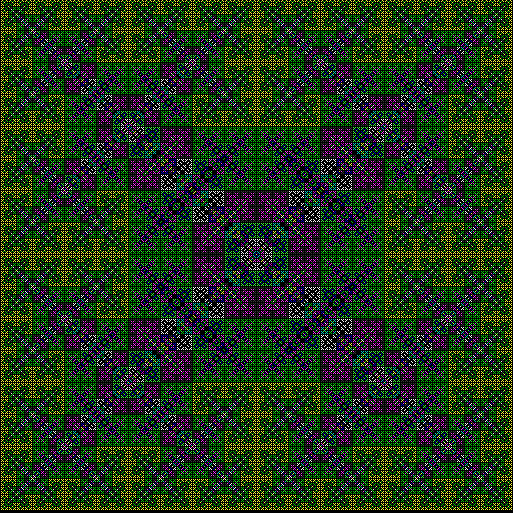
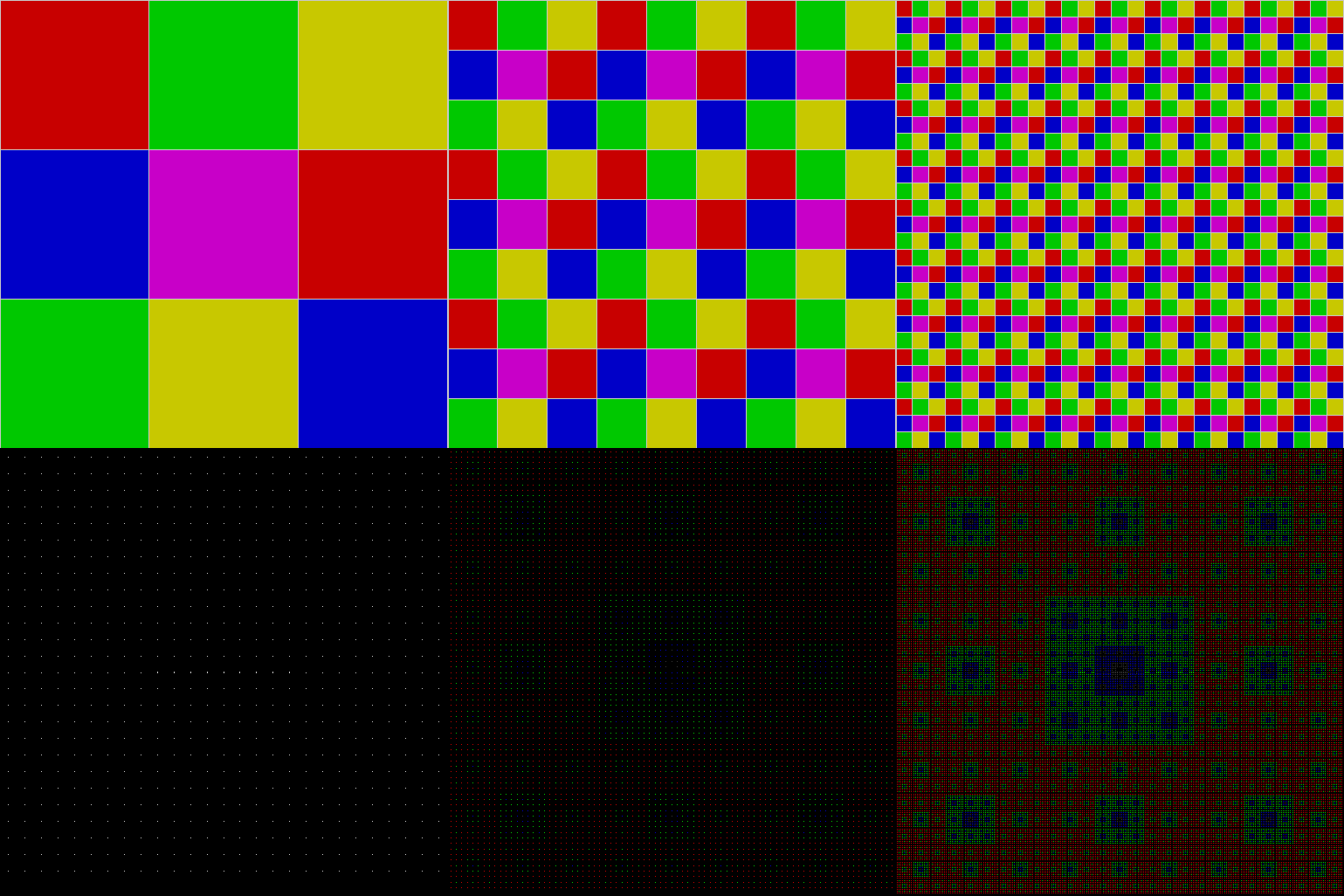
The colours of the fractal appear when the same pixel is covered repeatedly: first it’s red, then green, yellow, blue, purple, and so on. Because the colours and their order are arbitrary, you can use different colour schemes:

carpet2x2_col1

Colour scheme #1


carpet2x2_col2

Colour scheme #2


carpet2x2_col3

Colour scheme #3


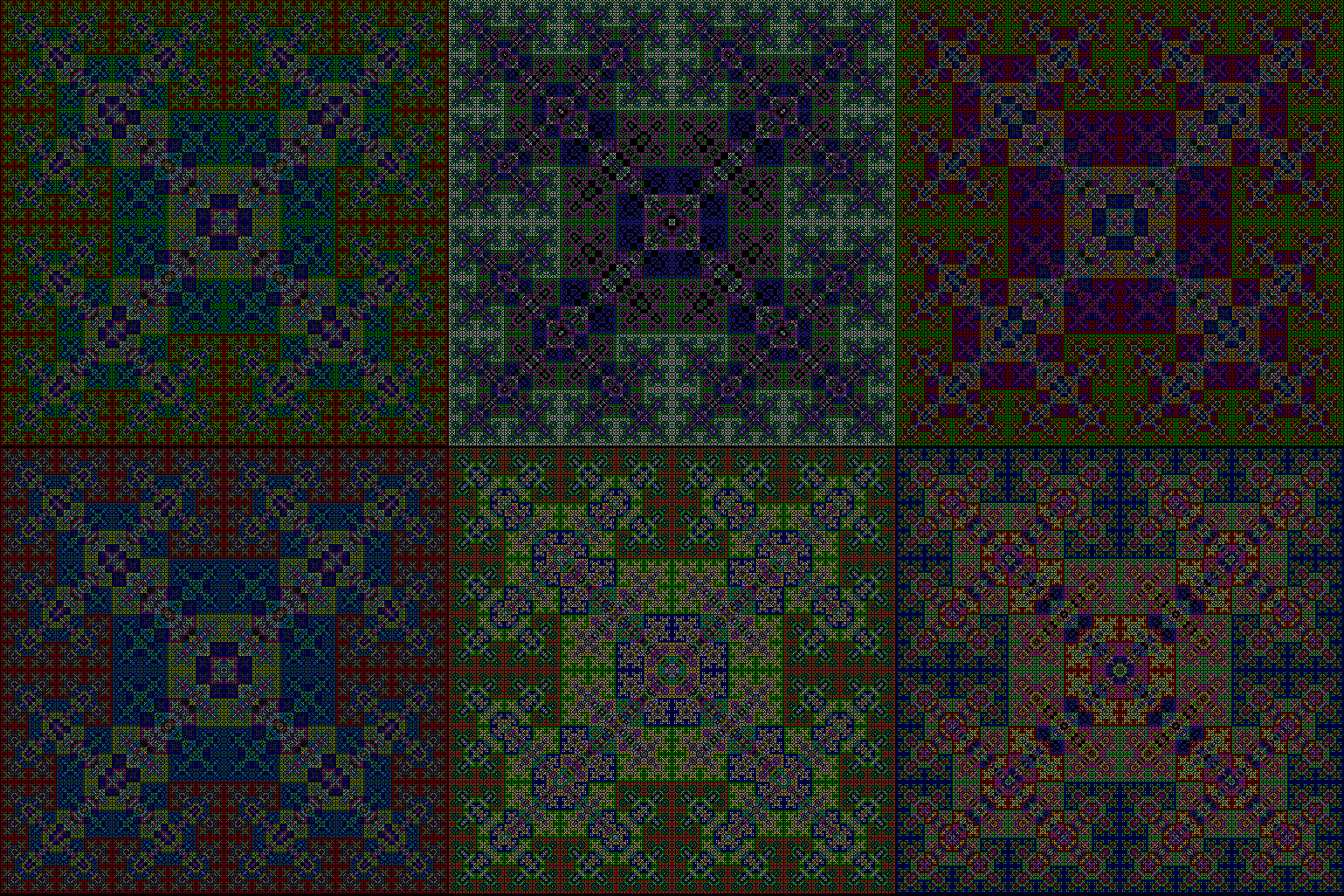
Here are more colour-schemes in an animated gif:

carpet2x2_col

Various colour-schemes


Now try dividing the square into nine and sixteen, with an extra square over the centre:

carpet3x3

3×3 square + central square


carpet3x3_anim

3×3 square + central square (animated)


carpet4x4

4×4 square + central square


carpet4x4_anim

4×4 square + central square (animated)


You can also adjust the size of the square added to the 2×2 subdivision:

carpet2x2_1_2

2×2 square + 1/2-sized central square


carpet2x2_3_4

2×2 square + 3/4-sized central square


Elsewhere Other-Posted:

Fingering the Frigit
Performativizing the Polygonic

White Rites

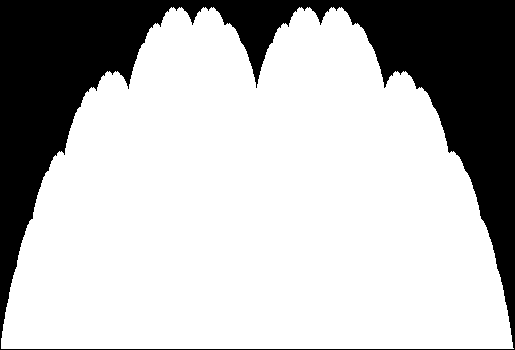
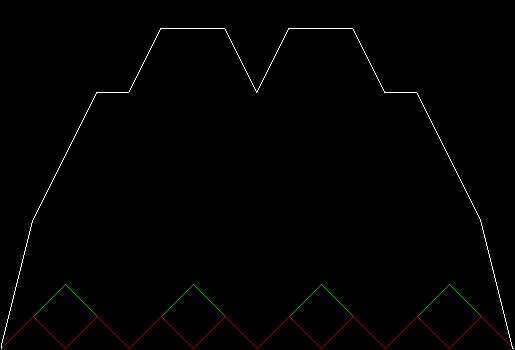
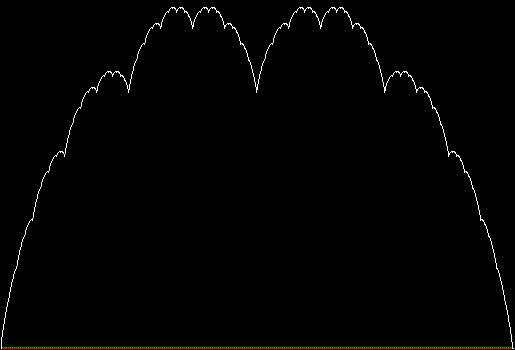
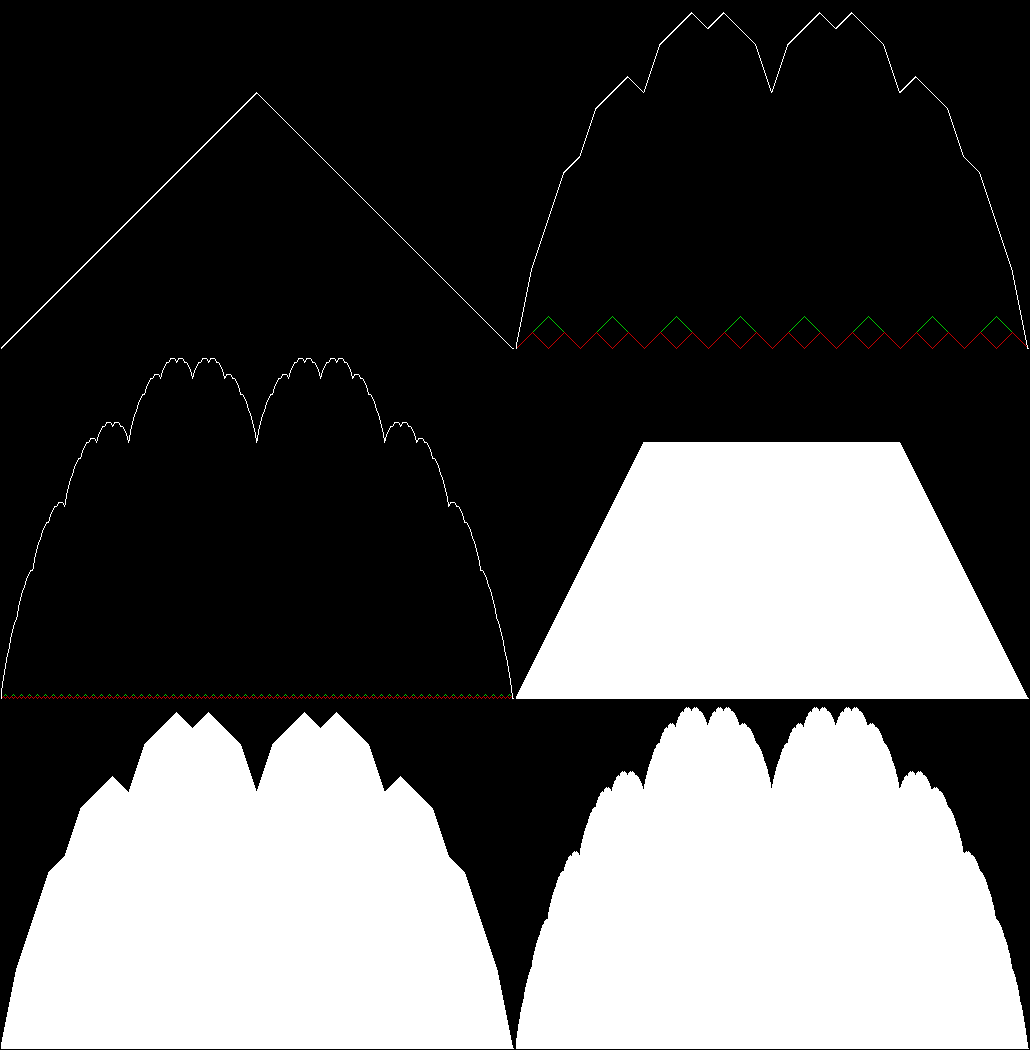
The blancmange curve is an interesting fractal formed by summing a series of zigzags. It
takes its name from its resemblance to the milk-pudding known as a blancmange
(blanc-manger in French, meaning “white eating”):

blanc_solid

Blancmange curve


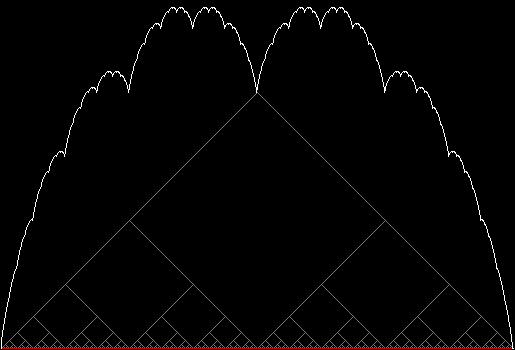
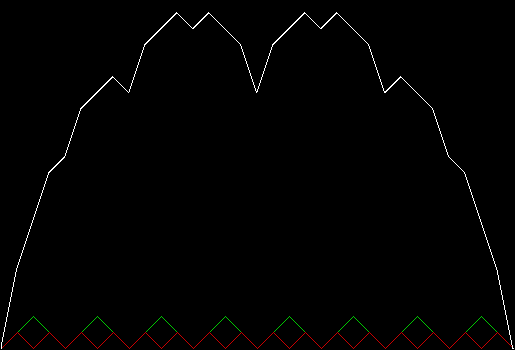
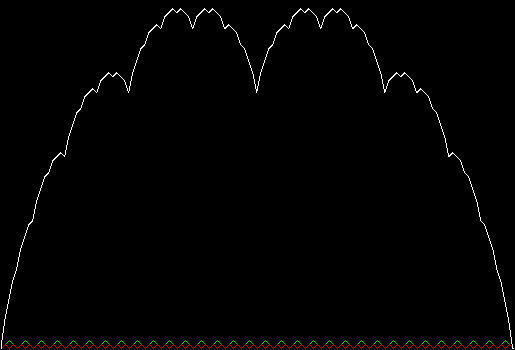
In successive zigzags, the number of zags doubles as their height halves, i.e. z(i) = z(i-1) * 2, h(i) = h(i-1) / 2. If all the zigzags are represented at once, the construction looks like this:

blanc_all

Zigzags 1 to 10


blancmange_all

Zigzags 1 to 10 (animated)


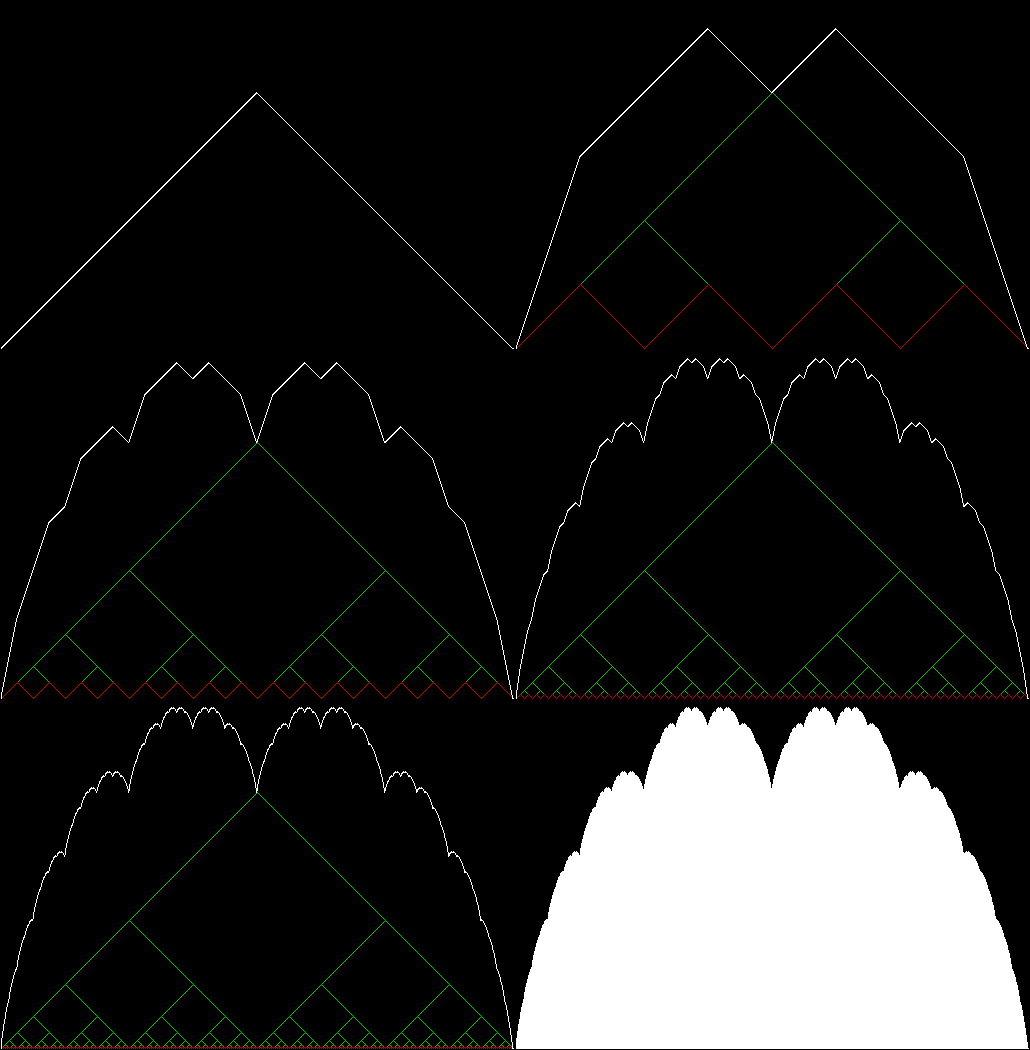
Here is a step-by-step construction, with the total sum of zigzags in white, the present zigzag in red and the previous zigzag in green:

blanc1

Blancmange curve stage 1


blanc2

Stage 2


blanc3

Stage 3


blanc4

Stage 4


blanc5

Stage 5


blanc6

Stage 6


blanc7

Stage 7


blanc8

Stage 8


blanc9

Stage 9


blanc10

Stage 10


blancmange

Blancmange curve (animated)


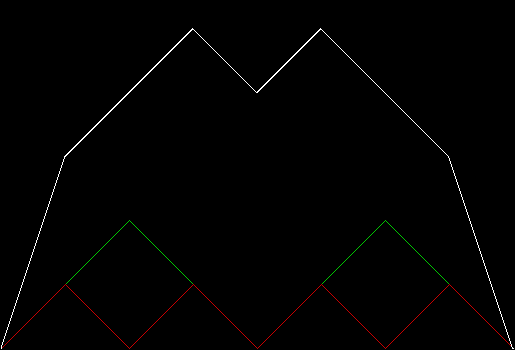
It’s easy to think of variants on the standard blancmange curve. Suppose the number of zags triples as their height is divided by three, i.e. z(i) = z(i-1) * 3, h(i) = h(i-1) / 3:

blanc_x3_solid

Blancmange curve for z(i) = z(i-1) * 3, h(i) = h(i-1) / 3


Continue reading “White Rites”…

Get Your Prox Off #2

Serendipity is the art of making happy discoveries by accident. I made a mistake writing a program to create fractals and made the happy discovery of an attractive new fractal. And also of a new version of an attractive fractal I had seen before.

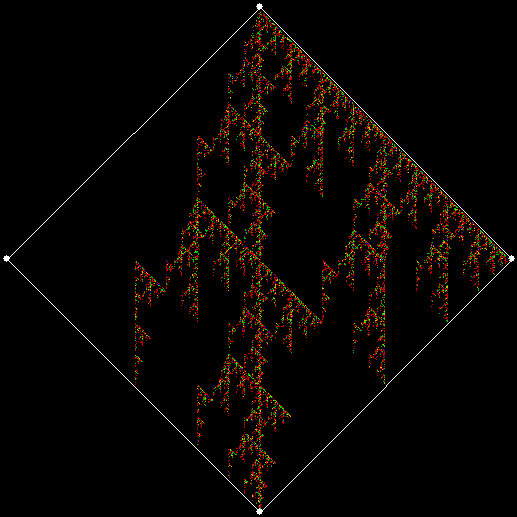
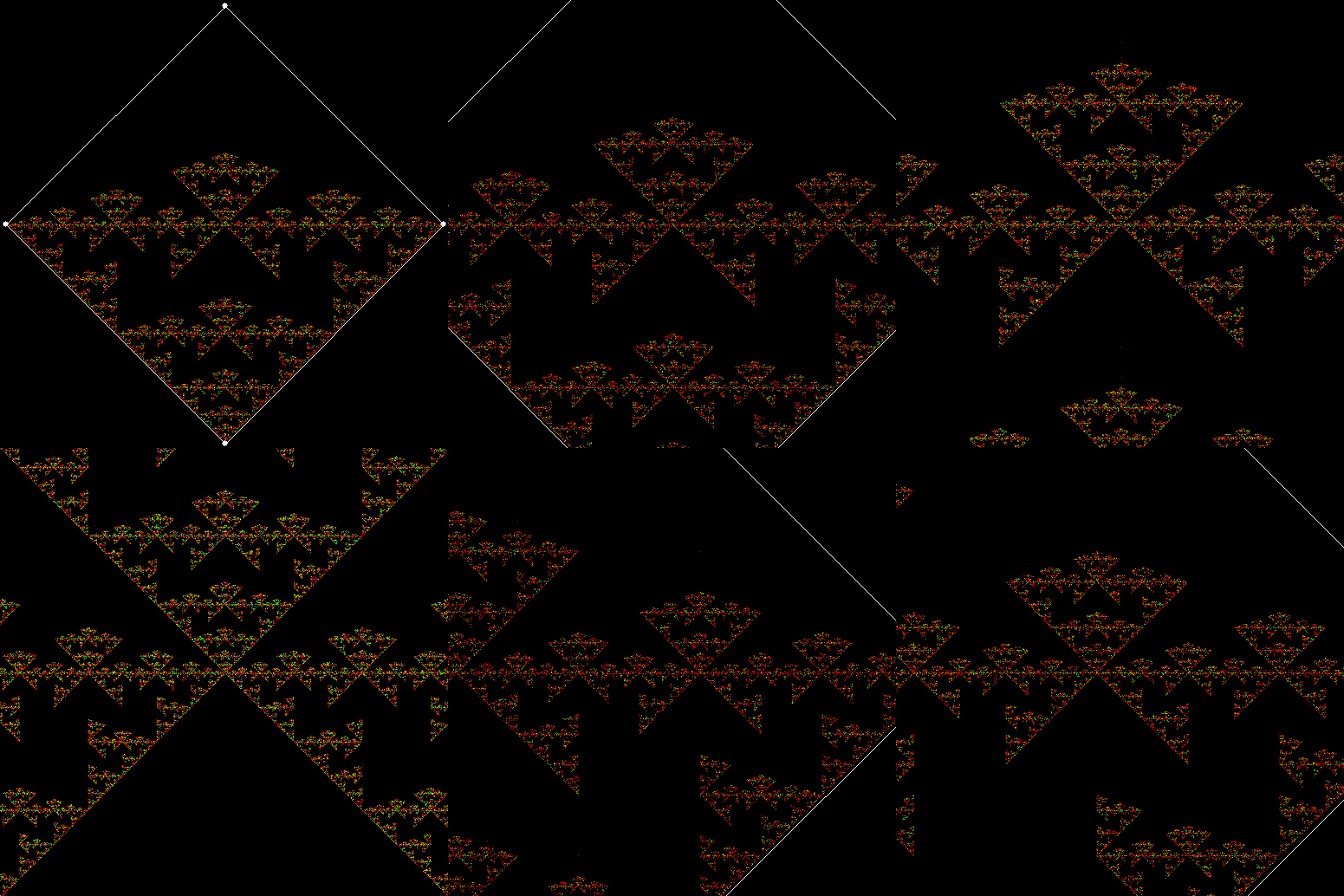
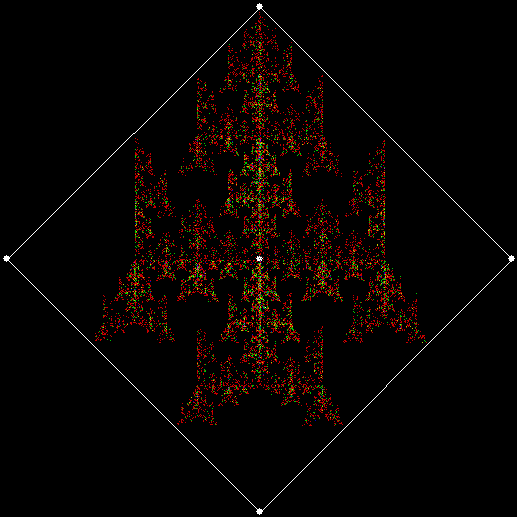
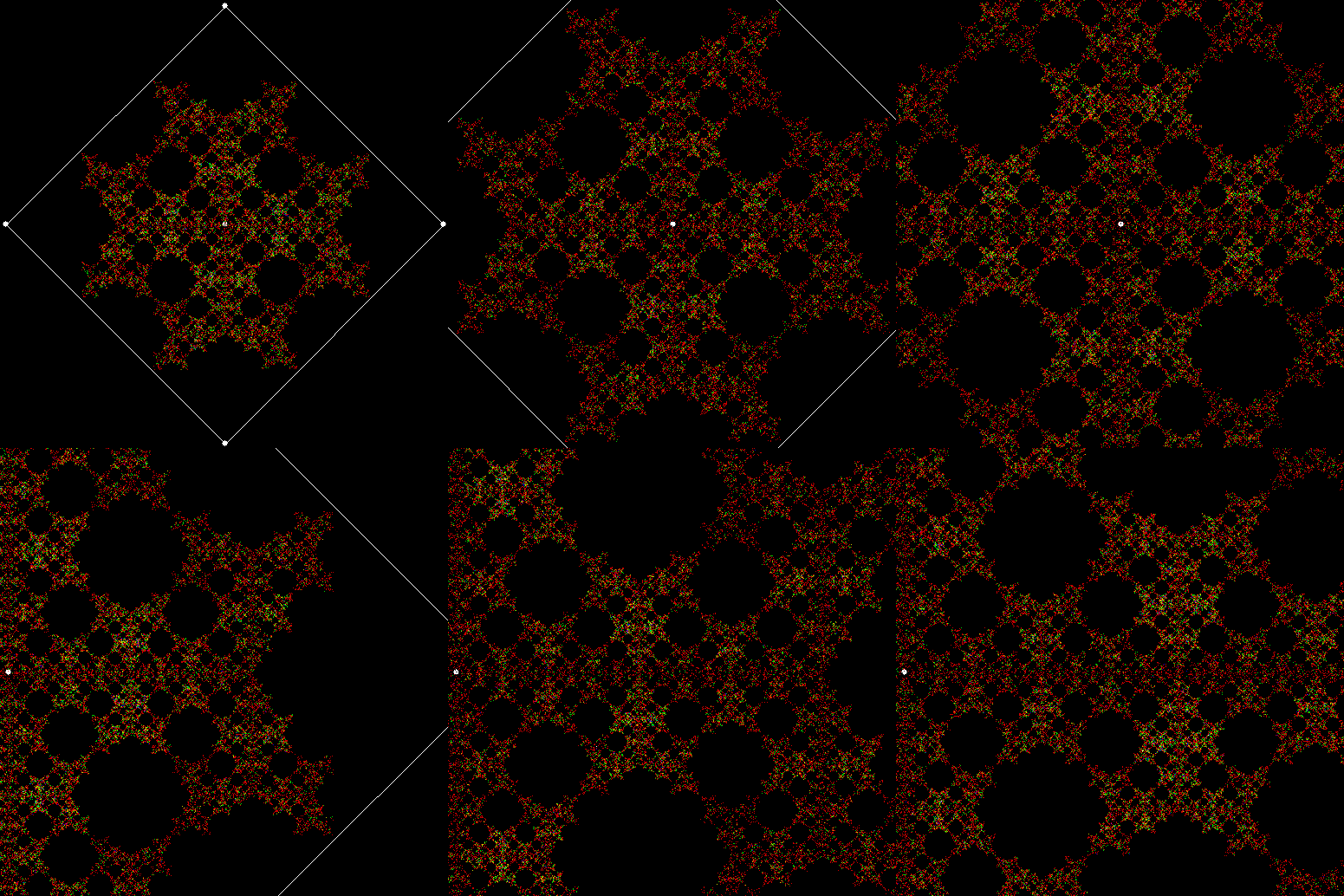
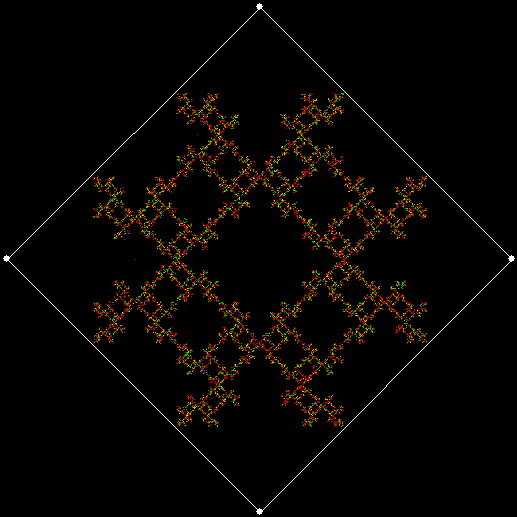
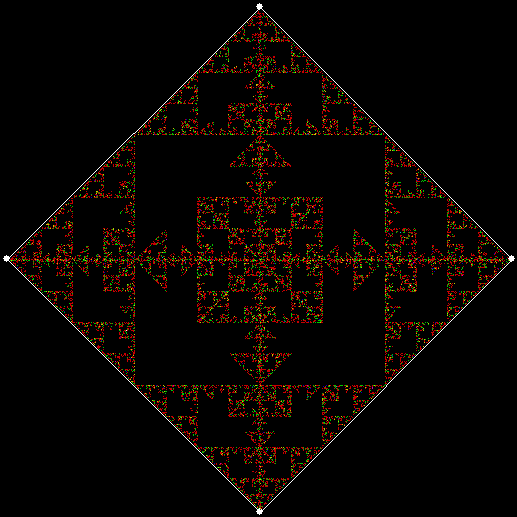
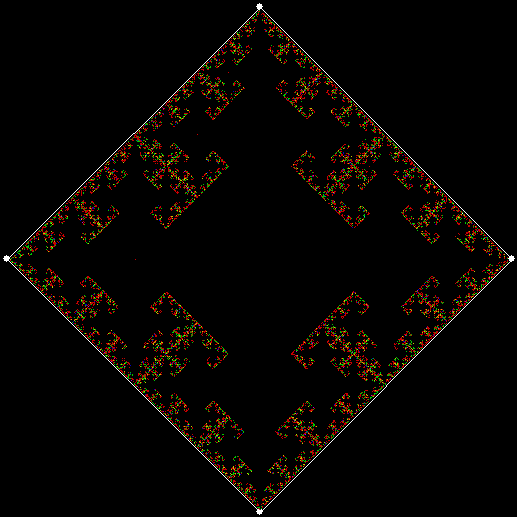
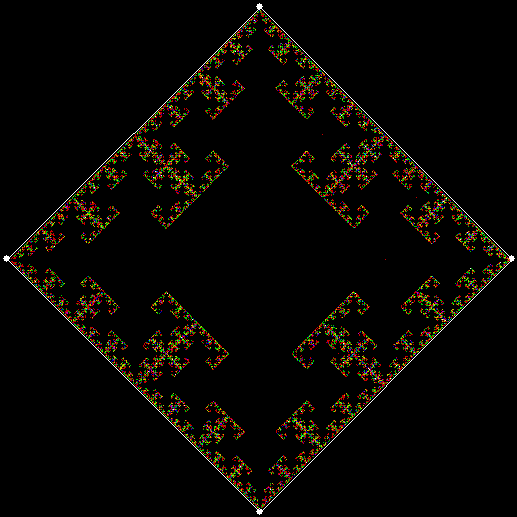
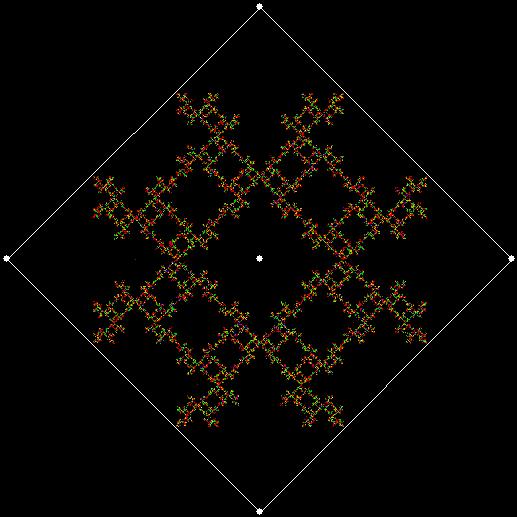
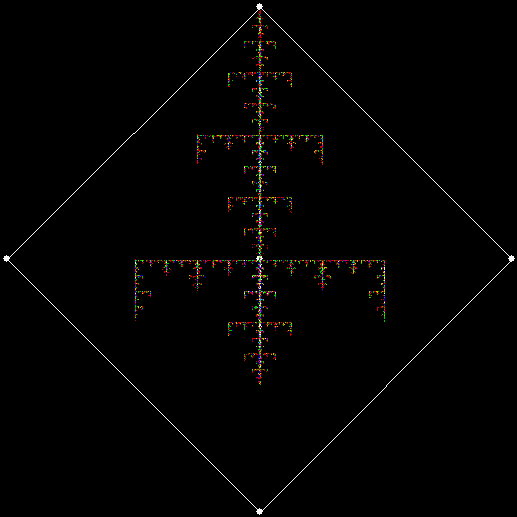
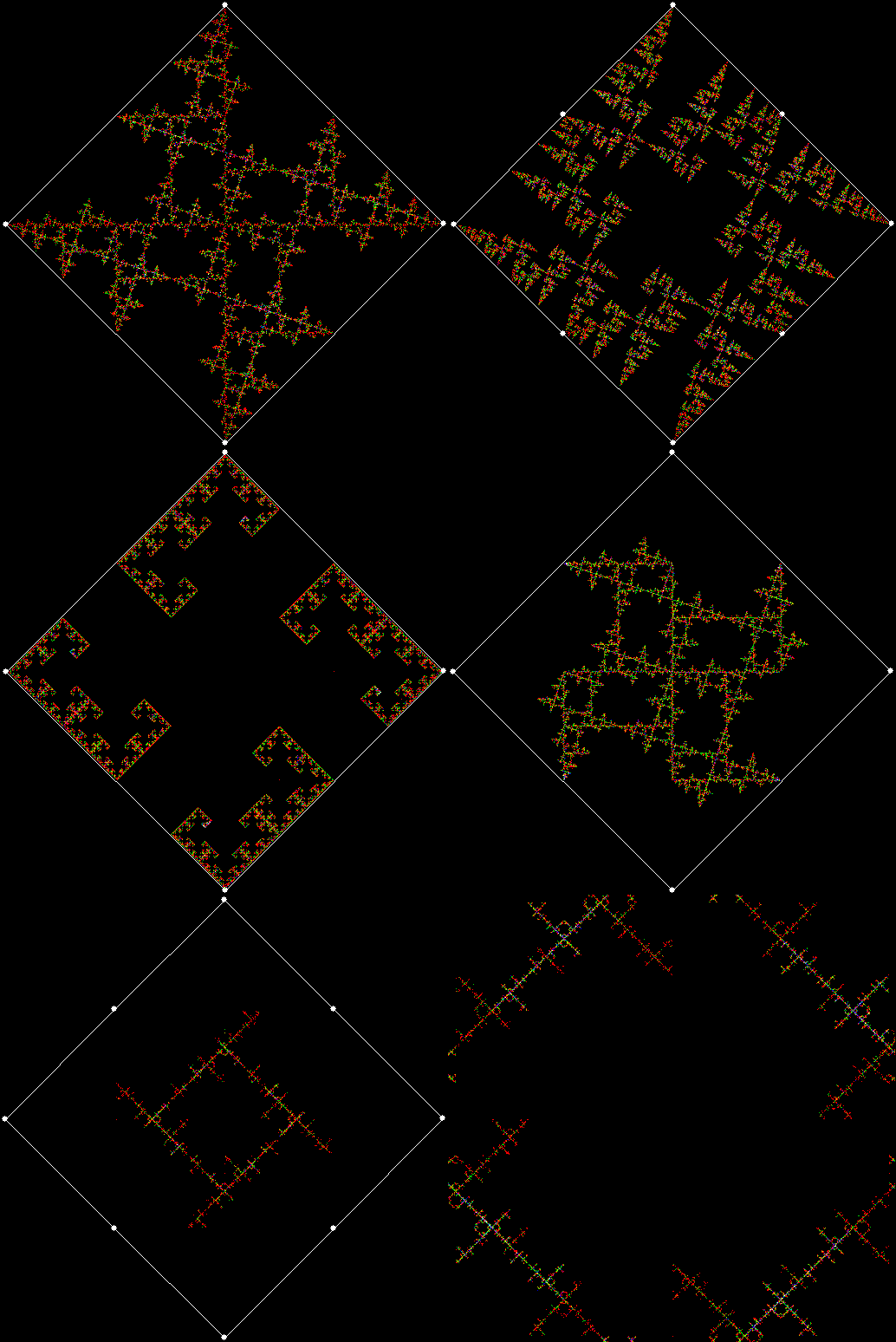
As I described in Get Your Prox Off, you can create a fractal by 1) moving a point towards a randomly chosen vertex of a polygon, but 2) forbidding a move towards the nearest vertex or the second-nearest vertex or third-nearest, and so on. If the polygon is a square, the four possible basic fractals look like this (note that the first fractal is also produced by banning a move towards a vertex that was chosen in the previous move):

v4_ban1

v = 4, ban = prox(1)
(ban move towards nearest vertex)
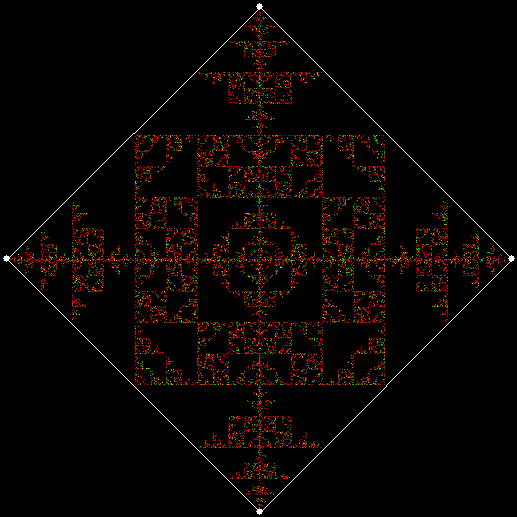

v4_ban2

v = 4, ban = prox(2)
(ban move towards second-nearest vertex)


v4_ban3

v = 4, ban = prox(3)


v4_ban4

v = 4, ban = prox(4)


This program has to calculate what might be called the order of proximity: that is, it creates an array of distances to each vertex, then sorts the array by increasing distance. I was using a bubble-sort, but made a mistake so that the program ran through the array only once and didn’t complete the sort. If this happens, the fractals look like this (note that vertex 1 is on the right, with vertex 2, 3 and 4 clockwise from it):
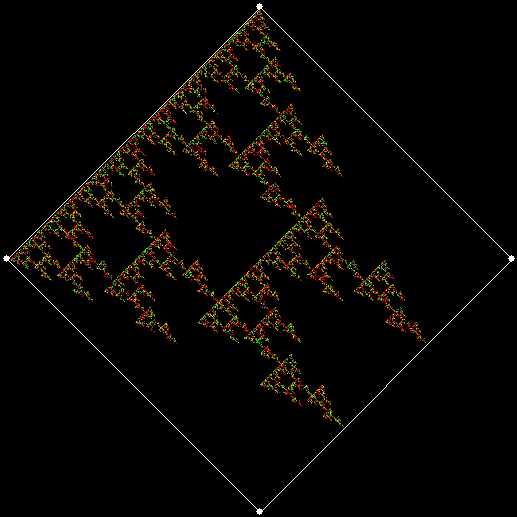
v4_ban1_sw1

v = 4, ban = prox(1), sweep = 1


v4_ban2_sw1

v = 4, ban = prox(2), sweep = 1


v4_ban3_sw1

v = 4, ban = prox(3), sweep = 1


v4_ban3_sw1_anim

(Animated version of v4, ban(prox(3)), sw=1)


v4_ban4_sw1

v = 4, ban = prox(4), sweep = 1


Note that in the last case, where ban = prox(4), a bubble-sort needs only one sweep to identify the most distant vertex, so the fractal looks the same as it does with a complete bubble-sort.

These new fractals looked interesting, so I had the idea of adjusting the number of sweeps in the incomplete bubble-sort: one sweep or two or three and so on (with enough sweeps, the bubble-sort becomes complete, but more sweeps are needed to complete a sort as the number of vertices increases). If there are two sweeps, then ban(prox(1)) and ban(prox(2)) look like this:
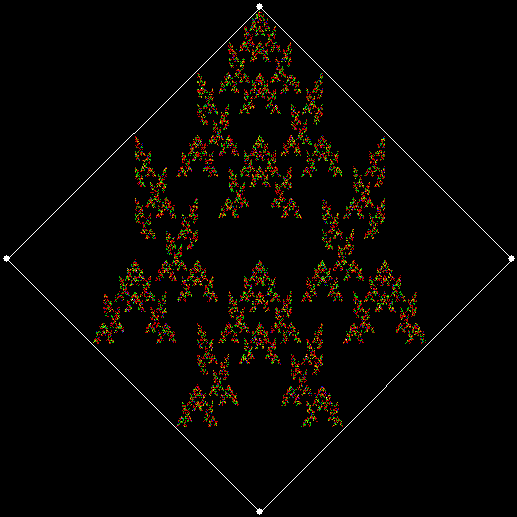
v4_ban1_sw2

v = 4, ban = prox(1), sweep = 2


v4_ban2_sw1

v = 4, ban = prox(2), sweep = 2


But the fractals produced by sweep = 2 for ban(prox(3)) and ban(prox(4)) are identical to the fractals produced by a complete bubble sort. Now, suppose you add a central point to the polygon and treat that as an additional vertex. If the bubble-sort is incomplete, a ban(prox(1)) fractal with a central point looks like this:
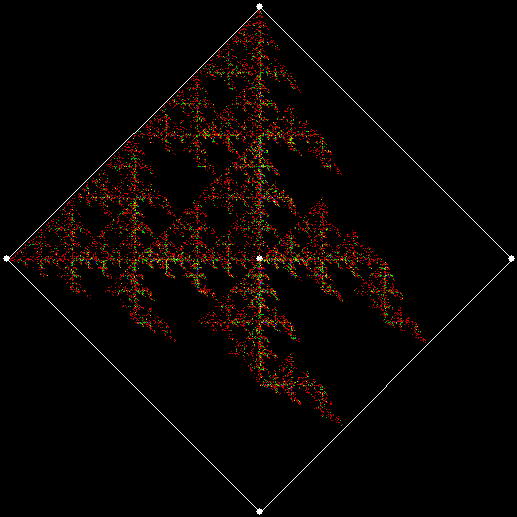
v4c_ban1_sw1

v = 4+c, ban = prox(1), sw = 1


v4c_ban1_sw2

v = 4+c, ban = prox(1), sw = 2


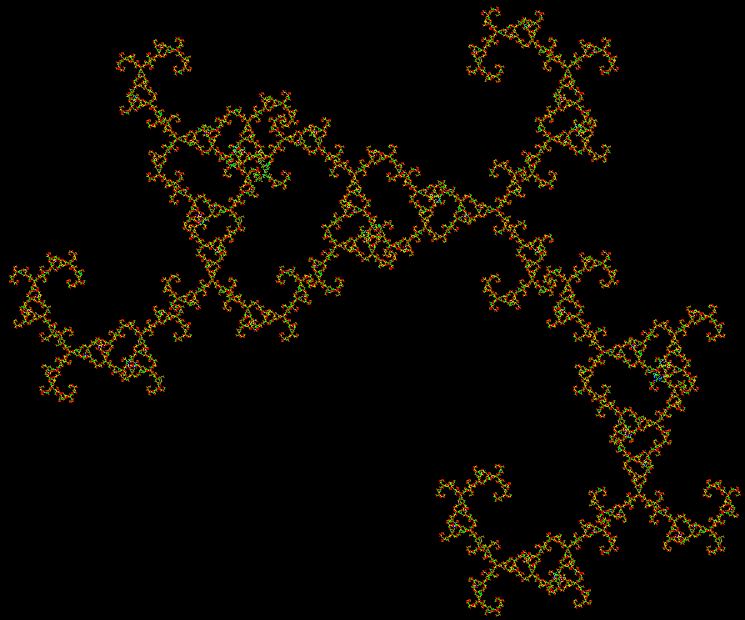
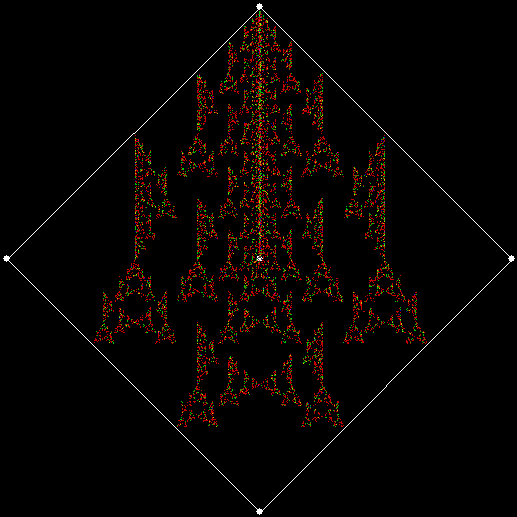
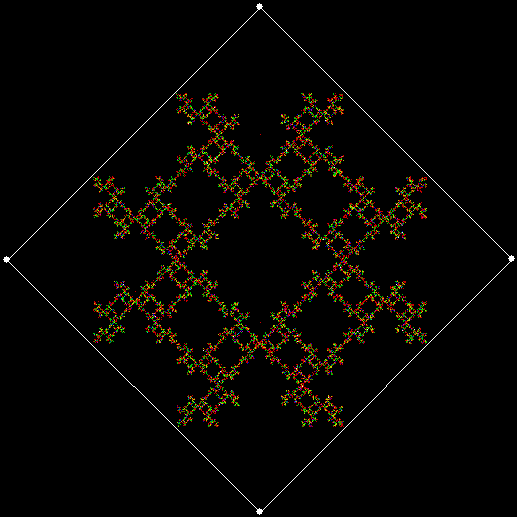
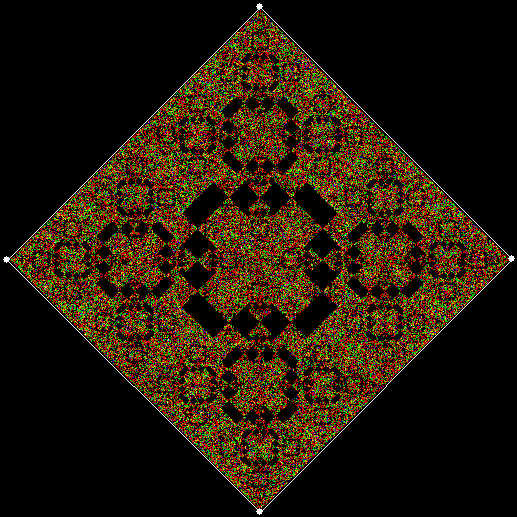
When sweep = 3, an attractive new fractal appears:
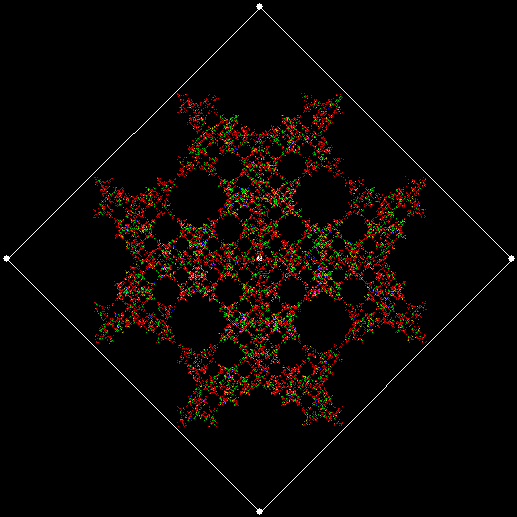
v4c_ban1_sw3

v = 4+c, ban = prox(1), sw = 3


v4c_ban1_sw3_anim

v = 4+c, ban = prox(1), sw = 3 (animated)


If you ban two vertices, the nearest and second-nearest, i.e. ban(prox(1), prox(2)), a complete bubble-sort produces a familiar fractal:

v4_ban12

v = 4+c, ban = prox(1), prox(2)


And here is ban(prox(2), prox(4)), with a complete bubble-sort:
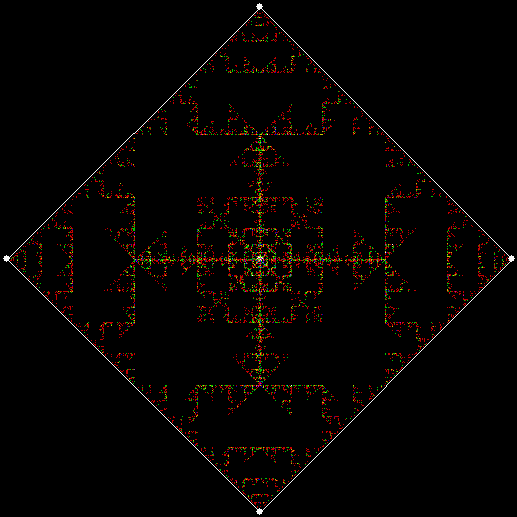
v4c_ban24

v = 4, ban = prox(2), prox(4)


If the bubble-sort is incomplete, sweep = 1 and sweep = 2 produce these fractals for ban(prox(1), prox(2)):

v4_ban12_sw1

v = 4, ban = prox(1), prox(2), sw = 1
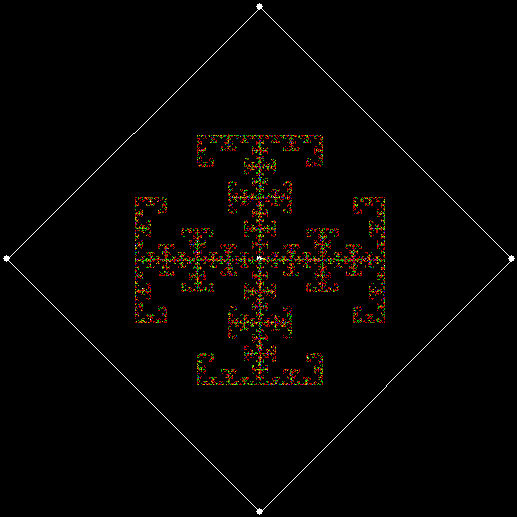

v4_ban12_sw2

v = 4, ban = prox(1), prox(2), sw = 2*

*The second of those fractals is identical to v = 4, ban(prox(2), prox(3)) with a complete bubble-sort.


Here is ban(prox(1), prox(5)) with a complete bubble-sort:
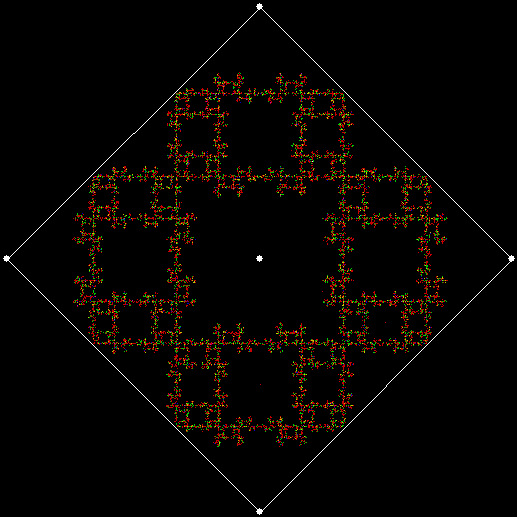
4c_ban15

v = 4, ban = prox(1), prox(5)


Now try ban(prox(1), prox(5)) with an incomplete bubble-sort:

v4_ban15_sw1

v = 4, ban = prox(1), prox(5), sw = 1


v4_ban15_sw2

v = 4, ban = prox(1), prox(5), sw = 2


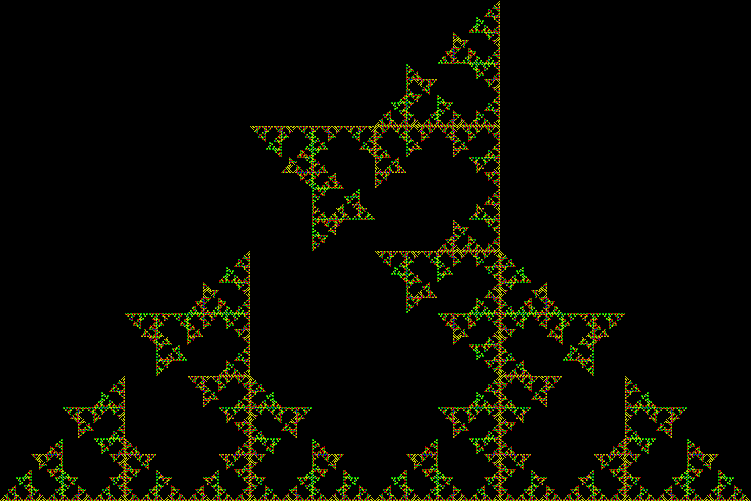
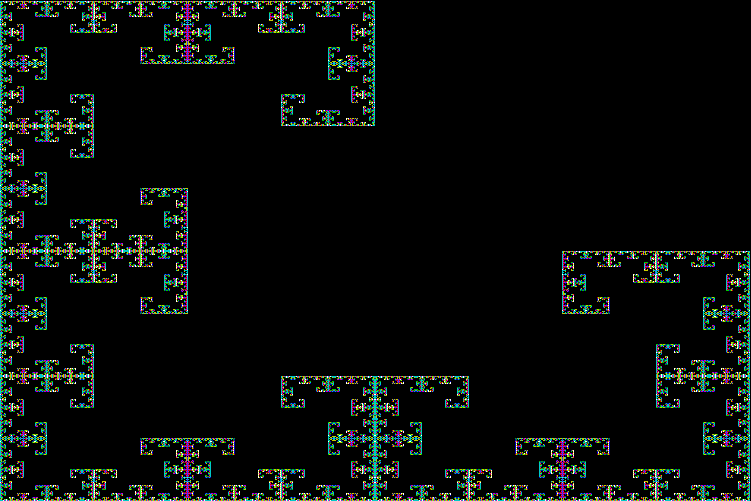
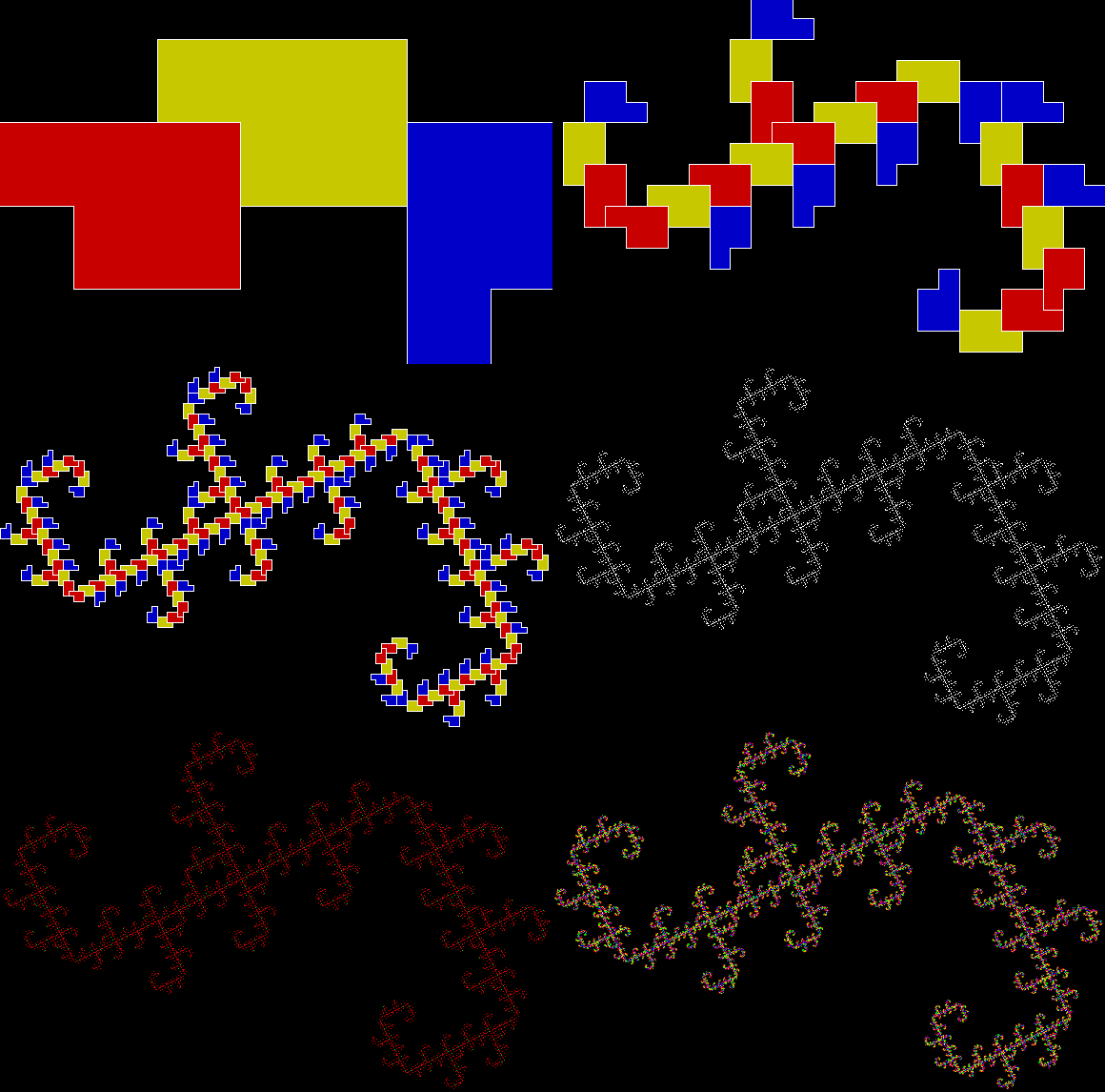
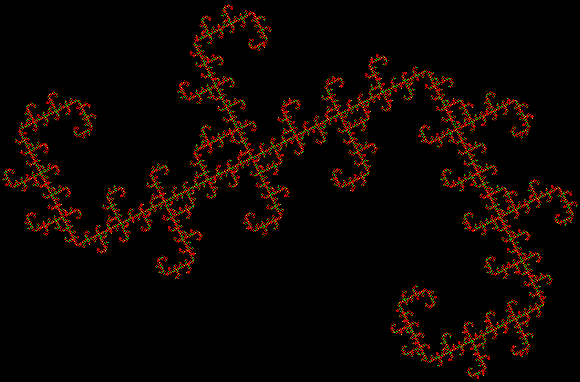
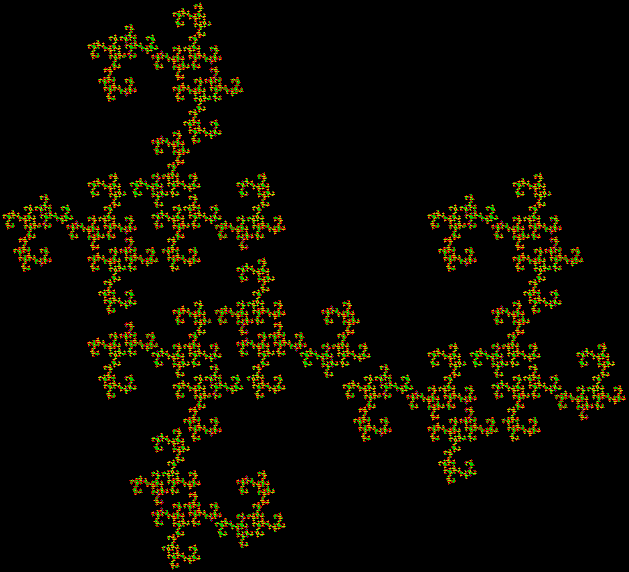
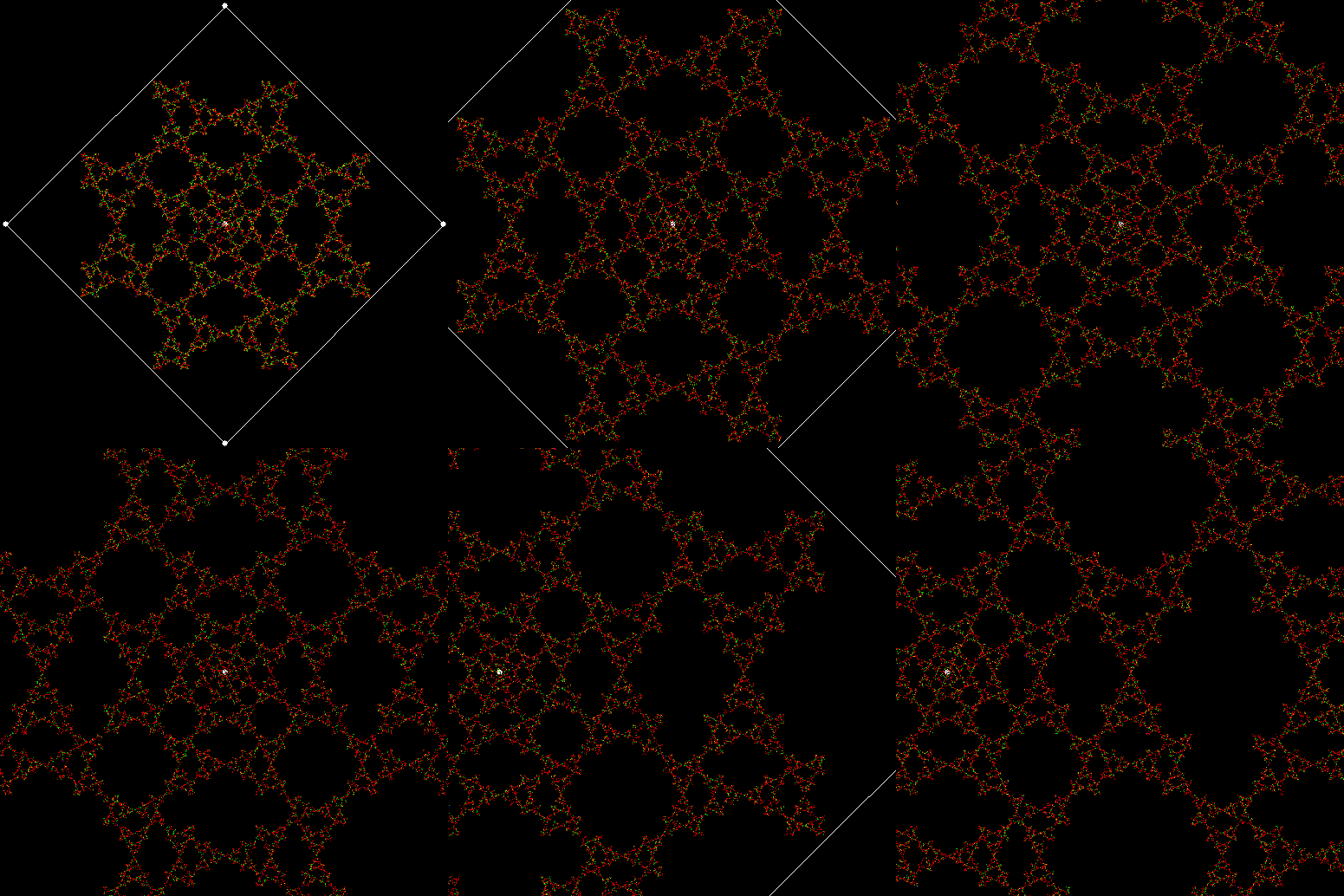
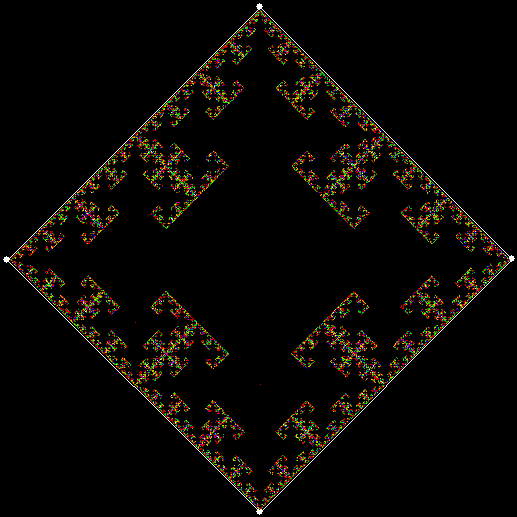
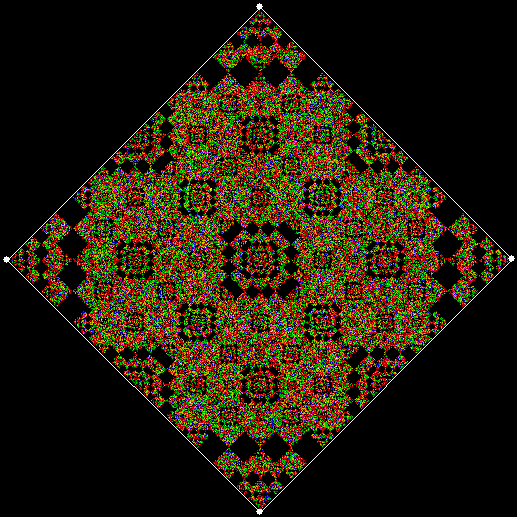
When sweep = 3, the fractal I had seen before appears:

v4_ban15_sw3

v = 4, ban = prox(1), prox(5), sw = 3


v4_ban15_sw3_anim

v = 4, ban = prox(1), prox(5), sw = 3 (animated)


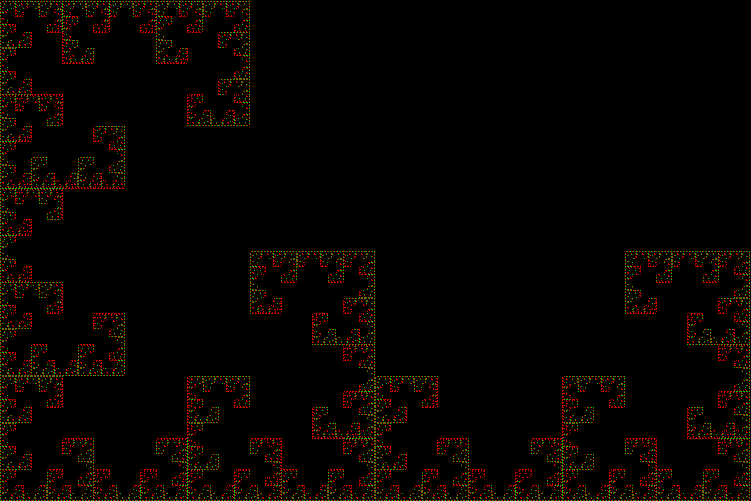
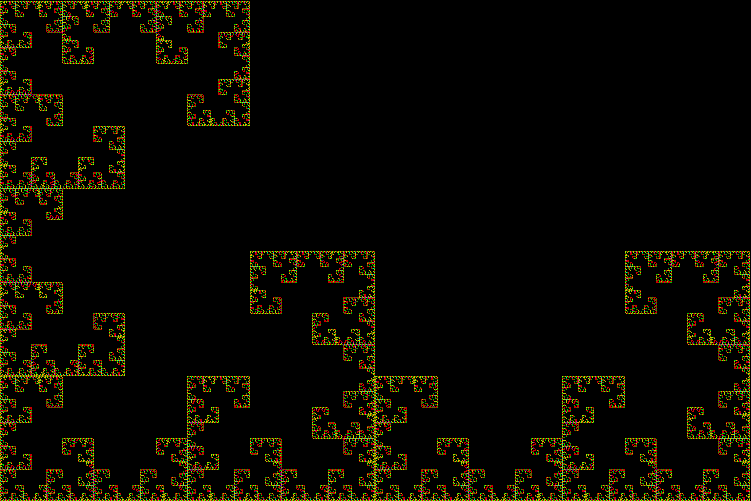
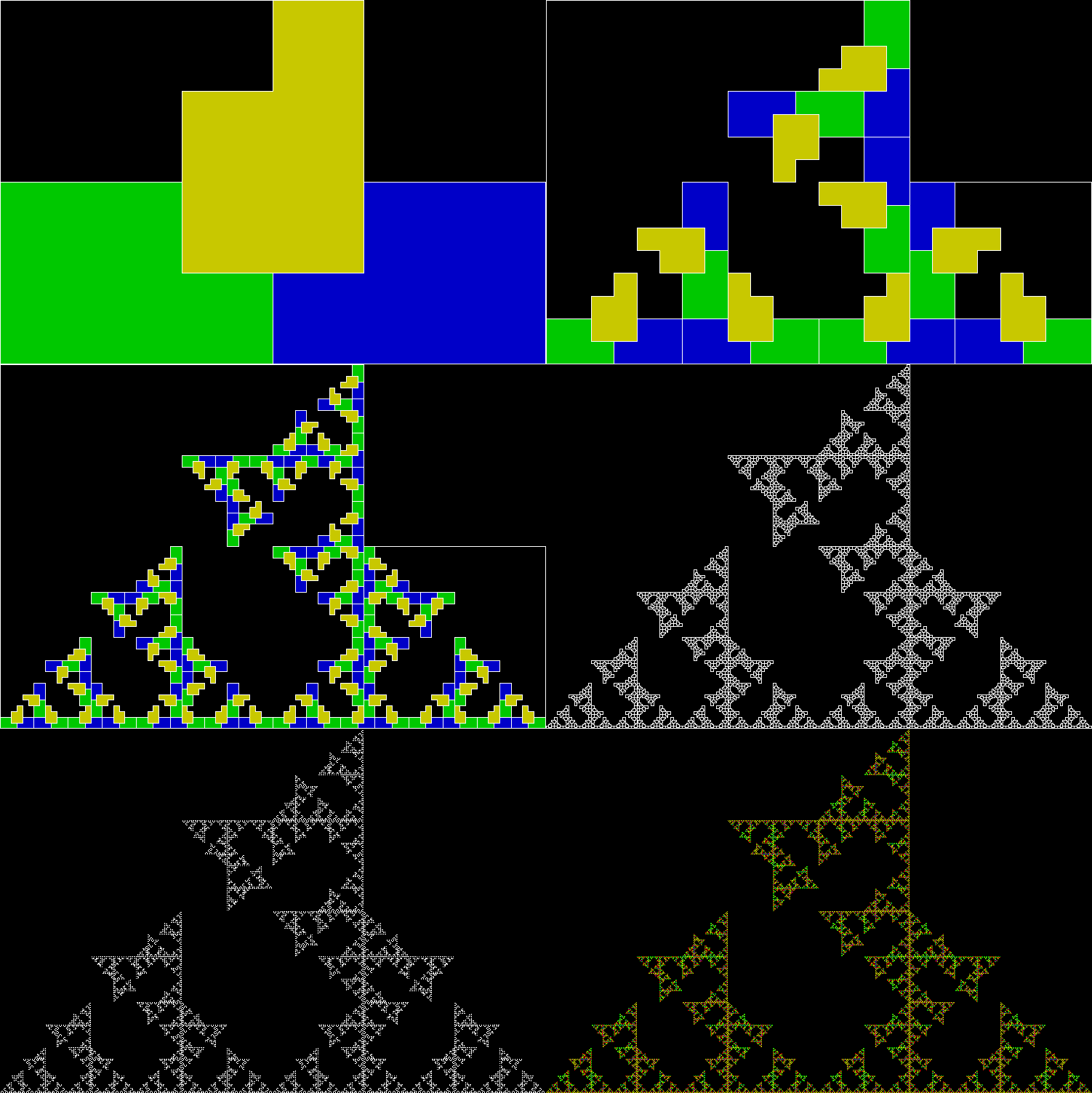
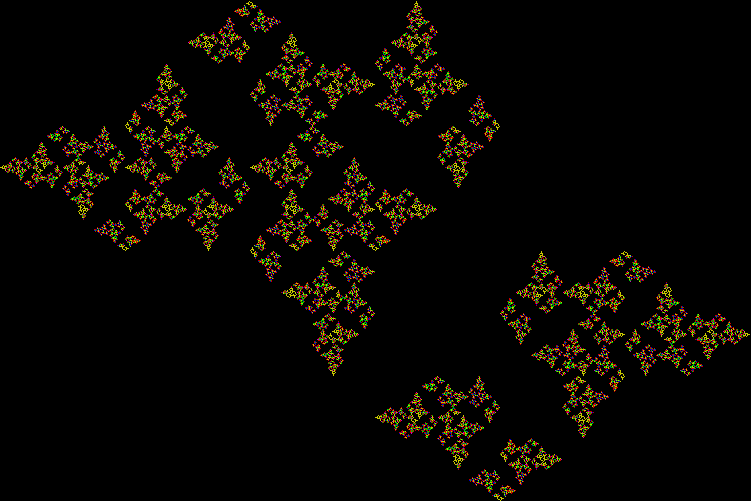
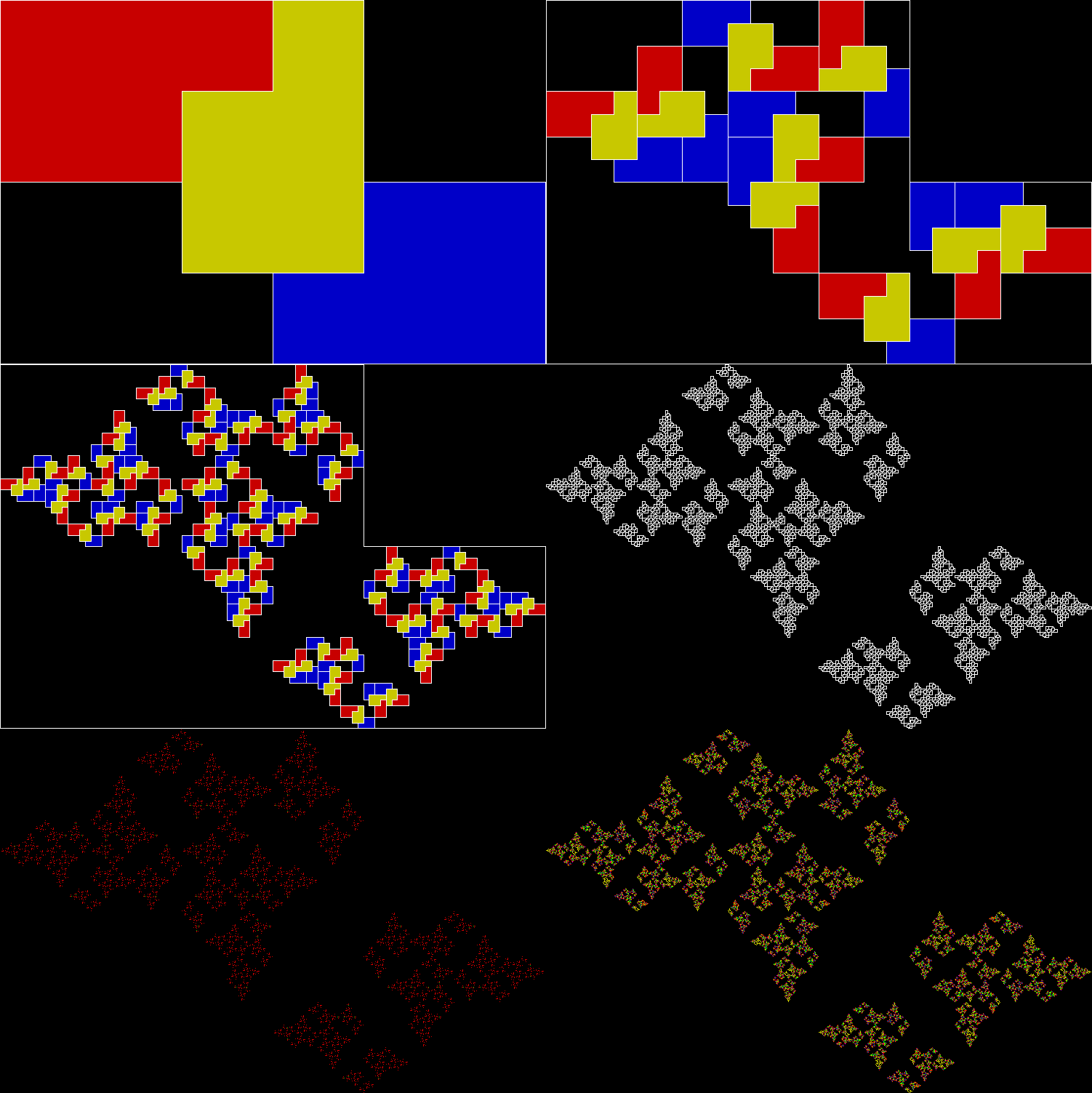
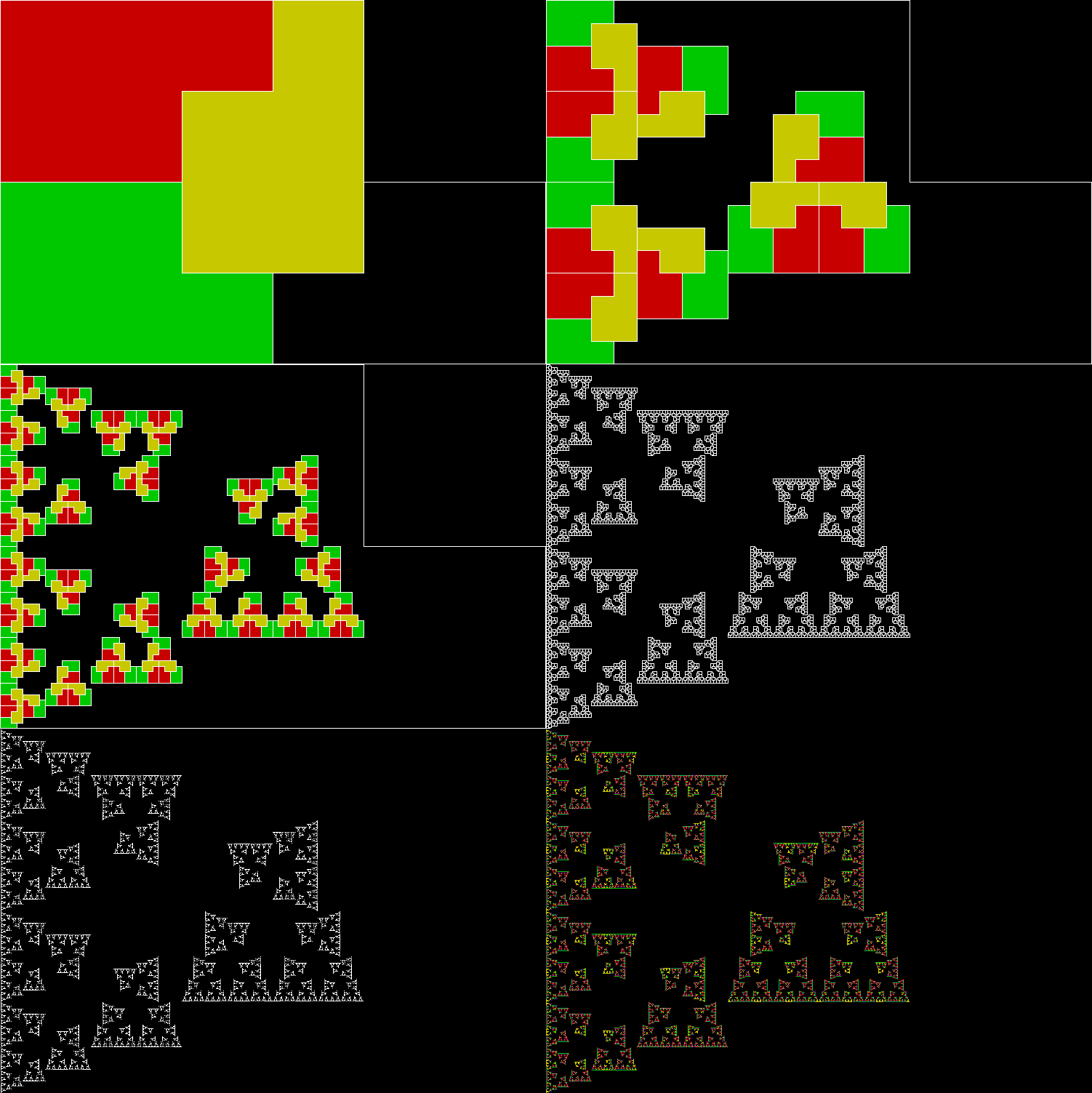
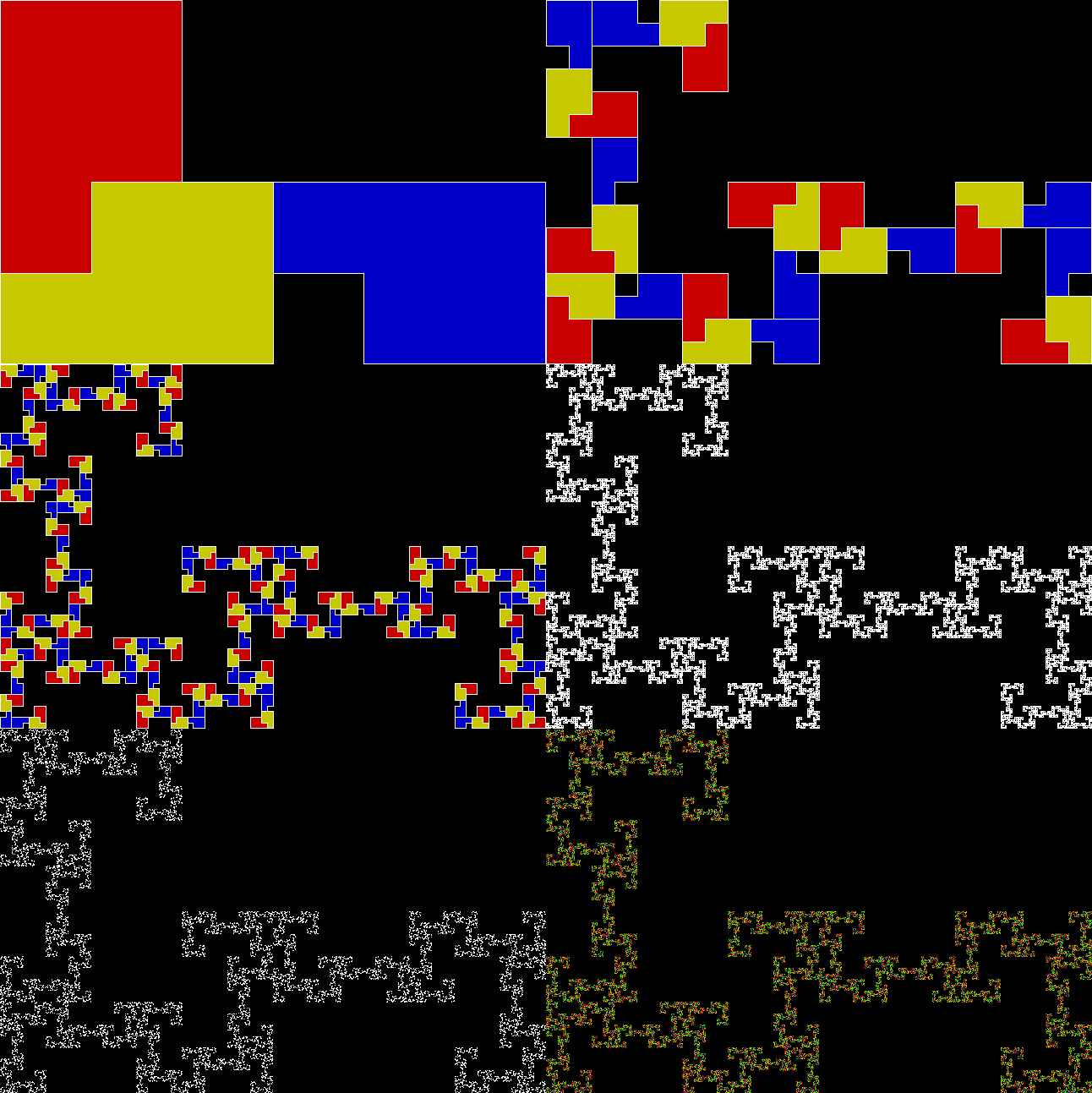
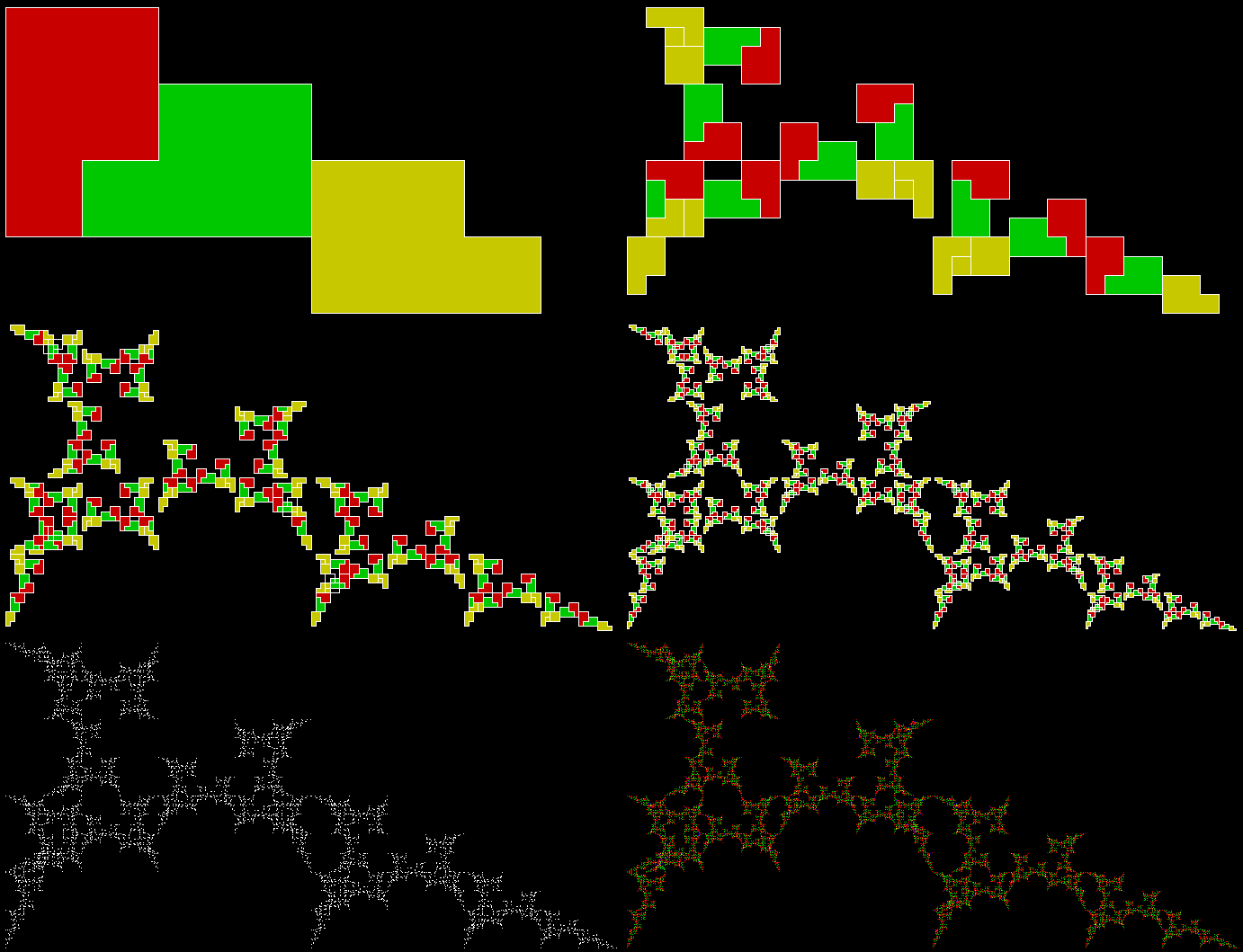
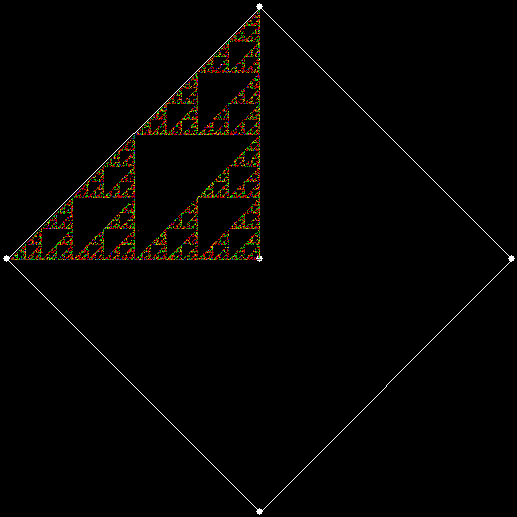
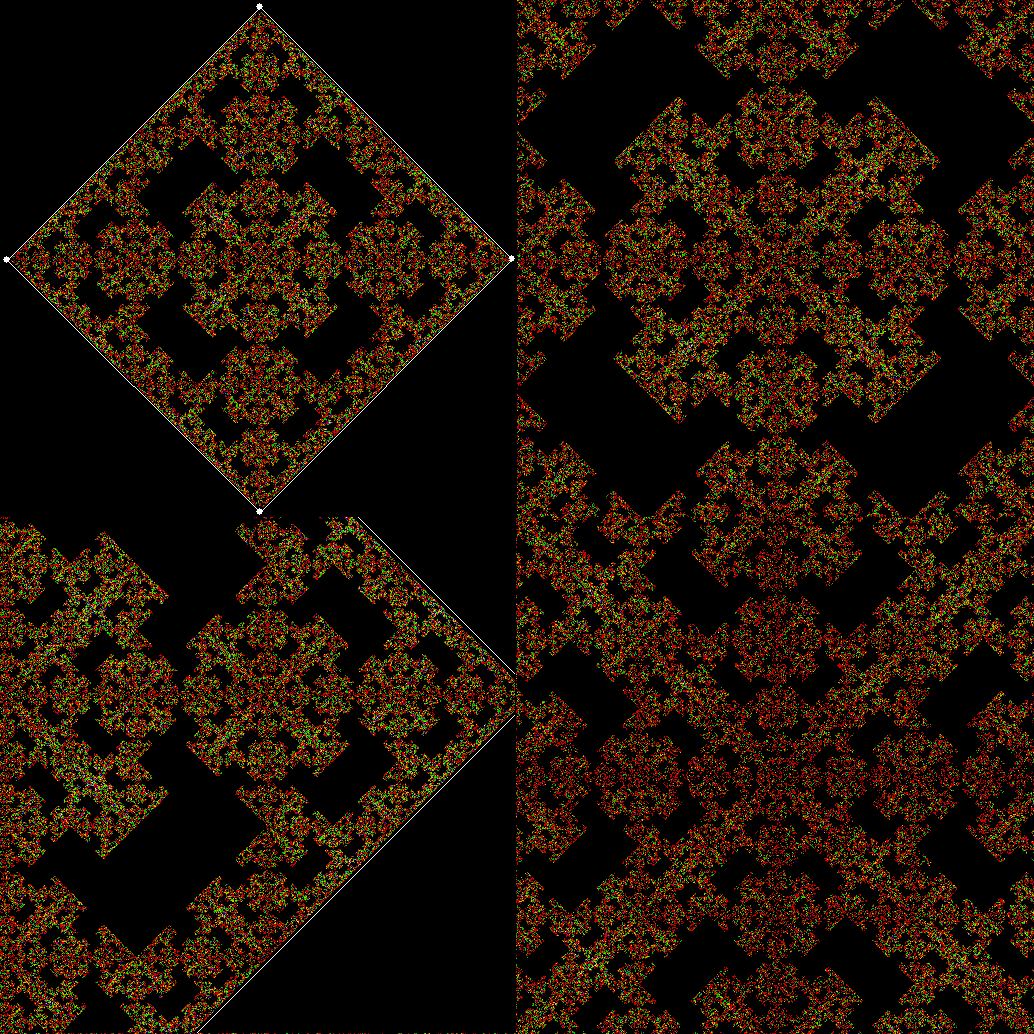
Where had I seen it before? While investigating this rep-tile (a shape that can be tiled with smaller versions of itself):
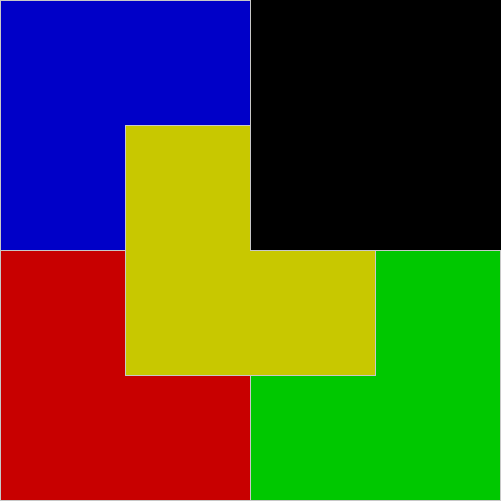
L-reptile

L-triomino rep-tile


L-reptile_anim

L-triomino rep-tile (animated)


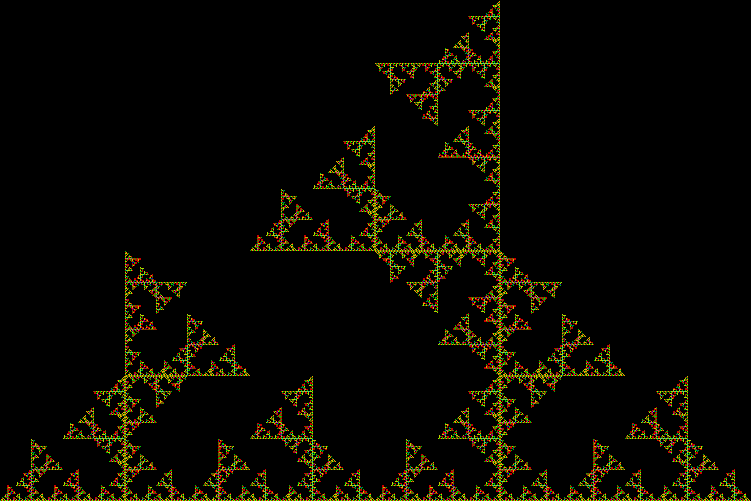
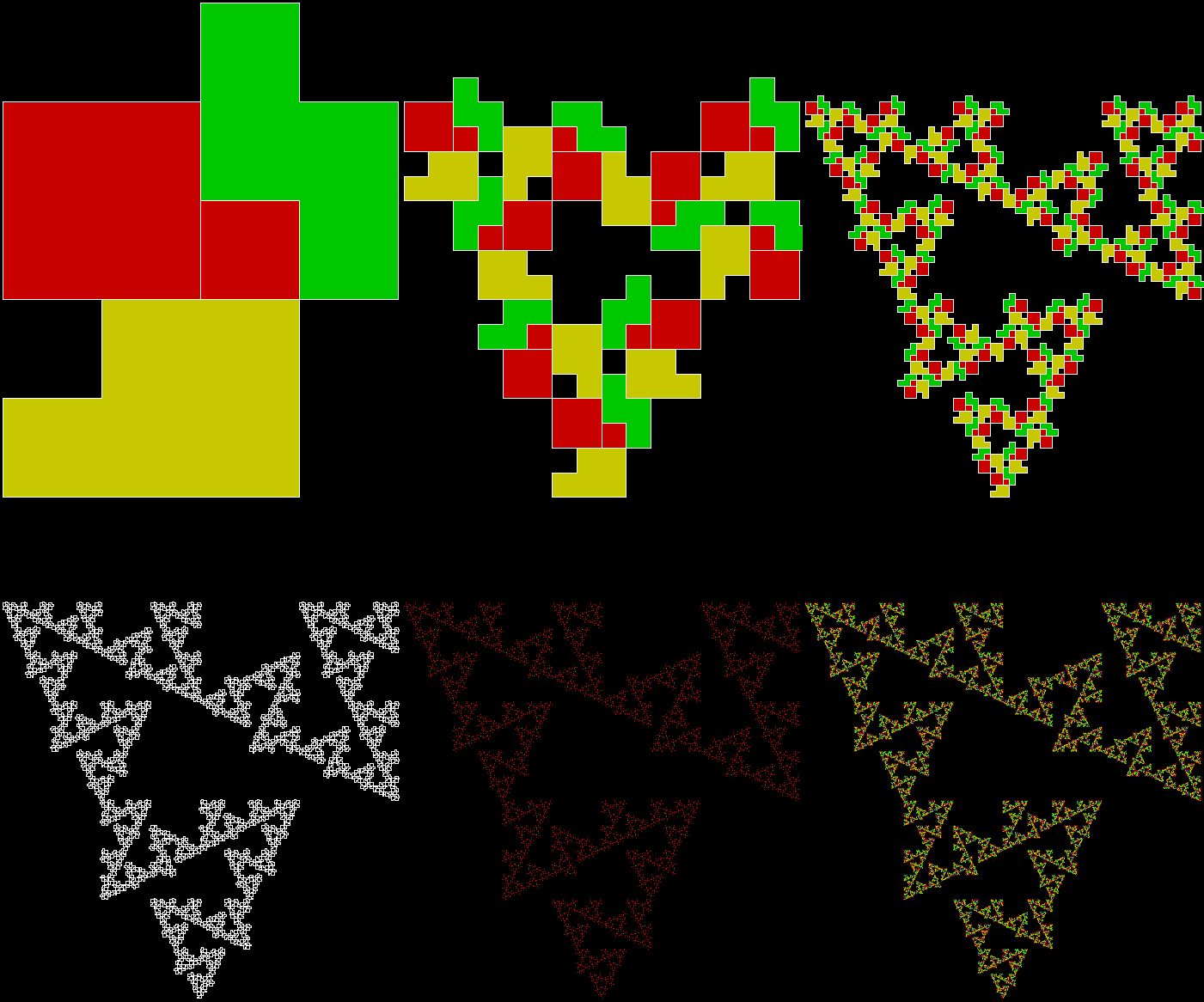
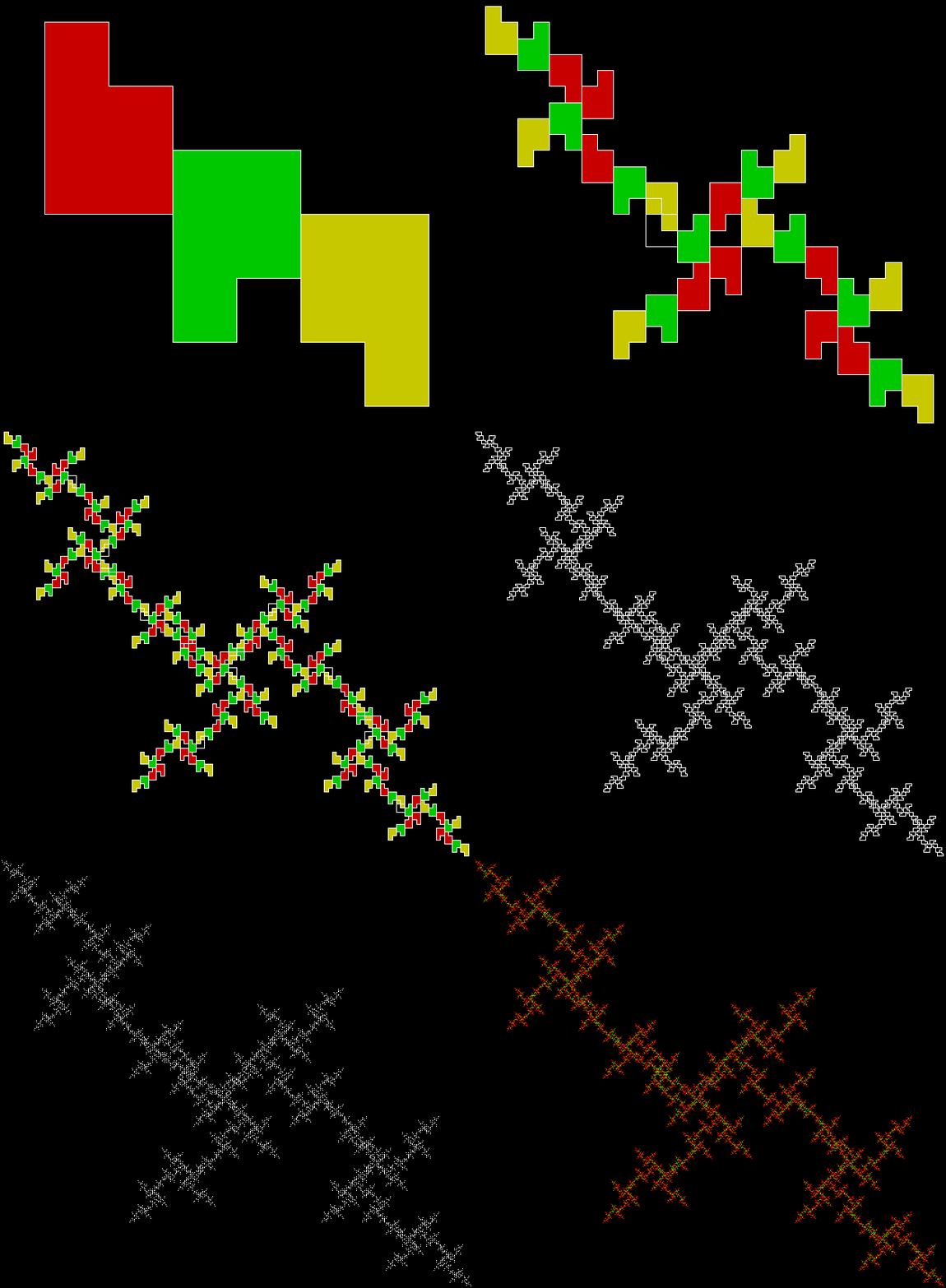
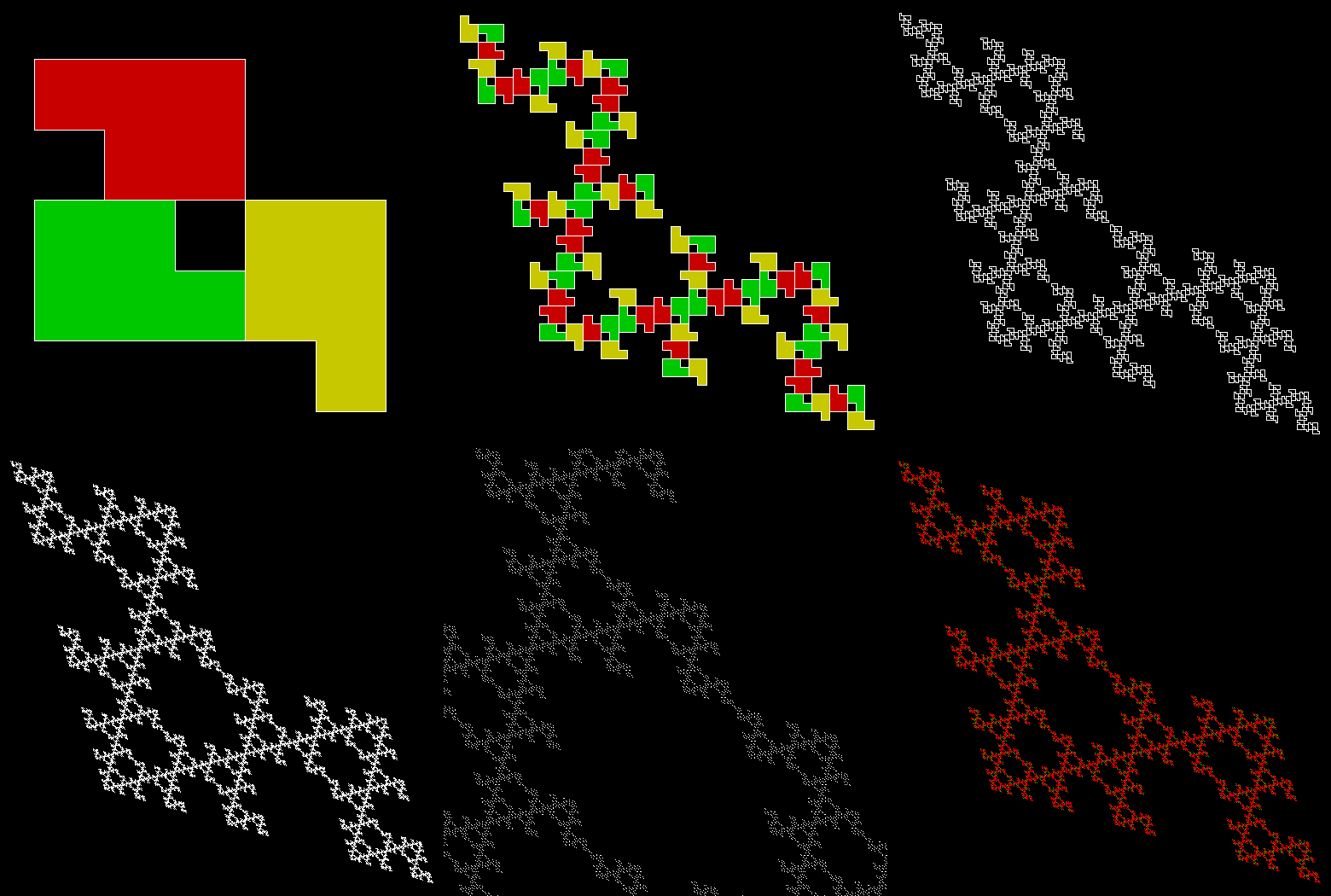
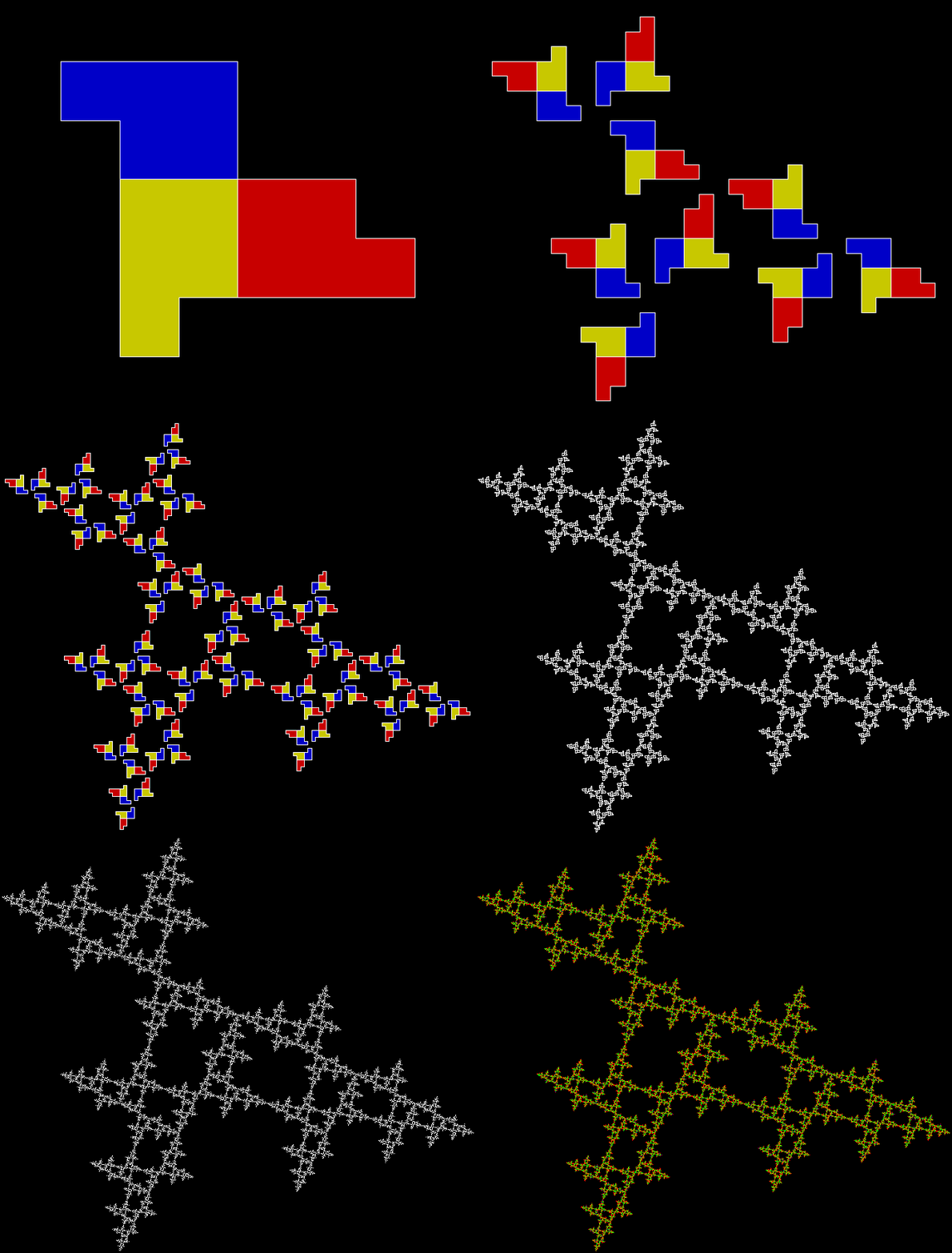
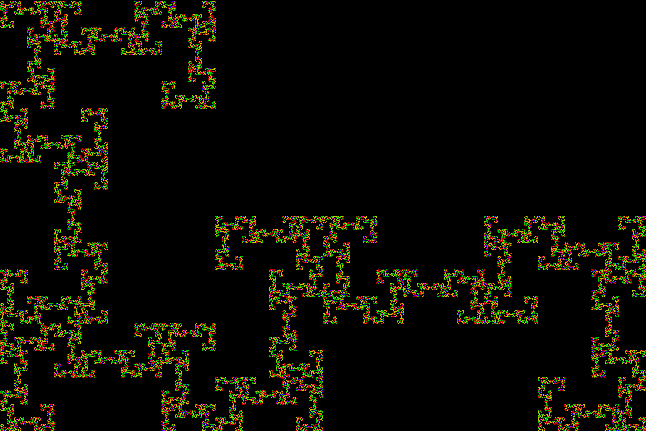
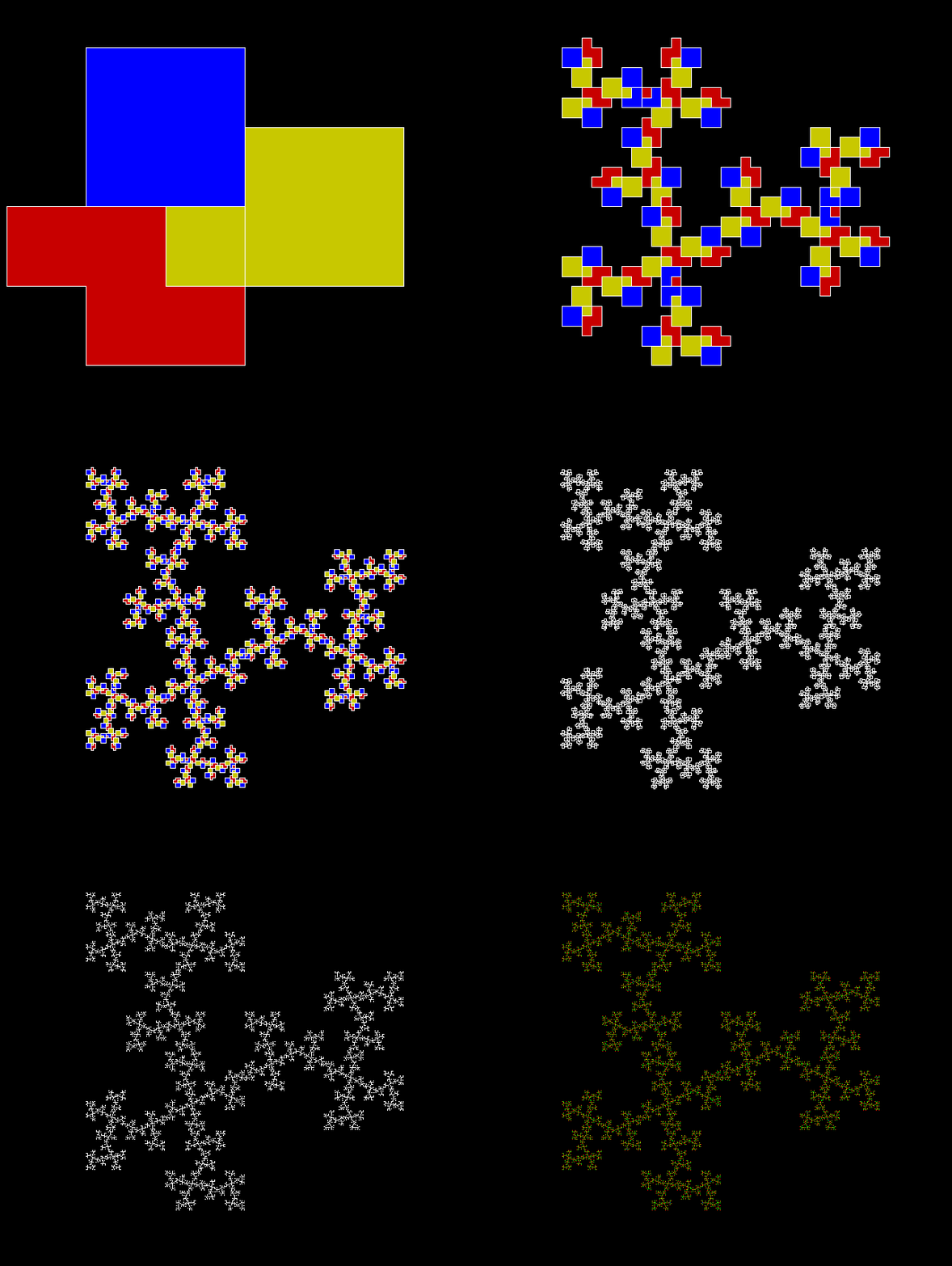
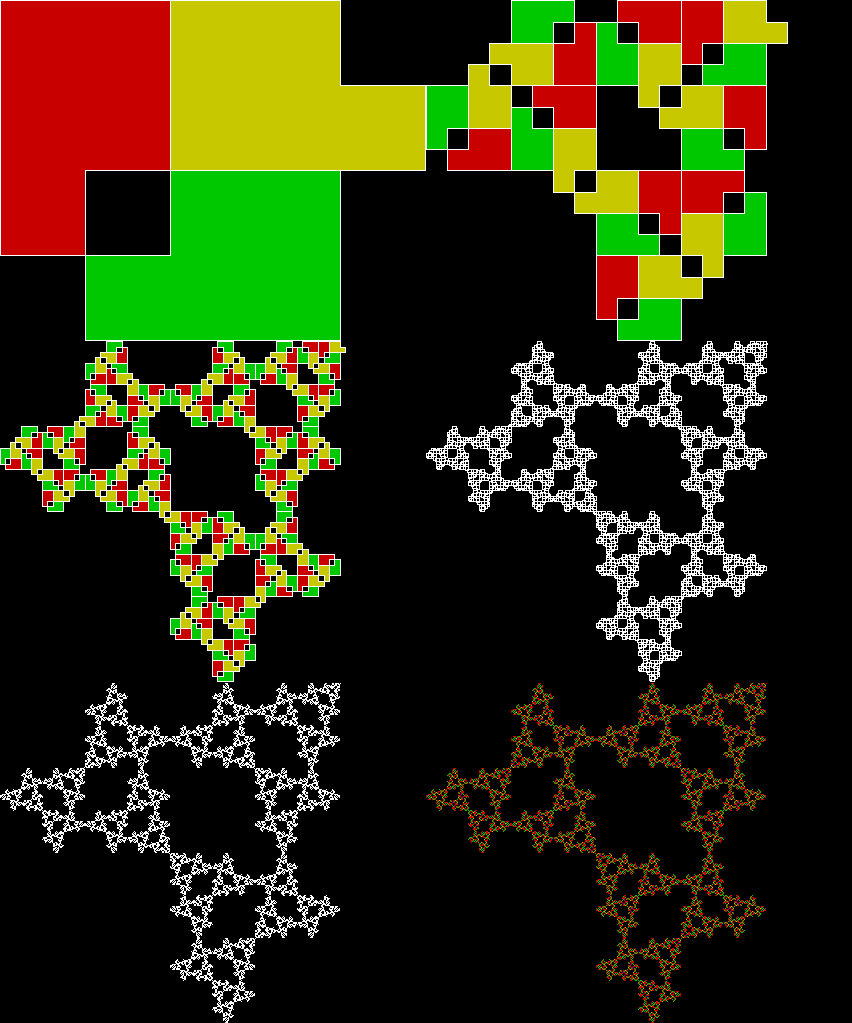
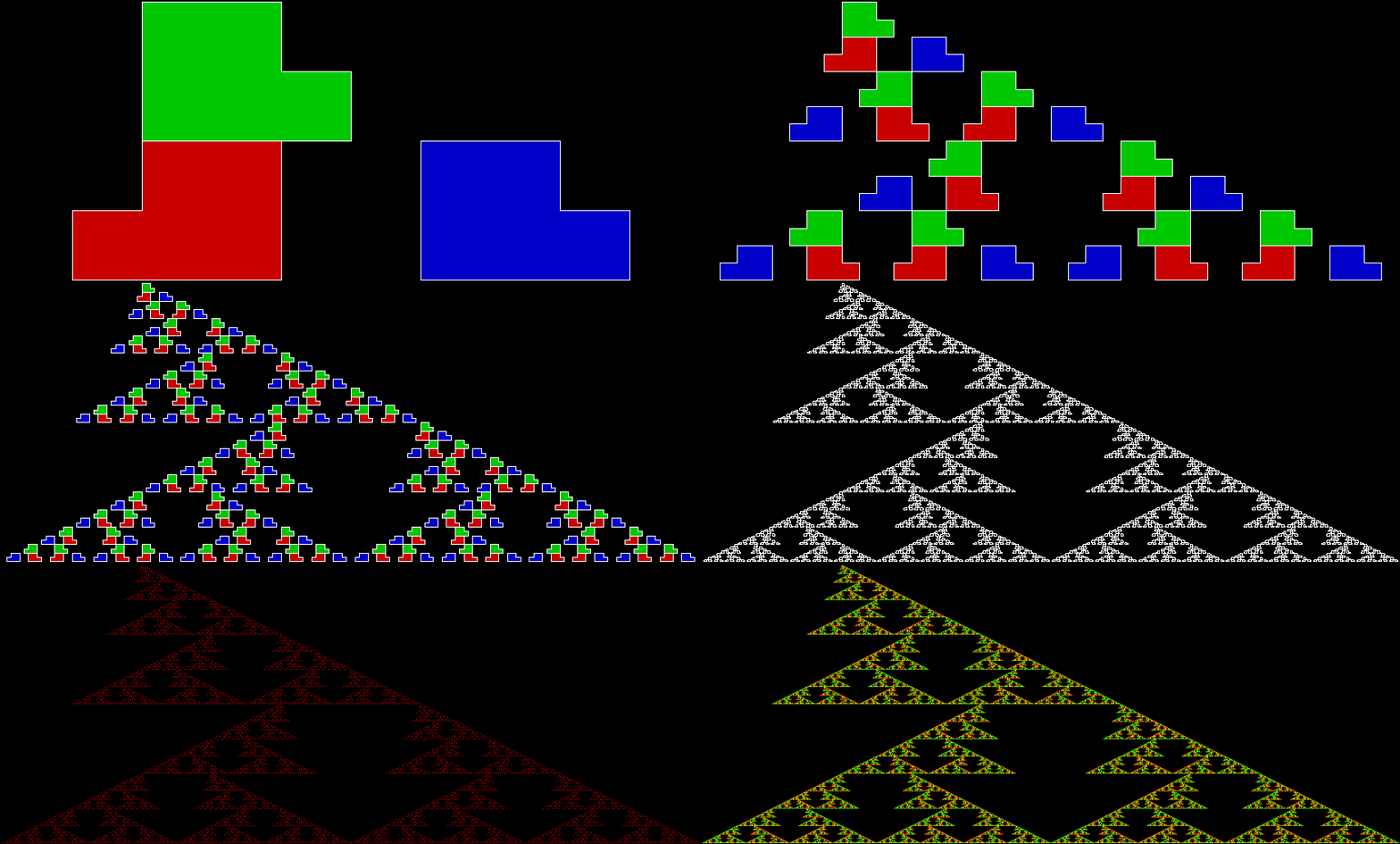
The rep-tile is technically called an L-triomino, because it looks like a capital L and is one of the two distinct shapes you can create by joining three squares at the edges. You can create fractals from an L-triomino by dividing it into four copies, discarding one of the copies, then repeating the divide-and-discard at smaller and smaller scales:
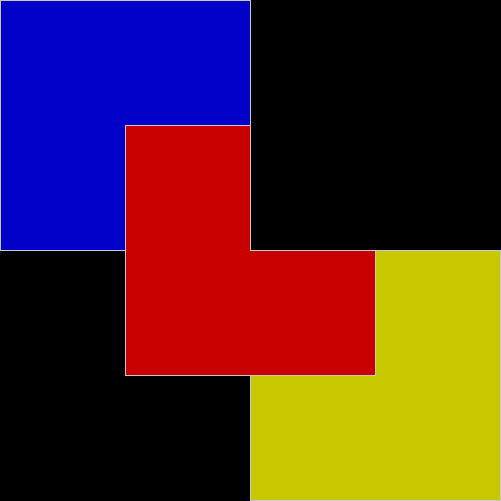
L-reptile_1

L-triomino fractal stage #1


L-reptile_2

L-triomino fractal stage #2


L-reptile_3

L-triomino fractal stage #3


L-reptile_4

L-triomino fractal stage #4


L-reptile_5

L-triomino fractal stage #5


L-reptile_fractal_anim

L-triomino fractal (animated)

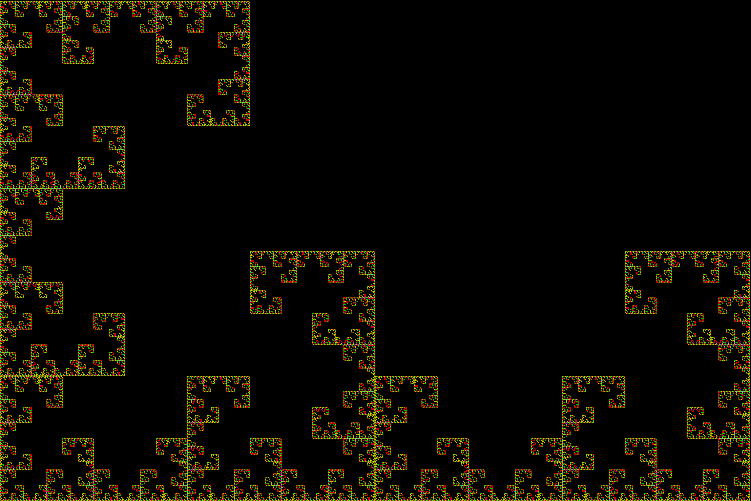
L-reptile_fractal_static

L-triomino fractal (close-up)

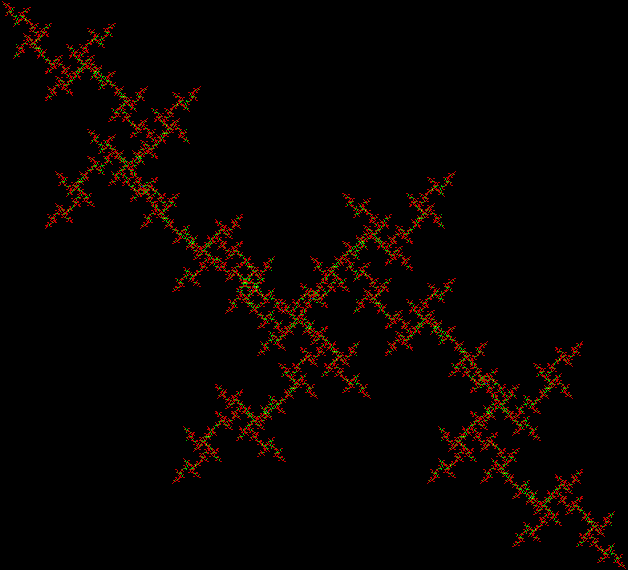
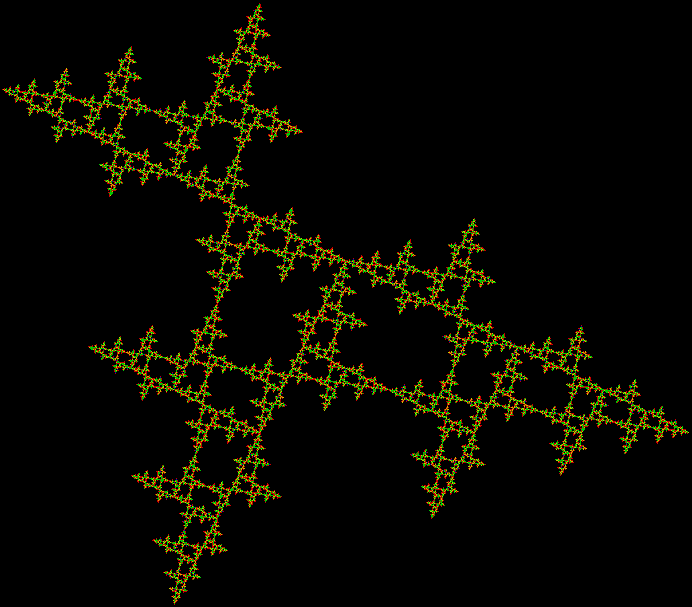
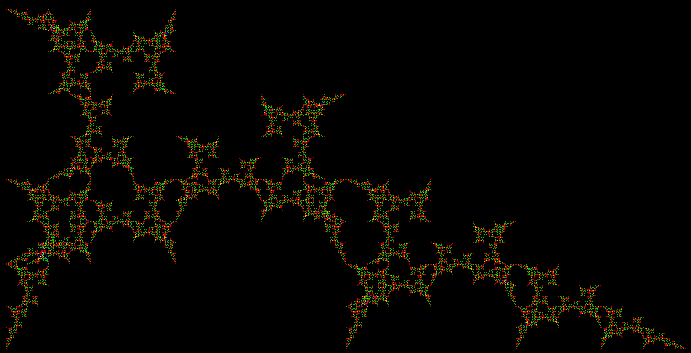
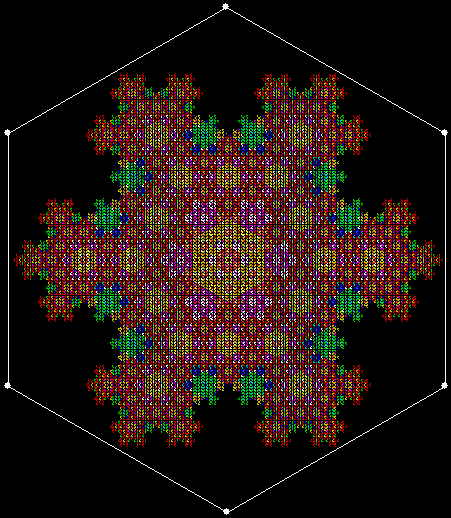
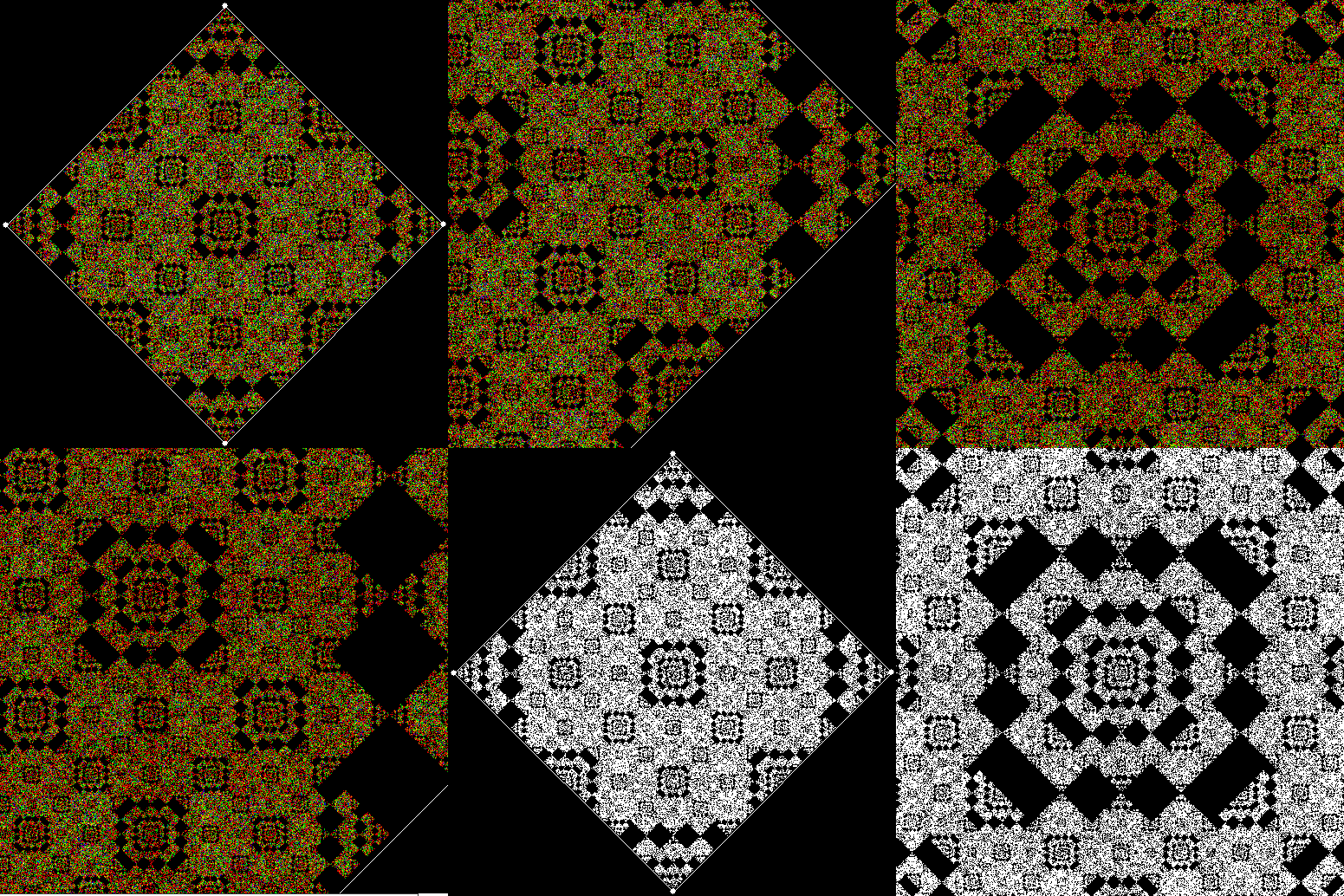
And here’s part of the ban(prox(1), prox(5)) fractal for comparison:
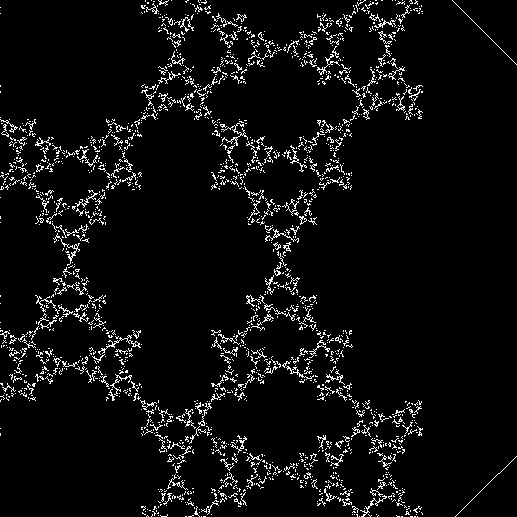
v4_ban15_sw3_mono


v4_ban15_sw3_col

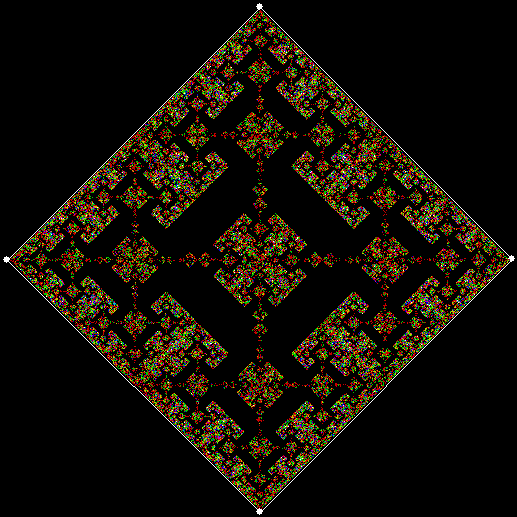
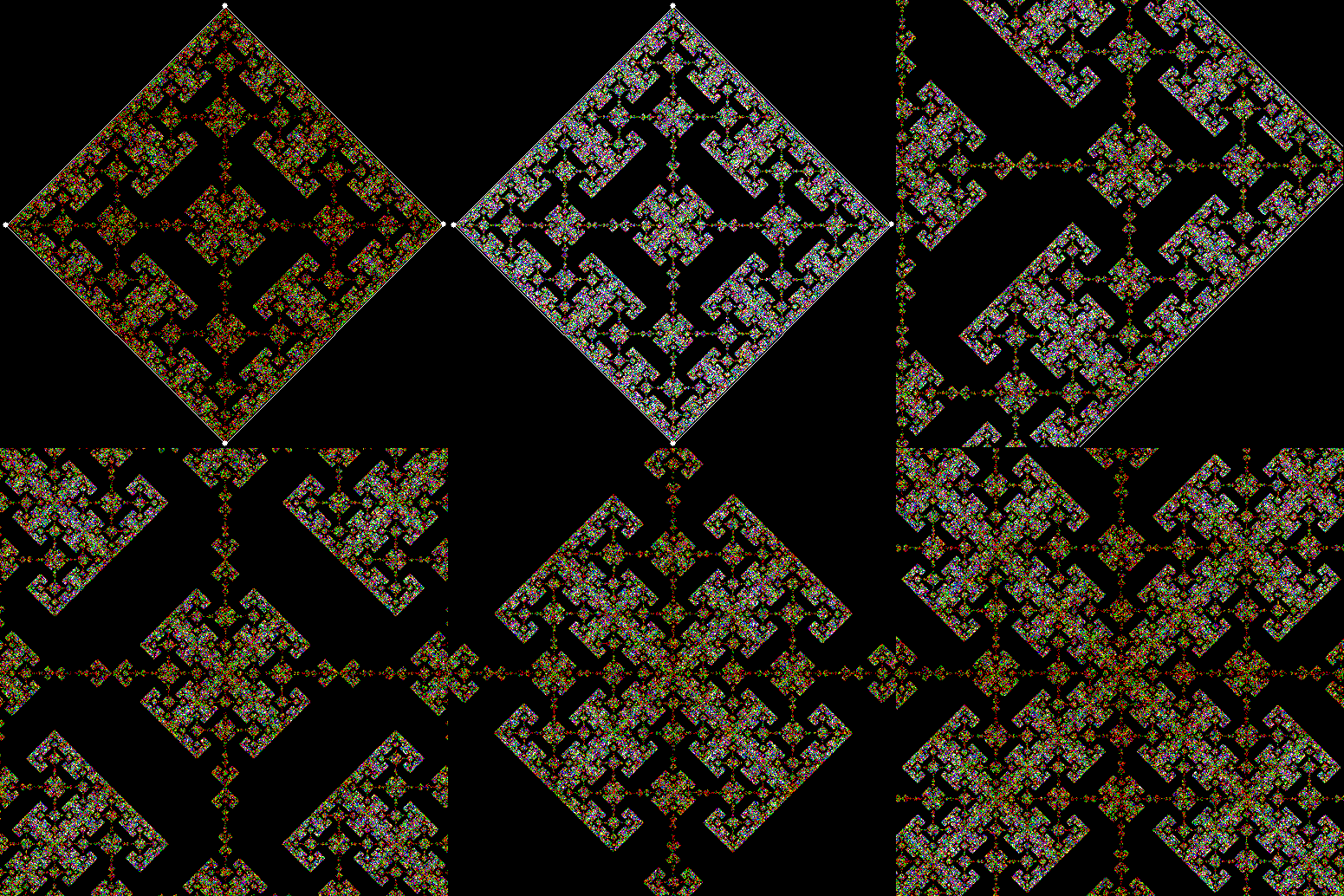
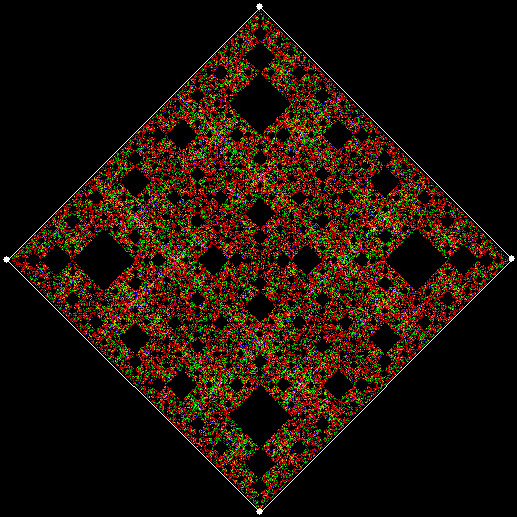
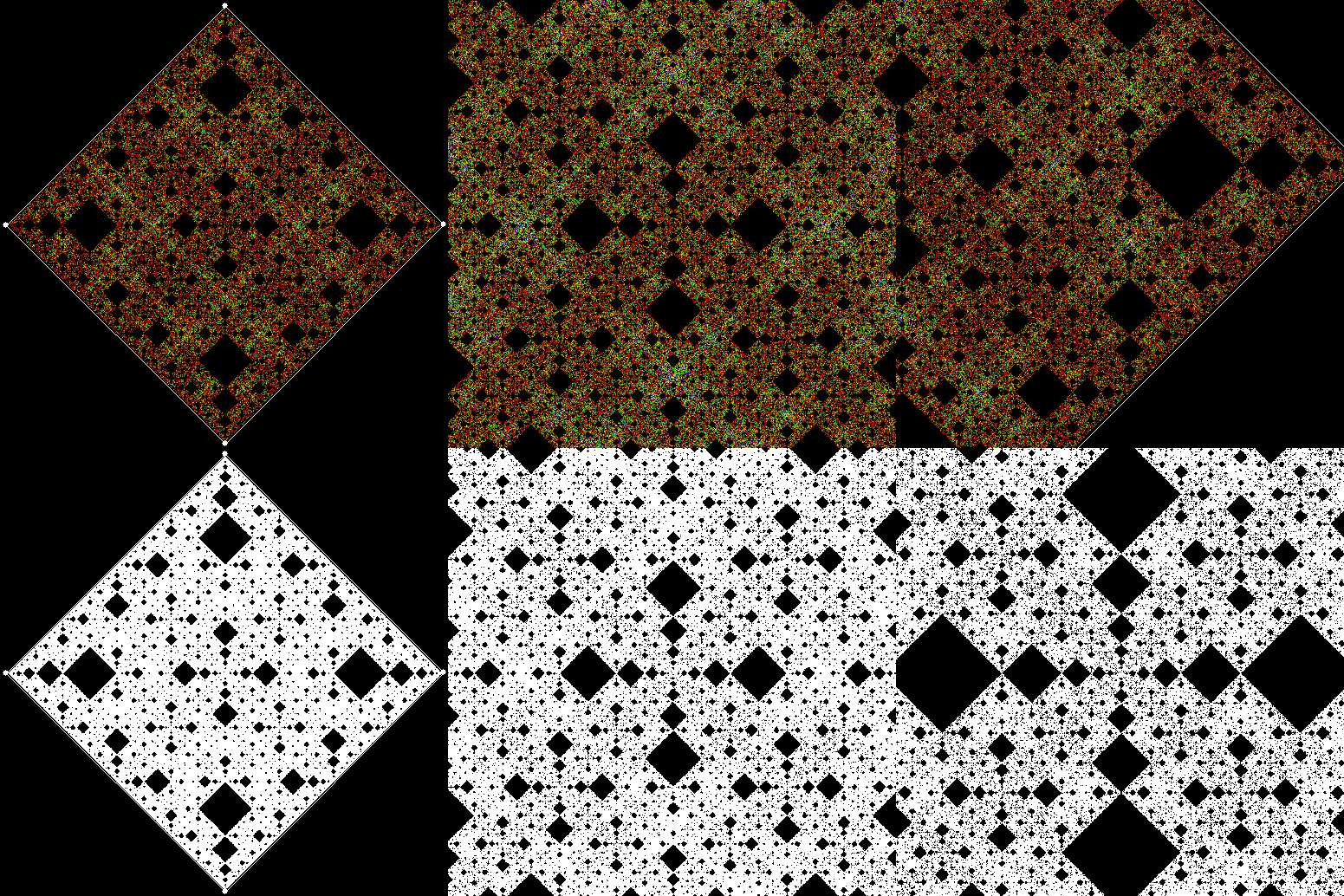
So you can get to the same fractal (or versions of it), by two apparently different routes: random movement of a point inside a square or repeatedly dividing-and-discarding the sub-copies of an L-triomino. That’s serendipity!


Previously pre-posted:

Get Your Prox Off
Radical Sheet

If you take a sheet of standard-sized paper and fold it in half from top to bottom, the folded sheet has the same proportions as the original, namely √2 : 1. In other words, if x = √2 / 2, then 1 / x = √2:

√2 = 1.414213562373…, √2 / 2 = 0.707106781186…, 1 / 0.707106781186… = 1.414213562373…

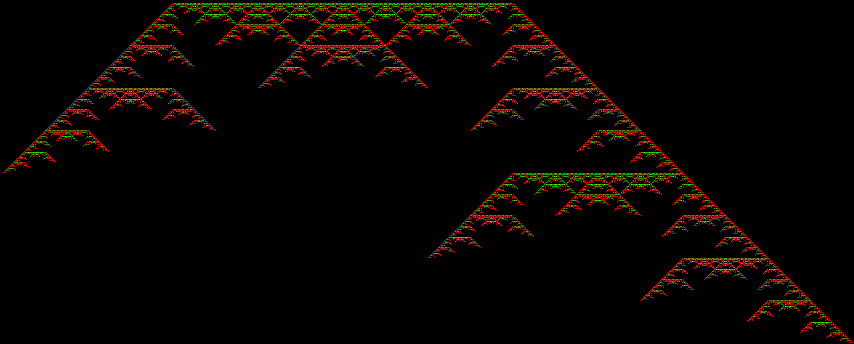
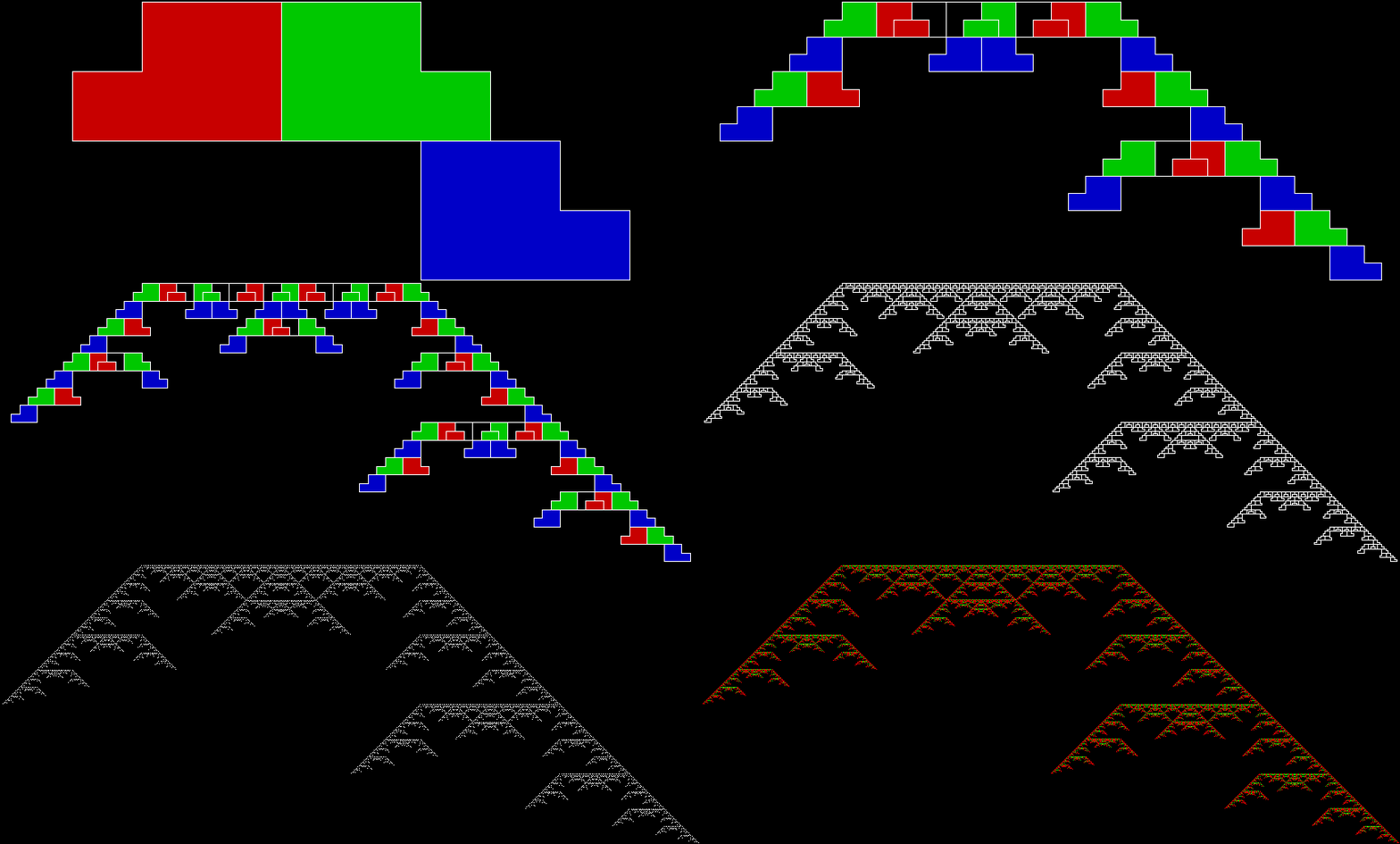
So you could say that paper has radical sheet (the square or other root of a number is also called its radix and √ is known as the radical sign). When a rectangle has the proportions √2 : 1, it can be tiled with an infinite number of copies of itself, the first copy having ½ the area of the original, the second ¼, the third ⅛, and so on. The radical sheet below is tiled with ten diminishing copies of itself, the final two having the same area:

papersizes

papersizes_static

You can also tile a radical sheet with six copies of itself, two copies having ¼ the area of the original and four having ⅛:

paper_6div_static

paper_6div

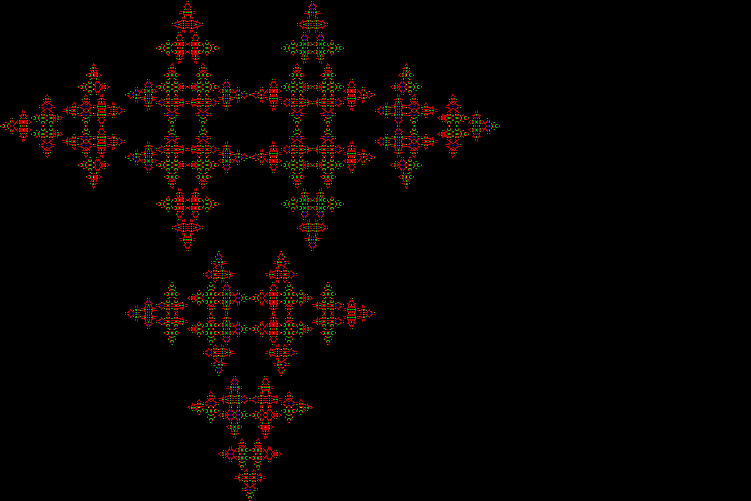
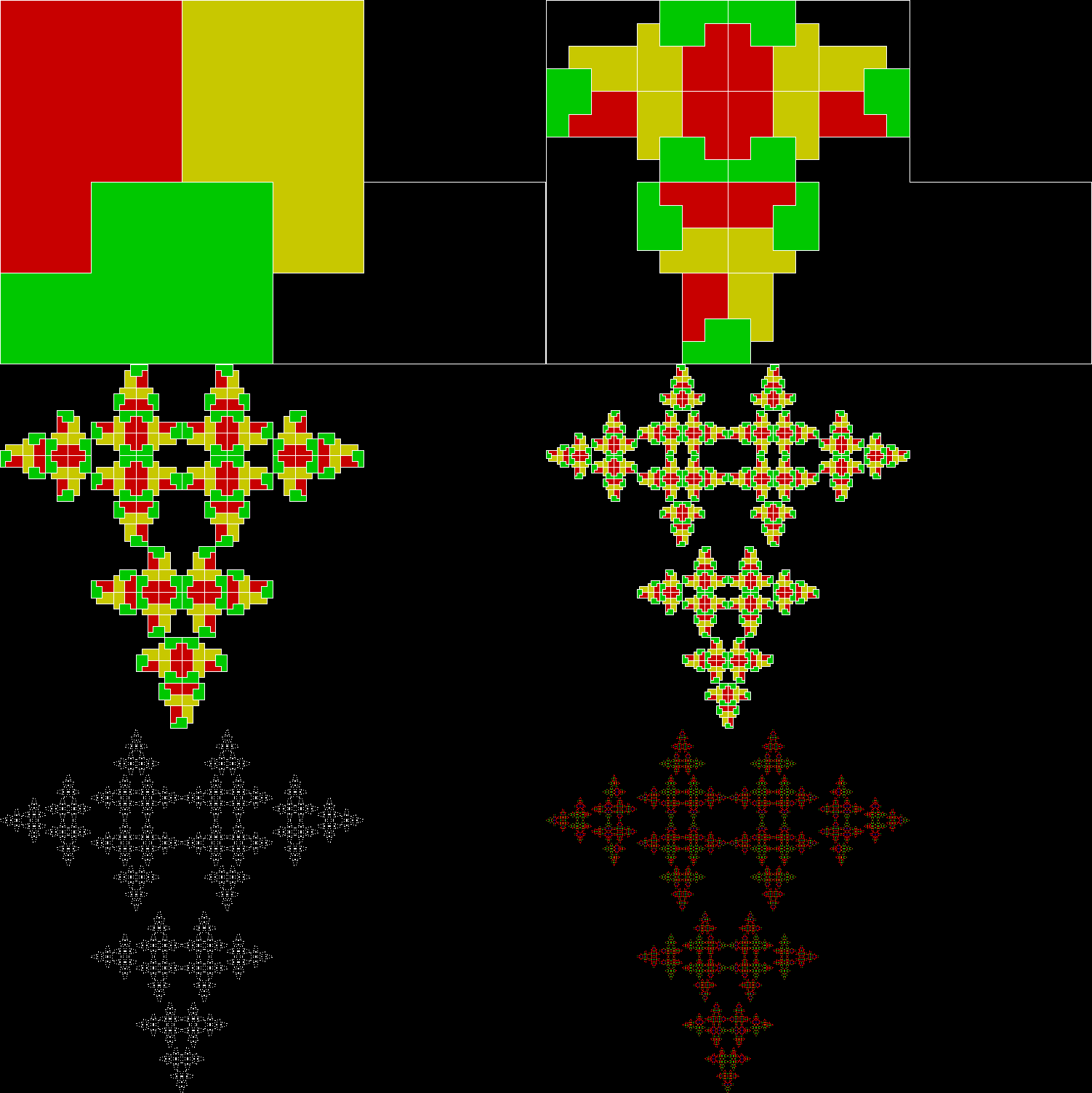
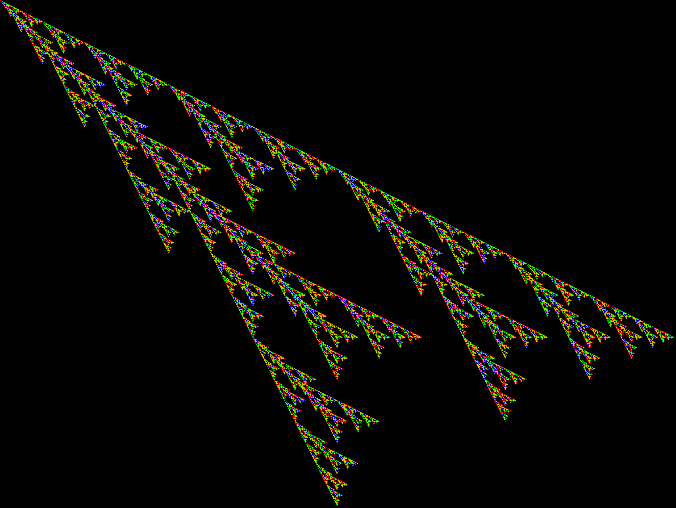
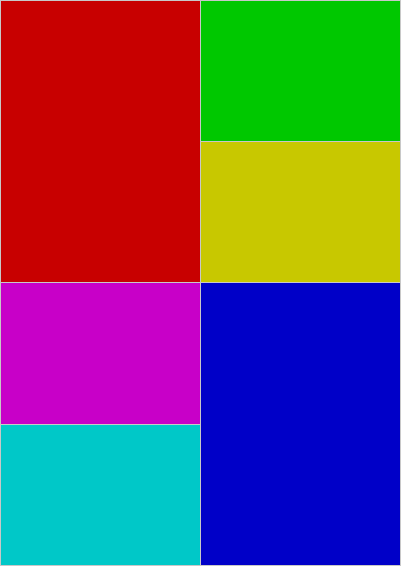
This tiling is when you might say the radical turns crucial, because you can create a fractal cross from it by repeatedly dividing and discarding. Suppose you divide a radical sheet into six copies as above, then discard two of the ⅛-sized rectangles, like this:

paper_cross_1

Stage 1


Then repeat with the smaller rectangles:

paper_cross_2

Stage 2


paper_cross_3

Stage 3


paper_cross_4

Stage 4


paper_cross_5

Stage 5


paper_cross

Animated version

paper_cross_static

Fractile cross

The cross is slanted, but it’s easy to rotate the original rectangle and produce an upright cross:

paper_cross_upright

paper_cross_upright_static

Performativizing the Polygonic

Maths is a mountain: you can start climbing in different places and reach the same destination. There are many ways of proving the irrationality of √2 or the infinitude of the primes, for example. But you can also arrive at the same destination by accident. I’ve found that when I use different methods of creating fractals. The same fractals appear, because apparently different algorithms are actually the same underneath.

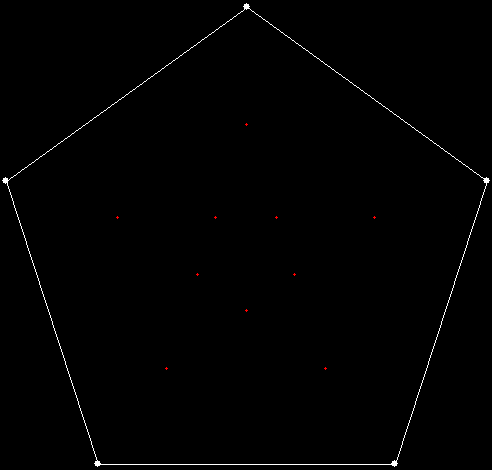
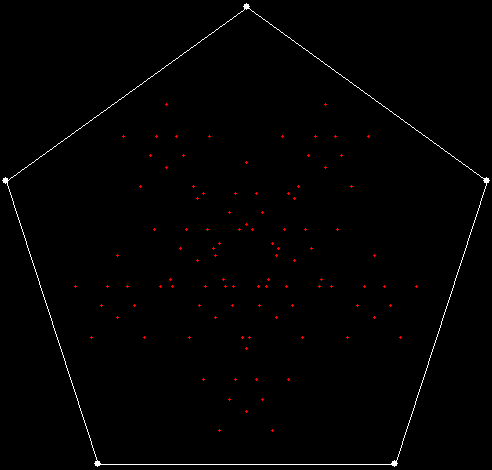
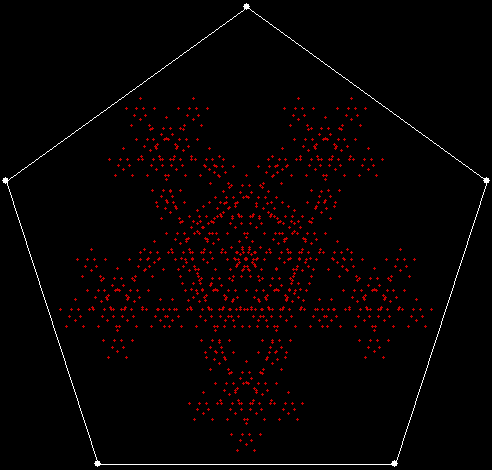
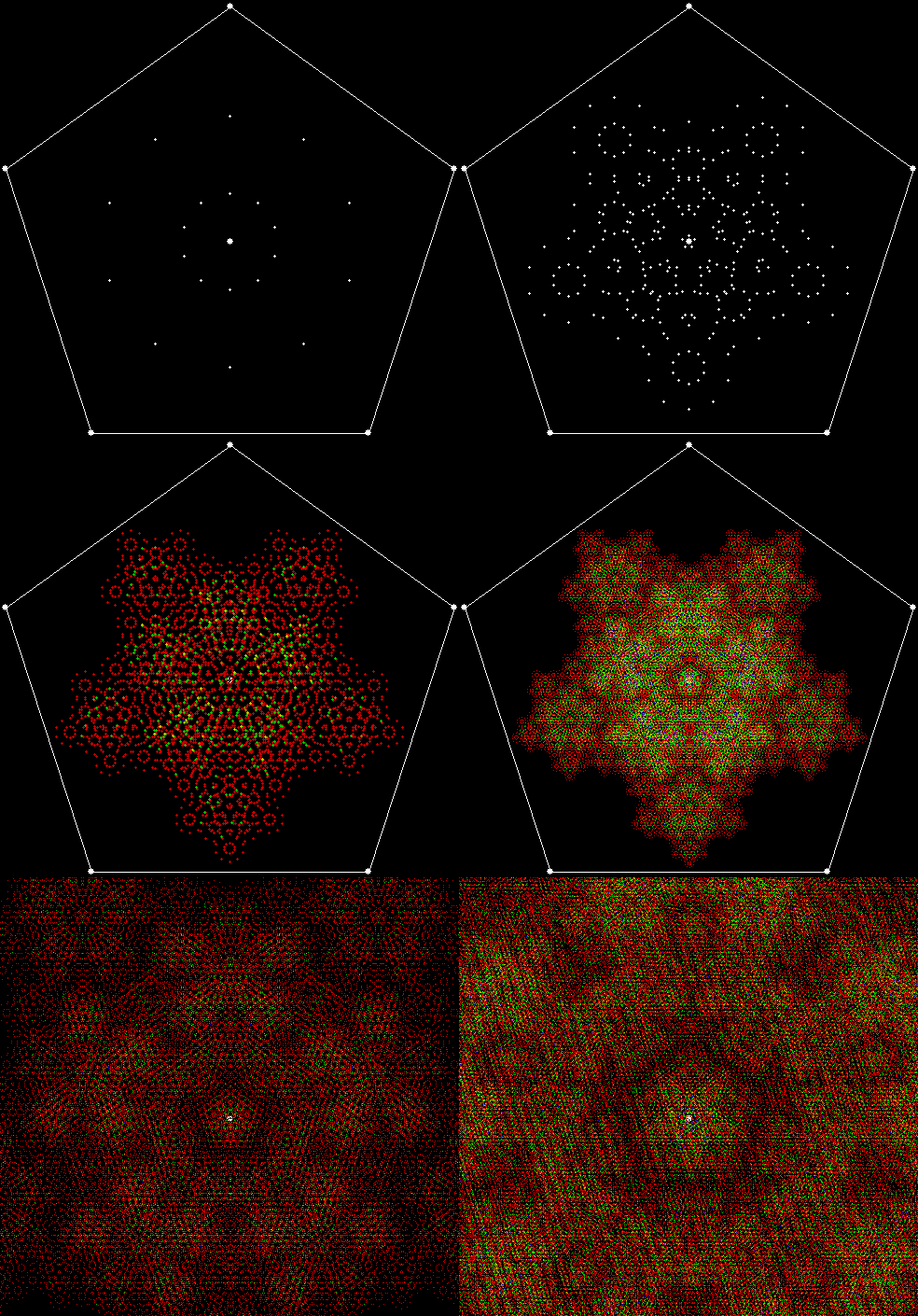
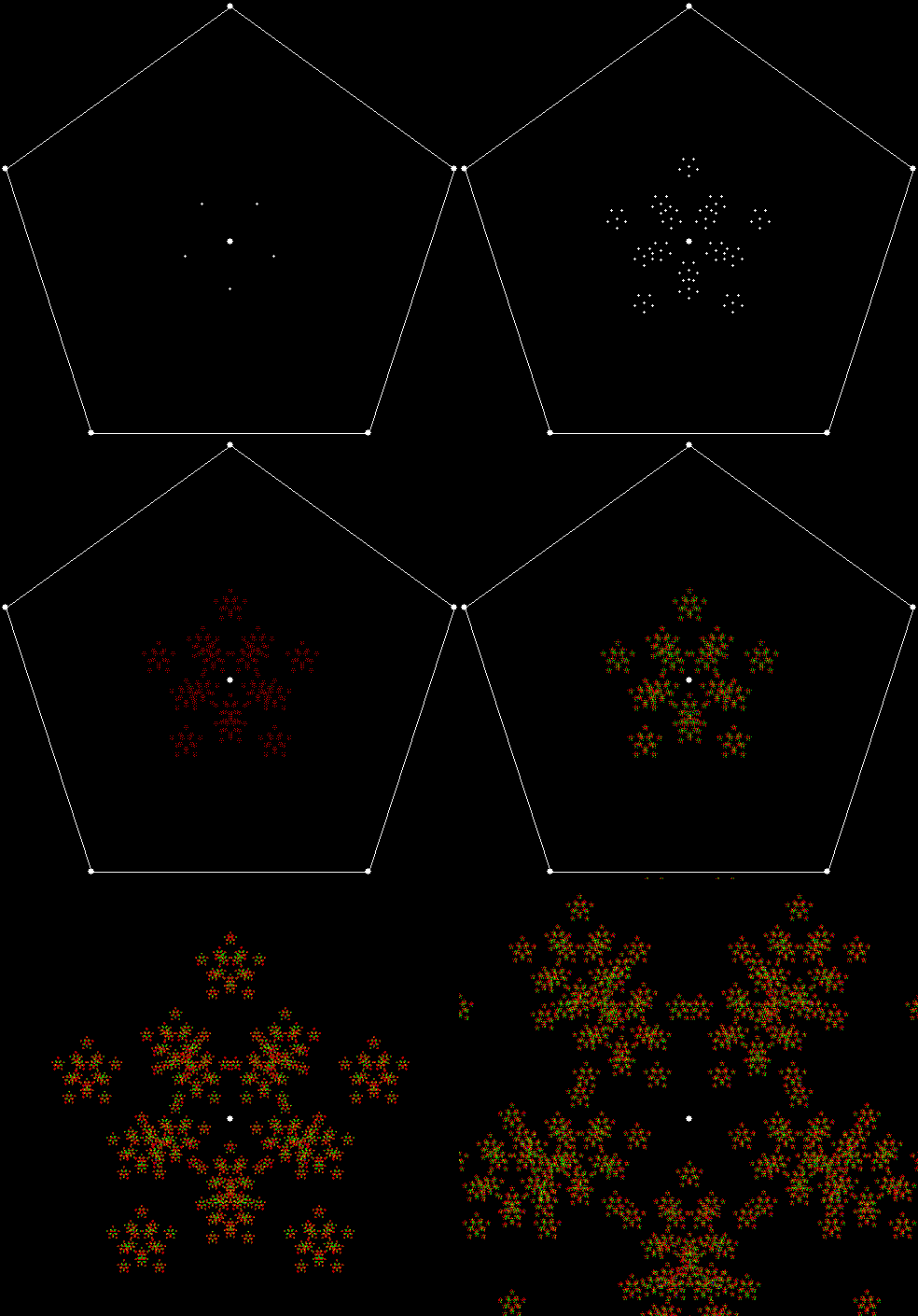
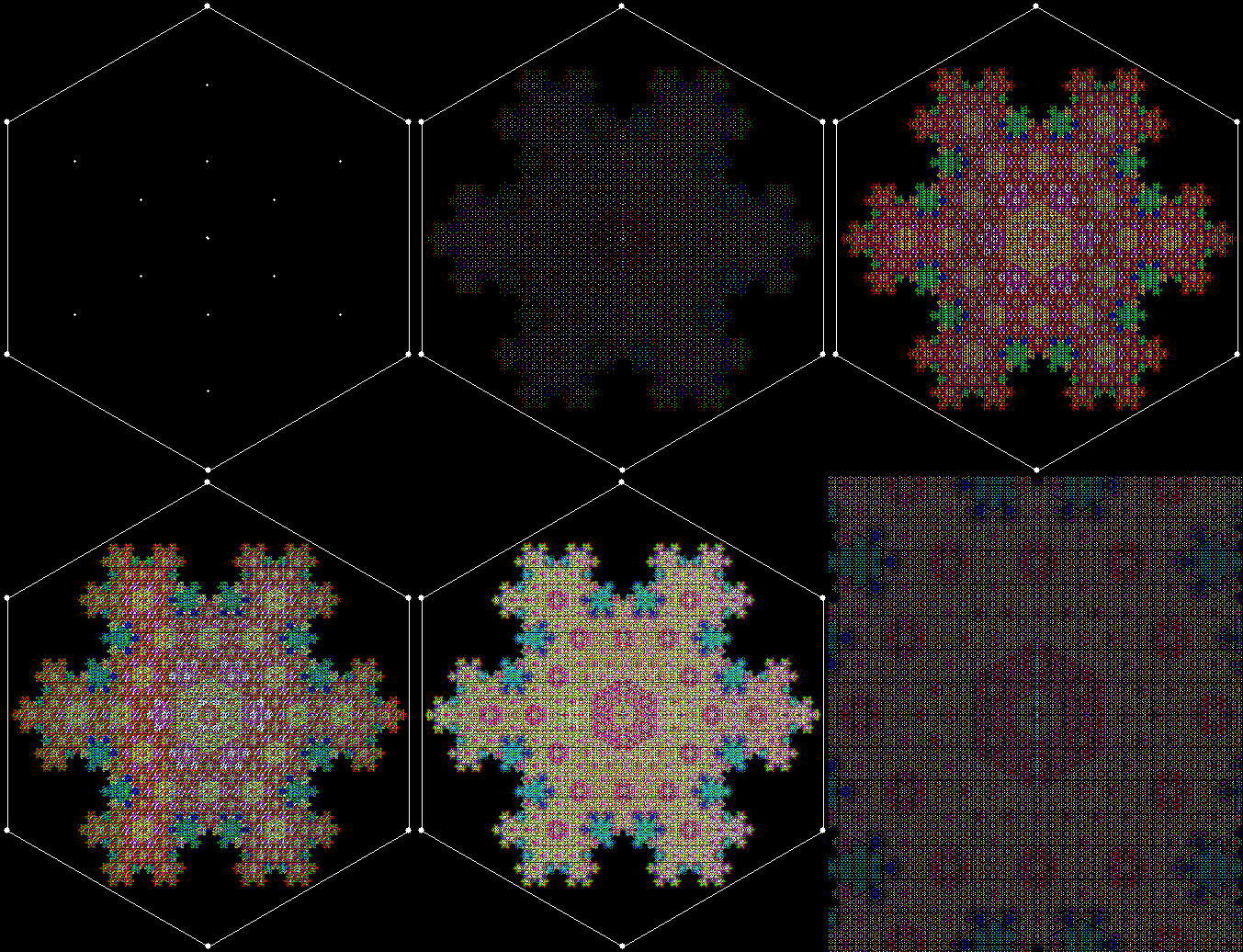
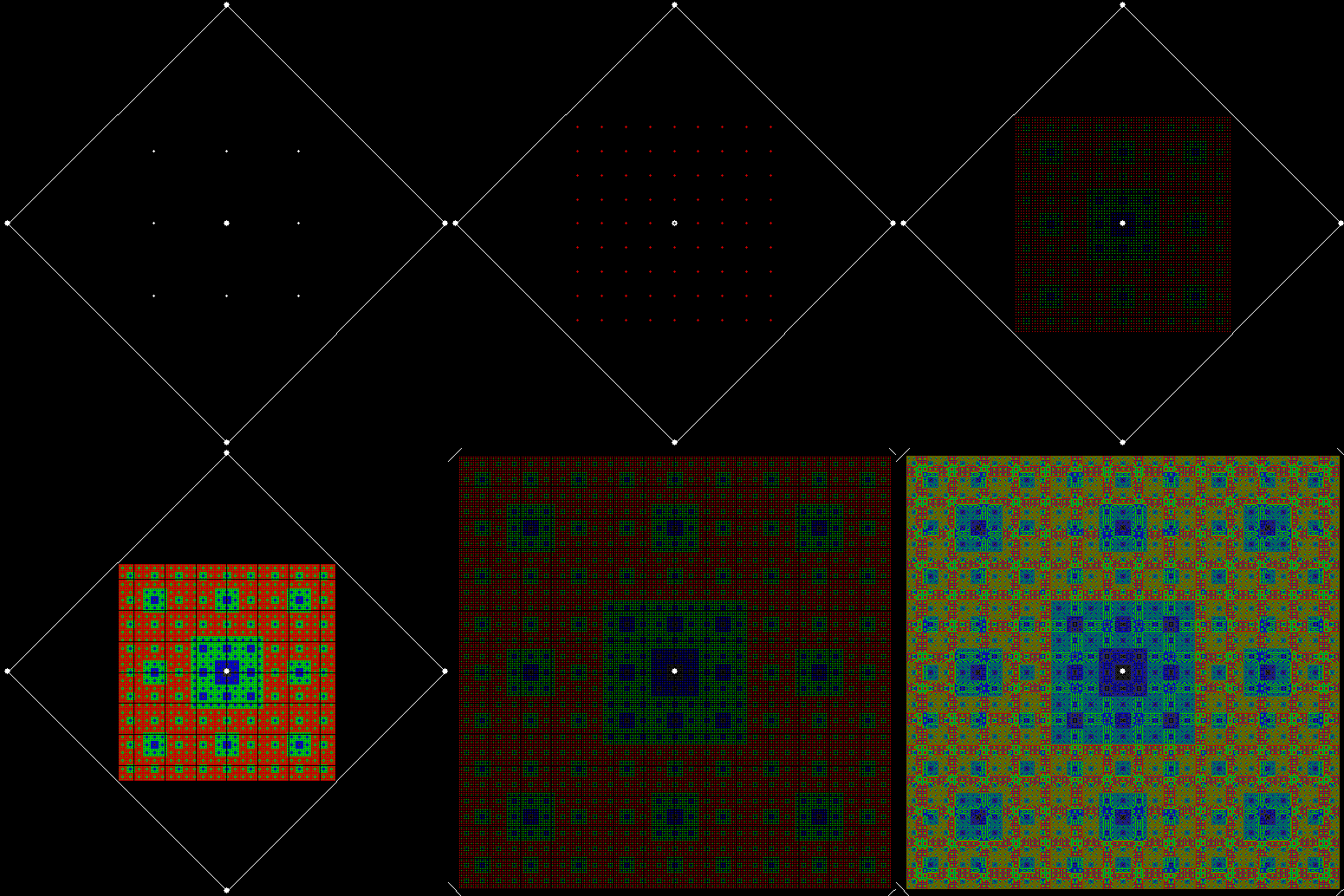
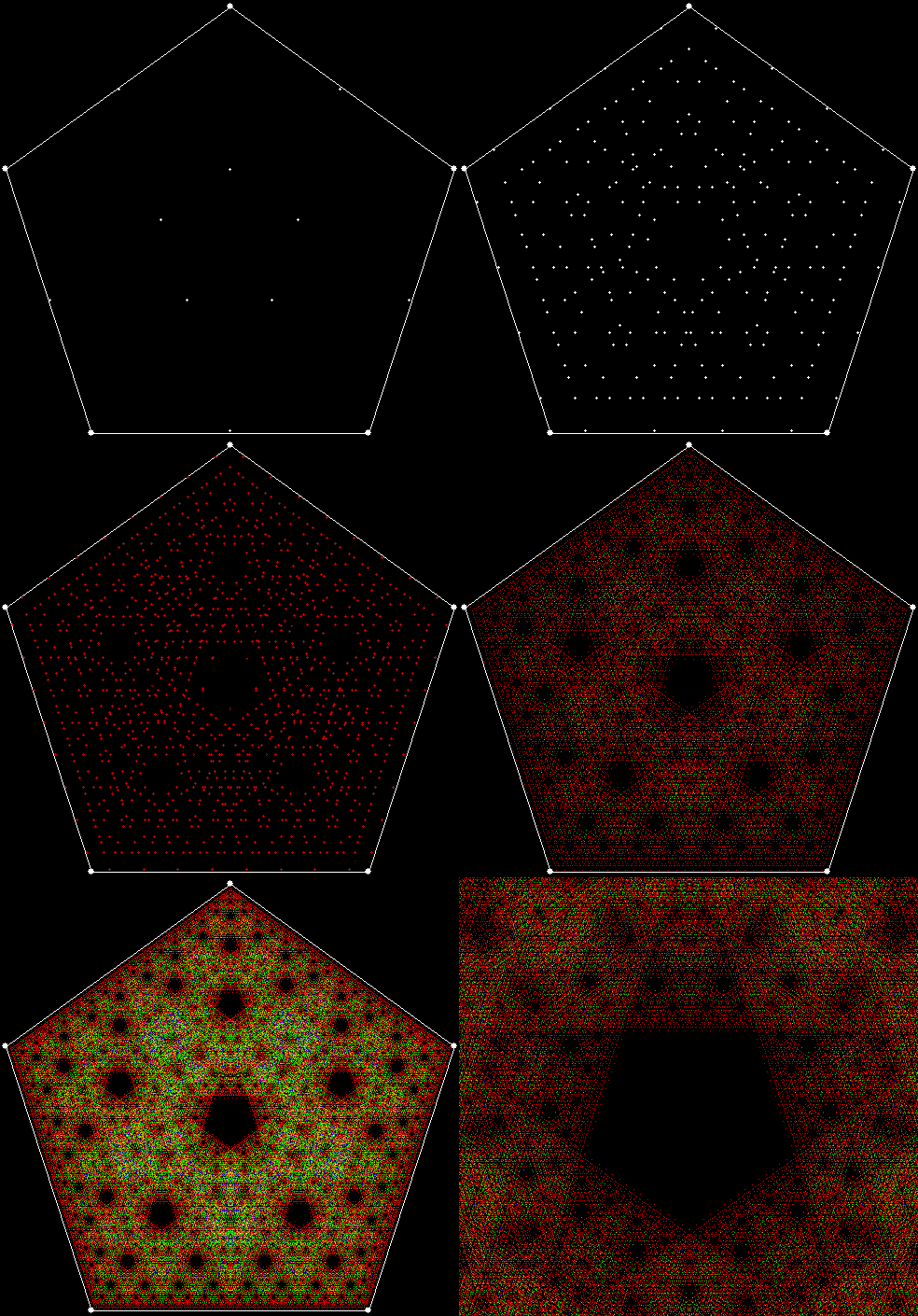
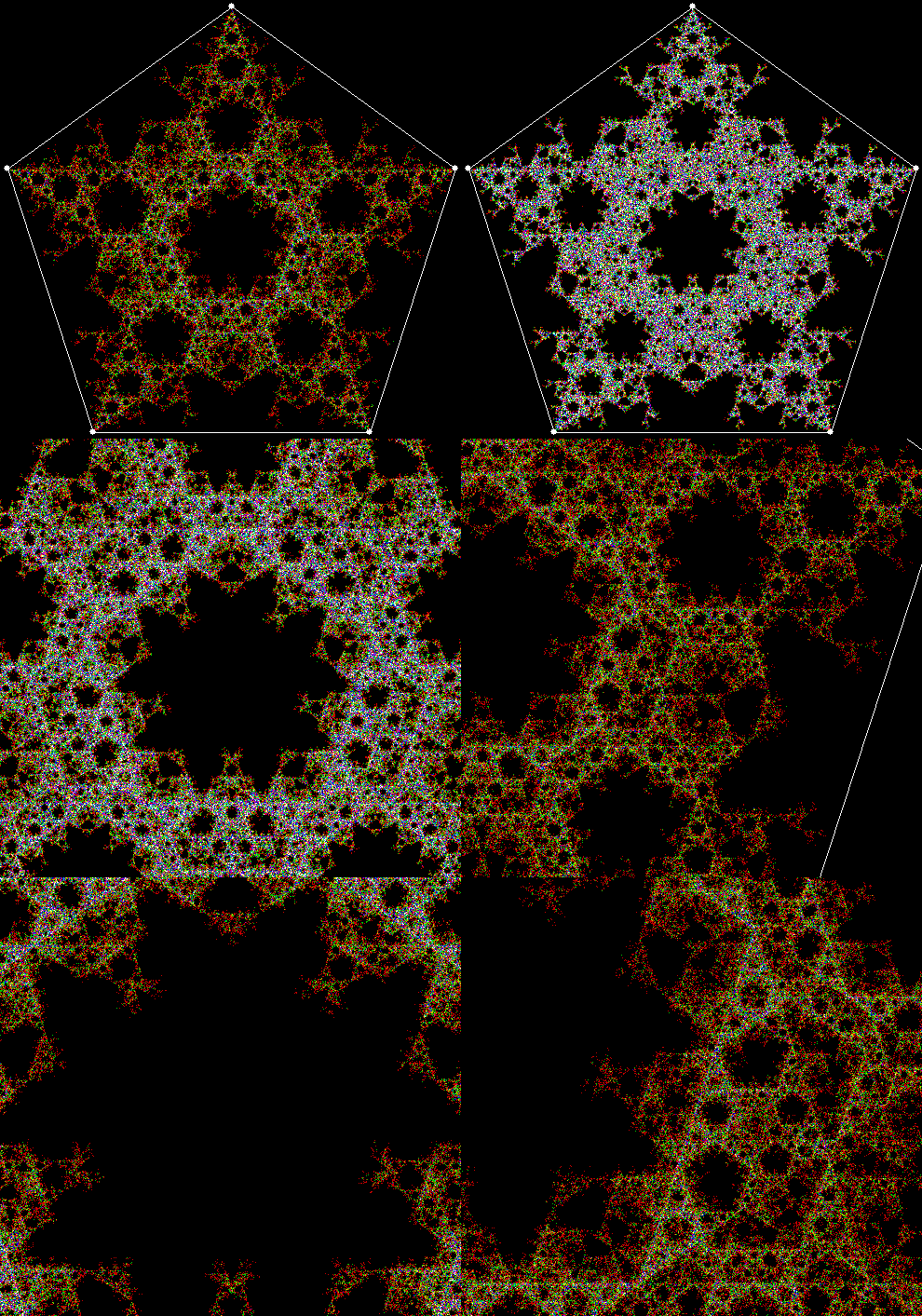
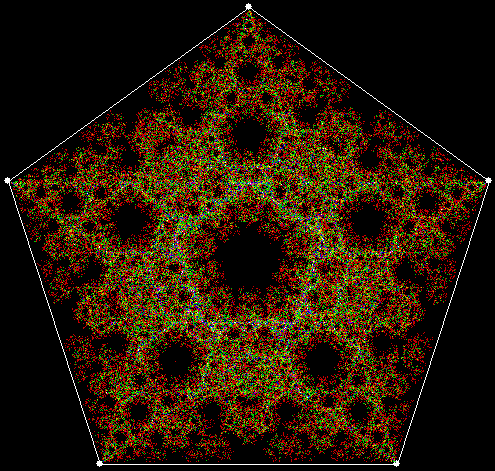
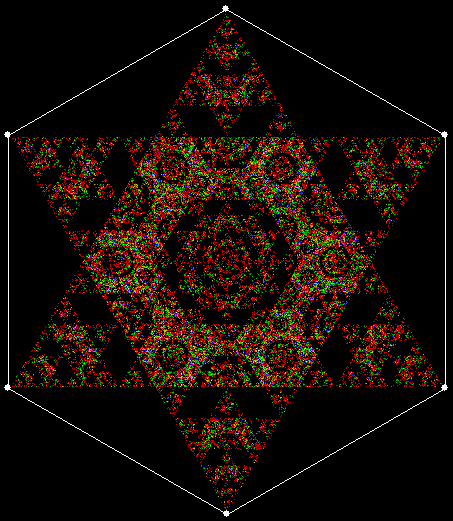
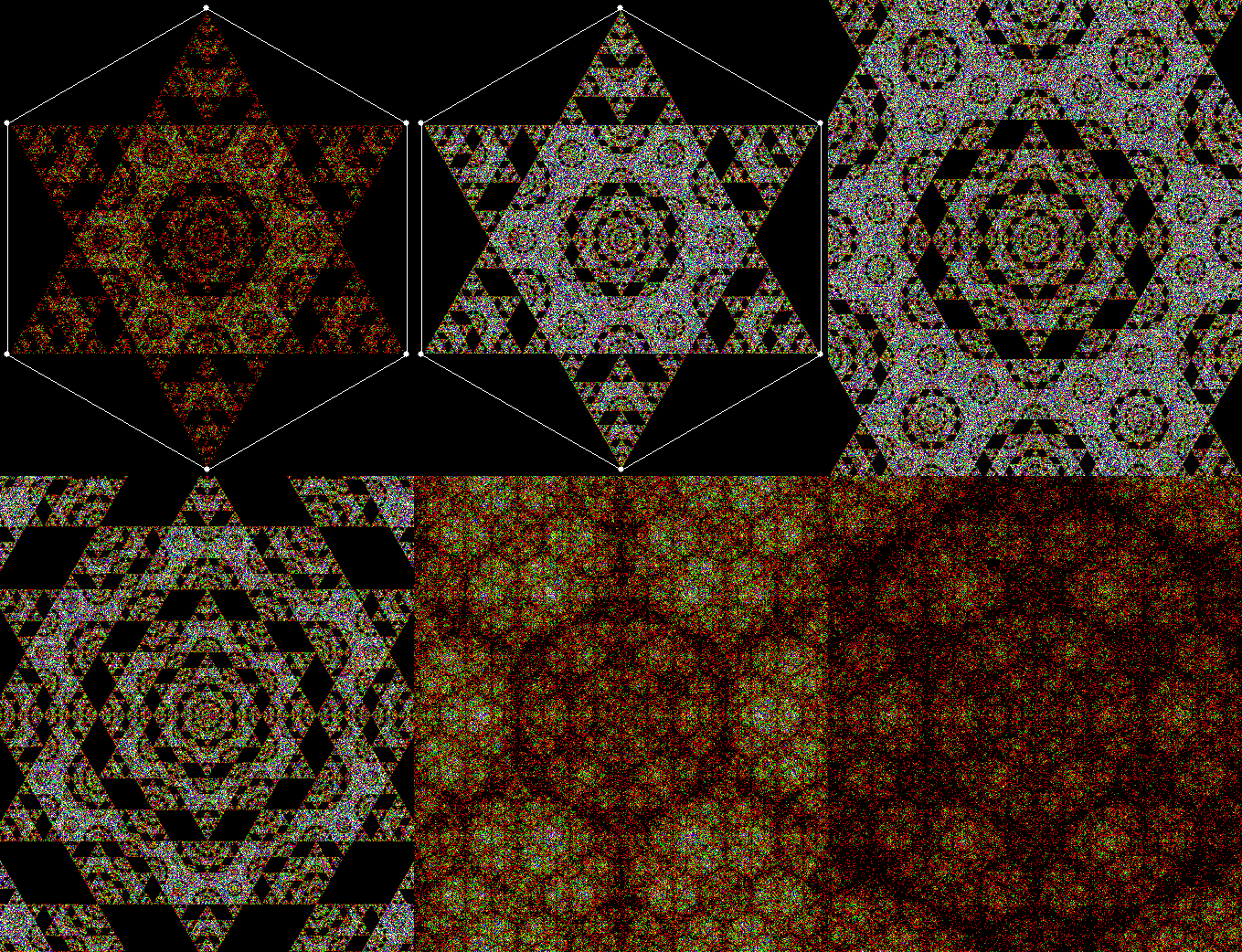
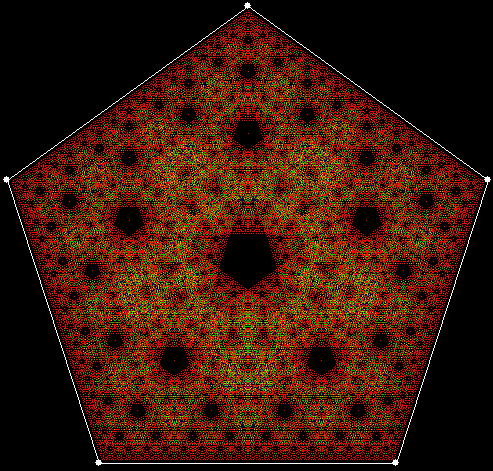
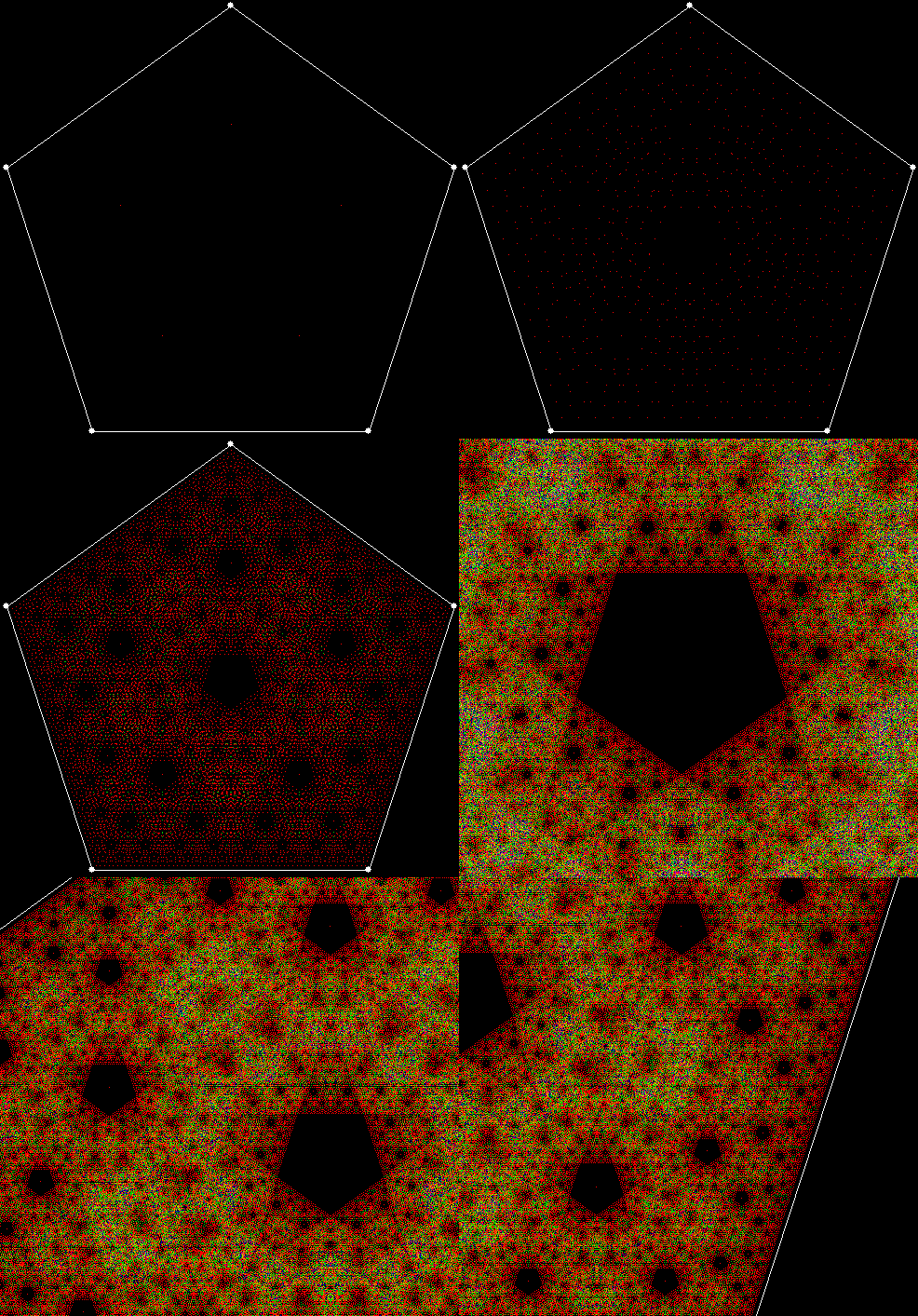
But different methods can create unique fractals too. I’ve found some new ones by using what might be called point-to-point recursion. For example, there are ten ways to select three vertices from the five vertices of a pentagon: (1, 2, 3), (1, 2, 4), (1, 2, 5), (1, 3, 4), (1, 3, 5), (1, 4, 5), (2, 3, 4), (2, 3, 5), (2, 4, 5), (3, 4, 5). Find the midpoint of the first three-point set, (1, 2, 3). Then select two vertices to go with this midpoint, creating a new three-point set, and find the midpoint again. And so on. The process looks like this, with the midpoints shown for all the three-point sets found at each stage:

v5_p3_stage1

vertices = 5, choose sets of 3 points, find mid-point of each

v5_p3_stage2

v5_p3_stage3


At stage 5, the fractal looks like this:

v5_p3_static

v = 5, p = 3


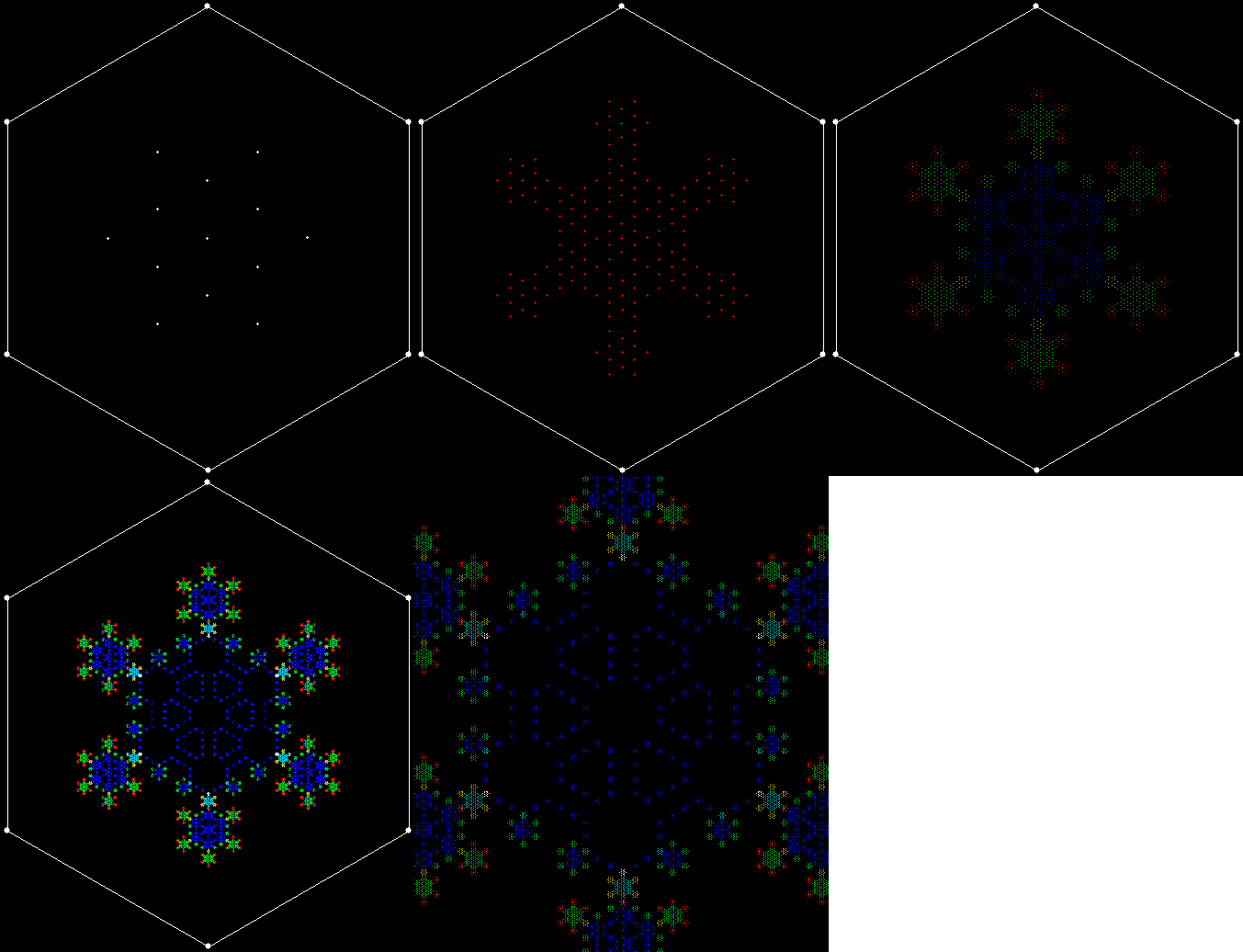
Note that when pixels are used again, the colour changes. That’s another interesting thing about maths: limits can sometimes produce deeper results. If these fractals were drawn at very high resolution, pixels would only be used once and the colour would never change. As it is, low resolution means that pixels are used again and again. But some are used more than others, which is why interesting colour effects appear.

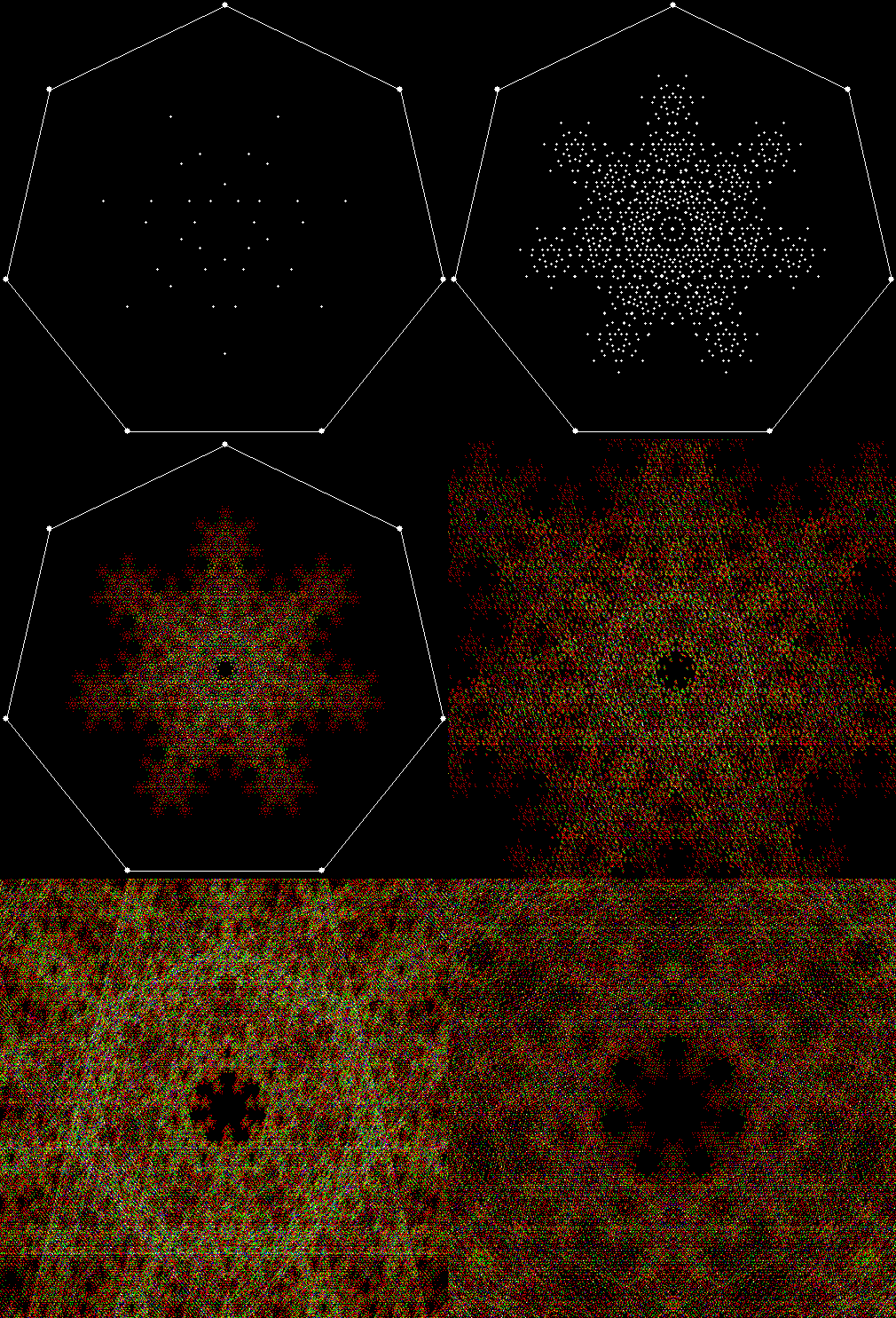
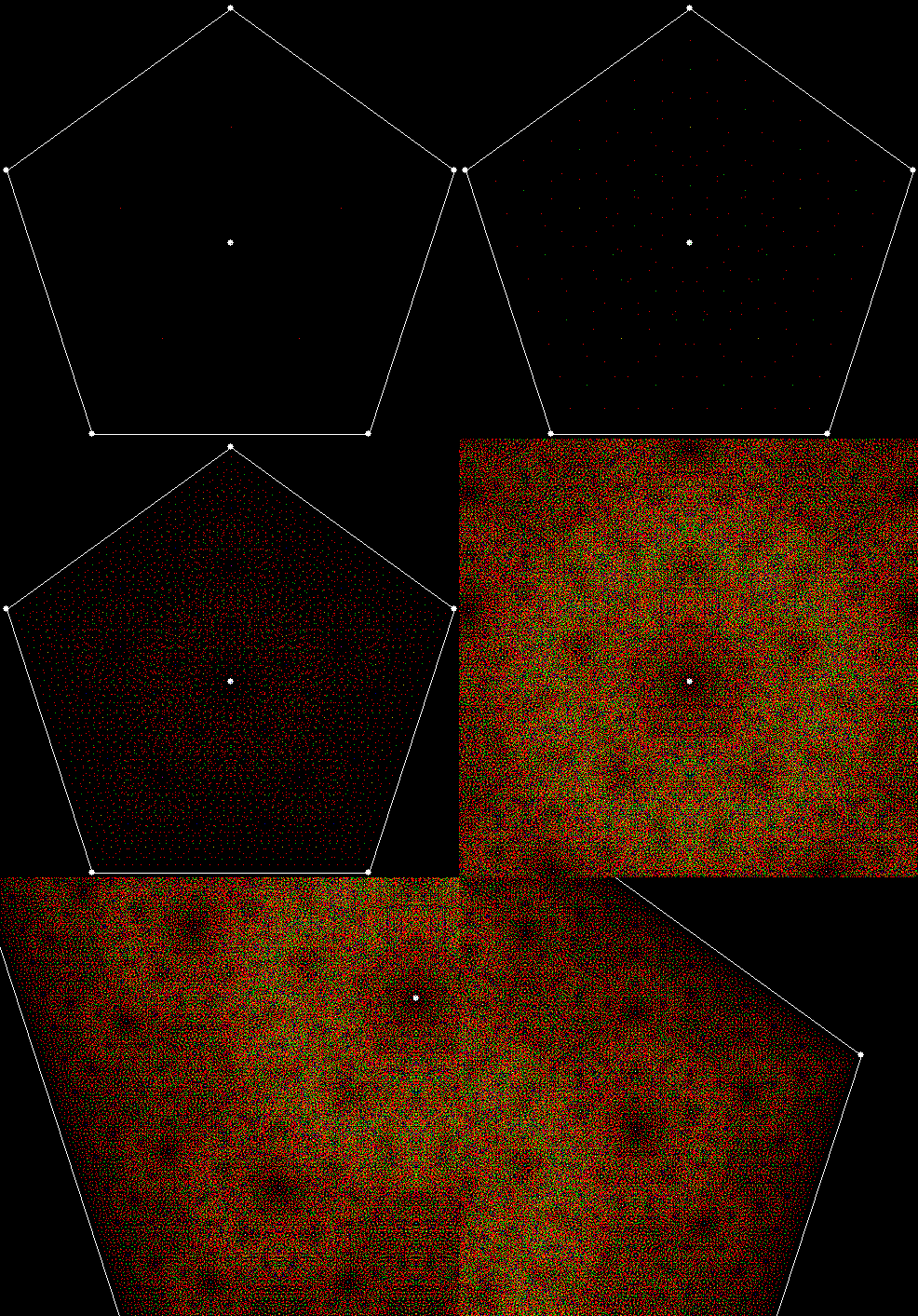
If the formation of the fractal is animated, it looks like this (with close-ups of even deeper stages):
v5_p3


Here are some more examples:

v4c_p2_static

v = 4 + central point, p = 2 (cf. Fingering the Frigit)

v4c_p2

v = 4c, p = 2 (animated)


v4_p3_static

v = 4, p = 3

v4_p3


v5_p4_static

v = 5, p = 4

v5_p4


v5c_p3_static

v = 5 + central point, p = 3

v5c_p3


v5c_p4

v = 5c, p = 4


v5c_p5

v = 5c, p = 5


v6_1_p6

v = 6 + 1 point between each pair of vertices, p = 6


v6_p2

v = 6, p = 2


v6_p3_static

v = 6, p = 3

v6_p3


v6_p4

v = 6, p = 4


v6c_p2_static

v = 6c, p = 2 (cf. Fingering the Frigit)

v6c_p2


v6c_p3_static

v = 6c, p = 3

v6c_p3


v6c_p4

v = 6c, p = 4


v7_p3

v = 7, p = 3


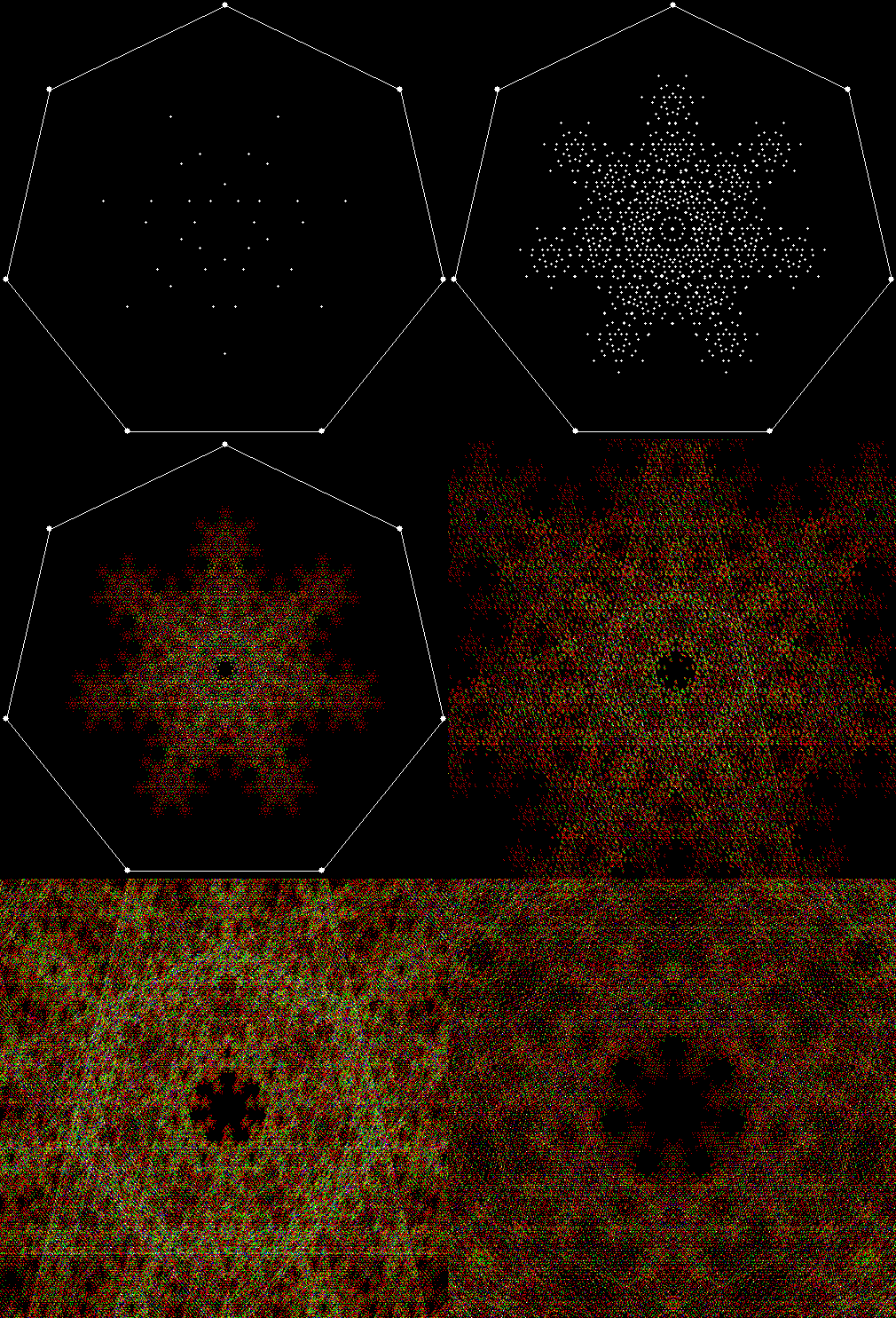
v7_p4_static

v = 7, p = 4

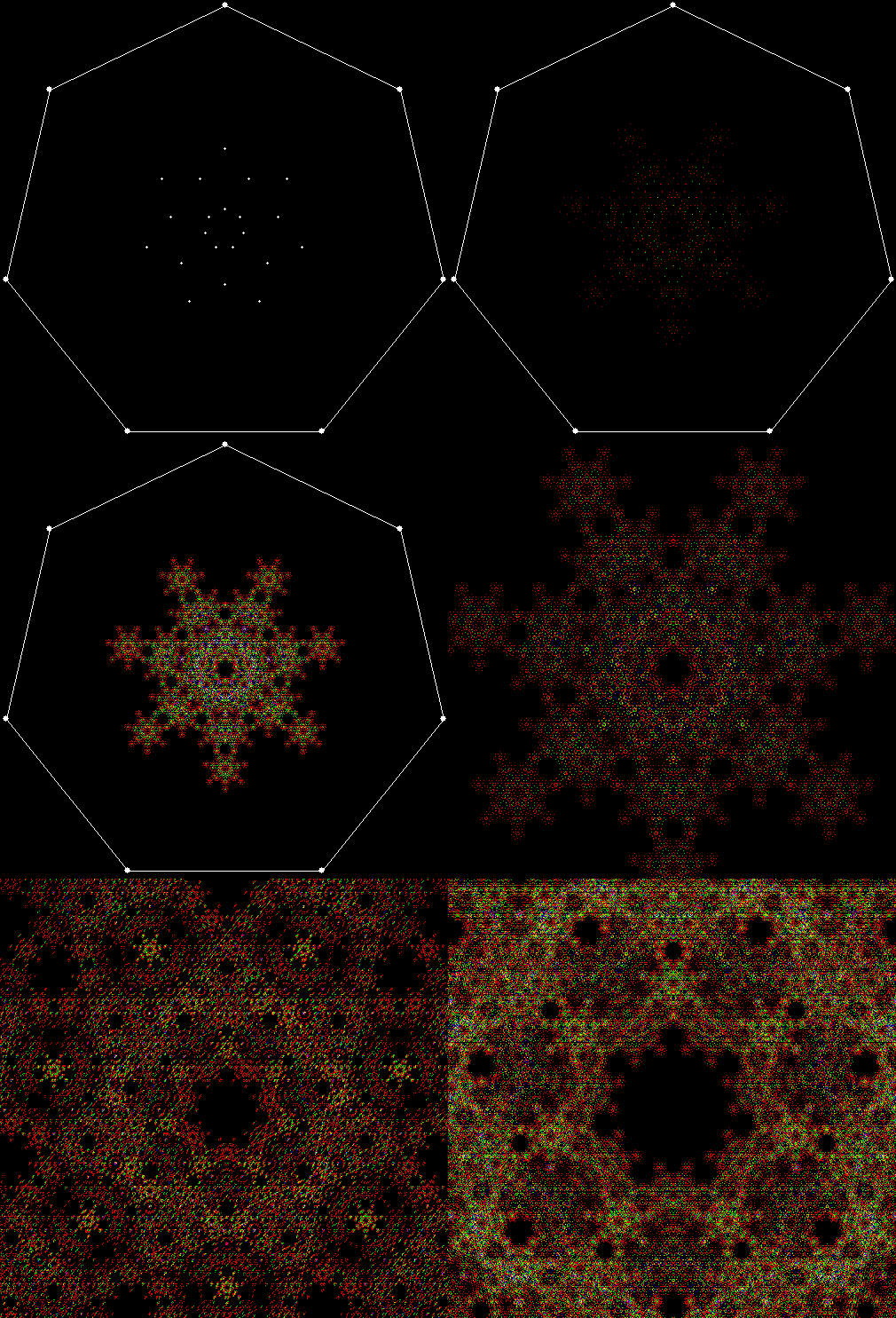
v7_p4


v7_p5_static

v = ,7 p = 5

v7_p5


v7_p4

v = 7c, p = 4


v3_1_p2

v = 3+1, p = 2


v3_1_p3

v = 3+1, p = 3


v3_1_p4

v = 3+1, p = 4


v3_2_p5

v = 3+2, p = 5


v3c_1_p2

v = 3c+1, p = 2


v3c_1_p4

v = 3c+1, p = 4


v3c_p2

v = 3c, p = 2


v3c_p3

v = 3c, p = 3


v4_1_p3

v = 4+1, p = 3


v4_1_p4

v = 4+1, p = 4


v4_1_p5

v = 4+1, p = 6


v4_1_p6

v = 4+1, p = 2


v4c_1_p4

v = 4c+1, p = 4


v4c_p3_static

v = 4c, p = 3

v4c_p3


v5_1_p4_va

v = 5+1, p = 4 (and more)


v5_p2

v = 5, p = 2


Polymorphous Perverticity

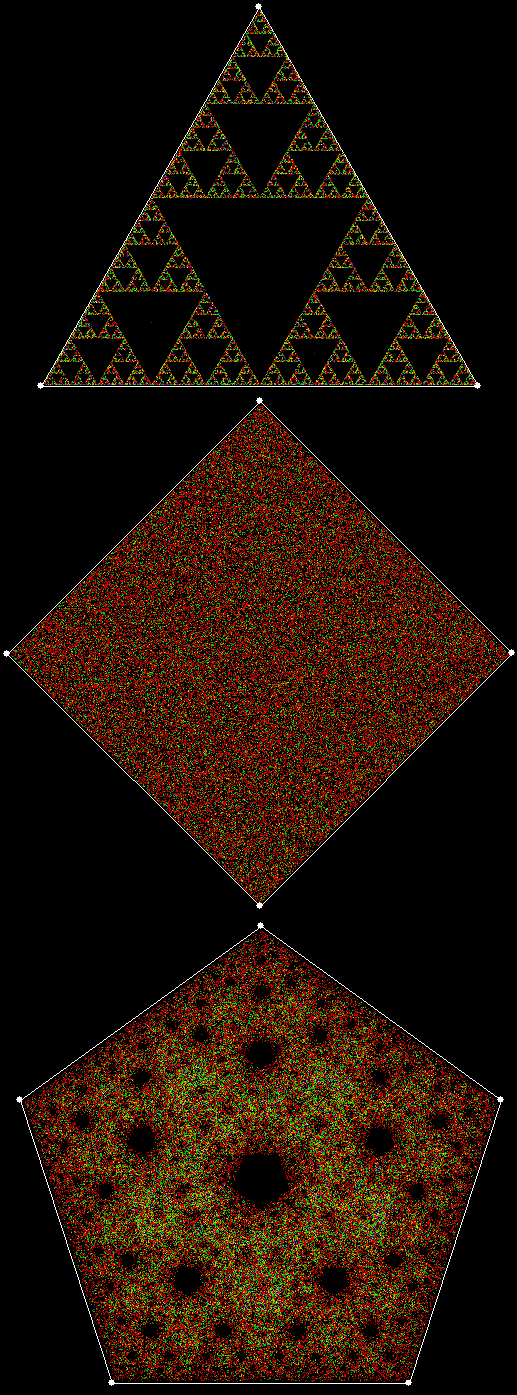
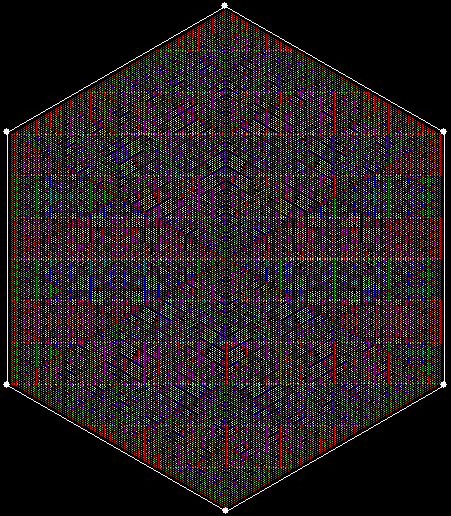
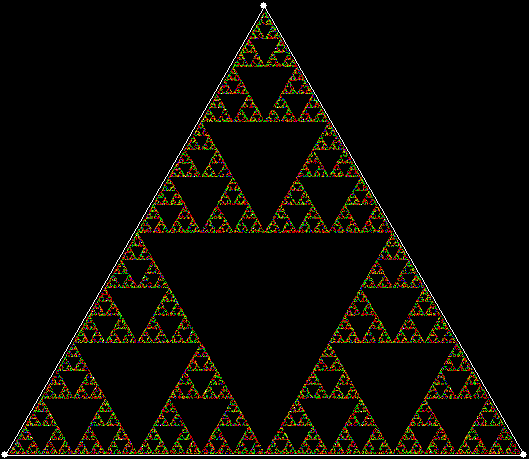
As I’ve explained before on Overlord of the Über-Feral, the planet’s premier purveyor of polygonic performativity (probably (possibly (perspectivistically))), it works with triangles and pentagons, but not with squares. And what is “it”? A simple procedure in which you create a polygon, choose a point inside it, then repeatedly move half-way towards a vertex chosen at random, marking each new position as you go.

pol3_4_5

When the polygon has three vertices, you get a Sierpiński triangle. When it has five, you get what might be called a  Sierpiński pentagon. When it has four, you get nothing. Or rather: you get everything, because the whole interior of the square gradually fills with points. But, as I’ve also explained before, there’s a simple way to change this. You can adapt the procedure so that a vertex can’t be chosen twice in a row, and so on.

When the rule is “No vertex twice in a row”, you get this fractal (colours change as a pixel is selected again):

pol4_0

But you can also use what might be a vertex increment, or vi, whereby you disallow vertices that are next to the previously chosen vertex, or two positions away, and so on. When the rule is “No vertex twice in a row”, the disallowed vertex is (v + 0), that is, vi = 0. If vi = 2 and the rule is disallow(v + 2), this fractal appears (when vi = 1, there’s no fractal):

pol4_2

v = 4, vi = 2

pol4_2_anim


You can extend these rules to apply not just to the previously chosen vertex, but also to the vertex chosen before that. Here are some fractals produced by the rule disallow(v[1] + vi[1], v[2] + vi[2]), where v[1] is the vertex previously chosen and v[2] is the vertex chosen before that:

pol4_1_2

v = 4, vi[1] = 1, vi[2] = 2

pol4_1_2_anim


pol4_2_0

v = 4, vi[1] = 2, vi[2] = 0

pol4_2_0_anim

pol4_2_0_white


pol4_2_1

v = 4, vi[1] = 2, vi[2] = 1

pol4_2_1_anim


pol4_2_2

v = 4, vi[1] = 2, vi[2] = 2

pol4_2_2_anim


And here are some fractals produced by the rule disallow(v[1] + vi[1], v[2] + vi[2], v[3] + vi[3]):

pol4_1_1_0

v = 4, vi[1] = 1, vi[2] = 1, vi[3] = 0

pol4_1_1_0_anim


pol4_1_1_2

v = 4, vi[1] = 1, vi[2] = 1, vi[3] = 2

pol4_1_1_2_anim


Applying these rules to pentagons rather than squares doesn’t produce such a dramatic difference, because the original procedure – choose any vertex at random, taking no account of previous choices – produces a fractal when v = 5, as noted above, but not when v = 4. Nevertheless, here are some fractals for v > 4:

pol5_0

v = 5, vi = 0


pol5_1

v = 5, vi = 1

pol5_1_anim


pol5_2

v = 5, vi = 2

pol5_2_anim


pol5_0_0

v = 5, vi[1] = 0, vi[2] = 0


pol5_1_0

v = 5, vi[1] = 1, vi[2] = 0


pol5_2_0

v = 5, vi[1] = 2, vi[2] = 0

pol5_2_0_anim


pol5_1_1

v = 5, vi[1] = 1, vi[2] = 1

pol5_1_1_anim


pol5_1_1_1

v = 5, vi[1] = 1, vi[2] = 1, vi[3] = 1


pol5_va2

v = 5, vi = various


pol6_1

v = 6, vi = 1

pol6_1_anim

Fingering the Frigit

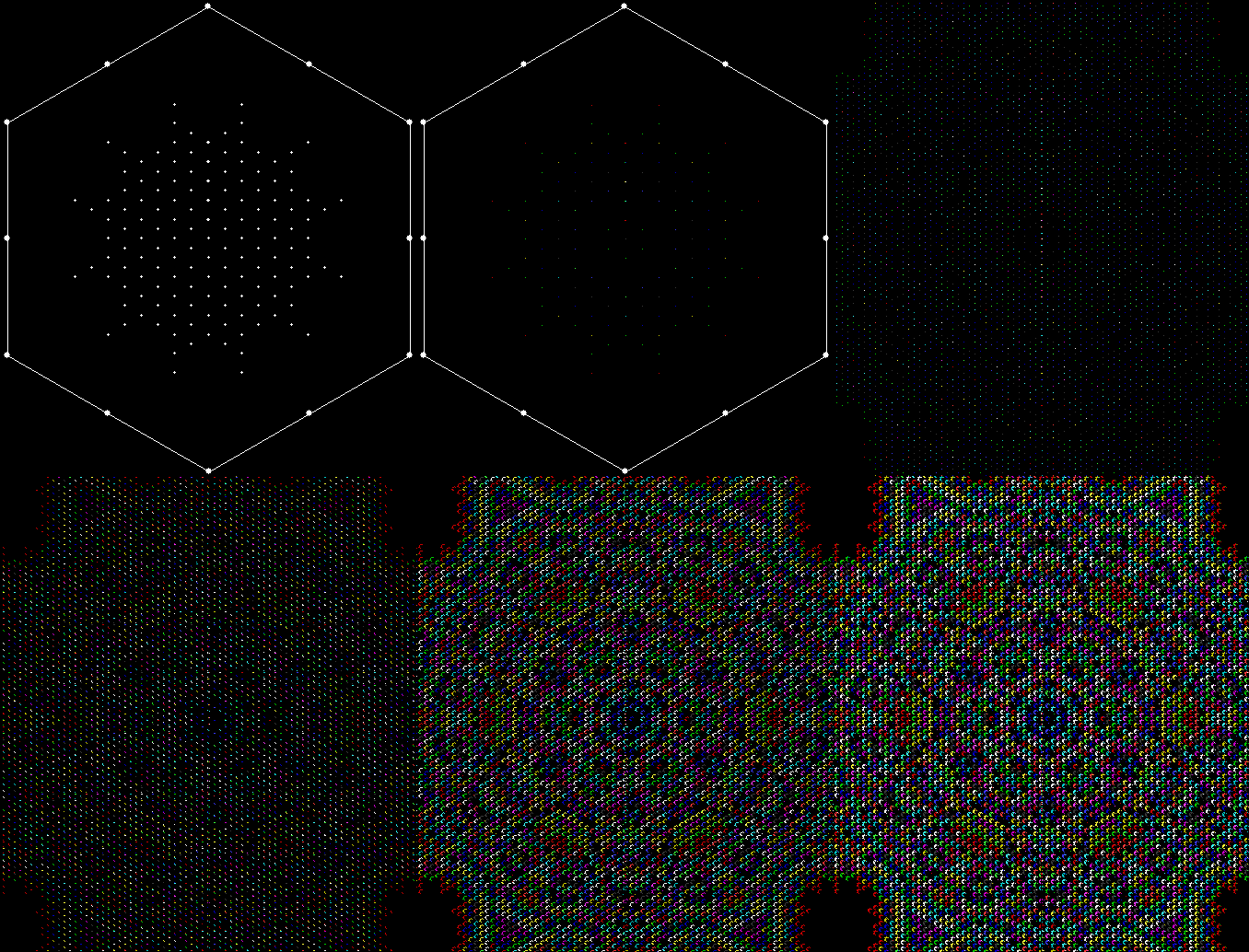
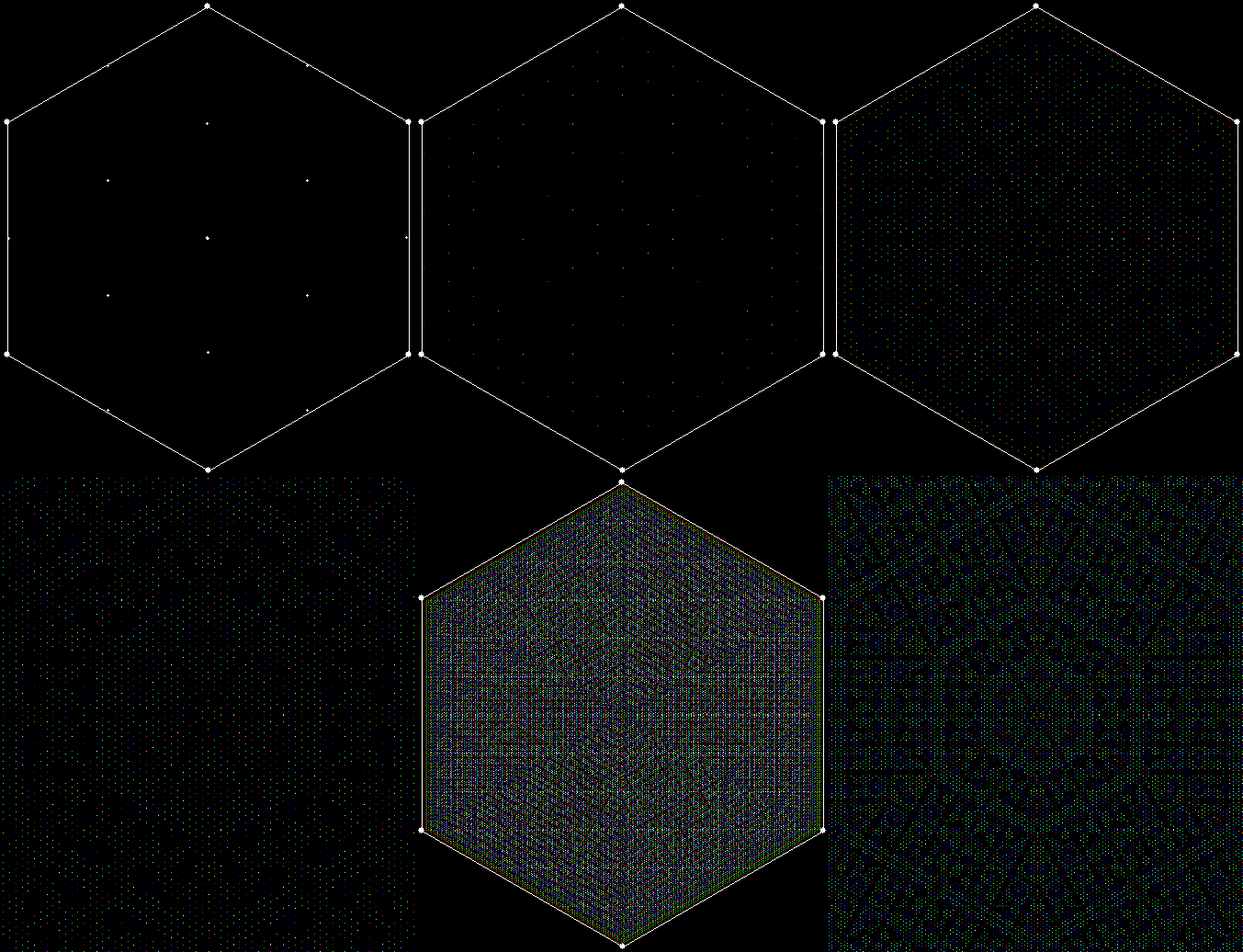
Fingers are fractal. Where a tree has a trunk, branches and twigs, a human being has a torso, arms and fingers. And human beings move in fractal ways. We use our legs to move large distances, then reach out with our arms over smaller distances, then move our fingers over smaller distances still. We’re fractal beings, inside and out, brains and blood-vessels, fingers and toes.

But fingers are fractal are in another way. A digit – digitus in Latin – is literally a finger, because we once counted on our fingers. And digits behave like fractals. If you look at numbers, you’ll see that they contain patterns that echo each other and, in a sense, recur on smaller and smaller scales. The simplest pattern in base 10 is (0, 1, 2, 3, 4, 5, 6, 7, 8, 9). It occurs again and again at almost very point of a number, like a ten-hour clock that starts at zero-hour:

0, 1, 2, 3, 4, 5, 6, 7, 8, 9…
10, 11, 12, 13, 14, 15, 16, 17, 18, 19…
200… 210… 220… 230… 240… 250… 260… 270… 280… 290…

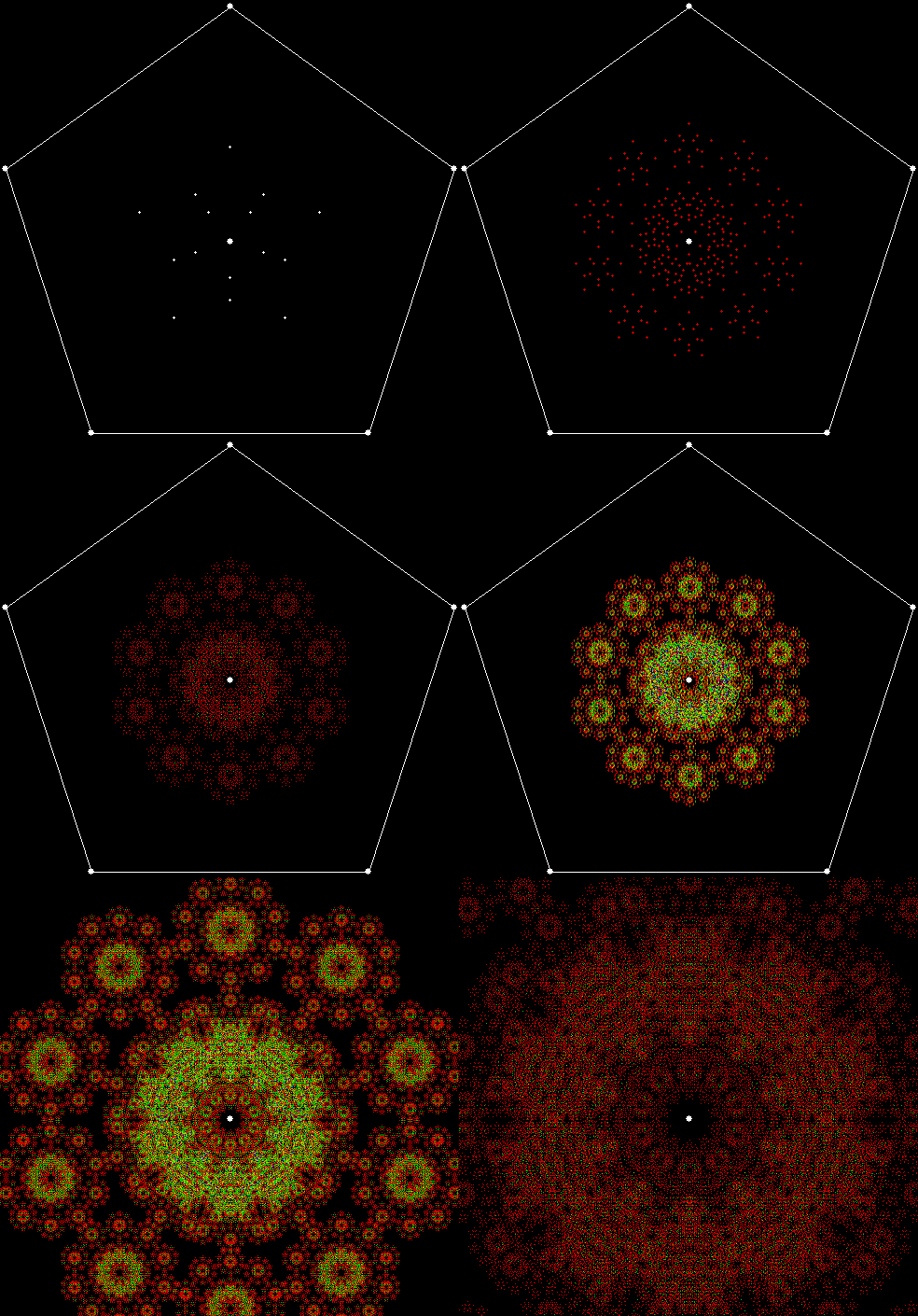
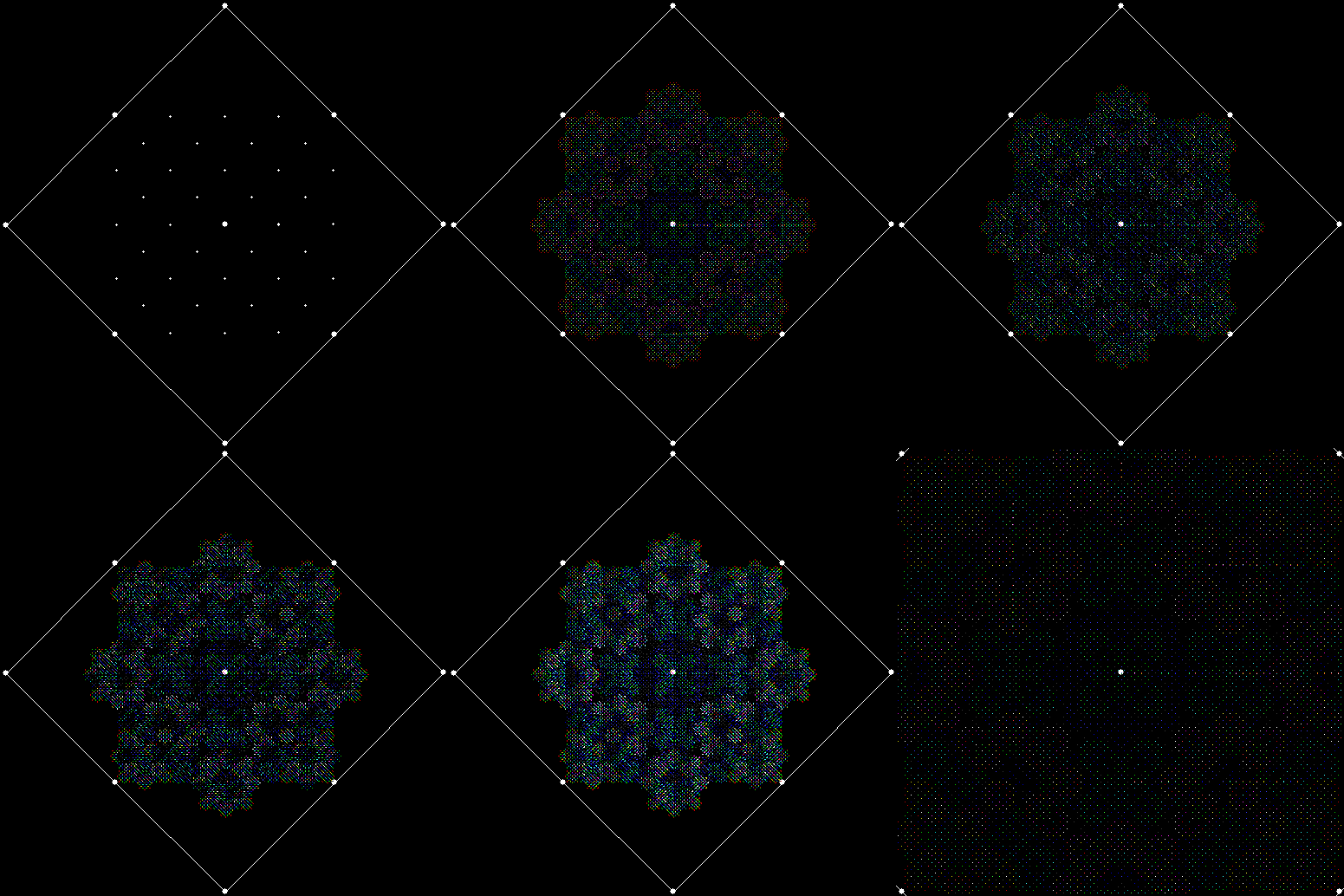
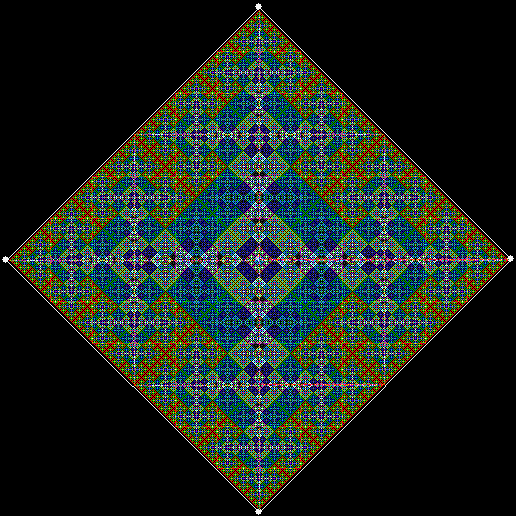
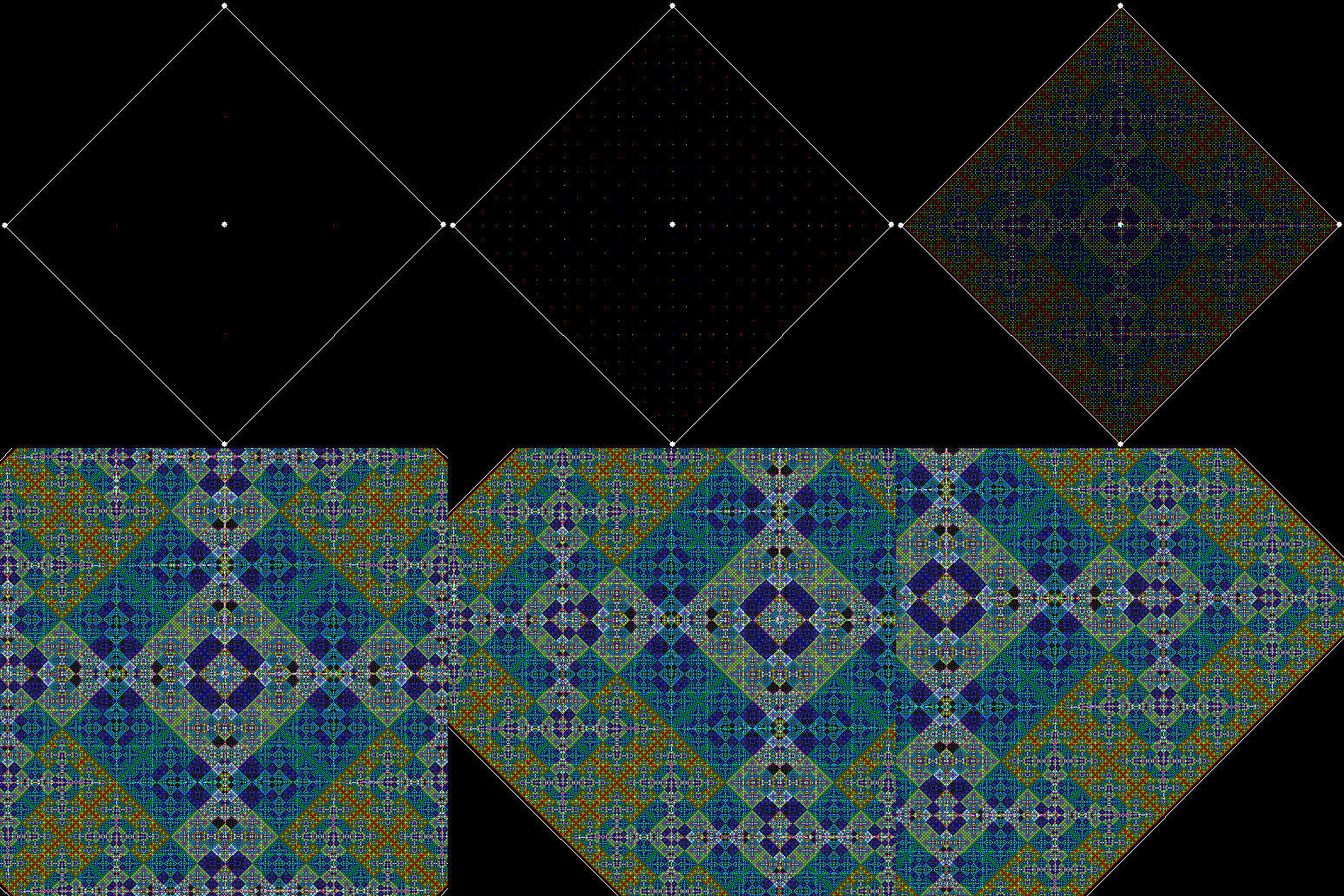
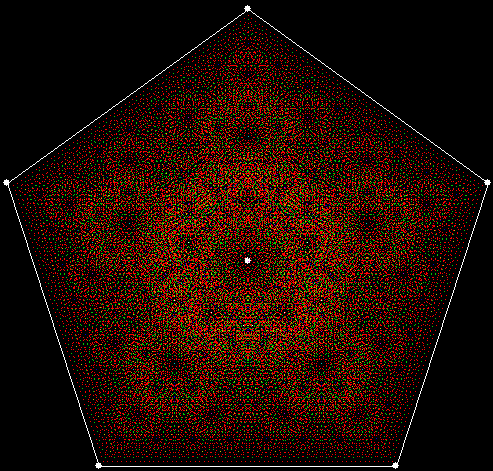
These fractal patterns become visible if you turn numbers into images. Suppose you set up a square with four fixed points on its corners and a fixed point at its centre. Let the five points correspond to the digits (1, 2, 3, 4, 5) of numbers in base 6 (not using 0, to simplify matters):

1, 2, 3, 4, 5, 11, 12, 13, 14, 15, 21, 22, 23, 24, 25, 31, 32, 33, 34, 35, 41, 42, 43, 44, 45, 51, 52, 53, 54, 55, 61, 62, 63, 64, 65… 2431, 2432, 2433, 2434, 2435, 2441, 2442, 2443, 2444, 2445, 2451, 2452…

Move between the five points of the square by stepping through the individual digits of the numbers in the sequence. For example, if the number is 2451, the first set of successive digits is (2, 4), so you move to a point half-way between point 2 and point 4. Next come the successive digits (4, 5), so you move to a point half-way between point 4 and point 5. Then come (5, 1), so you move to a point half-way between point 5 and point 1.

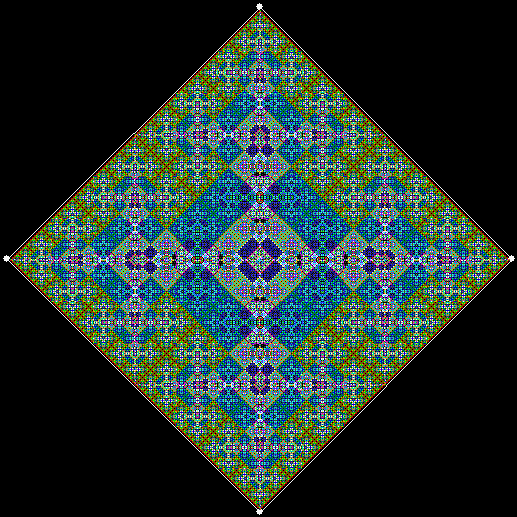
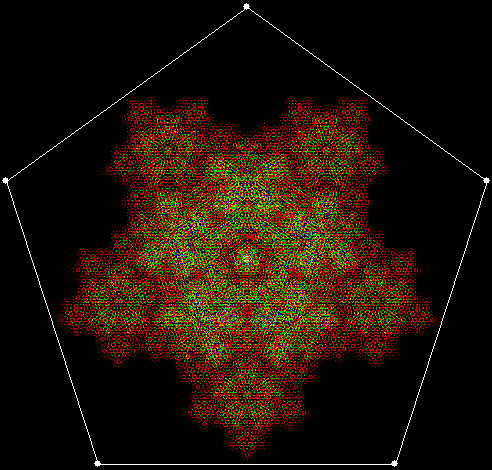
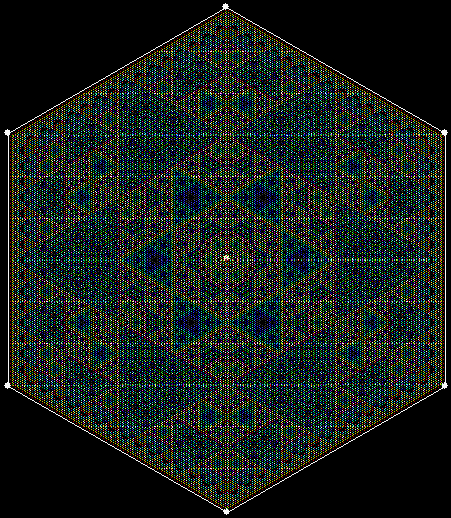
When you’ve exhausted the digits (or frigits) of a number, mark the final point you moved to (changing the colour of the pixel if the point has been occupied before). If you follow this procedure using a five-point square, you will create a fractal something like this:
fractal4_1single

fractal4_1
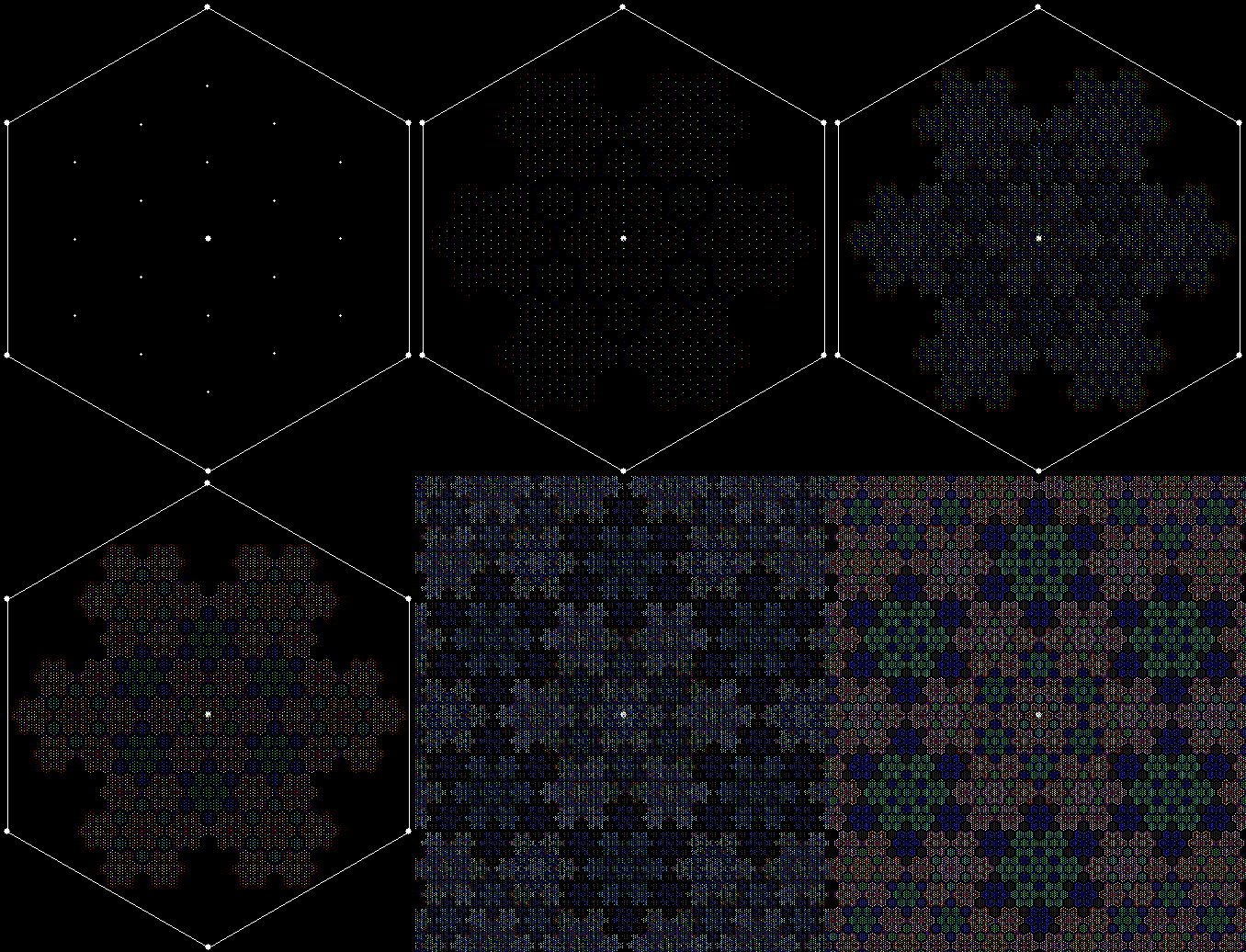
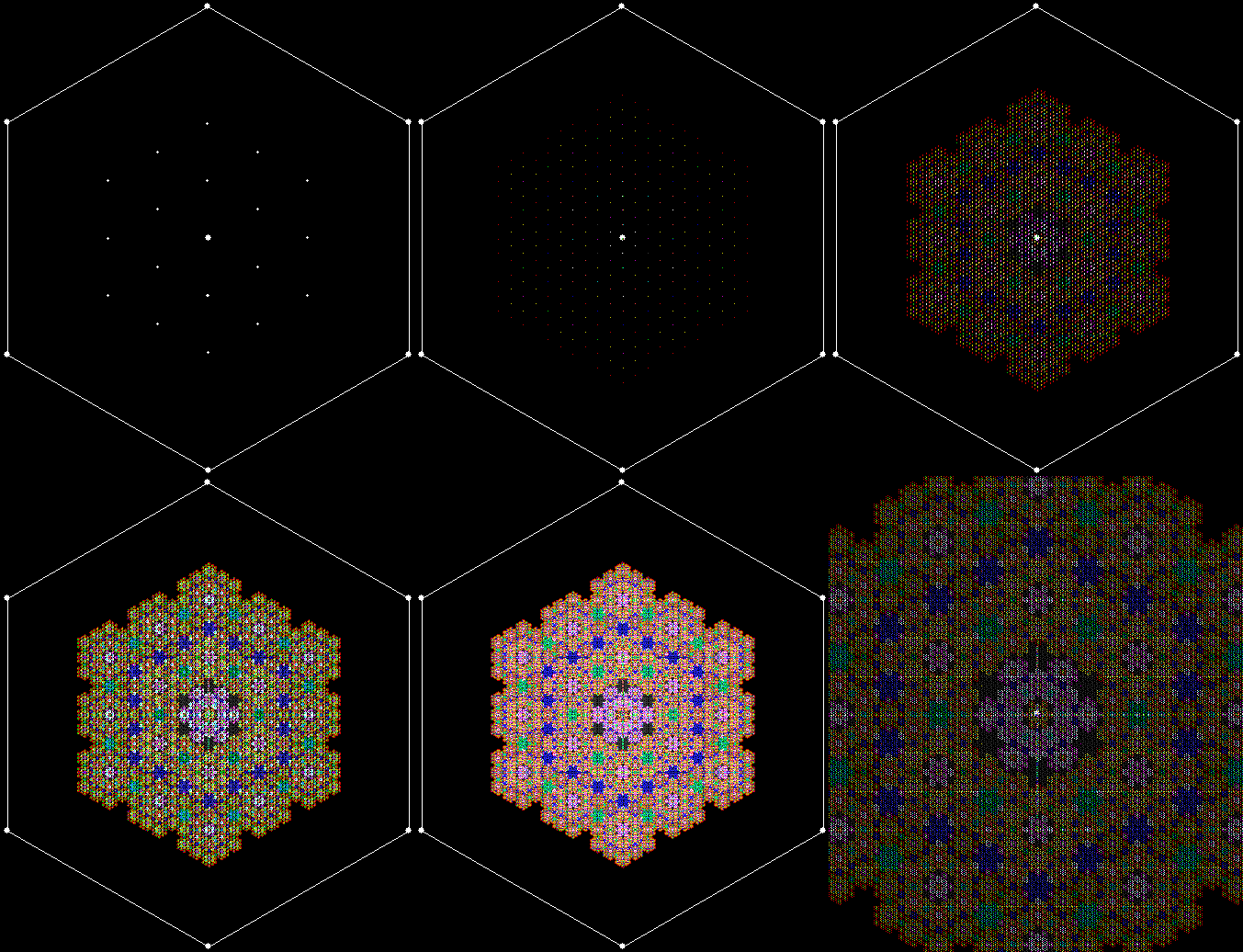
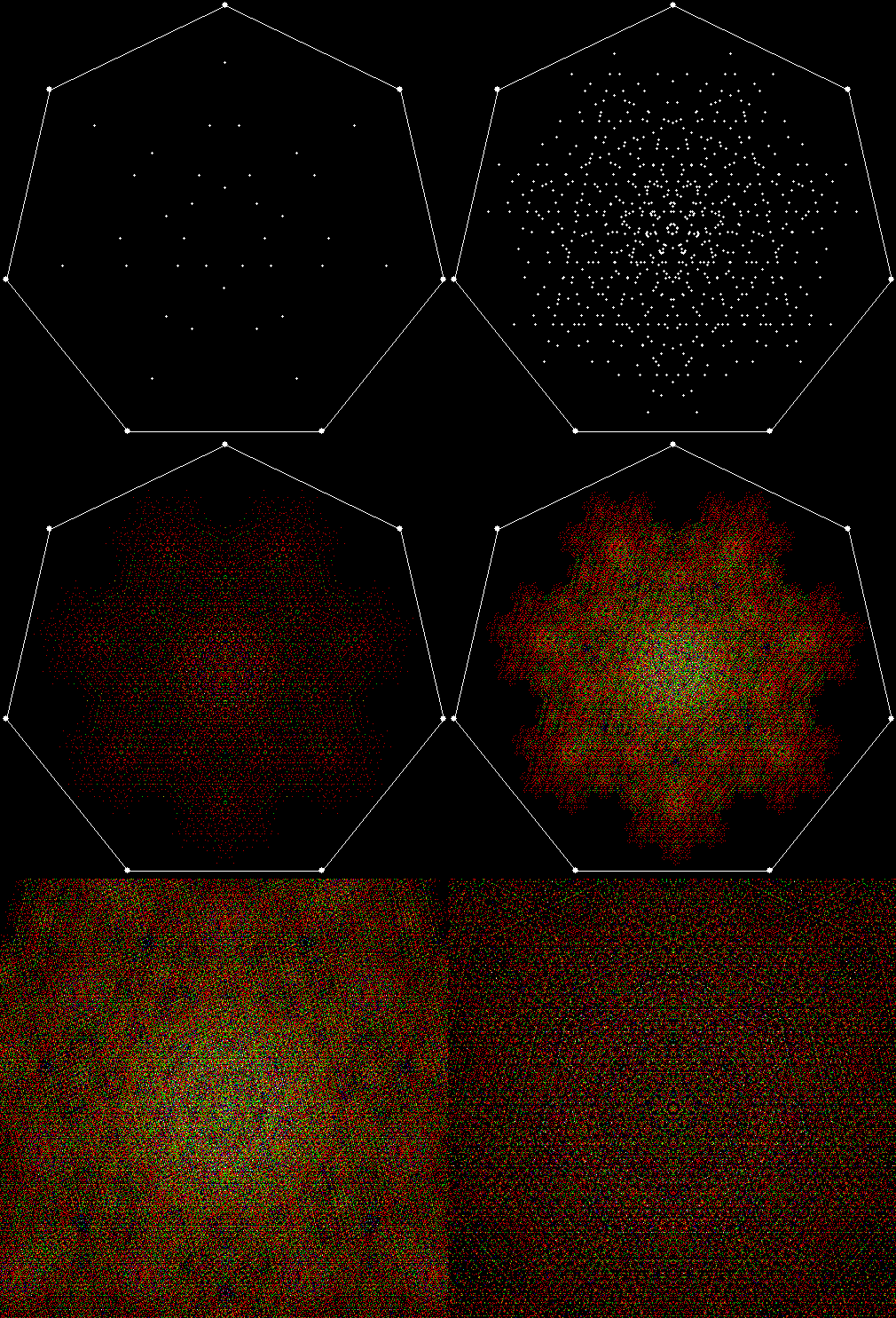
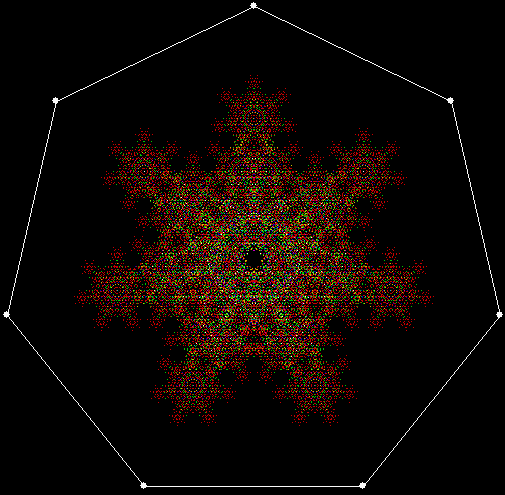
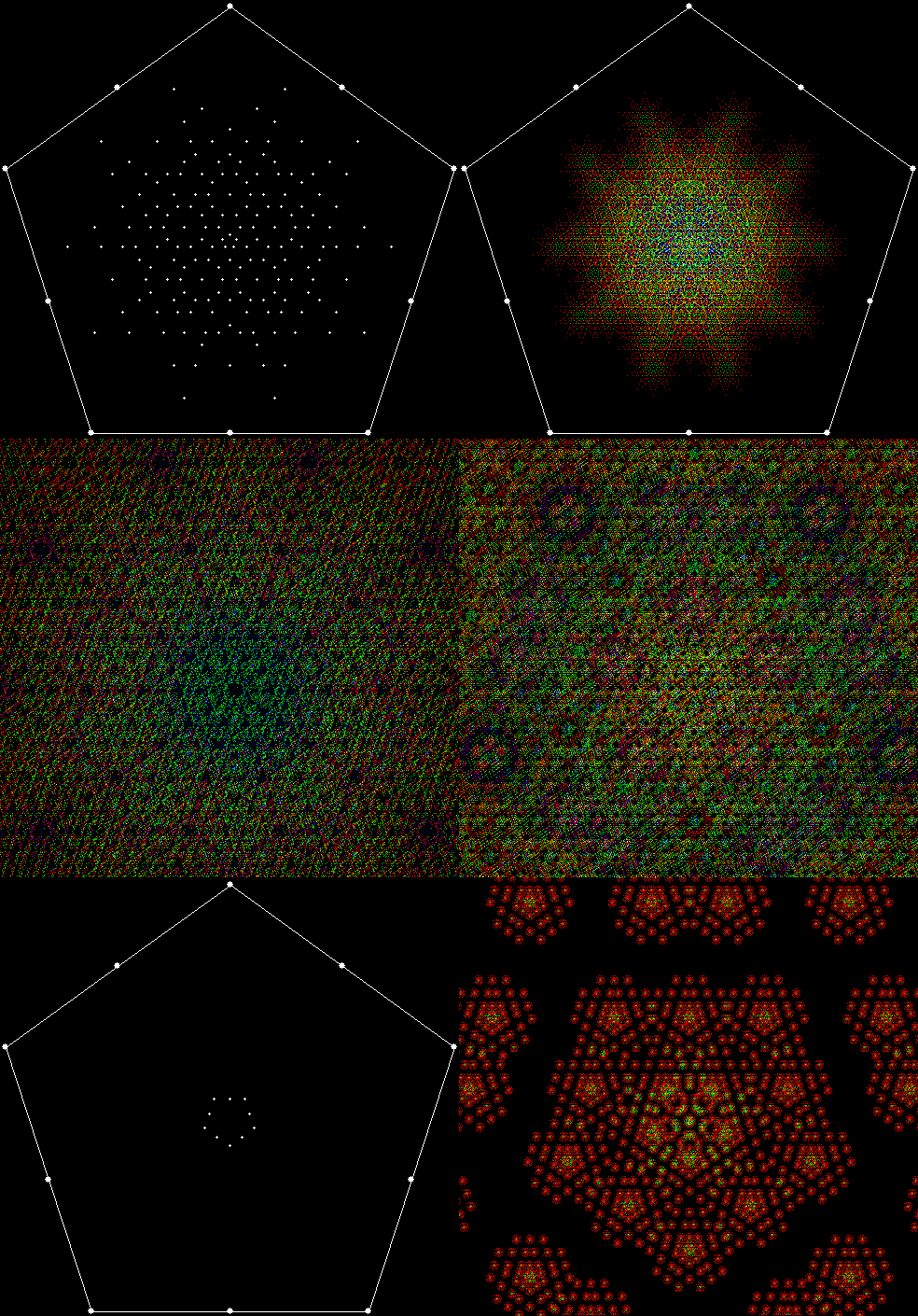
A pentagon without a central point using numbers in a zero-less base 7 looks like this:
fractal5_0single

fractal5_0
A pentagon with a central point looks like this:
fractal5_1single

fractal5_1
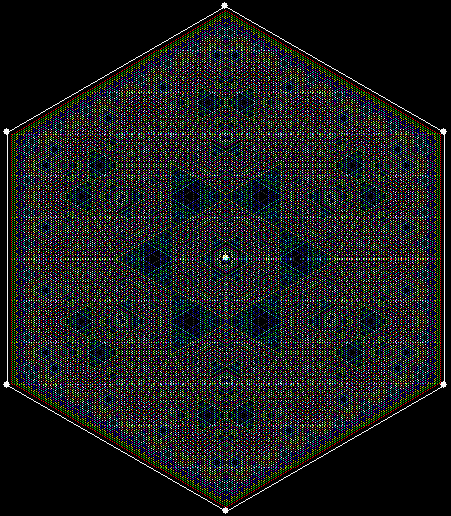
Hexagons using a zero-less base 8 look like this:
fractal6_1single

fractal6_1


fractal6_0single

fractal6_0
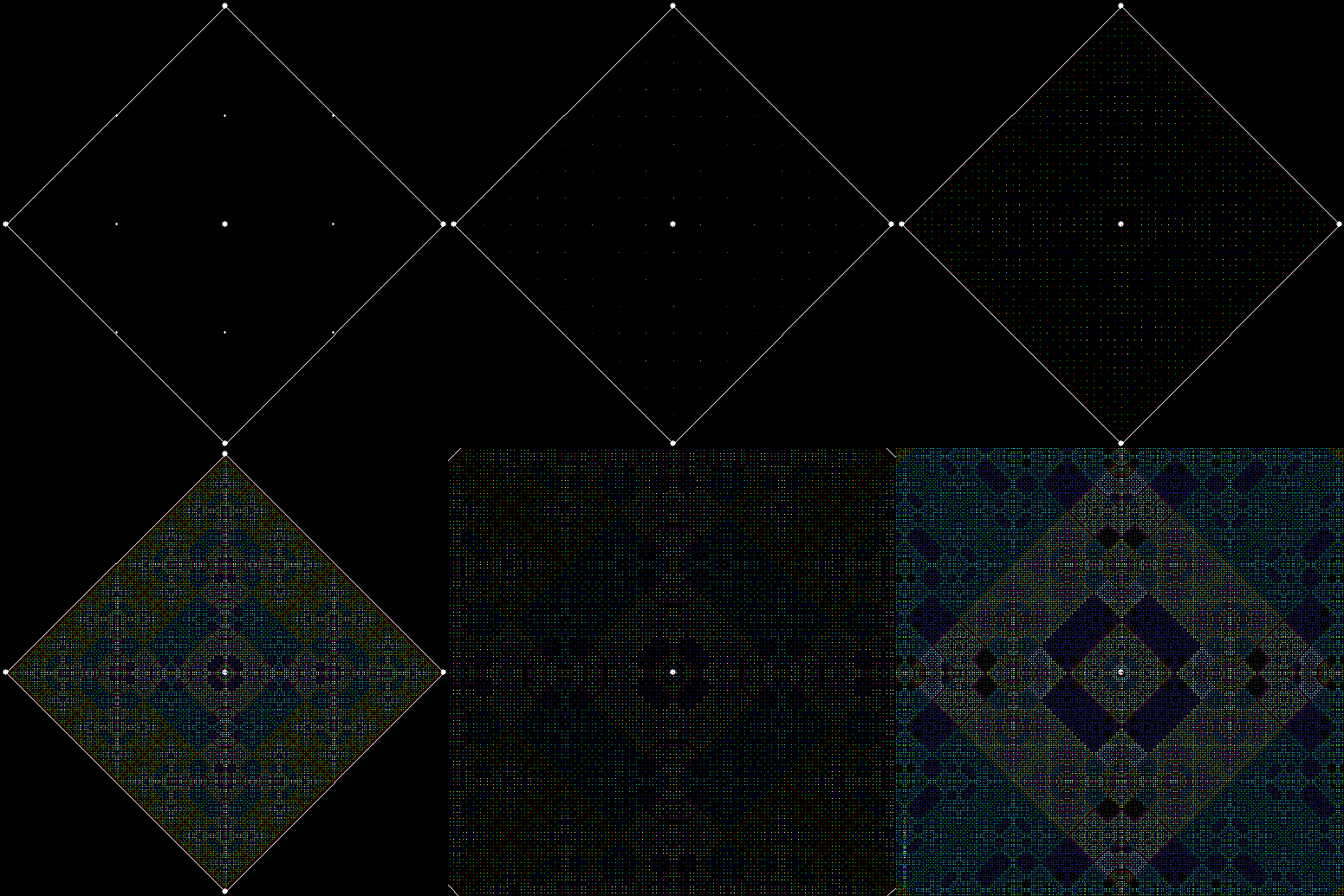
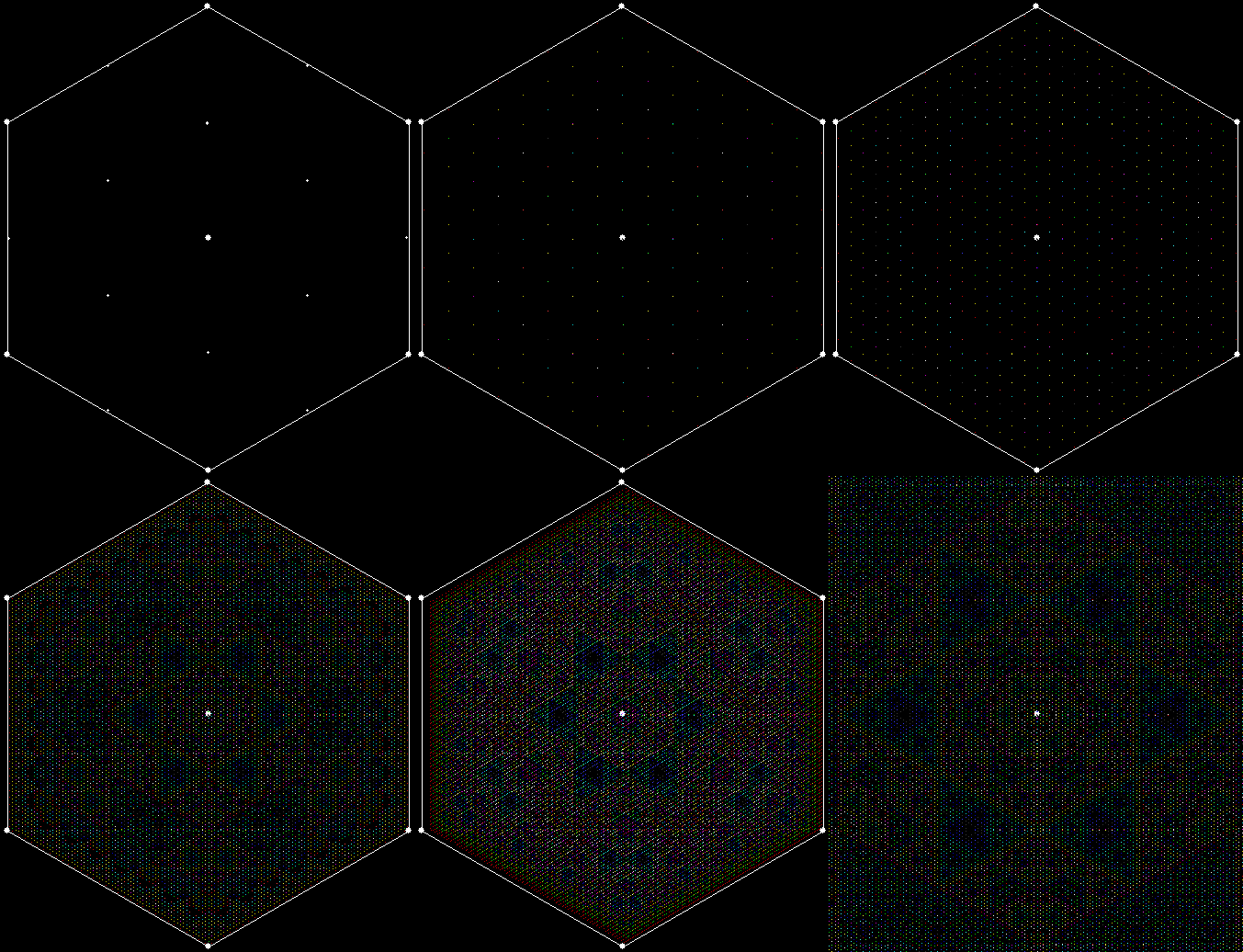
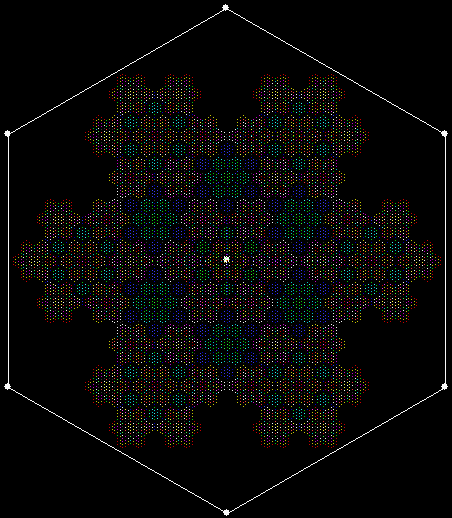
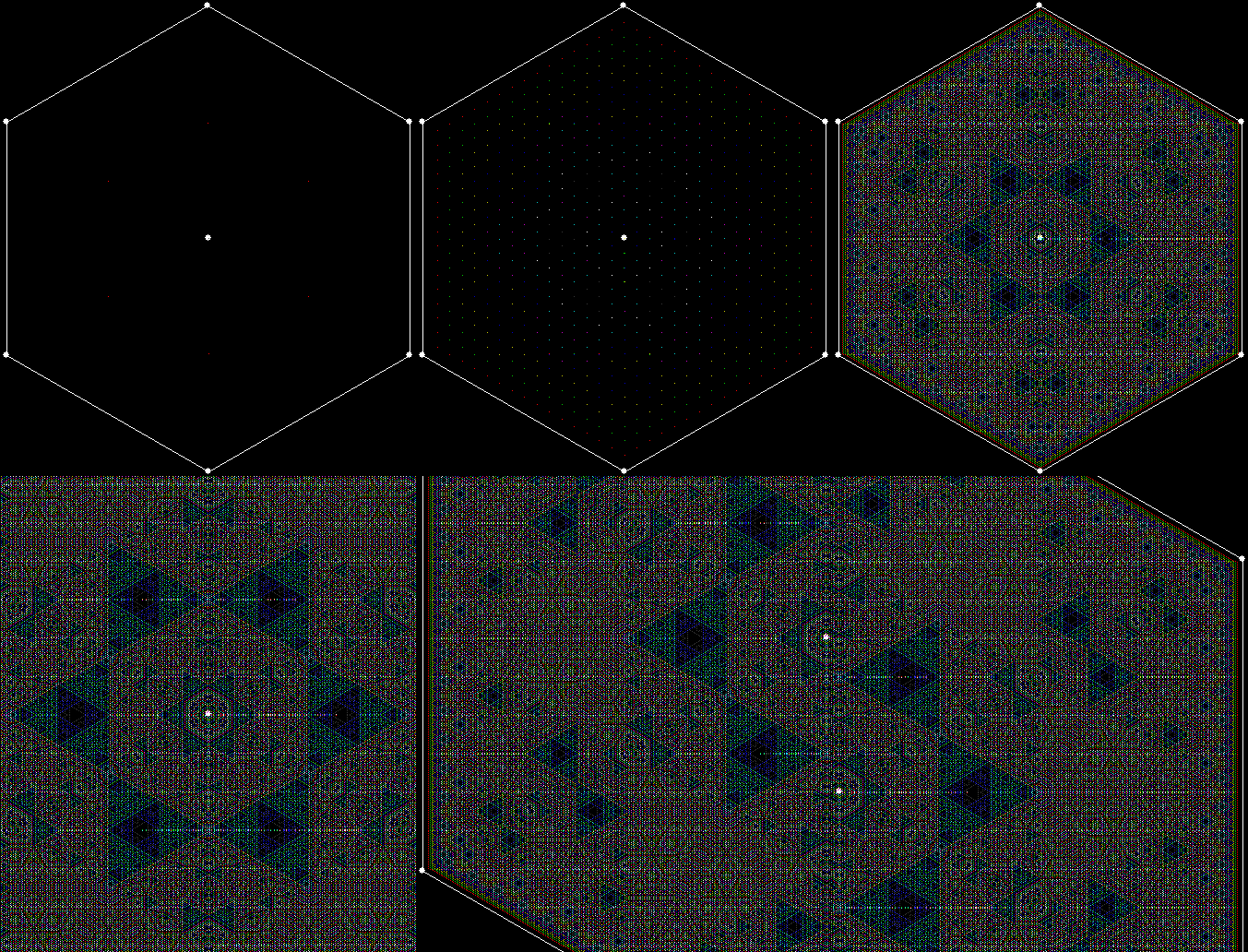
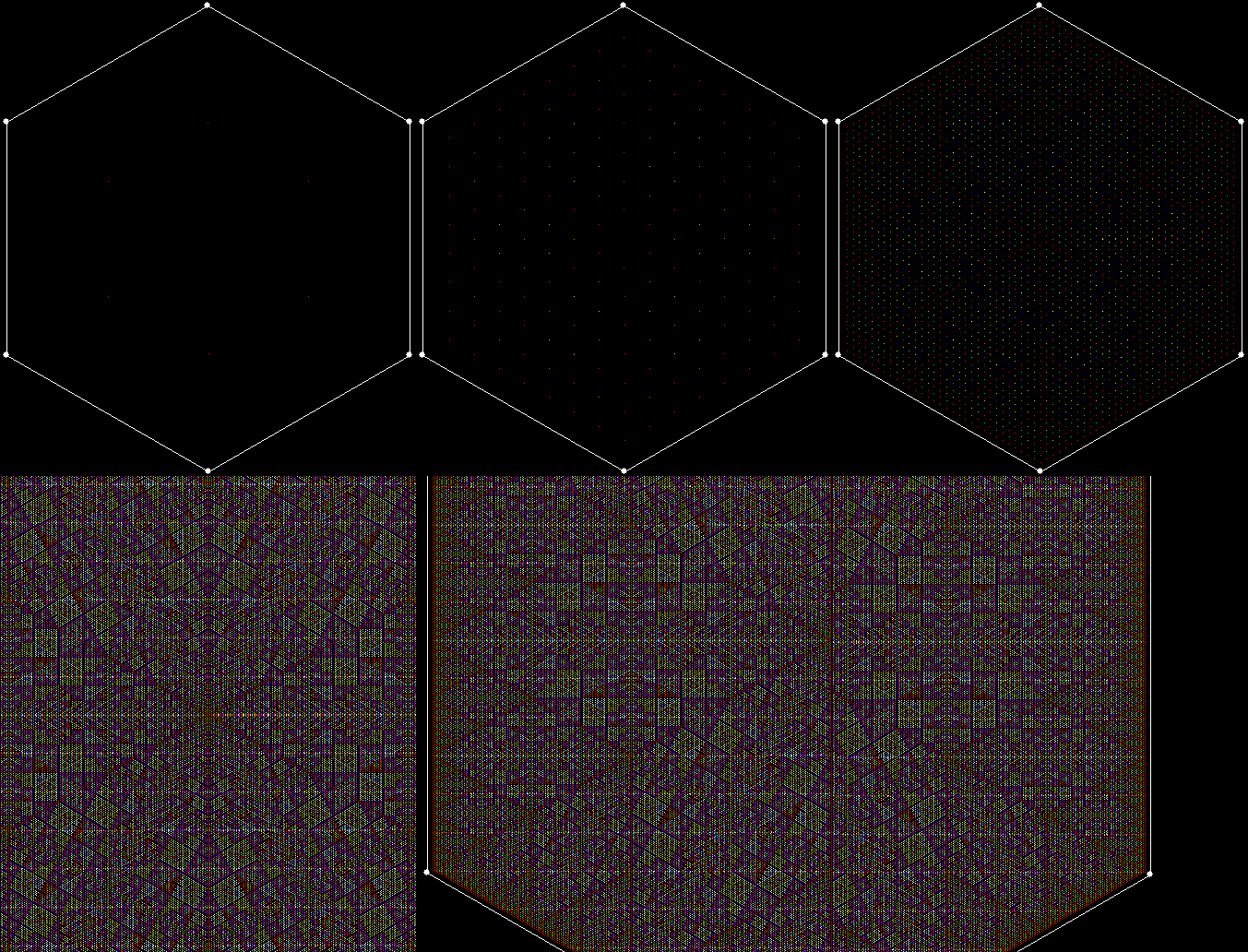
But the images above are just the beginning. If you use a fixed base while varying the polygon and so on, you can create images like these (here is the program I used):
fractal4


fractal5


fractal6789

The Art Grows Onda

Anyone interested in recreational mathematics should seek out three compendiums by Ian Stewart: Professor Stewart’s Cabinet of Mathematical Curiosities (2008), Professor Stewart’s Hoard of Mathematical Treasures (2009) and Professor Stewart’s Casebook of Mathematical Mysteries (2014). They’re full of ideas and puzzles and are excellent introductions to the scope and subtlety of maths. I first came across Alexander’s Horned Sphere in one of them. I also came across this simpler shape that packs infinity into a finite area:

unicorn_triangle

I call it a horned triangle or unicorn triangle and it reminds me of a wave curling over, like Katsushika Hokusai’s The Great Wave off Kanagawa (c. 1830) (“wave” is unda in Latin and onda in Spanish).

The Great Wave off Kanagawa by Katsushika Hokusai (1760–1849)

The Great Wave off Kanagawa by Katsushika Hokusai (1760–1849)

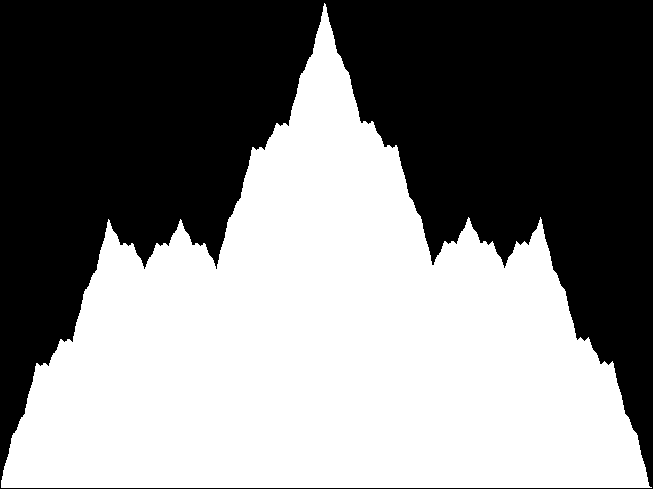
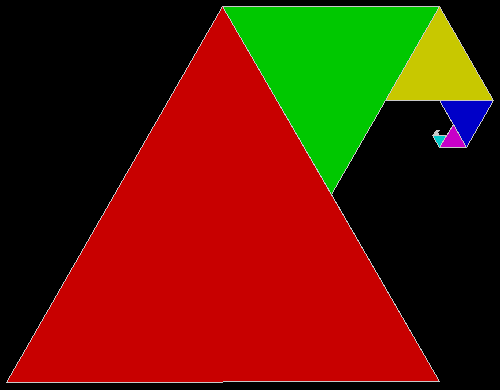
To construct the unicorn triangle, you take an equilateral triangle with sides of length 1 and erect a triangle with sides of length 0.5 on one of its corners. Then on the corresponding corner of the new triangle you erect a triangle with sides of length 0.25. And so on, for ever.

unicorn_multicolor

unicorn_animated

When you double the sides of a polygon, you quadruple the area: a 1×1 square has an area of 1, a 2×2 square has an area of 4. Accordingly, when you halve the sides of a polygon, you quarter the area: a 1×1 square has an area of 1, a 0.5 x 0.5 square has an area of 0.25 or 1/4. So if the original triangle of the unicorn triangle above has an area of 1 rather than sides of 1, the first triangle added has an area of 0.25 = 1/4, the next an area of 0.0625 = 1/16, and so on. The infinite sum is this:

1/4 + 1/16 + 1/256 + 1/1024 + 1/4096 + 1/16384…

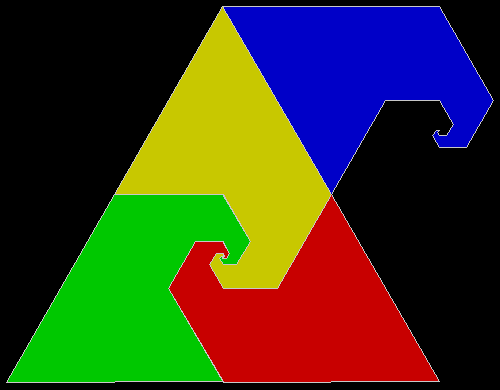
Which equals 1/3. This becomes important when you see the use made of the shape in Stewart’s book. The unicorn triangle is a rep-tile, or a shape that can be divided into smaller copies of the same shape:

unicorn_reptile_static

unicorn_reptile

An equilateral triangle can be divided into four copies of itself, each 1/4 of the original area. If an equilateral triangle with an area of 4 is divided into three unicorn triangles, each unicorn has an area of 1 + 1/3 and 3 * (1 + 1/3) = 4.

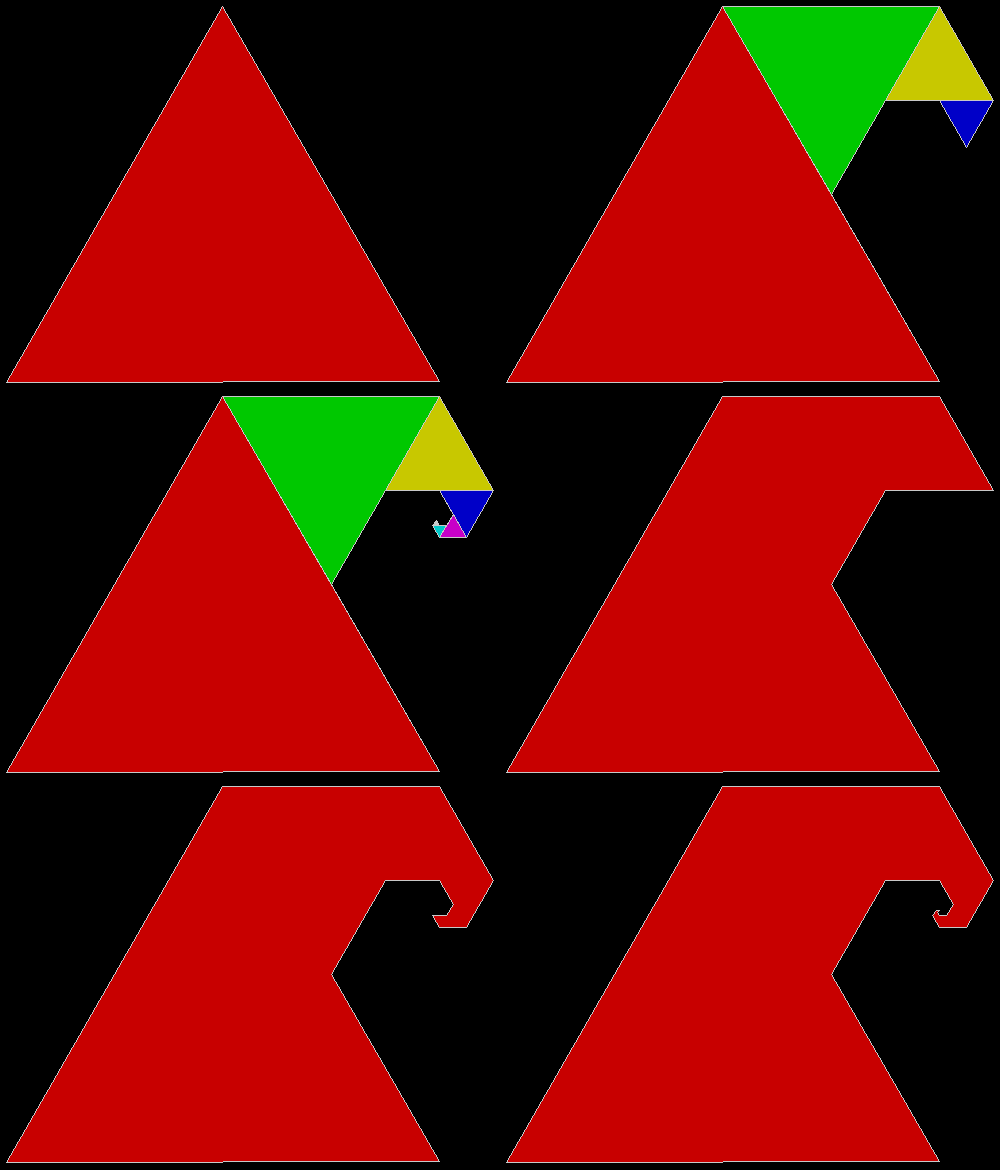
Because it’s a rep-tile, a unicorn triangle is also a fractal, a shape that is self-similar at smaller and smaller scales. When one of the sub-unicorns is dropped, the fractals become more obvious:

unicorn_fractal1


unicorn_fractal2


unicorn_fractal3


Elsewhere other-posted:

Rep-Tiles Revisited

Get Your Prox Off
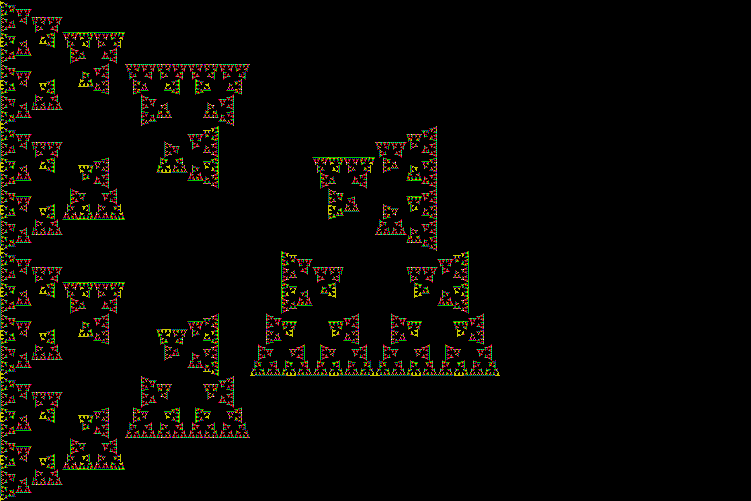
Create a triangle. Find a point somewhere inside it. Choose a corner at random and move halfway towards it. Mark the new point. Repeat the procedure: choose, move, mark. Repeat again and again. In time, a fractal will appear:

siertri

However, if you try the same thing with a square – choose a corner at random, move halfway towards it, mark the new point, repeat – no fractal appears. Instead, the points fill the interior of the square:
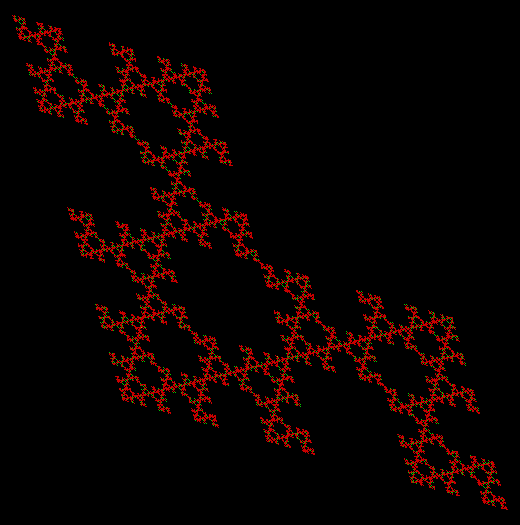
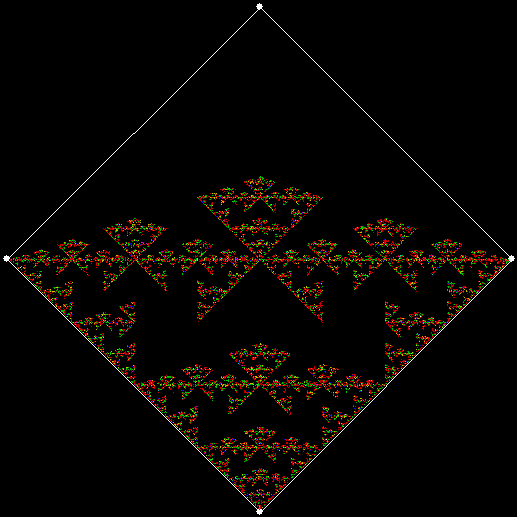
sierquad

But what happens if you impose restrictions on the randomly chosen corner (or chorner)? Suppose you can’t choose the same corner twice in a row. If this rule is applied to the square, this fractal appears:

restrict4_T


restrict4_Tanim

Now apply the no-corner-twice-in-a-row rule to a square that contains a central chorner. This fractal appears:

restrict4_Tc

And if the rule is that you can choose a corner twice in a row but not thrice? This fractal appears:

restrict4FT


restrict4FTc


Here is the rule is that a corner can’t be chosen if it was chosen two moves ago:

restrict4_3F

But what if the restriction is based not on how often or when a corner is chosen, but on its proximity, i.e. how near it is to the marked point? If the nearest corner can’t be chosen, the result is the same as the no-corner-twice-in-a-row rule:

prox4_1

But if the second-nearest corner can’t be chosen, this fractal appears:

prox4_2

This is the fractal when the third-nearest corner can’t be chosen:

prox4_3

And this is the fractal when the fourth-nearest, or most distant, corner can’t be chosen:

prox4_4

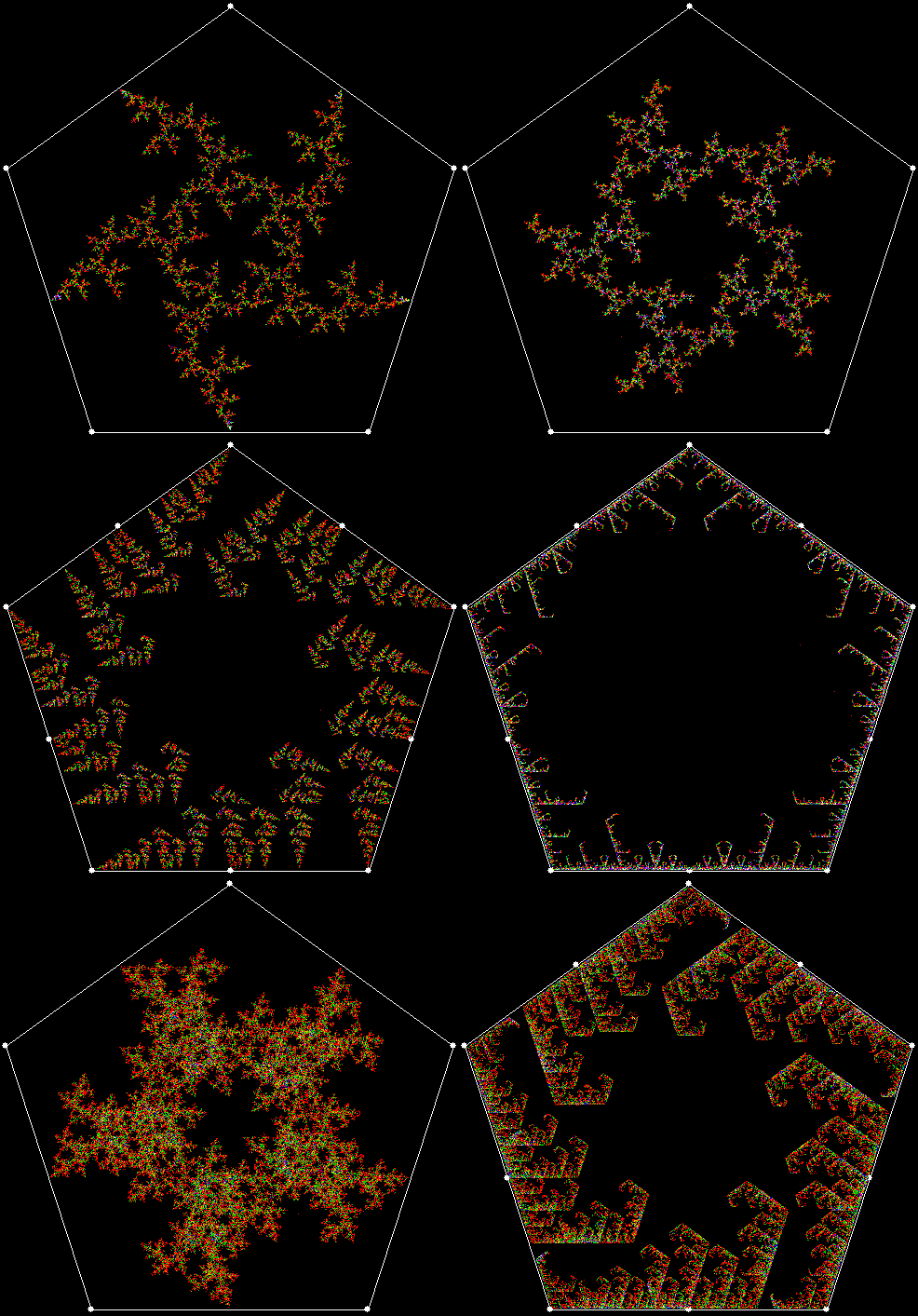
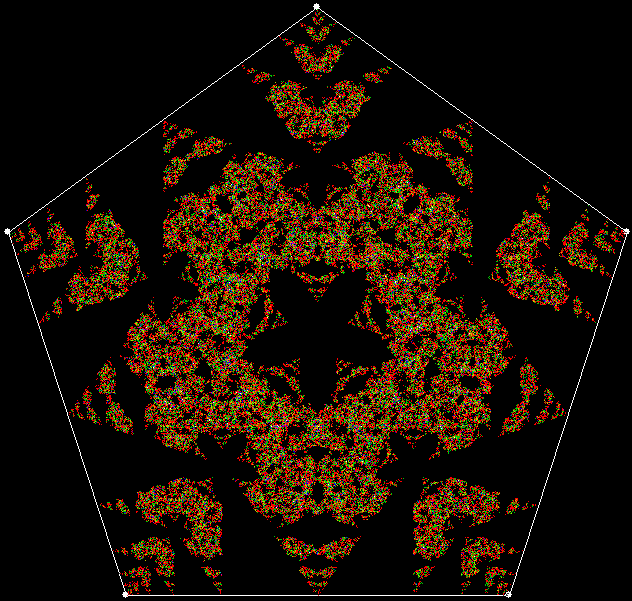
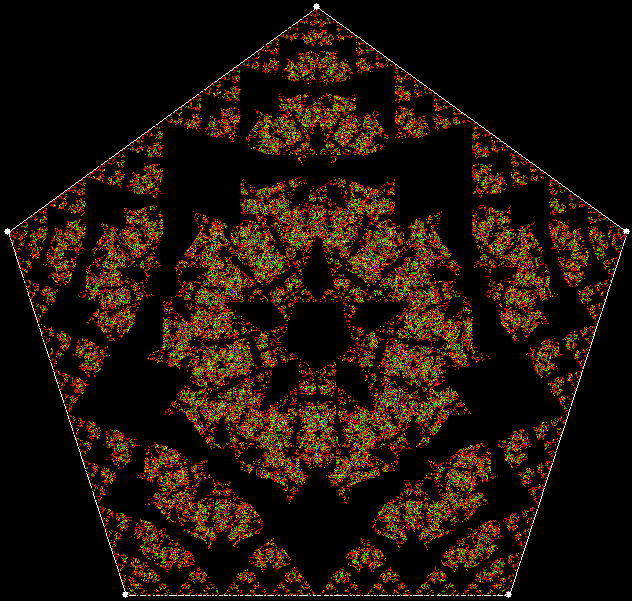
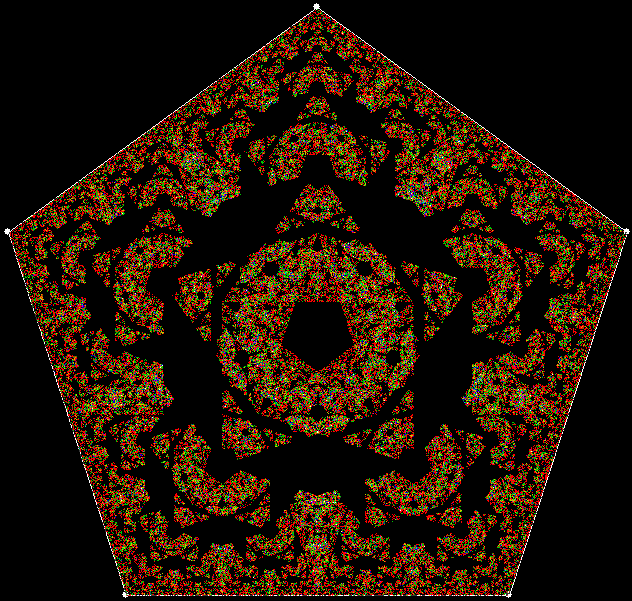
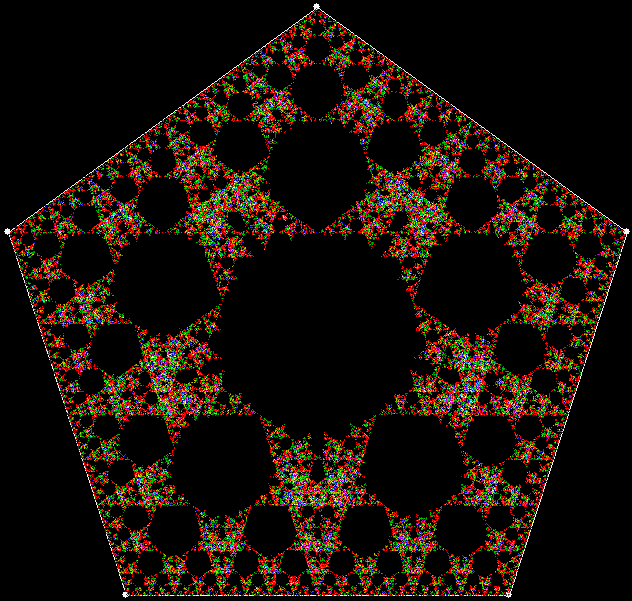
Here are the same restrictions applied to a pentagon:

prox5_1

Nearest corner forbidden


prox5_2

Second-nearest corner forbidden


prox5_3

Third corner forbidden


prox5_4

Fourth corner forbidden


prox5_5

Fifth corner forbidden


prox5_5anim

Fifth corner forbidden (animated)

And a pentagon with a central chorner:

prox5_anim_c

Now try excluding more than one corner. Here are pentagons excluding the n-nearest and n+1-nearest corners (for example, the nearest and second-nearest corners; the second-nearest and third-nearest; and so on):

prox5n_n1_anim

But what if the moving point is set equal to the n-nearest corner before it moves again? If the corner is the second-nearest and the shape is a triangle with a central chorner, this is the fractal that appears:

prox3_set2c


prox3_set2c_anim

Animated version

And here is the same rule applied to various n-nearest corners in a pentagon:

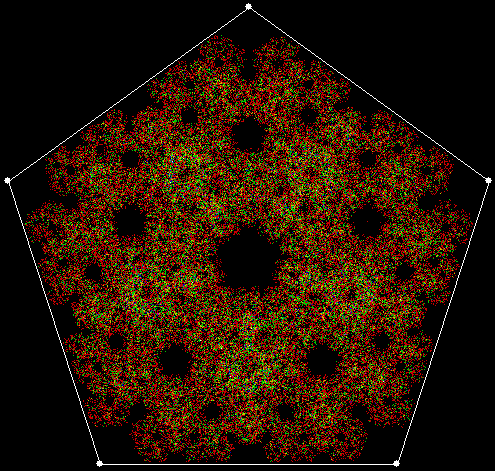
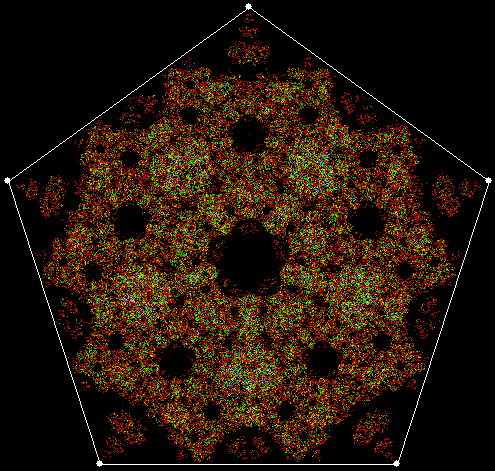
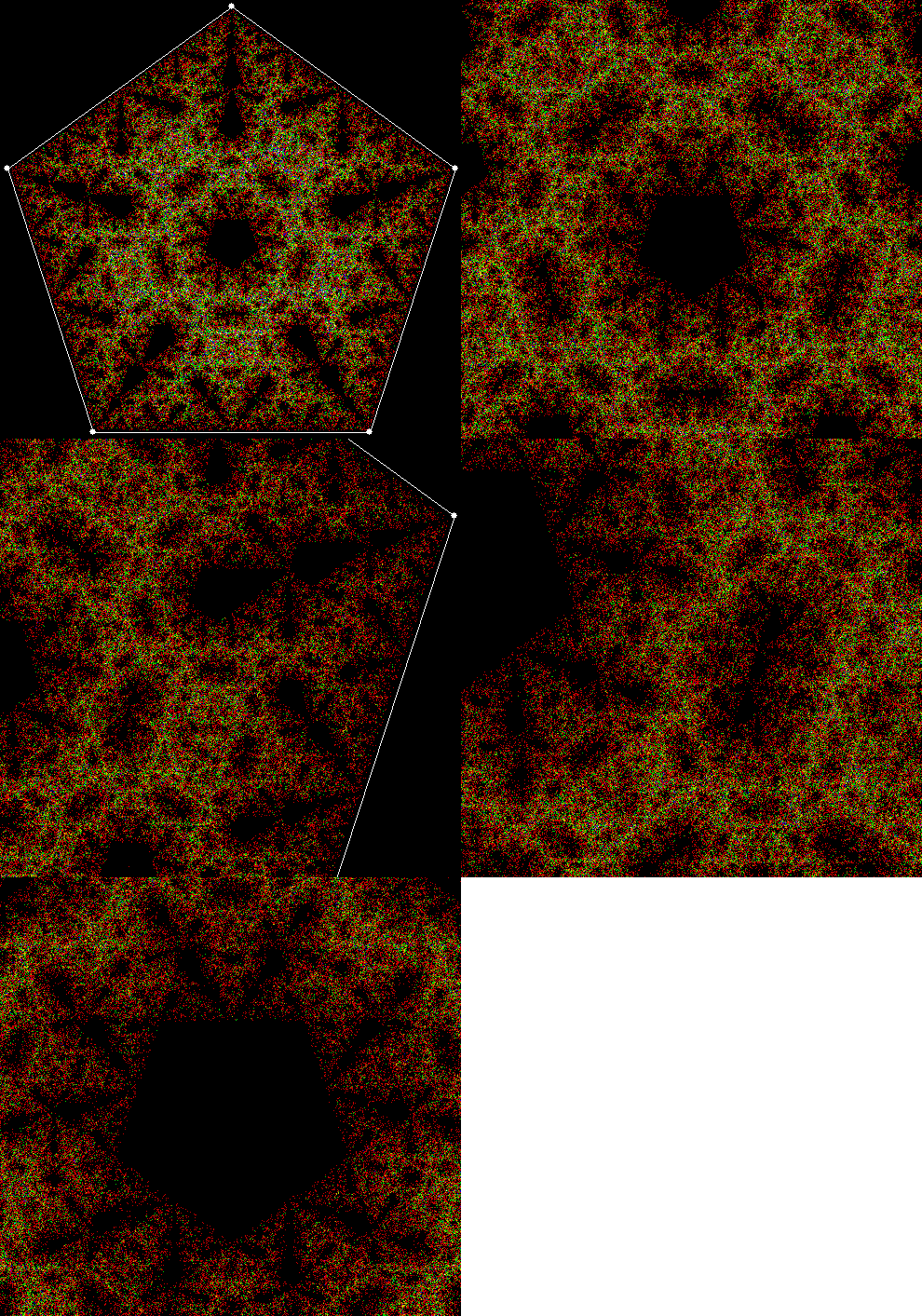
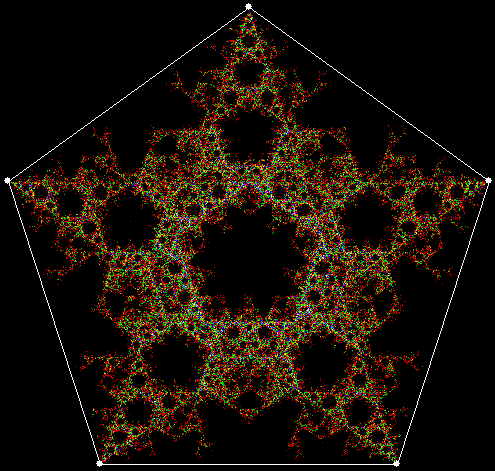
prox5_set_anim