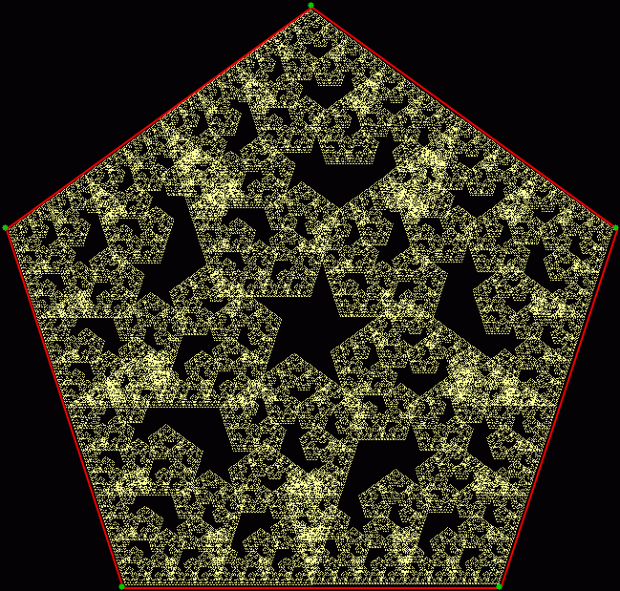
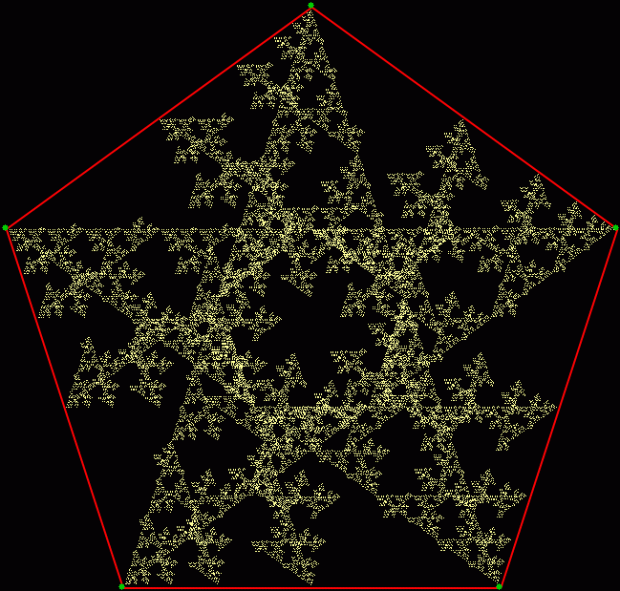
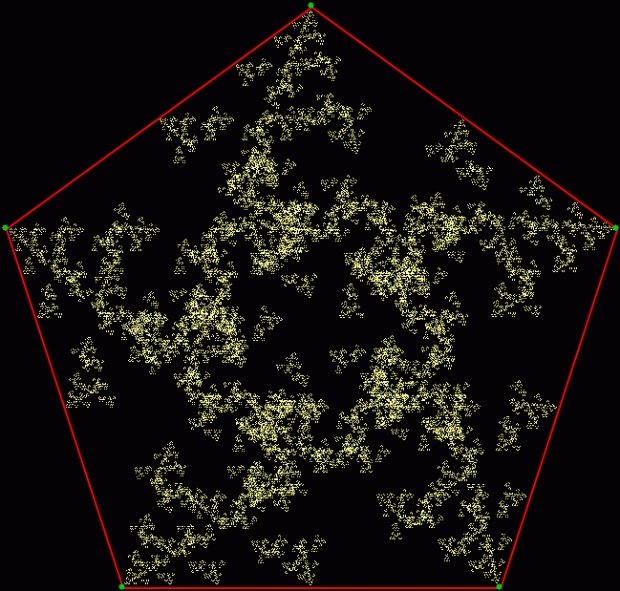
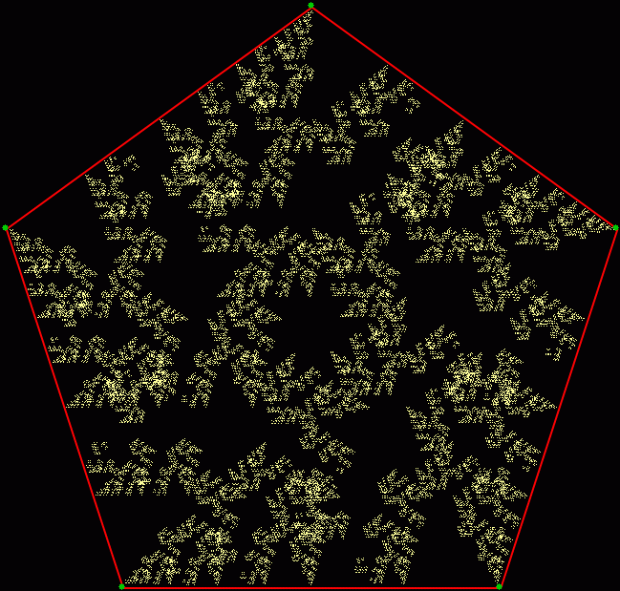
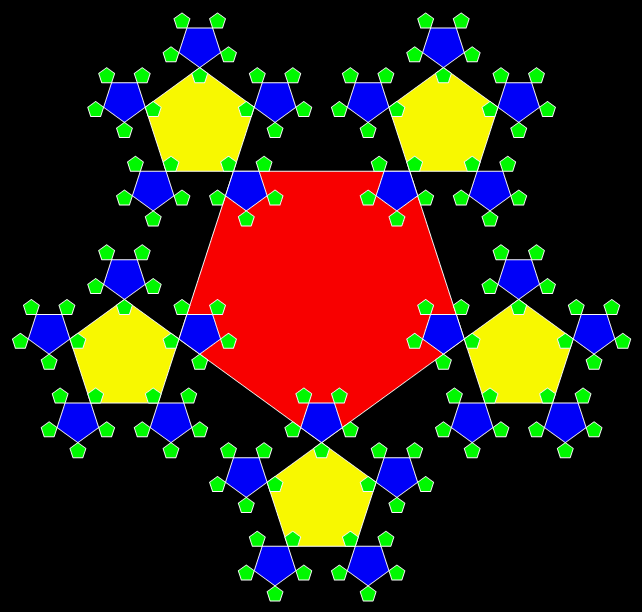
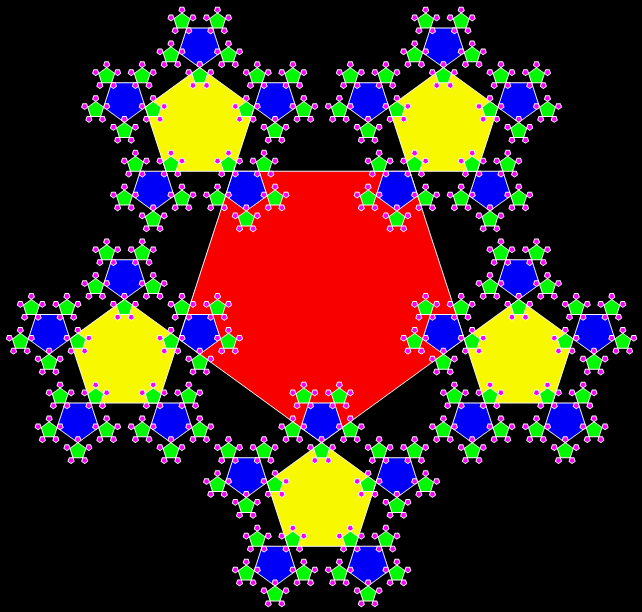
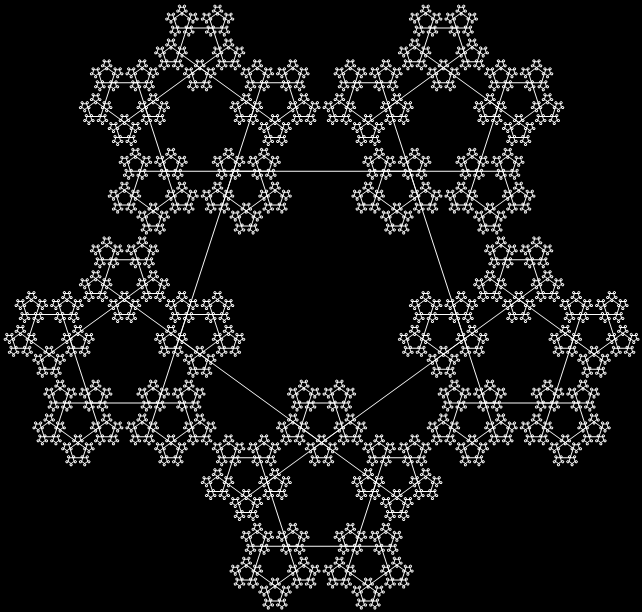
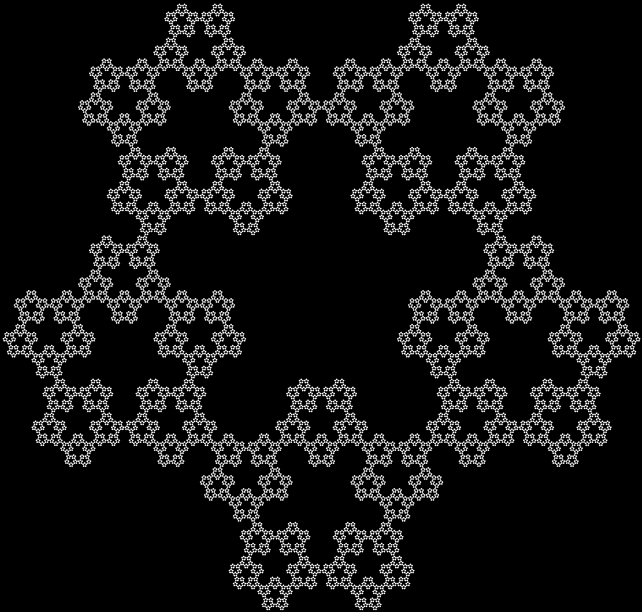
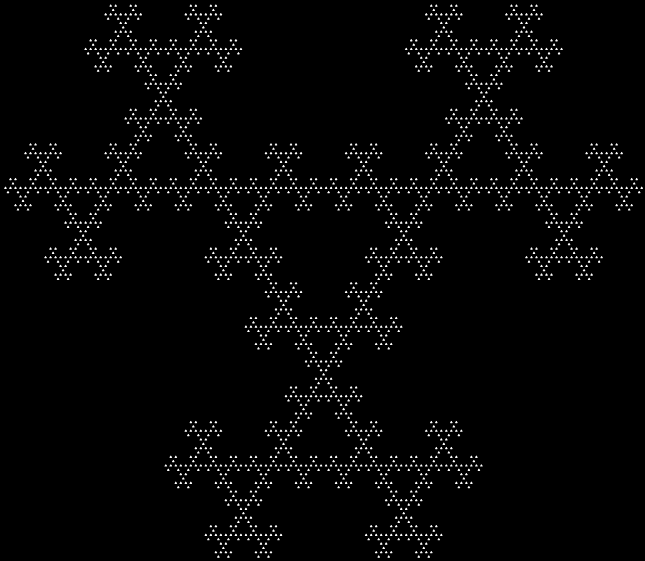
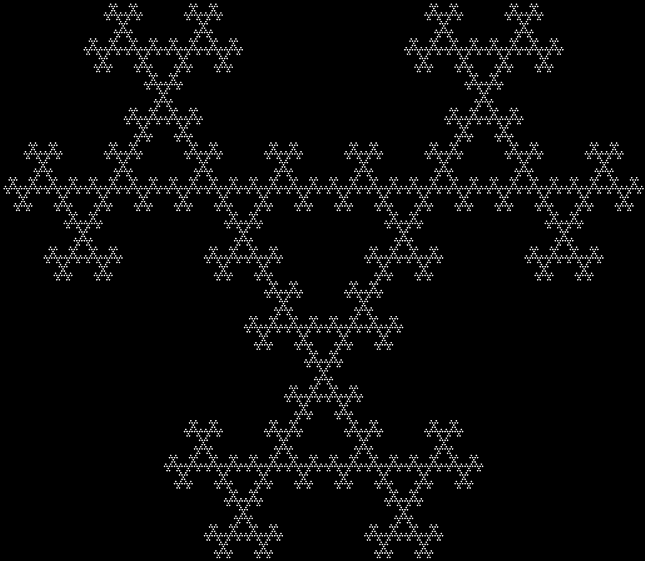
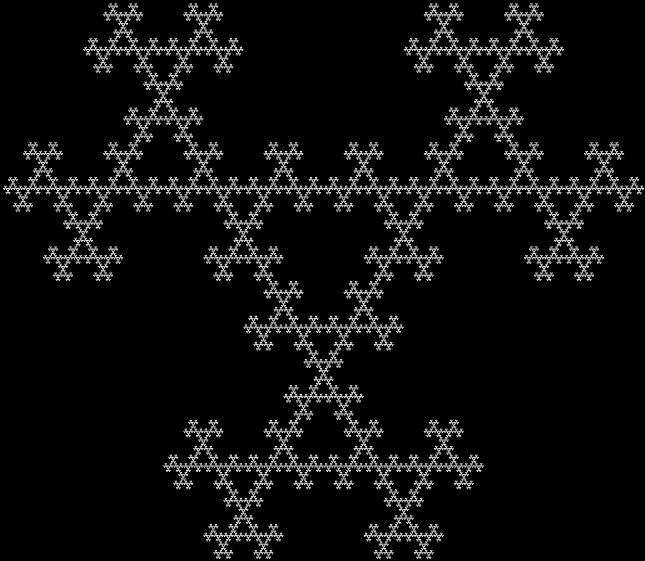
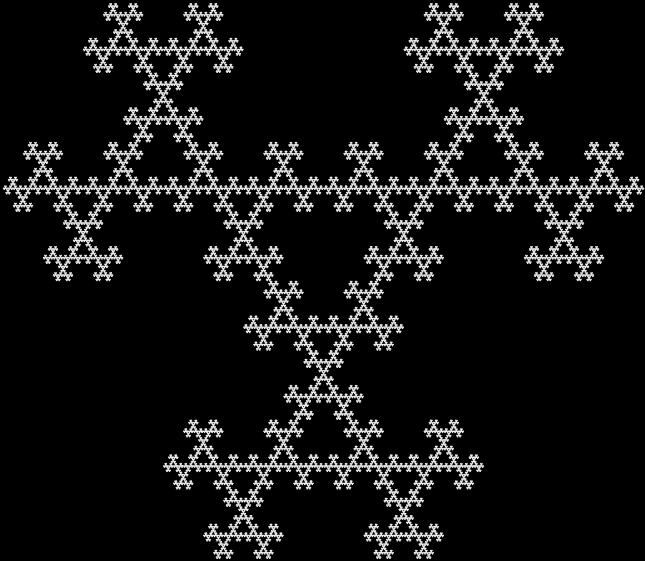
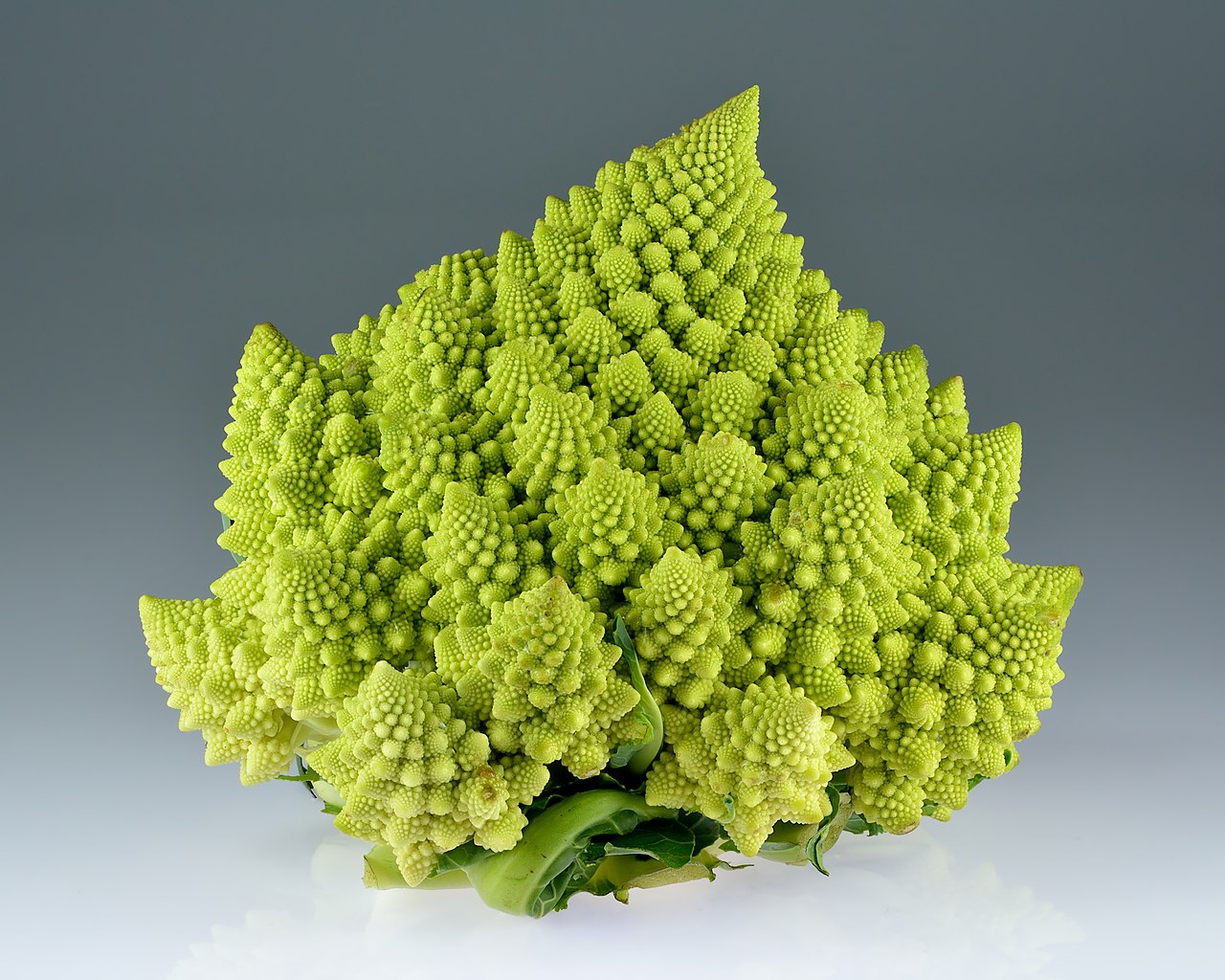
Close-up of Romanesco broccoli florets

Close-up of Romanesco broccoli florets
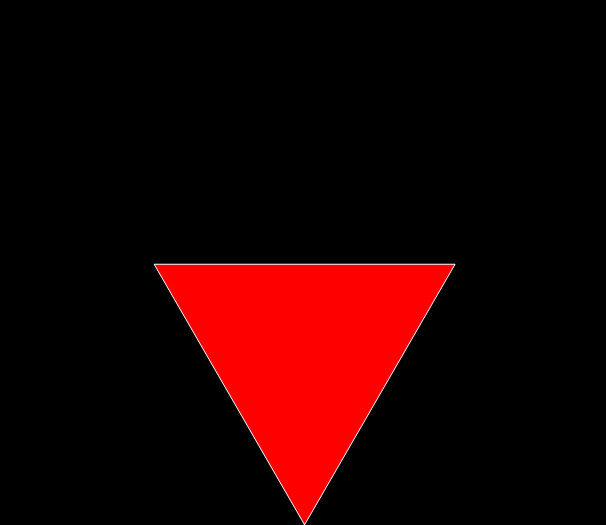
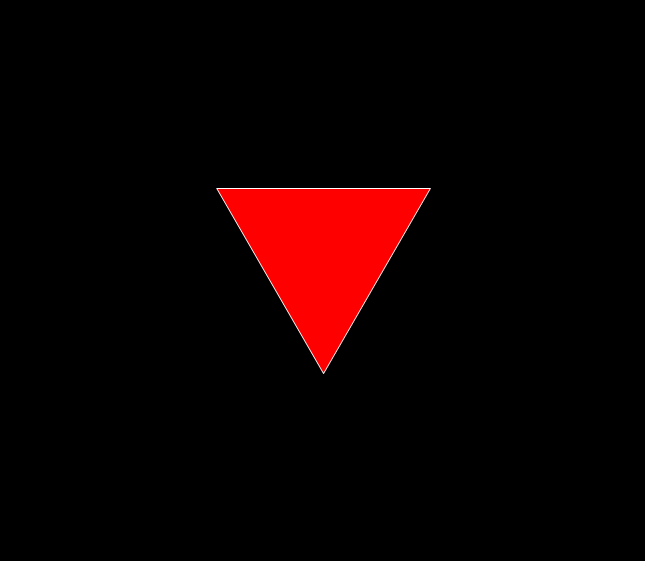
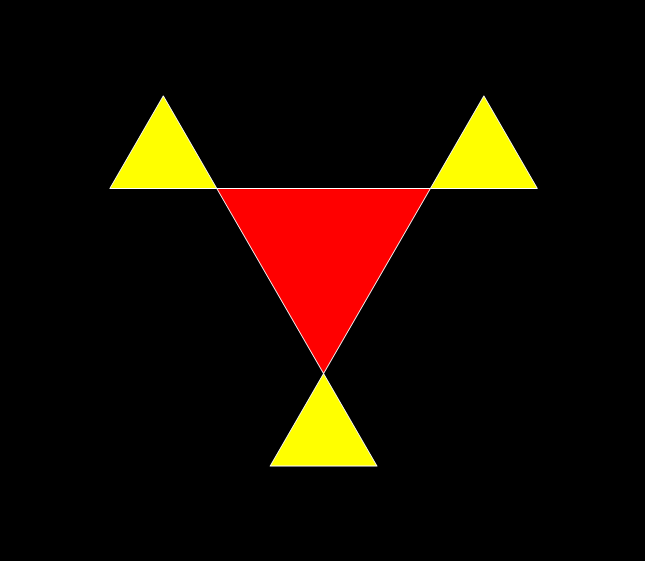
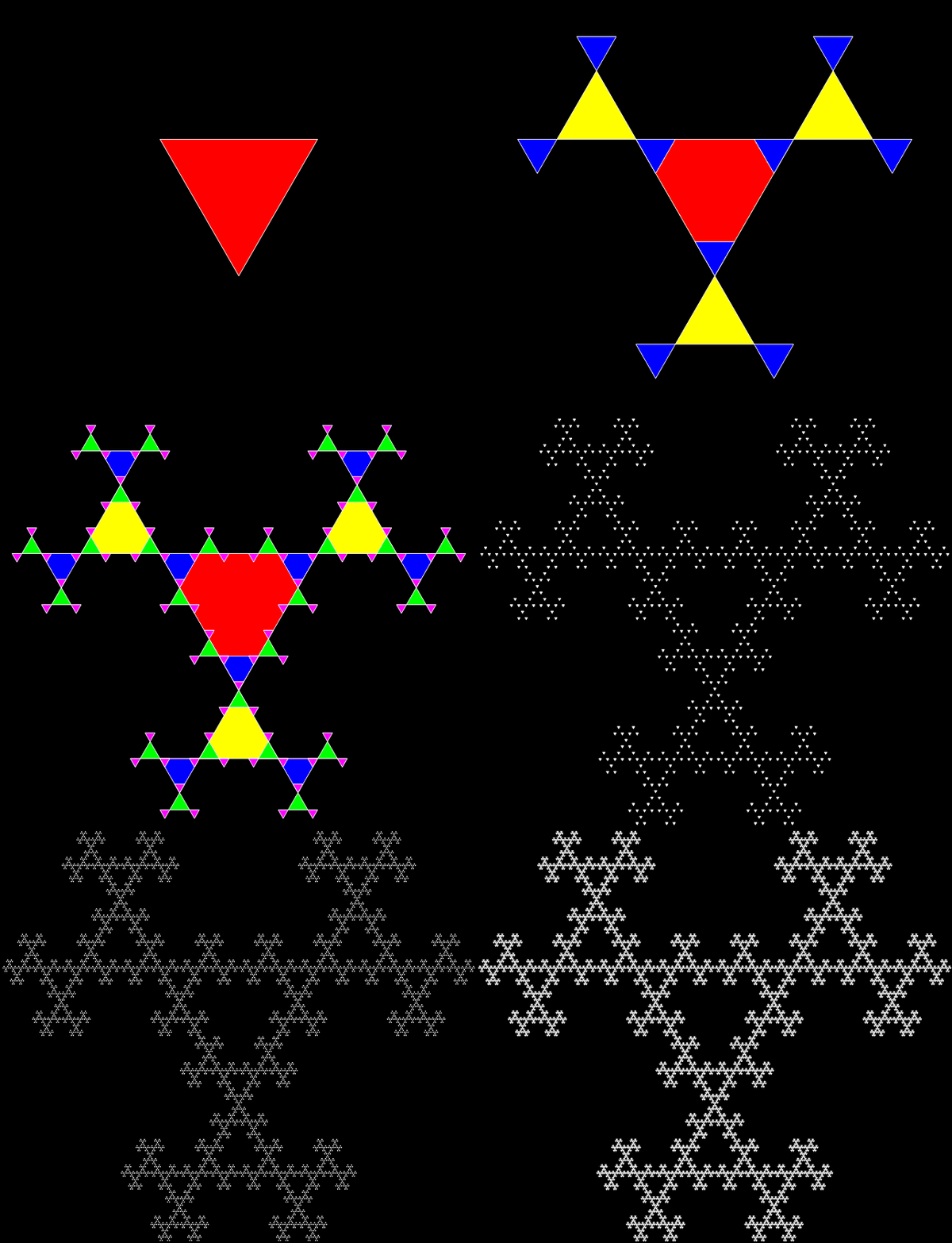
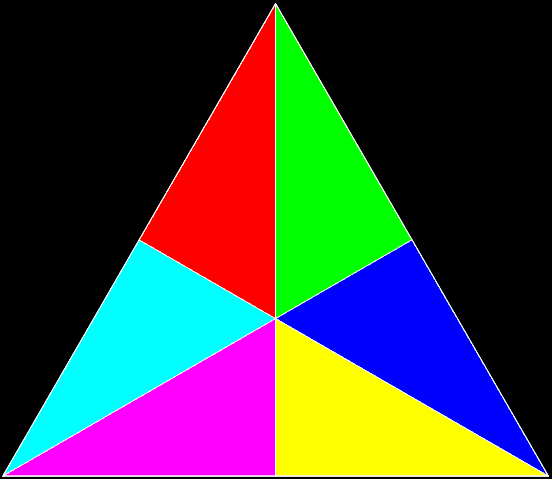
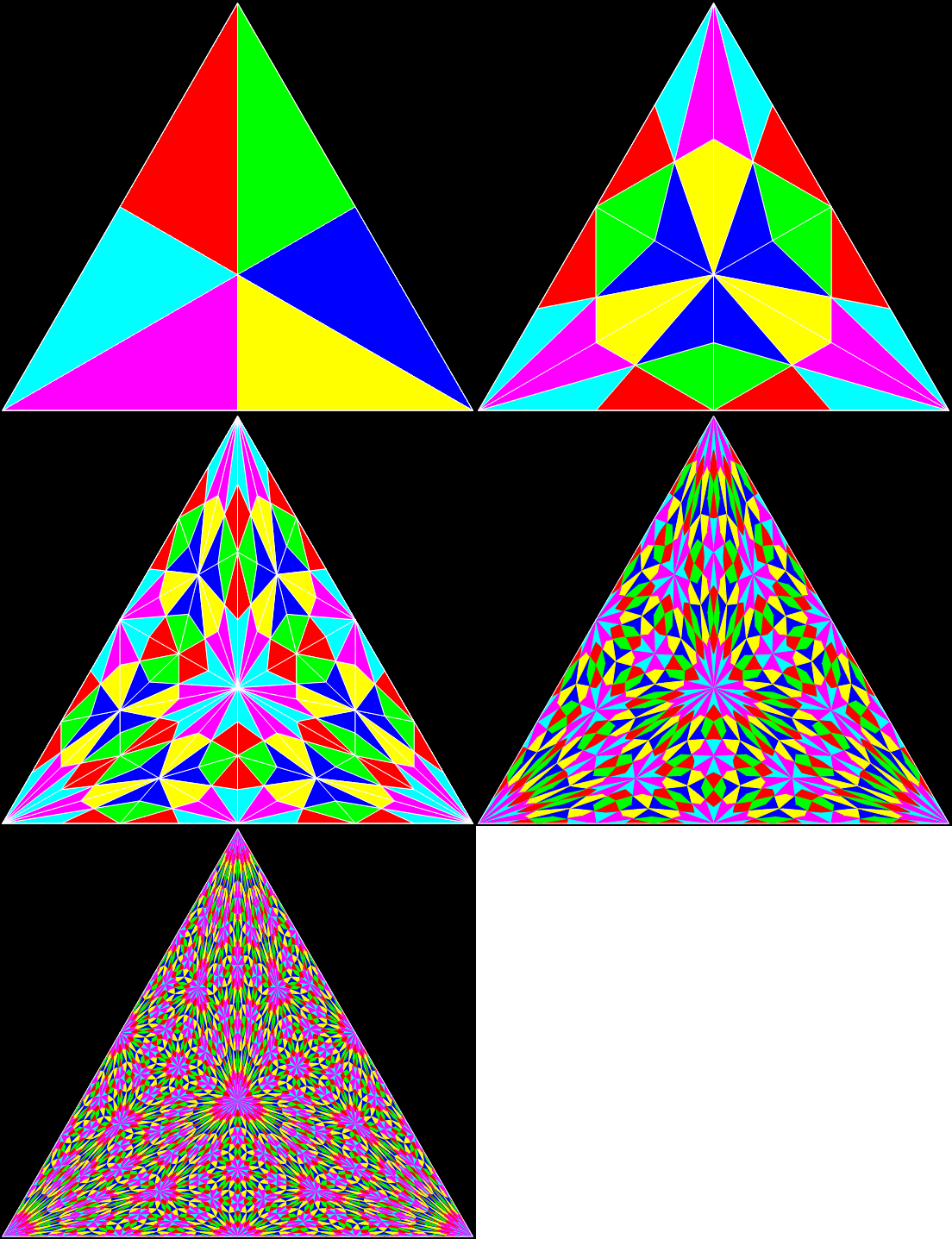
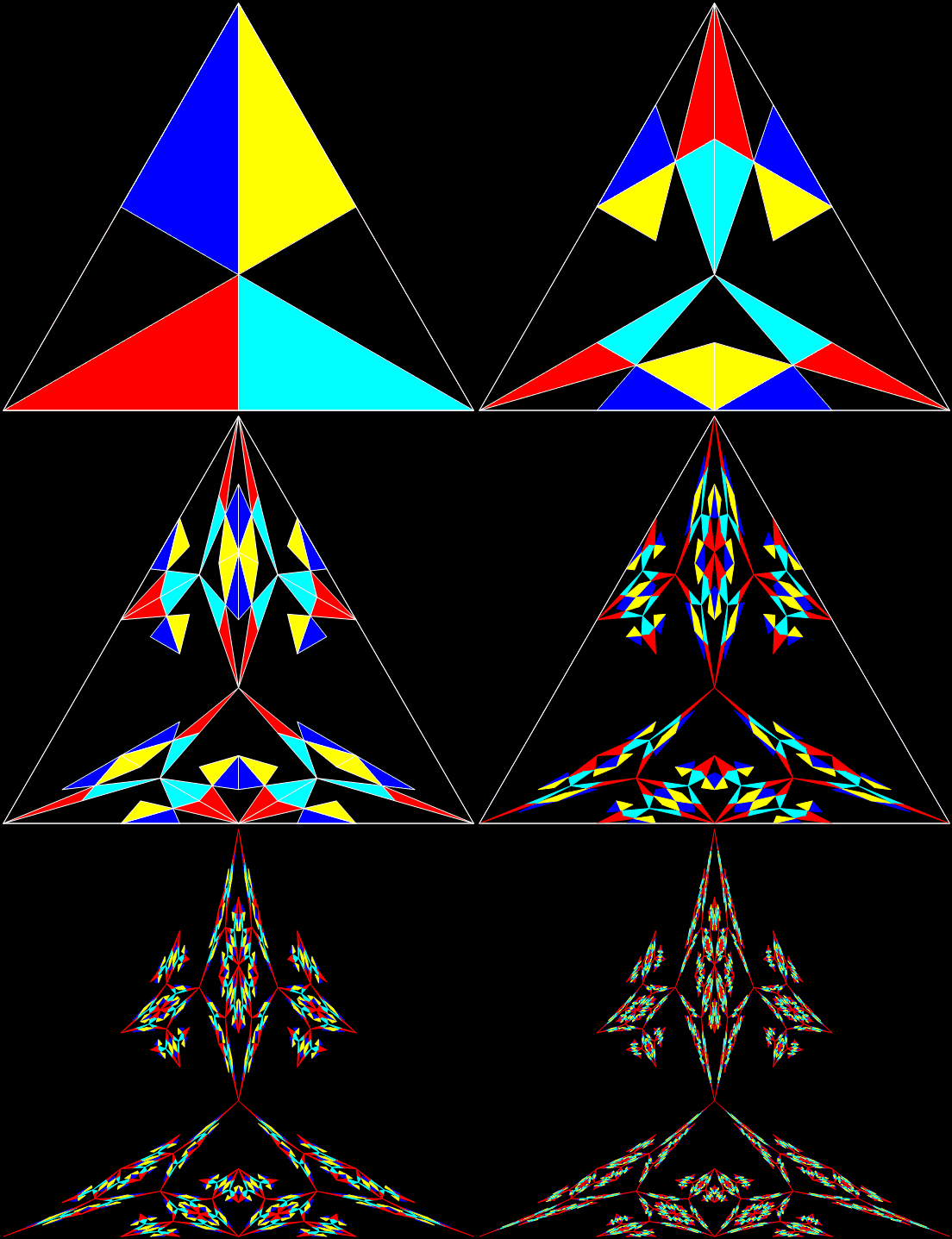
Here’s an equilateral triangle divided into six smaller triangles:
Equilateral triangle divided into six irregular triangles (Stage #1)
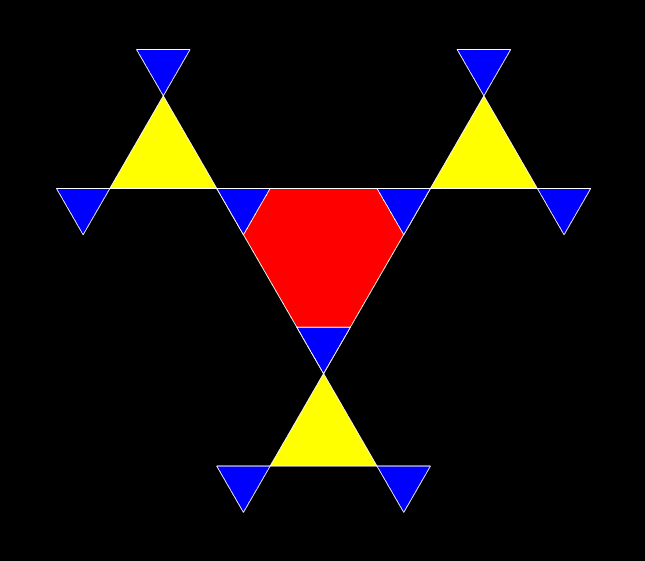
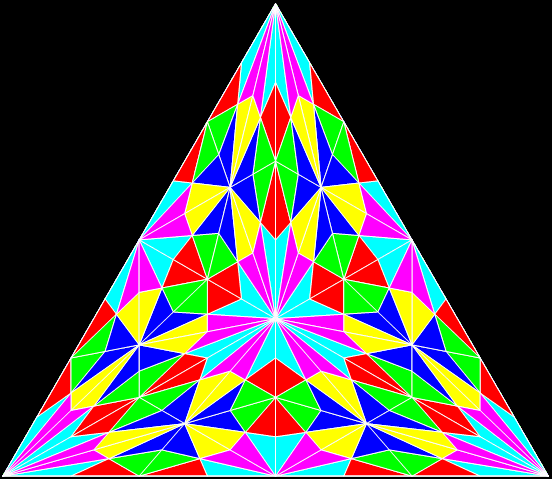
Now keep on dividing:
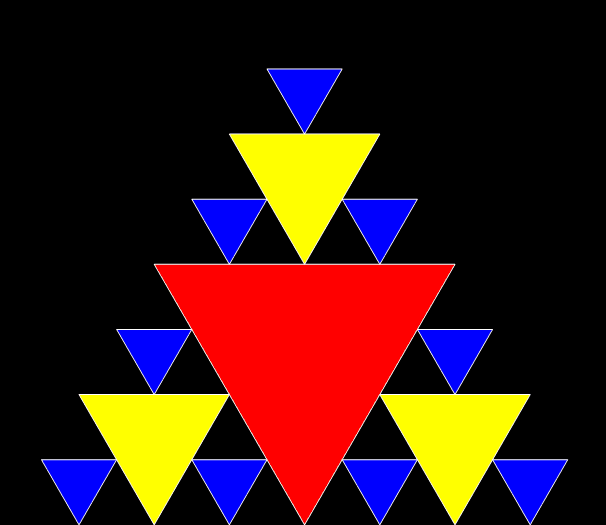
Stage #2
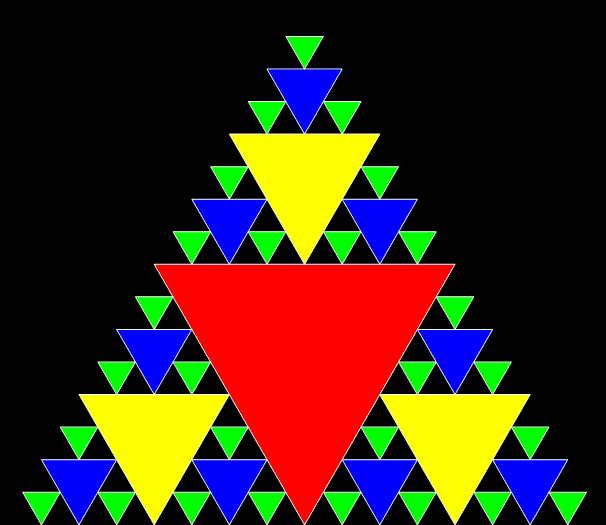
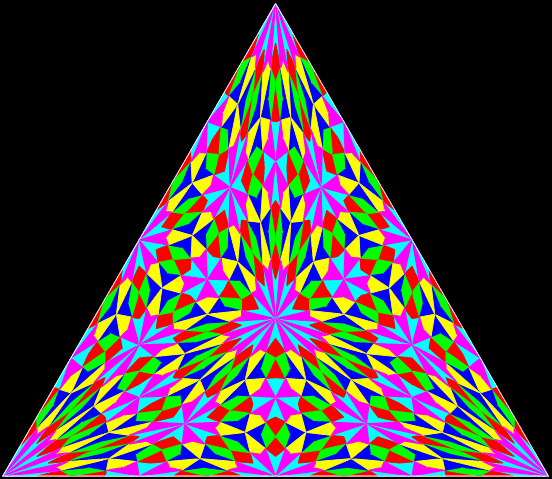
Stage #3
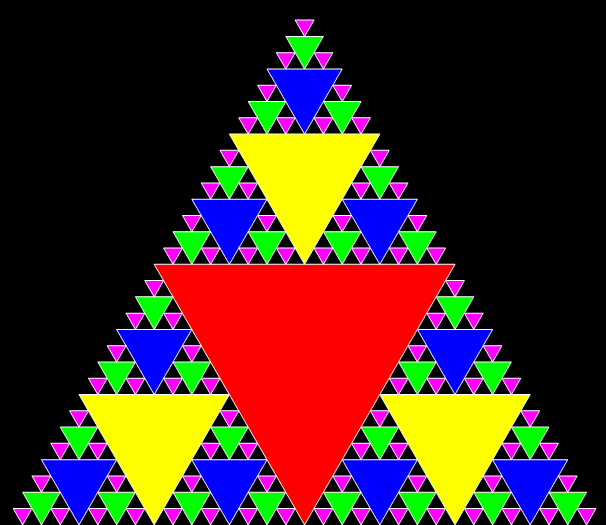
Stage #4
Stage #5
Equilateral triangle dividing into six irregular triangles (animated)
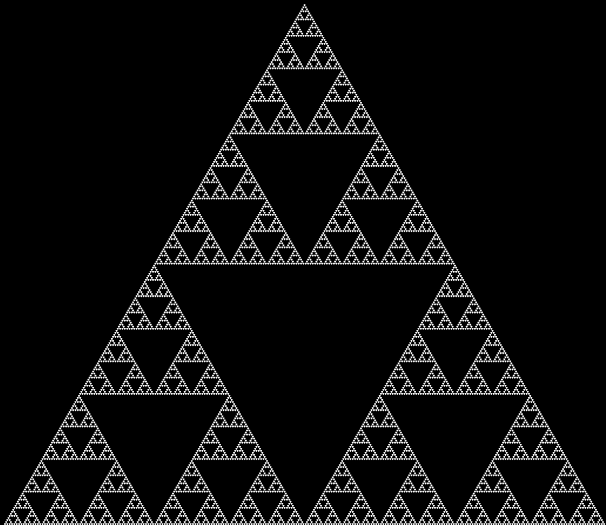
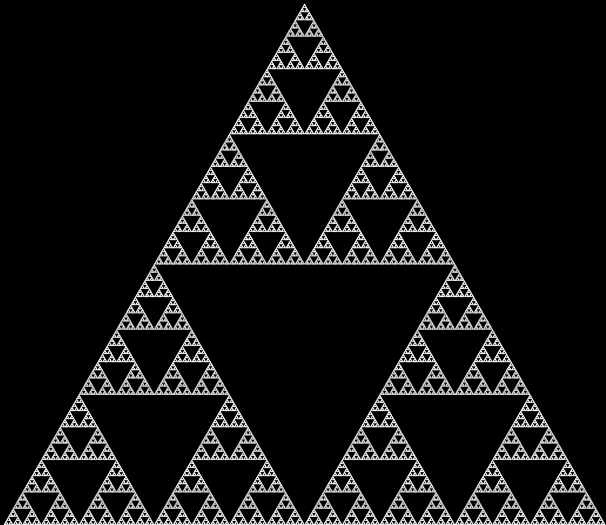
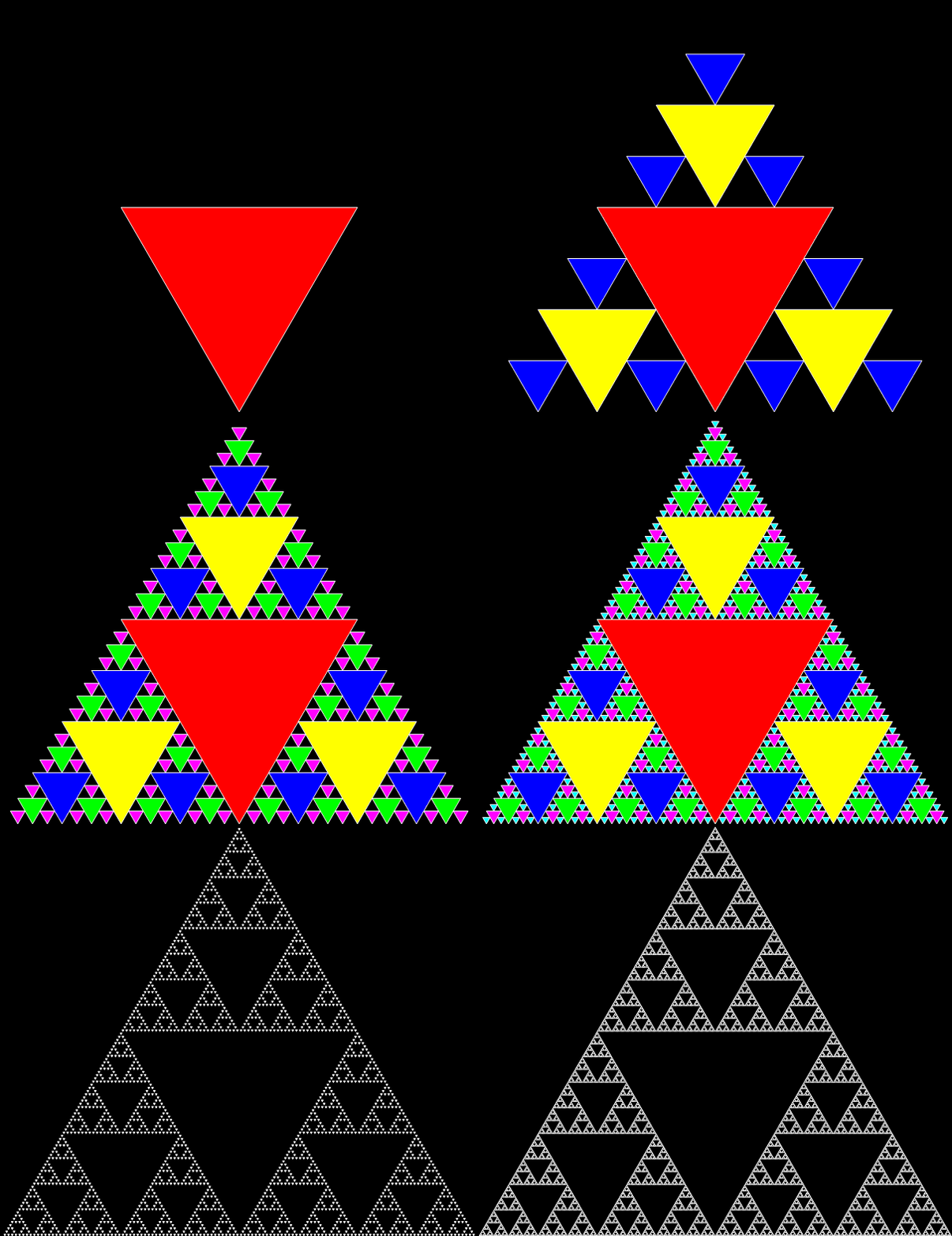
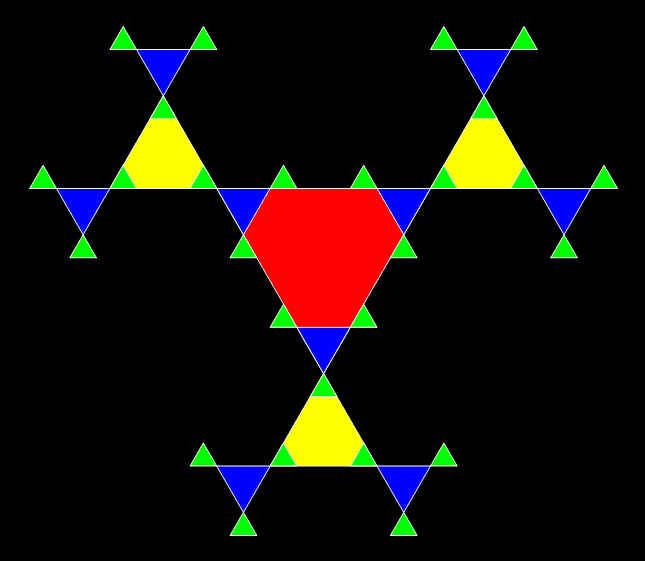
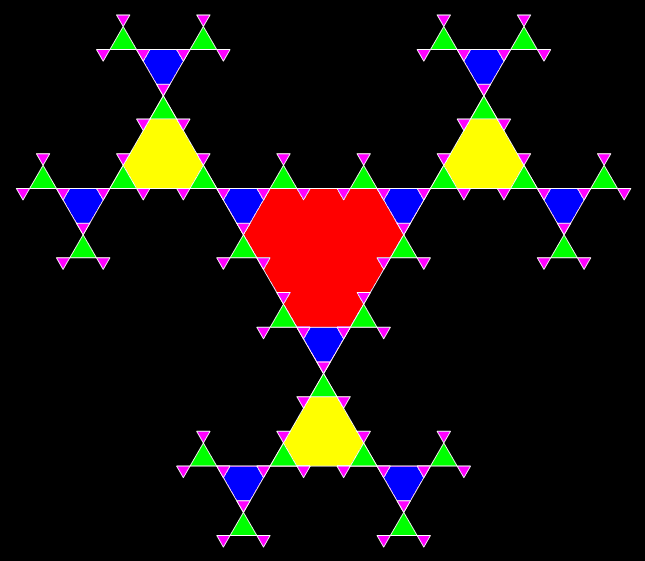
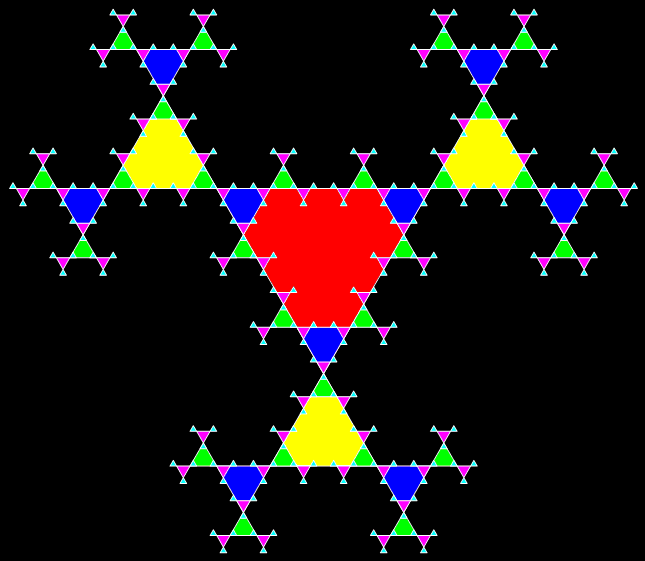
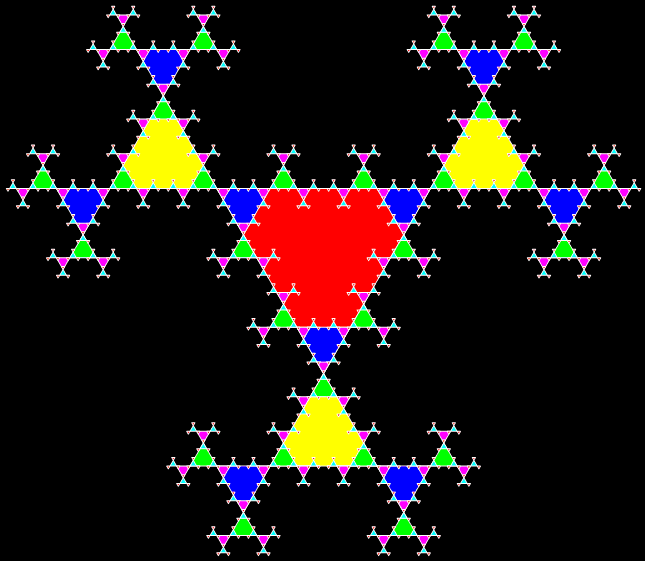
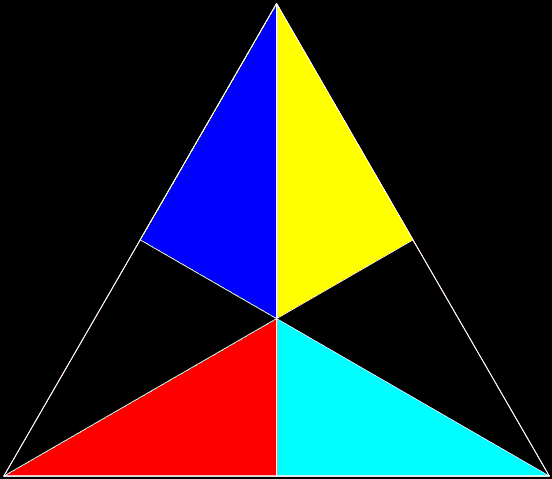
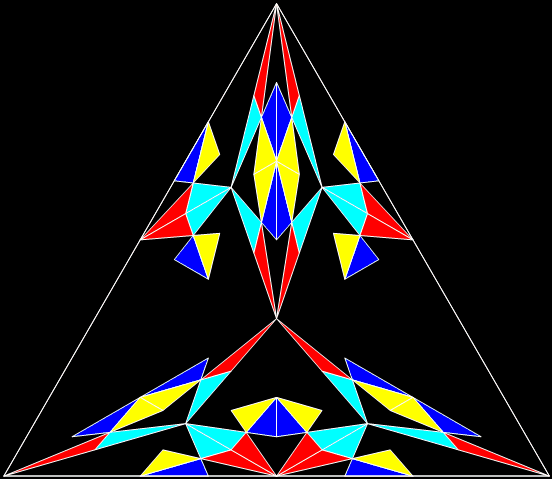
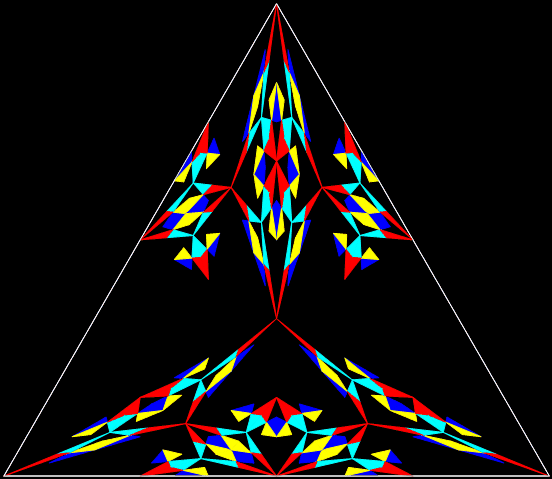
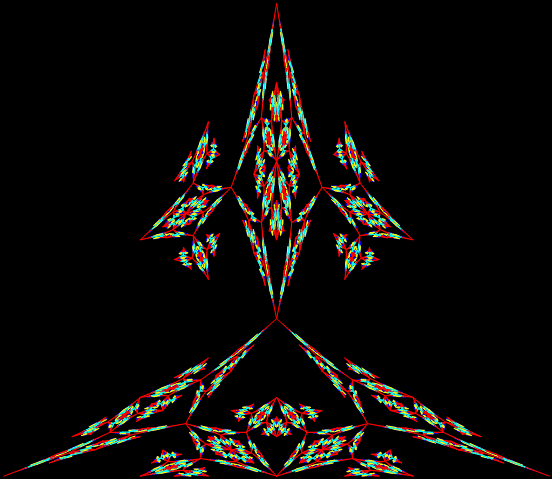
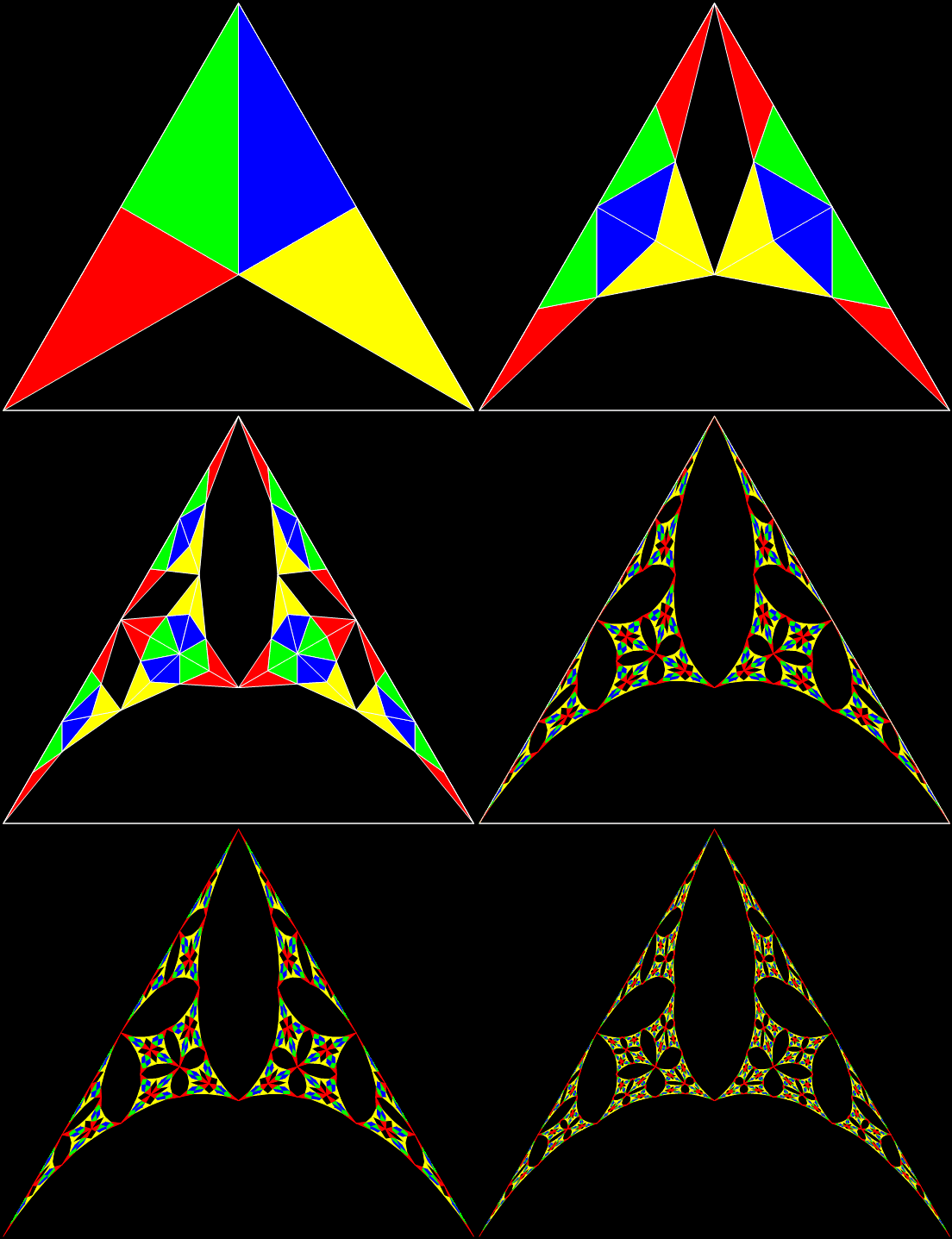
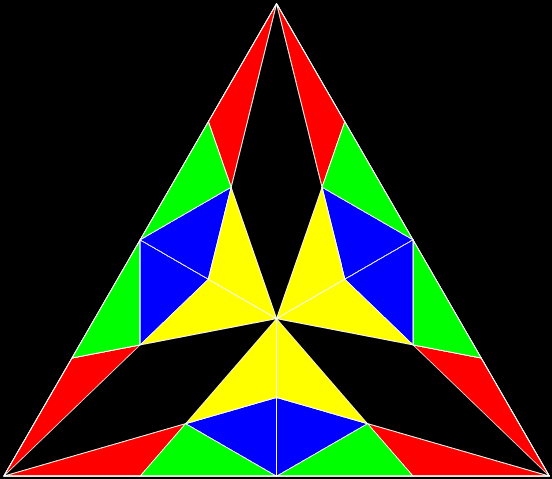
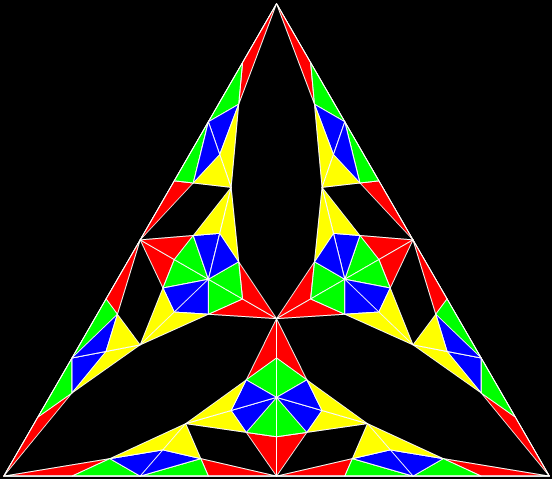
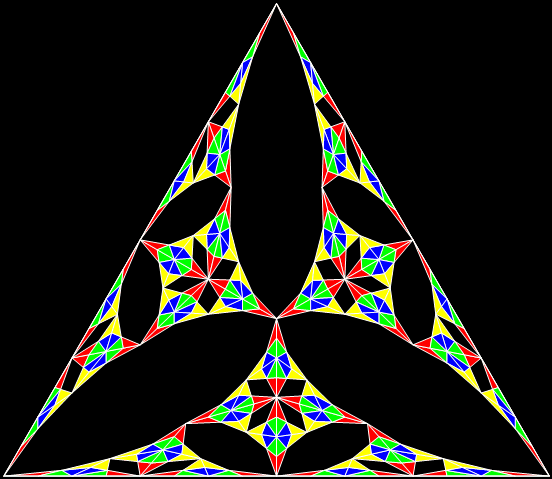
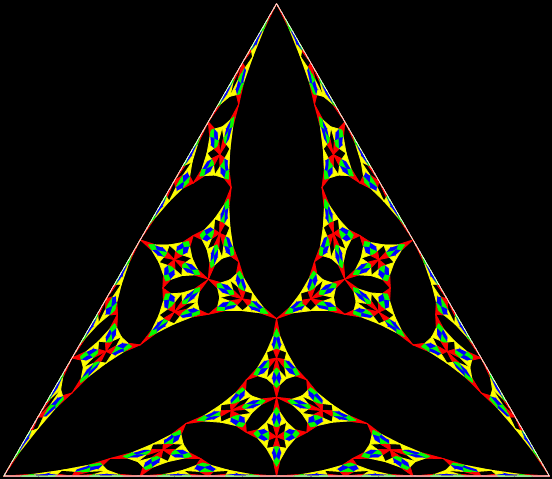
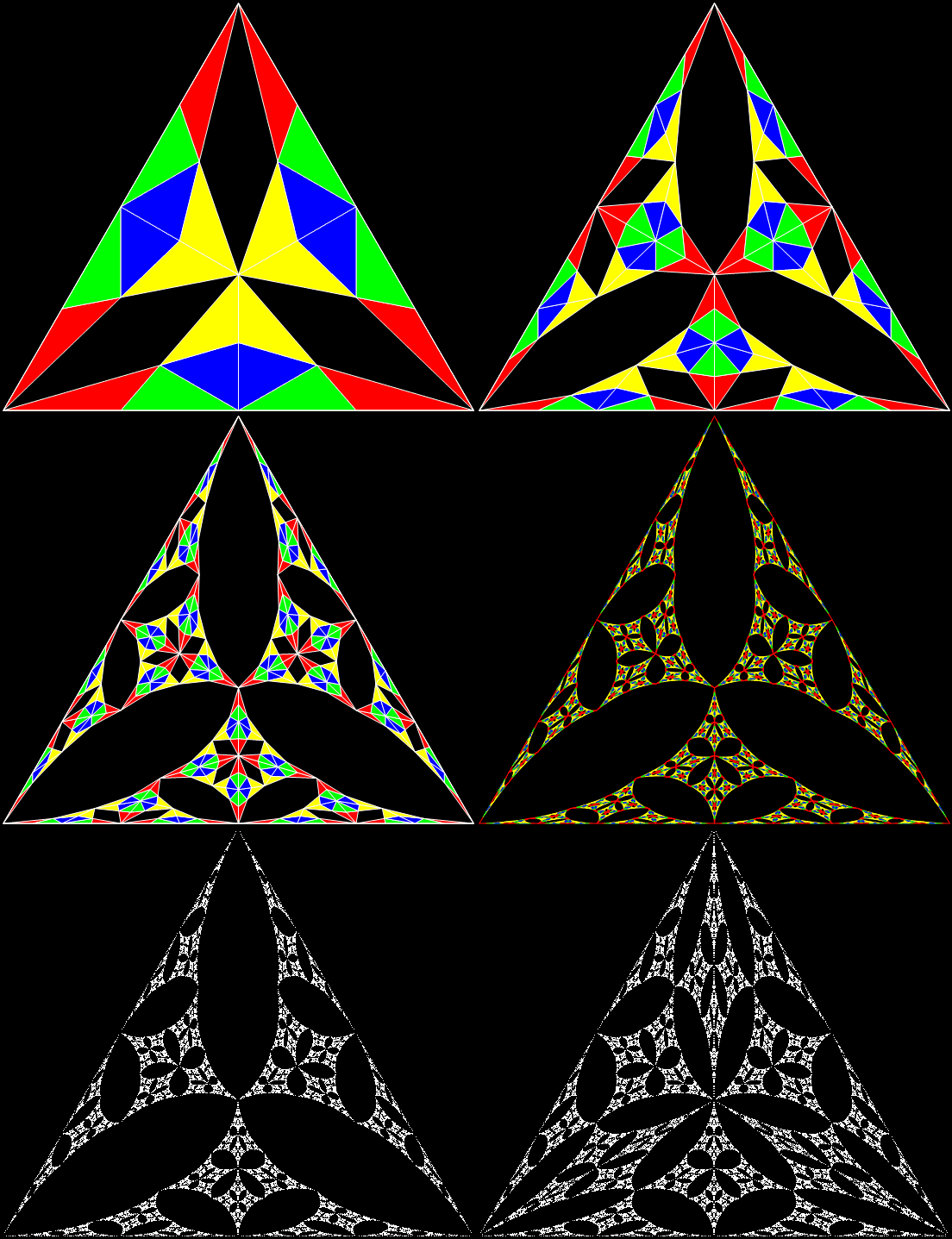
But what happens if you divide the triangle, then discard some of the sub-triangles, then repeat? You get a self-similar shape called a fractal:
Divide-and-discard stage #1
Stage #2
Stage #3
Stage #4
Stage #5
Stage #6
Triangle fractal (animated)
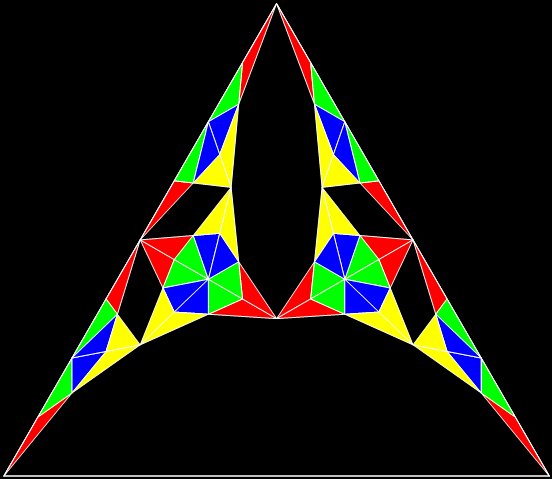
Here’s another example:
Divide-and-discard stage #1
Stage #2
Stage #3
Stage #4
Stage #5
Stage #6
Stage #7
Triangle fractal (animated)
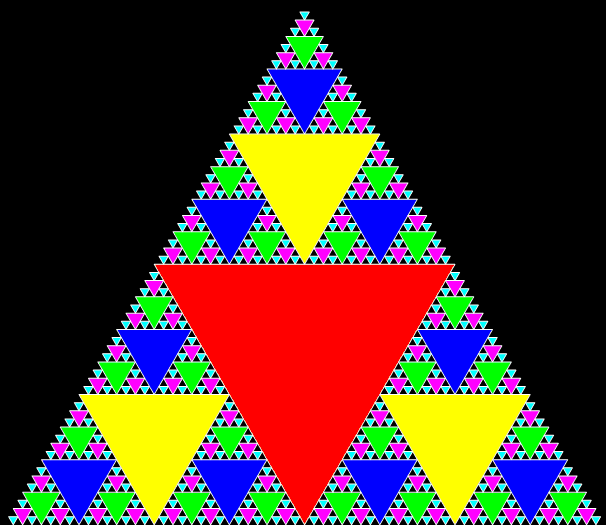
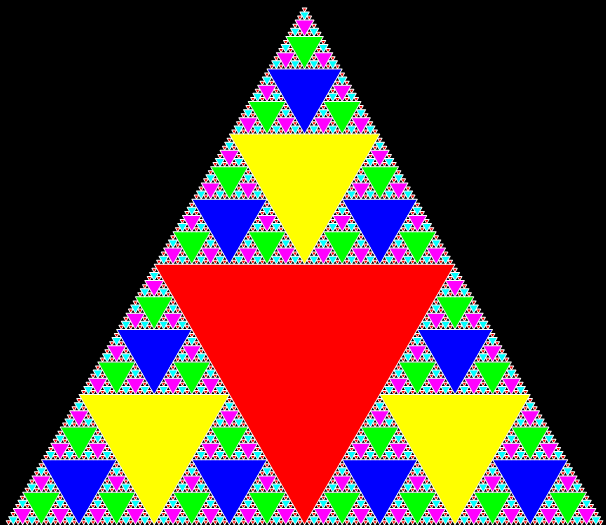
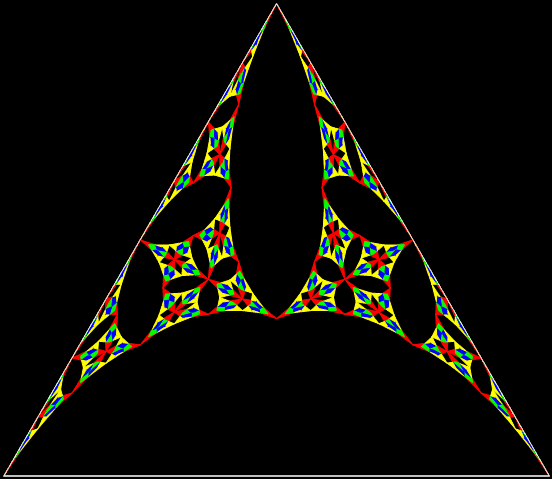
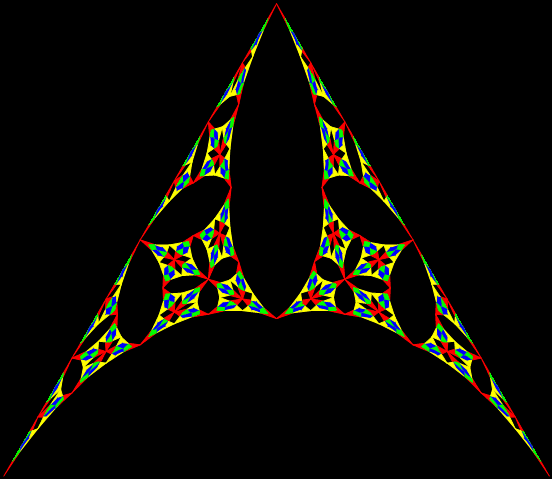
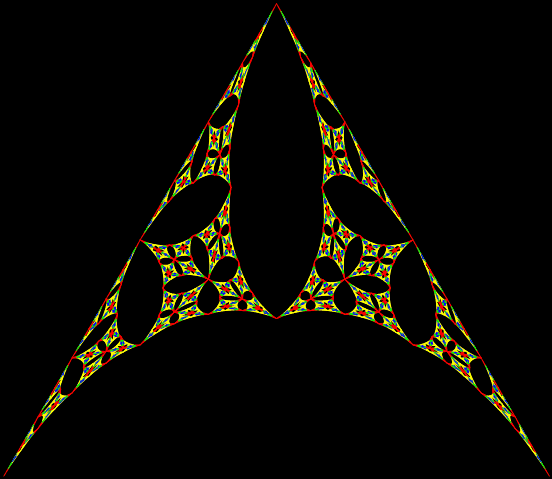
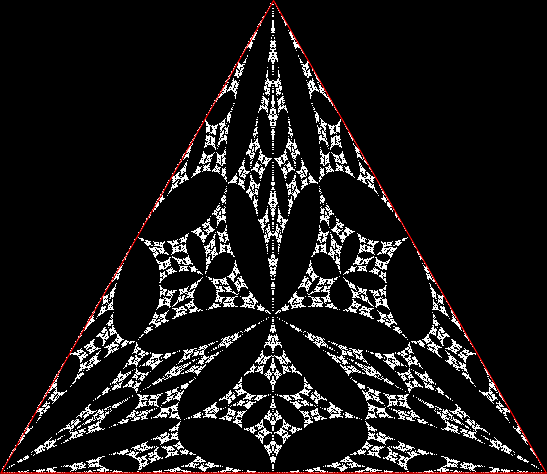
You can also delay the divide-and-discard to create a more symmetrical fractal, like this:
Delayed divide-and-discard stage #1
Stage #2
Stage #3
Stage #4
Stage #5
Stage #6
Stage #7
Triangle fractal (animated)
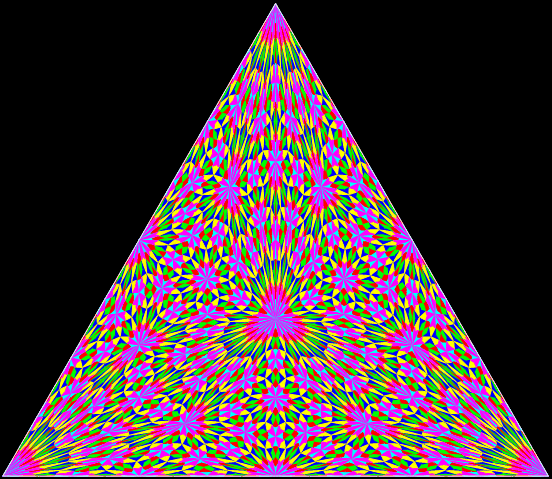
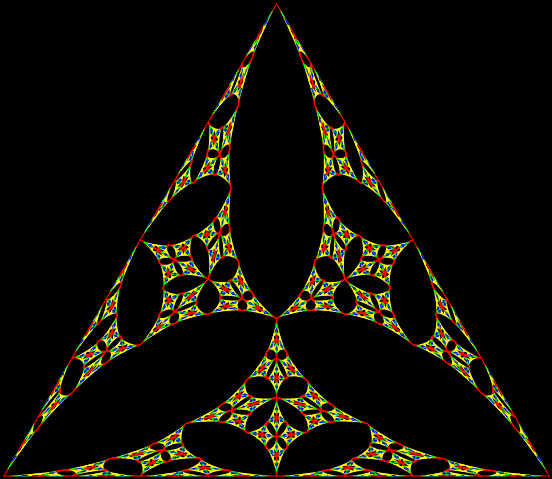
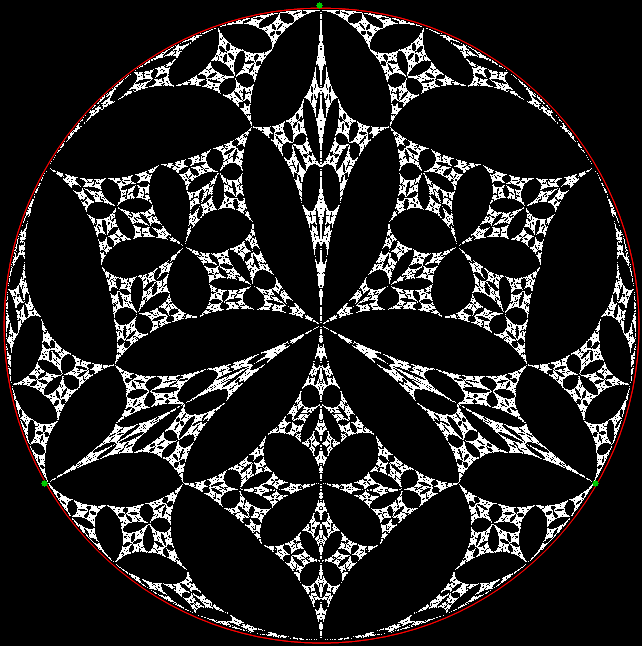
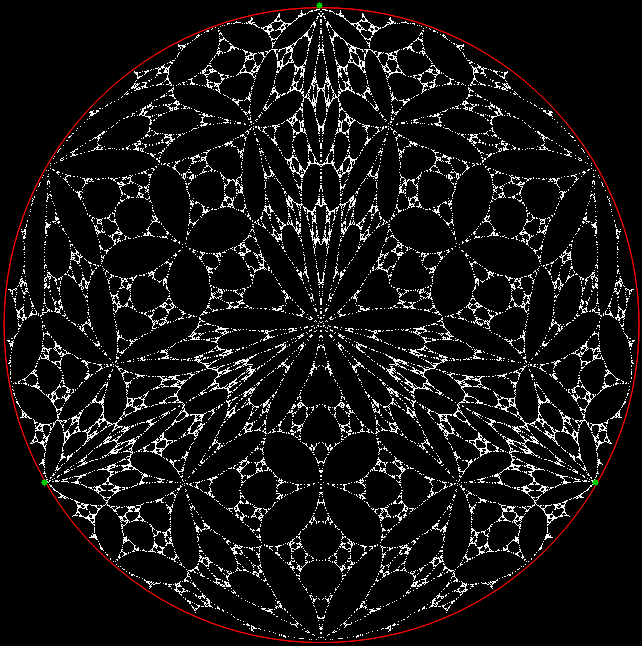
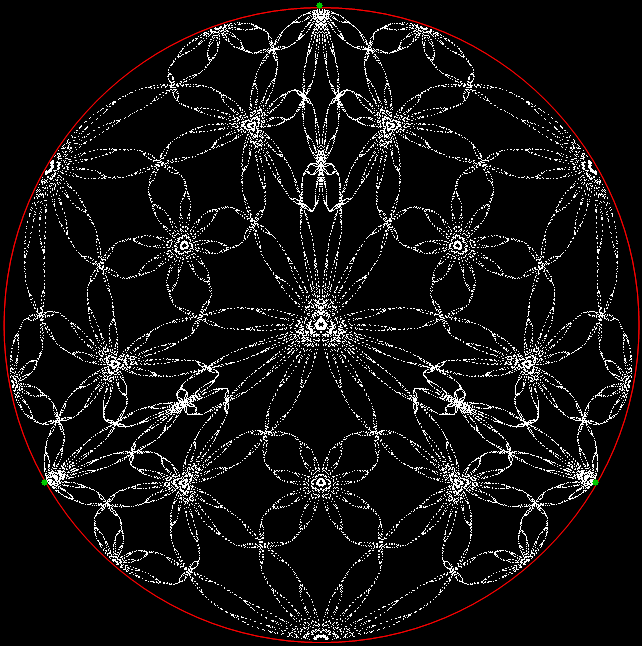
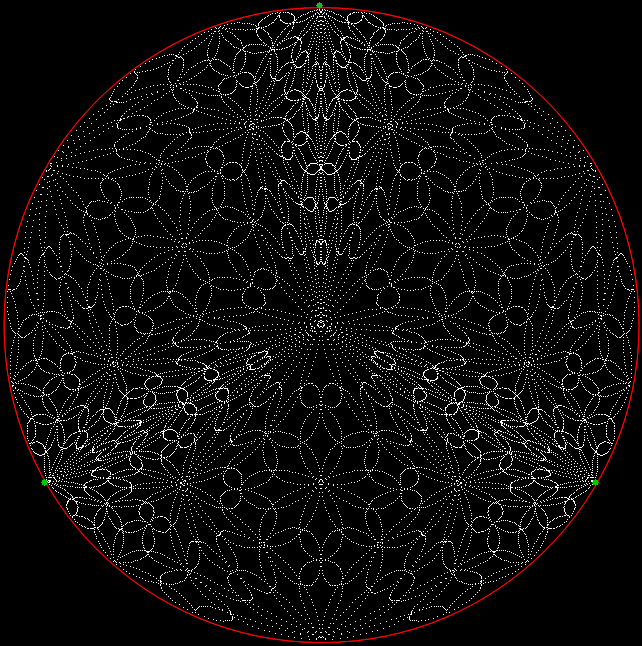
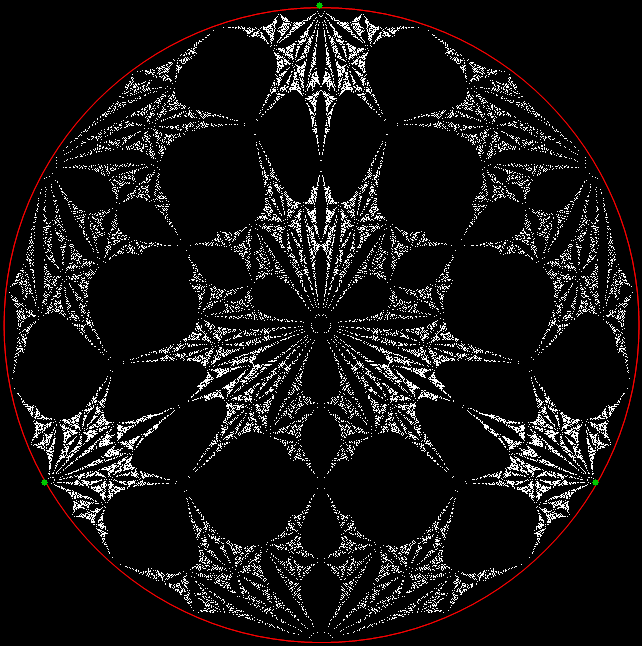
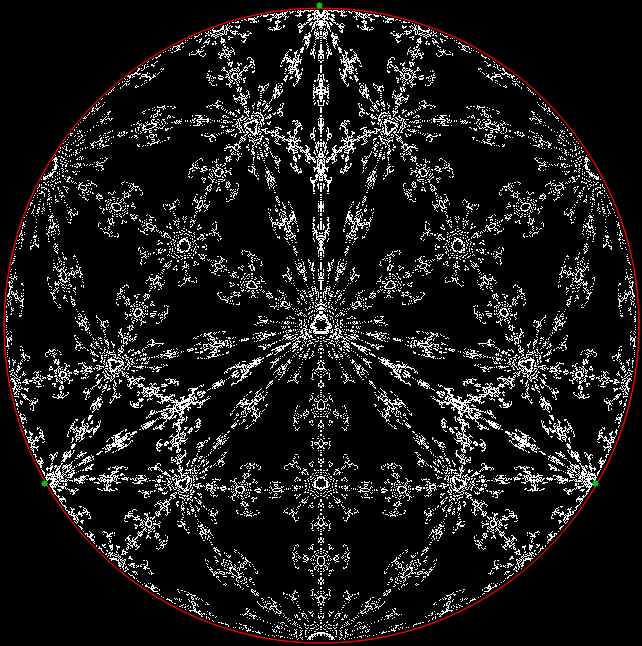
What next? You can use trigonometry to turn the cramped triangle into a circle:
Triangular fractal
⇓
Circular fractal
(Open in new window for full image)
Triangle-to-circle (animated)
Here’s another example:
Triangular fractal
⇓
Circular fractal
Triangle-to-circle (animated)
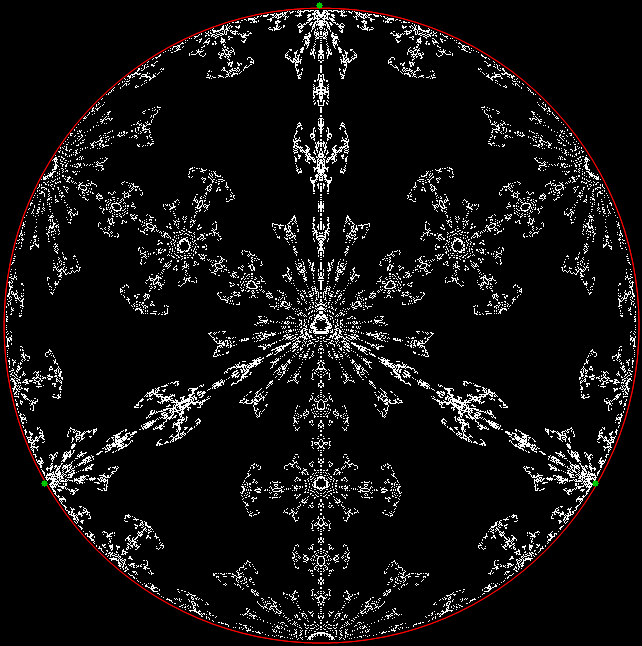
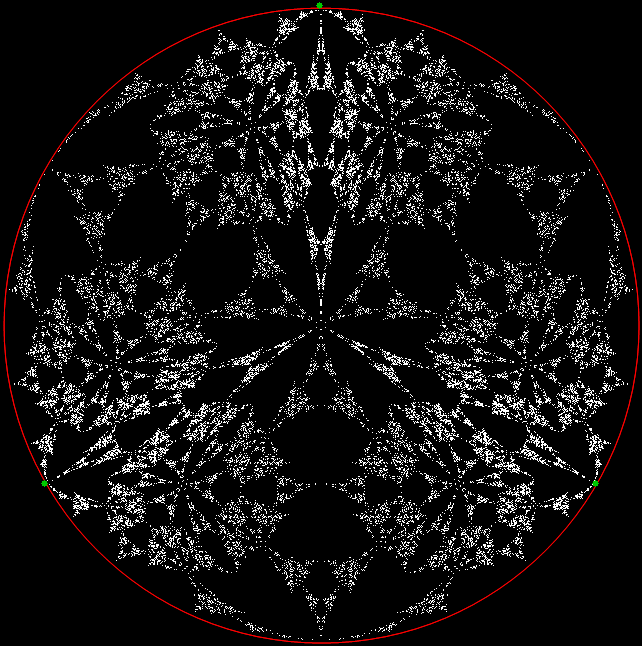
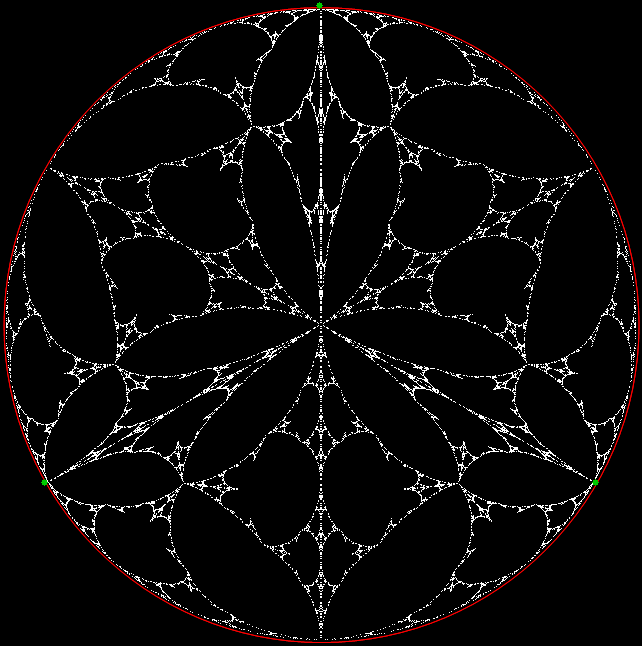
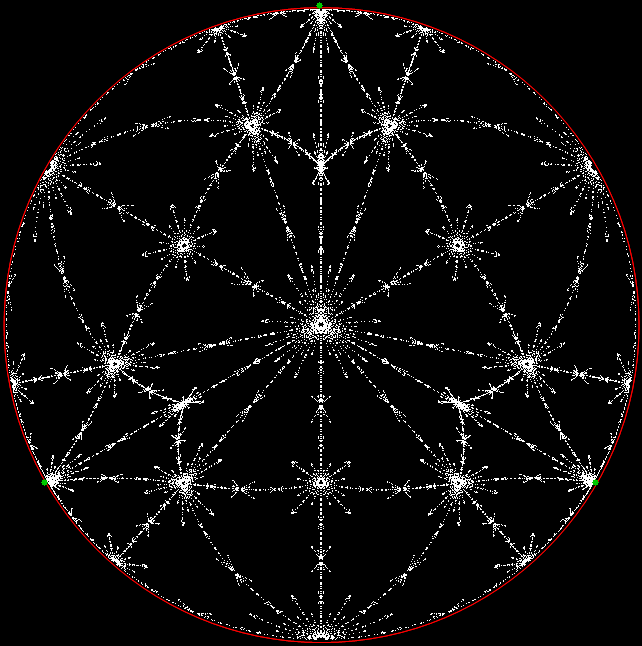
And below are some more circular fractals converted from triangular fractals. Some of them look like distorted skulls or transdimensional Lovecraftian monsters:
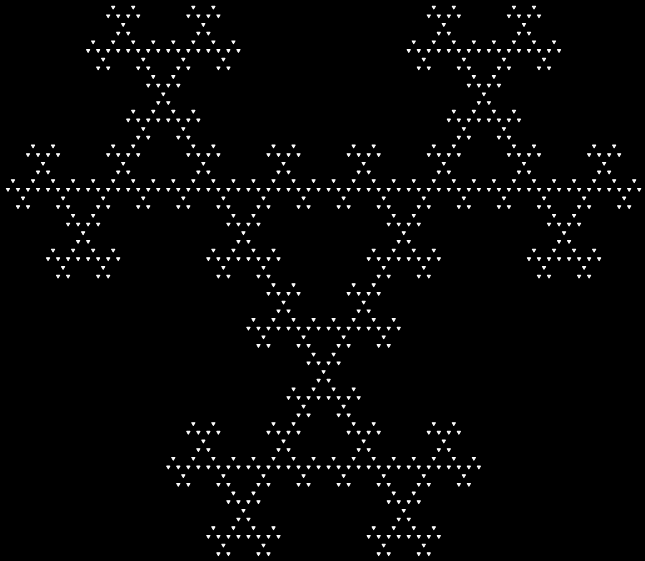
(Open in new window for full image)
Previous Pre-Posted
• Circus Trix — an earlier look at sextally-divided-equilateral-triangle fractals
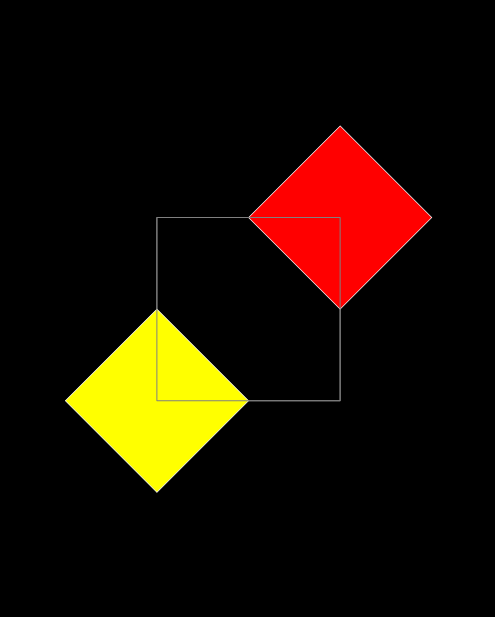
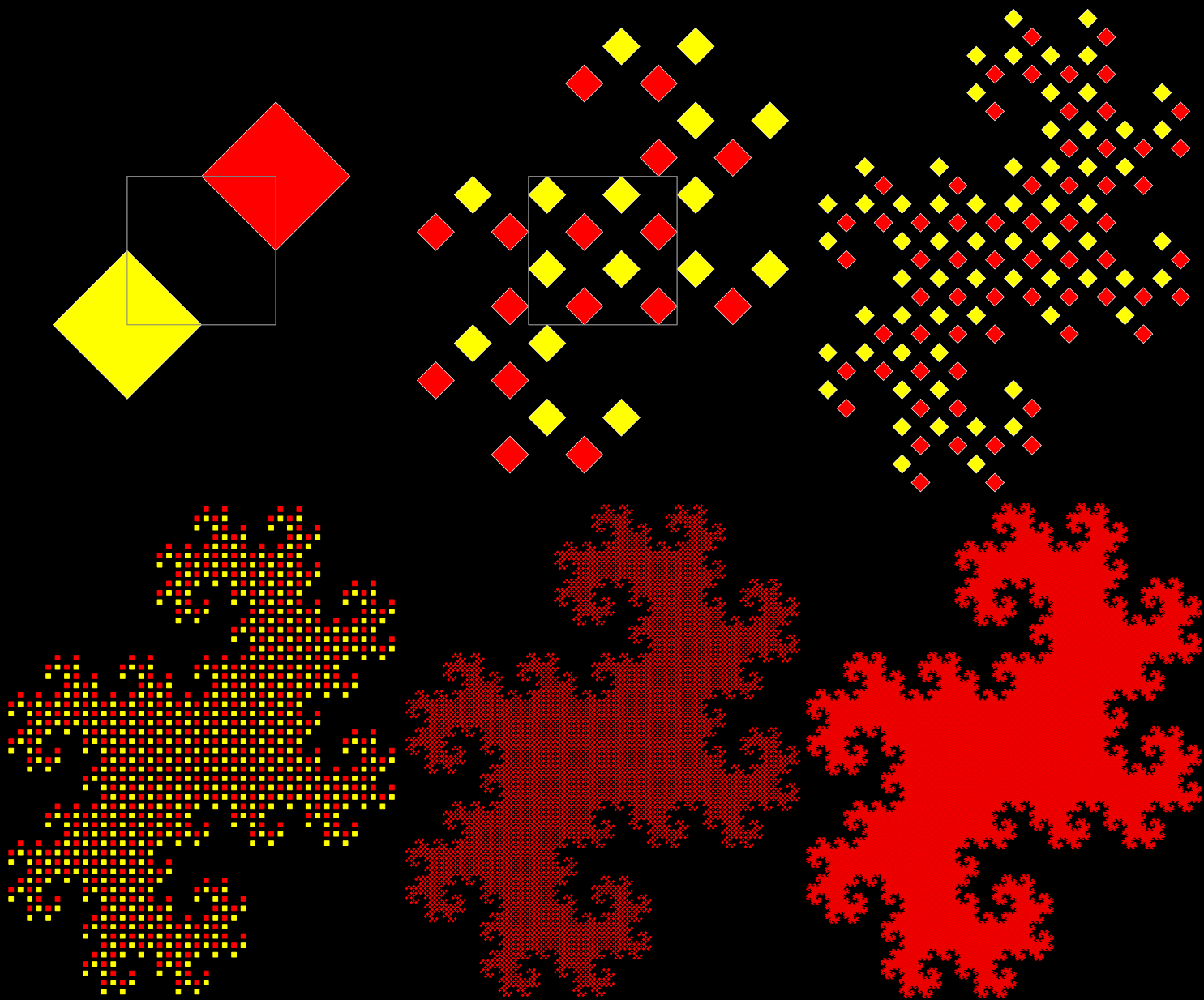
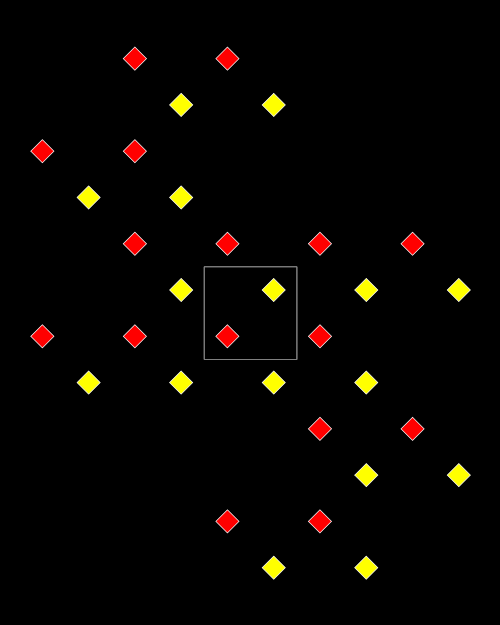
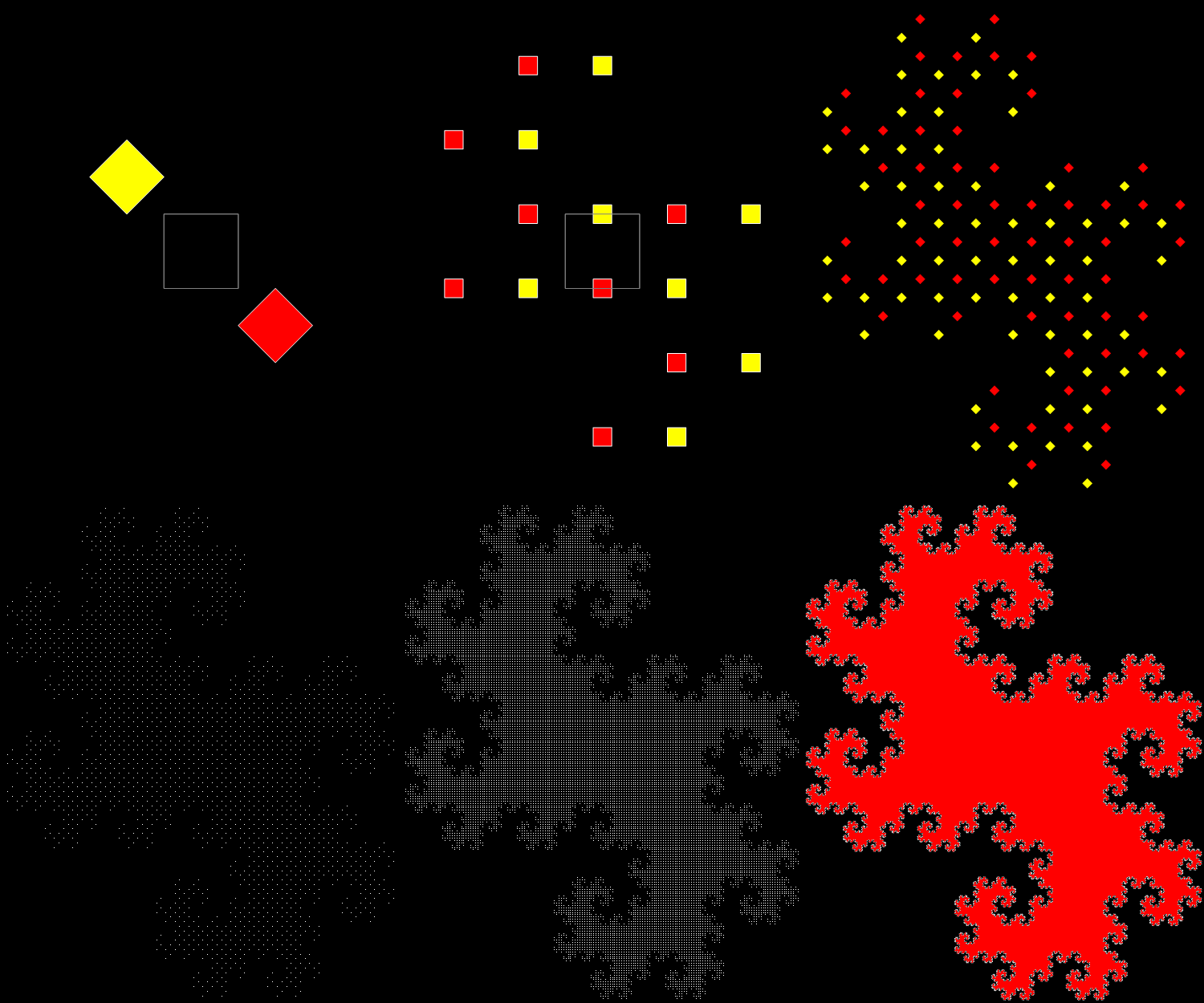
If you want to turn banality into beauty, start here with three staid and static squares:
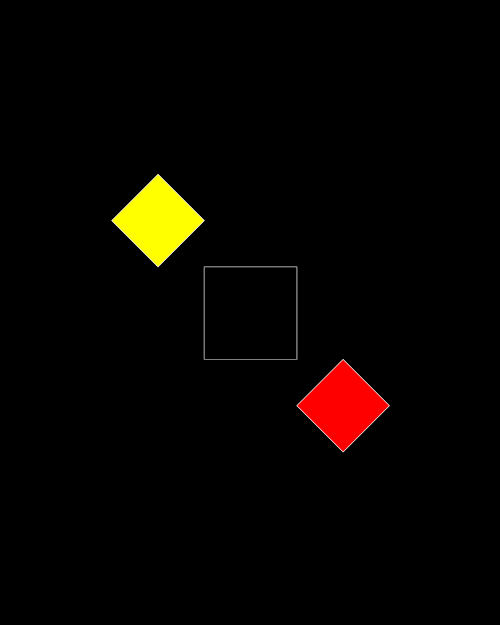
Stage #1
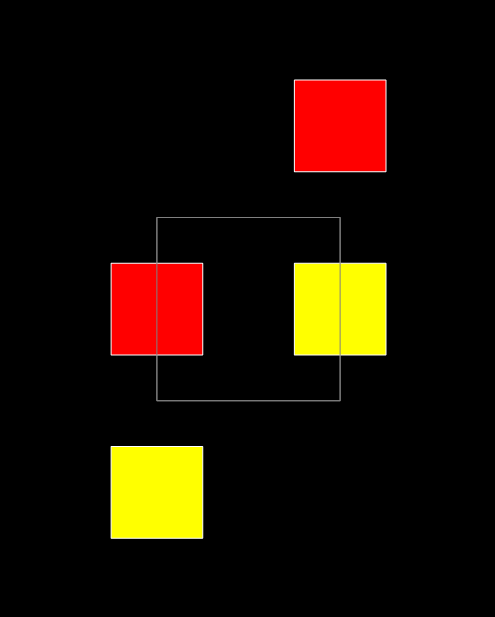
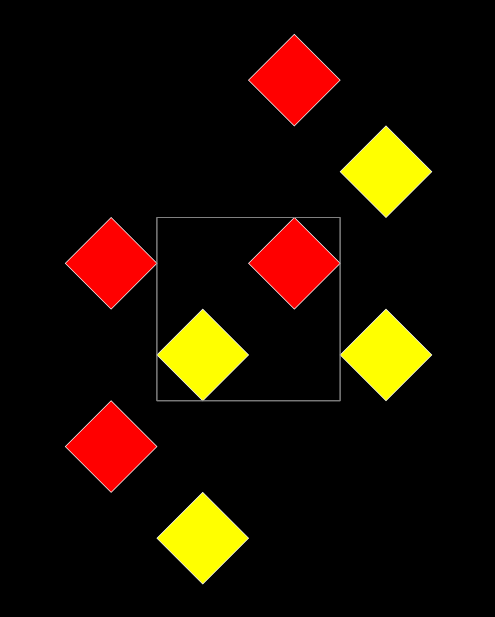
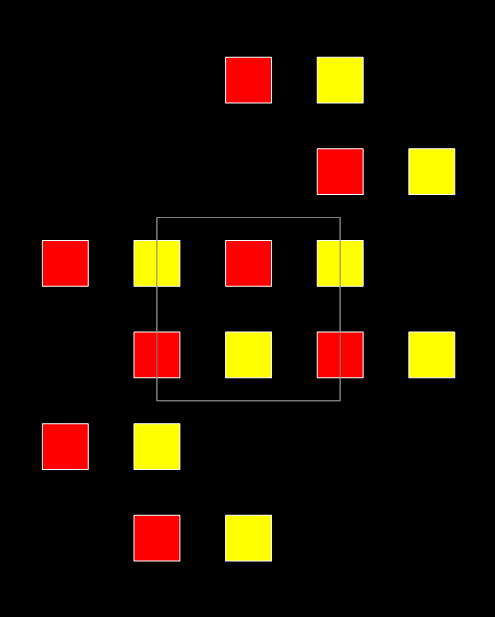
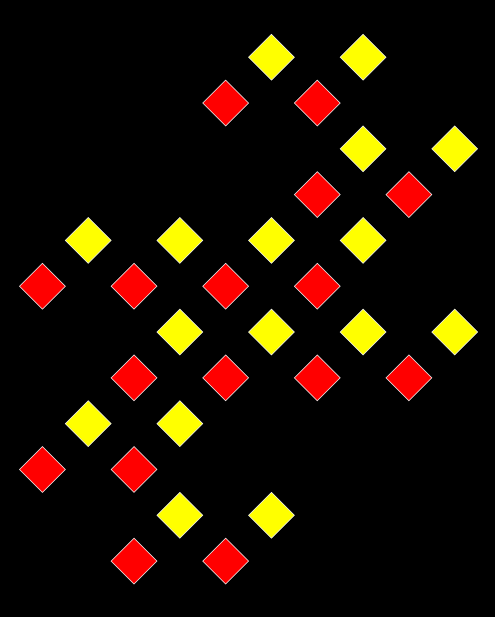
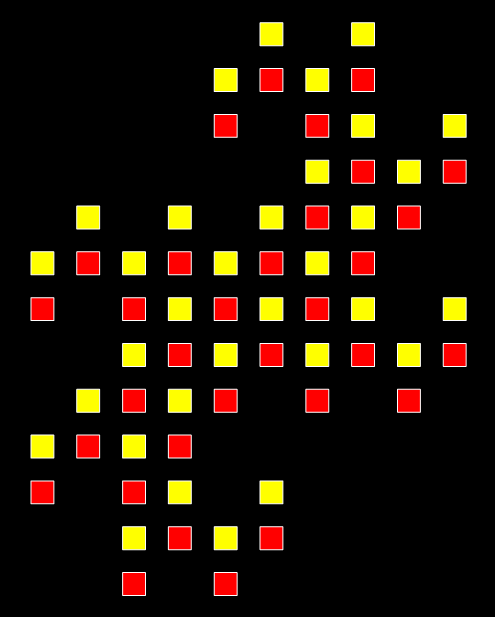
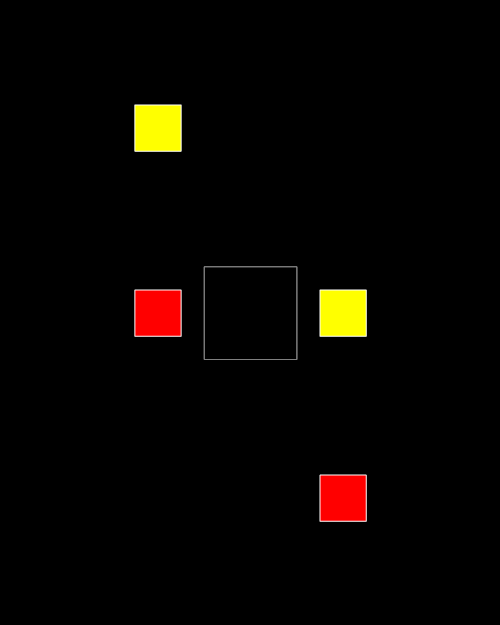
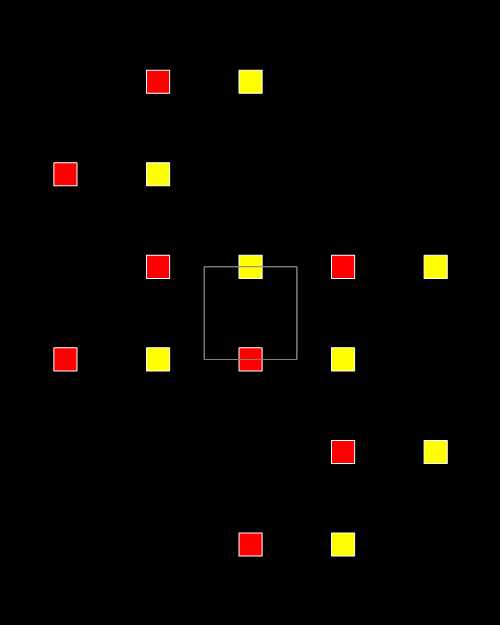
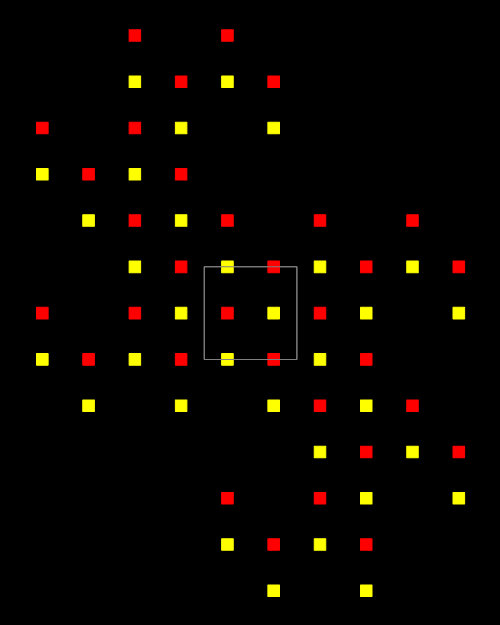
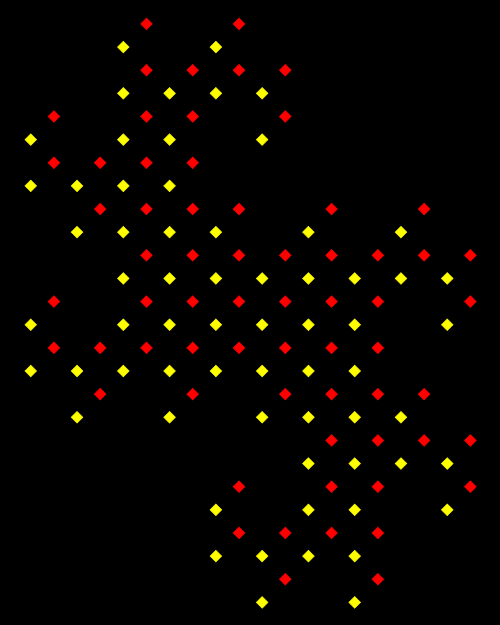
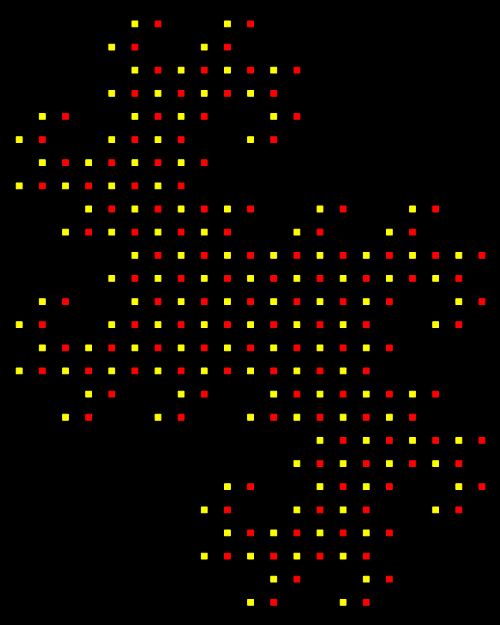
Now replace each red and yellow square with two new red and yellow squares orientated in the same way to the original square:
Stage #2
Stage #3
Stage #4
Stage #5
Stage #6
Stage #7
Stage #8
Stage #9
Stage #10
Stage #11
Stage #12
Stage #13
Stage #14
Stage #15
Stage #16
Stage #17
Stage #18
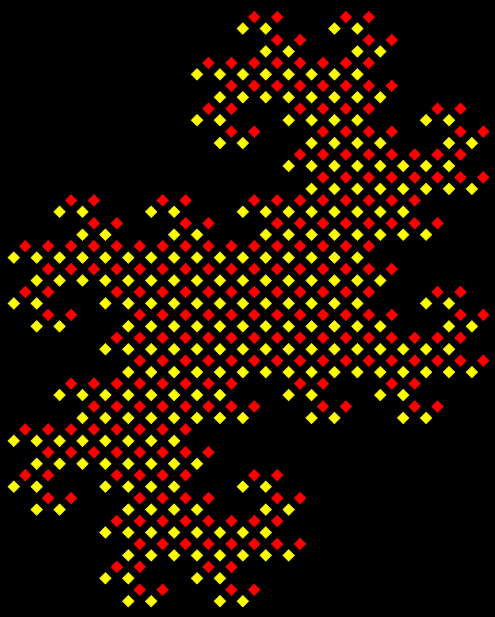
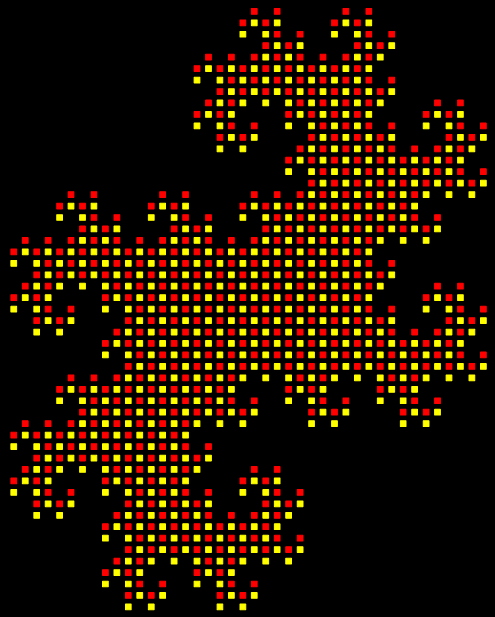
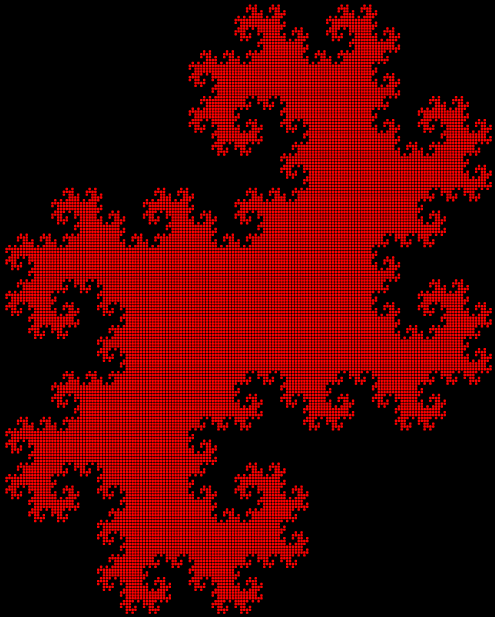
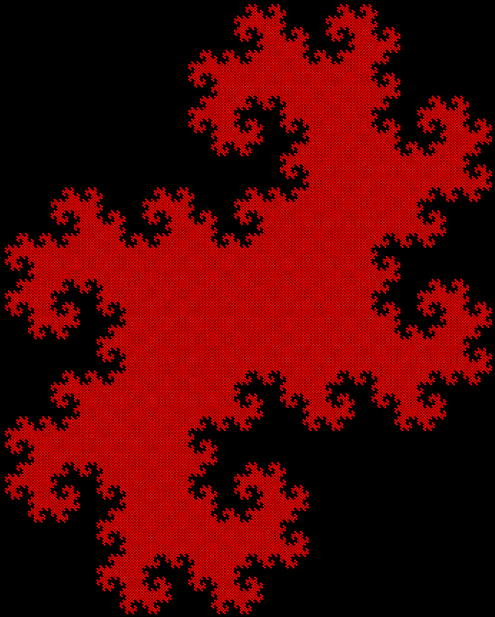
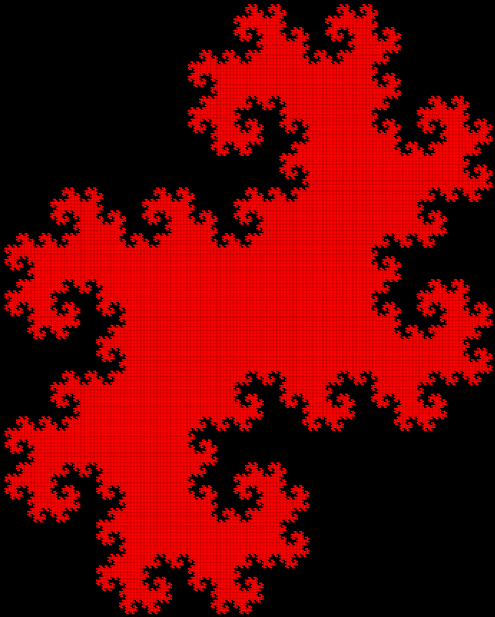
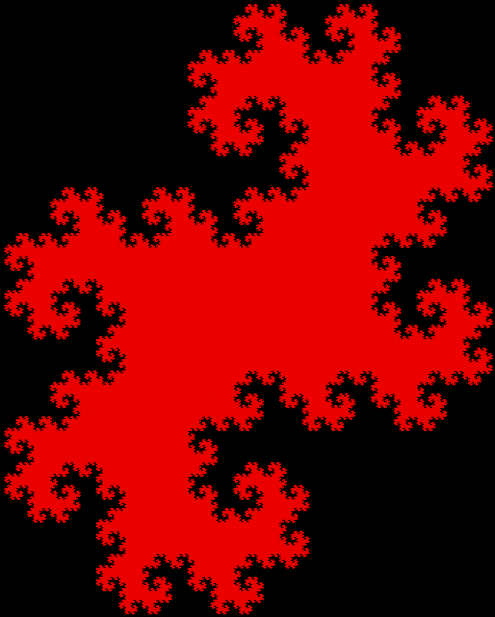
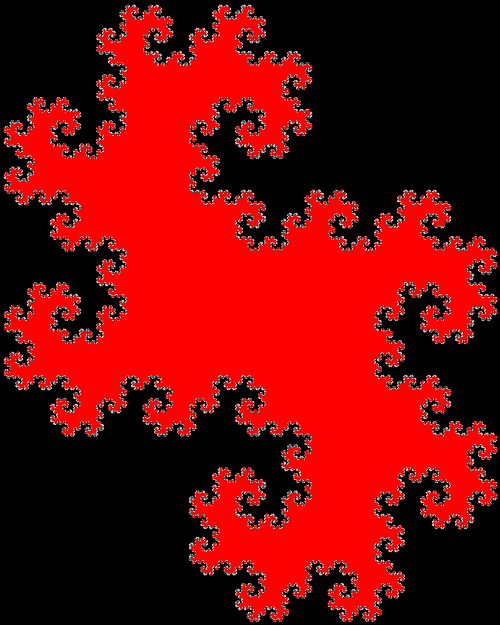
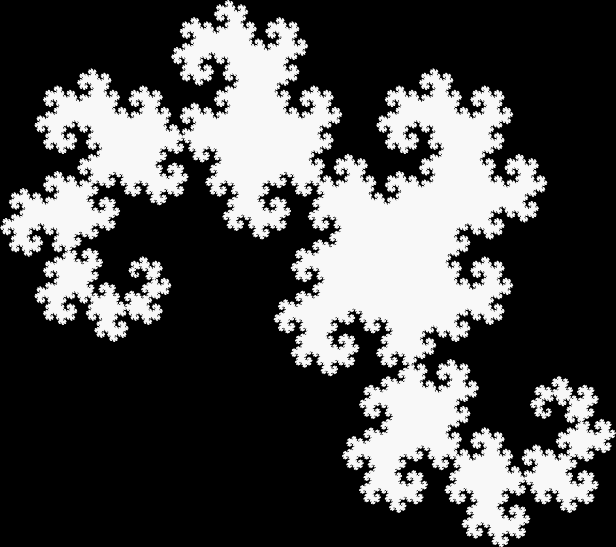
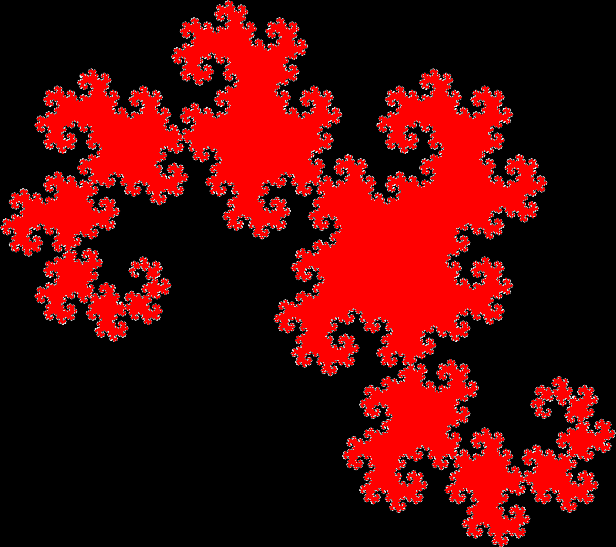
And you arrive in the end at a fractal called a dragon curve:
Dragon curve
Dragon curve (animated)
Elsewhere other-engageable
• Curvous Energy — an introduction to dragon curves
• All Posts — about dragon curves

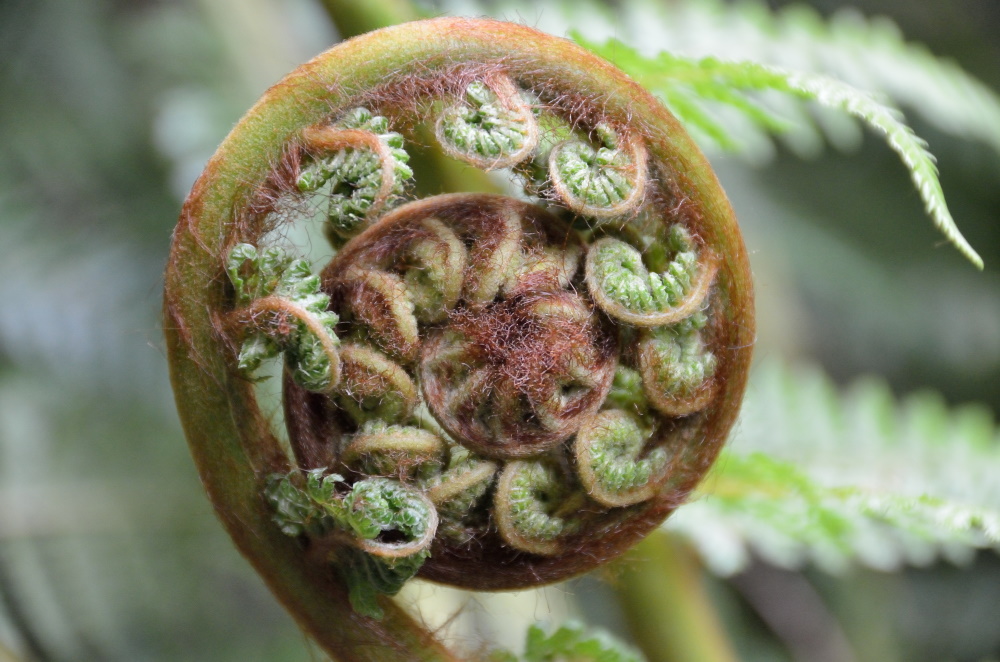
Photo of unrolling fern frond, frondlets and frontletlets (from Free Photos)
Elsewhere Other-Engageable
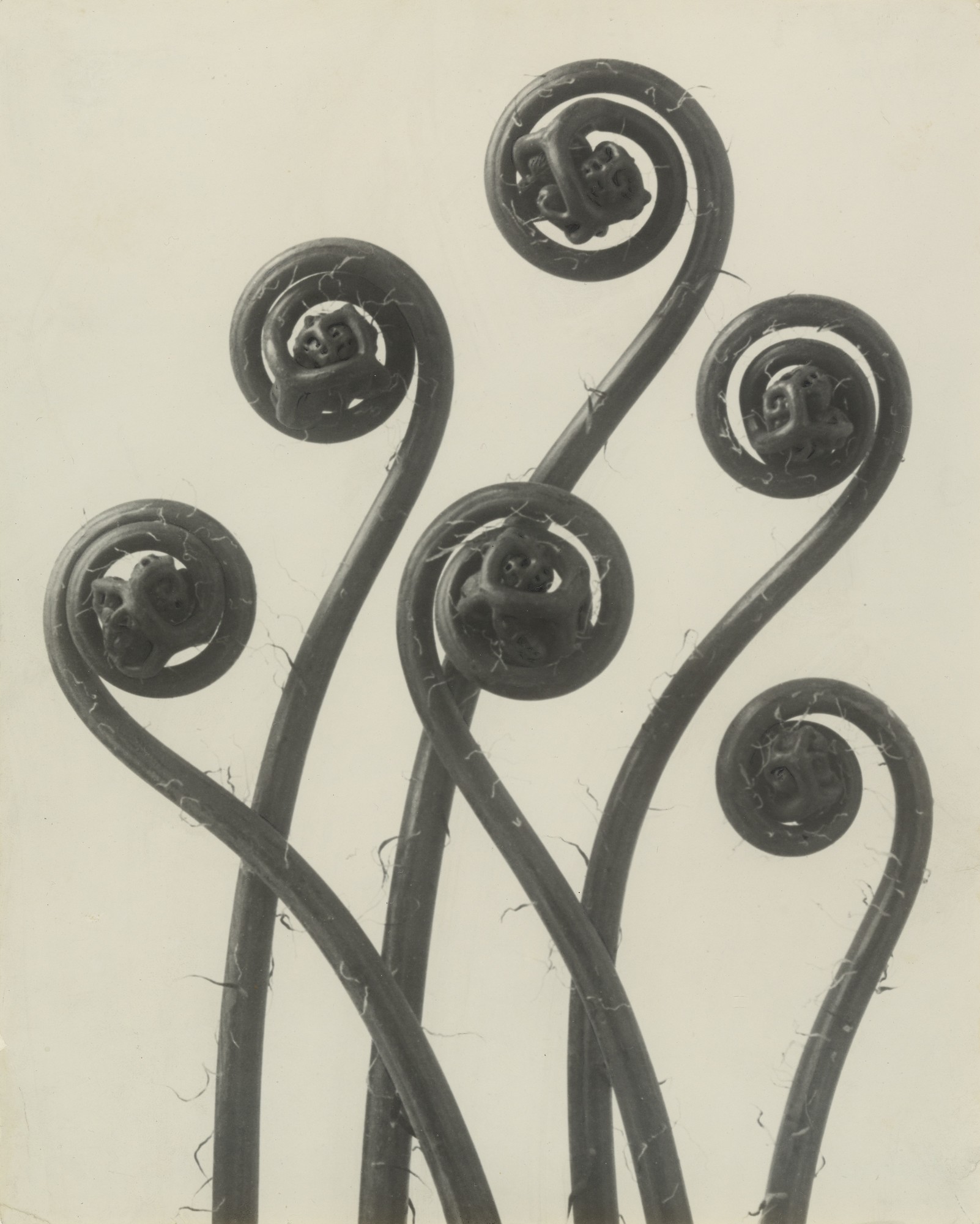
• Farnsicht — beautiful black-and-white photograph of ferns by Karl Blossfeldt
Post-Performative Post-Scriptum
“Free-Wheel Ferning” is a pun on the title of core Judas-Priest track “Free-Wheel Burning”, off core Judas-Priest album Defenders of the Faith, issued in core Judas-Priest success-period of 1984.
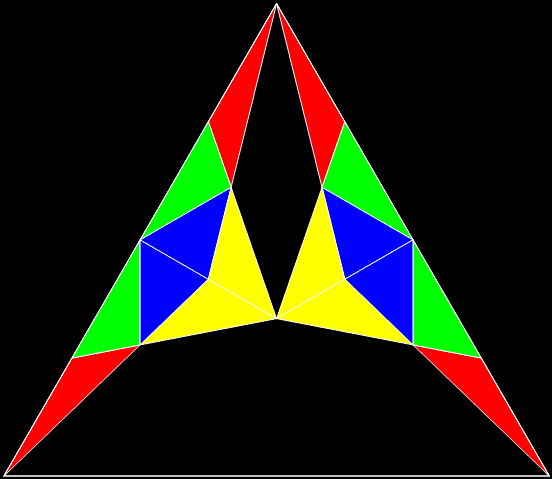
Photo of developing ferns by the German nature photographer Karl Blossfeldt (1866-1932)
(open in new window for full image)
Post-Performative Post-Scriptum
“Farnsicht” is a pun on German Farn, meaning “fern”, and Fernsicht, meaning “view” or “visibility” (literally fern, “far”, + Sicht, “visibility”).
Boring, dull, staid, stiff, everyday, ordinary, unimaginative, unexceptional, crashingly conventional — the only interesting thing about squares is the number of ways you can say how uninteresting they are. Unlike triangles, which vary endlessly and entertainingly, squares are square in every sense of the word.
And they don’t get any better if you tilt them, as here:

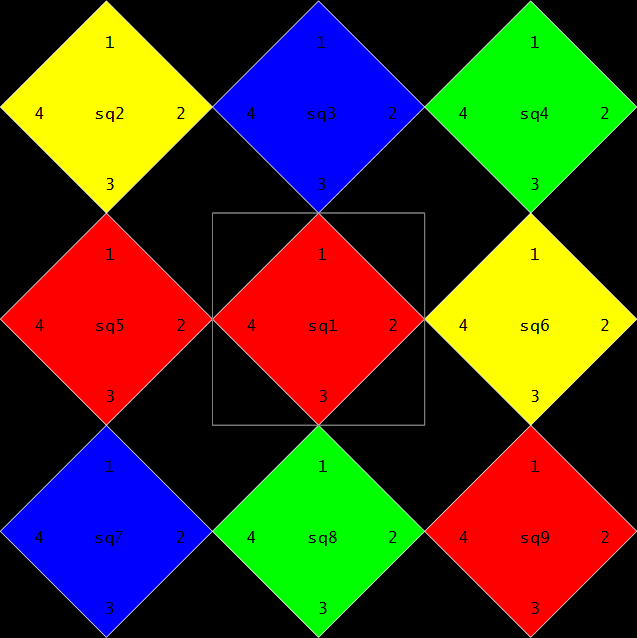
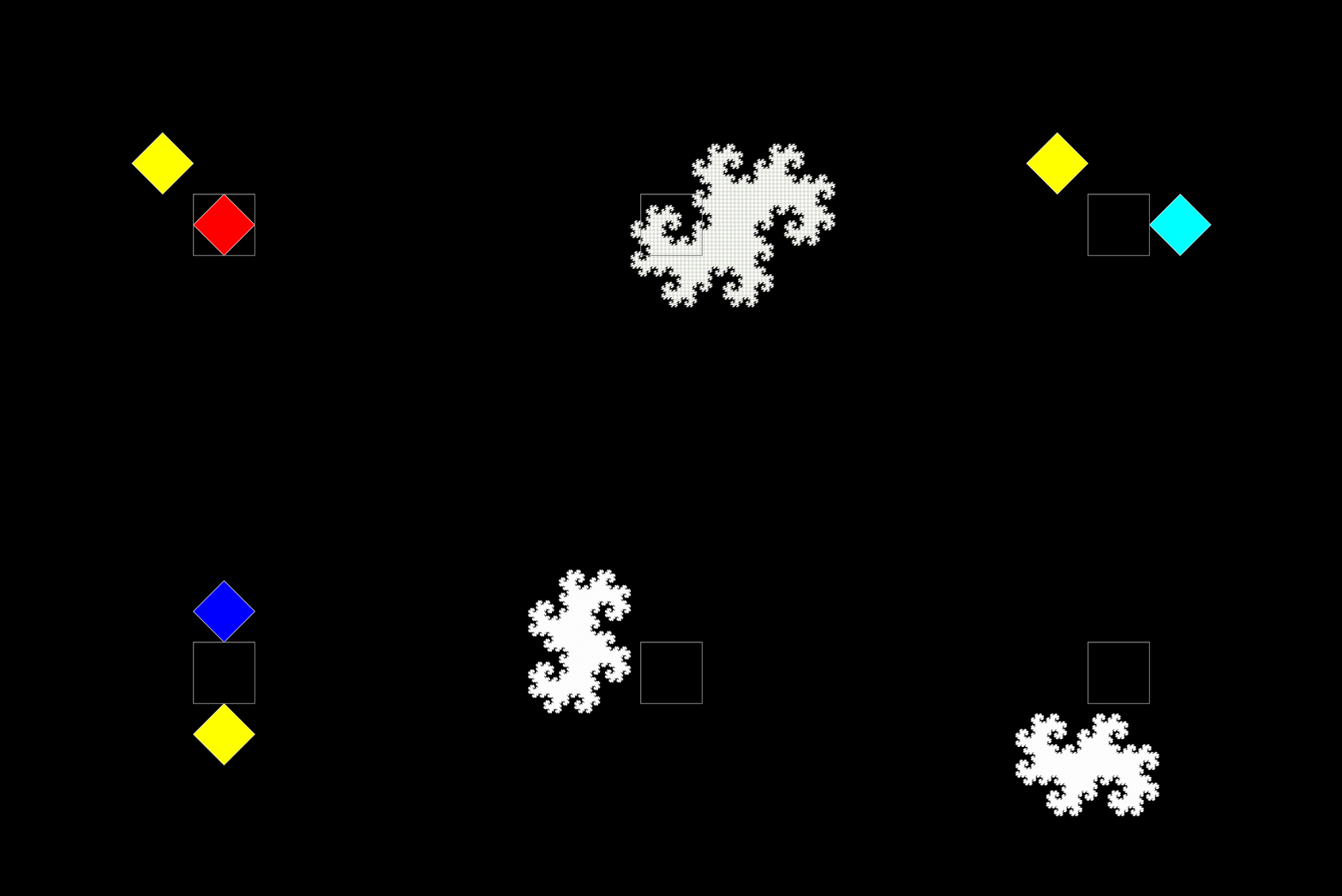
Sub-squares from gray square (with corner-numbers)
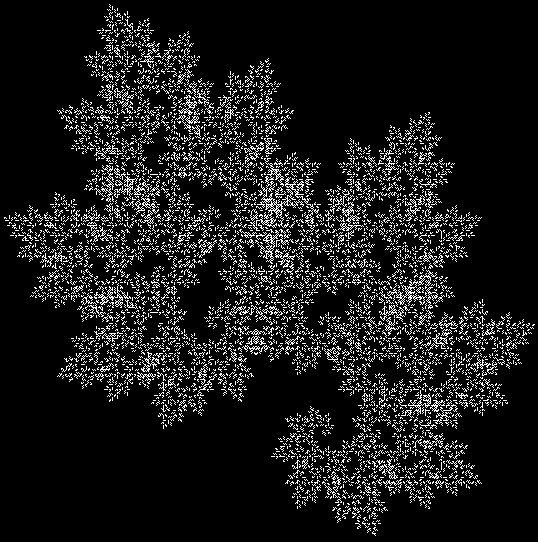
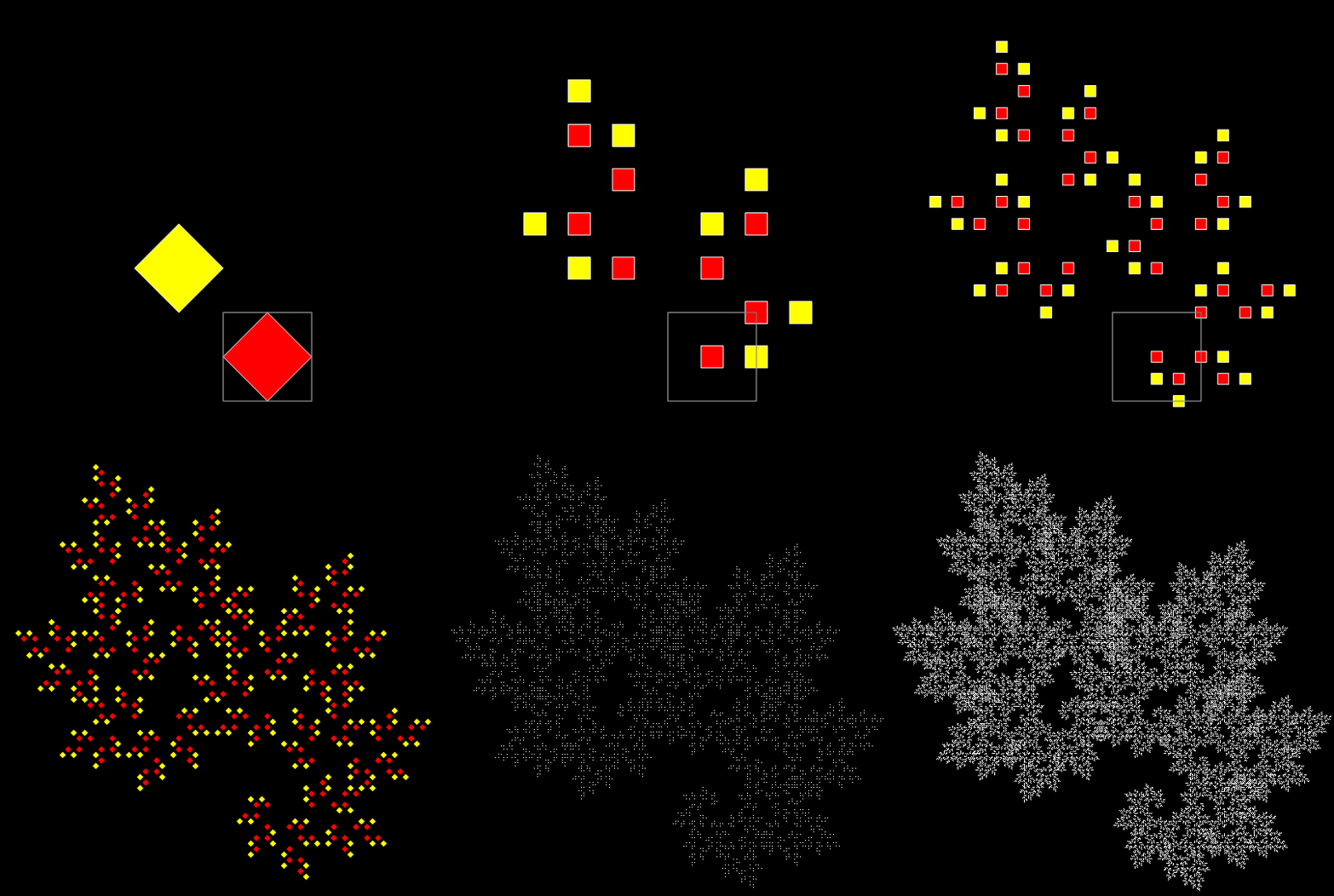
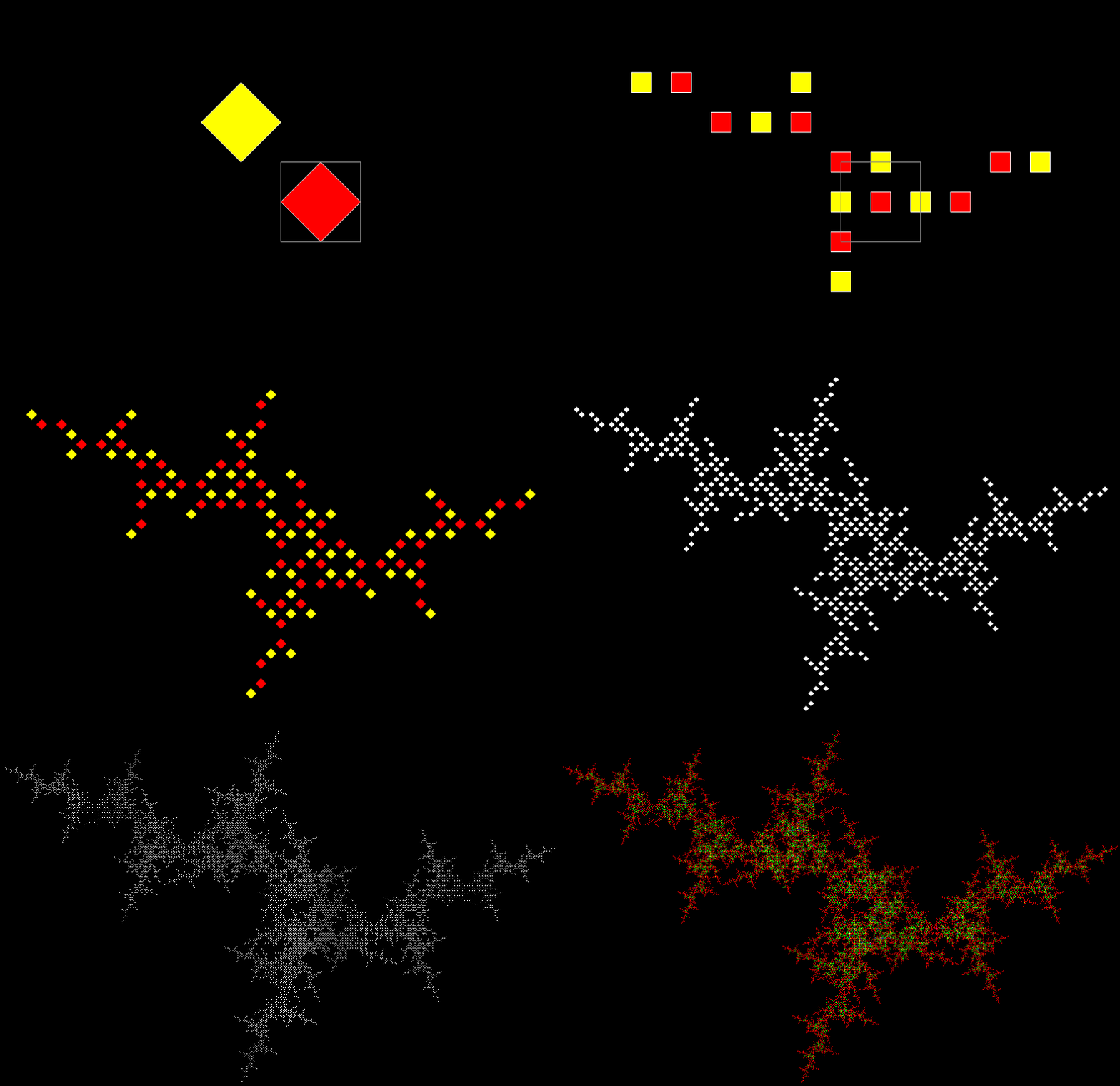
Nothing interesting can emerge from that set of squares. Or can it? As I showed in Curvous Energy, it can. Suppose that the gray square is dividing into the colored squares like a kind of amoeba. And suppose that the colored squares divide in their turn. So square divides into sub-squares and sub-squares divide into sub-sub-squares. And so on. And all the squares keep the same relative orientation.
What happens if the gray square divides into sub-squares sq2 and sq9? And then sq2 and sq9 each divide into their own sq2 and sq9? And so on. Something very unsquare-like happens:
Square-split stage #1

Stage #2

Square-split #3

Square-split #4

Square-split #5

Square-split #6

Square-split #7

Square-split #8

Square-split #9

Square-split #10

Square-split #11

Square-split #12

Square-split #13

Square-split #14

Square-split #15

Square-split #16

Square-split (animated)
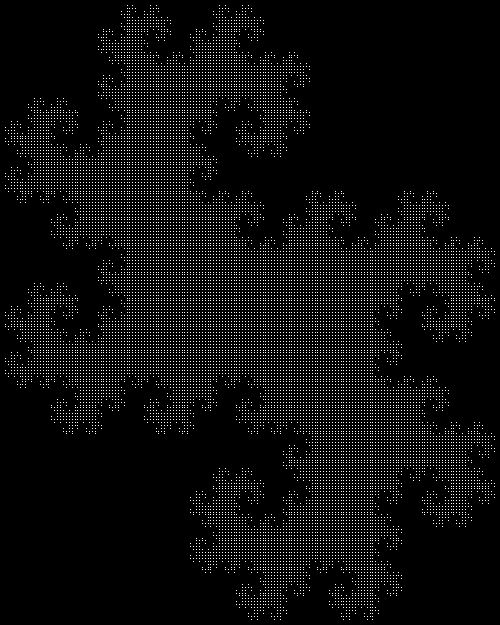
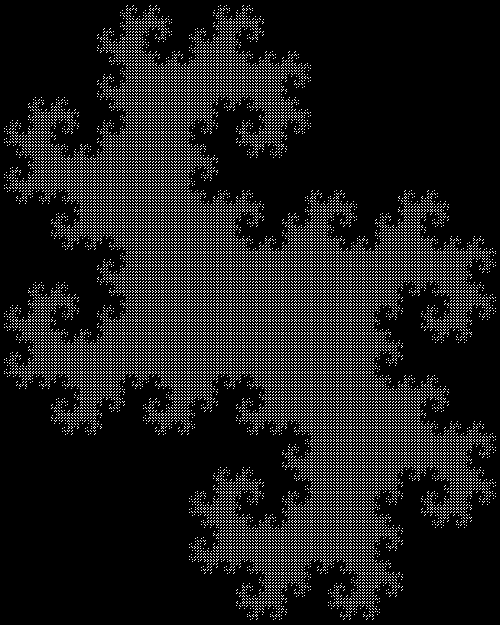
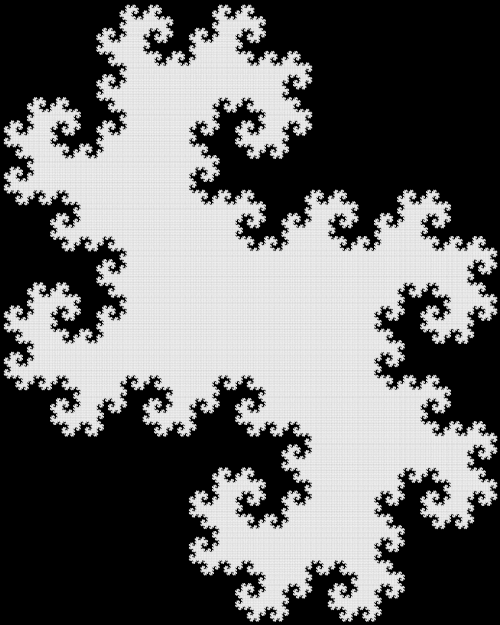
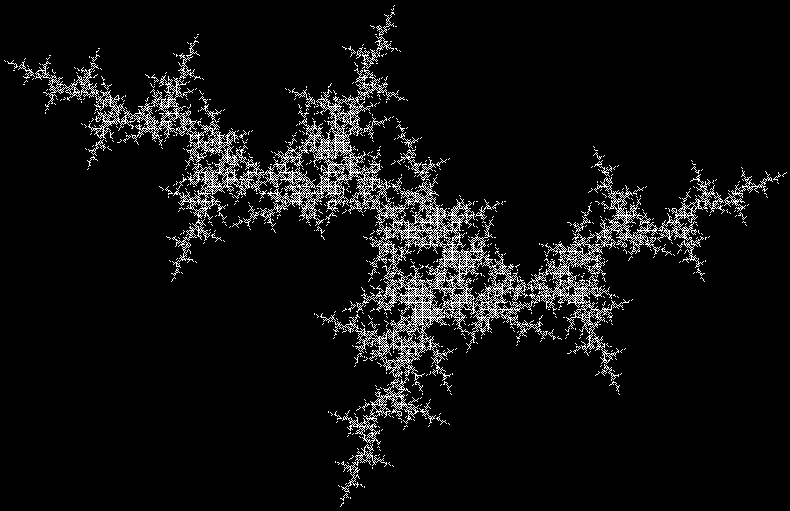
The square-split creates a beautiful fractal known as a dragon-curve:
Dragon-curve

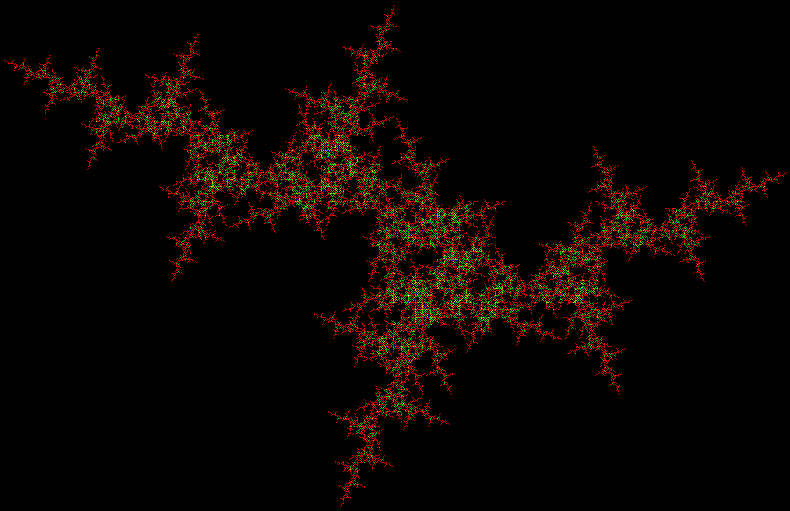
Dragon-curve (red)
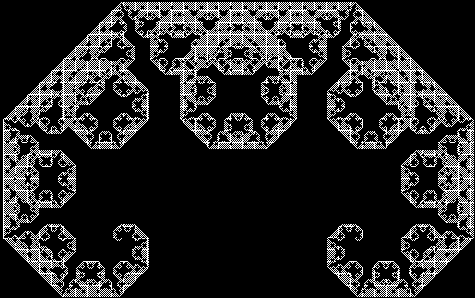
And dragon-curves, at various angles and in various sizes, emerge from every other possible pair of sub-squares:

Lots of dragon-curves
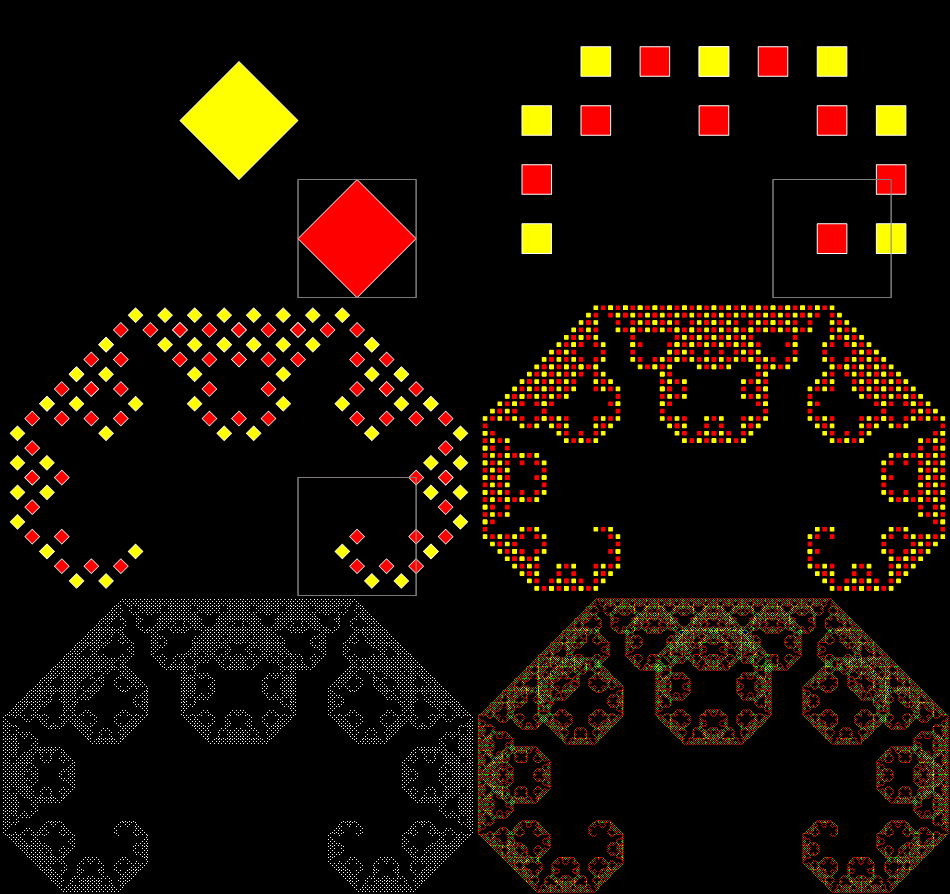
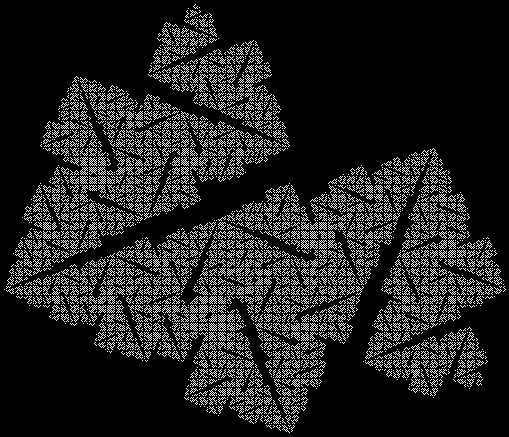
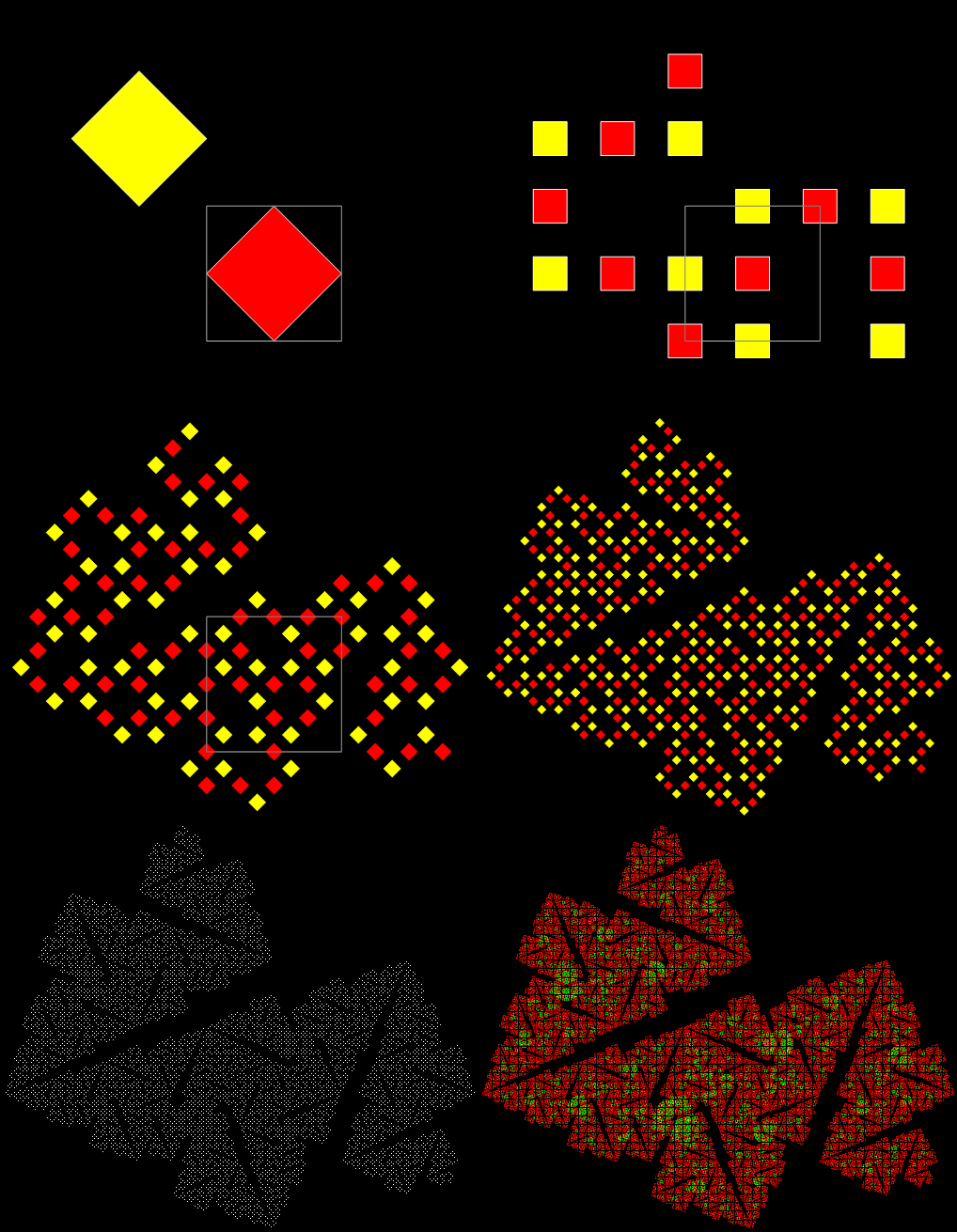
And you get other fractals if you manipulate the sub-squares, so that the corners are rotated or reverse-rotated:
Rotation = 1,2 (sub-square #1 unchanged, in sub-square #2 corner 1 becomes corner 2, 2 → 3, 3 → 4, 4 → 1)

rot = 1,2 (animated)

rot = 1,2 (colored)

rot = 1,5 (in sub-square #2 corner 1 stays the same, 4 → 2, 3 stays the same, 2 → 4)

rot = 1,5 (anim)

rot = 4,7 (sub-square #2 flipped and rotated)

rot = 4,7 (anim)

rot = 4,7 (col)

rot = 4,8

rot = 4,8 (anim)

rot = 4,8 (col)

sub-squares = 2,8; rot = 5,6

sub-squares = 2,8; rot = 5,6 (anim)

sub-squares = 2,8; rot = 5,6 (col)

Another kind of dragon-curve — rot = 3,2

rot = 3,2 (anim)

rot = 3,2 (col)

sub-squares = 4,5; rot = 3,9

sub-squares = 4,5; rot = 3,9 (anim)

sub-squares = 4,5; rot = 3,9 (col)
Elsewhere other-accessible…
• Curvous Energy — a first look at dragon-curves
• Back to Drac’ — a second look at dragon-curves
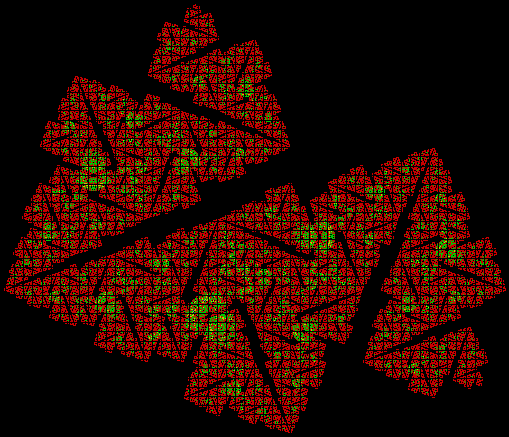
In a prev-previous post, I looked at this interesting fractal image on the front cover of a Ray Bradbury book:

It seems obvious that the image is created from photographs: only the body of the centaur is drawn by hand. And here’s my attempt at extending the fractality of the image:
• Mythical Mathical — Man-Horse! — the pre-previous post about the fractal centaur
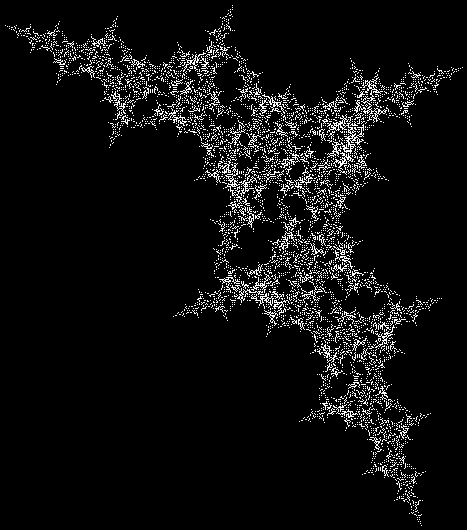
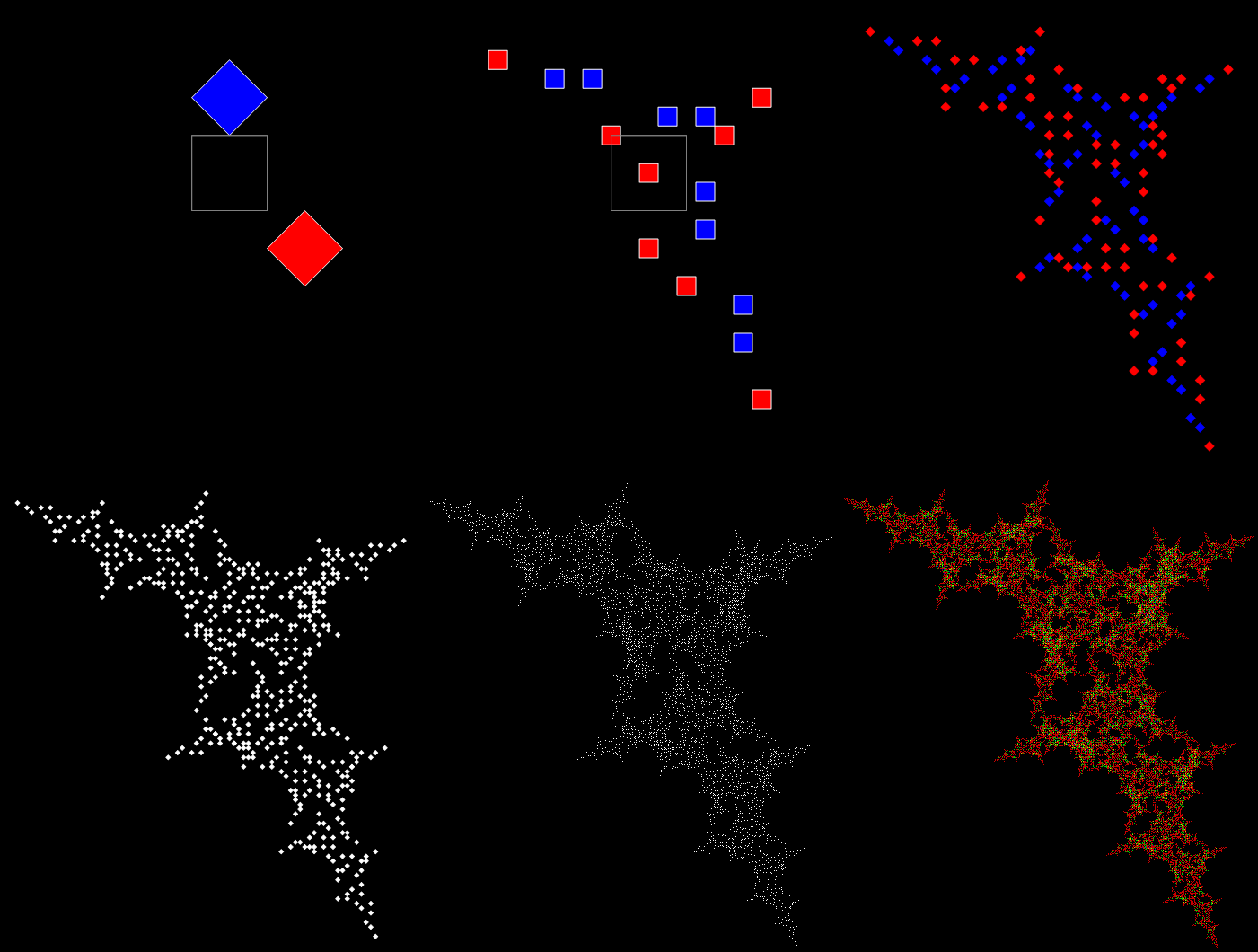
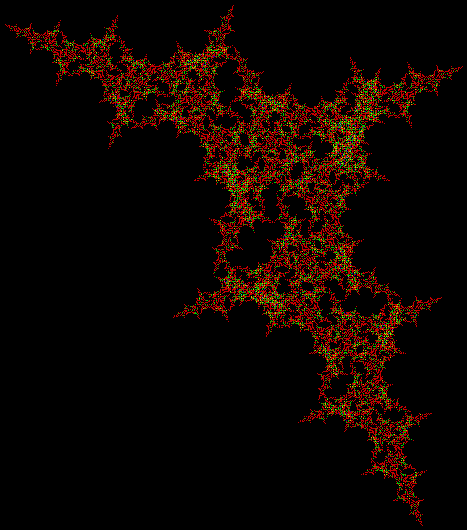
In a pre-previous post called “Think Inc”, I looked at the fractals created by a point first jumping halfway towards the vertex of a square, then using a set of increments to decide which vertex to jump towards next. For example, if the inc-set was [0, 1, 3], the point would jump next towards the same vertex, v[i]+0, or the vertex immediately clockwise, v[i]+1, or the vertex immediately anti-clockwise, v[i]+3. And it would trace all possible routes using that inc-set. Then I added refinements to the process like giving the point extra jumping-targets half-way along each side.
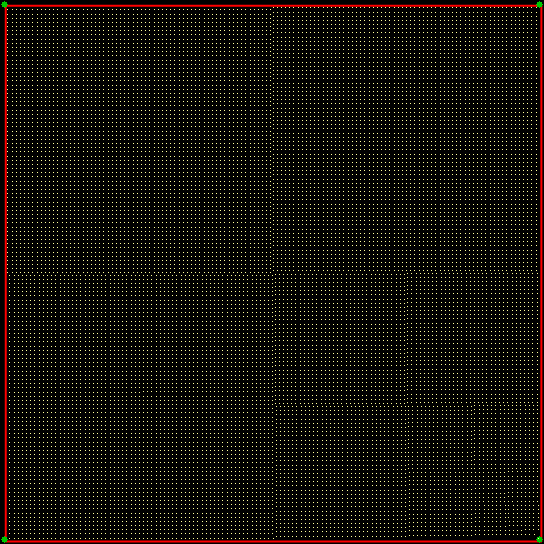
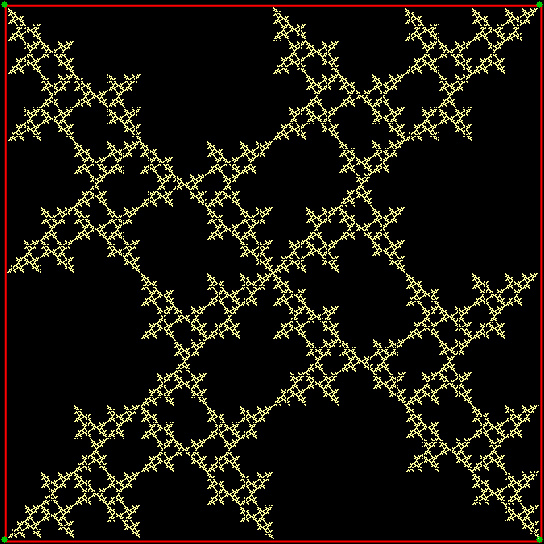
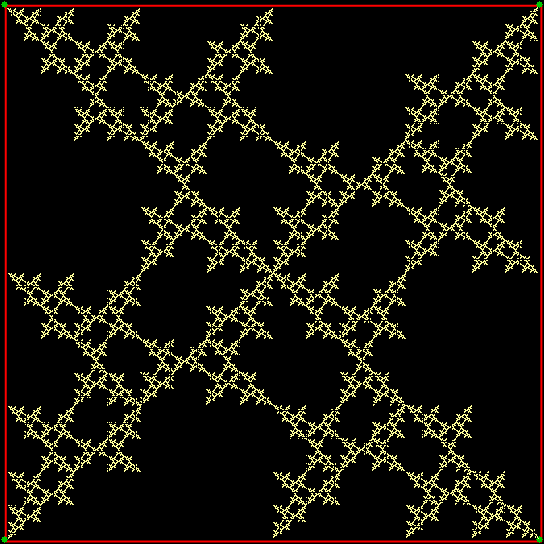
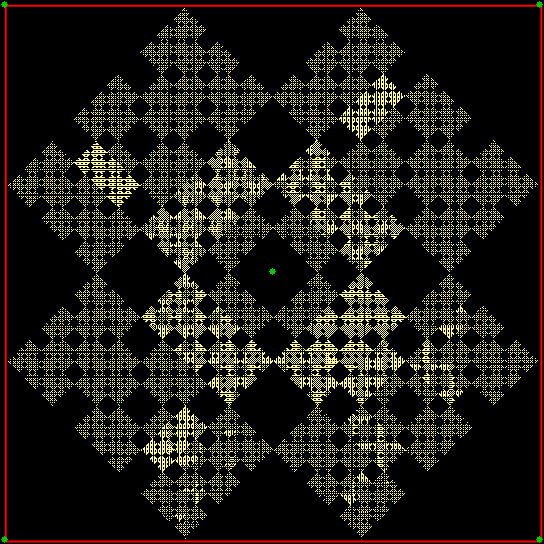
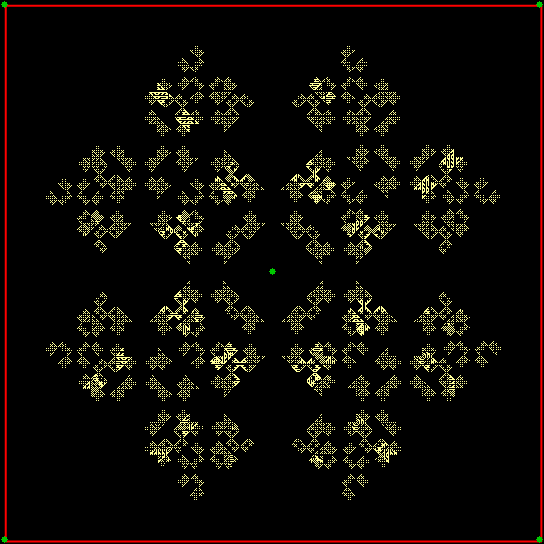
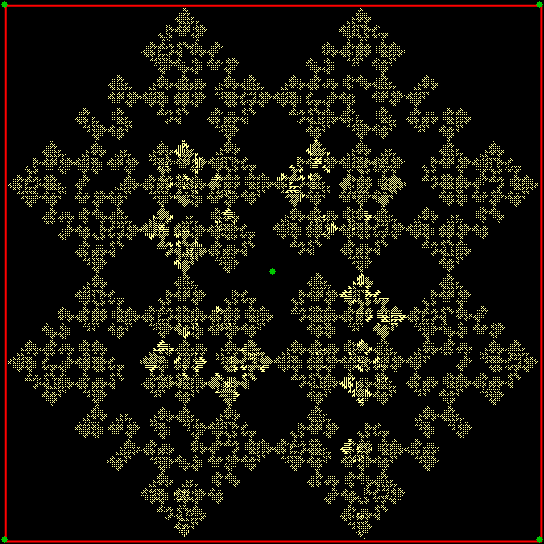
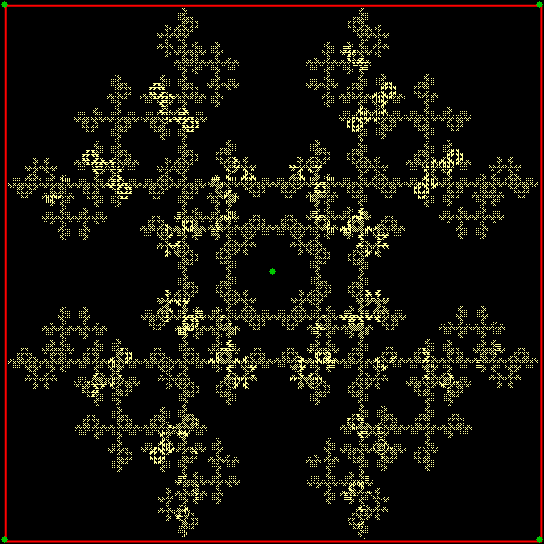
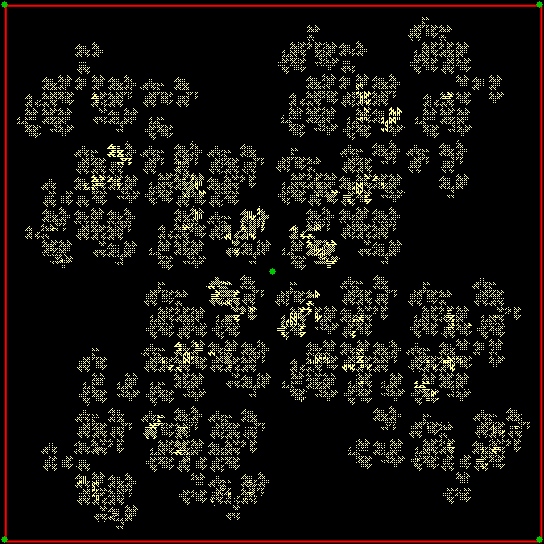
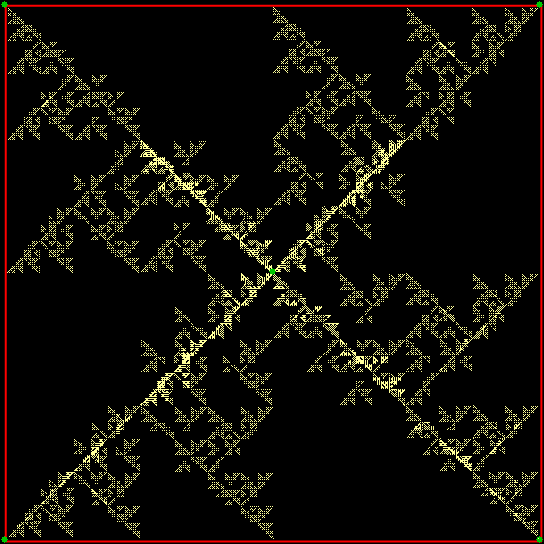
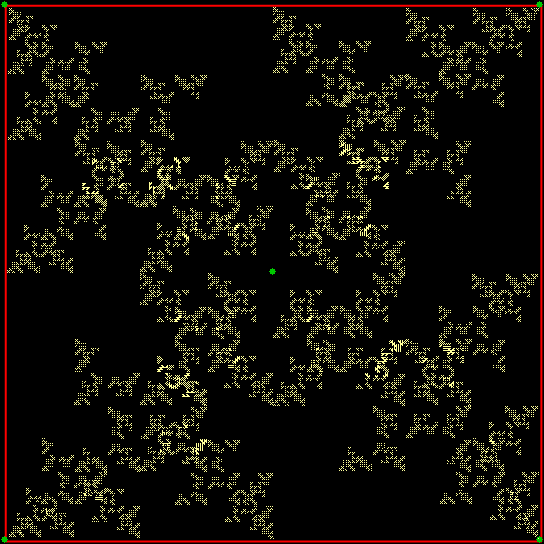
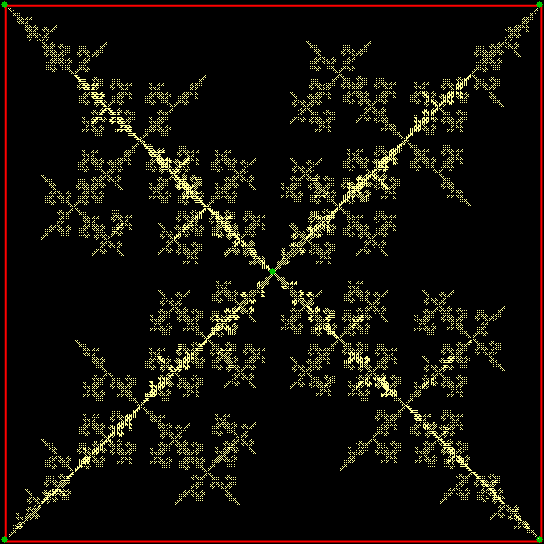
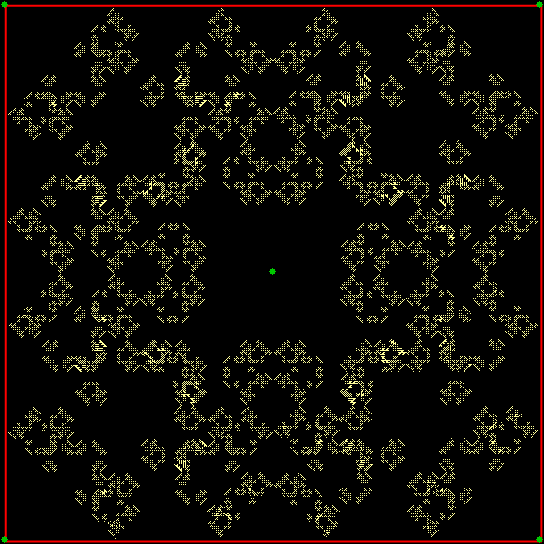
Here are some more variations on the inc-set theme using two and three extra jumping-targets along each side of the square. First of all, try two extra jumping-targets along each side and a set of three increments:
inc = 0, 1, 6
inc = 0, 2, 6
inc = 0, 2, 8
inc = 0, 3, 6
inc = 0, 3, 9
inc = 0, 4, 8
inc = 0, 5, 6
inc = 0, 5, 7
inc = 1, 6, 11
inc = 2, 6, 10
inc = 3, 6, 9
Now try two extra jumping-targets along each side and a set of four increments:
inc = 0, 1, 6, 11
inc = 0, 2, 8, 10
inc = 0, 3, 7, 9
inc = 0, 4, 8, 10
inc = 0, 5, 6, 7
inc = 0, 5, 7, 8
inc = 1, 6, 7, 9
inc = 1, 4, 6, 11
inc = 1, 5, 7, 11
inc = 2, 4, 8, 10
inc = 3, 5, 7, 9
And finally, three extra jumping-targets along each side and a set of three increments:
inc = 0, 3, 13
inc = 0, 4, 8
inc = 0, 4, 12
inc = 0, 5, 11
inc = 0, 6, 9
inc = 0, 7, 9
Previously Pre-Posted
• Think Inc — an earlier look at inc-set fractals

That’s a striking cover — and more than that. The blog where I found the cover says this: “This very odd cover clearly features a heavily rouged glam rock centaur with a rather natty feather-cut hairstyle flexing his biceps, his forearms transmogrifying into miniature bicep flexing glam rock figures. I think I’m slowly losing the plot here.”
Losing the plot? No, losing the mathical in the mythical. The artist has started to make the centaur into a fractal. Or rather, the artist has started to make more explicit what is already there in the human body. As I wrote pre-previously:
Fingers are fractal. Where a tree has a trunk, branches and twigs, a human being has a torso, arms and fingers. And human beings move in fractal ways. We use our legs to move large distances, then reach out with our arms over smaller distances, then move our fingers over smaller distances still. We’re fractal beings, inside and out, brains and blood-vessels, fingers and toes. — “Fingering the Frigit”
Here’s my attempt at extending the fractality of the centaur:

Elsewhere Other-Accessible
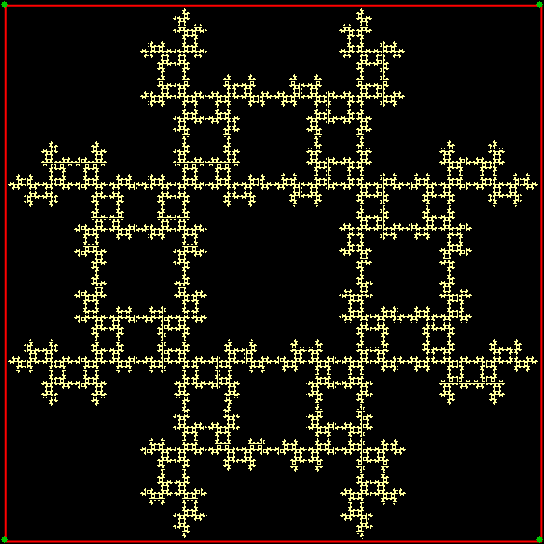
This is a T-square fractal:
T-square fractal
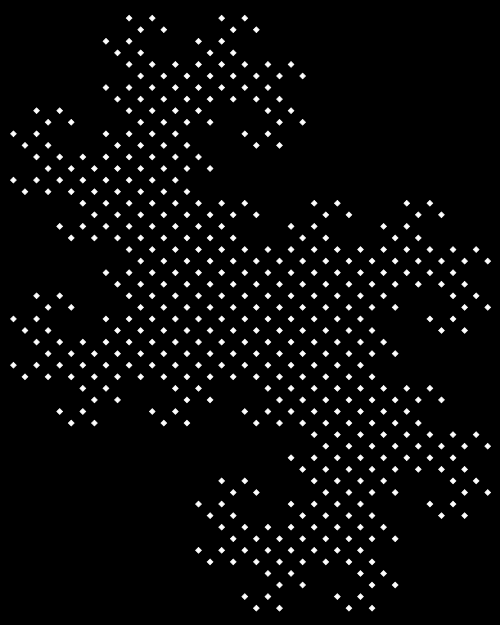
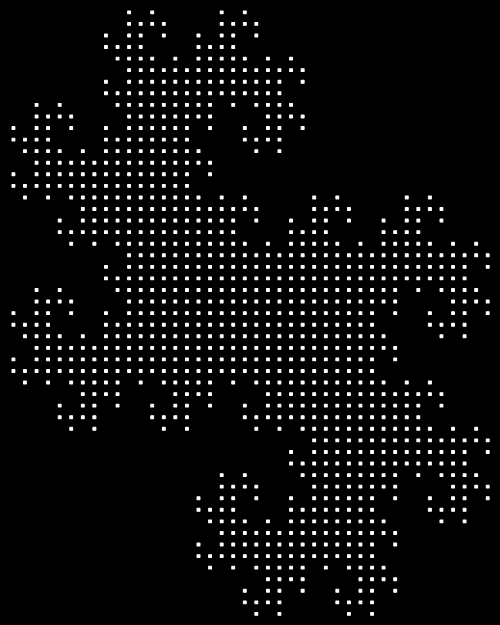
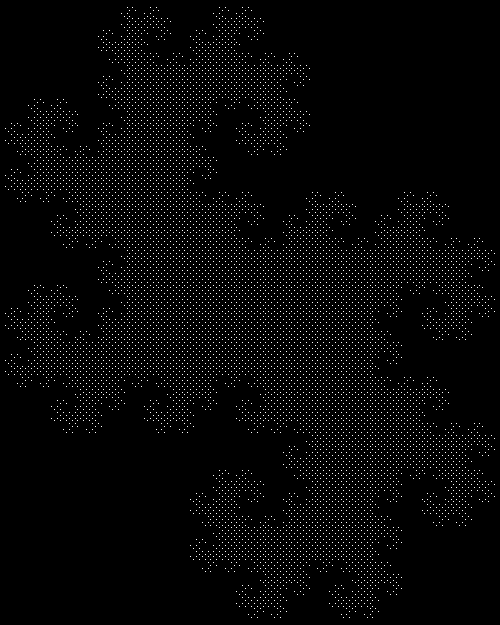
Or you could say it’s a T-square fractal with the scaffolding taken away, because there’s nothing to show how it was made. And how is a T-square fractal made? There are many ways. One of the simplest is to set a point jumping 1/2 of the way towards one or another of the four vertices of a square. If the point is banned from jumping towards the vertex two places clockwise (or counter-clockwise) of the vertex, v[i=1..4], it’s just jumped towards, you get a T-square fractal by recording each spot where the point lands.
You also get a T-square if the point is banned from jumping towards the vertex most distant from the vertex, v[i], it’s just jumped towards. The most distant vertex will always be the diagonally opposite vertex, or the vertex, v[i+2], two places clockwise of v[i]. So those two bans are functionally equivalent.
But what if you don’t talk about bans at all? You can also create a T-square fractal by giving the point three choices of increment, [0,1,3], after it jumps towards v[i]. That is, it can jump towards v[i+0], v[i+1] or v[i+3] (where 3+2 = 5 → 5-4 = 1; 3+3 = 6 → 2; 4+1 = 5 → 1; 4+2 = 6 → 2; 4+3 = 7 → 3). Vertex v[i+0] is the same vertex, v[i+1] is the vertex one place clockwise of v[i], and v[i+3] is the vertex two places clockwise of v[i].
So this method is functionally equivalent to the other two bans. But it’s easier to calculate, because you can take the current vertex, v[i], and immediately calculate-and-use the next vertex, without having to check whether the next vertex is forbidden. In other words, if you want speed, you just have to Think Inc!
Speed becomes important when you add a new jumping-target to each side of the square. Now the point has 8 possible targets to jump towards. If you impose several bans on the next jump, e.g the point can’t jump towards v[i+2], v[i+3], v[i+5], v[i+6] and v[i+7], you will have to check for five forbidden targets. But using the increment-set [0,1,4] you don’t have to check for anything. You just inc-and-go:
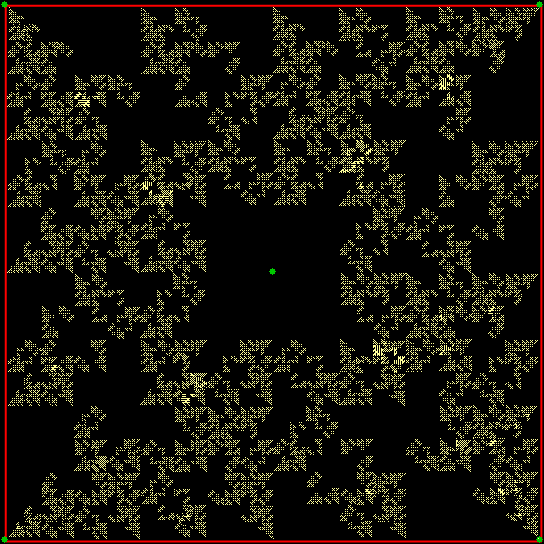
inc = 0, 1, 4
Here are more fractals created with the speedy inc-and-go method:
inc = 0, 2, 3
inc = 0, 2, 5
inc = 0, 3, 4
inc = 0, 3, 5
inc = 1, 4, 7
inc = 2, 4, 7
inc = 0, 1, 4, 7
inc = 0, 3, 4, 5
inc = 0, 3, 4, 7
inc = 0, 4, 5, 7
inc = 1, 2, 6, 7
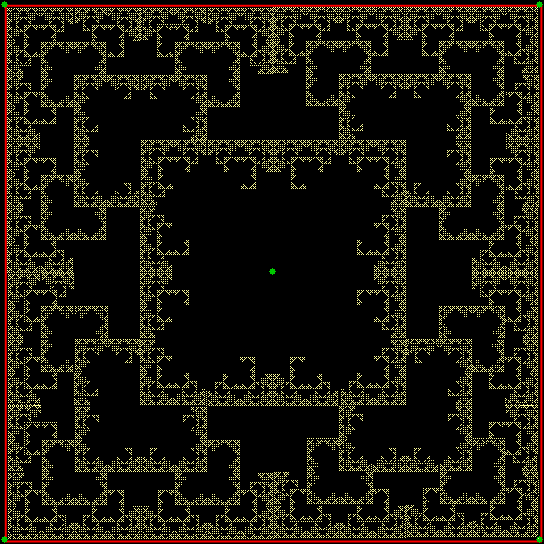
With more incs, there are more possible paths for the jumping point and the fractals become more “solid”:
inc = 0, 1, 2, 4, 5
inc = 0, 1, 2, 6, 7
inc = 0, 1, 3, 5, 7
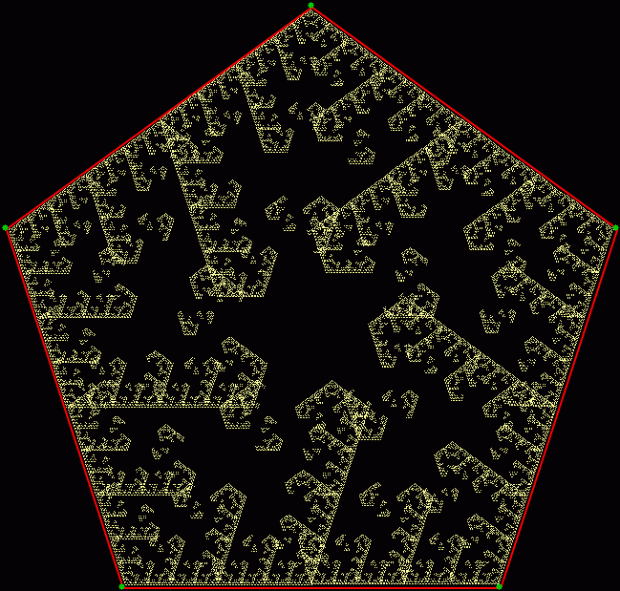
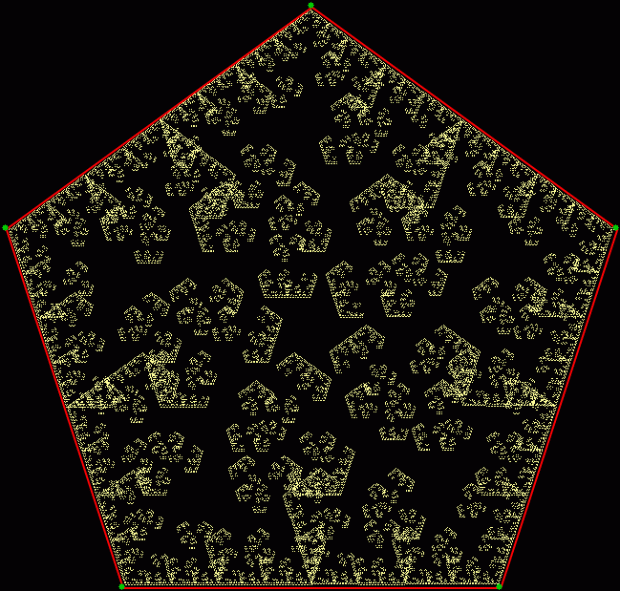
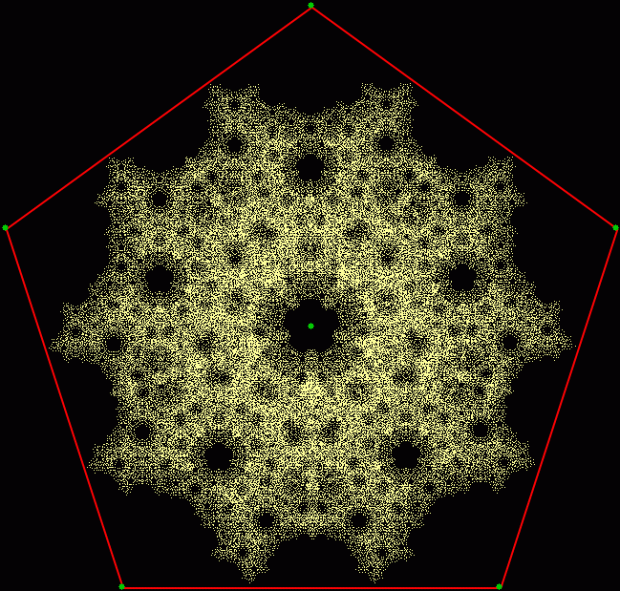
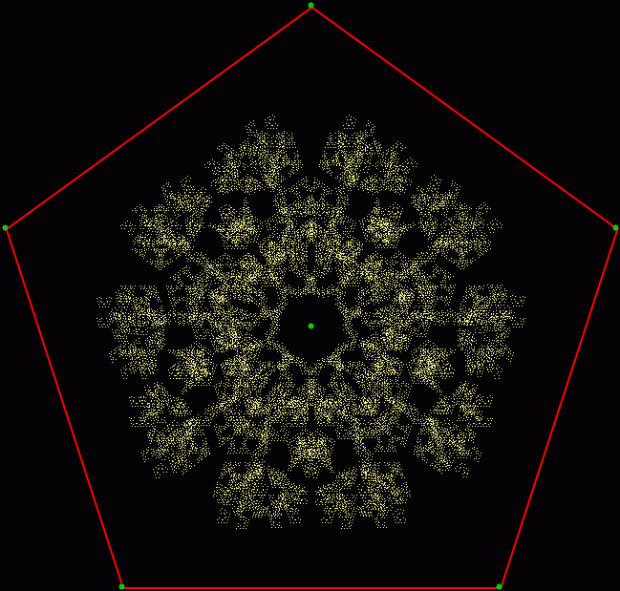
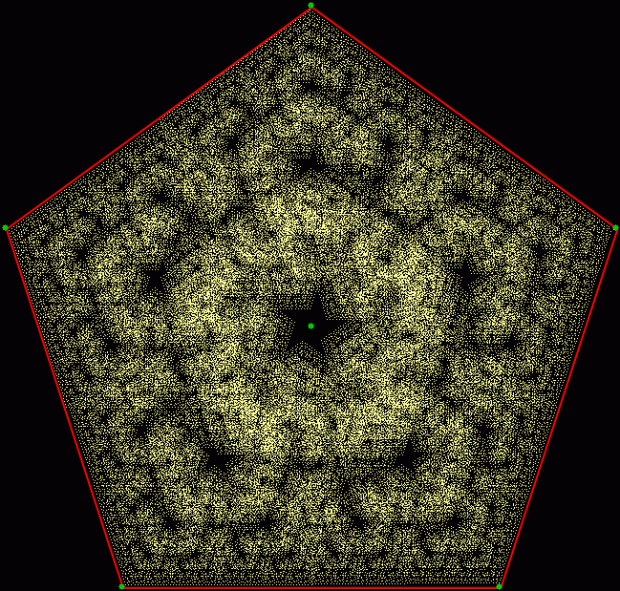
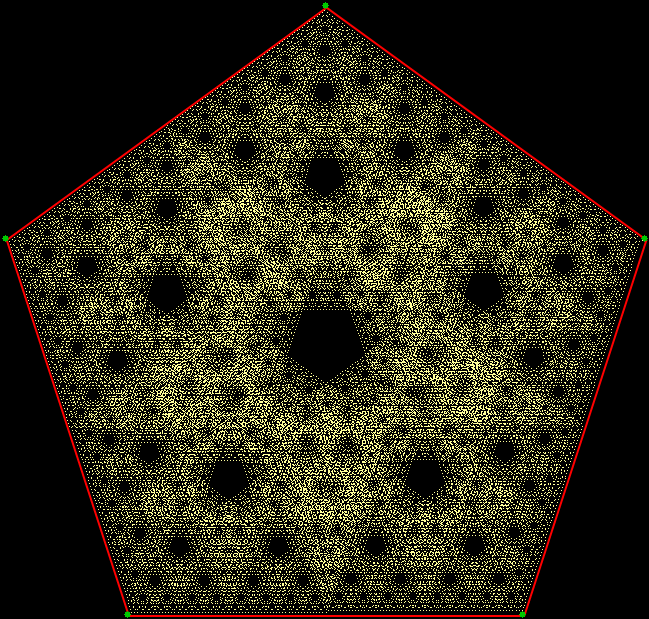
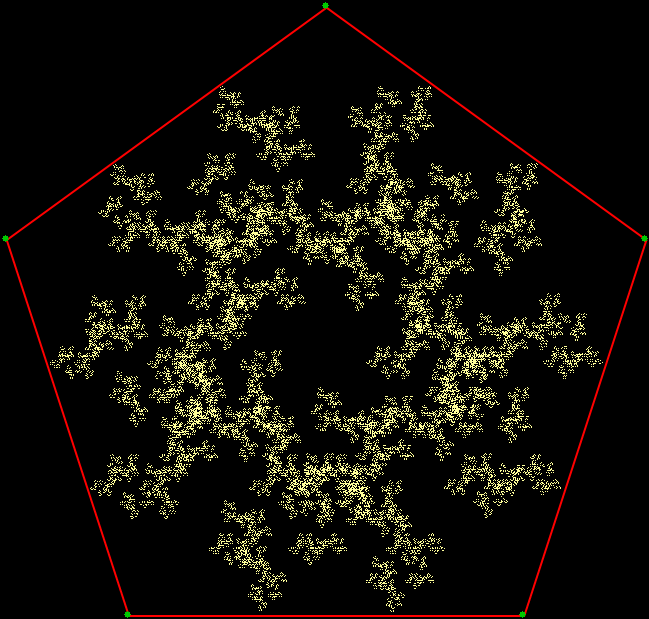
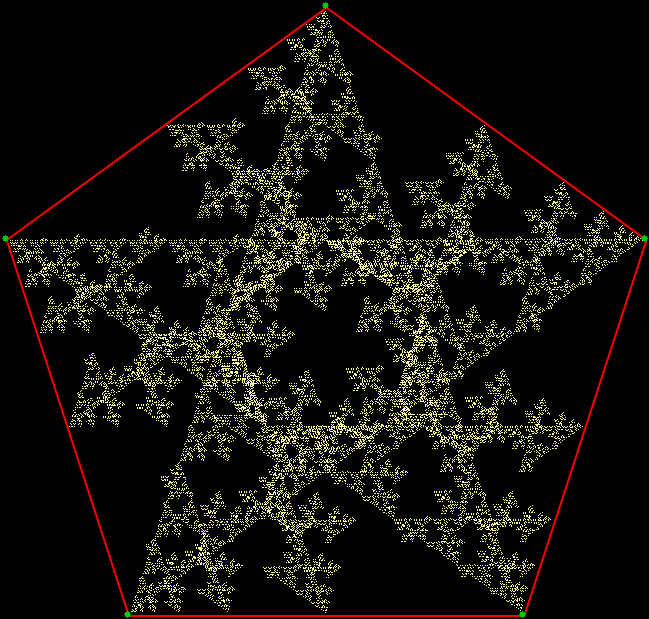
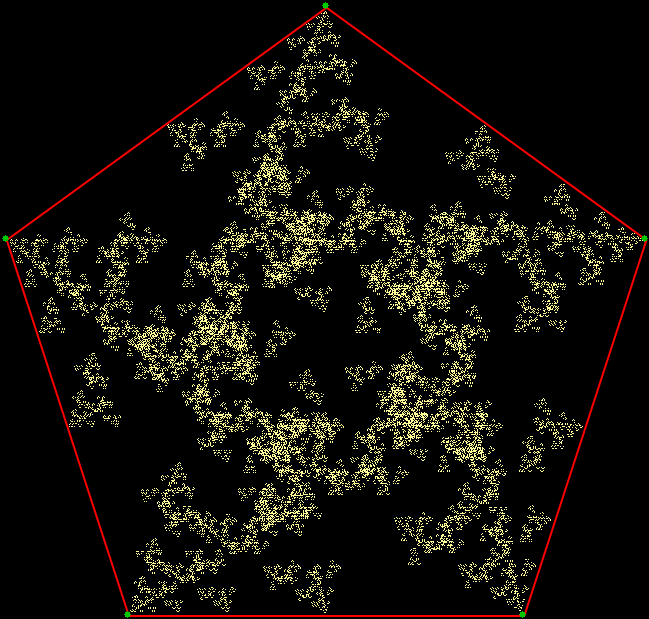
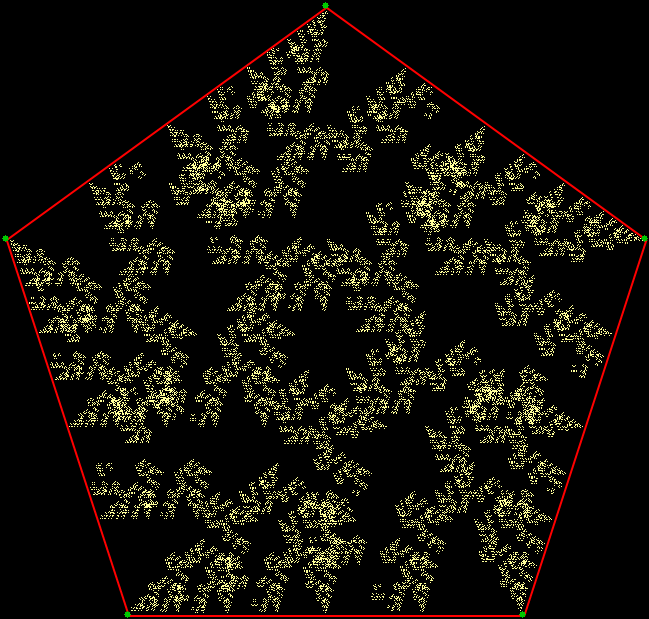
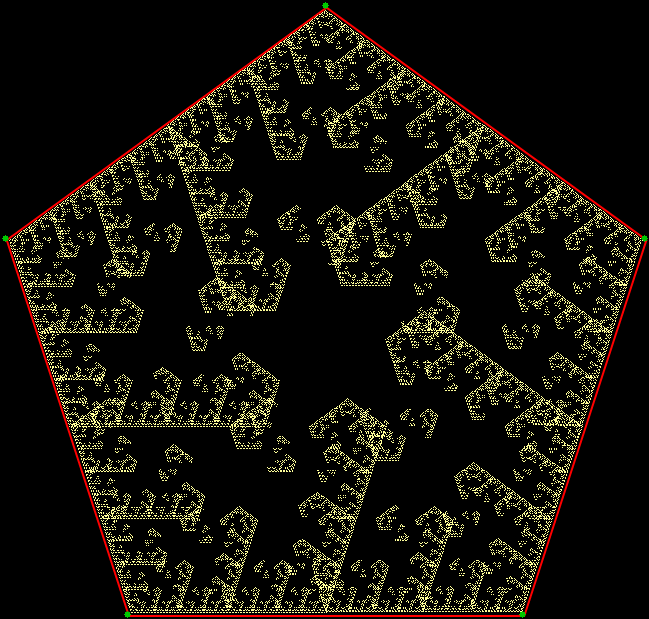
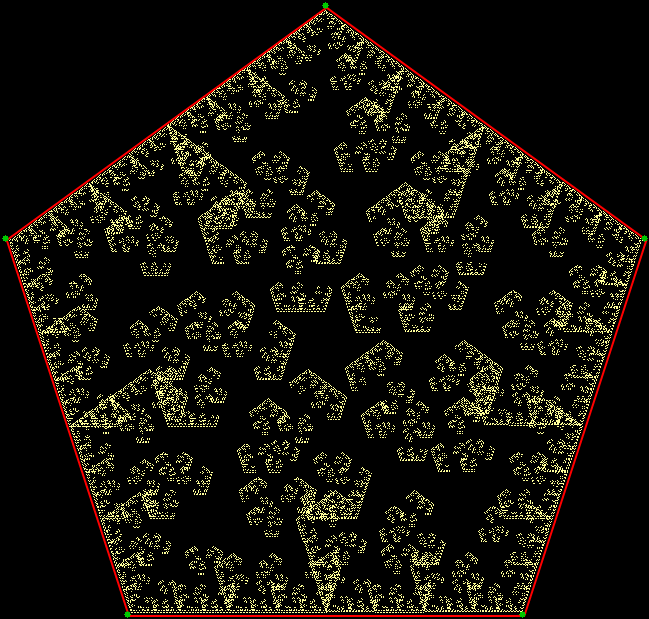
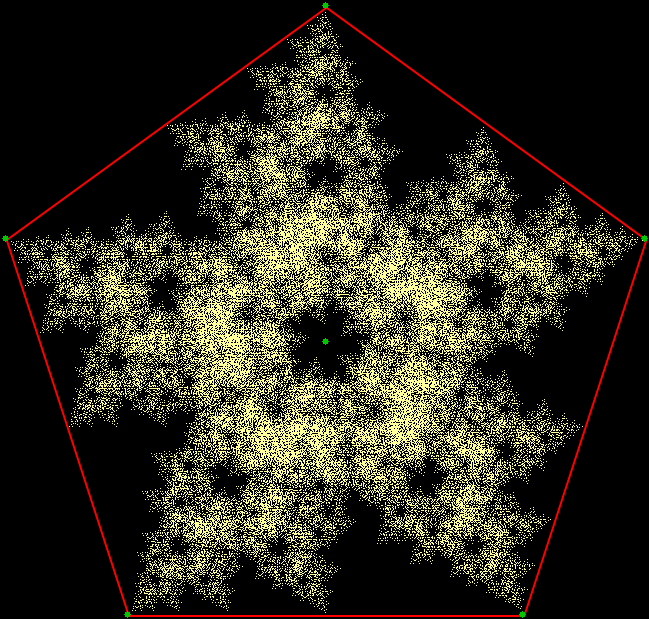
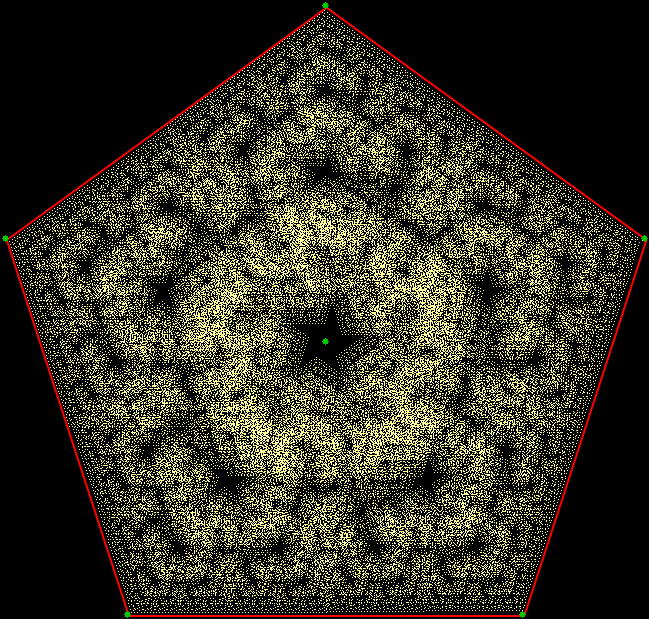
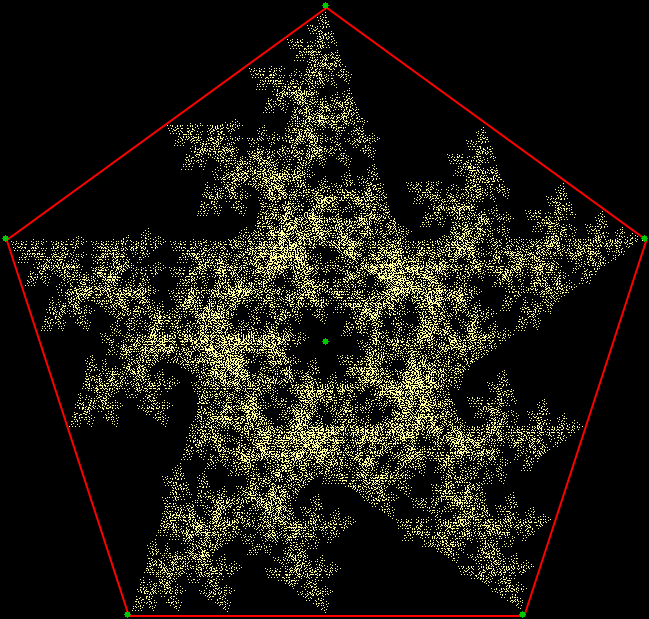
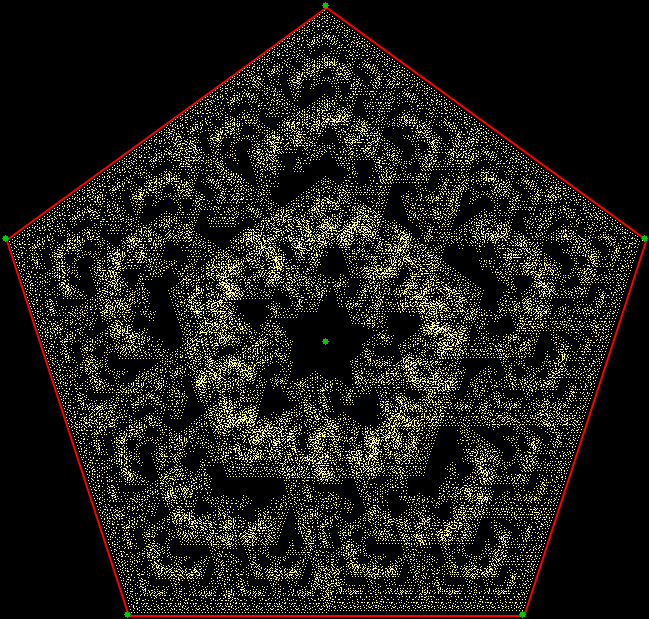
Now try applying inc-and-go to a pentagon:
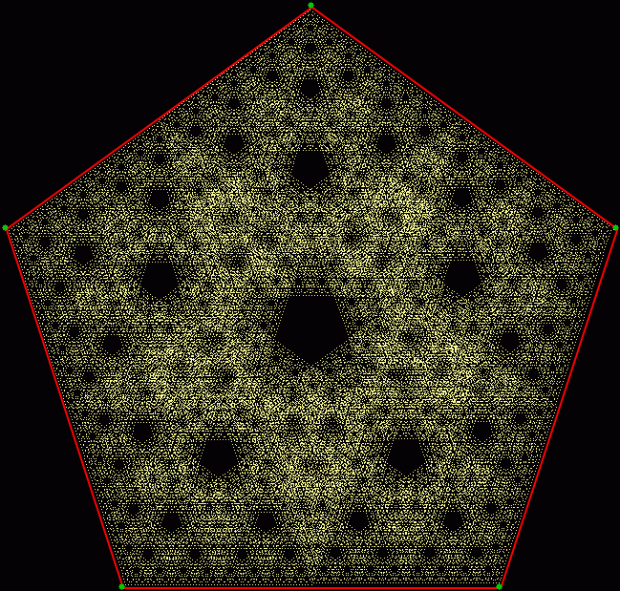
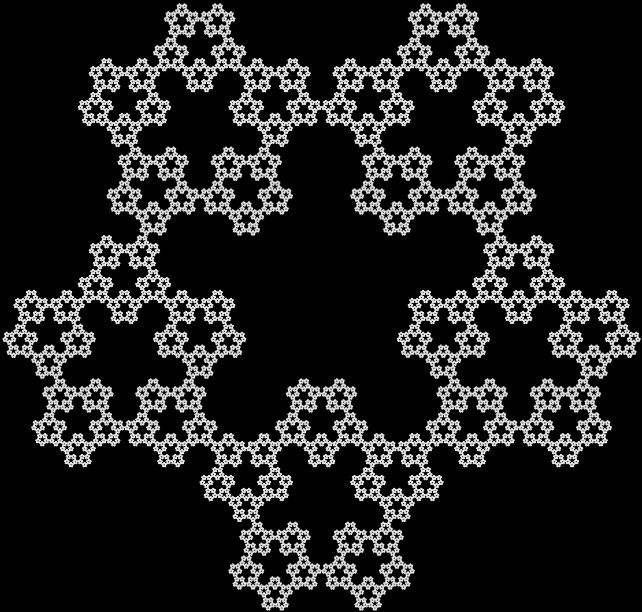
inc = 0, 1, 2
(open in new window if blurred)
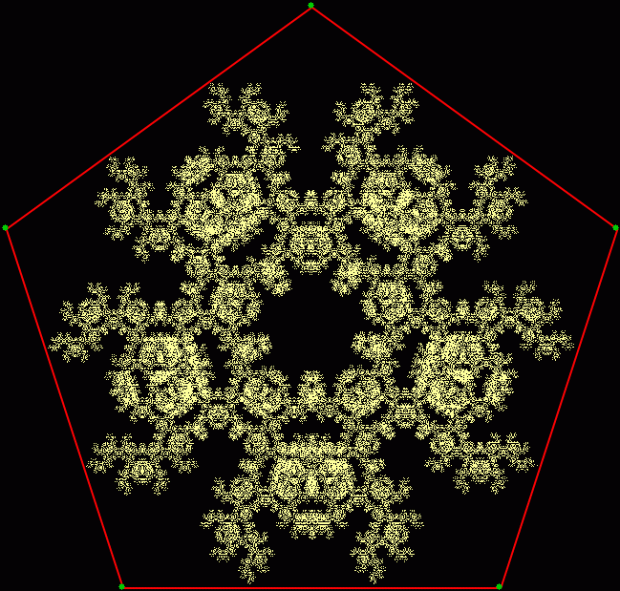
inc = 0, 2, 3
And add a jumping-target to each side of the pentagon:
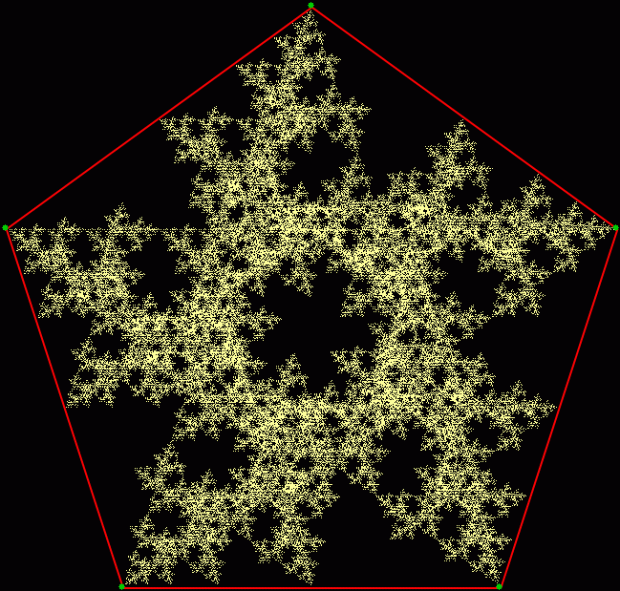
inc = 0, 2, 5
inc = 0, 3, 6
inc = 0, 3, 7
inc = 1, 5, 9
inc = 2, 5, 8
inc = 5, 6, 9
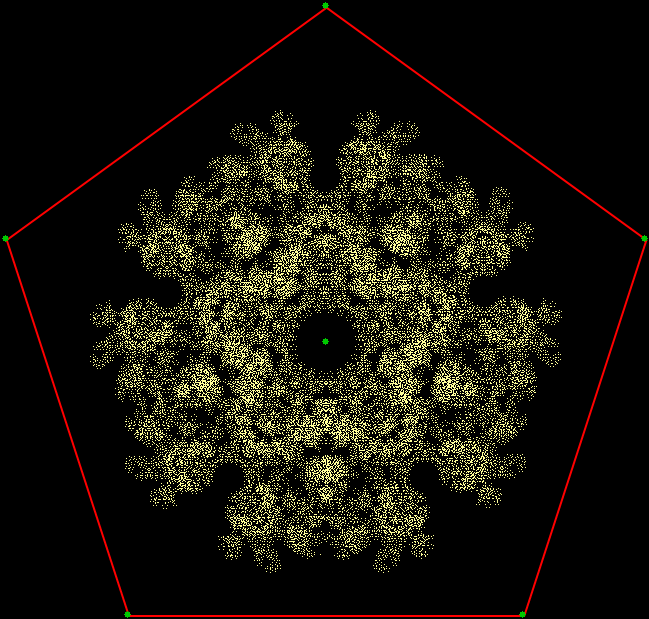
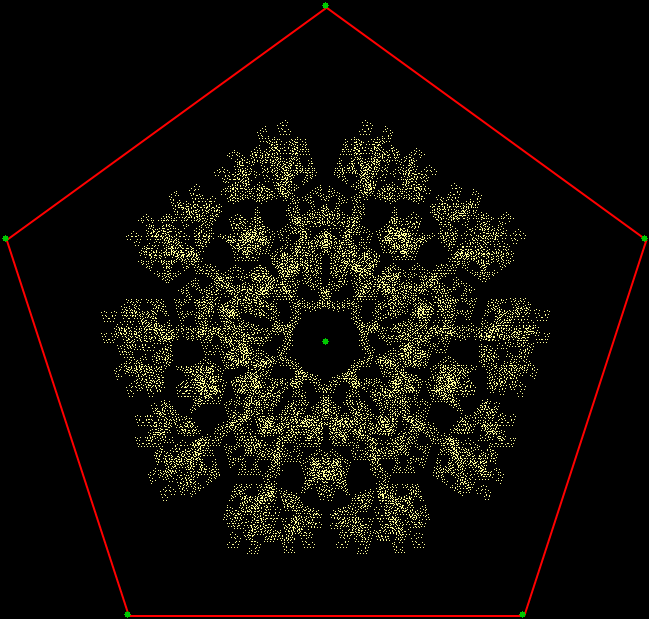
And add two jumping-targets to each side of the pentagon:
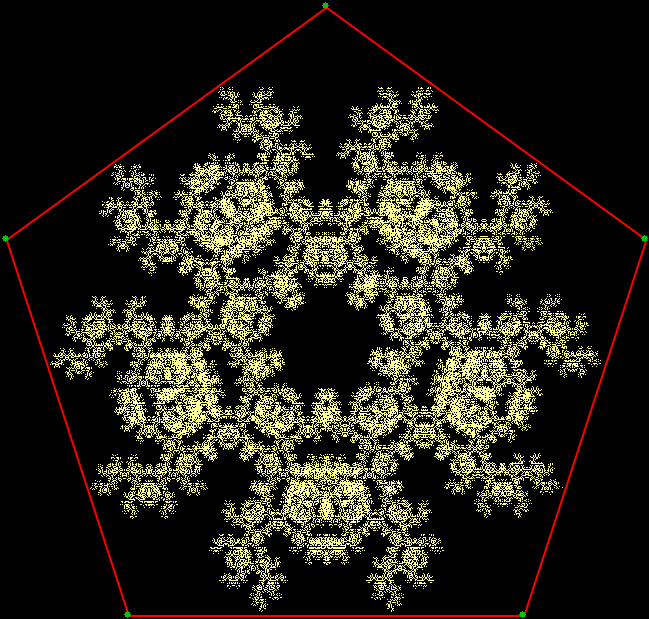
inc = 0, 1, 7
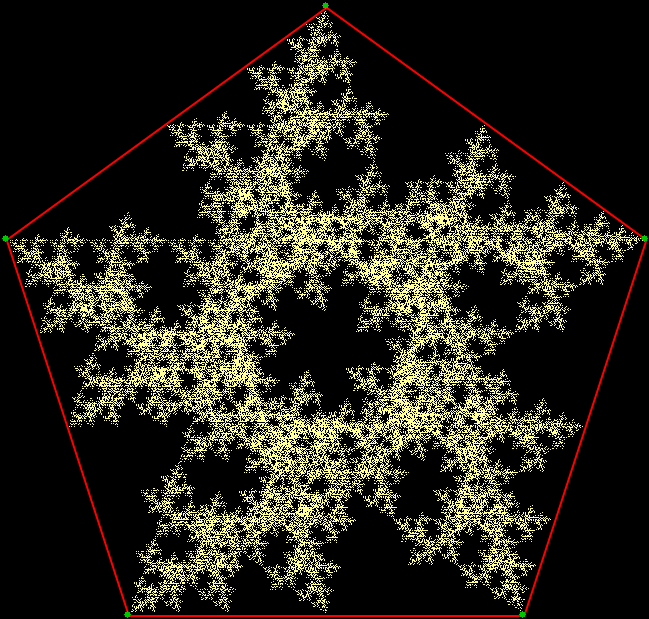
inc = 0, 2, 12
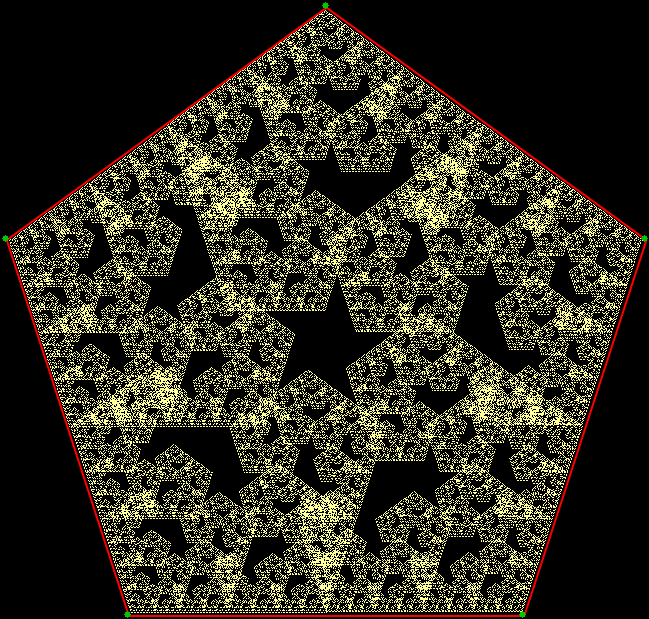
inc = 0, 3, 11
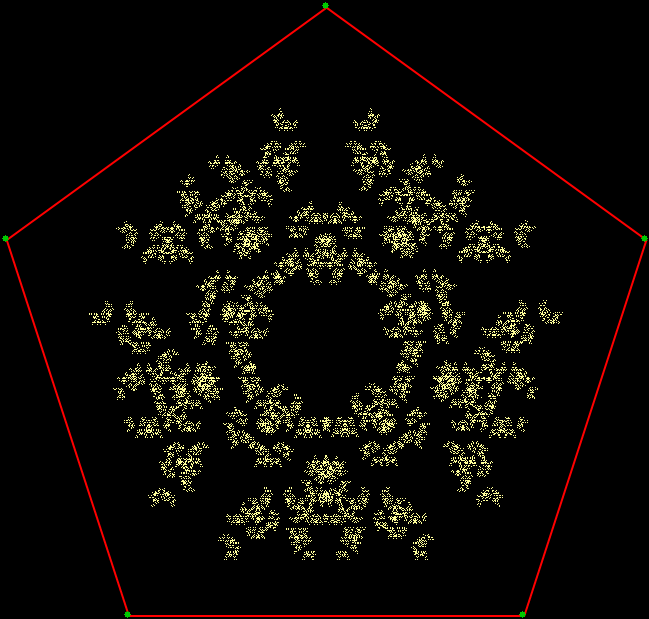
inc = 0, 3, 12
inc = 0, 4, 11
inc = 0, 5, 9
inc = 0, 5, 10
inc = 2, 7, 13
inc = 2, 11, 13
inc = 3, 11, 13
After the pentagon comes the hexagon:
inc = 0, 1, 2
inc = 0, 1, 5
inc = 0, 3, 4
inc = 0, 3, 5
inc = 1, 3, 5
inc = 2, 3, 4
Add a jumping-target to each side of the hexagon:
inc = 0, 2, 5
inc = 0, 2, 9
inc = 0, 6, 11
inc = 0, 3, 6
inc = 0, 3, 8
inc = 0, 3, 9
inc = 0, 4, 7
inc = 0, 4, 8
inc = 0, 5, 6
inc = 0, 5, 8
inc = 1, 5, 9
inc = 1, 6, 10
inc = 1, 6, 11
inc = 2, 6, 8
inc = 2, 6, 10
inc = 3, 5, 7
inc = 3, 6, 9
inc = 6, 7, 11